We’re reader-supported — some links are affiliate links. Learn more →

Skip to content

Independent software research. Some links may earn us a commission at no extra cost to you. Learn more →

ICode

Tag: use-case

  • How to send leads to GetResponse using Make

    How to send leads to GetResponse using Make

    Home / Automation / Guides / How to send leads to GetResponse using Make

    Guide · automation · updated October 9, 2026

    How to send leads to GetResponse using Make

    A form or checkout captures a lead, and you want it in GetResponse without copy-pasting. Make connects the two: a scenario watches for the new lead, cleans the data, and adds it to the right list. This guide builds that scenario step by step.

    Independent analysis. This page may contain affiliate links. If you sign up through a link on this page we may earn a reward at no extra cost to you, and it never changes what we recommend. We are an independent publisher and are not affiliated with, endorsed by, or an official partner of any tool mentioned. See our Affiliate Disclosure.

    TL;DR

    • The scenario needs a trigger (new lead) and an action (add contact).
    • Connect both apps once, then reuse the connection.
    • Filter out obvious junk before it reaches your list.
    • Map fields carefully — a wrong field means a wrong email.
    • Test with sample data before switching the scenario on.

    On this page: What the scenario does · Prepare the connections · Build the scenario · Map the fields · Test safely · Where this fits
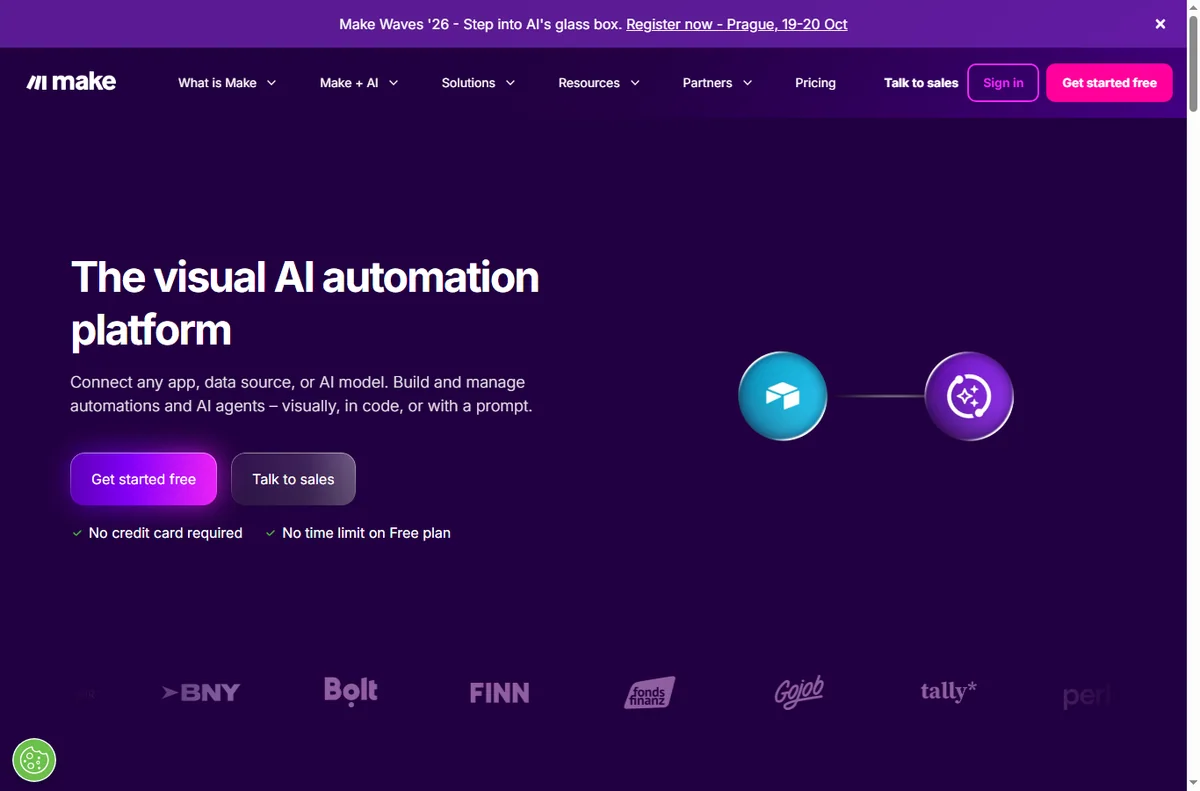
    Make home page
    Make home (image: make.com)

    What the scenario does

    The goal is a repeatable path from capture to list. Whatever the lead source — a website form, a landing page or a checkout — the scenario watches for a new record and pushes a clean contact into GetResponse.

    Keeping the logic visible on a canvas means you can change one step without breaking the rest, which is the whole reason to automate this rather than wire it manually into every form.

    Make integrations page
    Make integrations (image: make.com)

    Prepare the connections

    Before building, connect both apps in Make and confirm each has the access it needs. You only do this once per app, and the connection is reused by every scenario that needs it.

    1. Add a connection to your lead source (your form tool or store).
    2. Add a connection to GetResponse.
    3. Confirm the GetResponse connection can see the list you plan to write to.
    4. Note the exact field names on both sides — you will map them later.
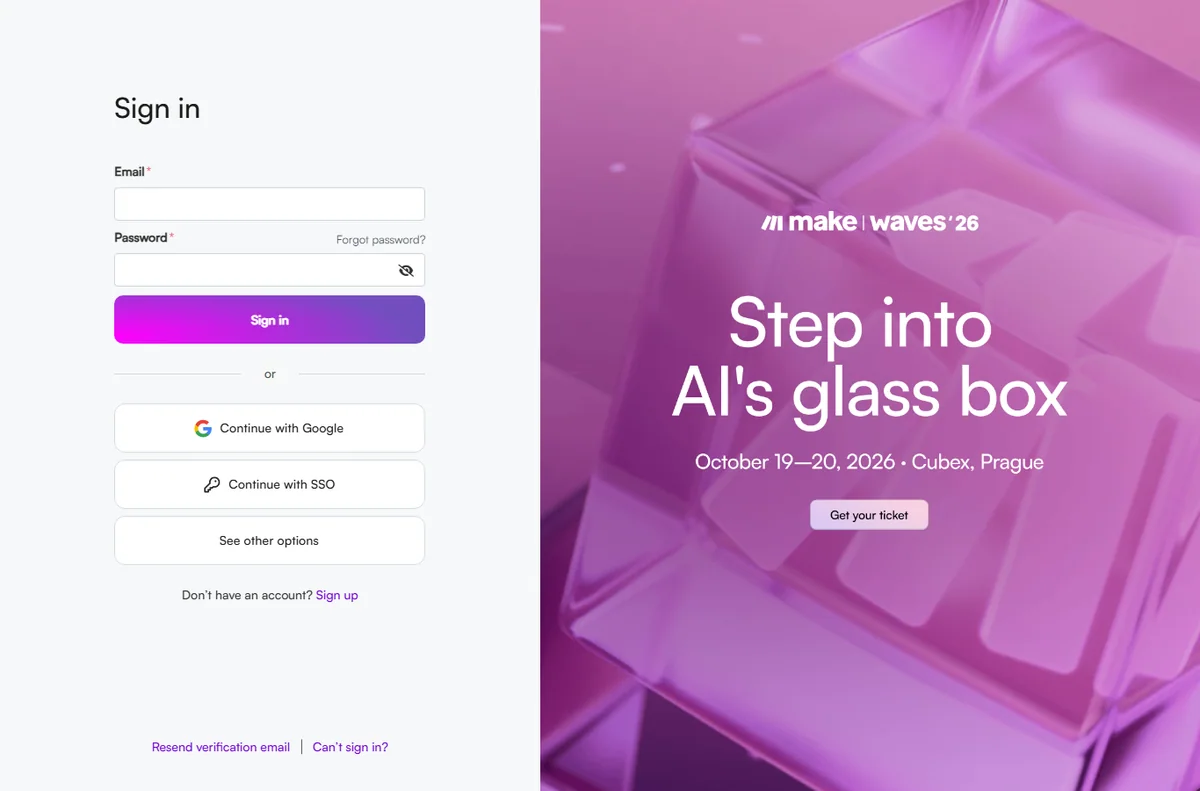
    Make login page
    Make login (image: make.com)

    Build the scenario

    A minimal scenario is a trigger plus a filter plus a Create Contact action. Add steps only when they earn their place.

    1. Choose the trigger: a new submission or new order.
    2. Add a filter so empty or obviously fake submissions are ignored.
    3. Add the GetResponse module that creates or updates a contact.
    4. Choose the destination list or tag in that module.
    Make pricing page
    Make pricing (image: make.com)

    Map the fields

    Field mapping is where most integrations quietly go wrong. Match the source fields to the GetResponse fields one at a time, and preview the data Make shows you after a test run.

    • Email must land in the email field, not a name field.
    • Send a first name only if you actually collect one.
    • Add a tag or list that reflects where the lead came from.
    • Leave optional fields empty rather than guessing.

    Test safely, then switch it on

    Run the scenario by hand with sample data and read the input and output of each module. Only when the contact arrives in GetResponse exactly as expected should you switch the scenario on.

    Keep one test contact you can delete afterwards, and check the first few live runs so a small mapping mistake does not reach your whole list.

    Make register page
    Make register (image: make.com)

    Where this fits

    Start with the business automation hub and the independent Make review. For the email side, see the GetResponse review and how to set up GetResponse; for the tool itself, how to set up Make.

    Make templates page
    Make templates (image: make.com)

    Frequently asked

    Do I need to code?

    No. The scenario is built by choosing modules and mapping fields. Code only comes in if a transformation the built-in functions cannot do is required.

    What if the same lead submits twice?

    Add a step that checks for an existing contact before creating a new one, so you update rather than duplicate.

    Does this cost extra?

    Make meters operations on paid plans and GetResponse plans vary. Rates change, so check the current pricing on each vendor’s page.

    How do I know it worked?

    After a test run, confirm the contact appears in the correct GetResponse list with the fields you mapped.

    Move leads to GetResponse with Make

    Trigger, filter, action — then test before you switch it on.

    Some links on this page may be referral links — we may earn a reward if you sign up, at no extra cost to you. We are an independent publisher. See our Affiliate Disclosure.

    Related reading

    Try Make for free – automate your workflows in minutes. Start free

    Try EmailOctopus free – email marketing that is simple and affordable. Start free
  • How to use WooCommerce for a small business

    How to use WooCommerce for a small business

    Home / E-commerce / Guides / How to use WooCommerce for a small business

    Guide · e-commerce · updated October 9, 2026

    How to use WooCommerce for a small business

    Once a store is live, the question changes from how to build it to how a small team runs it without adding headcount. This guide covers the workflows that matter: selling more from the same catalogue, keeping operations tidy, and growing repeat orders.

    Independent analysis. This page may contain affiliate links. If you sign up through a link on this page we may earn a reward at no extra cost to you, and it never changes what we recommend. We are an independent publisher and are not affiliated with, endorsed by, or an official partner of any tool mentioned. See our Affiliate Disclosure.

    TL;DR

    • Own your store: you control the catalogue, data and checkout.
    • Turn one good product page into a repeatable template.
    • Use extensions only where they save real time.
    • Handle tax and shipping with rules, not manual notes.
    • Grow repeat orders rather than chasing new traffic only.

    On this page: Product template · Keep the store healthy · Operations · Repeat orders · Grow on purpose · Where this fits

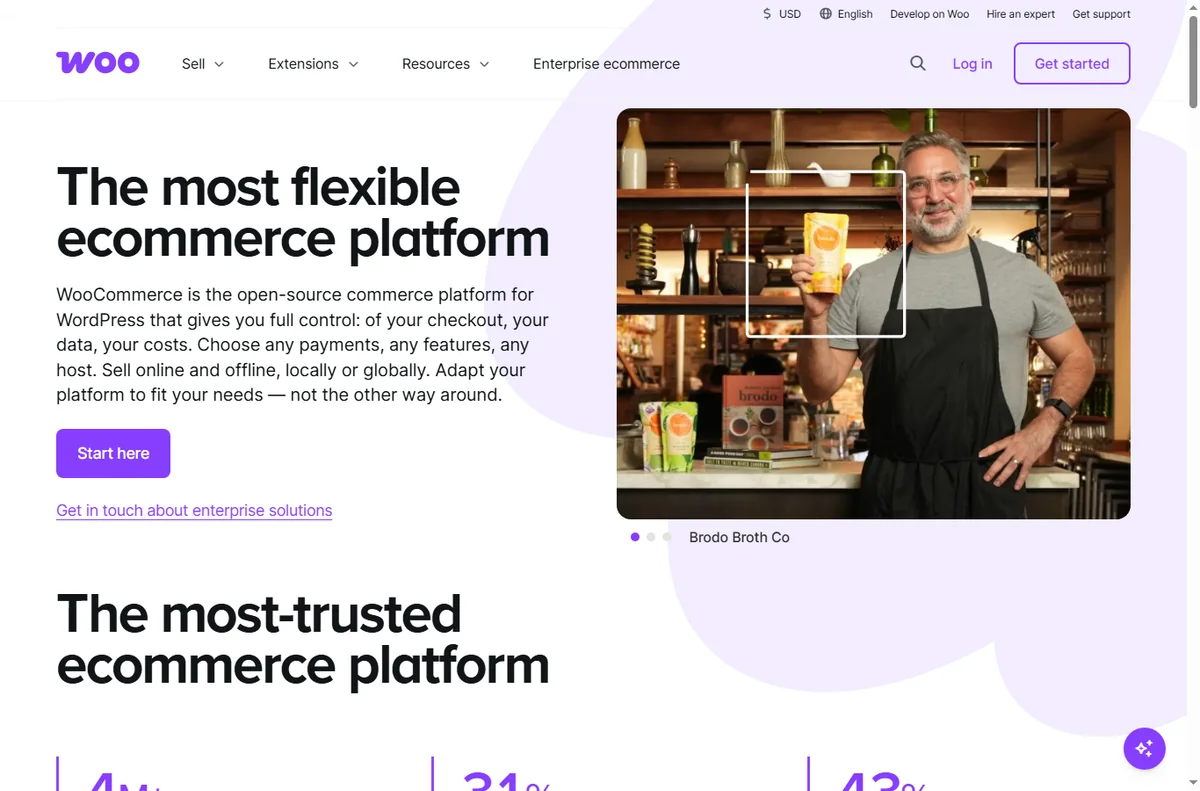
    Woocommerce home page
    Woocommerce home (image: woocommerce.com)

    Build one product page you can reuse

    A small business does not need hundreds of product pages to look professional. It needs a handful that are genuinely good, then a template you repeat for everything else.

    • Lead with one clear benefit and a real photo.
    • Answer the three questions buyers always ask: size, delivery, returns.
    • Put price, stock and a single call to action above the fold.
    • Reuse the structure so a new product takes minutes, not hours.
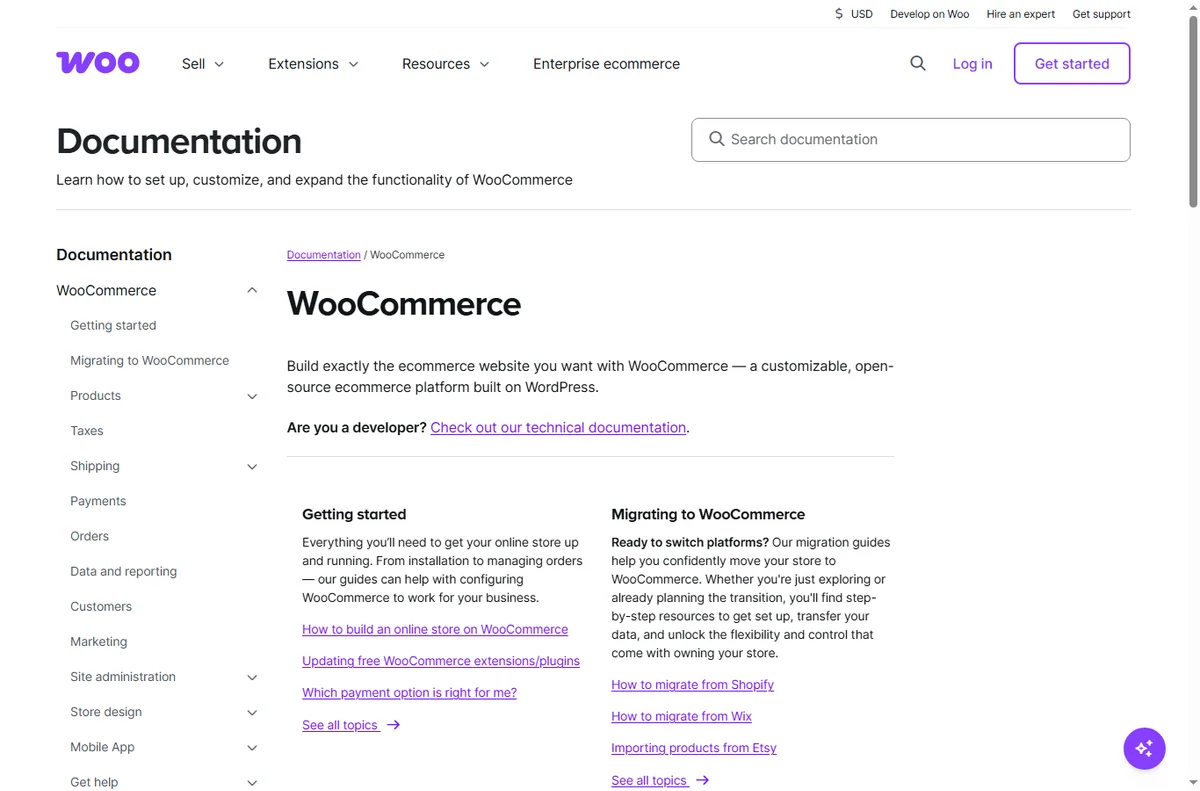
    Woocommerce docs page
    Woocommerce docs (image: woocommerce.com)

    Keep the store healthy week to week

    A store quietly rots if nobody tends it: prices drift, stock goes wrong, plugins fall behind. Set a short weekly routine and stick to it.

    1. Check orders that are stuck or unfulfilled.
    2. Review out-of-stock items and either restock or hide them.
    3. Apply core, theme and plugin updates on staging first.
    4. Look at one abandoned-cart or refund reason and fix the cause.
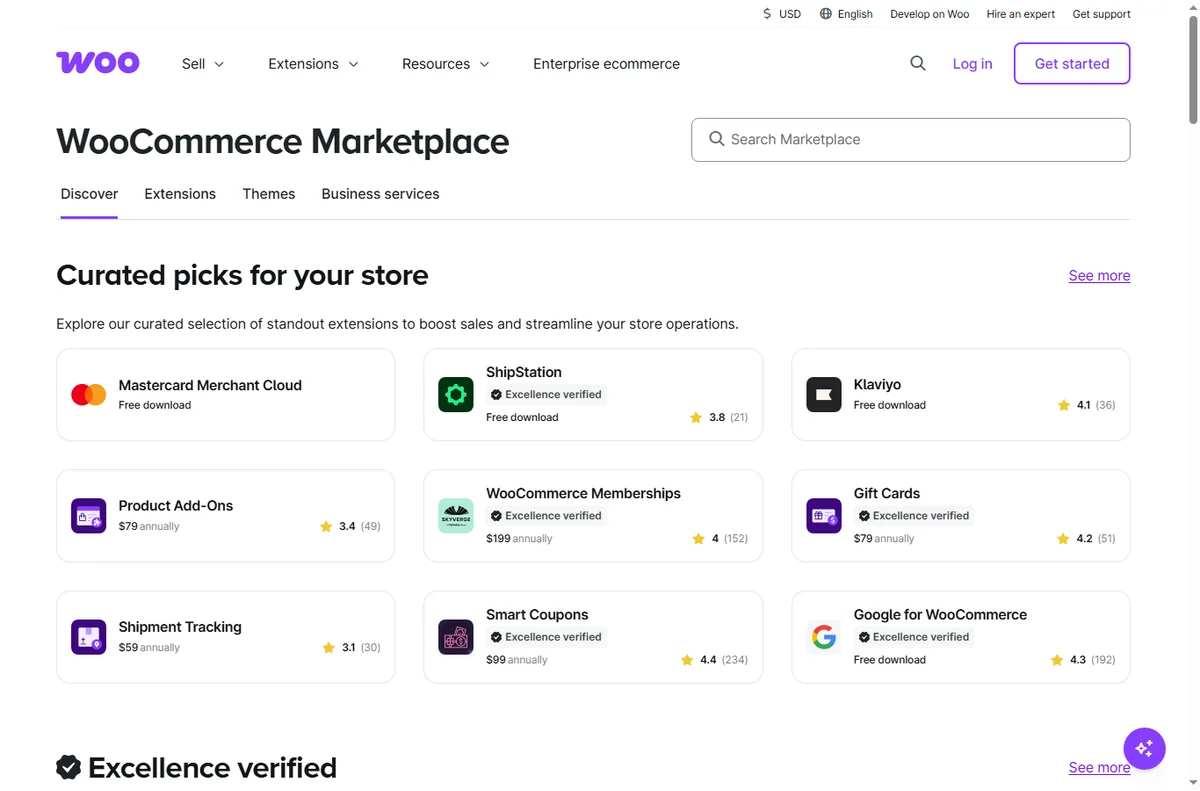
    Woocommerce extensions page
    Woocommerce extensions (image: woocommerce.com)

    Handle tax and shipping with rules

    Manual notes about who pays what do not scale. Put your tax and shipping logic into the store so every order is calculated the same way, then spot-check it each quarter.

    We do not quote fees, because rates and threshold rules change. Check the current settings your host and gateway provide, and confirm them against your local tax rules before peak season.

    Woocommerce features page
    Woocommerce features (image: woocommerce.com)

    Sell to the customers you already have

    Winning a new customer costs more than selling again to an existing one. WooCommerce gives you the raw material — order history and email opt-ins — to encourage repeat business.

    • Add a simple related-products block to each page.
    • Email past buyers when a relevant item is back in stock.
    • Offer a bundle of things that are usually bought together.
    • Ask for one review after a delivered order; social proof compounds.

    Grow on purpose, not by accident

    Add functionality only when a real task justifies it. Every extension is another update to maintain, so a lean store is easier to run and less likely to break.

    When you do add something, measure it. If an extension does not save time or increase orders within a reasonable period, remove it.

    Woocommerce payments page
    Woocommerce payments (image: woocommerce.com)

    Where this fits

    Begin with the e-commerce hub and compare platforms in Shopify vs WooCommerce. For the setup mechanics, see how to set up WooCommerce, and shortlist an environment with best e-commerce platforms.

    Woocommerce pricing page
    Woocommerce pricing (image: woocommerce.com)

    Frequently asked

    Can a small team run WooCommerce without a developer?

    Yes. Day-to-day work is content and settings. Keep a developer or a good host on call for updates and anything involving code.

    Do I need many extensions?

    No. Start with the bare minimum and add an extension only when a specific task demands it.

    How do I reduce abandoned carts?

    Show clear shipping costs early, keep checkout short, and follow up once with a helpful reminder rather than a barrage.

    What should I track first?

    Conversion rate and repeat purchase rate. Together they show whether the store converts and whether buyers come back.

    Run your store on WooCommerce

    One good template, tidy operations, and repeat customers.

    Some links on this page may be referral links — we may earn a reward if you sign up, at no extra cost to you. We are an independent publisher. See our Affiliate Disclosure.

    Related reading

  • How to use FreshBooks for a small business

    How to use FreshBooks for a small business

    Home / Payments / Guides / How to use FreshBooks for a small business

    Guide · payments · updated October 9, 2026

    How to use FreshBooks for a small business

    Invoicing is where a small service business turns work into money, and where sloppy habits cost the most. These workflows show how a small team can use FreshBooks to get paid faster and keep the books tidy without hiring a finance department.

    Independent analysis. This page may contain affiliate links. If you sign up through a link on this page we may earn a reward at no extra cost to you, and it never changes what we recommend. We are an independent publisher and are not affiliated with, endorsed by, or an official partner of any tool mentioned. See our Affiliate Disclosure.

    TL;DR

    • Invoice consistently and send on a fixed rhythm.
    • Move repeat clients onto recurring billing.
    • Capture expenses as they happen.
    • Turn estimates into invoices in a click.
    • Give your accountant read access, not your password.

    On this page: Invoice consistently · Recurring billing · Capture expenses · Estimates to invoices · Accountant access · Read cash flow

    Freshbooks home page
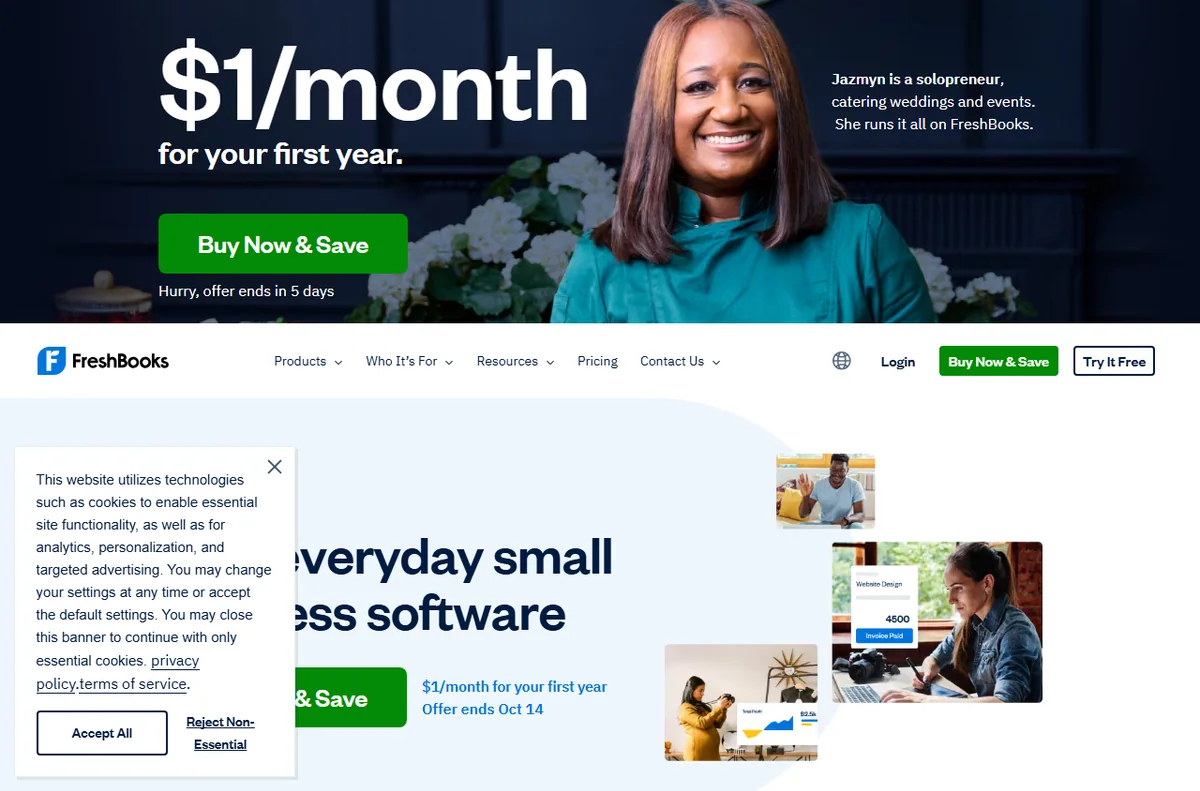
    Freshbooks home (image: freshbooks.com)

    Invoice consistently, not when you remember

    Pick a fixed day to invoice and stick to it. Clients pay more reliably when the rhythm is predictable, and you stop losing a week of cash flow to a late invoice.

    Use saved line items for repeat work so each invoice takes minutes, and set a payment term you will actually enforce.

    Freshbooks accounting page
    Freshbooks accounting (image: freshbooks.com)

    Move repeat clients onto recurring billing

    Retainers and subscriptions should bill themselves. Set up recurring invoices so the same amount is raised on schedule without you remembering.

    Review recurring clients quarterly for scope creep. An invoice that never changes while the work grows is a quiet loss.

    Freshbooks pricing page
    Freshbooks pricing (image: freshbooks.com)

    Capture expenses as they happen

    Photograph receipts the moment you get them and categorise them straight away. Reconstructing a year of costs is the single most avoidable accounting chore.

    Mark client-specific costs as billable so they appear on the next invoice instead of disappearing into overhead.

    Turn estimates into invoices in one click

    Send an estimate before larger jobs, then convert the accepted estimate into an invoice without retyping the line items.

    A clear estimate sets expectations and reduces disputes later, because the client has already agreed to the scope and the figure. It also speeds up invoicing, since the approved figures are already in the system.

    Freshbooks signup page
    Freshbooks signup (image: freshbooks.com)

    Give your accountant access, not your password

    Invite your accountant as a user with the access they need rather than sharing login details. You keep control of the account and the audit trail.

    Keep their access limited to what the job requires, and review it when your arrangement changes.

    Read your cash flow early

    Check the aged-receivables report weekly, not at year end. Unpaid invoices are easier to chase at day fifteen than day ninety. There is no version of this that gets easier by waiting.

    Note the difference between profit and cash: a profitable month with slow payers still squeezes the bank account. Plan around the gap, and set aside tax money from each payment as it arrives so the quarterly bill is never a surprise.

    Freshbooks y about page
    Freshbooks y about (image: freshbooks.com)

    Where this fits

    Begin with the independent FreshBooks review and the payments hub. For setup mechanics, see how to set up FreshBooks. Go deeper with how to invoice clients, how to calculate customer lifetime value, and best financial modeling tools.

    Freshbooks y mobile page
    Freshbooks y mobile (image: freshbooks.com)

    Frequently asked

    Can a small team share one FreshBooks account?

    Yes. Add team members with appropriate access instead of sharing a single login, so actions stay attributable.

    Do recurring invoices replace contracts?

    No. A recurring invoice automates billing; a contract still defines the terms. Use both.

    What if a client pays late?

    Use the aged-receivables report to spot it early, then send a polite reminder while the invoice is still fresh.

    Is FreshBooks a full accountant replacement?

    No. It handles invoicing and day-to-day bookkeeping; most businesses still involve an accountant for filings and advice.

    Get paid faster with FreshBooks

    Invoices, recurring billing and expenses in one place.

    Some links on this page may be referral links — we may earn a reward if you sign up, at no extra cost to you. We are an independent publisher. See our Affiliate Disclosure.

    Related reading

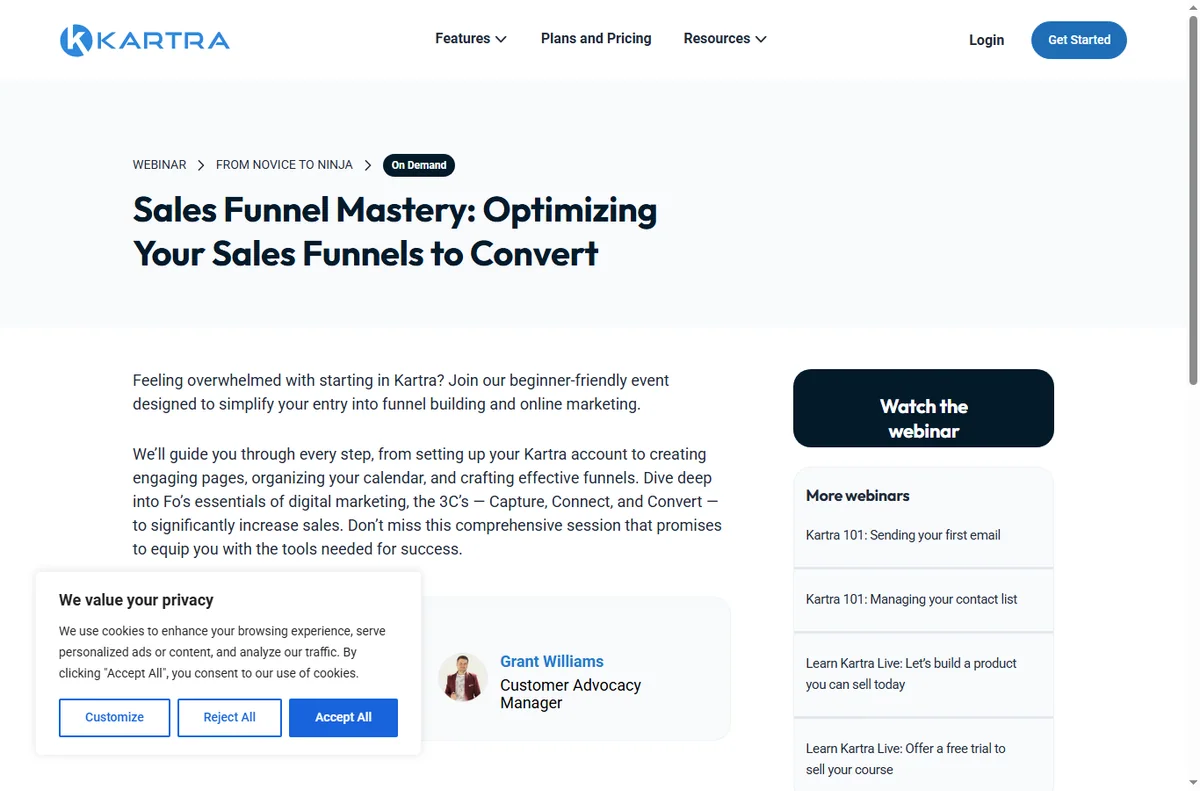
  • How to use Kartra for a small business

    How to use Kartra for a small business

    Home / Funnel Builders / Guides / How to use Kartra for a small business

    Guide · funnel builders · updated October 9, 2026

    How to use Kartra for a small business

    A small business does not need a dozen funnels or a dozen tools. It needs a few that map to how customers actually arrive and buy. These workflows show where Kartra earns its place in a small operation without over-building.

    Independent analysis. This page may contain affiliate links. If you sign up through a link on this page we may earn a reward at no extra cost to you, and it never changes what we recommend. We are an independent publisher and are not affiliated with, endorsed by, or an official partner of any tool mentioned. See our Affiliate Disclosure.

    TL;DR

    • Replace overlapping subscriptions with one account.
    • Build only the funnels that match a real goal.
    • Use email to keep buyers warm between offers.
    • Add membership only when recurring revenue is the goal.
    • Follow the numbers, not the feature list.

    On this page: Replace your stack · Build only what you need · Keep in touch · Recurring offers · Automate follow-up · Track conversions

    Kartra home page
    Kartra home (image: kartra.com)

    Replace a cluttered stack with one account

    Most small businesses pay for a page builder, an email tool, a checkout and a membership plugin separately. Kartra folds those into one account, which cuts both cost and the number of places something can break.

    List what you already pay for and mark which parts Kartra covers. Keep any specialist tool you genuinely rely on, and consolidate the rest.

    Kartra blog page
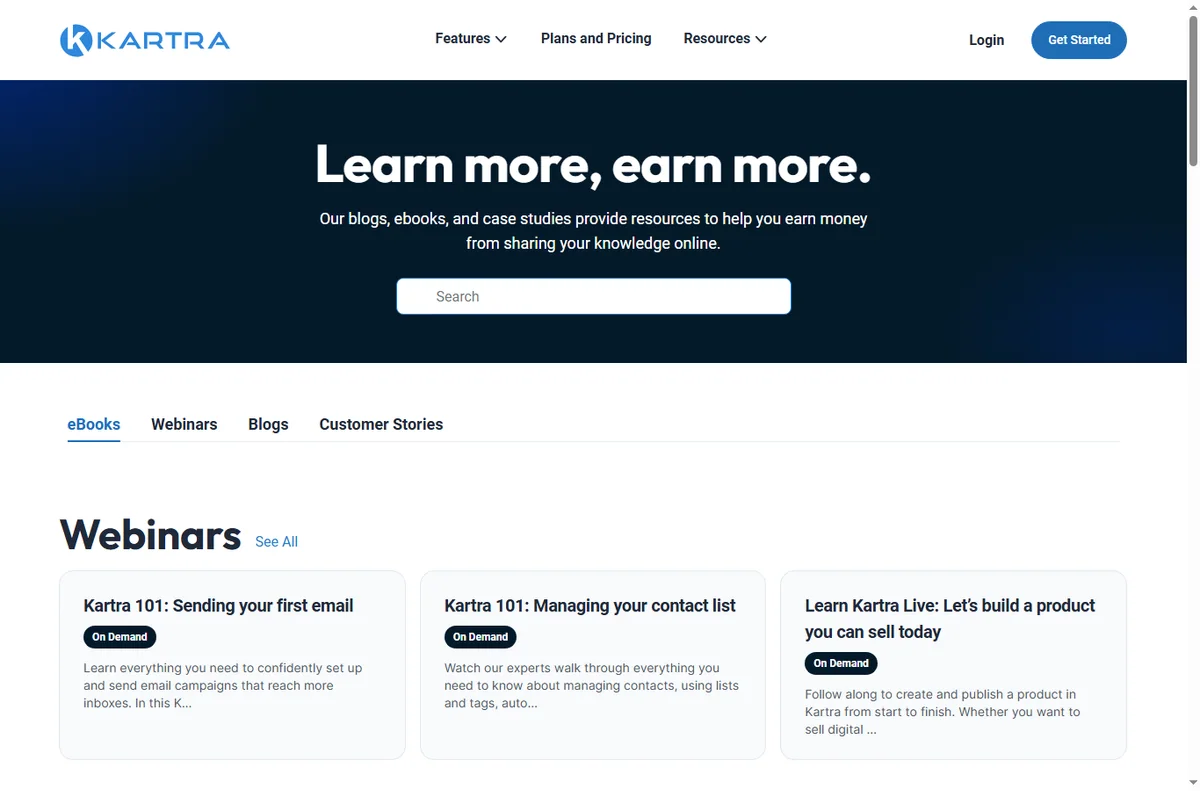
    Kartra blog (image: kartra.com)

    Build only the funnels you need

    Start with the one customer path that already works. A lead-capture funnel and a simple sales funnel cover most small-business goals.

    Resist building a funnel for every idea at once. Each live funnel needs traffic and attention; two that convert beat ten that sit idle.

    Kartra help page
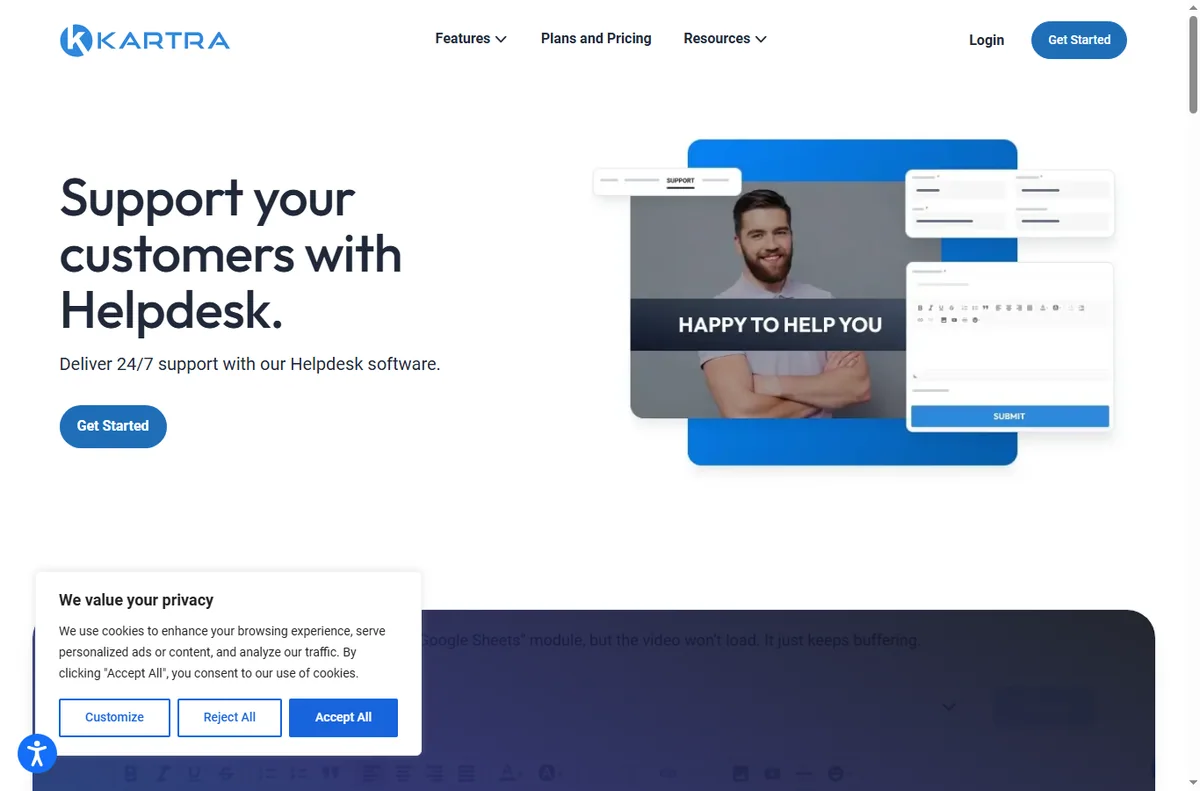
    Kartra help (image: kartra.com)

    Use email to stay in touch

    Email is the cheapest way to turn a one-time visitor into a repeat buyer. Send a short welcome sequence, then a useful message at a sensible rhythm.

    Segment by what people bought or clicked so you send relevant offers rather than the same blast to everyone.

    Add membership only for recurring revenue

    Membership makes sense when you have something worth delivering every month: ongoing training, templates or community. Without that, a one-time offer is simpler.

    If you do go recurring, price it against the value you deliver monthly and check the current Kartra plans for the membership limits on each tier.

    Kartra marketing page
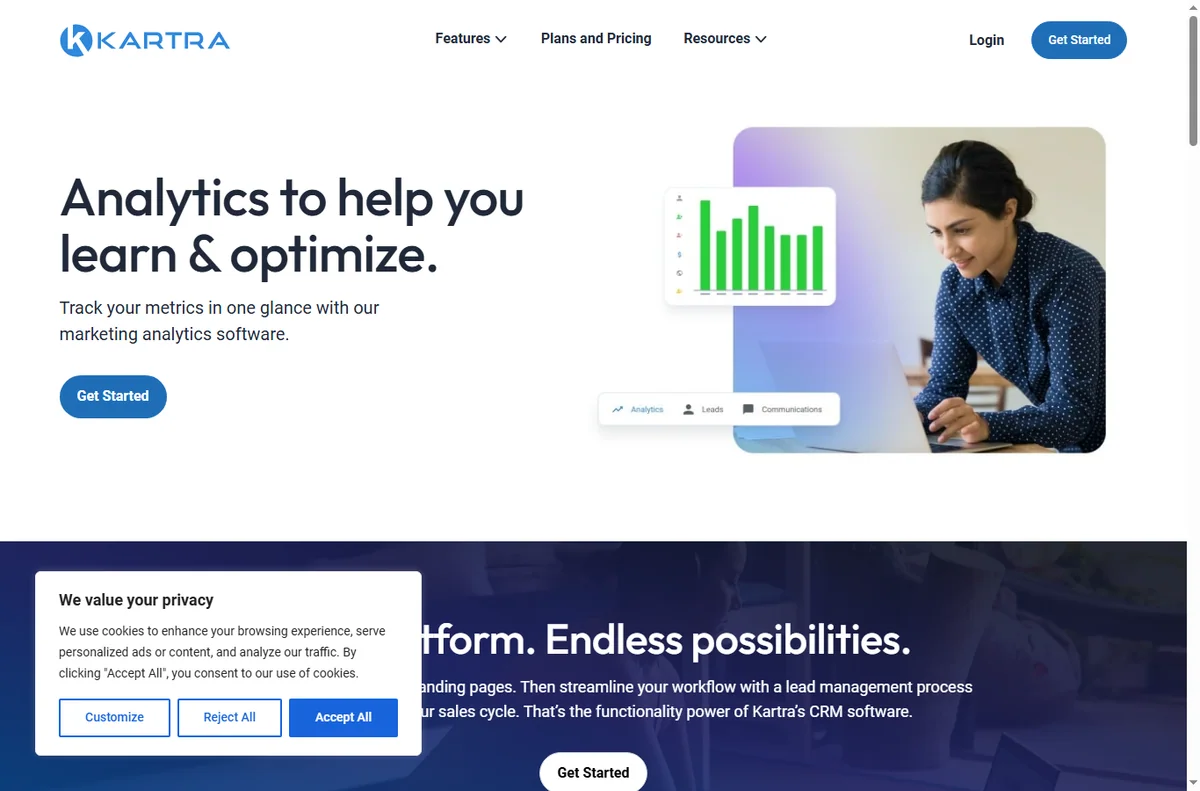
    Kartra marketing (image: kartra.com)

    Automate the follow-up

    The follow-up is where small teams lose sales. Automate a reminder after a cart is abandoned and a thank-you after each purchase.

    Keep automation short and honest. One reminder that helps is better than five that nag.

    Track what actually converts

    Watch opt-in rate, checkout conversion and revenue per funnel rather than counting traffic. A busy funnel that never converts is a redesign project, not a success.

    Review the numbers monthly and cut the funnel that consistently underperforms instead of propping it up with more traffic.

    Kartra pricing page
    Kartra pricing (image: kartra.com)

    Where this fits

    Begin with the independent Kartra review and the funnel builders hub. For setup mechanics, see how to set up Kartra. Compare the field with best funnel builders and the Systeme.io review, and borrow structure from how to create a sales page.

    Kartra sales page
    Kartra sales (image: kartra.com)

    Frequently asked

    Is Kartra overkill for a very small business?

    It can be if you only need a single landing page. It fits best when you want pages, email and checkout in one account rather than three subscriptions.

    Do I need memberships on day one?

    No. Add membership only when you have something to deliver every month; most small businesses start with a one-time offer.

    How many funnels should I run at once?

    One or two. Give them traffic and attention before you build more.

    What metric matters most?

    Checkout conversion and revenue per funnel. Traffic without conversion just costs money.

    Run your funnels on Kartra

    Pages, email, checkout and memberships in one account.

    Some links on this page may be referral links — we may earn a reward if you sign up, at no extra cost to you. We are an independent publisher. See our Affiliate Disclosure.

    Related reading

  • How to use LearnWorlds for a small business

    How to use LearnWorlds for a small business

    Home / Course Platforms / Guides / How to use LearnWorlds for a small business

    Guide · course platforms · updated October 9, 2026

    How to use LearnWorlds for a small business

    Once a course is published, the question changes from how to build it to how a small team runs it without adding headcount. This guide covers the workflows that matter most: packaging knowledge, onboarding customers, training staff, and selling more without rebuilding everything.

    Independent analysis. This page may contain affiliate links. If you sign up through a link on this page we may earn a reward at no extra cost to you, and it never changes what we recommend. We are an independent publisher and are not affiliated with, endorsed by, or an official partner of any tool mentioned. See our Affiliate Disclosure.

    TL;DR

    • Turn what you already teach into a paid course.
    • Use one platform for public courses and internal training.
    • Bundle courses to raise average order value.
    • Automate onboarding so students start without you.
    • Watch completion and engagement, not just sign-ups.

    On this page: Package knowledge · Onboard customers · Train your team · Bundle and upsell · Sell more · Keep courses current

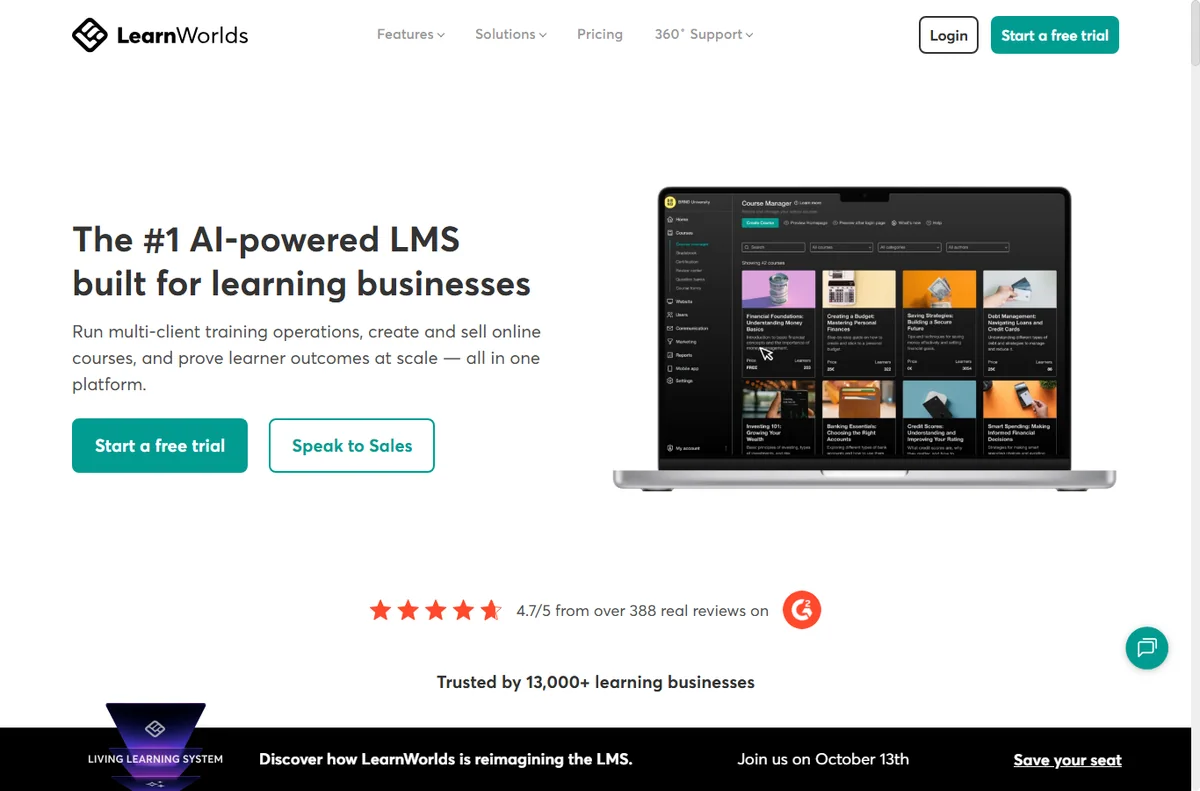
    Learnworlds home page
    Learnworlds home (image: learnworlds.com)

    Package the knowledge you already give away

    A small business usually explains the same things repeatedly: how you onboard clients, how a process works, what to avoid. That repeated explanation is course material.

    Record or write it once as a course and you turn support time into an asset. Start with the question customers ask most, not with the topic you find most interesting.

    Learnworlds blog page
    Learnworlds blog (image: learnworlds.com)

    Onboard customers without repeating yourself

    A short onboarding course gets a new customer to value faster than a welcome email alone. Map the first steps they must take, then teach each one.

    Automate enrolment so a new purchase or contract grants access automatically. That removes a manual step and makes the experience consistent for every customer, not just the ones you remember to help.

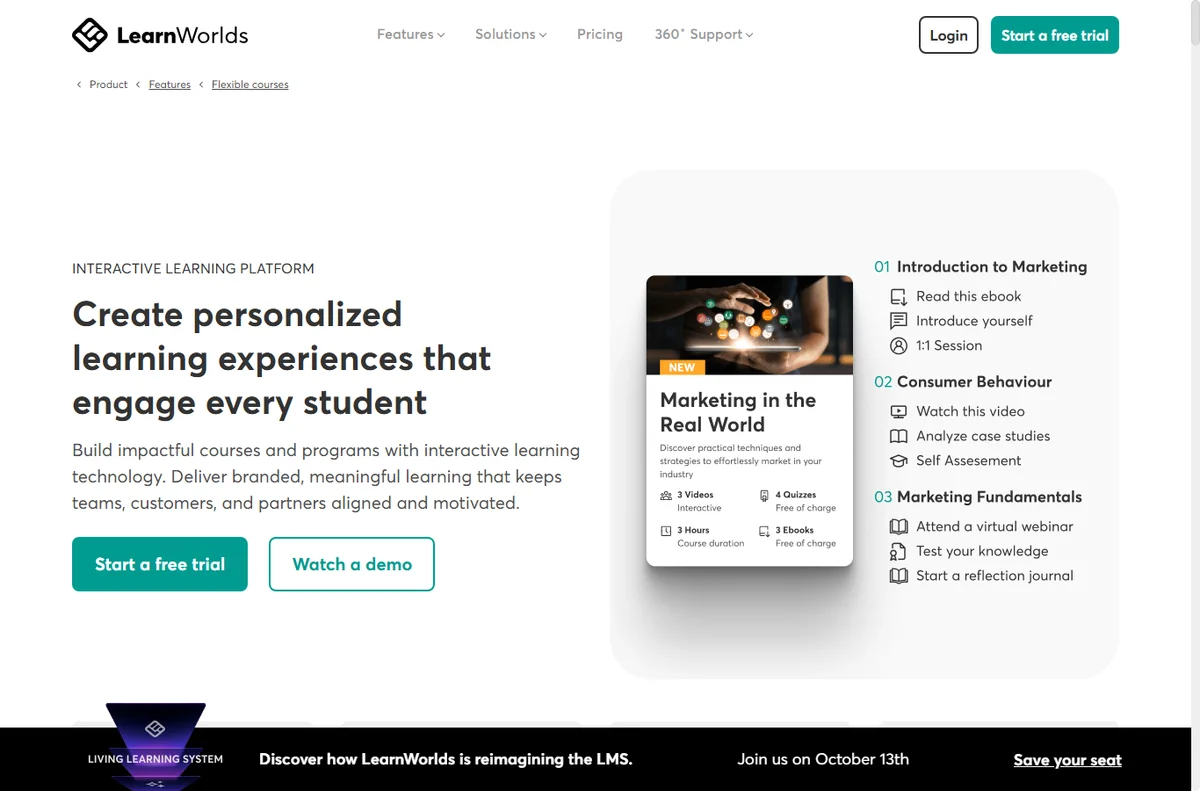
    Learnworlds features page
    Learnworlds features (image: learnworlds.com)

    Train staff and partners on the same material

    Internal training is the quiet win. Put policies, tools and role basics into a private course so a new hire or contractor learns the same way every time.

    Use completion tracking as a lightweight checklist. You get proof that training happened without maintaining a spreadsheet.

    Bundle courses and upsell

    Related courses sell better together. Bundle a beginner course with the advanced one, or pair a course with a template pack, to raise the average order value.

    Offer an occasional upgrade path from a free intro course to the paid one. The free course earns trust; the paid course earns revenue.

    Learnworlds integrations page
    Learnworlds integrations (image: learnworlds.com)

    Sell without learning a second tool

    Point existing traffic — a newsletter, a blog, a social audience — at the course rather than expecting the platform to find buyers for you.

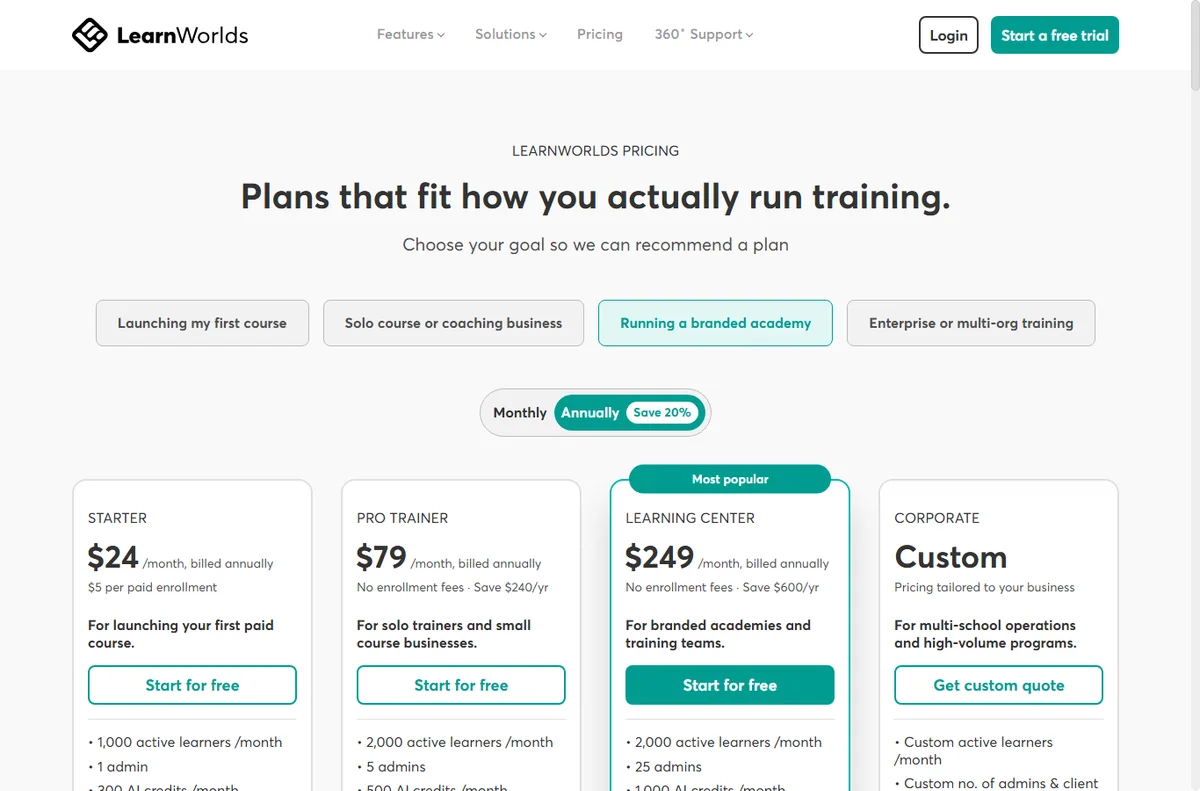
    We do not quote prices; check the current plans on the LearnWorlds pricing page to see which tier includes the marketing and checkout features you plan to use.

    Keep courses current

    A stale course loses refunds and referrals. Put a review date in your calendar and update the lesson that changed, rather than rebuilding the whole course.

    Ask students for one improvement at the end of each course. Small, regular updates keep the material useful and keep completion rates from sliding.

    Learnworlds pricing page
    Learnworlds pricing (image: learnworlds.com)

    Where this fits

    Begin with the independent LearnWorlds review and the course platforms hub. For setup mechanics, see how to set up LearnWorlds. Explore formats with how to create a mini course and best email course platforms, and package products with best digital product platforms.

    Learnworlds x about page
    Learnworlds x about (image: learnworlds.com)

    Frequently asked

    Can a small business run both public and internal courses on one account?

    Yes. Keep public courses in one area and mark training courses as private, so customers never see internal material.

    Do I need a big catalogue to start?

    No. One course that solves a specific problem outperforms a large unfinished catalogue, and it is easier to keep current.

    How do bundles help a small business?

    Bundles lift average order value without extra marketing. Pair courses that a buyer would naturally want together.

    What should I measure first?

    Completion and refund behaviour, not just enrolments. High completion usually signals a course worth promoting harder.

    Run your courses on LearnWorlds

    One platform for public courses and private training.

    Some links on this page may be referral links — we may earn a reward if you sign up, at no extra cost to you. We are an independent publisher. See our Affiliate Disclosure.

    Related reading

  • How to use Wincher for a small business

    How to use Wincher for a small business

    Home / SEO Tools / Guides / How to use Wincher for a small business

    Guide · seo · updated October 9, 2026

    How to use Wincher for a small business

    Once a website and keywords are in place, the value of a rank tracker comes from how you use it: reading the baseline honestly, focusing on winnable terms, keeping a short competitor list, and acting on changes instead of just watching them. This is the routine that pays off.

    Independent analysis. This page may contain affiliate links. If you sign up through a link on this page we may earn a reward at no extra cost to you, and it never changes what we recommend. We are an independent publisher and are not affiliated with, endorsed by, or an official partner of any tool mentioned. See our Affiliate Disclosure.

    TL;DR

    • Read the baseline before reacting.
    • Focus on winnable keywords, not the hardest ones.
    • Keep a short, deliberate competitor list.
    • Act on movement; do not just watch it.
    • Review on a fixed rhythm.

    On this page: Baseline · Focus · Competitors · Acting on data · Reporting · Review

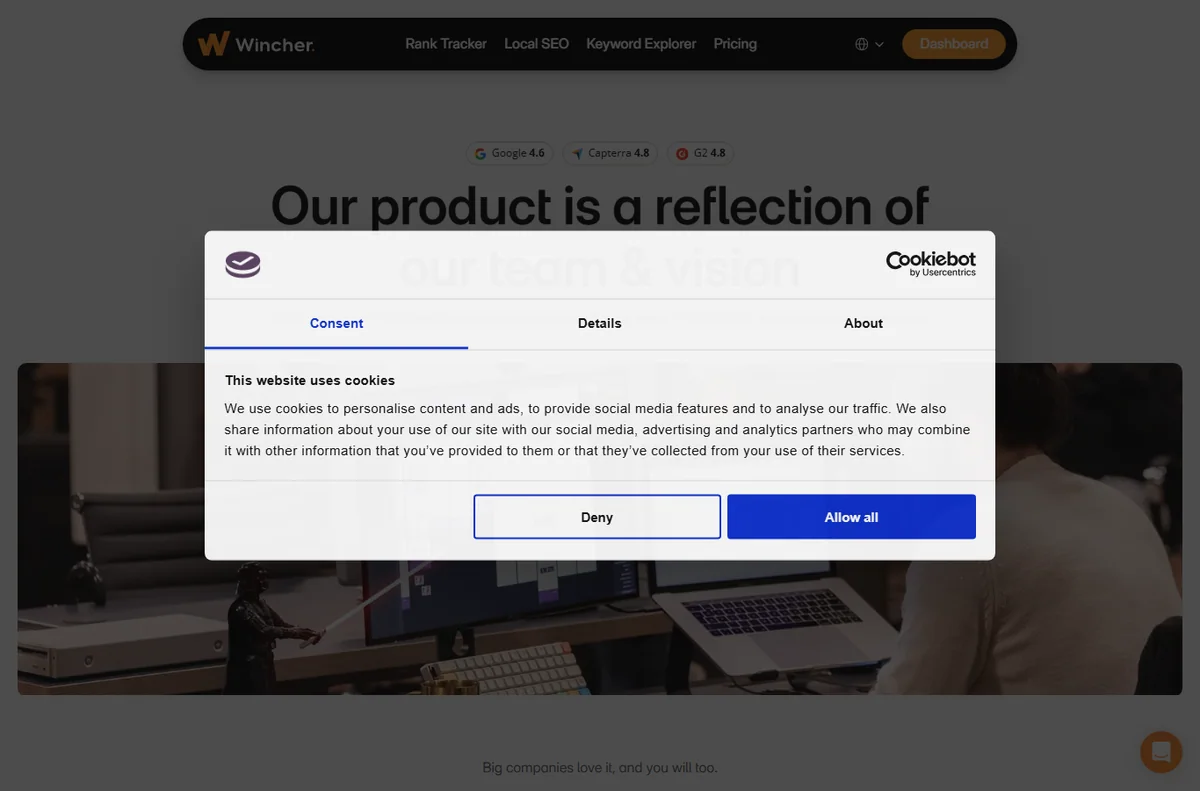
    Wincher home page
    Wincher home (image: wincher.com)

    Read the baseline honestly

    The first results are a starting point, not a verdict. Note where you already rank well and where you are invisible, and resist the urge to panic about either.

    Give a new site time. Rankings move slowly, and a tracker is most useful as a trend line rather than a daily scoreboard. Set a reminder to look again in a month, when the movement is meaningful.

    Wincher blog page
    Wincher blog (image: wincher.com)

    Chase winnable keywords first

    Long, specific phrases are usually easier to win than broad ones. A page that ranks third for a specific query earns real traffic sooner than one buried for a competitive head term.

    Pick a handful of terms where you sit just off page one and improve those pages deliberately, one at a time. Upgrading a page that is already close is usually faster than writing a new one from scratch.

    Wincher pricing page
    Wincher pricing (image: wincher.com)

    Keep a short competitor list

    Track three to five competitors you actually lose business to. More than that and the report becomes a wall of numbers nobody reads.

    Use the comparison to spot gaps: pages they rank for that you simply do not have yet, which are often the fastest wins available.

    Act on movement, do not just watch it

    When a keyword climbs, find out why and repeat it. When one drops, check the page for a technical problem, a lost backlink or a stronger competitor.

    A tracker that never triggers an action is an expensive dashboard. Every report should end with one thing you will change.

    Wincher rank tracker page
    Wincher rank tracker (image: wincher.com)

    Share one report, not many

    Send the weekly report to the person who owns the website. One clear summary beats five dashboards nobody opens.

    Pick a few keywords to highlight and comment on what changed and what you will do next, so the numbers carry a decision with them.

    Review on a fixed rhythm

    Monthly is right for most small businesses. Check the trend, retire keywords you no longer target, and add any new services you have launched.

    Keep the list current, or the report slowly fills with terms that stopped mattering and quietly hides the ones that did.

    Wincher y about page
    Wincher y about (image: wincher.com)

    Where this fits

    Start from the independent Wincher review and the SEO tools hub. For setup mechanics, see how to set up Wincher. Compare trackers with our Mangools review.
    Icode editorial illustration
    Icode editorial illustration (image: icode.io.vn)

    Frequently asked

    Is a rank tracker enough on its own?

    No. It shows position, not why. Pair it with on-page work and a keyword tool for the full picture.

    How often should I check?

    Monthly for most businesses; weekly only during an active campaign you are optimising.

    Do rankings change by device?

    Yes. Mobile and desktop results differ, so track the device your customers actually use.

    When is it time to drop a keyword?

    When you stop targeting that service, or the term never moves despite sustained effort.

    Watch your rankings in Wincher

    Trends, not noise, in one weekly report.

    Some links on this page may be referral links — we may earn a reward if you sign up, at no extra cost to you. We are an independent publisher. See our Affiliate Disclosure.

    Related reading

  • How to use Rank Math for a small business

    How to use Rank Math for a small business

    Home / SEO Tools / Guides / How to use Rank Math for a small business

    Guide · seo · updated October 9, 2026

    How to use Rank Math for a small business

    Once Rank Math is installed, the work shifts from configuration to using it well: writing titles people click, adding structured data the search engines understand, fixing technical issues, and keeping the technical side of SEO tidy. This is the practical playbook for an owner without an SEO team.

    Independent analysis. This page may contain affiliate links. If you sign up through a link on this page we may earn a reward at no extra cost to you, and it never changes what we recommend. We are an independent publisher and are not affiliated with, endorsed by, or an official partner of any tool mentioned. See our Affiliate Disclosure.

    TL;DR

    • Write titles and descriptions for people first.
    • Add schema that matches your content type.
    • Catch broken links and redirects early.
    • Keep local details consistent.
    • Review Search Console monthly.

    On this page: On-page · Schema · Redirects · Local · Monitoring · Measurement

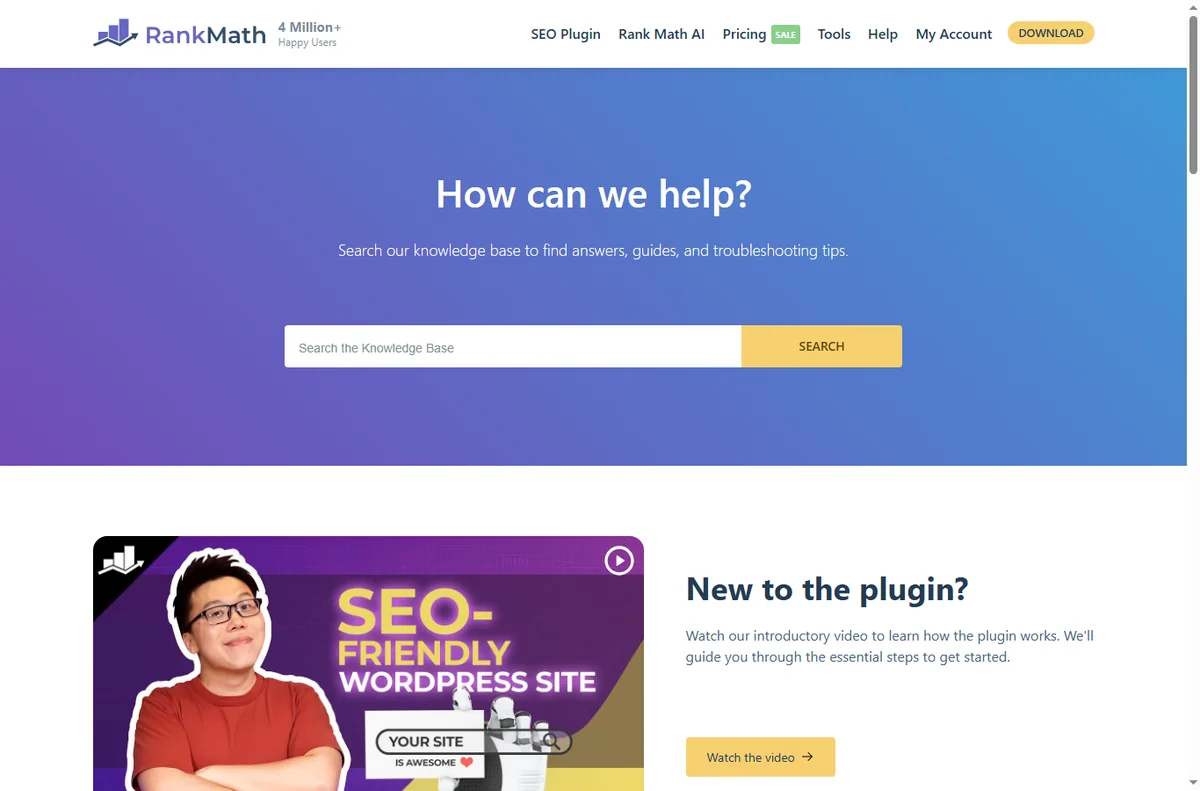
    Rank math home page
    Rank math home (image: rank.com)

    Write titles for people, not crawlers

    Every page gets a title that reads like a headline and a description that answers the query in a sentence. Rank Math previews how both look in search before you publish.

    Aim to make each one unique. Two pages competing on the same title split your chances and confuse the reader before they ever click.

    Rank math blog page
    Rank math blog (image: rank.com)

    Add structured data that matches the page

    Schema tells search engines what a page is: an article, a product, a local business, a FAQ. Choose the type that fits rather than forcing everything into one box.

    Keep the details truthful. Schema that does not match the visible page is a liability, not a shortcut, and search engines increasingly notice the mismatch.

    Rank math kb page
    Rank math kb (image: rank.com)

    Fix broken links before visitors do

    When you rename or merge content, add a redirect so old links still work. Rank Math’s redirects module logs 404s you can fix in a click or two.

    Check the list monthly. A page that 404s is a page that no longer earns, and the fix usually takes less time than the report flagging it.

    Keep local details consistent

    For a local business, the name, address and phone should match across your site and your Google listing. Small mismatches cost trust and rankings.

    Use your location pages deliberately and keep one source of truth for hours and contact details, so an update in one place does not leave the others stale.

    Rank math pricing page
    Rank math pricing (image: rank.com)

    Monitor Search Console, not just the plugin

    Rank Math connects Search Console so you can see the queries a page actually earns. Use it to find pages sitting on page two and improve those first.

    Watch for coverage warnings. Fixing them early stops small problems from turning into pages that quietly disappear from search.

    Measure a few things well

    Impressions, clicks, average position and a handful of target pages are enough to steer decisions. Chasing every available metric leads to no decisions at all.

    Review monthly, act on what changed, and leave the rest alone. Consistency beats a frantic week followed by months of neglect.

    Rank math y about page
    Rank math y about (image: rank.com)

    Where this fits

    Start from the independent Rank Math review and the SEO tools hub. For setup mechanics, see how to set up Rank Math, and for local visibility, our local SEO checklist.

    Rank math y support page
    Rank math y support (image: rank.com)

    Frequently asked

    Do I need a separate keyword tool?

    Rank Math handles on-page and technical SEO; a keyword tool like Mangools or Wincher helps you choose terms to target. Many owners use both.

    How often should I check rankings?

    Monthly is enough for most small businesses; weekly only when you are actively optimising a specific campaign.

    Can schema boost rankings directly?

    Not directly, but it improves how results appear and helps search engines understand the page, which supports click-through.

    What is the biggest mistake with Rank Math?

    Leaving the default templates untouched, so pages ship with thin or duplicated titles that no one chose.

    Rank on Google with Rank Math

    Clean titles, schema and sitemaps on every page.

    Some links on this page may be referral links — we may earn a reward if you sign up, at no extra cost to you. We are an independent publisher. See our Affiliate Disclosure.

    Related reading

  • How to use Pabbly for a small business

    How to use Pabbly for a small business

    Home / Automation / Guides / How to use Pabbly for a small business

    Guide · automation · updated October 9, 2026

    How to use Pabbly for a small business

    Once the account is live, the question changes from how to set it up to how to run it without wasting time. This guide is the day-to-day playbook: keep the stack lean, send on a rhythm customers expect, automate the boring parts, and watch the few numbers that actually move the business.

    Independent analysis. This page may contain affiliate links. If you sign up through a link on this page we may earn a reward at no extra cost to you, and it never changes what we recommend. We are an independent publisher and are not affiliated with, endorsed by, or an official partner of any tool mentioned. See our Affiliate Disclosure.

    TL;DR

    • Keep the stack lean instead of buying every add-on.
    • Send on a predictable rhythm, not in bursts.
    • Automate the repetitive tasks first.
    • Use forms and tags to segment from day one.
    • Watch a few metrics instead of all of them.

    On this page: Keep it lean · Email rhythm · Automation · Forms and tags · Subscriptions · Cost

    Pabbly home page
    Pabbly home (image: pabbly.com)

    Keep the stack lean

    Pabbly covers email, forms, automation and billing, so the value is in using what is included instead of stacking unrelated subscriptions underneath it.

    List the tools you already pay for and check whether the bundle replaces any of them. If it does not, a narrower, cheaper tool may fit better overall.

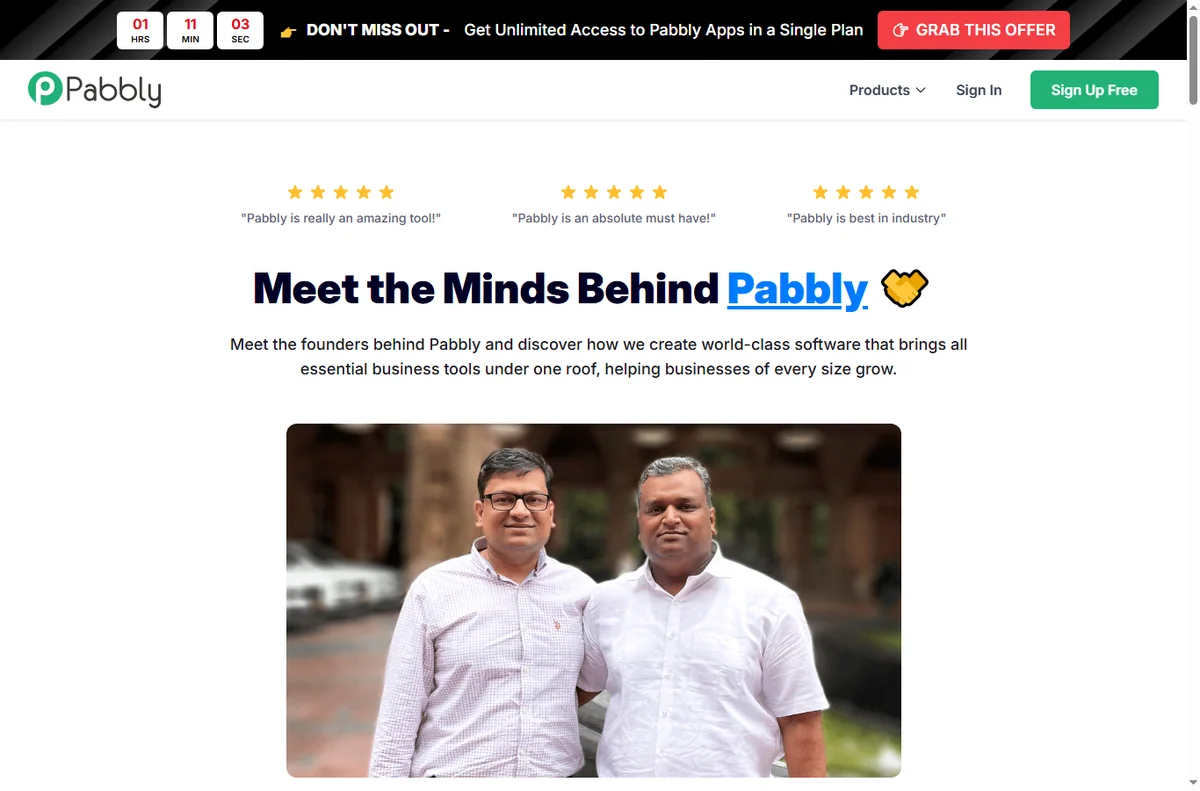
    Pabbly about page
    Pabbly about (image: pabbly.com)

    Email on a rhythm that fits a small business

    A short welcome sequence plus one useful newsletter a month beats sporadic blasts. Consistency trains people to open; long silence trains them to forget you.

    Segment by behaviour — buyers, subscribers, lapsed — so the same list is not sent the same message. Relevance is what keeps open rates alive.

    Pabbly connect page
    Pabbly connect (image: pabbly.com)

    Automate the tasks that repeat

    Tag new signups, send a welcome, move a customer into a sequence, and post new orders to a sheet. These are the jobs that quietly eat an afternoon every week.

    Start with the trigger you trust most. A workflow is only as good as the event that starts it, so test that the trigger fires before you build anything downstream.

    Use forms and tags to segment early

    Every form is a chance to learn something: which offer attracted the person, which page they came from, what they asked for. Capture it as a tag while it is fresh.

    Clean, deliberate tags make later automations simple; a mess of untagged contacts makes them impossible and turns segmentation into guesswork.

    Pabbly integrations page
    Pabbly integrations (image: pabbly.com)

    If you sell subscriptions

    Pabbly’s billing product handles recurring charges and invoices for simple subscription businesses. Use it when your model is genuinely recurring rather than one-off.

    Test a real signup, a renewal and a cancellation end to end before you rely on it. Billing bugs are the ones customers remember.

    Plan for pricing and limits

    Flat pricing is a strength, but limits on contacts, sends or tasks still apply. Know your ceiling before a campaign pushes you past it.

    Review the plan once a quarter; if you outgrow it, that is a decision you make calmly rather than a surprise you discover mid-campaign.

    Pabbly x blog page
    Pabbly x blog (image: pabbly.com)

    Where this fits

    Start from the independent Pabbly review and the automation hub. For setup mechanics, see how to set up Pabbly. Compare the field with best workflow automation tools.

    Pabbly x email page
    Pabbly x email (image: pabbly.com)

    Frequently asked

    Can I run email and automation in one account?

    Yes, and for most small businesses that is the point — one vendor, one bill, one place to get help.

    How often should I email?

    Monthly at minimum; more often if you have something genuinely useful to say. The quality of the send matters more than the volume.

    Do I need a separate CRM?

    Not to start. Tags and sequences inside Pabbly cover simple pipelines; a dedicated CRM earns its place once the sales process grows.

    When should I think about switching?

    When limits, deliverability or support stop fitting the business. Migrate in a quiet period and export your lists first.

    Run your business on Pabbly

    Email, forms and automation from one vendor.

    Some links on this page may be referral links — we may earn a reward if you sign up, at no extra cost to you. We are an independent publisher. See our Affiliate Disclosure.

    Related reading

  • How to use Leadpages for a small business

    How to use Leadpages for a small business

    Home / Funnel Builders / Guides / How to use Leadpages for a small business

    Guide · funnel builders · updated October 9, 2026

    How to use Leadpages for a small business

    Once Leadpages is set up, the value comes from using pages to support real campaigns rather than building them for their own sake. This guide turns it into a small-business workflow: match each page to a campaign, capture leads cleanly, and improve one thing at a time.

    Independent analysis. This page may contain affiliate links. If you sign up through a link on this page we may earn a reward at no extra cost to you, and it never changes what we recommend. We are an independent publisher and are not affiliated with, endorsed by, or an official partner of any tool mentioned. See our Affiliate Disclosure.

    TL;DR

    • Match each page to a specific campaign.
    • Capture leads cleanly with one clear action.
    • Connect pages to your email list every time.
    • Test one change at a time, not five.
    • Use pop-ups and alerts sparingly.
    • Measure conversion, not just traffic.

    On this page: Match page to campaign · Capture leads cleanly · Connect to your list · Test one thing · Use alerts sparingly · Measure conversion

    Leadpages home page
    Leadpages home (image: leadpages.com)

    Match the page to the campaign

    Build a page for a specific offer rather than a generic one. When the ad, the headline and the page all say the same thing, people trust the click and convert.

    Keep one primary action per page. Competing buttons split attention and quietly cost you conversions.

    If you run several campaigns, keep a simple naming habit so you can tell which page belongs to which offer at a glance. This saves real time when you review results later.

    Leadpages features page
    Leadpages features (image: leadpages.com)

    Capture leads cleanly

    Ask for the minimum you need. Every extra field lowers completion, and you can always learn more in the follow-up emails.

    Make the form and the button impossible to miss. Clarity converts better than cleverness, especially on a first visit.

    Leadpages integrations page
    Leadpages integrations (image: leadpages.com)

    Connect pages to your email list

    Always wire pages to the email tool you use, so a lead becomes a contact the moment they submit. A captured lead that sits nowhere is lost.

    Tag leads by which page they came from. That single habit makes your follow-up far more relevant later.

    Test one thing at a time

    Change one element at a time — the headline, or the button, or the form length — so you know what actually moved the result.

    Give a test enough traffic to be meaningful before calling it. Judging a variant on a handful of visitors just adds noise.

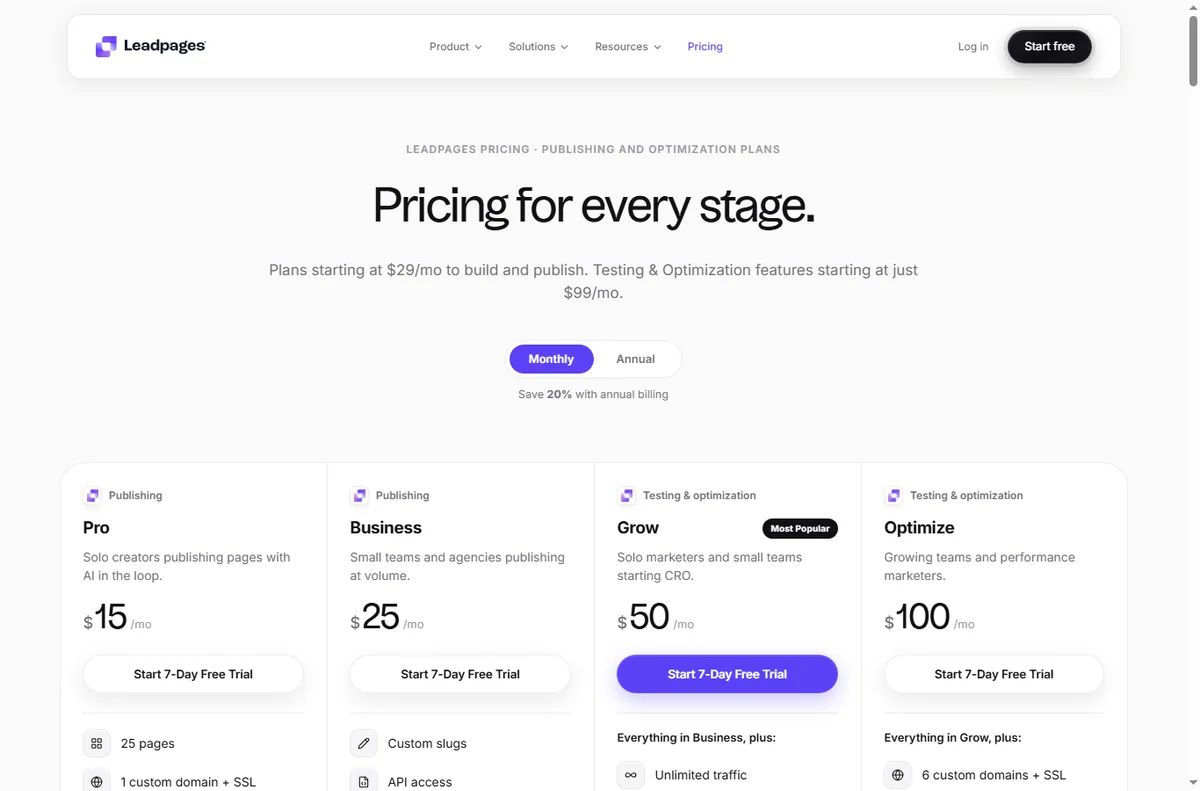
    Leadpages pricing page
    Leadpages pricing (image: leadpages.com)

    Use pop-ups and alerts sparingly

    Pop-ups can lift sign-ups, but too many annoy visitors and hurt your brand. Aim for one well-timed prompt, not three.

    Exit-intent notices work best on content pages where a visitor is about to leave; they work least on pages where the whole point is to convert.

    Measure conversion, not traffic

    Watch conversion rate, not just visitor count. A page with fewer visitors and more leads is usually the better page.

    Review results on a fixed schedule and retire pages that never convert rather than leaving them to rot.

    Let a losing page teach you something: a weak headline or a mismatch between ad and page is useful information for the next campaign.

    Leadpages signup page
    Leadpages signup (image: leadpages.com)

    Where this fits

    Start from the independent Leadpages review and the funnel builders hub. For setup, see how to set up Leadpages. Compare options in best landing page builders and follow how to create a sales page.

    Leadpages templates page
    Leadpages templates (image: leadpages.com)

    Frequently asked

    How many pages do I need?

    Start with one page per campaign. A focused page that matches its ad usually outperforms a library of half-used templates.

    Should I use pop-ups?

    Sparingly. One well-timed prompt can help, but several will annoy visitors and can hurt conversions and your brand.

    How do I know a page is working?

    Look at conversion rate rather than raw traffic, and only after enough visitors to be meaningful. Then change one thing at a time.

    Do pages help SEO?

    A landing page is for conversion, not ranking. Keep your own domain connected so any authority stays with your site.

    Put Leadpages to work

    Pages and opt-ins that feed your pipeline.

    Some links on this page may be referral links — we may earn a reward if you sign up, at no extra cost to you. We are an independent publisher. See our Affiliate Disclosure.

  • How to use EmailOctopus for a small business

    How to use EmailOctopus for a small business

    Home / Email Marketing / Guides / How to use EmailOctopus for a small business

    Guide · email marketing · updated October 9, 2026

    How to use EmailOctopus for a small business

    Once EmailOctopus is set up, the value comes from a steady routine. This guide turns it into a small-business workflow: keep costs predictable as the list grows, email people who opted in, automate the follow-ups, and watch the handful of numbers that matter.

    Independent analysis. This page may contain affiliate links. If you sign up through a link on this page we may earn a reward at no extra cost to you, and it never changes what we recommend. We are an independent publisher and are not affiliated with, endorsed by, or an official partner of any tool mentioned. See our Affiliate Disclosure.

    TL;DR

    • Keep sending costs predictable as your list grows.
    • Send a reliable, regular newsletter.
    • Automate welcome and follow-up messages.
    • Segment so every email is relevant.
    • Watch the deliverability basics.
    • Measure opens and clicks on a fixed schedule.

    On this page: Keep costs predictable · Regular newsletter · Automate · Segment · Deliverability · Measure

    Emailoctopus home page
    Emailoctopus home (image: emailoctopus.com)

    Keep costs predictable as you grow

    Because EmailOctopus prices largely on list size, the key habit is keeping the list clean. Remove people who never engage so you are not paying to email the unengaged.

    Check your plan’s current limits before a big campaign. Knowing the boundary in advance avoids a surprise halfway through a send.

    Prune the list on a schedule — once a quarter is enough — and let the small savings compound. A tidy list also improves your engagement metrics, which in turn helps every future send.

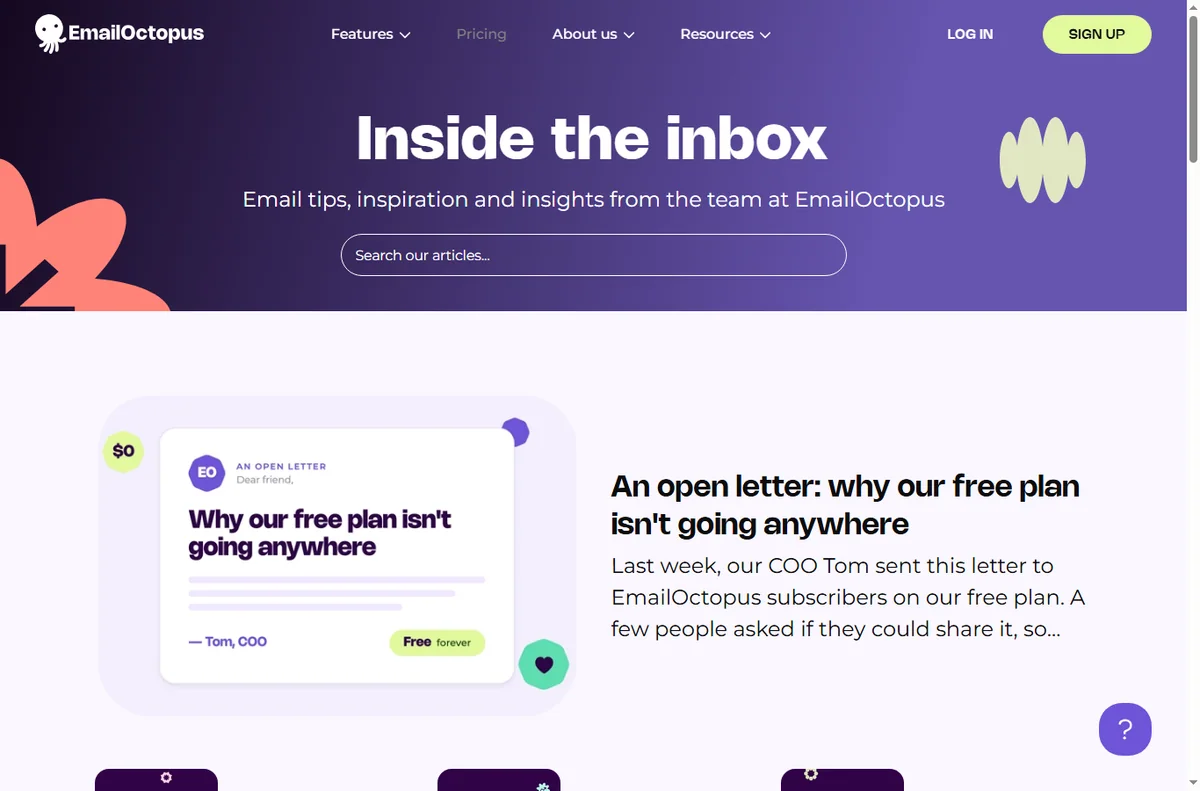
    Emailoctopus blog page
    Emailoctopus blog (image: emailoctopus.com)

    Send a reliable newsletter

    Pick a rhythm you can keep and hold it. A predictable newsletter keeps your name familiar and makes unsubscribes less likely.

    One main idea per issue with a clear next step beats an everything-email that readers skim and forget.

    Emailoctopus features page
    Emailoctopus features (image: emailoctopus.com)

    Automate welcome and follow-up

    Build a short welcome sequence and one follow-up for people who show interest but do not buy. Automation handles the repetition so you do not have to.

    Review automated emails quarterly. If a message no longer matches your offer or prices, fix it or switch it off.

    Segment for relevance

    Split the list by what people did, not just who they are: new subscribers, past buyers, or the recently inactive. Relevance is what keeps engagement up.

    You do not need elaborate rules. Two or three honest segments are enough to make your messages feel personal.

    Even a simple split by sign-up source tells you which pages attract the right people, so you can send those readers content that actually fits.

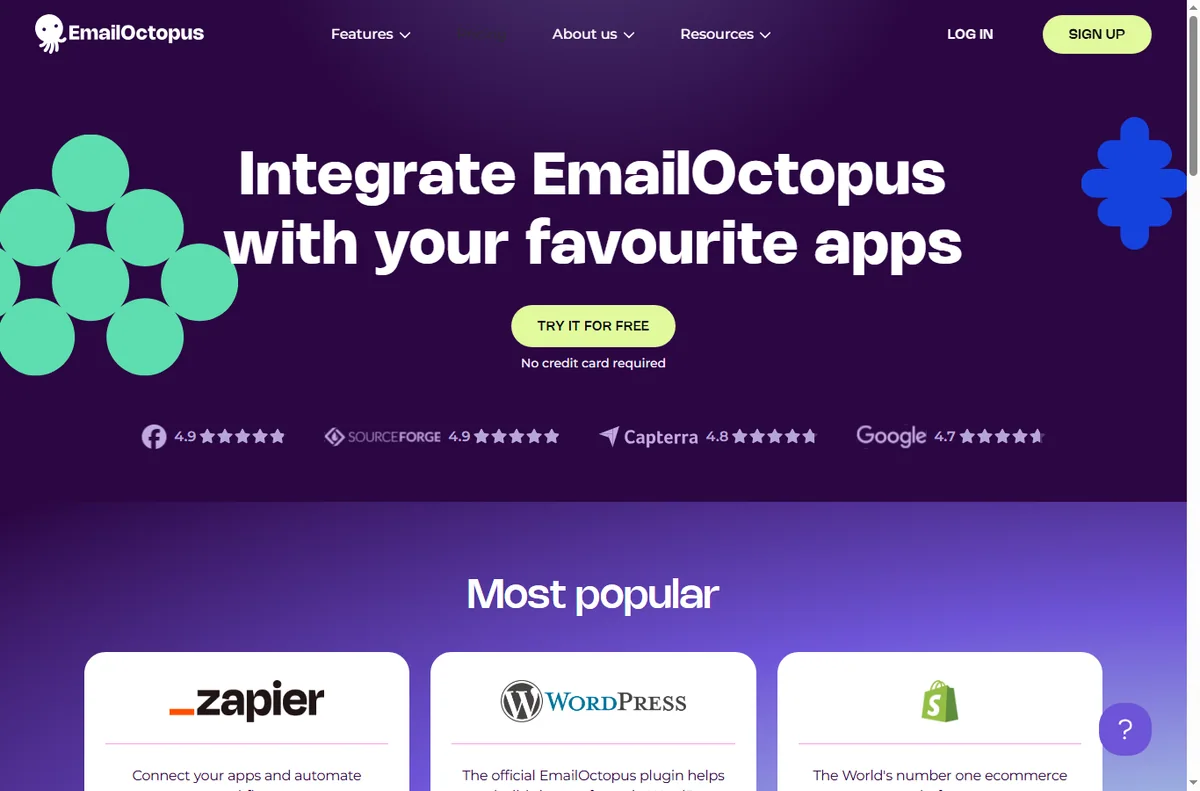
    Emailoctopus integrations page
    Emailoctopus integrations (image: emailoctopus.com)

    Watch the deliverability basics

    Verify your sending domain, email people who opted in, and avoid over-mailing. These three habits do more for inbox placement than any trick.

    Keep a consistent sender name and address so subscribers and mailbox providers recognise you over time.

    Measure what matters

    Track open rate and click rate for your main campaigns, and watch unsubscribes as a signal that something is off. Review on a fixed schedule.

    A small, stable scoreboard you actually read is worth more than a dashboard full of numbers nobody checks.

    Write down what you changed after each review, so improvement is a loop rather than a fresh guess every month.

    Emailoctopus pricing page
    Emailoctopus pricing (image: emailoctopus.com)

    Where this fits

    Start from the independent EmailOctopus review and the email marketing hub. For setup, see how to set up EmailOctopus. Compare options in best email marketing software and follow the method with the deliverability guide.

    Icode editorial illustration
    Icode editorial illustration (image: icode.io.vn)

    Frequently asked

    Is EmailOctopus good for a large list?

    Its SES-based model keeps sending costs low as a list grows, which suits list-heavy businesses. Check the current tiers before you commit.

    How do I keep costs down?

    Keep your list clean and remove people who never engage, since you generally pay by contact count. A smaller engaged list is cheaper and performs better.

    Do I need automation?

    Not on day one, but a welcome sequence is the single best automation to start with, because attention is highest right after sign-up.

    How often should I send?

    Monthly is enough for most small businesses. Consistency and relevance matter more than frequency.

    Put EmailOctopus to work

    Affordable sending, lists and automation.

    Some links on this page may be referral links — we may earn a reward if you sign up, at no extra cost to you. We are an independent publisher. See our Affiliate Disclosure.

    Try EmailOctopus free – email marketing that is simple and affordable. Start free