We’re reader-supported — some links are affiliate links. Learn more →

Skip to content

Independent software research. Some links may earn us a commission at no extra cost to you. Learn more →

ICode

Tag: use-case

  • How to Use MailerLite for a Small Business

    How to Use MailerLite for a Small Business

    Home / Email Marketing / Guides / How to use MailerLite

    Use case · email marketing · updated October 8, 2026

    How to use MailerLite for a small business

    MailerLite is a tool; the value comes from how a small business uses it. This post covers the practical patterns that tend to earn their keep: welcome series, a sustainable newsletter, simple segmentation, a few automations and honest reporting.

    MailerLite email marketing homepage
    MailerLite official homepage (image: mailerlite.com)

    Independent analysis. This page may contain affiliate links. Some links here are referral links; if you sign up through one we may earn a reward at no extra cost to you, and it never changes what we recommend. We are an independent publisher and are not affiliated with, endorsed by, or an official partner of any tool mentioned. See our Affiliate Disclosure.

    TL;DR

    • A welcome series does more work than most one-off campaigns.
    • A predictable newsletter rhythm beats sporadic bursts.
    • Segment by behaviour, not by guesswork.
    • Automate the handful of messages you send every time.
    • Keep consent and list hygiene in view as the list grows.

    On this page: What this covers · Where MailerLite earns its place · A welcome series that does a job · A newsletter rhythm you can keep · Segmentation without overcomplicating · What to automate first · Reading the numbers that matter · Consent and list hygiene · Where this fits in your wider stack

    What this covers

    Once the account is set up, the question shifts from configuration to habit. This post is about the patterns a small business can sustain: a few automations that always run, a newsletter cadence you can keep, and segmentation you will actually act on.

    It avoids theory. Each section maps to something you can build in an afternoon and improve over time.

    Where MailerLite earns its place

    For a small team, email is often the most reliable channel you own. These are the jobs worth setting up first.

    • Welcome new subscribers automatically.
    • Send a regular newsletter to stay in touch.
    • Segment by interest or purchase behaviour.
    • Follow up after a purchase or a key action.
    • Report on what actually gets opened and clicked.
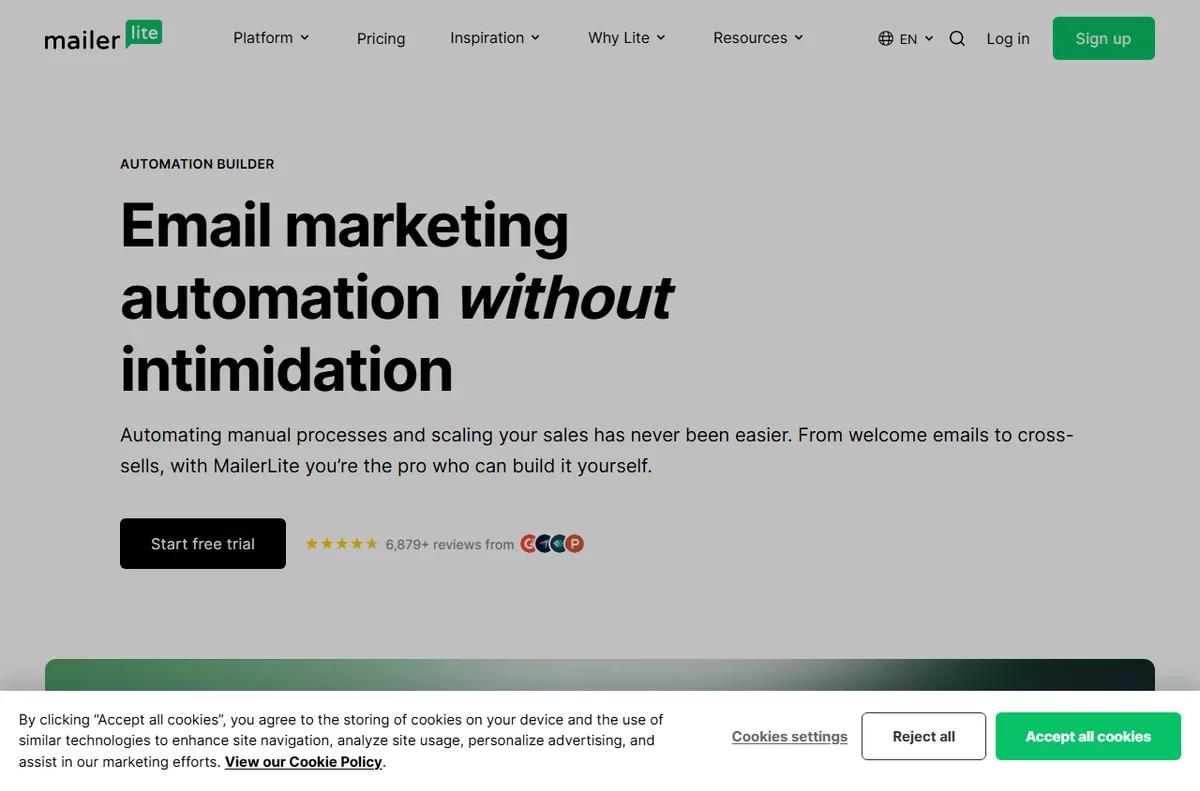
    MailerLite automation builder for welcome series
    MailerLite automation (image: mailerlite.com)

    A welcome series that does a job

    The first messages after sign-up get the most attention you will ever have. A short series that sets expectations, delivers the promised value and points to one clear next step usually outperforms a single generic hello.

    MailerLite newsletter templates
    MailerLite templates (image: mailerlite.com)

    A newsletter rhythm you can keep

    Pick a cadence you can sustain and protect it. A monthly issue that always ships beats a burst of weekly sends that fades after a month, both for your audience and for your own workload.
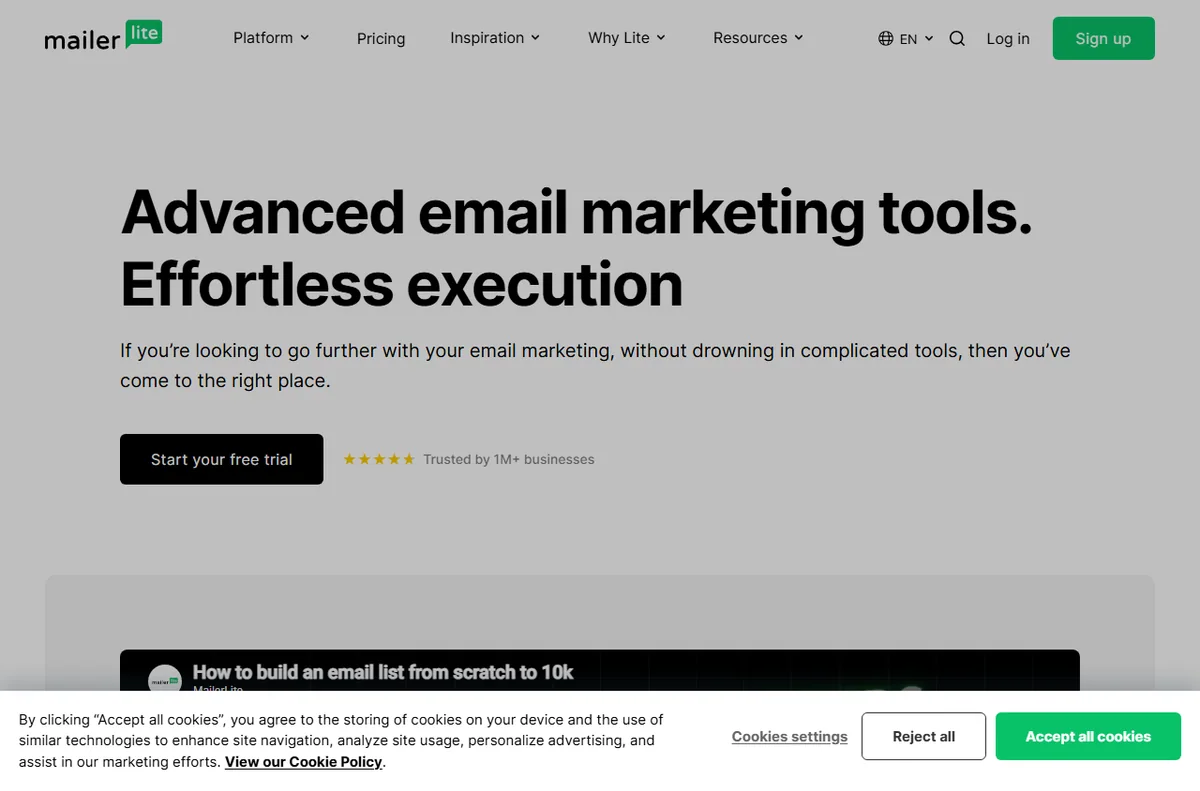
    MailerLite email marketing features for segmentation
    MailerLite features (image: mailerlite.com)

    Segmentation without overcomplicating

    Start with a few meaningful groups: customers, subscribers, and one based on a clear action such as a recent purchase. More segments than you can act on adds work without changing what you send.
    MailerLite integrations to trigger automations
    MailerLite integrations (image: mailerlite.com)

    What to automate first

    Automate the messages you would otherwise send by hand every time.

    Automation Priority Why
    Welcome sequenceHighEvery new subscriber sees it
    Post-purchase follow-upHighTied to repeat business
    Re-engagement for inactive readersMediumProtects list quality over time
    Birthday or milestone messageLowNice to have, rarely urgent
    Complex branching journeysLaterWorth the effort only at larger scale
    Based on publicly documented behaviour, checked October 8, 2026.
    MailerLite dashboard sign-in where campaign statistics are accessed
    MailerLite dashboard sign-in (image: mailerlite.com)

    Reading the numbers that matter

    Open and click rates are directional, not definitive, and privacy features affect how they are measured. Watch trends over time and use the results to decide what to send next rather than chasing a single number in isolation.

    MailerLite sign-up forms with consent
    MailerLite sign-up forms (image: mailerlite.com)

    Consent and list hygiene

    Only email people who agreed to hear from you, make unsubscribing easy, and remove addresses that consistently bounce. A smaller engaged list is worth more than a large indifferent one, and it protects your deliverability.

    Where this fits in your wider stack

    If you are still choosing a tool, read the independent MailerLite review and start from the email marketing hub. Weighing options? See best email marketing software, browse best email newsletter tools, and if you are starting out, read best email marketing for beginners.

    Frequently asked

    How should a small business use MailerLite?

    Start with a welcome sequence and a newsletter you can keep up, then add segmentation and automations as you learn what your audience responds to.

    How often should I email my list?

    Choose a cadence you can sustain; consistency matters more than raw frequency.

    Should I segment my list?

    Yes, but keep it simple. A few groups tied to clear behaviour are easier to act on than many fine-grained ones.

    What metrics should I track?

    Watch open and click trends over time, plus unsubscribes and bounces, rather than optimising one number in isolation.
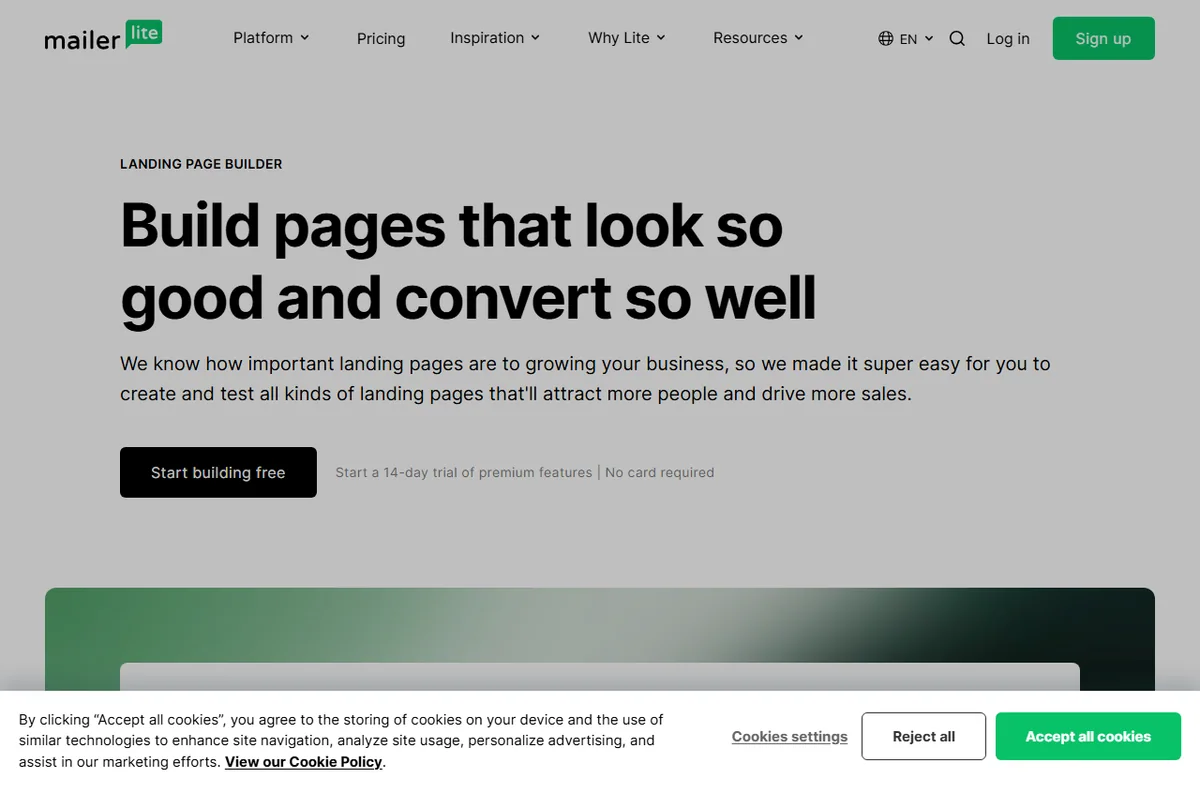
    MailerLite landing page builder
    MailerLite landing pages (image: mailerlite.com)

    Get more from MailerLite

    Start with a welcome series and one newsletter you can keep.

    Referral link — we may earn a reward if you sign up, at no extra cost to you. We are an independent publisher. See our Affiliate Disclosure.


  • How to Use Elementor for a Small Business

    How to Use Elementor for a Small Business

    Home / Developer Tools / Guides / How to use Elementor

    Use case · developer tools · updated October 8, 2026

    How to use Elementor for a small business

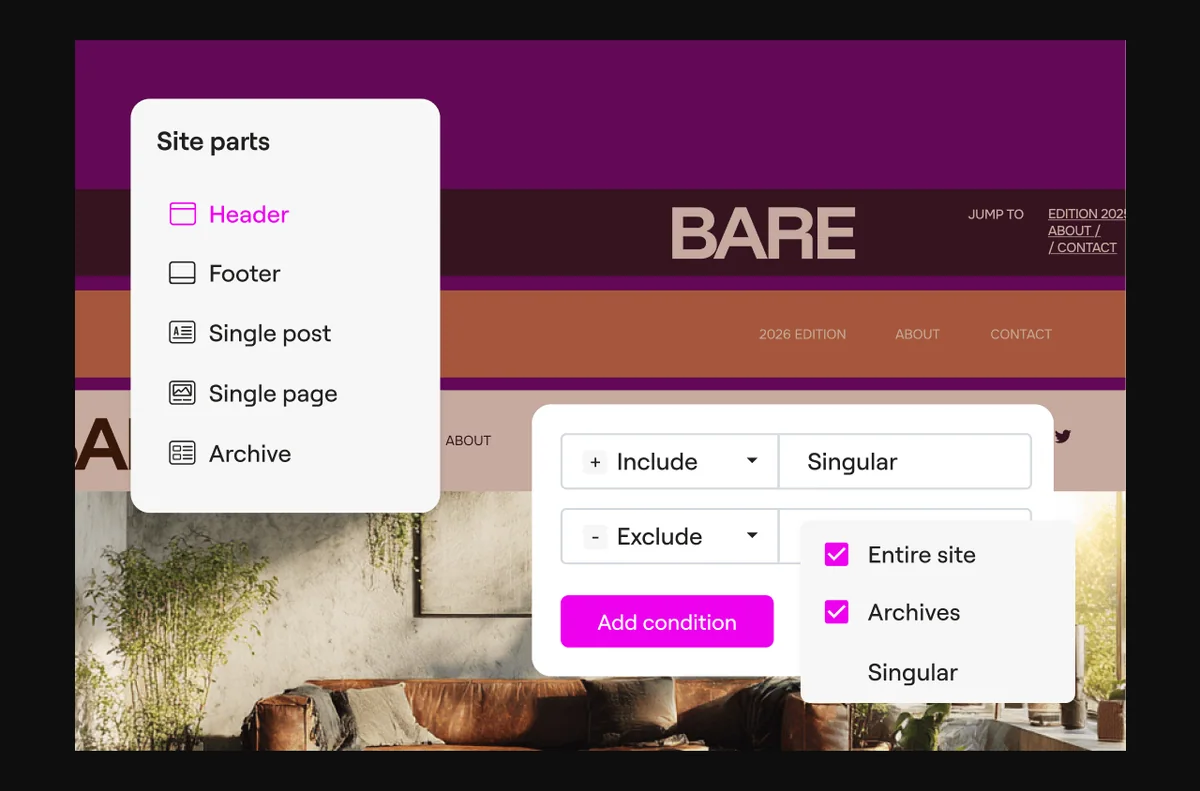
    Elementor is only useful if it solves real jobs for your business. This post looks at how a small business uses it in practice: landing pages, a theme you can maintain, reusable blocks, freelancer handoff and ongoing upkeep.

    Elementor official homepage for the WordPress page builder
    Elementor official homepage (image: elementor.com)

    Independent analysis. This page may contain affiliate links. Some links here are referral links; if you sign up through one we may earn a reward at no extra cost to you, and it never changes what we recommend. We are an independent publisher and are not affiliated with, endorsed by, or an official partner of any tool mentioned. See our Affiliate Disclosure.

    TL;DR

    • Use Elementor for landing pages when speed to launch matters.
    • A theme builder removes the need for custom header and footer code.
    • Reusable blocks keep repeated sections consistent.
    • Clear naming and structure make freelancer handoff easier.
    • Budget time for updates and performance checks each month.

    On this page: What this covers · Where Elementor earns its place · Landing pages for campaigns · A theme you can maintain · Reusable blocks and global widgets · Deciding what to build first · Working with freelancers · Keeping it healthy · Where this fits in your wider stack

    What this covers

    A page builder is a tool, and the return comes from the jobs you point it at. For a small team, that usually means shipping pages faster, keeping site-wide elements consistent and avoiding a developer bottleneck for routine changes.

    This post stays practical. It covers the patterns that tend to pay off and the maintenance that keeps a built site from drifting.

    Where Elementor earns its place

    Small teams rarely need every feature a builder offers. These are the jobs where it tends to pay off.

    • Campaign landing pages built and shipped in hours.
    • A custom header, footer and blog template without code.
    • Reusable hero and call-to-action sections.
    • Client-friendly editing for non-technical staff.
    • Rapid redesigns when the brand or offer changes.
    Elementor template library for building campaign landing pages
    Elementor template library (image: elementor.com)

    Landing pages for campaigns

    When a campaign needs a focused page, Elementor lets a marketer assemble it from sections, then duplicate and adjust for the next offer. The win is turnaround time, not novelty: the same page template can serve several campaigns with small edits.

    Elementor Hello theme page for a maintainable WordPress theme
    Elementor Hello theme (image: elementor.com)

    A theme you can maintain

    The theme builder lets you design headers, footers, archive and single templates visually. That means a small business can change site-wide elements without waiting on a developer for every tweak, and it keeps those elements consistent across the site.

    Elementor Theme Builder for global templates and widgets
    Elementor Theme Builder (image: elementor.com)

    Reusable blocks and global widgets

    Save a section as a template or promote a widget to global, and an edit propagates everywhere it is used. This is the difference between a tidy site and one where five versions of the same button slowly drift apart.

    Elementor pricing plans to match scope
    Elementor pricing (image: elementor.com)

    Deciding what to build first

    A simple priority order keeps the first build phase focused and avoids rework.

    Job Priority Why it comes first
    Landing page for the current campaignHighDirectly tied to revenue this month
    Header and footer templatesHighTouches every page on the site
    Reusable call-to-action blockMediumReused across many pages
    Blog and archive templatesMediumNeeded once content volume grows
    Full redesign of old pagesLowBetter done once patterns are settled
    Based on publicly documented behaviour, checked October 8, 2026.
    Elementor blog resources for working with builders
    Elementor blog (image: elementor.com)

    Working with freelancers

    Naming conventions and saved templates make a site easier to hand to a freelancer. A short document listing global colours, fonts and template names saves billable hours later, because the next person is not reverse-engineering your layout decisions.

    Elementor Knowledge Hub for maintenance tutorials
    Elementor Knowledge Hub (image: elementor.com)

    Keeping it healthy

    Schedule a monthly pass: update the plugin and its add-ons, check a live page for layout drift, and confirm images are still reasonably sized. Small habits prevent the slow accumulation that makes a site feel heavy.

    Where this fits in your wider stack

    If you are still choosing, read the independent Elementor review and the Elementor vs Divi comparison. For the wider context, start from the developer tools hub, compare best website builders for small business, and review website performance tools.

    Frequently asked

    Is Elementor good for a small business website?

    It suits teams that want to ship pages without a developer, as long as they keep plugins lean and images optimised.

    Do I need a developer to use Elementor?

    No, but a developer is useful for the initial theme setup and for anything involving custom code.

    Can my staff edit the site safely?

    Yes. Assign appropriate user roles and rely on saved templates so edits stay consistent.

    How do I keep an Elementor site fast?

    Compress images, limit plugins and test a real page with a performance tool.

    Elementor website builder product page for WordPress
    Elementor website builder (image: elementor.com)

    Put Elementor to work

    Start with the pages that matter this month, then build templates from them.

    Referral link — we may earn a reward if you sign up, at no extra cost to you. We are an independent publisher. See our Affiliate Disclosure.

  • How to Use DreamHost for a Small Business

    How to Use DreamHost for a Small Business

    Home / Hosting / Guides / How to use DreamHost for a small business

    Use case · hosting · updated October 8, 2026

    How to use DreamHost for a small business: the useful parts

    Once hosting is set up, the question becomes how to get steady value from it. For a small business, that means reliable email, a safe way to change the site, tested backups, and no surprises at renewal.

    DreamHost web hosting homepage
    DreamHost official homepage (image: dreamhost.com)

    Independent analysis. This page may contain affiliate links. Some links here are referral links; if you sign up through one we may earn a reward at no extra cost to you, and it never changes what we recommend. We are an independent publisher and are not affiliated with, endorsed by, or an official partner of any tool mentioned. See our Affiliate Disclosure.

    TL;DR

    • Set up business email on your own domain for credibility.
    • Use staging before any plugin or theme change.
    • Confirm backups and test a restore at least once.
    • Keep a short map of what lives where in the panel.
    • Diary the renewal date so the price never surprises you.

    On this page: What this covers · A small-business workflow · Business email on your domain · Staging before changes · Backups and restores · Keeping costs under control · Working in the panel · Where this fits

    What this covers

    This guide is about the everyday use of shared hosting, not the purchase. The pieces that actually earn their keep for a small business are email, a safe change process, dependable backups, and a clear picture of the bill.

    Each section below gives you a habit to adopt, with the reason it matters for a business rather than a hobby site.

    DreamHost hosting features page for small business sites
    DreamHost features (image: dreamhost.com)

    A small-business workflow

    Start with these four areas. They cover the incidents that cost a small business the most: lost email, a broken update, a missing backup, and a surprise renewal.

    Area Why it matters First action
    EmailA domain address looks more credible than a free inboxCreate the role mailboxes you actually use
    StagingLets you test changes without touching the live siteCopy the site to staging before the next update
    BackupsProtects the business if an update goes wrongConfirm backups run, then test one restore
    Cost controlRenewal prices are usually higher than the first termNote the renewal date and expected price now
    Based on publicly documented behaviour, checked October 8, 2026.
    DreamHost business email page on a custom domain
    DreamHost email (image: dreamhost.com)

    Business email on your domain

    Business email on your own domain looks more credible than a free address, and it keeps customer conversations separate from your personal inbox. Set up mailboxes for the roles you actually use, such as hello and billing, and forward or alias the rest.

    Keep the list of mailboxes short. Fewer addresses are easier to secure and easier to hand over when someone leaves.

    DreamHost WordPress hosting page with staging workflow
    DreamHost WordPress hosting (image: dreamhost.com)

    Staging before changes

    Use a staging copy before plugin or theme changes. Test the change on staging, confirm it behaves, then apply it to the live site. This stops a broken update from reaching customers during a busy trading period.

    DreamHost hosting plans page covering backups
    DreamHost hosting plans (image: dreamhost.com)

    Backups and restores

    Confirm that backups are on, and then prove you can restore one. A backup you have never tested is a guess, and the worst time to discover that is during an incident.

    Add a manual backup before large changes so you always have a recent, clean point to return to.

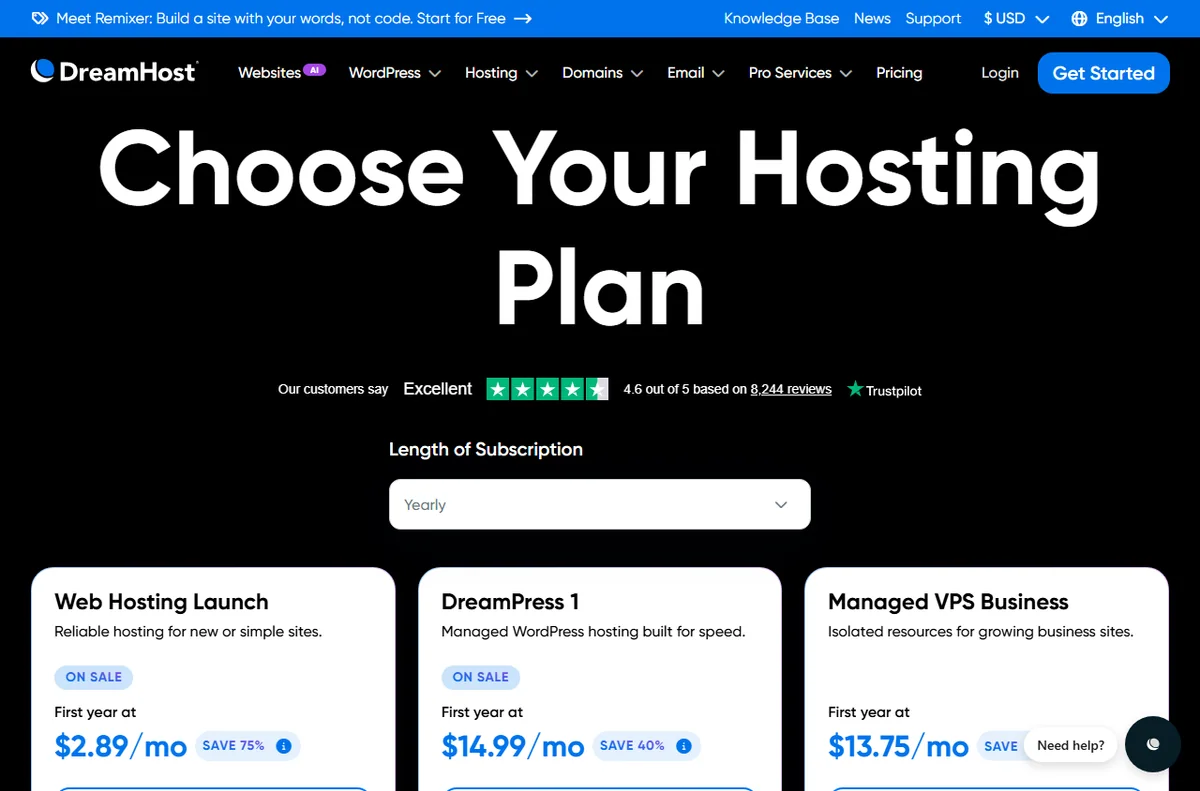
    DreamHost pricing and plans page
    DreamHost pricing (image: dreamhost.com)

    Keeping costs under control

    Hosting costs tend to rise at renewal, because the first term often carries a discount. Note the renewal date and the price you will pay, and compare it against alternatives before it renews automatically.

    That single habit keeps hosting from becoming a quiet, recurring overspend.

    DreamHost account sign-in page for the control panel
    DreamHost sign-in (image: dreamhost.com)

    Working in the panel

    The control panel is where you manage domains, databases, email, and WordPress installs. Keep a short, written map of what lives where, so that a handover or an absence does not depend on one person remembering the details.

    DreamHost domain registration page
    DreamHost domains (image: dreamhost.com)

    Where this fits in your wider stack

    For a closer look at the host, read the independent DreamHost review. To weigh it against the field, see best web hosting for small business and best hosting for bloggers, and plan ahead with hosting renewal pricing.

    Frequently asked

    Is business email included with hosting?

    Email features vary by plan, so check the plan details on the official pricing page for exactly what is included.

    How do I test a change safely?

    Copy the site to a staging environment, apply the change there, confirm it works, then apply it to the live site.

    Why do hosting prices rise at renewal?

    Introductory terms often carry a discount, so the renewal price is higher. Noting the renewal date and price in advance avoids surprises.

    Can one plan run several small sites?

    Many plans support multiple sites. Confirm the current limits on the official pricing page before you rely on it.

    Get more from your hosting

    Set up email, staging, and tested backups so the site runs itself.

    Referral link — we may earn a reward if you sign up, at no extra cost to you. We are an independent publisher. See our Affiliate Disclosure.

  • How to Use Kinsta for a Small Business

    How to Use Kinsta for a Small Business

    Home / Hosting / Guides / How to use Kinsta for a small business

    Use case · hosting · updated October 8, 2026

    How to use Kinsta for a small business: a practical workflow

    A small business rarely wants to think about servers, but it does need sites that stay up, load quickly, and can be changed without fear. Kinsta is managed WordPress hosting, so the platform handles the infrastructure while your team works on the site.

    Kinsta managed WordPress hosting homepage
    Kinsta official homepage (image: kinsta.com)

    Independent analysis. This page may contain affiliate links. Some links here are referral links; if you sign up through one we may earn a reward at no extra cost to you, and it never changes what we recommend. We are an independent publisher and are not affiliated with, endorsed by, or an official partner of any tool mentioned. See our Affiliate Disclosure.

    TL;DR

    • Make staging the default place to test every change.
    • Keep backups running and prove you can restore them.
    • Turn on caching, then measure key pages before and after.
    • Run several sites under one account to cut overhead.
    • Give each person the access they need and nothing more.

    On this page: What this covers · A small-business workflow · Staging for safe changes · Backups you can trust · Caching and performance · Managing more than one site · Team access and handovers · Where this fits

    What this covers

    This guide is about how a small business actually uses managed WordPress hosting day to day, rather than how to pick a plan. The value shows up in a repeatable workflow: test changes safely, keep a recent restore point, and keep the site fast.

    None of these habits require a developer on staff. They are small routines that prevent the expensive kind of incident, the one where a routine update takes the storefront offline on a busy afternoon.

    Kinsta homepage highlighting the managed WordPress workflow
    Kinsta features (image: kinsta.com)

    A small-business workflow

    Treat these four areas as the backbone of how you run the site. Each one has a first action you can take this week.

    Area Why it matters First action
    StagingLets you test plugins and design changes without touching the live siteCreate a staging copy before your next update
    BackupsProtects revenue if an update breaks the siteConfirm backups run, then practise one restore in staging
    CachingSpeeds up pages and absorbs traffic spikesEnable caching and re-test the key pages
    Multi-siteKeeps several properties under one loginGroup your sites in one account and label them clearly
    Based on publicly documented behaviour, checked October 8, 2026.
    Kinsta guide on using staging environments
    Kinsta staging (image: kinsta.com)

    Staging for safe changes

    Staging is a full copy of your site on its own URL. Push plugin updates, theme edits, or content experiments there first, check the result, then move the change to live.

    This single habit prevents most downtime. If an update breaks a layout or a checkout flow, you find out on a private copy instead of in front of customers.

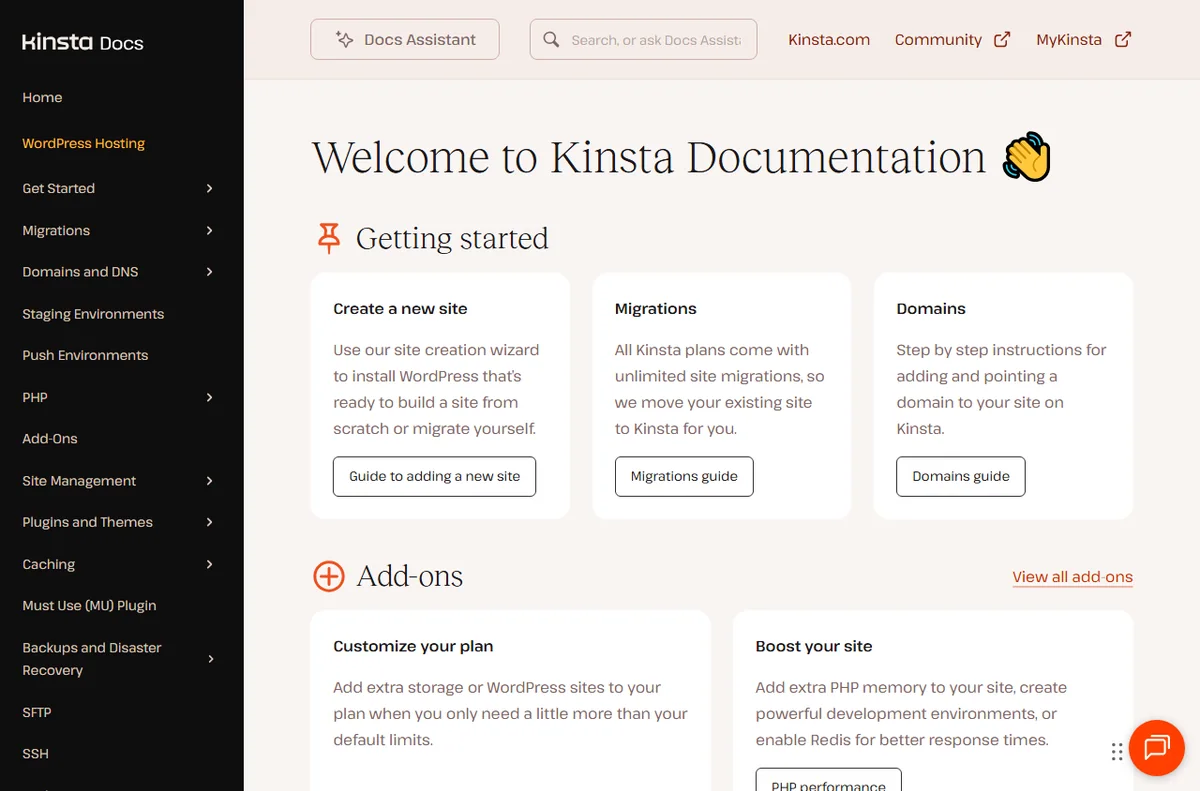
    Kinsta documentation on backups and site management
    Kinsta docs (image: kinsta.com)

    Backups you can trust

    A backup you have never tested is only a guess. Confirm that automatic backups are active, then walk through a restore in staging so you know the steps and how long they take.

    Add a manual backup before large changes such as a major plugin upgrade. That gives you a clean point to return to if something goes wrong.

    Kinsta managed WordPress hosting performance page
    Kinsta WordPress hosting (image: kinsta.com)

    Caching and performance

    Managed caching does most of the speed work, but content still matters. Compress large images, keep your plugin list lean, and measure your key pages before and after you change anything.

    Measuring beats assuming. A page that feels faster is not the same as one that loads faster for a visitor on a slower connection.

    Kinsta pricing page with plans for multiple sites
    Kinsta pricing (image: kinsta.com)

    Managing more than one site

    If you run a main site plus a landing page or two, keeping them in one account simplifies billing and access. Label each site by purpose so anyone on the team knows what is safe to change and what needs a second pair of eyes.

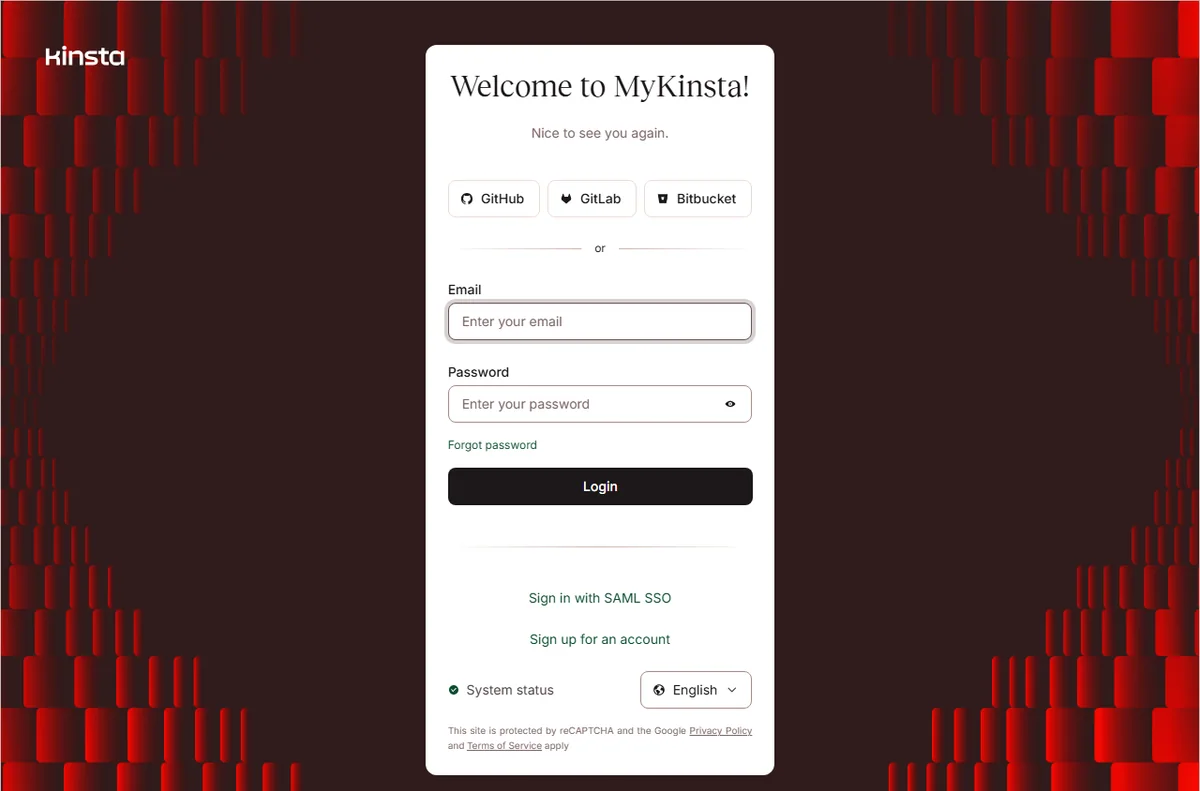
    Kinsta MyKinsta sign-in page for team access
    Kinsta sign-in (image: kinsta.com)

    Team access and handovers

    Give each team member their own login rather than sharing one account, so changes can be traced to a person. When someone leaves, revoke their access and rotate any shared credentials the site relies on, such as mail or payment integrations.

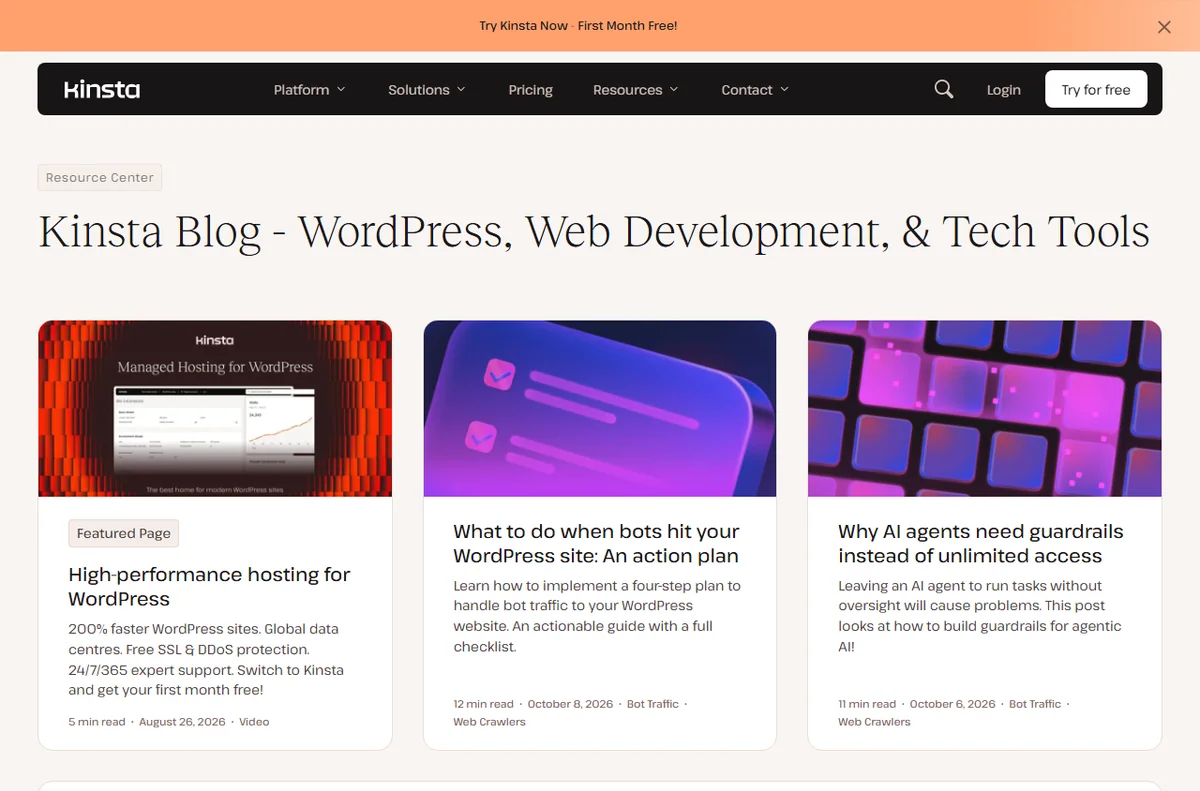
    Kinsta blog with WordPress guides and tutorials
    Kinsta blog (image: kinsta.com)

    Where this fits in your wider stack

    If you are still choosing a host, start with the independent Kinsta review and the Kinsta vs Hostinger comparison. To see how it stacks up against the wider market, read best web hosting for small business, and budget for later changes with hosting renewal pricing.

    Frequently asked

    Can a small business run staging without a developer?

    Yes. Staging is a copy of the site on its own URL, and pushing a change back to live is a built-in action rather than a manual file transfer.

    How often should I back up?

    Automatic backups run on a schedule, so the useful habit is to add a manual backup before any large change and keep a recent restore point on hand.

    Will caching break my forms or checkout?

    Test those paths after enabling caching. If something misbehaves, most platforms let you exclude specific pages from the cache.

    Do I need a separate account for each site?

    No. Several sites can sit under one account, which simplifies billing and lets you manage access from a single place.

    Put a small-business workflow in place

    Start with staging, backups, and caching, then grow the account with your sites.

    Referral link — we may earn a reward if you sign up, at no extra cost to you. We are an independent publisher. See our Affiliate Disclosure.
  • How to Use 1Password for a Small Business

    How to Use 1Password for a Small Business

    Home / Security & Privacy / Guides / How to use 1Password for a small business

    Use case · security & privacy · updated October 8, 2026

    How to use 1Password for a small business

    For a small business, the value of 1Password is not the encrypted database itself but the routine it creates: people share access through vaults instead of pasting passwords into chat, and access disappears cleanly when someone leaves.

    1Password home for password and secrets management
    1Password official homepage (image: 1password.com)

    Independent analysis. This page may contain affiliate links. Some links here are referral links; if you sign up through one we may earn a reward at no extra cost to you, and it never changes what we recommend. We are an independent publisher and are not affiliated with, endorsed by, or an official partner of any tool mentioned. See our Affiliate Disclosure.

    TL;DR

    • Shared vaults replace passwords sent over chat.
    • Onboarding is faster when access is granted by vault.
    • Offboarding must remove access in one pass.
    • Safe sharing covers one-off secrets, not just logins.
    • Recovery access should be planned, not improvised.

    On this page: What this covers · Shared vaults for shared work · Onboarding new people · Offboarding cleanly · Sharing secrets safely · Recovery and break-glass access · Where to start · Where this fits in your wider stack

    What this covers

    Most small businesses adopt a password manager to stop the same three habits: passwords sent over chat, one login shared by several people, and no clear record of who can reach what.

    This guide focuses on the routines that fix those habits, using 1Password as the example. It steers clear of quoting plan prices or trial terms, since those belong on the official pricing page.

    1Password password manager product page explaining shared vaults
    1Password features (image: 1password.com)

    Shared vaults for shared work

    The core habit is simple: anything more than one person needs goes into a shared vault rather than a private one. That way access is granted once and updated in one place.

    Keep the number of vaults small and meaningful. A team vault plus a couple of role-specific vaults is usually enough; a vault per project quickly becomes a maze nobody can audit.

    1Password sign-up page used to add people to the account
    1Password sign-up (image: 1password.com)

    Onboarding new people

    When access is organised by vault, onboarding becomes a short checklist rather than a scavenger hunt. You invite the person, add them to the vaults their role needs, and they start from day one.

    Pair the invite with a brief note on expectations: use the manager for every logins, turn on two-factor, and ask for access instead of borrowing it. Setting that tone early saves cleanup later.

    1Password business page covering team accounts and permissions
    1Password for business (image: 1password.com)

    Offboarding cleanly

    Offboarding is where password managers prove their worth, because access is revoked in one place. Remove the person from the account or the relevant vaults, then rotate anything sensitive they could have copied.

    Do not skip rotation for high-value logins such as banking or infrastructure. Leaving a known credential in place after someone leaves is the kind of gap that only shows up in an incident review.

    1Password Marketplace of integrations for secure sharing
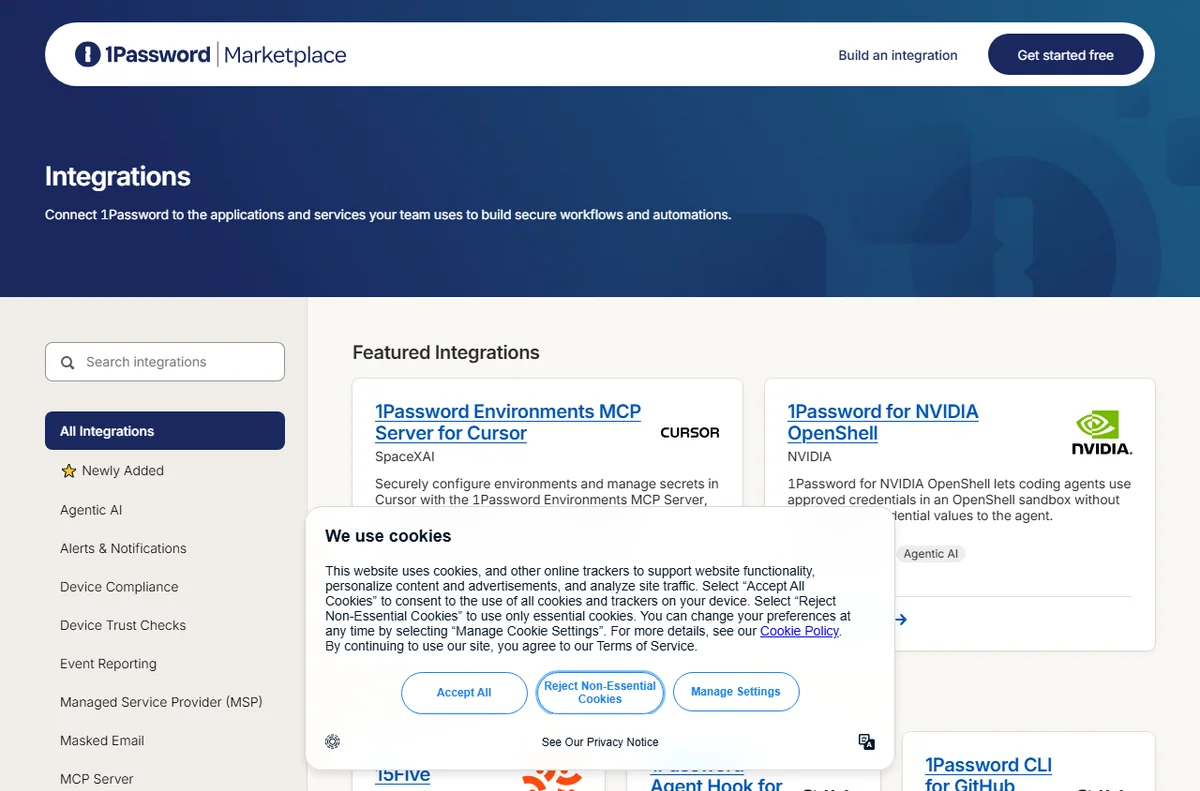
    1Password integrations (image: 1password.com)

    Sharing secrets safely

    Not every secret is a login. API keys, Wi-Fi codes and recovery phrases also need a home, and secure notes keep them out of email and chat threads.

    For one-off sharing with someone outside the account, use a link that expires rather than a permanent item. Time-limited sharing matches the way a short-term contractor relationship actually works.

    1Password app sign-in page
    1Password app sign-in (image: 1password.com)

    Recovery and break-glass access

    A password manager becomes a single point of failure if nobody can get in when the wrong person is unavailable. Plan the recovery path before you need it.

    Decide who holds emergency access, where the recovery details live, and how often you verify they still work. A recovery plan nobody has tested is a comforting idea, not a safeguard.

    1Password pricing page with plan tiers
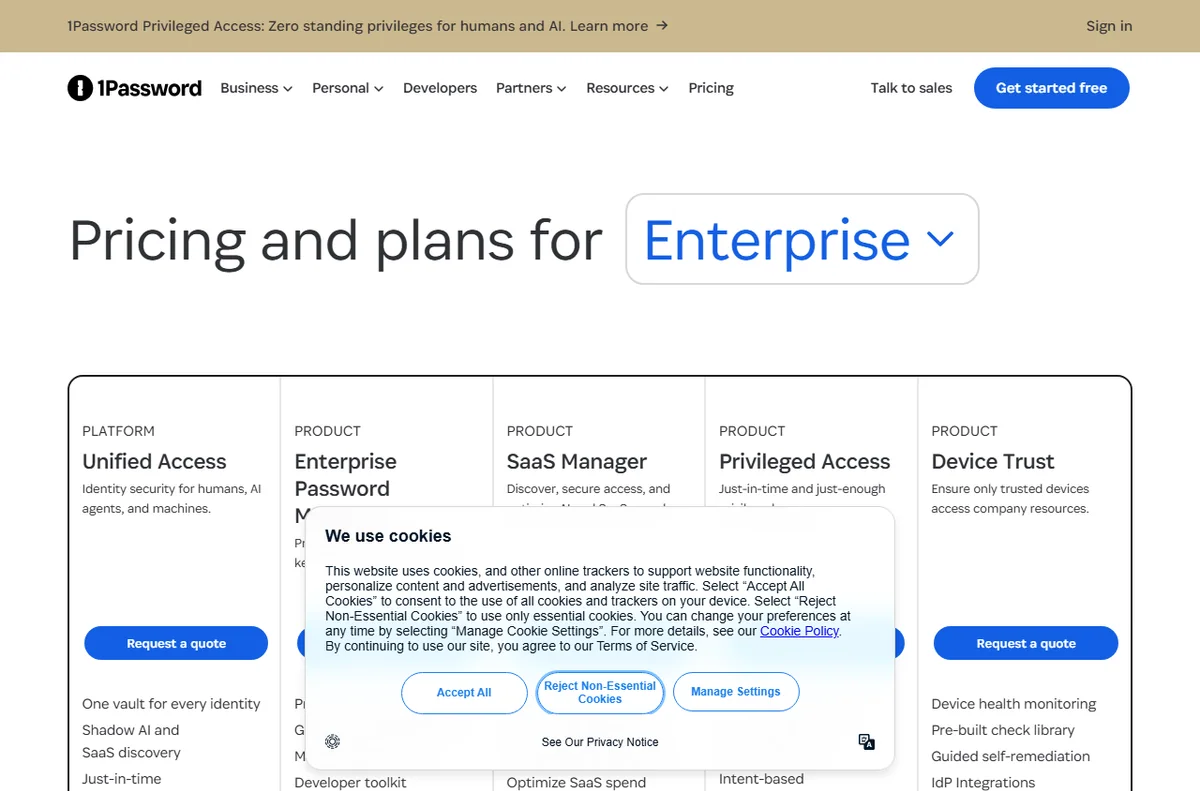
    1Password pricing (image: 1password.com)

    Where to start

    New teams do not need every feature immediately. Use the table below to pick the first routines that match your situation.

    Situation Routine to set up first Why it matters
    Two to five peopleOne shared team vaultReplaces passwords sent over chat
    Frequent hiringAccess by role, not by personOnboarding becomes a checklist
    ContractorsTime-limited sharing linksAccess expires without manual cleanup
    Regulated workTested recovery accessKeeps an audit trail intact
    Owner-run businessA written recovery planAvoids a lockout nobody else can fix
    Based on publicly documented behaviour, checked October 8, 2026.
    1Password downloads page for installing the app
    1Password downloads (image: 1password.com)

    Where this fits in your wider stack

    To choose the right tool for a team, read the 1Password vs Bitwarden comparison, then compare the field in the best password managers for small business. Broaden the picture with the best security tools for small business, and if your team works remotely, add the best VPN for small business to the shortlist.

    Frequently asked

    How is a shared vault better than a shared login?

    A shared vault lets each person keep their own account while granting access to the same items. A shared login means one credential known to many people and no clear audit trail.

    What should I check when someone leaves?

    Remove them from the account and relevant vaults, then rotate any high-value credentials they could have saved or copied.

    Can I share a secret with someone outside the team?

    Yes. Use a time-limited share for outside parties so the access expires on its own instead of lingering indefinitely.

    Do we really need a recovery plan?

    Yes. Without one, the manager can lock the whole team out when a single keyholder is unavailable. Test the plan so it works when it matters.

    Use 1Password across your team

    Set up a shared vault and make access a routine rather than an exception.

    Referral link — we may earn a reward if you sign up, at no extra cost to you. We are an independent publisher. See our Affiliate Disclosure.

  • How to Use PayPal for a Small Business

    How to Use PayPal for a Small Business

    Home / Payments / Guides / How to use PayPal for a small business

    Use case · payments · updated October 8, 2026

    How to use PayPal for a small business

    Once a PayPal account is live, the interesting question is not how to switch it on but where it earns its place. For a small business there are a handful of jobs it does well, and knowing them keeps the account focused rather than cluttered.

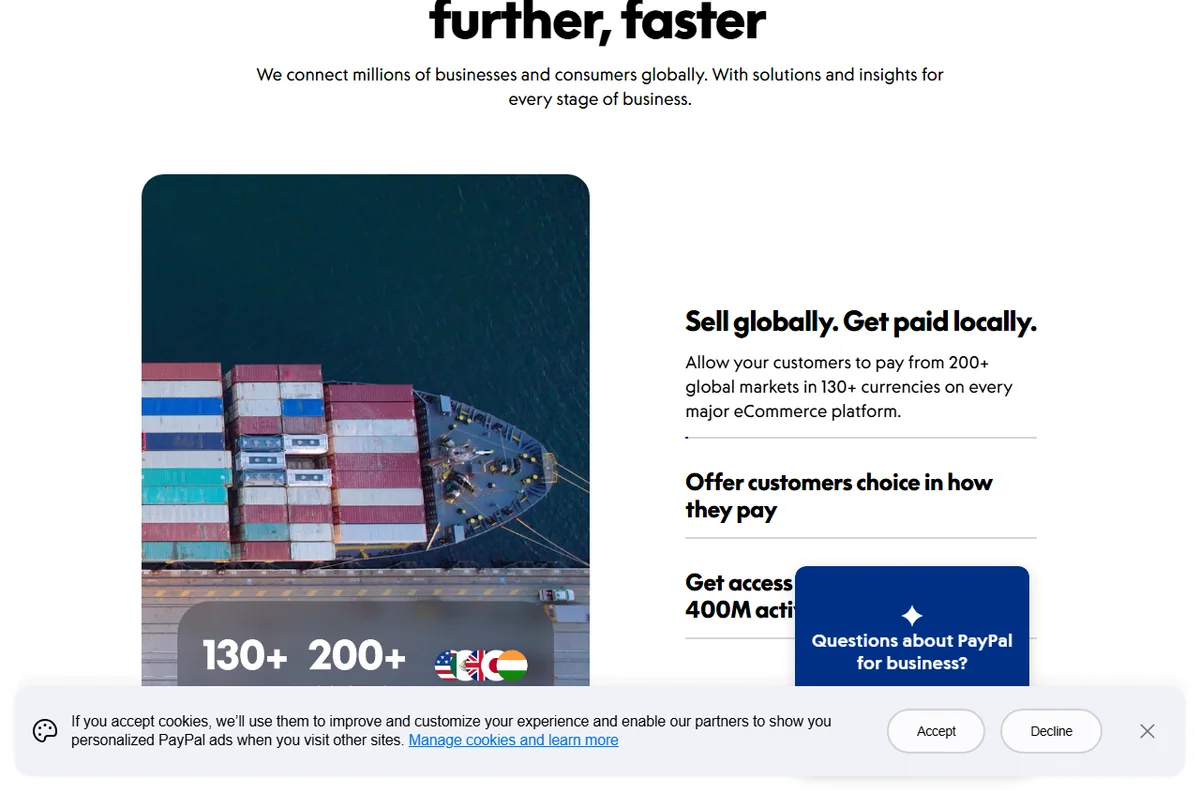
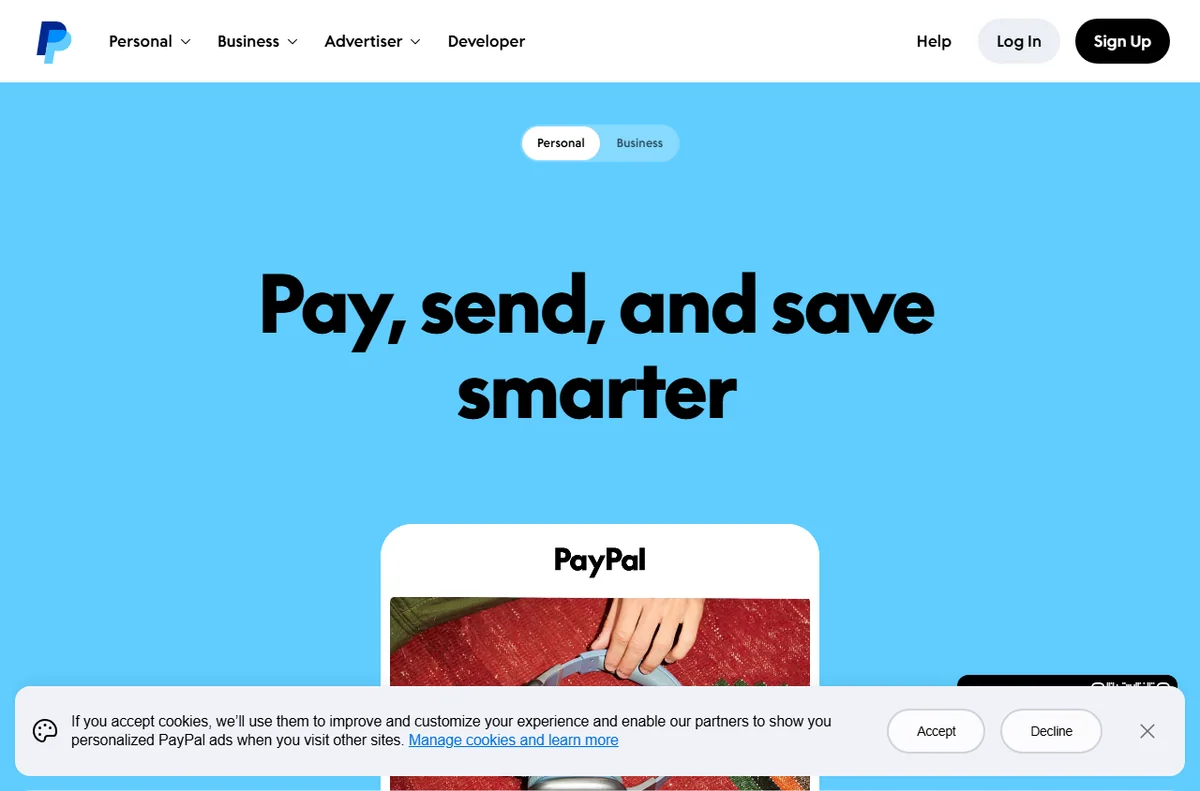
    PayPal official homepage for sending and accepting payments
    PayPal official homepage (image: paypal.com)

    Independent analysis. This page may contain affiliate links. Some links here are referral links; if you sign up through one we may earn a reward at no extra cost to you, and it never changes what we recommend. We are an independent publisher and are not affiliated with, endorsed by, or an official partner of any tool mentioned. See our Affiliate Disclosure.

    TL;DR

    • Invoicing is often the first job worth setting up.
    • Checkout buttons let you offer PayPal beside cards.
    • Recurring billing suits memberships and retainers.
    • Refund handling keeps disputes off your desk.
    • Clean reporting makes month-end reconciliation faster.

    On this page: What this covers · Six ways small businesses use PayPal · Invoicing and getting paid · Checkout buttons and site payments · Recurring billing and subscriptions · Refunds and disputes · Reporting and reconciliation · Where to start · Where this fits in your wider stack

    What this covers

    PayPal is rarely the only way a small business gets paid, but it is often the most familiar to buyers. That familiarity is the real asset: a customer who already trusts the brand is one less hesitation at checkout.

    This guide lists the practical jobs PayPal handles well for a small team, then helps you decide which to set up first. It avoids specific fees or plan limits, because those are best confirmed on the official pricing page.

    PayPal business solutions page listing ways to get paid
    PayPal business solutions (image: paypal.com)

    Six ways small businesses use PayPal

    • Invoicing: send a payable invoice by email and let the status track itself.
    • Site checkout: add a payment button or a gateway integration to your store.
    • Recurring billing: charge a subscription or membership on a schedule.
    • Refunds and disputes: reverse a charge and answer a buyer claim from one place.
    • Reporting: reconcile sales, fees and payouts against your bookkeeping.
    • Cross-border payments: receive money from buyers in other countries and currencies.
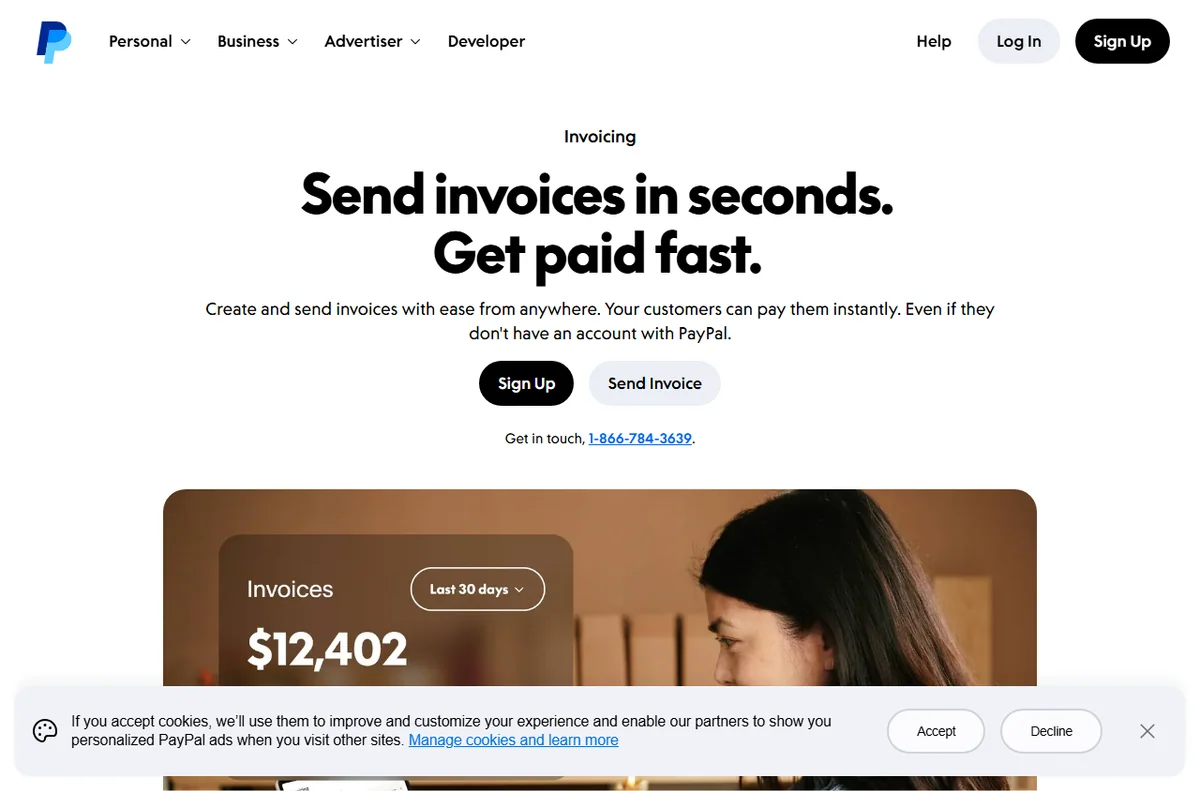
    PayPal invoicing page to create and send invoices
    PayPal invoicing (image: paypal.com)

    Invoicing and getting paid

    For service businesses, invoicing is usually the first feature worth learning. You create an invoice, send it by email and the customer pays online without a back-and-forth about bank details.

    The quiet benefit is the paper trail. Each invoice carries a status, so you can see what is paid, what is outstanding and what has been refunded without rebuilding the picture in a spreadsheet.

    PayPal accept payments page for online checkout buttons
    PayPal accept payments (image: paypal.com)

    Checkout buttons and site payments

    If you run an online store, PayPal can sit beside your card processor as an extra option. The setup ranges from a simple button for a single product to a full gateway integration on a platform.

    The decision is mostly about how much control you want. A button is fast to add; a full integration gives you a smoother flow and better reporting, at the cost of more setup time.

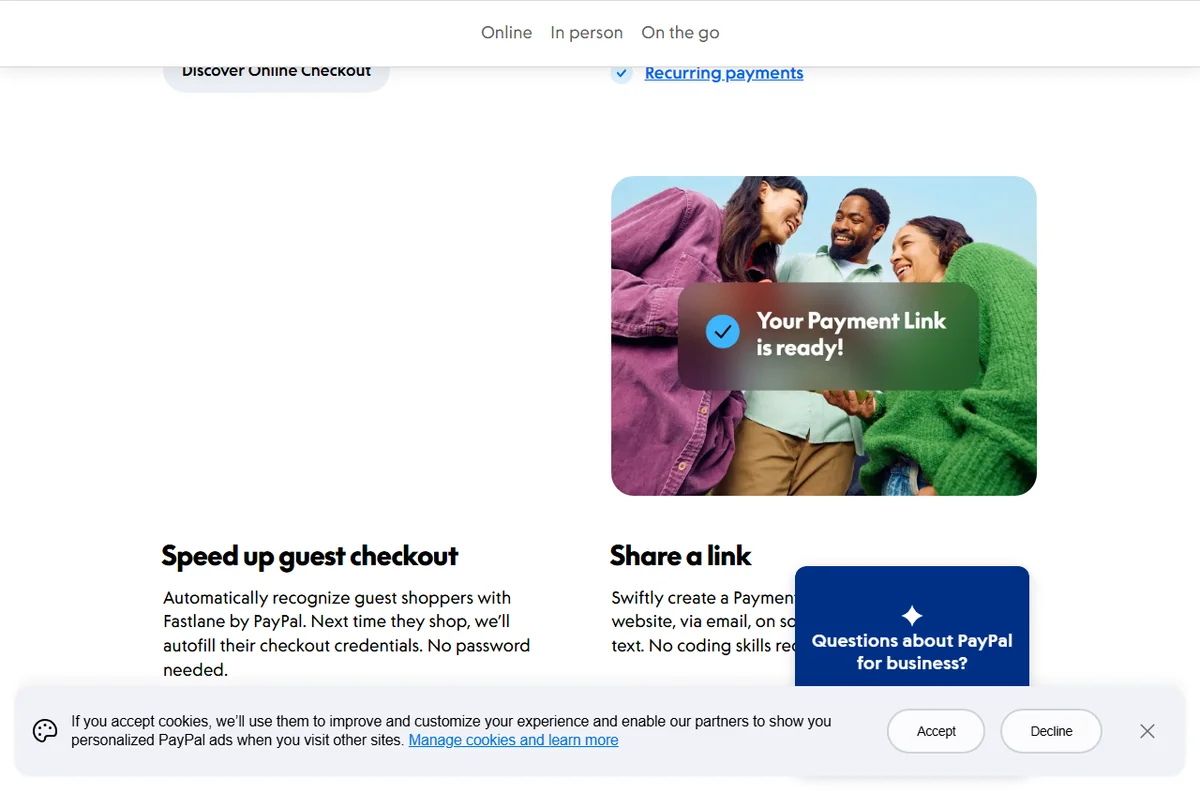
    PayPal payments page section covering recurring billing and subscriptions
    PayPal recurring payments (image: paypal.com)

    Recurring billing and subscriptions

    Memberships, retainers and box-of-the-month services all depend on repeat charges. PayPal supports this pattern so you are not manually re-invoicing each cycle.

    Before switching recurring revenue on, decide how you will handle failed payments and cancellations. Those two paths cause more support tickets than the charges themselves.

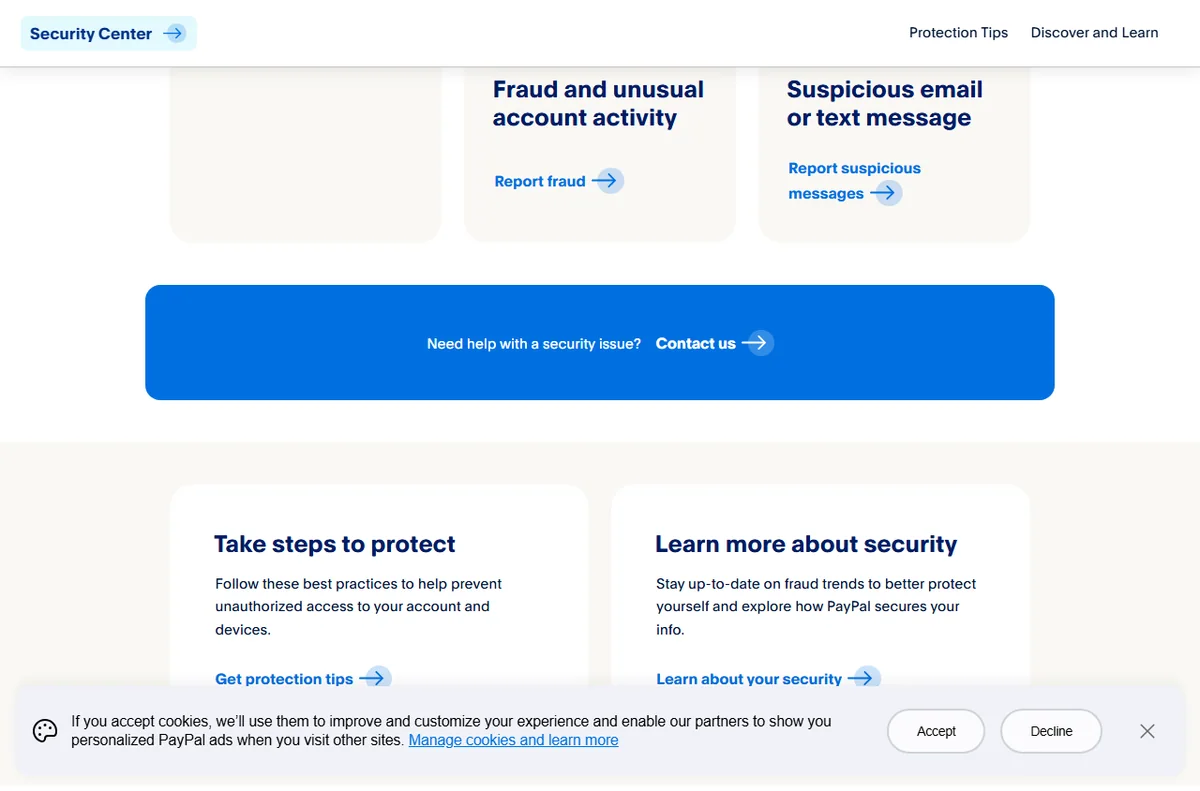
    PayPal Security Center section on disputes, chargebacks and fraud
    PayPal disputes and fraud (image: paypal.com)

    Refunds and disputes

    Refunds are a normal cost of selling, and handling them quickly protects your standing with buyers. PayPal lets you reverse a payment directly, with the original transaction as the reference.

    Disputes are the other side of the same coin. Respond with clear evidence, keep the timeline tight, and treat the process as a reason to document your sales terms up front.

    PayPal business page section on sales reporting and insights
    PayPal reporting (image: paypal.com)

    Reporting and reconciliation

    Every payout carries a fee, and those fees need to reach your books. Downloading a transaction report at a regular interval keeps reconciliation to minutes instead of hours.

    If you sell through more than one channel, export from each and match them against your platform data. Consistency matters more than perfection here.

    Where to start

    You do not need every feature on day one. Use the table below to pick the first two that match how you actually sell today.

    Way you sell Best PayPal feature When to prioritise it
    Occasional invoicesInvoicingYou bill a handful of clients and want a record
    Own-website salesCheckout buttons or gatewayYou run a store and want PayPal beside cards
    MembershipsRecurring billingRevenue depends on repeat charges
    Returns and refundsRefunds and disputesYou sell physical goods people send back
    Monthly bookkeepingReportingYou reconcile every month and need clean data
    Based on publicly documented behaviour, checked October 8, 2026.
    PayPal merchant fees page showing transaction pricing
    PayPal fees (image: paypal.com)

    Where this fits in your wider stack

    This page is one part of a wider path. Compare the two big names in the Wise vs PayPal comparison, then review the best payment gateways for small business and the best money transfer services. When you are done, the payments hub keeps the rest of the stack in one place.

    Frequently asked

    Should I use PayPal as my only payment method?

    Usually not. PayPal works best alongside a card processor, so buyers who prefer a card are not turned away and buyers who trust PayPal have their option.

    How many PayPal features do I need on day one?

    Pick the one or two that match how you sell right now. Adding invoicing when you mostly run a store, or the reverse, just creates admin.

    What slows refunds down?

    Unclear return terms and slow replies. Documenting your policy and answering disputes with evidence keeps the process predictable.

    How do I keep PayPal fees out of my books by accident?

    Export a transaction report on a fixed schedule and reconcile it against your platform data, so fees are recorded rather than quietly absorbed.

    Put PayPal to work in your business

    Start with the feature that matches how you sell today, then grow from there.

    Referral link — we may earn a reward if you sign up, at no extra cost to you. We are an independent publisher. See our Affiliate Disclosure.
  • How to Use Thinkific for a Small Business: Five Plays

    How to Use Thinkific for a Small Business: Five Plays

    Home / Course Platforms / Guides / How to use Thinkific for a small business

    Use case · course platforms · updated October 8, 2026

    How to use Thinkific for a small business

    A small business often has knowledge worth packaging: how you onboard clients, train staff, or teach a skill. Thinkific turns that knowledge into a paid or internal course. These five plays show where it fits.

    Thinkific homepage for selling online courses
    Thinkific official homepage (image: thinkific.com)

    Independent analysis. This page may contain affiliate links. Some links here are referral links; if you sign up through one we may earn a reward at no extra cost to you, and it never changes what we recommend. We are an independent publisher and are not affiliated with, endorsed by, or an official partner of any tool mentioned. See our Affiliate Disclosure.

    TL;DR

    • Thinkific suits knowledge that is repeatable, not one-off advice.
    • Client onboarding and staff training are often the fastest internal wins.
    • A low-priced entry product can feed a higher-priced service.
    • Course-first means less marketing built in; pair it with your own email tool if needed.
    • Confirm current plan limits and fees on Thinkific’s own pricing page.

    On this page: Why a small business uses Thinkific · Five plays to consider · Which play fits · What the plays share · Guardrails · Where this fits

    Thinkific courses feature page
    Thinkific courses (image: thinkific.com)

    Why a small business uses Thinkific

    The trigger is repetition. When you explain the same onboarding, process or skill again and again, a course stops being a product and becomes a tool: it teaches once and runs forever.

    Thinkific is course-first, so the delivery experience is strong. If you need heavy marketing automation, pair it with a separate email tool.

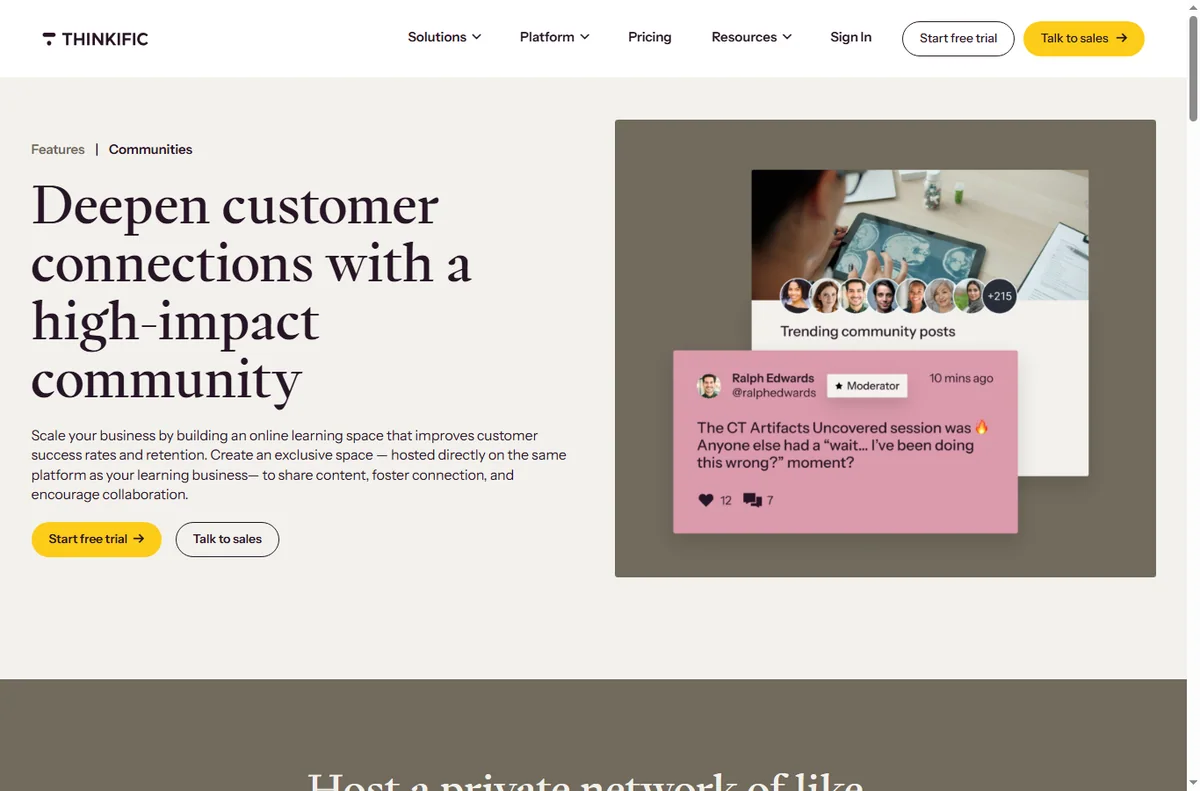
    Thinkific learning communities feature page
    Thinkific learning communities (image: thinkific.com)

    Five plays to consider

    • Sell a paid course — package a skill into structured lessons.
    • Onboard clients — teach new clients how to work with you before the first call.
    • Train staff — consistent internal training without repeating yourself.
    • Package a workshop — turn a live session into an evergreen course.
    • Low-priced entry product — a small paid course that leads to a bigger service.
    Thinkific landing pages feature page
    Thinkific landing pages (image: thinkific.com)

    Which play fits your business

    Business Best play Why
    Coach or consultantPaid course or entry productKnowledge is the product
    Service businessClient onboardingCuts repeated explanations
    Team of any sizeStaff trainingConsistency and time saved
    TrainerWorkshop to courseMultiply a live session
    Based on publicly documented behaviour, checked October 8, 2026.

    What the plays share

    Each play needs a defined outcome, a short path to it, and a reason to keep going to the end. Thinkific gives you the delivery; you supply the clarity of the promise.

    Keep lessons short and outcome-focused. Students finish small, specific lessons; they abandon long, vague ones.

    Thinkific payments feature page
    Thinkific payments (image: thinkific.com)

    Guardrails for a small business

    • Start with the play that saves or earns the most for the least build time.
    • Ship one course before starting a second.
    • Track completion, not just enrolment — it shows whether the course works.
    • Keep a welcome email so students know what to do first.
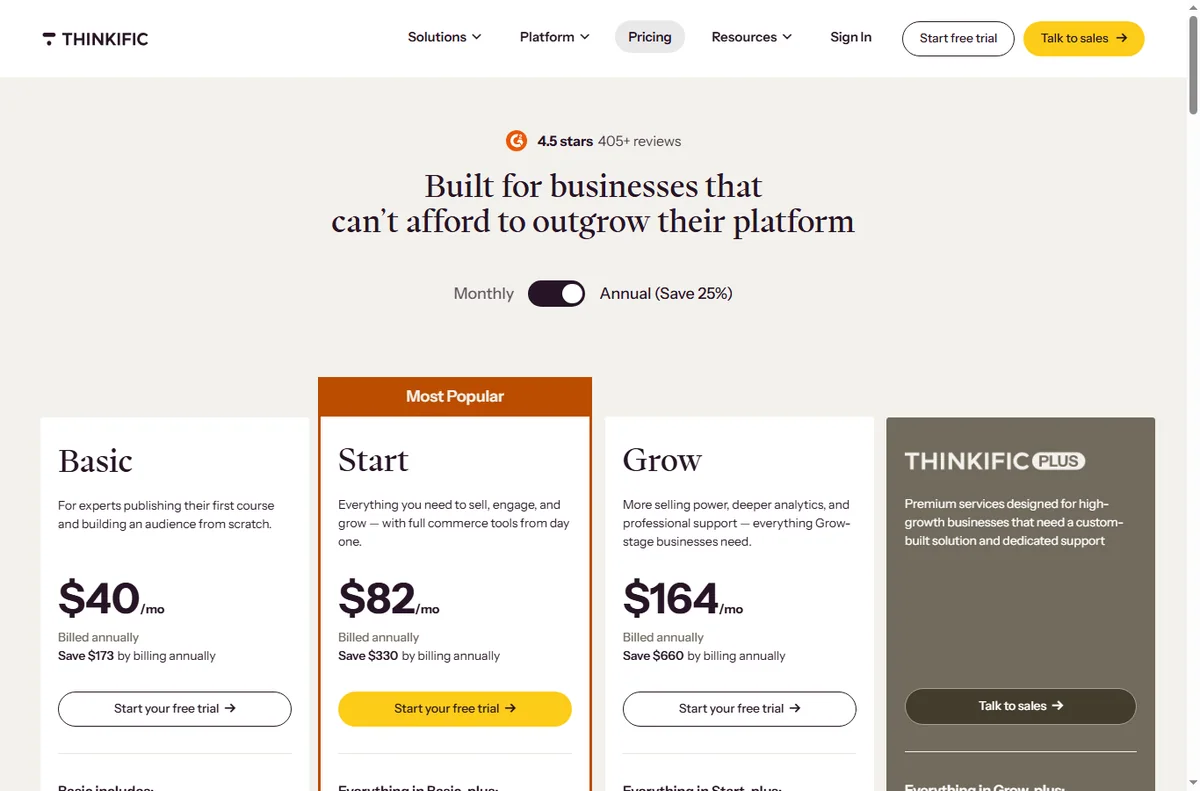
    Thinkific pricing page with plan tiers
    Thinkific pricing (image: thinkific.com)

    Where this fits in your wider stack

    Read the independent Thinkific review and start from the course platforms hub. Comparing options? See Teachable vs Thinkific and Kajabi vs Thinkific. For a shortlist, read best course platforms.

    Frequently asked

    Is Thinkific only for selling courses?

    No. Many businesses use it internally for client onboarding and staff training, where the “student” is not a paying customer.

    How is it different from an all-in-one?

    Thinkific is course-first, so delivery is strong and marketing is lighter. An all-in-one bundles more but imposes its way of working.

    Which play should I start with?

    The one that recurs most often in your week. If you onboard clients repeatedly, start there.

    How do I know a course is working?

    Look at completion and, for paid courses, repeat or upsell. High enrolment with low completion means the course needs work.

    Turn repeated knowledge into a course

    Pick the play that saves the most time or earns the most, and ship one course.

    Referral link — we may earn a reward if you sign up, at no extra cost to you. We are an independent publisher. See our Affiliate Disclosure.
  • How to Use Kajabi for a Small Business: Five Plays

    How to Use Kajabi for a Small Business: Five Plays

    Home / Course Platforms / Guides / How to use Kajabi for a small business

    Use case · course platforms · updated October 8, 2026

    How to use Kajabi for a small business

    Kajabi is often filed under online courses, but a small business can use it more broadly: to sell knowledge, run a membership, or bundle a product with the emails and pages around it. These five plays cover the common cases.

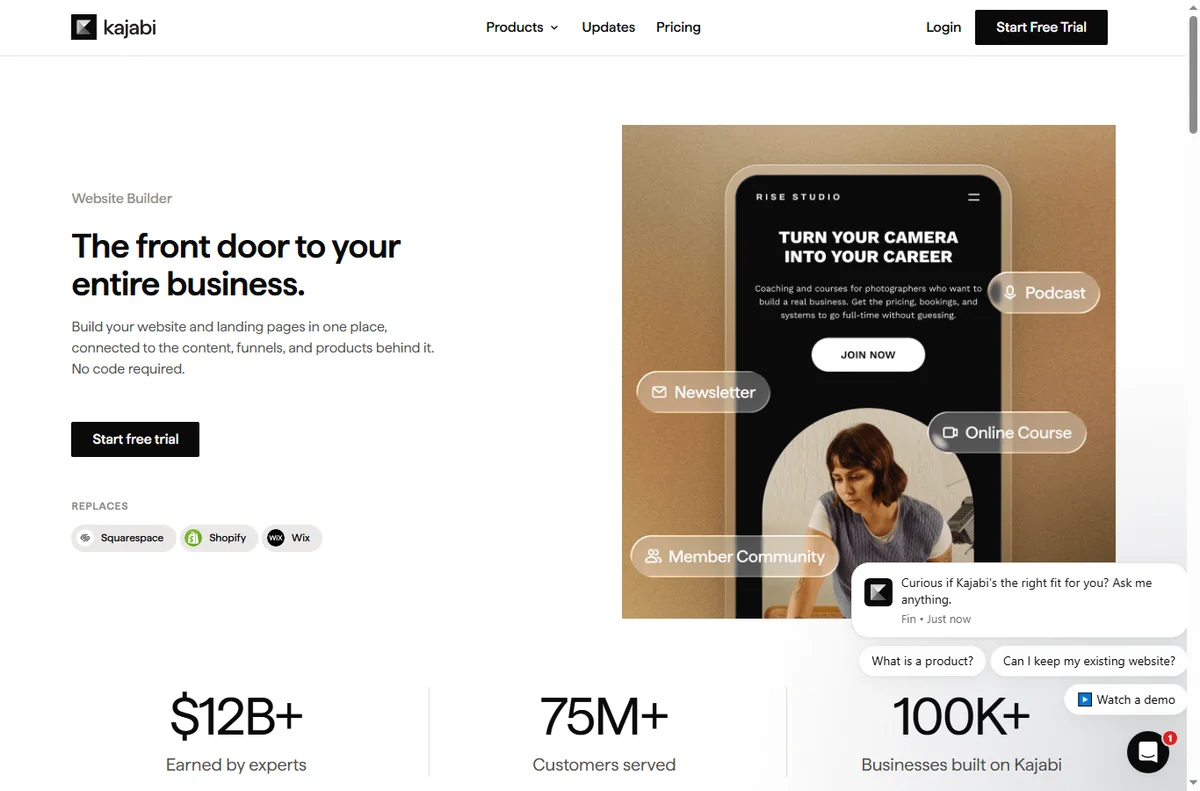
    Kajabi homepage for turning expertise into products
    Kajabi official homepage (image: kajabi.com)

    Independent analysis. This page may contain affiliate links. Some links here are referral links; if you sign up through one we may earn a reward at no extra cost to you, and it never changes what we recommend. We are an independent publisher and are not affiliated with, endorsed by, or an official partner of any tool mentioned. See our Affiliate Disclosure.

    TL;DR

    • Kajabi is strongest when you sell knowledge or access, not physical goods.
    • All-in-one means fewer tools, at the cost of using one platform’s way of working.
    • Start with one play, prove it converts, then add a second.
    • Bundle products and email so the platform does more than host content.
    • Confirm current plan limits and pricing on Kajabi’s own pricing page.

    On this page: Why a small business uses Kajabi · Five plays to consider · Which play fits · What the plays share · Guardrails · Where this fits

    Kajabi online courses product page
    Kajabi online courses (image: kajabi.com)

    Why a small business uses Kajabi

    If your business sells expertise, access or recurring value, you face the same stack problem: a course tool, a page builder, an email tool and a checkout. Kajabi collapses those into one account, which is its main appeal for a small team.

    The trade-off is real: all-in-one platforms want you to work their way. If that fits your business, the time saved is significant.

    Kajabi communities product page
    Kajabi communities (image: kajabi.com)

    Five plays to consider

    • Launch a course — package what you already know into a paid, structured outcome.
    • Sell coaching or consulting — gate sessions, resources and follow-ups behind a product.
    • Run a membership — recurring access to content, community or updates.
    • Gate a resource library — templates and tools for a fee or an email.
    • Bundle product and email — sell an offer and nurture buyers in the same platform.
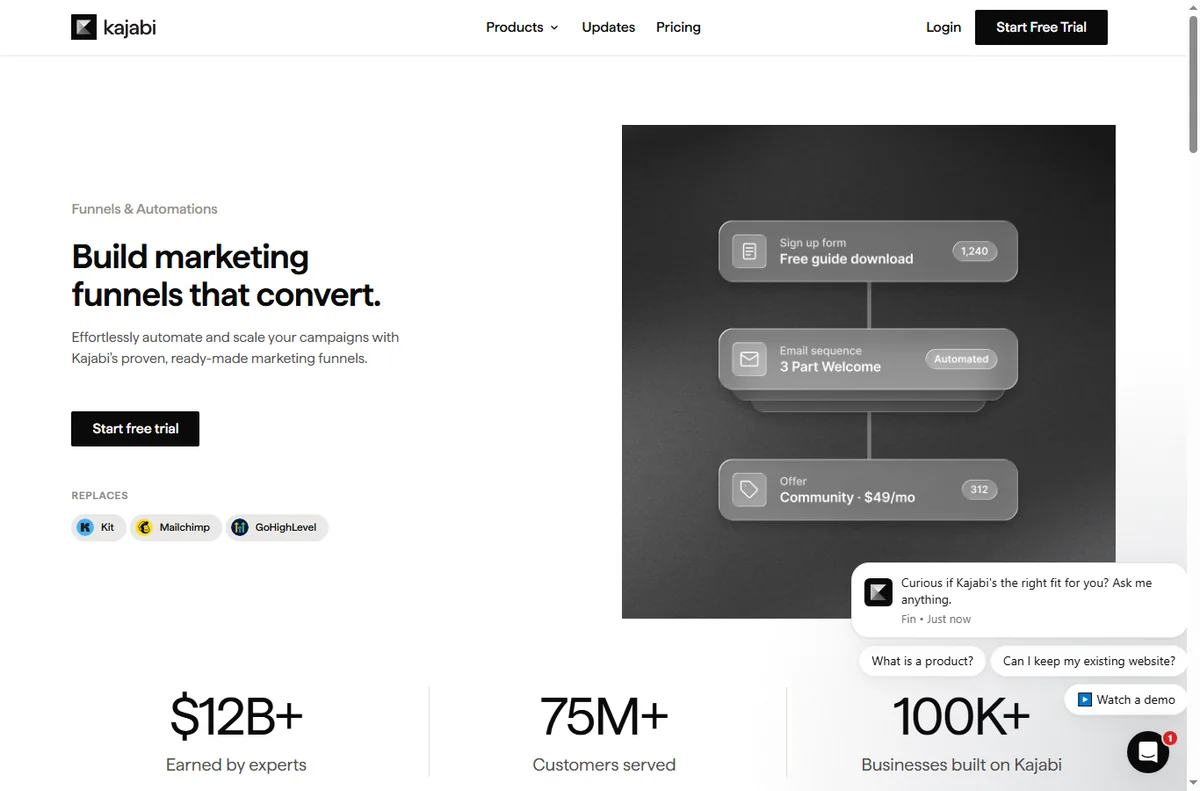
    Kajabi funnels feature page
    Kajabi funnels (image: kajabi.com)

    Which play fits your business

    Business Best play Why
    Expert or consultantCourse or coachingSells knowledge directly
    Creator with a followingMembershipRecurring access fits an audience
    Agency or freelancerGated resource libraryTemplates add value to services
    Product businessBundle product and emailNurture buyers without a second tool
    Based on publicly documented behaviour, checked October 8, 2026.
    Kajabi website and page builder feature page
    Kajabi website builder (image: kajabi.com)

    What the plays share

    Every play needs the same three things: a clear promise, a product that delivers it, and a follow-up that keeps the buyer engaged. Kajabi gives you one place to run all three, which is the point of choosing an all-in-one.

    Keep the promise specific. “Learn marketing” sells poorly; “run your first paid campaign in a week” sells well.

    Kajabi payments feature page
    Kajabi payments (image: kajabi.com)

    Guardrails for a small business

    • Price before you build, so you know it is worth the effort.
    • Ship one offer before starting a second.
    • Set up the welcome and follow-up emails early.
    • Review churn if you run a membership; access products lose value if unused.
    Kajabi pricing page with plan tiers
    Kajabi pricing (image: kajabi.com)

    Where this fits in your wider stack

    Read the independent Kajabi review and start from the course platforms hub. Comparing options? See Kajabi vs Thinkific and the course platform pricing comparison. For pricing strategy, read course pricing strategy.

    Frequently asked

    Is Kajabi only for online courses?

    No. It is used for coaching, memberships, gated resources and product-plus-email bundles as well.

    Is an all-in-one worth it for a small team?

    It is when you would otherwise pay for and maintain several tools. If you only need one feature, a specialist tool can be cheaper.

    Which play should I start with?

    The one that matches how you already make money. Package what you sell today before inventing a new offer.

    How do I keep members engaged?

    Regular, useful updates and a clear schedule. Access products lose value if members stop finding a reason to return.

    Turn your expertise into a product

    Pick one play, price it, and deliver it inside a single platform.

    Referral link — we may earn a reward if you sign up, at no extra cost to you. We are an independent publisher. See our Affiliate Disclosure.
  • How to Use ClickFunnels for a Small Business: Five Funnels

    How to Use ClickFunnels for a Small Business: Five Funnels

    Home / Funnel Builders / Guides / How to use ClickFunnels for a small business

    Use case · funnel builders · updated October 8, 2026

    How to use ClickFunnels for a small business

    A small business does not need a dozen funnels. It needs a few that map to how customers actually arrive and buy. These five cover most small-business goals without over-building.

    ClickFunnels homepage for marketing funnels
    ClickFunnels official homepage (image: clickfunnels.com)

    Independent analysis. This page may contain affiliate links. Some links here are referral links; if you sign up through one we may earn a reward at no extra cost to you, and it never changes what we recommend. We are an independent publisher and are not affiliated with, endorsed by, or an official partner of any tool mentioned. See our Affiliate Disclosure.

    TL;DR

    • Match the funnel to the goal, not the other way around.
    • Lead capture converts cold traffic; sales funnels convert warm traffic.
    • A tripwire funnel can fund the ad spend behind a free offer.
    • One funnel done well beats five half-built ones.
    • Measure opt-in and conversion rates, not page count.

    On this page: Why a small business uses funnels · Five funnels to consider · Which funnel fits · Building blocks you reuse · Guardrails · Where this fits

    ClickFunnels sales funnels feature page
    ClickFunnels sales funnels (image: clickfunnels.com)

    Why a small business uses funnels

    A page asks a visitor to decide; a funnel guides them. For a small business with limited traffic, guiding each visitor through a short, purposeful sequence lifts the return on the traffic you already have.

    The trick is restraint. Choose the funnel that matches your goal this quarter and ignore the rest until it works.

    ClickFunnels funnel builder feature page
    ClickFunnels funnel builder (image: clickfunnels.com)

    Five funnels to consider

    • Lead capture funnel — offer a useful resource in exchange for an email.
    • Sales funnel — present one offer and take the order on a single page.
    • Webinar registration funnel — register interest, then remind and follow up.
    • Tripwire funnel — a low-priced first offer that turns a lead into a buyer.
    • Order form funnel — a focused checkout for one product or service.

    Which funnel fits your goal

    Goal Funnel Why
    Build an email listLead captureLow commitment, high volume
    Sell one product or serviceSales funnelOne clear decision
    Fill a live sessionWebinar registrationRegistration plus reminders
    Turn leads into buyersTripwireLow-priced first purchase
    Simplify a single checkoutOrder formFewer distractions, less drop-off
    Based on publicly documented behaviour, checked October 8, 2026.
    ClickFunnels page editor feature page
    ClickFunnels editor (image: clickfunnels.com)

    Building blocks you reuse

    Across all five funnels you reuse the same pieces: a headline, a short explanation, one call to action, an optional form, and a thank-you step. Learn these once and each new funnel is mostly copywriting.

    Keep a swipe file of the headlines and buttons that worked so your next funnel starts from proof rather than guesswork.

    ClickFunnels pricing page with plans
    ClickFunnels pricing (image: clickfunnels.com)

    Guardrails for a small business

    • Give each funnel one owner and one goal.
    • Track opt-in and conversion rates, not vanity page views.
    • Keep follow-up emails ready before you launch the funnel.
    • Retire funnels that underperform instead of piling on new ones.
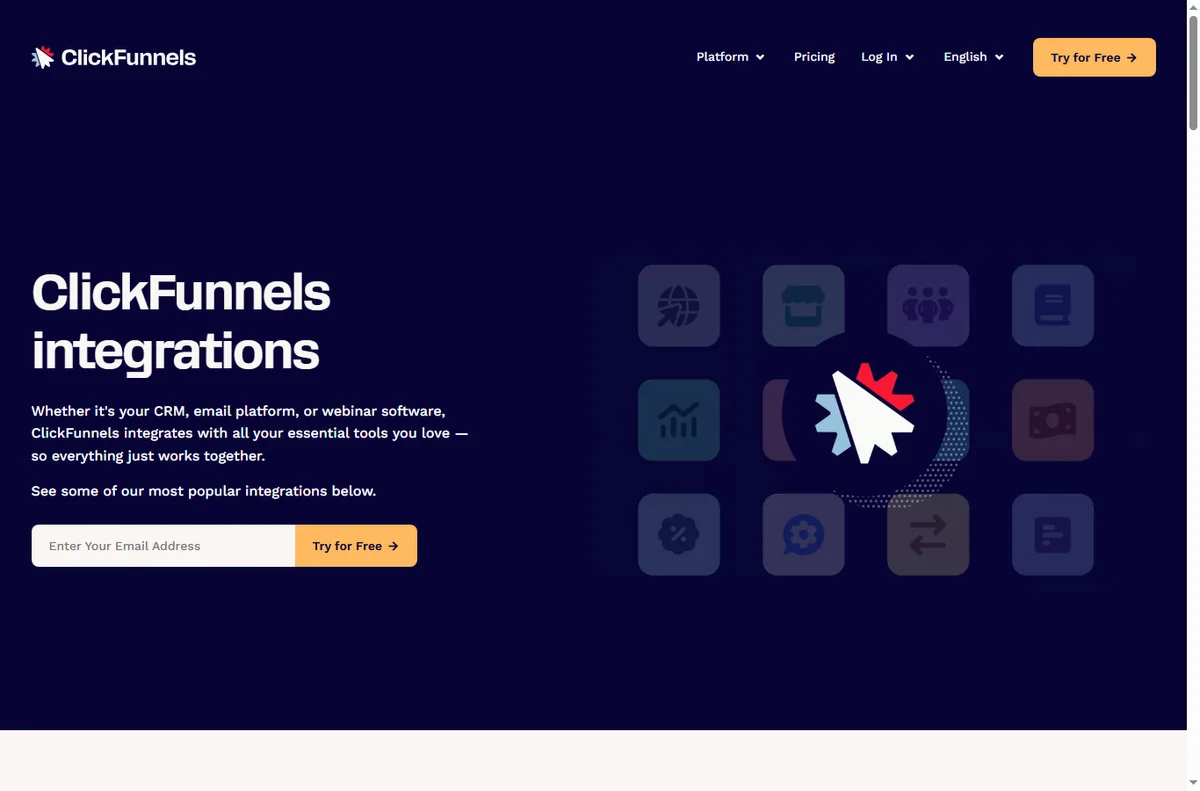
    ClickFunnels integrations directory
    ClickFunnels integrations (image: clickfunnels.com)

    Where this fits in your wider stack

    Read the independent ClickFunnels review and start from the funnel builders hub. Comparing tools? See Systeme.io vs ClickFunnels. For a shortlist and cost breakdown, read best funnel builders and the funnel builder pricing guide.

    Frequently asked

    How many funnels should I start with?

    One. Build it, learn what converts, then add a second only when the first is working.

    Do I need paid traffic to use funnels?

    No. Funnels improve the return on any traffic. Paid traffic just makes the math easier to see because the numbers arrive faster.

    Can I use the same funnel for several products?

    You can, but one funnel per offer usually converts better because the message stays focused.

    What should I measure?

    Opt-in rate for lead funnels and conversion rate for sales funnels. Those two tell you whether the funnel earns its place.

    Put one small-business funnel to work

    Choose the goal that matters this quarter and build the funnel that fits it.

    Referral link — we may earn a reward if you sign up, at no extra cost to you. We are an independent publisher. See our Affiliate Disclosure.
  • How to Use n8n for a Small Business: Seven Workflows

    How to Use n8n for a Small Business: Seven Workflows

    Home / Automation / Guides / How to use n8n for a small business

    Use case · automation · updated October 8, 2026

    How to use n8n for a small business

    A small team rarely needs an army of automations. It needs five to seven reliable ones that remove the work nobody wants to repeat. These are the n8n workflows that pay back fastest for a small business.

    Independent analysis. This page may contain affiliate links. Some links here are referral links; if you sign up through one we may earn a reward at no extra cost to you, and it never changes what we recommend. We are an independent publisher and are not affiliated with, endorsed by, or an official partner of any tool mentioned. See our Affiliate Disclosure.

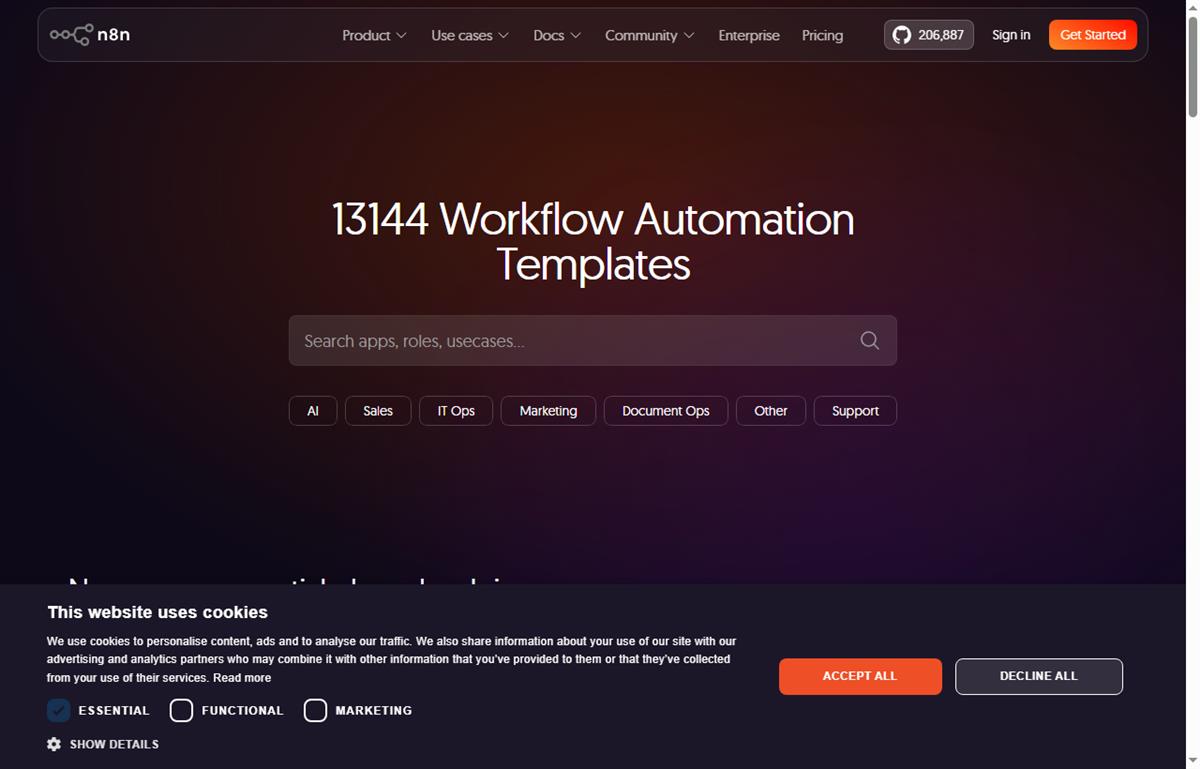
    n8n workflow templates you can build from
    Example n8n workflows you can start from at n8n.io/workflows (image: n8n.io)

    TL;DR

    • Start with the workflow that removes the most repetitive manual work, not the cleverest one.
    • Lead capture and routing is usually the highest-value first automation.
    • Internal notifications and reporting save time without touching customer-facing steps.
    • Self-hosting becomes attractive once you run several busy workflows.
    • Track time saved, not the number of workflows you build.

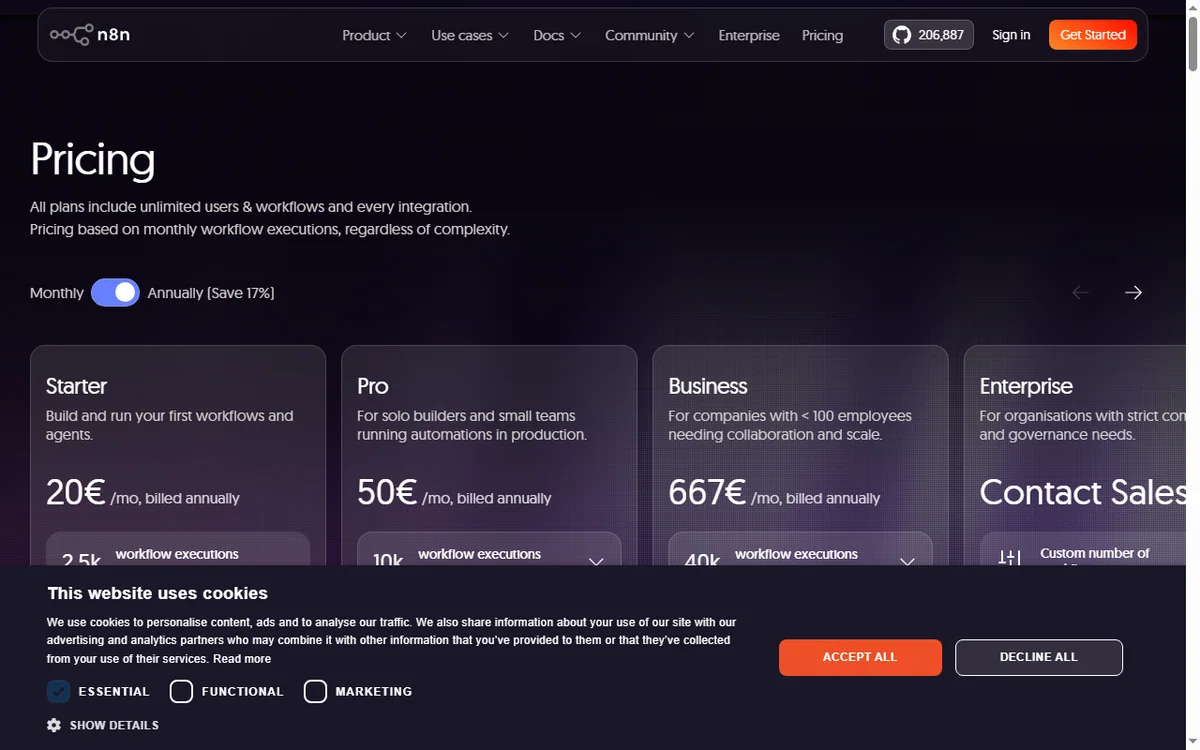
    On this page: Why a small business uses n8n · Seven practical workflows · Which to build first · The core skills you reuse · Guardrails for a small team · Where this fits

    N8n pricing page
    N8n pricing (image: n8n.com)

    Why a small business uses n8n

    The pattern is familiar: a form arrives, someone copies it into a spreadsheet, someone else emails the customer, and a third person forgets to follow up. n8n turns that chain into one workflow that runs the moment the trigger fires.

    You do not need a developer for this. You need one clear process, two or three connected apps, and the discipline to test before you switch it on.

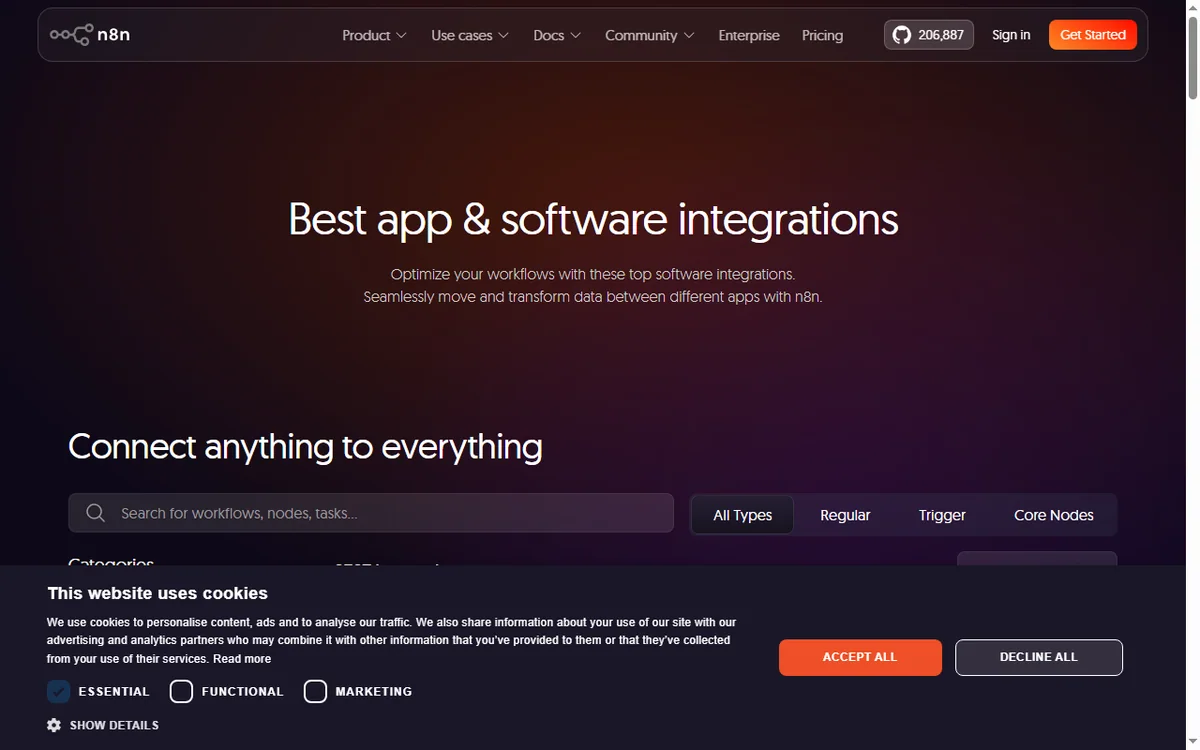
    N8n home page
    N8n home (image: n8n.com)

    Seven practical workflows

    • Lead capture and routing — a form submission creates a contact and notifies the right person.
    • Invoice chasing — a scheduled check flags overdue invoices and sends a reminder.
    • Daily reporting digest — pull key numbers each morning into one message.
    • Order or booking notifications — alert the team the moment a sale lands.
    • Content publishing — draft to review to scheduled publish without manual copying.
    • Internal approvals — a request routes to the right approver and records the decision.
    • Appointment reminders — confirmations and reminders sent on a schedule.

    Which to build first

    Priority Workflow Typical payback
    1Lead capture and routingImmediate — stops lost leads
    2Invoice chasingDays — improves cash flow
    3Order or booking notificationsImmediate — faster response
    4Daily reporting digestWeekly — saves admin time
    5Internal approvalsWeeks — removes email chains
    Based on publicly documented behaviour, checked October 8, 2026.
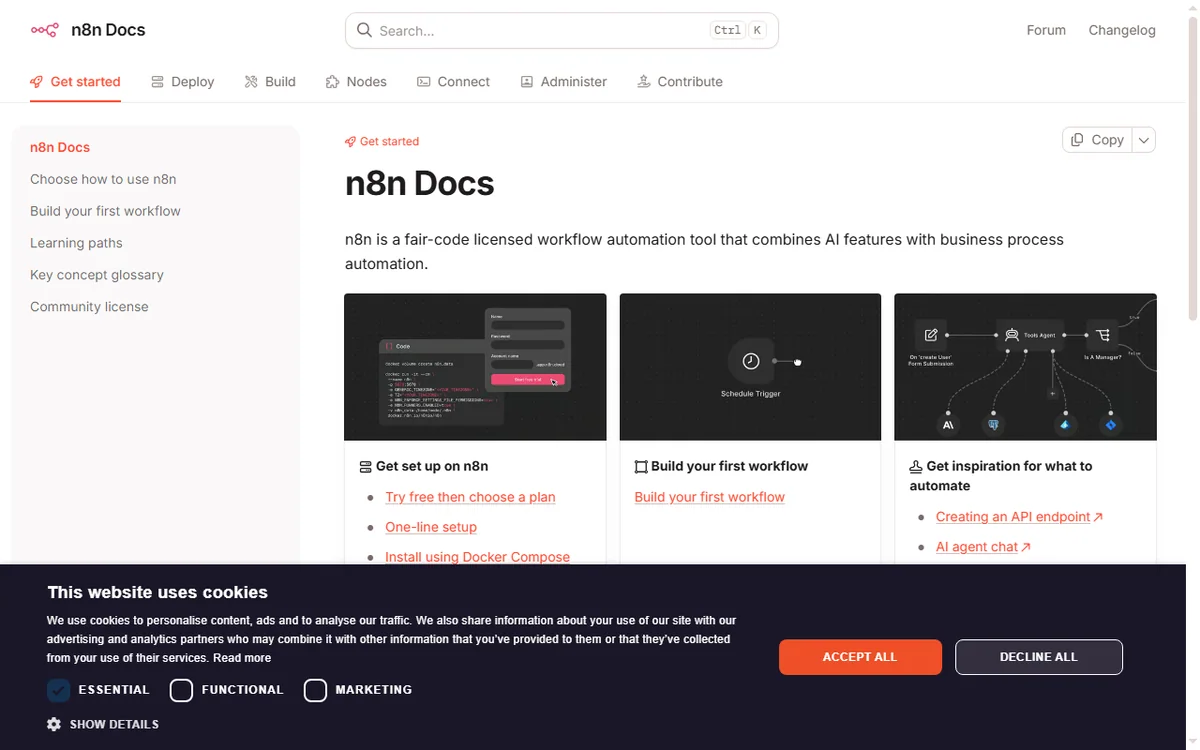
    N8n docs page
    N8n docs (image: n8n.com)

    The core skills you reuse

    Every workflow above is built from the same few moves: a trigger, one or more actions, field mapping, and a filter or branch. Learn those once and each new automation is faster than the last.

    Keep a simple naming convention so you can tell at a glance what a workflow does and who owns it.

    Guardrails for a small team

    • Give every workflow an owner and a short description.
    • Add error notifications so failures are noticed, not discovered later.
    • Log key runs to a spreadsheet or database for an audit trail.
    • Review automations quarterly and retire the ones nobody uses.
    N8n integrations page
    N8n integrations (image: n8n.com)

    Where this fits in your wider stack

    Read the independent n8n review and start from the automation hub. Comparing tools? See Make vs n8n and best workflow automation tools. If you plan to host it yourself, read the n8n self-hosting guide.

    N8n register page
    N8n register (image: n8n.com)

    Frequently asked

    How many workflows does a small business need?

    Most small teams get most of the value from five to seven. Add more only when a process is genuinely repeated and painful.

    Is n8n overkill for a very small team?

    Not necessarily. If you value self-hosting or expect volume, it fits early. If you want zero maintenance, a hosted option may suit you better.

    Who should own automations?

    One person should own them even if several use them. Clear ownership is what keeps workflows from quietly breaking.

    How do I know an automation is working?

    Add error notifications and a simple run log. If a workflow fails silently, you lose the data it was meant to move.

    Turn one recurring task into an n8n workflow

    Pick the process that wastes the most time this week and automate it first.

    Referral link — we may earn a reward if you sign up, at no extra cost to you. We are an independent publisher. See our Affiliate Disclosure.