Home / Customer support
CUSTOMER SUPPORT
Customer support software for small business — helpdesk, chat and self-service
Quick answer. In short: the best customer support software for a small business balance price, ease of use and support. For most teams a shared inbox is a solid starting point, but a second option often fits specific workflows better. Compare two or three options below before you commit.
Support tools should shrink your response time without hiding you from customers. This hub covers the categories that matter for a small team, and how to avoid paying for a contact-centre platform before you have the volume to justify it.
What this hub covers
Helpdesk & ticketing
One queue where nothing is lost, with assignment and history. The first tool worth buying.
Live chat & messaging
Real-time help where customers already are, ideally feeding the same queue as email.
Knowledge base & self-service
Publish the answers to your top recurring questions so people help themselves first.
Chatbots & automation
Deflect only the genuinely repetitive requests; over-automating your best customers backfires.
Voice & contact centre
Only when phone is a real channel for your market, not by default.
Reporting & CSAT
Measure first-response and resolution, plus satisfaction on a sample — not vanity dashboards.
A decision path you can follow before you pay
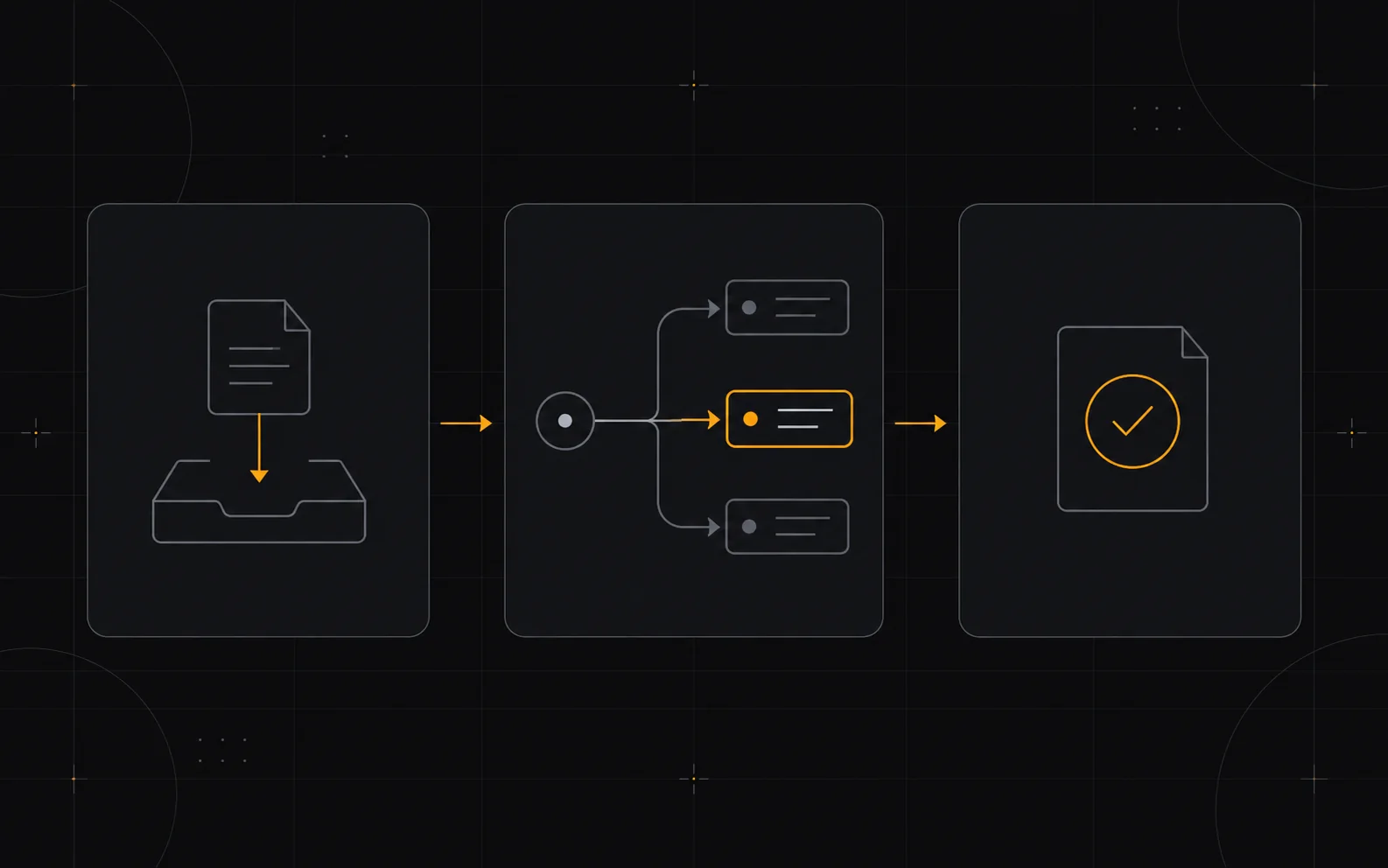
01 — Start with a single shared inbox that can become a proper helpdesk.
02 — Write down the ten questions you answer most and publish them.
03 — Add live chat only if customers ask for real-time help.
04 — Automate deflection for the top repetitive request, then measure it.
05 — Review response and satisfaction metrics monthly.
Work through these in order. Most wasted spend happens when a team starts at the last step and works backwards.
When you do not need these tools

If you get a handful of emails a day, a shared inbox and a good FAQ page beat a paid helpdesk. Buy the platform when volume, not ambition, demands it.
Where to go next
Related ICODE hubs and reviews: business software hub, email marketing hub, automation hub.
How we cover this category

We explain the categories and the decision logic using vendors’ own documentation and pricing pages as the primary source. We do not accept payment for placement, and a commission never changes a ranking. We label vendor-reported numbers as vendor-reported. Confirmed links to software may be affiliate links; see our affiliate disclosure.
Frequently asked

What support tools does a small business need?
Start with one shared inbox and a help centre; add live chat or a full helpdesk with automation only when ticket volume justifies it.
How is support software priced?
Most charge per agent per month, often with limits on contacts or chat sessions, so price it for your team size and expected volume.
Helpdesk or shared inbox – which first?
A shared inbox is cheaper and enough at low volume; a helpdesk adds routing, response-time targets and reporting once several people handle many tickets.
How does ICode evaluate support tools?
We compare the same features for each – channels, automation, reporting and price per agent.
People also ask
What are the best customer support software?
In short: the best customer support software for a small business balance price, ease of use and support. For most teams a shared inbox is a solid starting point, but a second option often fits specific workflows better. Compare two or three options below before you commit.
What are the best customer support software for small business?
The best customer support software for a small business are usually the ones with predictable pricing and a clear free or low-cost entry point. For most teams a shared inbox is a good starting point; compare two or three options before you commit.
How do I choose customer support software?
Start from your workflow and budget, not the feature list. List your must-have jobs, test the top two tools on a free plan, and check how pricing scales as you grow. Our hub pages break each option down by use case.
Are there free options?
Several customer support software offer a free tier or a trial. Free plans usually cap usage or seats, so use them to validate fit, then upgrade when a limit starts to cost you time.