
Independent analysis. This page may contain affiliate links.
Best Financial Modeling Tools
Financial modeling software helps analysts, founders, and finance teams build forecasts, run scenarios, and communicate assumptions without rebuilding spreadsheets from scratch. The range runs from Excel templates and add-ins to enterprise planning platforms that tie directly into your accounting system.
We compared the leading tools on flexibility, collaboration, data integration, and how well they handle complex, multi-scenario models.
Quick comparison table
| Option | Best for | Starting price |
|---|---|---|
| Microsoft Excel | Maximum flexibility and modeling depth | From $7/mo (Microsoft 365) |
| Google Sheets | Real-time collaboration on lighter models | Free (Workspace from $6/mo) |
| Cube | Spreadsheet-native FP&A on top of Excel | Custom quote |
| Datarails | Finance teams that keep Excel at the core | Custom quote |
| Workday Adaptive Planning | Enterprise budgeting and forecasting | Custom quote |
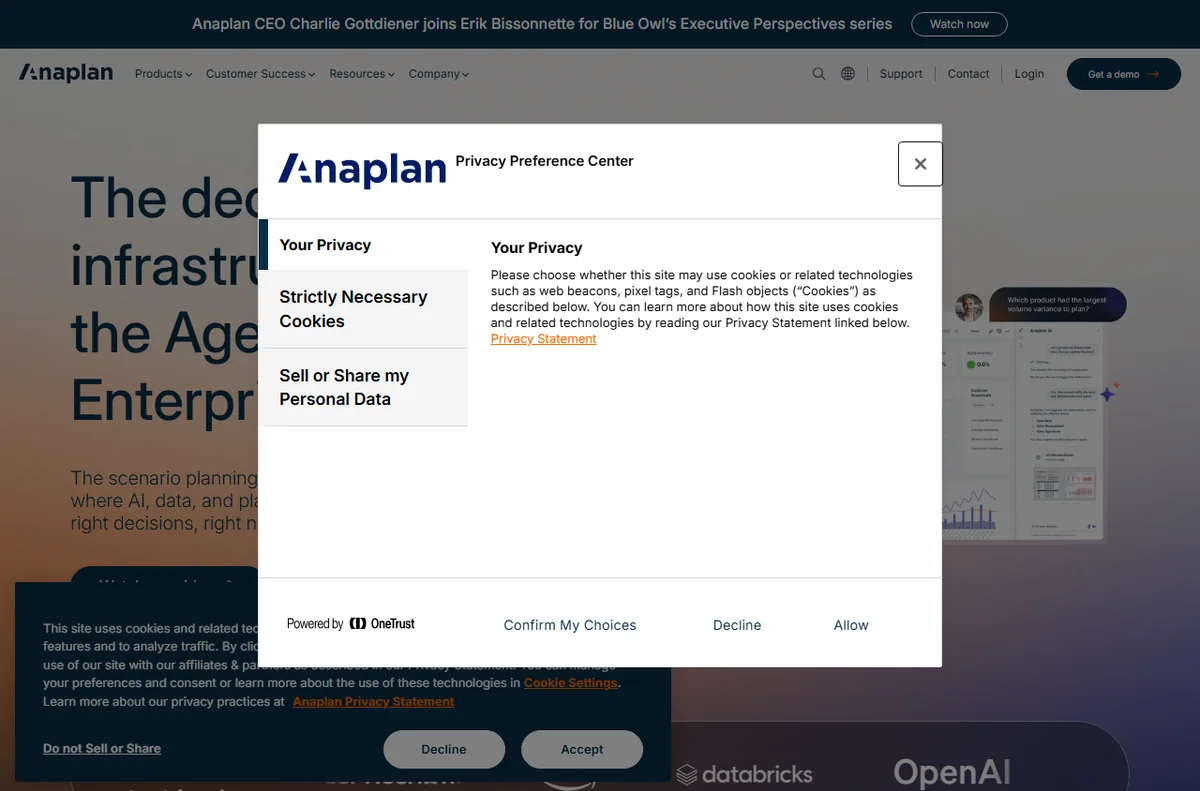
| Anaplan | Large-scale, cross-functional planning | Custom quote |
What Financial Modeling Tools Actually Do
At their core, financial modeling tools help you project revenue, costs, cash flow, and valuation under different assumptions. The simplest are spreadsheets; the most advanced are dedicated planning platforms that pull actuals from your accounting system and let multiple departments submit budgets into one governed model. The tradeoff is consistent: spreadsheets offer unlimited flexibility but poor version control, while dedicated tools add structure, auditability, and collaboration at the cost of some freedom.
Most finance teams end up using both: a planning platform for the official forecast and spreadsheets for quick, exploratory analysis.
Spreadsheets: Excel and Google Sheets
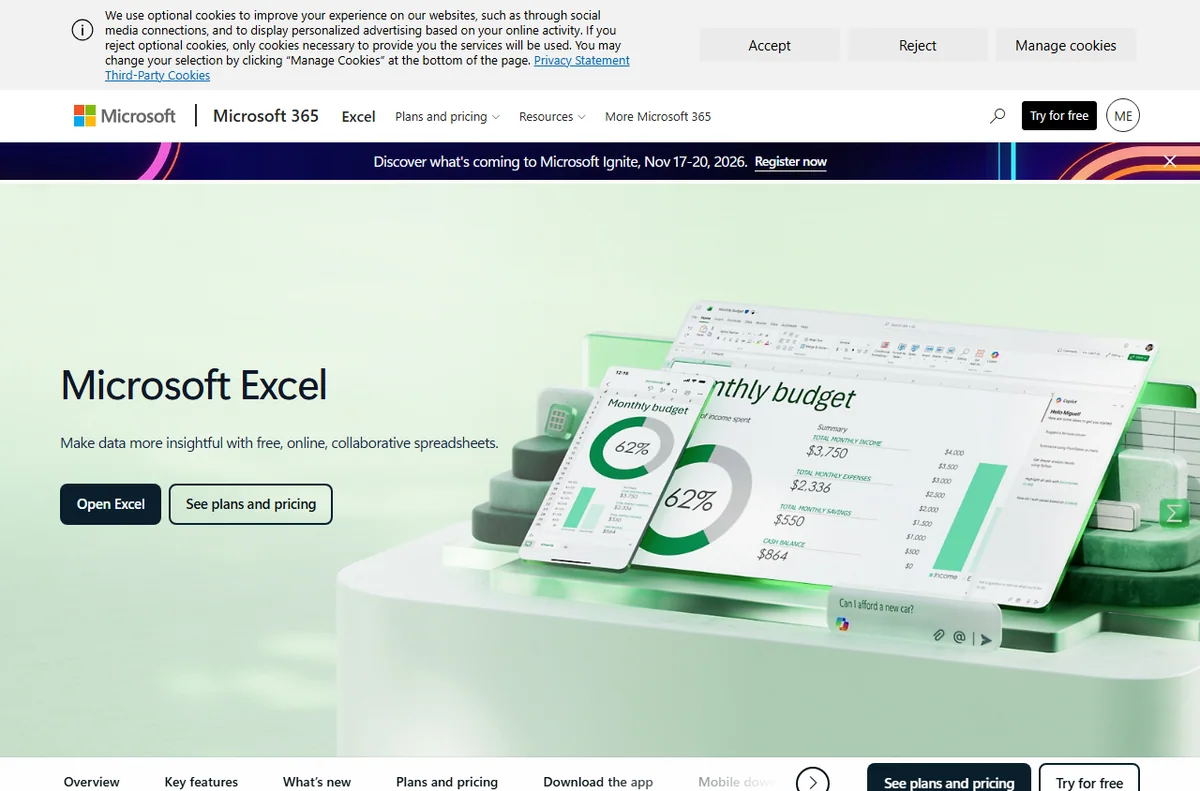
Microsoft Excel remains the workhorse of financial modeling. Its formula engine, Power Query, and add-ins make it capable of everything from a three-statement model to a discounted cash flow valuation. Google Sheets trades some horsepower for real-time collaboration and easy sharing, which suits startup teams building lighter models together. If your models are complex or large, Excel will usually be faster and more stable; if your priority is simultaneous editing, Sheets wins.

Spreadsheet-Native FP&A: Cube and Datarails
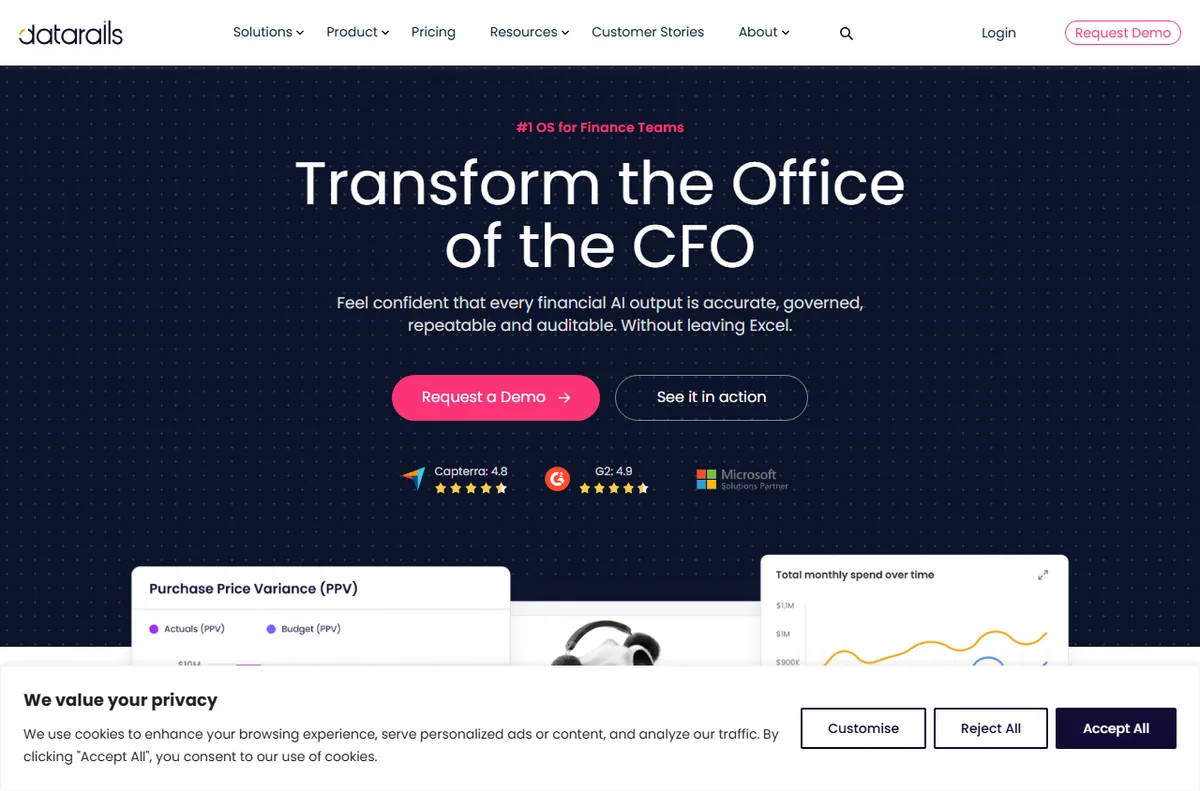
Cube and Datarails sit on top of Excel, keeping the spreadsheet interface finance teams love while adding a governed database, version control, and automated data imports from your ERP. Formulas stay in Excel, but the underlying data is centralized and auditable. These tools are popular with lean finance teams that refuse to abandon spreadsheets but still need faster month-end reporting and fewer broken links.

Enterprise Planning: Adaptive Planning and Anaplan
For larger organizations, Workday Adaptive Planning and Anaplan offer multi-dimensional modeling, driver-based planning, and approval workflows across departments. They integrate with ERPs and CRMs, support rolling forecasts, and scale to thousands of users. The tradeoff is cost and implementation effort: these platforms typically require a custom quote, a dedicated admin, and a real onboarding project.
Choosing and Maintaining Models
Pick the tool that matches your team’s skills and your reporting cadence. Startups and small teams rarely need enterprise planning suites; a well-structured Excel or Sheets model is more than enough. Larger companies should weigh integration depth, audit trails, and how easily non-finance managers can submit inputs. Whichever you choose, document assumptions and keep a single source of truth for actuals; the tool matters less than the discipline behind it.
Pros
- Spreadsheets offer unmatched flexibility for custom models.
- Dedicated FP&A tools add version control and auditability.
- Enterprise platforms support department-wide planning workflows.
- Integration with accounting and ERP keeps actuals current.

Cons
- Spreadsheets suffer from broken links and version sprawl.
- Enterprise tools require custom pricing and real implementation effort.
- Powerful platforms carry a steep learning curve for new analysts.
Frequently asked questions
Do I need specialized software to build a financial model?
No. Excel or Google Sheets can build a complete model. Dedicated tools help when you need collaboration, version control, or automated data feeds from your accounting system.
What is the difference between FP&A software and Excel?
FP&A platforms keep data centralized and auditable while often preserving the spreadsheet interface. Excel offers total flexibility but relies on discipline to avoid broken links and version conflicts.
When should a company move to enterprise planning software?
Usually when multiple departments submit budgets, forecasts roll monthly, and spreadsheets can no longer be trusted as a single source of truth.
Are Anaplan and Adaptive Planning worth the cost?
For large, complex organizations with many users, yes. Smaller teams are typically better served by spreadsheet-native tools until complexity justifies the price.
Verdict
Excel and Google Sheets remain essential for flexible, hands-on modeling, while Cube and Datarails suit finance teams that want governance without leaving the spreadsheet. Enterprise suites like Adaptive Planning and Anaplan are worth it only when multi-department planning and rolling forecasts become routine.
Read more: sales forecasting · accounting software.