
Home / Course Platforms / Guides / How to set up LearnWorlds
Tutorial · course platforms · updated October 9, 2026
How to set up LearnWorlds: from account to your first published course
Setting up LearnWorlds comes down to a short, ordered list: create your school, build one course, set a price, connect payments, and point your own domain at the site. This guide walks through each step the way a first-time course creator actually does it.
Independent analysis. This page may contain affiliate links. If you sign up through a link on this page we may earn a reward at no extra cost to you, and it never changes what we recommend. We are an independent publisher and are not affiliated with, endorsed by, or an official partner of any tool mentioned. See our Affiliate Disclosure.
TL;DR
- Create the school first — everything else hangs off it.
- Build one complete course before you add a catalogue.
- Set a price you can test, not the highest tier.
- Connect payments before you share a sales link.
- Point your own domain at the school for credibility.
On this page: Create your school · Build a course · Set a price · Connect payments · Use your domain · Test and publish
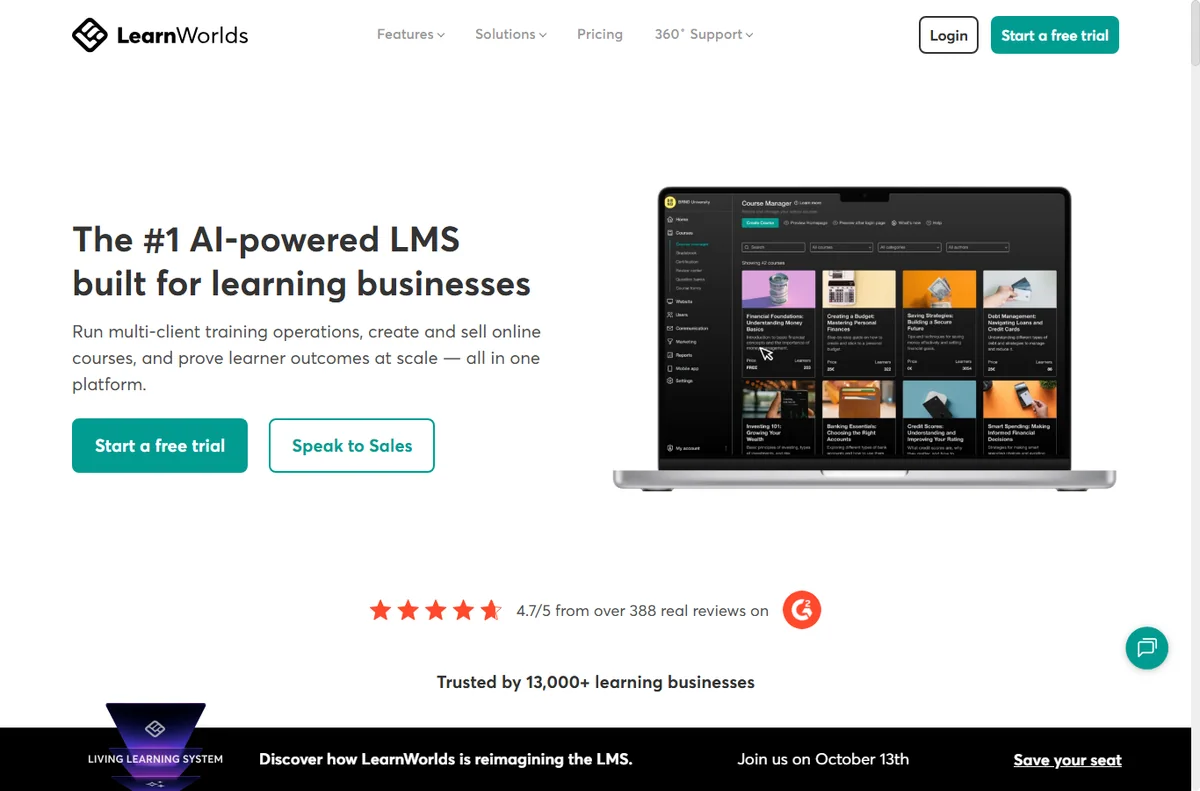
Step 1 — Create your account and school
Start by creating a LearnWorlds account and naming your school. The school is the workspace that holds your courses, pages, students and settings, so pick a name you are happy to show publicly — it appears in default page titles and student emails.
Use a business email you actually monitor, and set the subdomain in the same flow. You can move to a custom domain later, but starting with a name that matches your brand saves a redirect step when you do.
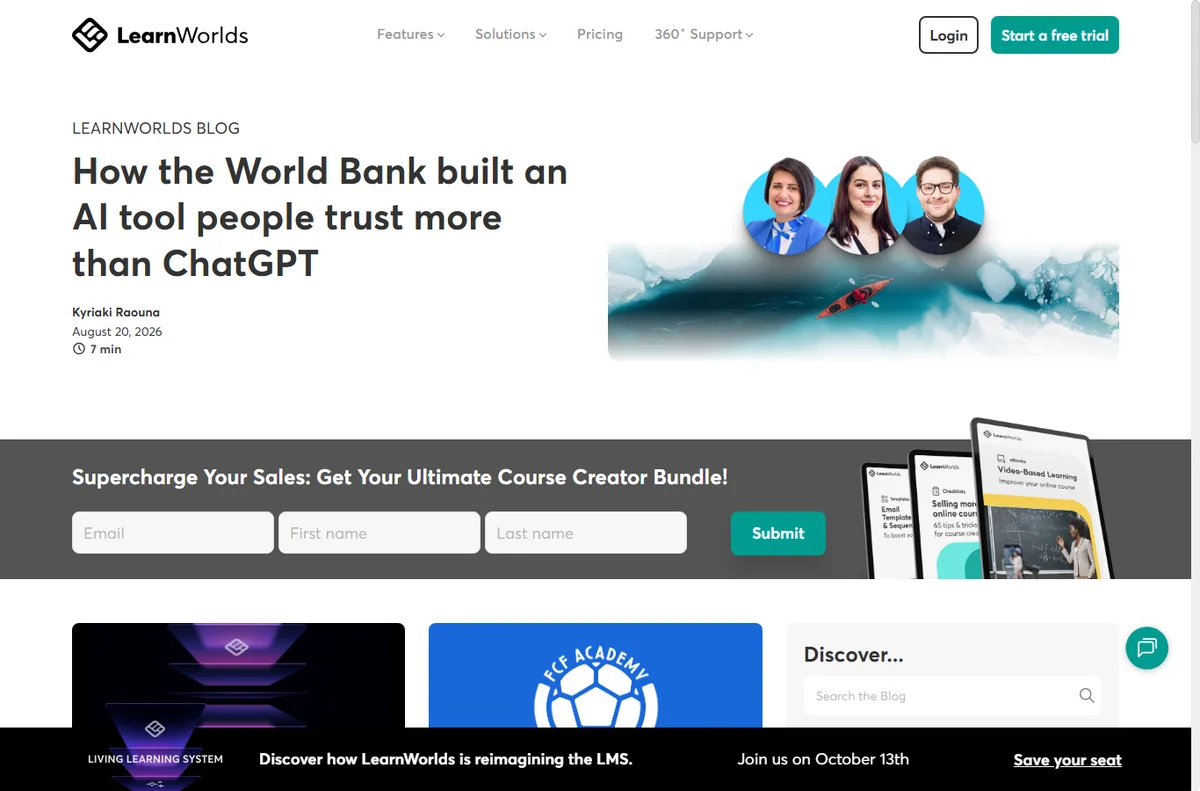
Step 2 — Build your first course
Create a single course and fill it out end to end before you add a second one. Structure the outline into sections, then attach your content as text, video, quizzes or uploaded files.
- Create the course and give it a clear, specific title.
- Add sections that map to the learning journey.
- Attach content to each section.
- Add one quiz so you learn the assessment tools.
- Preview the course as a student before you set a price.
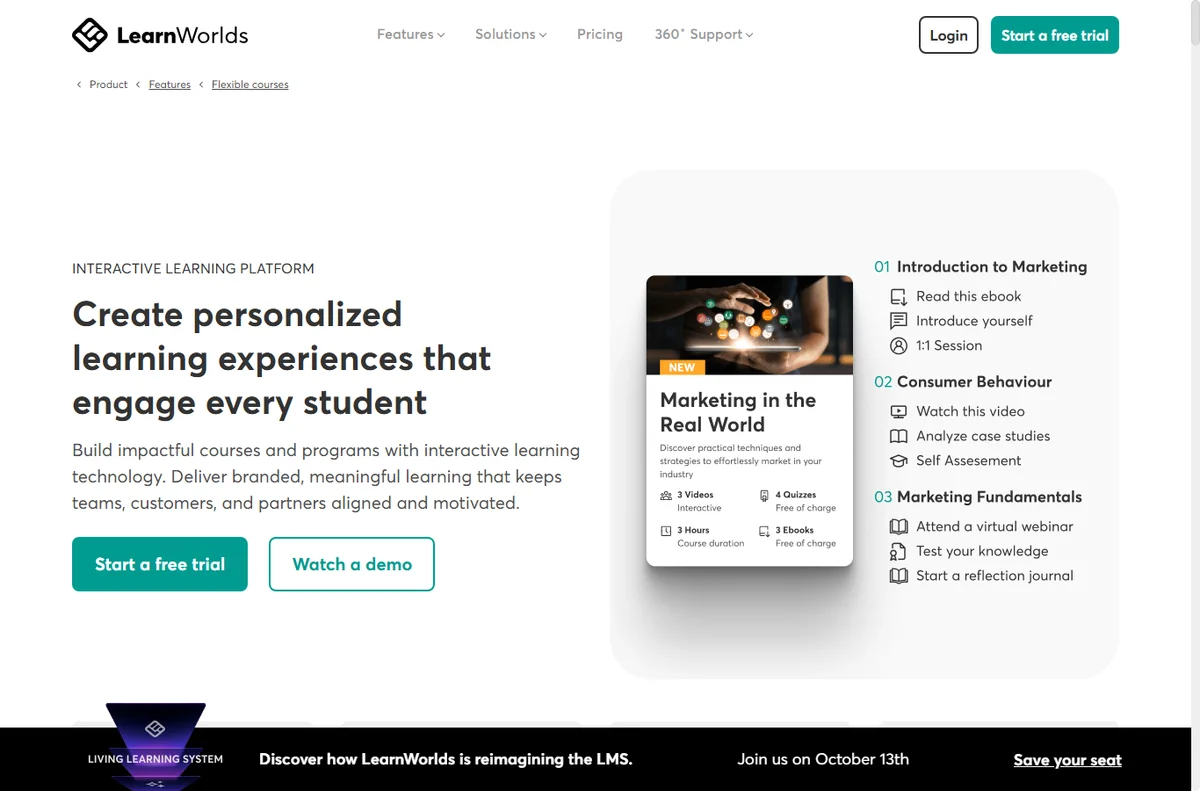
Step 3 — Set your pricing
Decide whether the course is free, one-time paid, a subscription or part of a bundle. Pick the simplest model that matches how you sell, and change it later once you have real sales data.
We do not quote prices — course-platform pricing and plan limits change often, so check the current plans on LearnWorlds’ own pricing page.
Step 4 — Connect a payment gateway
Connect at least one payment method before you share a sales link. Which processors are available depends on your country, so confirm the options your school offers.
Run a real test transaction end to end, including the receipt and any tax settings, then refund it. A checkout that fails only for real customers is the most expensive kind of bug.

Step 5 — Point your own domain
Move from the default subdomain to your own domain. Add the DNS records LearnWorlds shows you, then confirm the padlock appears on the homepage and inside a lesson, not just on the front page.
Step 6 — Test the full journey and publish
Before launch, walk through the journey as a brand-new student: sign up, buy, get access, complete a lesson and receive the completion email. Fix anything that needs you to explain it manually.
Check the confirmation email, the student dashboard and any automated messages. Publish only when the whole loop works without you guiding it by hand.
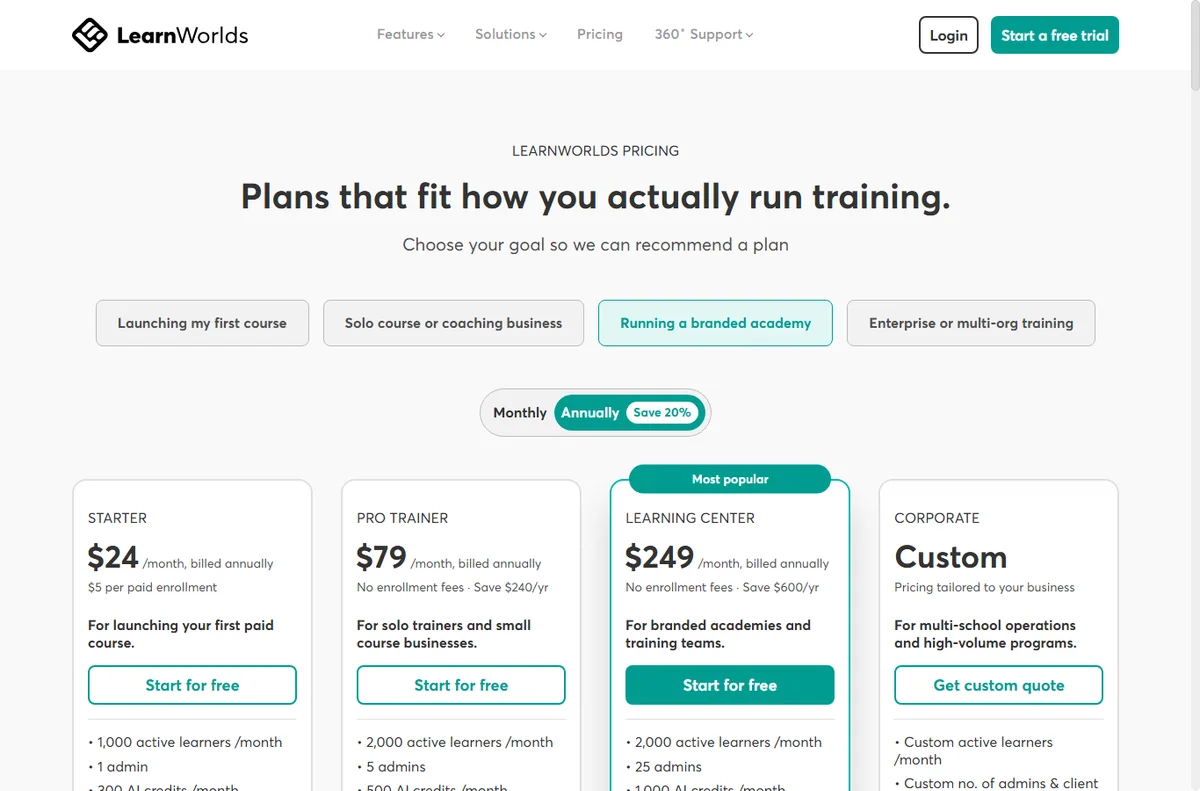
Where this fits
Start from the independent LearnWorlds review and the course platforms hub. For the day-to-day side, see how to use LearnWorlds for a small business. Compare the field with best online learning platforms and best course platforms, and plan the offer with how to price a membership.

Frequently asked
Is LearnWorlds good for beginners?
Yes. It is more feature-heavy than a simple course tool, but it rewards a little planning. Build one course first and the rest of the product becomes easier to read.
Do I need my own domain on day one?
No. The default subdomain is fine for a soft launch. Add a custom domain before you promote the course publicly, because changing the address later splits existing links.
Can I sell a course without a payment gateway?
No. You need at least one connected payment method before a student can buy. Confirm which processors your country and plan support.
How many courses should I build first?
One. Finish a single course, sell it and learn the workflow before you invest time in a full catalogue.
Publish your first course on LearnWorlds
School, course, price, payments, domain — in that order.
Some links on this page may be referral links — we may earn a reward if you sign up, at no extra cost to you. We are an independent publisher. See our Affiliate Disclosure.
Leave a Reply