Home / Security & privacy
SECURITY & PRIVACY
Security & privacy tools for small business — protecting accounts, devices and data
Quick answer. In short: the best security and privacy tools for a small business balance price, ease of use and support. For most teams 1Password is a solid starting point, but a second option often fits specific workflows better. Compare two or three options below before you commit.
A small business does not need enterprise security theatre. It needs a handful of tools that stop the two things that actually hurt: a compromised account and a lost copy of your data. This hub covers the categories worth paying for, in the order most teams should adopt them.
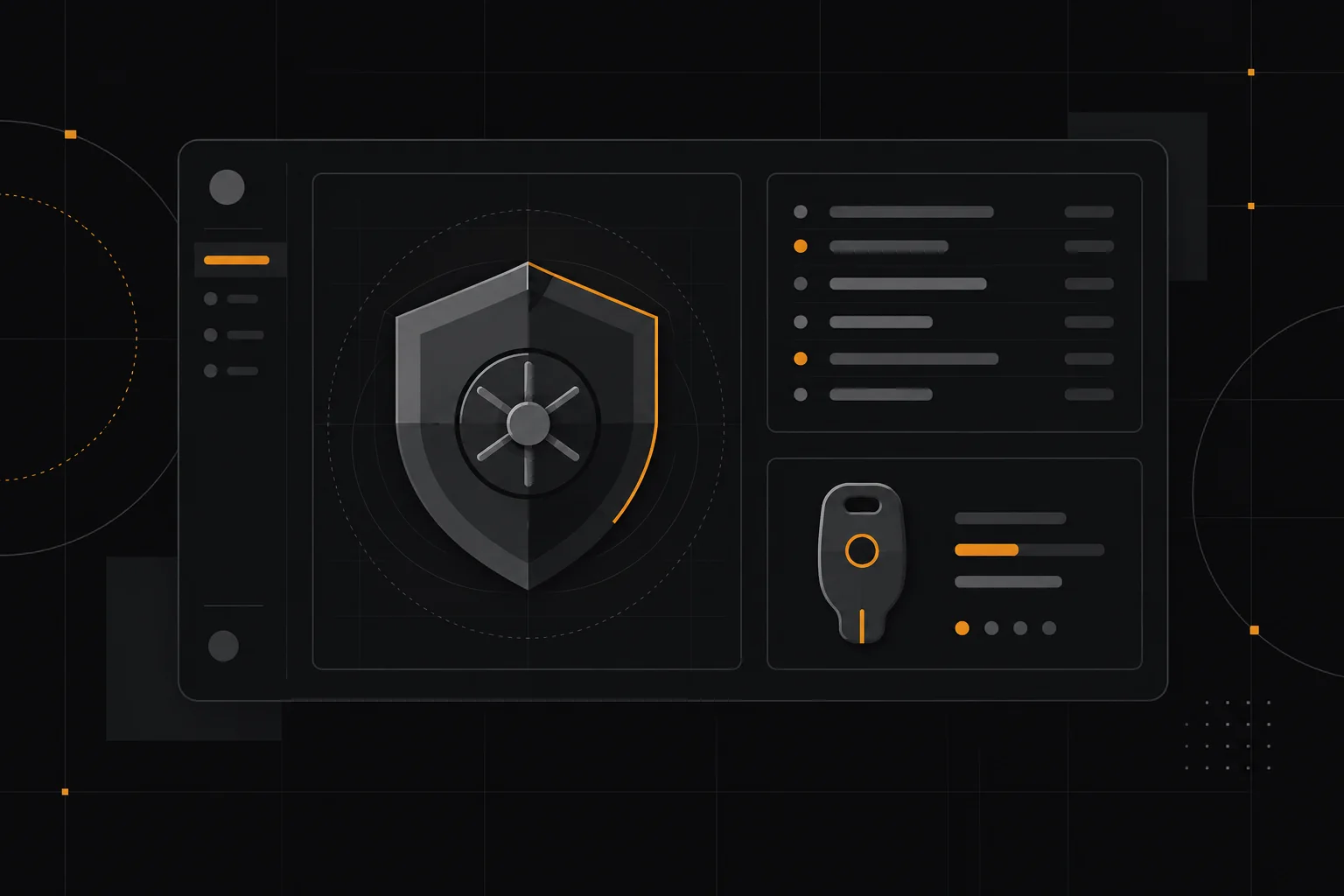
What this hub covers
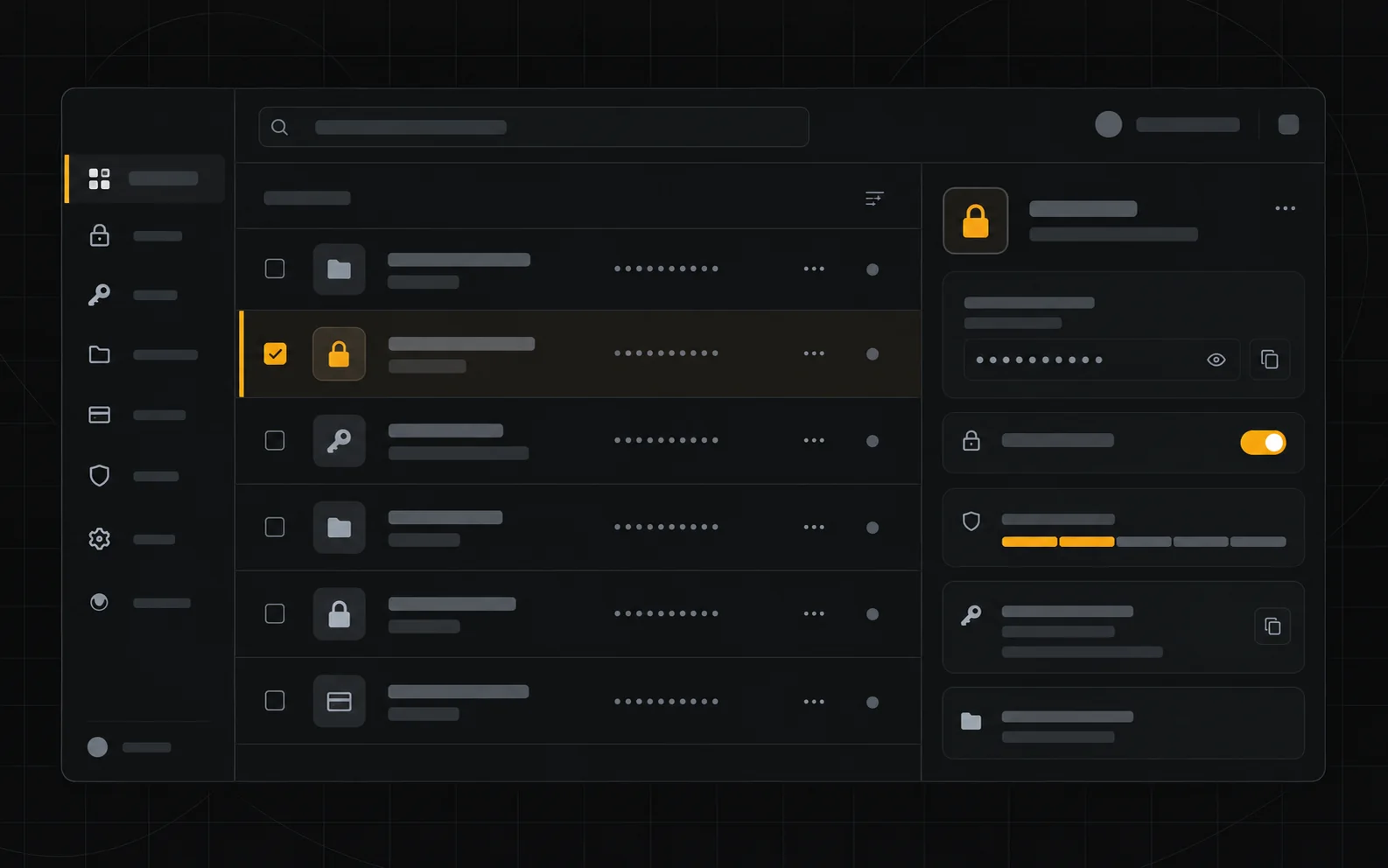
Password managers
One vault for shared logins, with per-person access and an audit trail. The highest-value, lowest-cost security purchase for almost every small team.
Two-factor authentication
Hardware keys or authenticator apps for the accounts that can move money or publish your site. Email-based 2FA is better than nothing but the weakest option.
VPNs
Useful for remote access to internal systems and for staff on untrusted networks. Not a substitute for good account hygiene.
Endpoint protection
Antivirus and device management matter mainly when staff install software freely or handle customer data on laptops that travel.
Backup & recovery
Off-site, versioned backups for your site, databases and critical documents — plus one restored test so you know it works.
Privacy & compliance basics
Cookie notices, data-processing records and a clear retention policy. Treat these as operational tasks, not legal decoration.
A decision path you can follow before you pay
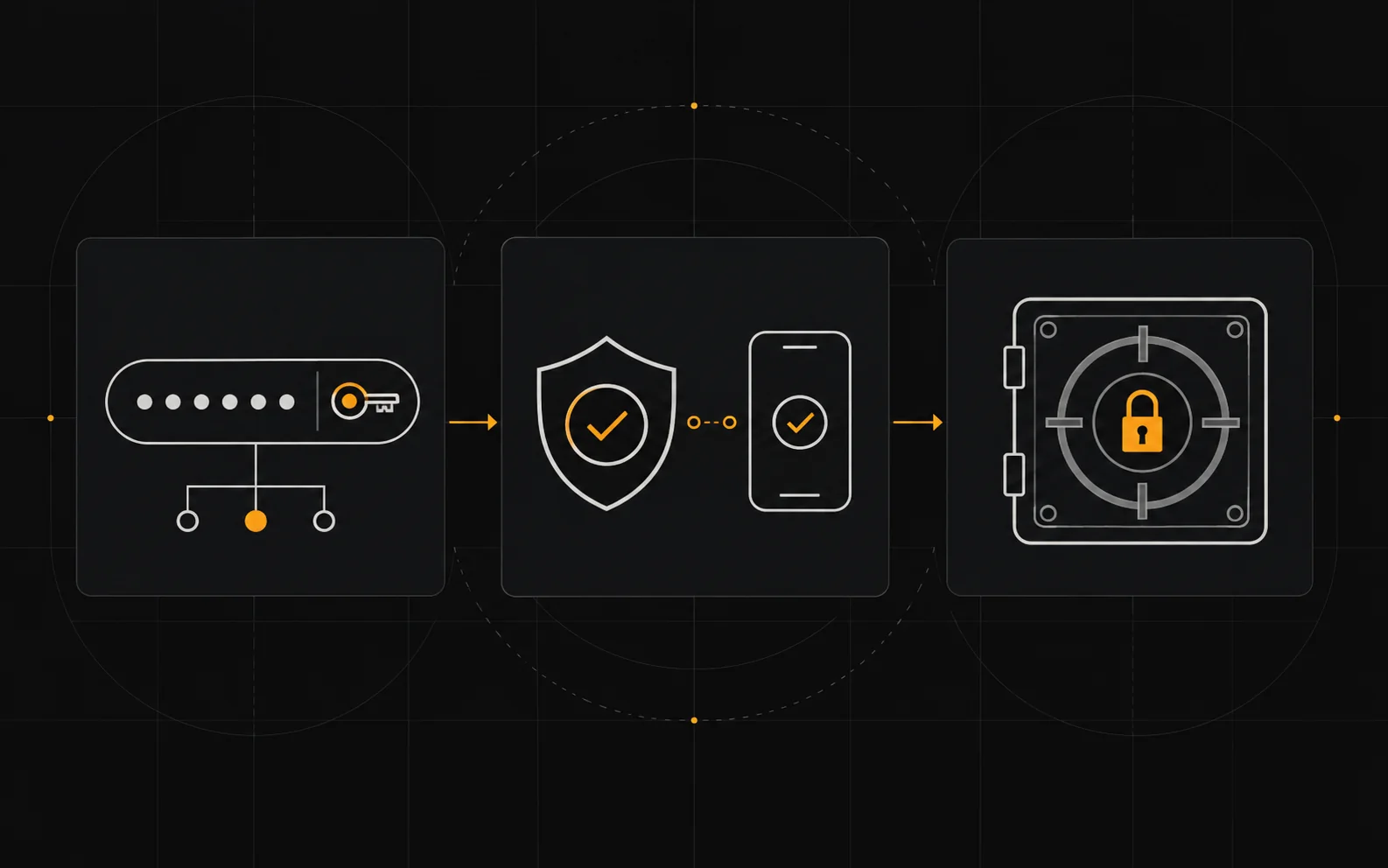
01 — Inventory the accounts that can spend money or change your public site.
02 — Put those accounts behind unique passwords and app-based 2FA first.
03 — Add off-site backups for the systems you could not rebuild from memory.
04 — Only then layer on VPN or endpoint tools where a real risk exists.
05 — Review access quarterly and remove people who have left.
Work through these in order. Most wasted spend happens when a team starts at the last step and works backwards.
When you do not need these tools

You can skip most of this when you are a one-person business with no customer data, no shared logins and hosted tools that already handle security. Buy the smallest thing that closes a real gap rather than a suite that closes imaginary ones.
Where to go next
Related ICODE hubs and reviews: business software hub, hosting hub, automation hub.
How we cover this category
We explain the categories and the decision logic using vendors’ own documentation and pricing pages as the primary source. We do not accept payment for placement, and a commission never changes a ranking. We label vendor-reported numbers as vendor-reported. Confirmed links to software may be affiliate links; see our affiliate disclosure.
Frequently asked

What security tools does a small business actually need?
At minimum a password manager, two-factor authentication and reliable backups; VPNs and endpoint tools help when you handle client data or work remotely.
Is a password manager safe?
Reputable password managers use strong end-to-end encryption and are safer than reusing passwords; the main risk is losing your master password, so enable account recovery.
Do small businesses need a VPN?
A VPN is useful on untrusted networks and for remote access, but it is not a substitute for strong passwords, updates and backups.
How does ICode compare security tools?
We apply the same criteria – encryption, track record, pricing and ease of use – and favour tools with transparent security documentation.
Deeper reads in this category: best password managers, best VPN for small business, 1Password vs Bitwarden.
People also ask
What are the best security and privacy tools?
In short: the best security and privacy tools for a small business balance price, ease of use and support. For most teams 1Password is a solid starting point, but a second option often fits specific workflows better. Compare two or three options below before you commit.
What are the best security and privacy tools for small business?
The best security and privacy tools for a small business are usually the ones with predictable pricing and a clear free or low-cost entry point. For most teams 1Password is a good starting point; compare two or three options before you commit.
How do I choose security and privacy tools?
Start from your workflow and budget, not the feature list. List your must-have jobs, test the top two tools on a free plan, and check how pricing scales as you grow. Our hub pages break each option down by use case.
Are there free options?
Several security and privacy tools offer a free tier or a trial. Free plans usually cap usage or seats, so use them to validate fit, then upgrade when a limit starts to cost you time.