
Home / Automation / Guides / What is Pabbly
Knowledge · automation · updated October 9, 2026
What is Pabbly?
Pabbly is a family of business tools, best known for Pabbly Connect, an automation platform that moves data between the apps you already use. This guide explains what each part does, how an account is organised, and what it is not.
Independent analysis. This page may contain affiliate links. If you sign up through a link on this page we may earn a reward at no extra cost to you, and it never changes what we recommend. We are an independent publisher and are not affiliated with, endorsed by, or an official partner of any tool mentioned. See our Affiliate Disclosure.
TL;DR
- Pabbly is a family of business tools, with Pabbly Connect as the best-known product.
- It covers workflow automation, subscriptions, email marketing, forms and invoicing.
- Connect moves data between apps with triggers and actions.
- Each product is priced separately and usage is metered in tasks, so check the current pricing before you commit.
- It is not a single all-in-one CRM.
On this page: What Pabbly is · How it is organised · What it is good at · What it is not · Concept cheat sheet · Where this fits

What Pabbly is
Pabbly is a cloud service rather than software you install. Pabbly Connect is the piece most people mean: a workflow builder that links two or more apps together.
You choose a trigger in one app and actions in another, and the workflow runs whenever that trigger fires, without anyone copying data by hand.
Alongside Connect sit the other Pabbly products: subscriptions and billing, email marketing, forms and invoicing, each sold and used on its own.
Because the products are separate, an account can use just one of them, and you only pay for what you switch on.
The organising idea is that a small business can replace repetitive manual work with a workflow it builds once.
How Pabbly is organised
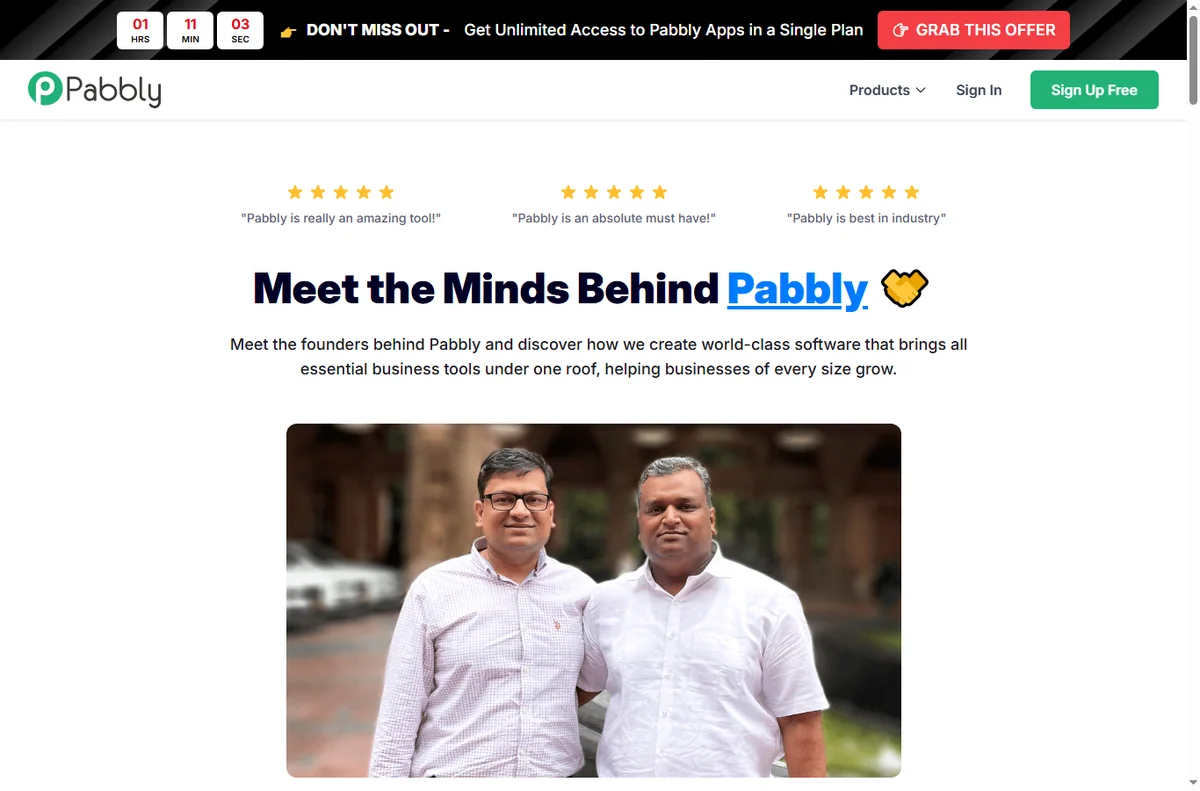
Connect is organised around workflows. Each workflow has a trigger that starts it and one or more actions that follow, and steps can be filtered or routed so only matching data continues.
Each workflow leans on connections you authorise once, so an app stays linked until you remove or refresh it.
Tasks are the unit of work: every time a workflow runs it consumes a task, and reports show how many ran and where they stalled.

What Pabbly is good at
- Automating a handoff between two apps you already use.
- Building multi-step workflows with filters and routing.
- Capturing data from a webhook or form and filing it elsewhere.
- Replacing copy-and-paste work without hiring a developer.
- Starting on a single product and adding others later.

What Pabbly is not
- Not a single all-in-one CRM: the products are separate tools.
- Not a general website builder: it connects apps rather than publishing a site.
- Not unlimited on a free tier, so check the current pricing and task limits.
- Not a guarantee that every run succeeds: the limits of each app still apply.
Concept cheat sheet
| Concept | Meaning | Why it matters |
|---|---|---|
| Workflow | A sequence of a trigger and actions | Automate a repeatable job |
| Trigger | The event that starts a workflow | Decide when it runs |
| Action | A step performed in an app | Do the work automatically |
| Task | One run of a workflow | Measure usage against a plan |
| Filter / router | A condition that splits the flow | Send only matching data |
| Connection | An authorised link to an app | Keep the app signed in |
Where this fits
Start with the automation hub. For the practical steps see how to set up Pabbly, and for everyday usage read how to use Pabbly for a small business.
Frequently asked
Is Pabbly one product?
No. It is a family of products, each with its own purpose. Pabbly Connect, the automation tool, is the one most people start with.
Do I need to code?
No. Workflows are built from triggers and actions you pick from a list, though a webhook option exists when you need it.
What is a task?
A task is one run of a workflow. Every execution uses one, which is how usage is measured against your plan.
Can I connect any app?
There are many built-in integrations plus a webhook route for apps that are not on the list.
Is there a free plan?
Each product has a free tier with limits. For regular use you will want a paid plan, so check the current pricing.
Put your busywork on autopilot
Connect your apps and let the workflows run.
Some links on this page may be referral links — we may earn a reward if you sign up, at no extra cost to you. We are an independent publisher. See our Affiliate Disclosure.
Leave a Reply