Home / Guides / Automation
Business Automation & Workflow Tools
Quick answer. In short: the best business automation tools for a small business balance price, ease of use and support. For most teams Make is a solid starting point, but a second option often fits specific workflows better. Compare two or three options below before you commit.
No-code and AI workflow automation software for small and mid-sized teams. We help you pick the tool that fits your actual process — not the one with the loudest marketing.

Disclosure: ICode is an independent publisher. Where a page contains affiliate links we may earn a commission at no extra cost to you. See our Affiliate Disclosure.
Which path fits you?
Automation means different things depending on the job in front of you. Pick the situation that matches yours and we will take you to the page that answers it.
“I need to automate one workflow”
Start with our Make review, which walks through the visual builder, the task-based pricing and the point where a bigger plan becomes inevitable.
“I am choosing between two platforms”
Our planned Make vs Zapier comparison puts the two most common options side by side on triggers, limits and real monthly cost.
“Task limits are getting expensive”
Self-hosting often pays off at high volume. Our planned n8n review covers what you trade in setup time for a lower running cost.
“I am mapping a whole process”
When automation touches sales, billing and support at once, the tool is the easy part. See our planned sales pipeline automation use case.
What we cover in this section
Workflow platforms
How the major automation platforms compare on triggers, actions, limits and price.
AI-assisted automation
Where AI helpers actually save time, and where a simple rule still wins.
Cost & payback
How to estimate monthly cost and payback before you commit to a plan.
What “workflow automation” actually covers
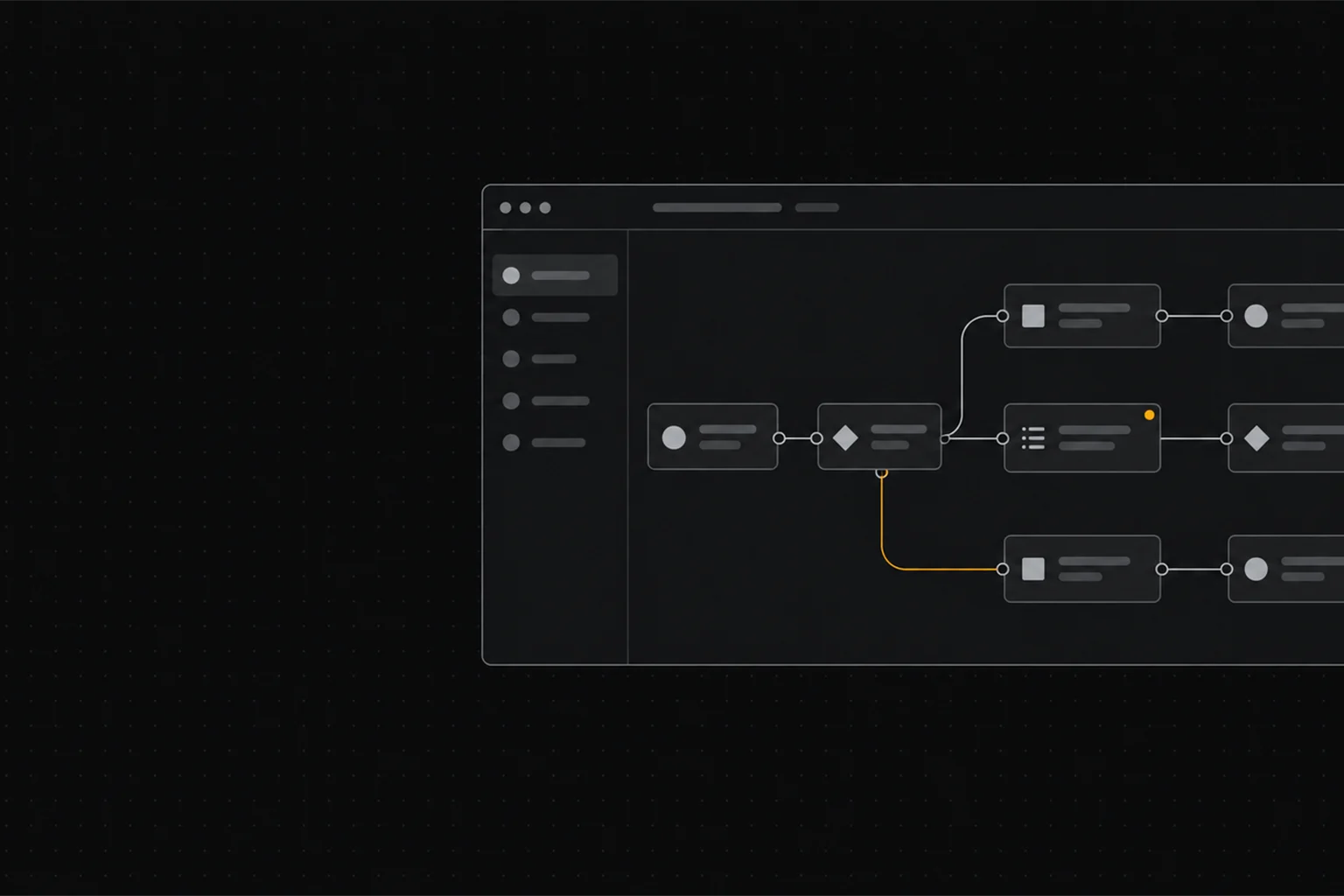
A workflow automation tool watches for an event — a new form entry, a new row, a payment, a message — and runs a chain of actions in the other apps you already use. Vendors label this “iPaaS”, “no-code automation” or, more recently, “AI agents”. The label matters far less than the trigger-and-action model underneath it.
The market splits into three rough groups. Visual no-code platforms are aimed at operators who want to build and maintain flows themselves. Developer-first platforms trade a steeper setup for a lower cost per task at scale. All-in-one suites bundle automation with the CRM, email or spreadsheet they already sell, which is convenient but can harden into lock-in. Knowing which group you are shopping in removes most of the confusion before you compare a single feature list.
How to choose, in order of impact
- The apps you actually use — an automation is only as useful as its connectors for your stack. Check your top five tools first, not the total integration count.
- How you are billed — per task, per operation, per seat or flat. The model predicts your cost curve far better than the headline price does.
- What happens when a step fails — retries, error branches and logs decide whether a broken flow wakes someone up at night.
- Who maintains it — if no developer is available, a visual builder you can edit yourself outweighs a cheaper but code-heavy option.
- How easy it is to leave — can you export your scenarios, or would switching mean rebuilding everything by hand?
Common mistakes
- Choosing on integration count instead of the handful of connectors you will really use.
- Ignoring task or operation caps until the first invoice after a spike.
- Automating a critical flow with no error path, so one failed step silently stops the chain.
- Testing with a dozen records and assuming it behaves the same at thousands.
- Building everything inside an all-in-one suite, then discovering how hard it is to export later.
Buying criteria
- Triggers & actions — does it connect the apps you already use?
- Task limits — what happens when you hit the monthly cap?
- Pricing model — per seat, per task, or flat?
- Reliability — retries, error logs and support.
- Lock-in — how hard is it to export your automations?
How we weigh automation platforms
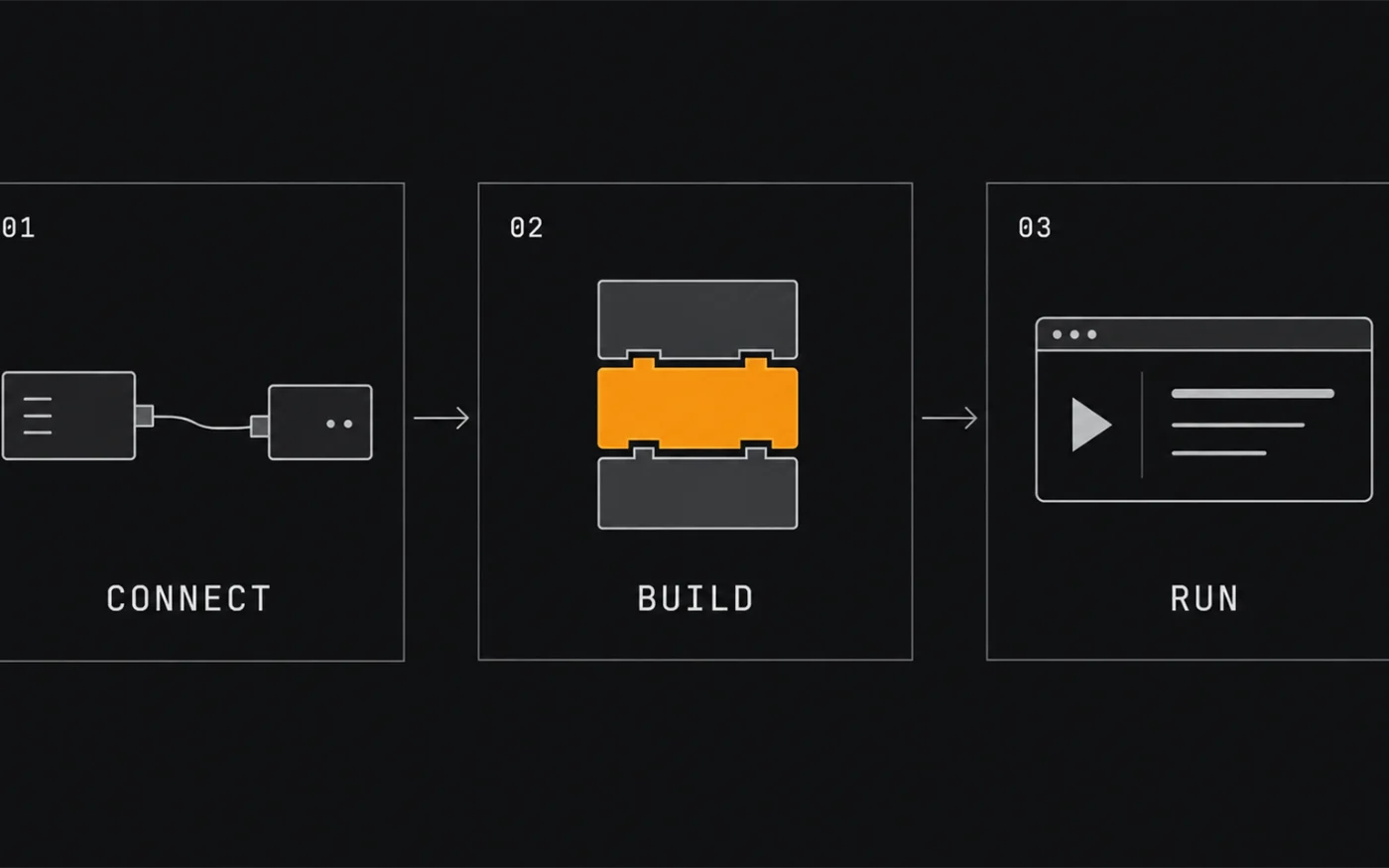
Every platform wins on one axis and loses on another, which is why “best” is almost always the wrong question. Below is the weighting we apply when we compare them. It is our own editorial framework for a typical small business, not a vendor score — adjust the weights to your situation.
| Criterion | Weight | What we look at | Why it matters |
|---|---|---|---|
| Integrations & triggers | 25% | Coverage of the apps you use, depth of a connector vs name-only support, webhook and schedule triggers | A missing connector becomes a manual step you never automate |
| Pricing model & volume | 20% | Per task, per operation, per seat or flat; what a busy month actually costs | The billing model, not the sticker price, decides year-two cost |
| Reliability & error handling | 20% | Automatic retries, error branches, run history, alerting and support response | Silent failures cost more than the subscription |
| Ease of building & editing | 15% | Visual builder quality, templates, how fast a non-developer can change a live flow | The person who maintains it decides the real cost of ownership |
| AI & agent features | 10% | Where AI genuinely removes a step vs where a plain rule is more predictable | Useful for messy input, overkill for deterministic tasks |
| Portability & lock-in | 10% | Export of scenarios, open formats, how much a migration would cost | Your leverage in any future price change |
How to use the weighting
Score each candidate from 1 to 5 on every row, multiply the score by the row’s weight, then add the columns. A platform that is only average on price but excellent on the connectors you actually use will usually beat a cheaper one you have to work around. Re-weight the rows that matter most to you and the ranking often changes — which is the point.
Frequently asked
What is workflow automation software?
Workflow automation software connects your apps and runs tasks automatically using triggers and actions, so data moves between tools without manual copy-paste.
Which automation tool is best for a small team?
It depends on task volume and technical skill: visual builders suit non-technical teams, while code-friendly tools cost less per task at high volume. Compare free-tier task limits first.
Do I need a paid plan to start automating?
Most platforms offer a free tier with a monthly task or operation limit, which is usually enough to test a few real workflows before you pay.
How does ICode compare automation platforms?
We apply the same criteria to every product – triggers and actions, task limits, error handling, price at scale and support – and state those criteria up front so the results are comparable.
Featured reviews, comparisons & guides
Once you know your path, these are the deeper pages in this section.
Reviews
- Make review — visual automation for small teams.
- Zapier review — the widest connector library, at a per-task price.
- n8n review — self-hosted option for high-volume flows.
Comparisons & best-of
- Make vs Zapier — builder depth against connector breadth.
- Best workflow automation tools — shortlist by team size and volume.
Use cases
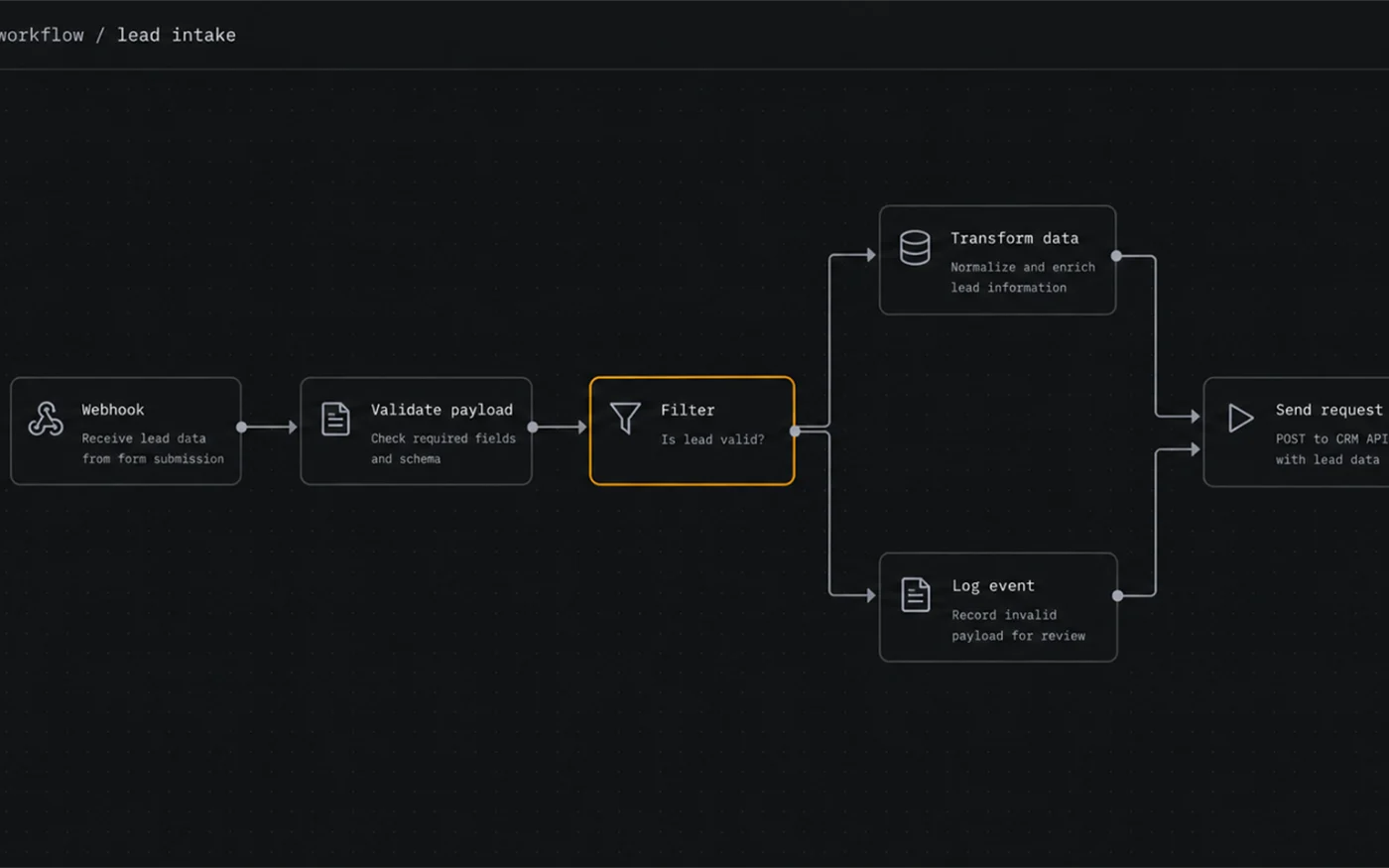
- Sales pipeline automation — lead capture to follow-up to CRM.
- All guides — the wider knowledge base.
Not sure which tool fits?
Start with the comparison that matches your workflow — no signup required.

Related software categories on ICODE: see our Developer tools and Customer support hubs.
People also ask
What are the best business automation tools?
In short: the best business automation tools for a small business balance price, ease of use and support. For most teams Make is a solid starting point, but a second option often fits specific workflows better. Compare two or three options below before you commit.
What are the best business automation tools for small business?
The best business automation tools for a small business are usually the ones with predictable pricing and a clear free or low-cost entry point. For most teams Make is a good starting point; compare two or three options before you commit.
How do I choose business automation tools?
Start from your workflow and budget, not the feature list. List your must-have jobs, test the top two tools on a free plan, and check how pricing scales as you grow. Our hub pages break each option down by use case.
Are there free options?
Several business automation tools offer a free tier or a trial. Free plans usually cap usage or seats, so use them to validate fit, then upgrade when a limit starts to cost you time.