
Home / Guides / SEO tools
SEO & Content Tools
Quick answer. In short: the best SEO tools for a small business balance price, ease of use and support. For most teams Semrush is a solid starting point, but a second option often fits specific workflows better. Compare two or three options below before you commit.
Research and auditing tools, and where the free tiers stop — for teams that need data without an enterprise contract.

Disclosure: ICode is an independent publisher. Where a page contains affiliate links we may earn a commission at no extra cost to you. See our Affiliate Disclosure.
Which path fits you?
SEO tools differ by what job you need done and how much data you actually use. Find your situation below.
“I need one tool for everything”
A full data and workflow suite is usually the answer. Our planned best SEO tools for small business round-up starts here.
“I mostly need keyword research”
Data quality and workflow matter more than the audit crawler. See our planned Semrush review for the deep-data end of the market.
“I need a technical audit”
Crawl depth, issue prioritisation and monitoring outweigh keyword counts. Start with the buying criteria below.
“My plan is getting expensive”
Seat and usage limits drive most overages. Compare what each tier actually unlocks before upgrading.
What we cover in this section
Keyword research
Volume, difficulty and intent — and how much you should trust each.
Technical audits
Crawling, indexing and Core Web Vitals.
Rank tracking
Local vs national tracking and how often it updates.

What “SEO tools” actually covers
An SEO tool is really a database plus a crawler plus a report. The database answers what people search for and which pages already rank. The crawler checks your own site for technical problems. The report turns both into something you can act on. Different tools are strong in different corners, and paying for one you will not use is the most common waste.
Two shapes dominate. Full suites bundle keyword data, backlink data, site auditing, rank tracking and content tooling in one subscription. Point tools do one job well and cost less, but you end up juggling several accounts. For a single small site, the deciding question is usually whether you will actually use the breadth — and whether the seat and usage limits fit how many people will log in.
How to choose, in order of impact
- Data you trust — keyword and backlink estimates vary by provider; pick the one whose numbers match what you see in reality.
- The workflow you will follow — research to brief to tracking. A suite that fits your process beats a bigger one that does not.
- Technical auditing — crawl depth, prioritisation and scheduled re-crawls rather than a one-off report.
- Limits and seats — how many projects, keywords tracked and users are included before the upgrade.
- Reporting — can you export or share a client-ready view without rebuilding it by hand?
Common mistakes
- Buying by raw keyword-database size instead of the features you will open weekly.
- Trusting a single tool’s search-volume number as if it were fact.
- Paying for rank tracking and then never checking it.
- Running audits but never scheduling them again, so the site drifts back into issues.
Buying criteria
- Data accuracy — sample size behind the numbers.
- Free tier limits — queries and tracked keywords.
- Audits — crawl depth and actionable output.
- Reports — can you share with clients or a team?
- Price at scale — per-seat and per-project costs.
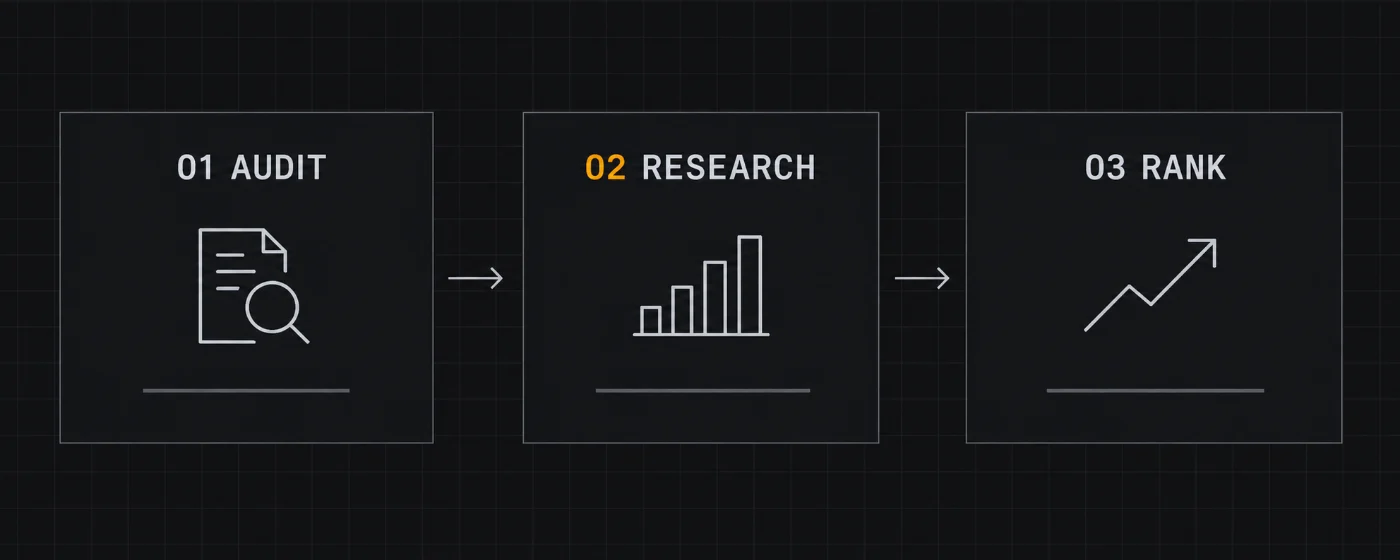
How we weigh SEO tools
Data quality is worth more than feature count, and a tool you never open is worthless however broad it is. This is our own editorial framework, not a vendor score.
| Criterion | Weight | What we look at | Why it matters |
|---|---|---|---|
| Data quality & depth | 25% | Keyword and backlink coverage, country accuracy, freshness of the index | Good decisions need numbers you can trust |
| Keyword & content workflow | 20% | Clustering, briefs, competitor gap analysis, writing integrations | Turns research into pages instead of a spreadsheet |
| Technical audit | 20% | Crawl depth, issue prioritisation, scheduled crawls, Core Web Vitals view | Fixes that never happen cannot help |
| Rank tracking | 15% | Keyword volume tracked per tier, frequency, location precision | The clearest feedback loop you own |
| Price vs usage | 10% | Seat and project limits, overage rules, what forces the next tier | The bill should match how much you actually use |
| Reporting & integrations | 10% | Export quality, Looker Studio/Sheets connectors, client-ready dashboards | Insight only counts when it reaches a decision |
How to use the weighting
Score each tool 1 to 5 per row and total. For a single small site, weighting workflow and price higher often points to a cheaper tool than the market leader. If you run audits or client work, data depth and reporting should pull the score up.
Frequently asked
What do SEO tools actually do?
SEO tools help you research keywords, audit technical issues, track rankings and analyse competitors; no single tool does everything well, so the best pick depends on your main task.
Are free SEO tools enough?
Free tiers usually cover a limited number of queries or projects per day, which is fine for a small site, but heavier research usually needs a paid plan.
How is SEO software priced?
Pricing is usually per user per month with limits on projects, keywords tracked and reports, and the cost rises with seats and usage.
How does ICode compare SEO tools?
We apply the same criteria – data accuracy, free-tier limits, audit depth, ease of use and price at scale – to every suite.

Featured reviews & guides
The deeper pages in this section, split by what you are trying to decide.
Reviews
- Semrush review — the deep-data suite and who it is for.
Best-of
- Best SEO tools for small business — picks by job and budget.
Keep reading
- All guides — the wider knowledge base.
- Web hosting — because speed is an SEO factor.
Not sure which tool fits?
Start with the comparison that matches your workflow — no signup required.
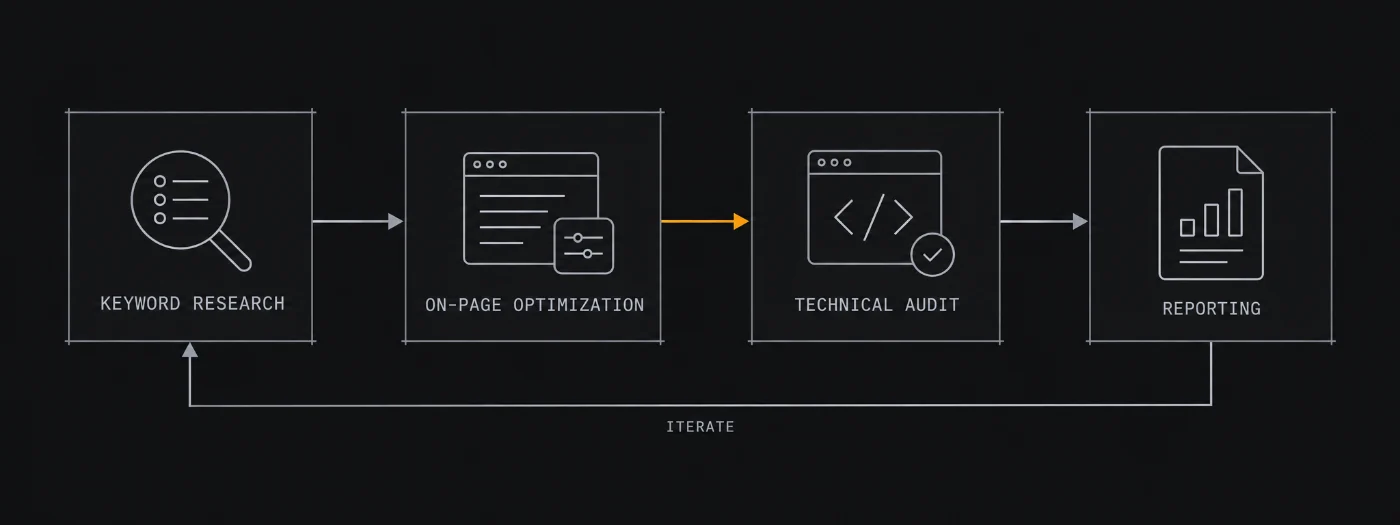
Related software categories on ICODE: see our Analytics and Social & creative hubs.
Related guides

More guides
People also ask
What are the best SEO tools?
In short: the best SEO tools for a small business balance price, ease of use and support. For most teams Semrush is a solid starting point, but a second option often fits specific workflows better. Compare two or three options below before you commit.
What are the best SEO tools for small business?
The best SEO tools for a small business are usually the ones with predictable pricing and a clear free or low-cost entry point. For most teams Semrush is a good starting point; compare two or three options before you commit.
How do I choose SEO tools?
Start from your workflow and budget, not the feature list. List your must-have jobs, test the top two tools on a free plan, and check how pricing scales as you grow. Our hub pages break each option down by use case.
Are there free options?
Several SEO tools offer a free tier or a trial. Free plans usually cap usage or seats, so use them to validate fit, then upgrade when a limit starts to cost you time.