Home / Business software
Business software · updated October 5, 2026
Business software for small teams — chosen by the job and the team size
Quick answer. In short: the best small business software for a small business balance price, ease of use and support. For most teams the right all-in-one tool is a solid starting point, but a second option often fits specific workflows better. Compare two or three options below before you commit.
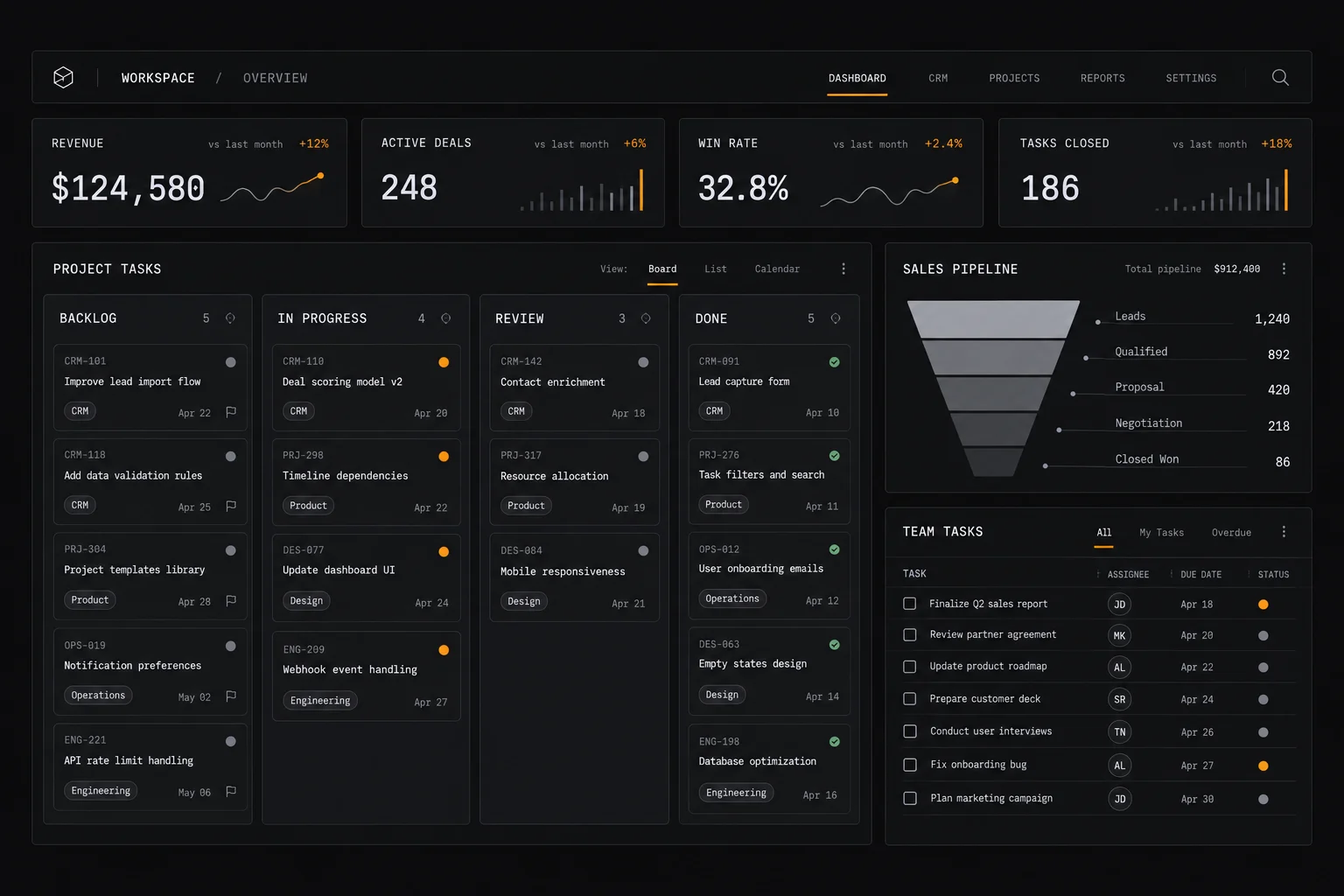
CRM, project management, invoicing and lightweight HR are four different systems of record that get sold as one confusing market. This hub separates them, shows what actually changes as a team grows, and points to the right next read.
On this page: The four systems · Choose by team size · Fit with your stack · Related guides · How we evaluate
Affiliate disclosure: some ICode pages link to software vendors and may earn a commission if you sign up through those links — at no extra cost to you. It never changes what we publish or how we rank options. This hub is editorial: it contains no vendor promotions. See our Affiliate Disclosure.
Four systems of record, four different jobs
A system of record is the place a business treats as the truth for one kind of data. Mixing them up is the main cause of buying the wrong tool: a project tool is not a CRM, and neither is an invoice ledger. Decide which record you are actually trying to hold.

CRM — the customer record
Where leads and customers live: contact history, deal stages, follow-up reminders. Useful once more than one person talks to the same customers, or once deals start slipping through memory.
Project management — the work record
Tasks, deadlines, owners and status. The deciding factor is rarely the feature list — it is whether your team will actually keep it updated. Pick the view your team already thinks in: list, board or calendar.
Invoicing & light accounting
Quotes, invoices, payment status and basic expense records. Consider what your accountant needs and which tax jurisdictions apply before choosing — this is the category where a local requirement can outrank every feature comparison.
HR-lite — the people record
Leave requests, simple onboarding checklists and a staff directory. Full HR suites are usually overkill below a few dozen employees; a spreadsheet plus a light tool often outlasts an expensive platform.
Communications & docs
Email, chat and shared documents hold the other half of your institutional memory. Most teams are better off connecting the four records above to their existing comms than adopting an all-in-one suite too early.
What changes as the team grows
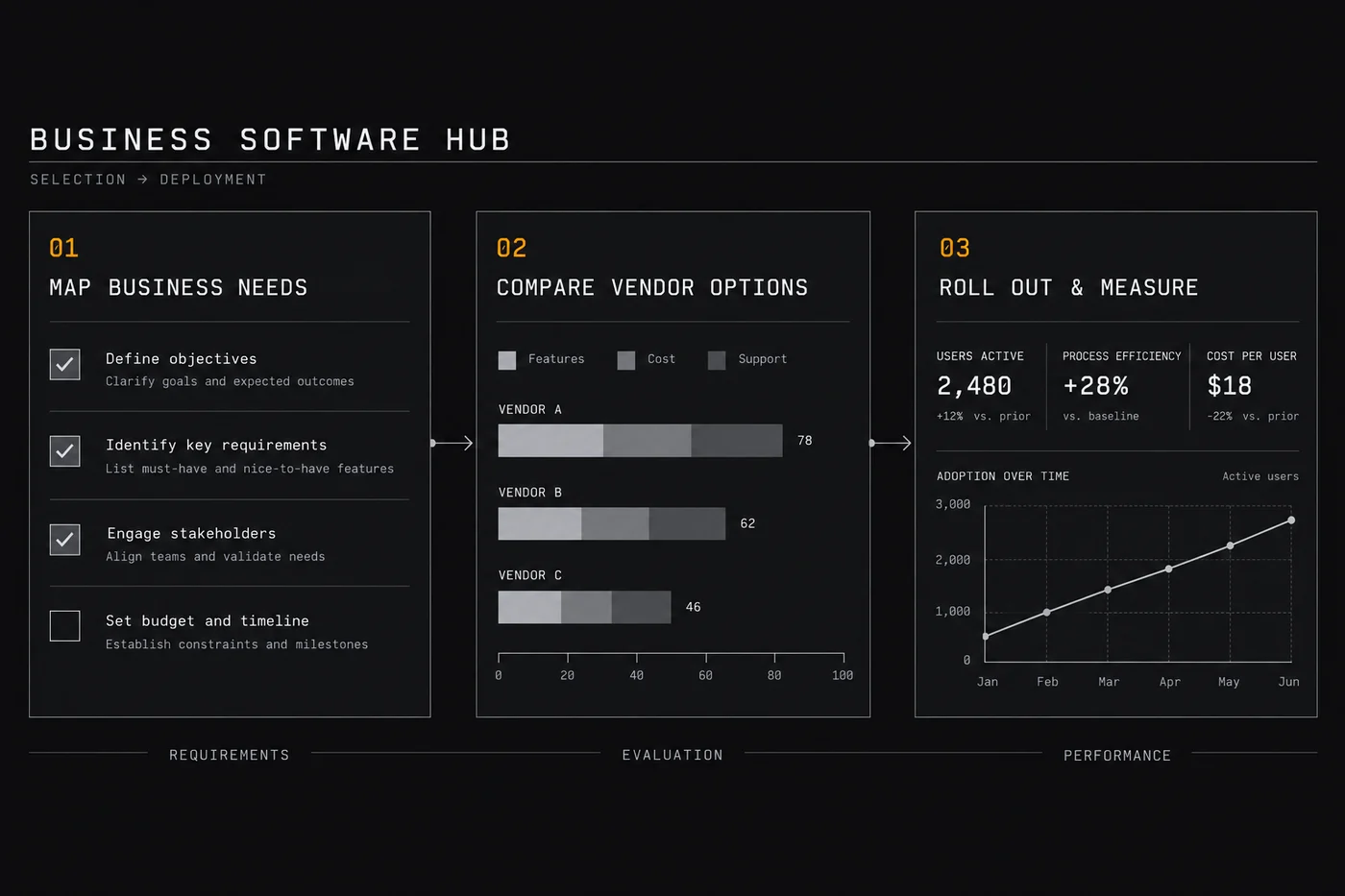
The same tool can be right at one size and wrong at the next. Use these bands to set expectations rather than as a precise rule — mode of work matters more than headcount.
Solo — one person wearing every hat
Optimise for speed and cost, not features. A calendar, a task list and an invoicing tool you will actually send from are usually enough. Add a CRM the moment you cannot remember who you spoke to last.
2–10 people — handoffs start to hurt
The problems are now shared visibility and handover. A shared task board and a simple CRM pay for themselves fast; invoicing must handle multiple senders. Watch for duplicate records appearing in two tools.
11–50 people — permissions and reporting
Role-based access, sane reporting and integrations matter more than any single feature. This is where teams start paying for automation to move data between systems — see our automation hub.
50+ — governance and migration cost
At this size the tool decision is a migration project. Buy for data portability, audit trails and support terms, and involve whoever owns finance and compliance before you switch platforms.
How these tools fit with the rest of your stack
Business software is rarely the only system you run. The cost of a tool is really the cost of the tool plus the glue to everything else, so it pays to plan the connections before buying.

- Email & lifecycle. Your CRM feeds your list; if the two do not connect, someone re-types contacts every week. See the email marketing hub.
- Automation. Moving data between CRM, projects and invoices is exactly what workflow tools are for. Our automation hub covers how they are priced.
- Payments. Invoicing only works if the money arrives; the payments hub covers receipts and cross-border fees.
- AI assistance. Drafting, summarising and support are where most teams start — see the AI tools hub.
- Online selling. If you also sell online, the ecommerce tools hub maps storefront, payments, shipping and email by stage.
Before committing, open each vendor’s own integrations page and confirm the specific connection you need exists on your plan — integration tiers change often, so check the current vendor page.
Where to go next

- Workflow automation platforms — connecting the systems above without manual re-typing.
- Email marketing software — the lifecycle layer most CRMs rely on.
- Payments & money transfer — getting paid, including cross-border.
- AI tools for small business — where a model genuinely helps an operations team.
- Ecommerce tools — if part of your business sells online.
- All ICode guides — the full set of verticals we cover.
How we cover business software
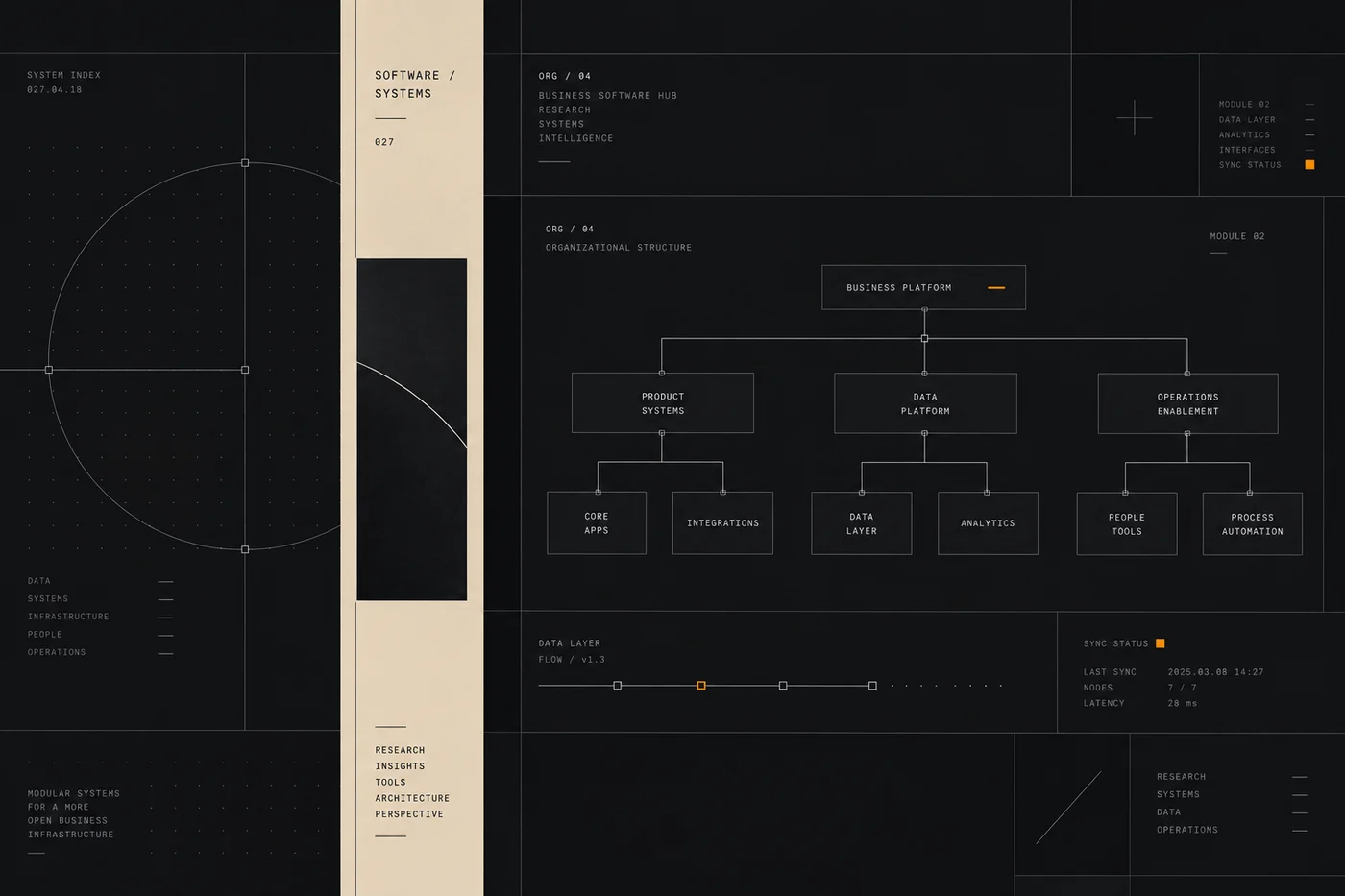
We describe categories and the questions that separate them, using vendors’ own pricing and feature pages as the primary source. Where a figure or limit is not something we have verified, we say “check the current vendor page” instead of inventing precision.
We do not accept payment for placement and a commission never changes an assessment. Read the full method on our editorial approach page, and see how individual products are judged in our reviews hub.
Frequently asked
What counts as business software?
Business software covers the systems a company runs on – accounting, invoicing, CRM, project management and similar – each solving one record-keeping or process job.
How do I choose between business tools?
Start from the job and the record you must keep accurate, then compare only tools built for that job rather than general-purpose apps that do everything poorly.
How is business software priced?
Usually per user per month, sometimes with feature tiers; total cost grows with seats, so price it for your whole team, not one login.
How does ICode evaluate business software?
We compare the same criteria for each category – core features, limits, integrations and price per seat.
Which record are you actually trying to keep?
Answer that first and most of the tool decision makes itself. Our guides cover the categories, the criteria and the questions to ask before you buy.
Related software categories on ICODE: see our Security & privacy and Developer tools and Customer support hubs.
People also ask
What are the best small business software?
In short: the best small business software for a small business balance price, ease of use and support. For most teams the right all-in-one tool is a solid starting point, but a second option often fits specific workflows better. Compare two or three options below before you commit.
What are the best small business software for small business?
The best small business software for a small business are usually the ones with predictable pricing and a clear free or low-cost entry point. For most teams the right all-in-one tool is a good starting point; compare two or three options before you commit.
How do I choose small business software?
Start from your workflow and budget, not the feature list. List your must-have jobs, test the top two tools on a free plan, and check how pricing scales as you grow. Our hub pages break each option down by use case.
Are there free options?
Several small business software offer a free tier or a trial. Free plans usually cap usage or seats, so use them to validate fit, then upgrade when a limit starts to cost you time.