
Home / E-commerce / Guides / Common WooCommerce problems
Problem · e-commerce · updated October 9, 2026
Common WooCommerce problems and how to fix them
Most WooCommerce problems fall into a few areas: a checkout that will not complete, products that will not show or update, payments that fail, a store that is slow, and emails that never arrive. Here are the ones that come up most, and what to check first.
Independent analysis. This page may contain affiliate links. If you sign up through a link on this page we may earn a reward at no extra cost to you, and it never changes what we recommend. We are an independent publisher and are not affiliated with, endorsed by, or an official partner of any tool mentioned. See our Affiliate Disclosure.
TL;DR
- A checkout that will not complete is usually a plugin or payment conflict.
- Products that will not show are usually visibility, stock or caching.
- Failed payments are often gateway settings or currency.
- A slow store is usually hosting, caching or heavy plugins.
- Missing order emails are usually SMTP or deliverability.
On this page: Why things go wrong · Checkout will not complete · Products will not show · Payments fail · Store is slow · Order emails missing · Symptom to fix · Where this fits
Why things go wrong
A WooCommerce store stacks WordPress, the theme, the plugin and its extensions on top of each other, so a fault in any layer can break the store.
A habit that saves time: test with only WooCommerce and a default theme active, and note what changed last, such as a new plugin or an update.
If the problem appeared right after an update, that update is the first thing to check.
Checkout will not complete
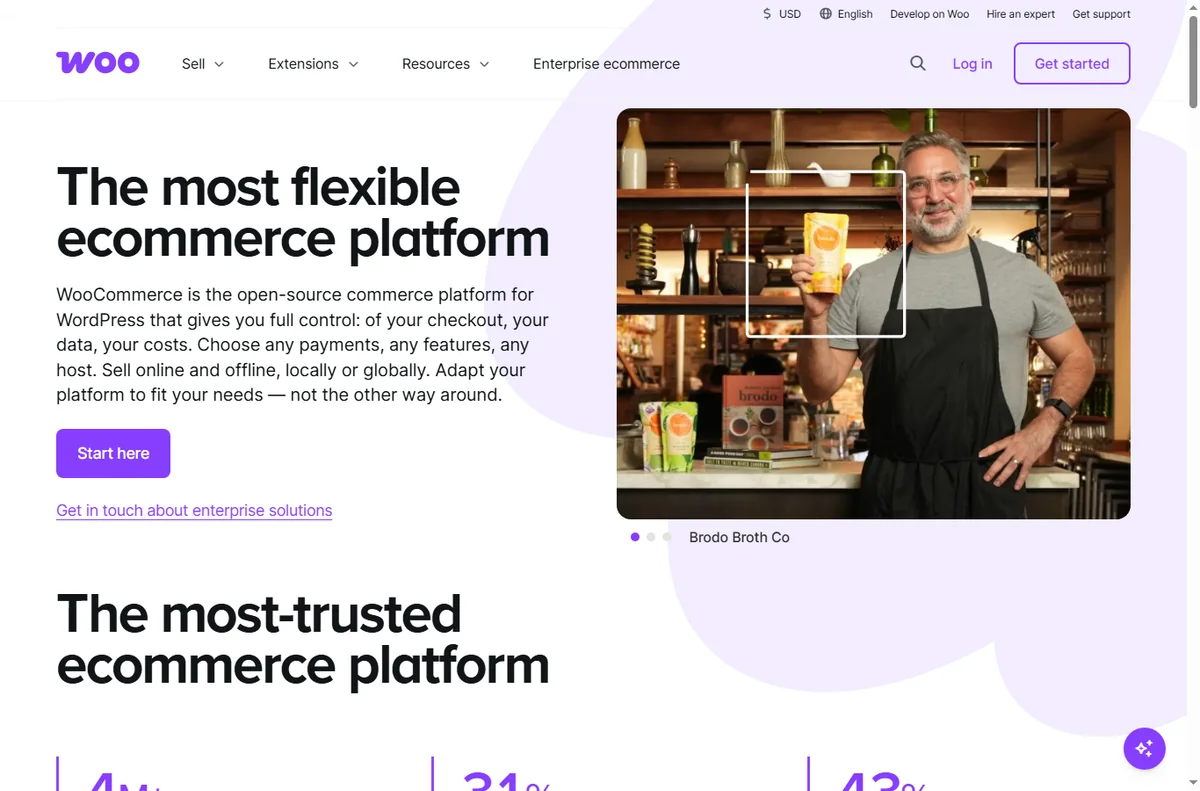
A checkout that stalls or throws an error is often a conflict between plugins or a broken payment step.
Disable other plugins on a staging copy, switch to a default theme, and confirm the payment gateway is connected in live mode.
Products will not show
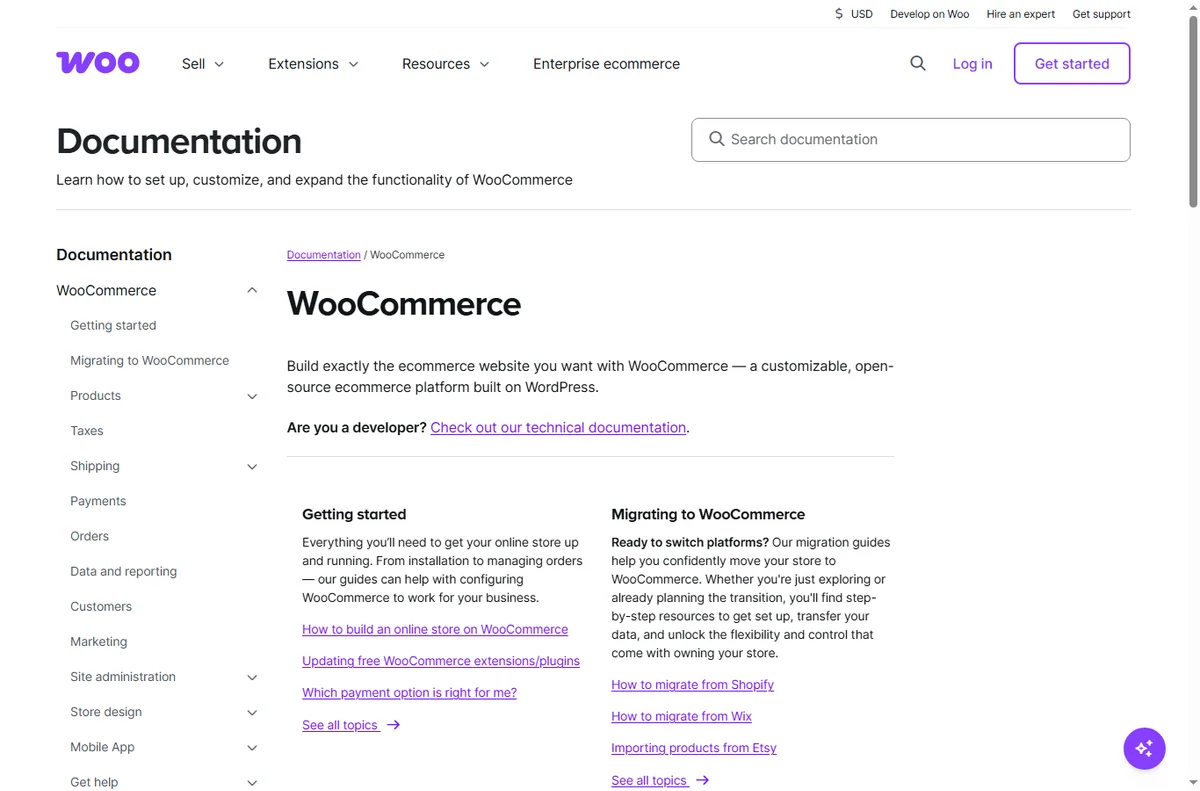
A product that is missing from the shop is usually set to draft, out of stock, or hidden by a cache.
Check the product’s visibility and stock, confirm the category is published, and clear the site and page cache.
Payments fail
Failed payments are usually about the gateway: wrong live keys, an unsupported currency, or a required field the gateway rejects.
Verify the gateway credentials, the store currency, and run a real test transaction at a low value before assuming a bug.
Store is slow
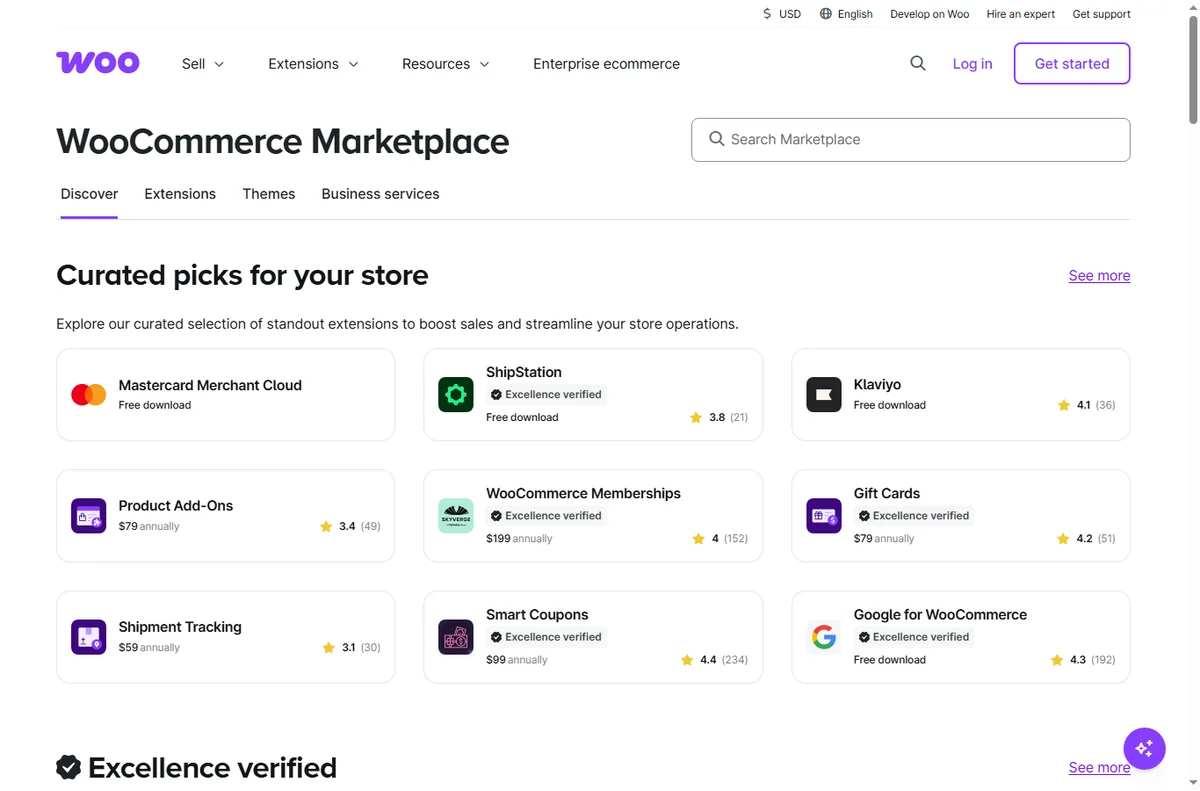
A slow store is usually hosting, missing caching, or too many heavy plugins loading on every page.
Enable caching and object caching, remove unused plugins, and check whether the host meets the store’s needs.

Order emails missing
Transactional emails that never arrive are usually about sending: WordPress alone is a poor mail sender.
Route mail through an SMTP or transactional service, check the sending domain, and confirm the emails are not landing in spam.
Symptom to fix
| Symptom | Likely cause | Fix |
|---|---|---|
| Checkout will not complete | Plugin or payment conflict | Test with a default theme, check the gateway |
| Products will not show | Visibility, stock or cache | Check visibility and stock, clear cache |
| Payments fail | Gateway keys or currency | Verify keys and currency, test live |
| Store is slow | Hosting, cache or plugins | Add caching, remove heavy plugins |
| Order emails missing | WordPress mail or deliverability | Use SMTP, check sending domain |

Where this fits
Start with the e-commerce hub. For the basics read what WooCommerce is, and for the setup steps see how to set up WooCommerce. If you are choosing a platform, read Shopify vs WooCommerce.

Frequently asked
Can I fix these myself?
Most of them. Products, plugins and caching are in your control. Anything on the host needs a support ticket.
Why did checkout break?
Usually a plugin or payment change. Test with a default theme and only WooCommerce active to isolate it.
Why are orders not emailing?
WordPress mail is unreliable on its own. Route it through SMTP and check the sending domain.
Should I switch platforms?
Not straight away. Confirm whether it is a setting, a plugin or the host first.
How long do fixes take?
Most settings apply at once, but caching and email reputation can take time to settle.
Fix your store
Isolate the layer, then get help if you need it.
Some links on this page may be referral links — we may earn a reward if you sign up, at no extra cost to you. We are an independent publisher. See our Affiliate Disclosure.
Leave a Reply