
Home / Ecommerce
Ecommerce tools · updated October 5, 2026
Ecommerce tools — what you need just to start selling, and what to add when you scale
Quick answer. In short: the best ecommerce tools for a small business balance price, ease of use and support. For most teams Shopify or WooCommerce is a solid starting point, but a second option often fits specific workflows better. Compare two or three options below before you commit.
An online store is four decisions stacked together: storefront, payments, shipping and email. This hub shows which layer to add at which stage, so you pay for the next problem rather than a hypothetical future one.
On this page: The four layers · Choose by stage · Common expensive mistakes · Related guides · How we evaluate

Affiliate disclosure: some ICode pages link to software vendors and may earn a commission if you sign up through those links — at no extra cost to you. It never changes what we publish or how we rank options. This hub is editorial: it contains no vendor promotions. See our Affiliate Disclosure.
The four layers of an online store
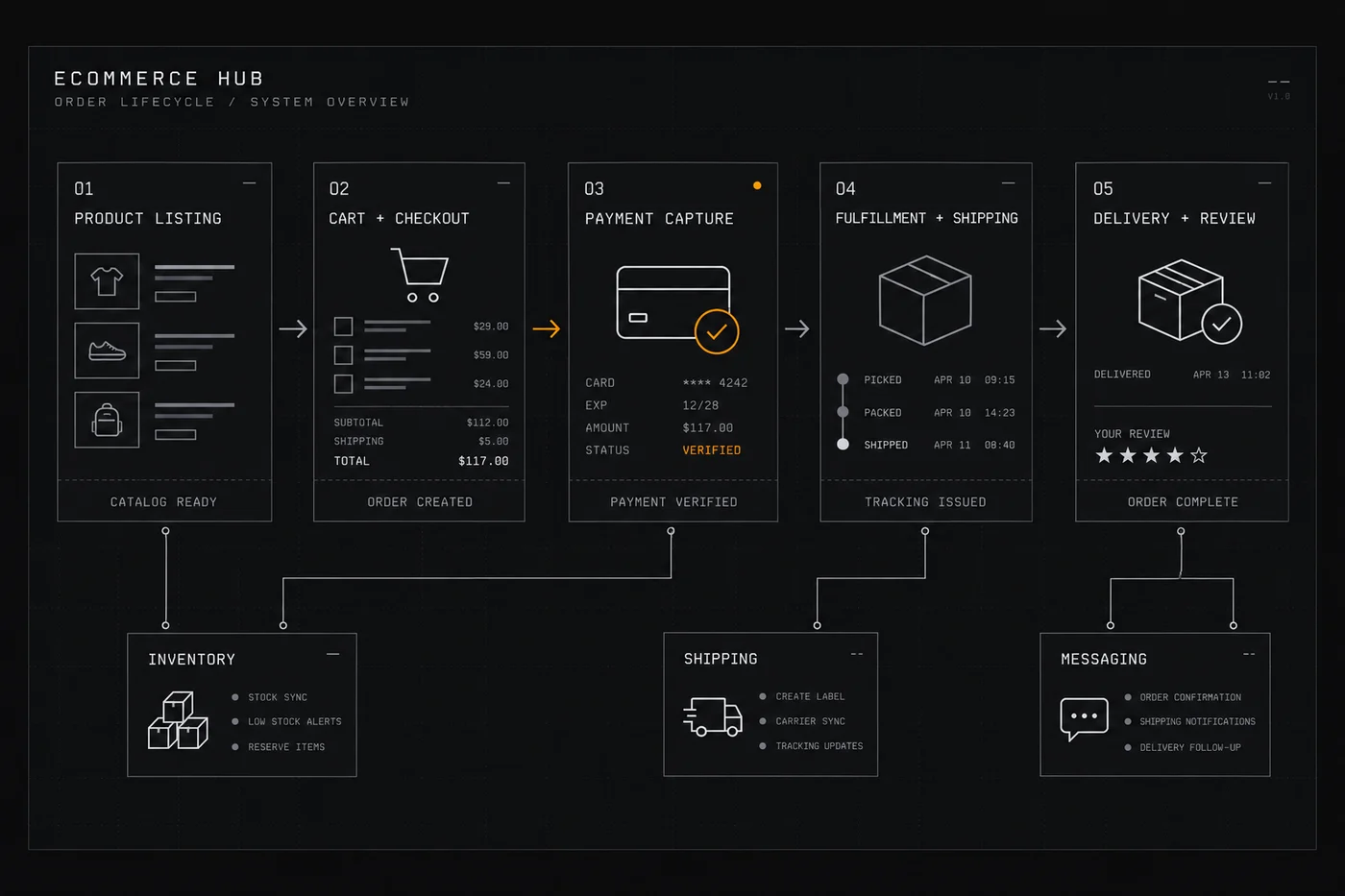
Every storefront runs on the same four jobs, whatever the branding suggests. Knowing which layer a product really serves stops you buying the same capability twice.
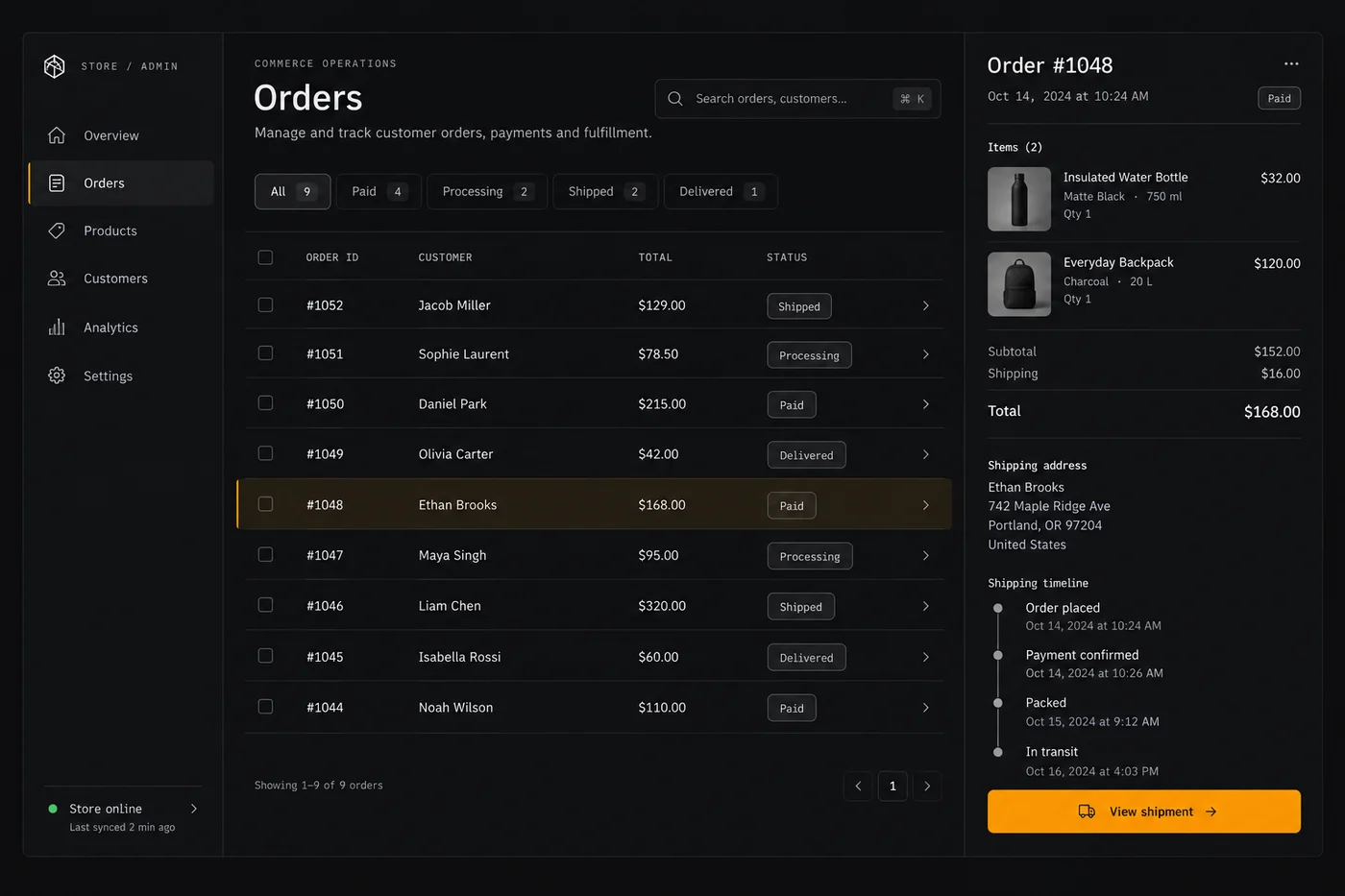
Storefront & catalogue
Where products, variants, stock and pages live. The choice is usually between a hosted platform that runs the whole stack and a self-hosted cart that gives you more control and more maintenance.
Payments
Taking money: cards, wallets and local methods, plus the fees and payout timing. This is the layer with the most hidden cost — see our payments hub.
Shipping & fulfilment
Rates, labels, tracking and returns. Complexity grows with geography, so keep it manual until order volume actually justifies automation. Check current carrier integrations on each vendor’s page.
Email & retention
Abandoned carts, order updates and repeat-purchase flows. Depending on the platform this is built in or handled by a separate email tool — see the email marketing hub.
Traffic & content
Product pages, SEO and paid traffic. For the organic side, our SEO & content tools hub covers how the data and audit tools differ.
Choose by stage, not by features
The most common waste is paying for scale you do not have. Match the stack to the stage you are in today, and plan the upgrade path only one step ahead.

Stage 1 — testing whether people will buy
You need a product page and a way to take payment. A hosted storefront with a built-in checkout is usually fastest. Do not buy shipping automation, a loyalty suite or a design overhaul yet.
For a single product or a light digital offer, a page-and-checkout tool can be enough — the funnel builders hub covers that lighter option.
Stage 2 — first steady sales
Now the leaks matter: abandoned carts, repeat buyers, support questions and shipping cost. This is when a dedicated email tool and a proper catalogue earn their keep. Fix conversion before you chase more traffic.
Stage 3 — scaling volume and geography
Operations and payments become the bottleneck: multi-currency, tax, returns and fulfilment. At this point automation and a payments review save more money than any storefront redesign — start with our automation hub and payments hub.
Expensive mistakes worth avoiding
None of these are exotic. They are the ones we see repeated most often, and each is cheaper to avoid than to undo.
- Choosing a platform for features you will not use for a year. You pay monthly from day one for capability that sits idle.
- Ignoring total payment cost. Subscription fees, transaction fees and currency conversion stack up differently depending on how you sell — compare on your real basket size.
- Rebuilding a storefront to fix a conversion problem. Usually the issue is product pages, trust signals or shipping cost, not the theme.
- Deferring email. Repeat customers are the cheapest revenue you have; a list you failed to collect early is expensive to rebuild.
- Locking data in. Confirm you can export products, customers and orders before you commit — check the current vendor page.
Where to go next

- Payments & money transfer — the layer where fees hide, including cross-border.
- Email marketing software — carts, updates and repeat purchases.
- Funnel builders & checkout tools — the lighter path for one product or a digital offer.
- Web hosting & websites — what a self-hosted store implies for speed and support.
- SEO & content tools — earning product-page traffic organically.
- All ICode guides — the full set of verticals we cover.
How we cover ecommerce tools
We map the layers and the stage logic using vendors’ own pricing and feature pages as the primary source. Fees, limits and integrations change constantly, so any figure we cannot verify is marked to be checked on the vendor’s own page rather than stated as fact.
We do not accept payment for placement and a commission never changes an assessment. See how individual products are judged in our reviews hub and read our full editorial approach.
Frequently asked
Which ecommerce tools does a small store need?
At minimum a storefront or platform, a payment gateway, shipping and email; the right stack depends on whether you sell physical goods, digital products or services.
How much do ecommerce tools cost?
Platforms usually charge a monthly plan plus a per-transaction fee for payments, and the transaction rate often matters more than the plan price at volume.
Can I start an online store for free?
Some platforms offer free or low-cost starter plans, but you still pay payment-processing fees, and paid plans are usually needed to remove limits and branding.
How does ICode compare ecommerce tools?
We apply the same criteria across storefronts, payments and email – fees, features, limits and ease of setup.
Build the store your stage actually needs
Start with the layer that is blocking you today. Our guides cover storefront, payments, shipping and email in the order most stores need them.
Related software categories on ICODE: see our Analytics and Social & creative and Customer support hubs.
People also ask
What are the best ecommerce tools?
In short: the best ecommerce tools for a small business balance price, ease of use and support. For most teams Shopify or WooCommerce is a solid starting point, but a second option often fits specific workflows better. Compare two or three options below before you commit.
What are the best ecommerce tools for small business?
The best ecommerce tools for a small business are usually the ones with predictable pricing and a clear free or low-cost entry point. For most teams Shopify or WooCommerce is a good starting point; compare two or three options before you commit.
How do I choose ecommerce tools?
Start from your workflow and budget, not the feature list. List your must-have jobs, test the top two tools on a free plan, and check how pricing scales as you grow. Our hub pages break each option down by use case.
Are there free options?
Several ecommerce tools offer a free tier or a trial. Free plans usually cap usage or seats, so use them to validate fit, then upgrade when a limit starts to cost you time.