
Independent analysis. This page may contain affiliate links.
Shopify vs. WooCommerce: Which Store Platform Fits You
Quick answer. In short: choose Shopify for a managed, hands-off store, and WooCommerce for ownership and no platform fees. For most small teams Shopify is the quicker start, while WooCommerce rewards heavier workflows. Both are capable tools; the right answer depends on your budget and how much setup you can tolerate.
Shopify and WooCommerce are the two default answers for launching an online store, but they solve the problem in opposite ways. Shopify is a hosted subscription platform; WooCommerce is a free plugin you run on your own WordPress hosting.
The right pick depends less on marketing promises and more on how you want to spend money and time.
Quick comparison table
| Factor | Shopify | WooCommerce |
|---|---|---|
| Setup | Hosted, ready out of the box | Requires WordPress and hosting |
| Cost model | Monthly subscription plus fees | Free plugin plus hosting and add-ons |
| Maintenance | Handled by Shopify | You handle updates and security |
| Customization | Apps and themes within limits | Unlimited code-level control |
| Payments | Built-in gateway options | Depends on chosen gateway |
| Scalability | Managed for you | Depends on your hosting |
Cost Structure: Subscriptions vs. Hosting
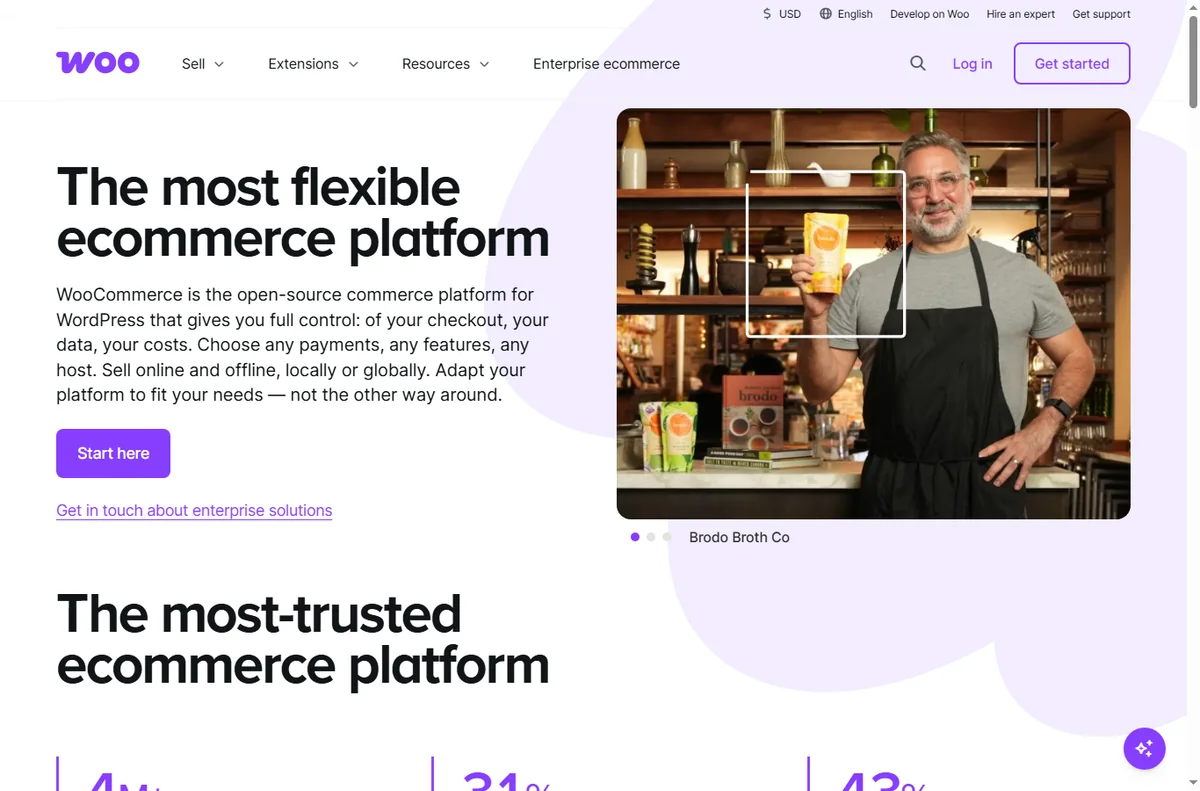
Shopify charges a recurring subscription and may add transaction fees when you use an external payment gateway. WooCommerce itself is free, but you pay for hosting, a domain, premium extensions, and your own time to maintain everything.
The cheapest-looking option is not always the least expensive. Factor in annual subscription increases, extension renewals, and the hourly value of your maintenance time before comparing totals.
Ease of Use and Maintenance
Shopify is designed for people who want to sell, not administer software. Setup is guided, updates happen automatically, and security is managed for you. WooCommerce gives you full control, but you are responsible for WordPress updates, plugin conflicts, backups, and security hardening.
If you have no technical help and no interest in managing a stack, Shopify removes a large class of problems. If you have a developer or enjoy the stack, WooCommerce’s control can be an advantage.
Design and Customization
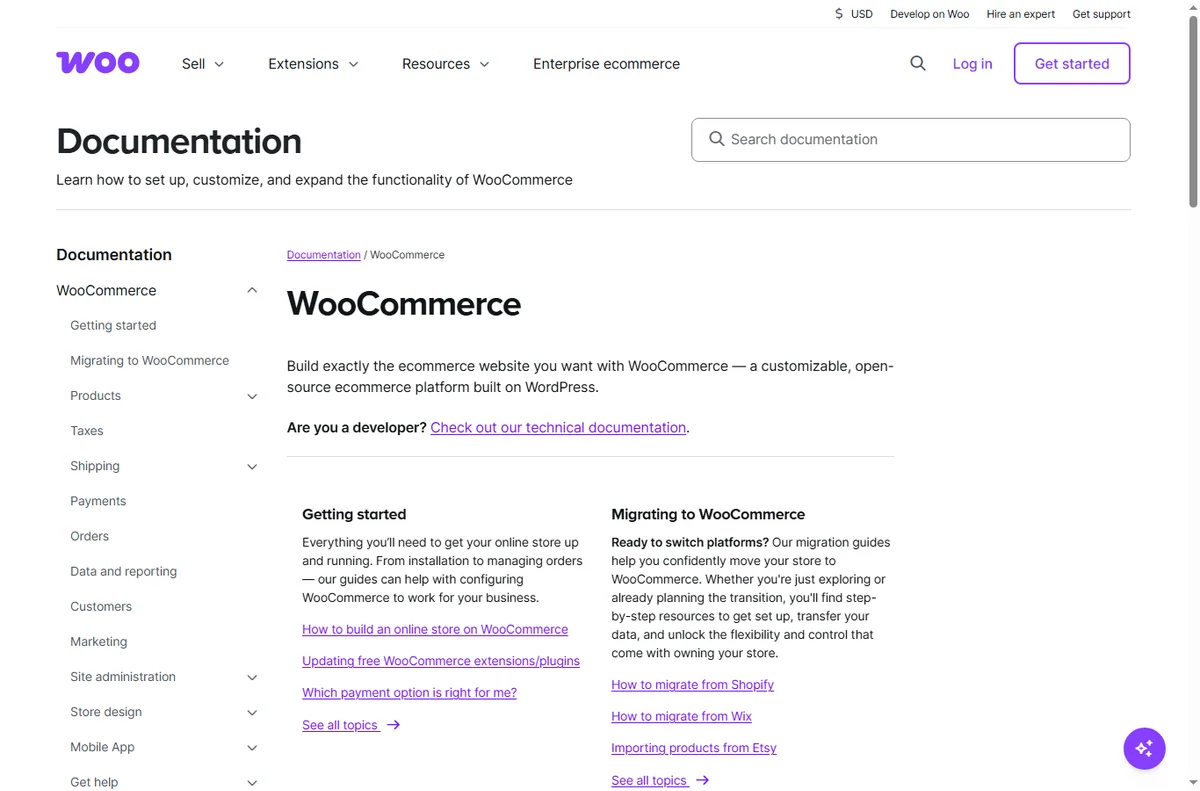
Both platforms offer professional themes. Shopify limits you to its app ecosystem and theme system, which covers most needs but can feel constrained for unusual requirements. WooCommerce runs on WordPress, so anything you can build with PHP and HTML, you can build into your store.
That flexibility cuts both ways: it enables bespoke features, but every customization is code you must maintain and secure yourself.
Payments, SEO, and Scalability
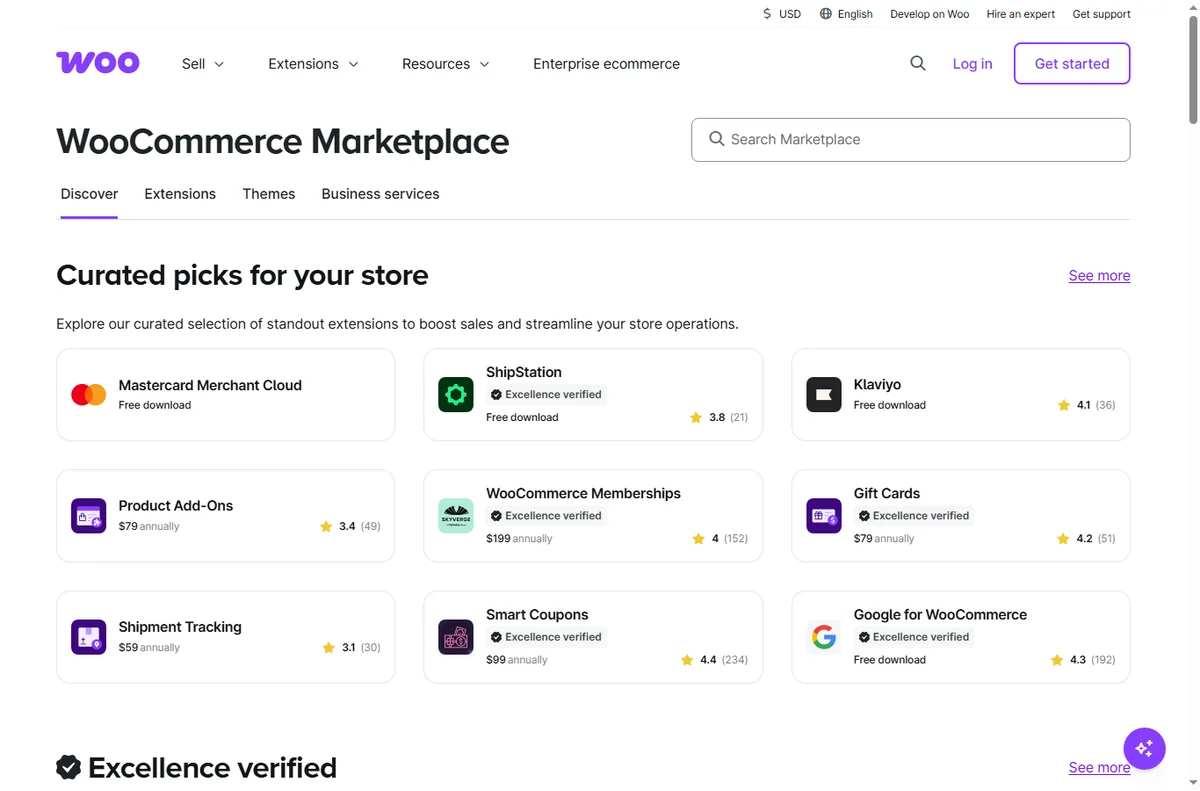
Shopify bundles several payment options and handles PCI compliance, which simplifies taking money quickly. WooCommerce supports many gateways through plugins, so your options depend on which ones you configure correctly.
On SEO, both can rank well. WordPress and WooCommerce offer deep control over URLs, schema, and content, while Shopify is strong out of the box but sometimes restrictive. For scale, Shopify handles traffic spikes for you; WooCommerce depends entirely on your hosting quality.
Which Platform Fits You
Choose Shopify if you want to launch quickly, avoid maintenance, and value predictable, hands-off operation. Choose WooCommerce if you want full ownership, deep customization, and are willing to manage hosting and updates.
Consider your exit too. With Shopify your store lives on their platform; with WooCommerce you own the files and data on your own server. Weigh control against convenience and pick the trade-off you can live with.
Pros
- Compares cost, maintenance, and control side by side.
- Avoids hype and states trade-offs plainly.
- Covers payments, SEO, and scaling considerations.
Cons
- Exact pricing changes, so totals must be recalculated.
- Neither platform is best for every type of store.
Frequently asked questions
Is WooCommerce really free?
The plugin is free, but you still pay for hosting, a domain, and any premium extensions. Maintenance time is a real cost too.
Which is better for SEO?
Both can rank well. WooCommerce gives more technical control, while Shopify is solid out of the box but sometimes restrictive on URL structure.
Can I migrate between them later?
Yes, though it takes planning. Cart, customer, and order data can be exported and re-imported, but themes and customizations do not transfer directly.
Verdict
Pick Shopify for speed, low maintenance, and predictable operation. Pick WooCommerce for ownership, deep customization, and willingness to manage hosting and updates. The deciding factor is how you want to spend money versus time.
Read more: hosting cho WooCommerce · hub ecommerce.
People also ask
Shopify vs WooCommerce: which is better?
In short: choose Shopify for a managed, hands-off store, and WooCommerce for ownership and no platform fees. For most small teams Shopify is the quicker start, while WooCommerce rewards heavier workflows. Both are capable tools; the right answer depends on your budget and how much setup you can tolerate.
Shopify vs WooCommerce: which is better?
Shopify is better for a managed, hands-off store; WooCommerce is better for ownership and no platform fees. Most small teams should pick based on which of those two matches their workflow, then check current pricing.
Can I switch later?
Yes. Both Shopify and WooCommerce let you export and re-import data, though migration always takes some effort. Starting on the cheaper plan and moving when you outgrow it is a common, low-risk path.
Which is cheaper?
Pricing changes often, so check each provider directly. In general the two are close at entry level; costs diverge once you add seats, contacts or higher usage tiers.