
Home / AI tools
AI tools · updated October 5, 2026
AI tools for small business — how to choose one that earns its keep
Quick answer. In short: the best AI tools for business for a small business balance price, ease of use and support. For most teams the right AI assistant is a solid starting point, but a second option often fits specific workflows better. Compare two or three options below before you commit.
“AI tool” is now a label slapped on almost anything. This hub strips it back to five practical categories, gives you a decision path to follow before you pay, and is honest about the work where a small business is better off without one. If you want a ready-made shortlist instead of categories, see our best AI tools for small business.
On this page: Categories · Decision path · When not to buy · Related guides · How we evaluate

Affiliate disclosure: some ICode pages link to software vendors and may earn a commission if you sign up through those links — at no extra cost to you. It never changes what we publish or how we rank options. This hub is editorial: it contains no vendor promotions. See our Affiliate Disclosure.
What “AI tool” actually covers
Most products sold as “AI tools” fall into a handful of jobs. Naming the job first makes comparison possible; comparing features across categories is how people end up paying for overlap. The categories below are the ones that matter for a small business, not the ones with the loudest marketing.
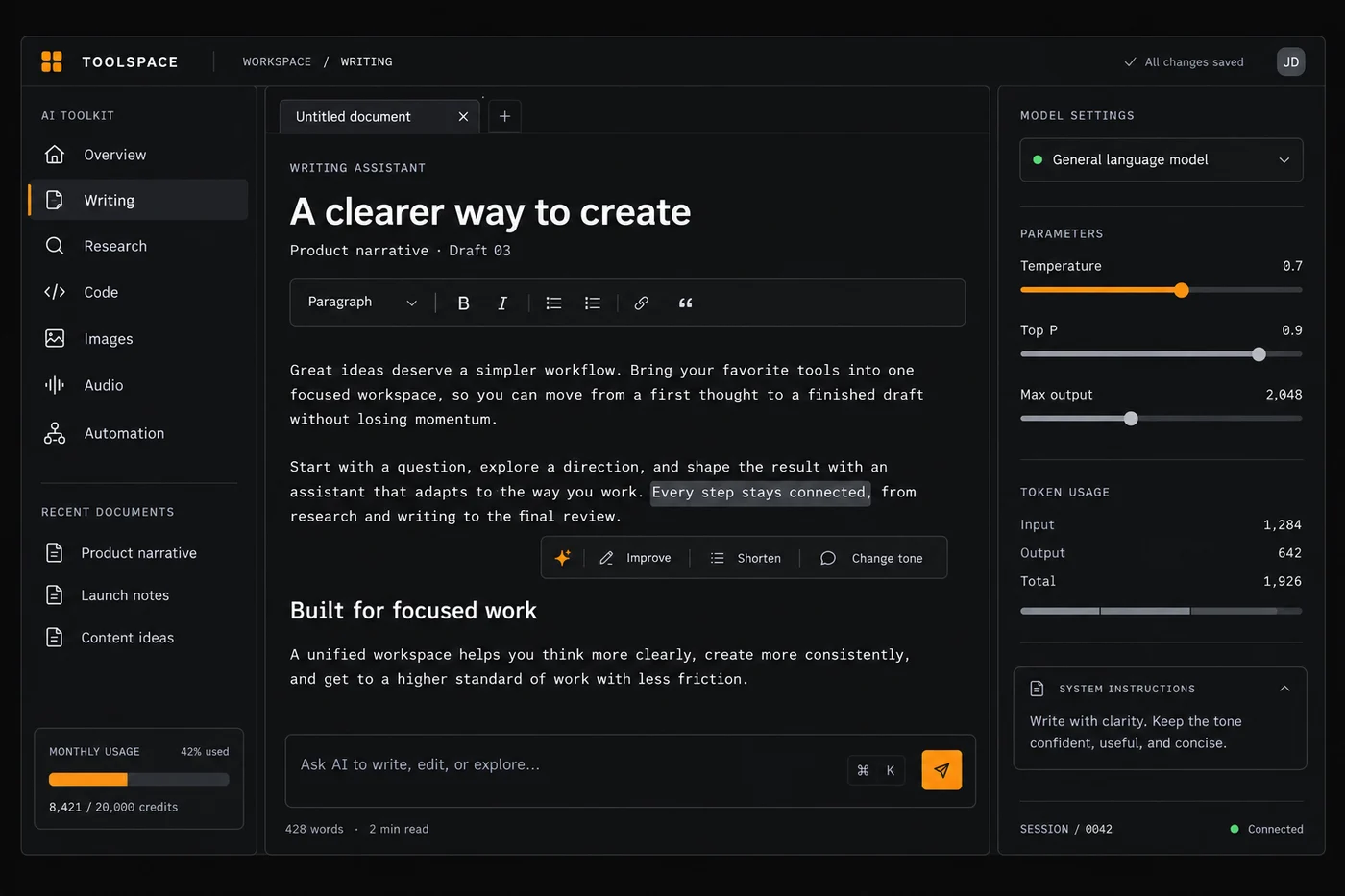
Writing & content
Drafting, editing, summarising and repurposing text. The value usually comes from speed on first drafts, not from publishing unedited output.
Image & design
Generating or editing visuals: product mockups, social graphics, background removal, quick variations. Check licensing and disclosure rules before commercial use.
Chat & research assistants
General-purpose assistants for questions, summarising documents and thinking out loud. Treat outputs as a first pass you still verify against a primary source.
Automation & agents
Connecting apps and letting a sequence run steps on a trigger, sometimes with an AI step in the middle. This is where AI most often replaces manual busywork — see our automation hub.
Support & operations
Help-desk drafts, ticket triage, meeting notes and internal knowledge search. Start with high-volume, low-risk tasks where a human still reviews the output.
A decision path you can follow before you pay
Work through the steps in order. Most overspending happens because people start at step three — picking a tool — and skip the two checks in front of it.
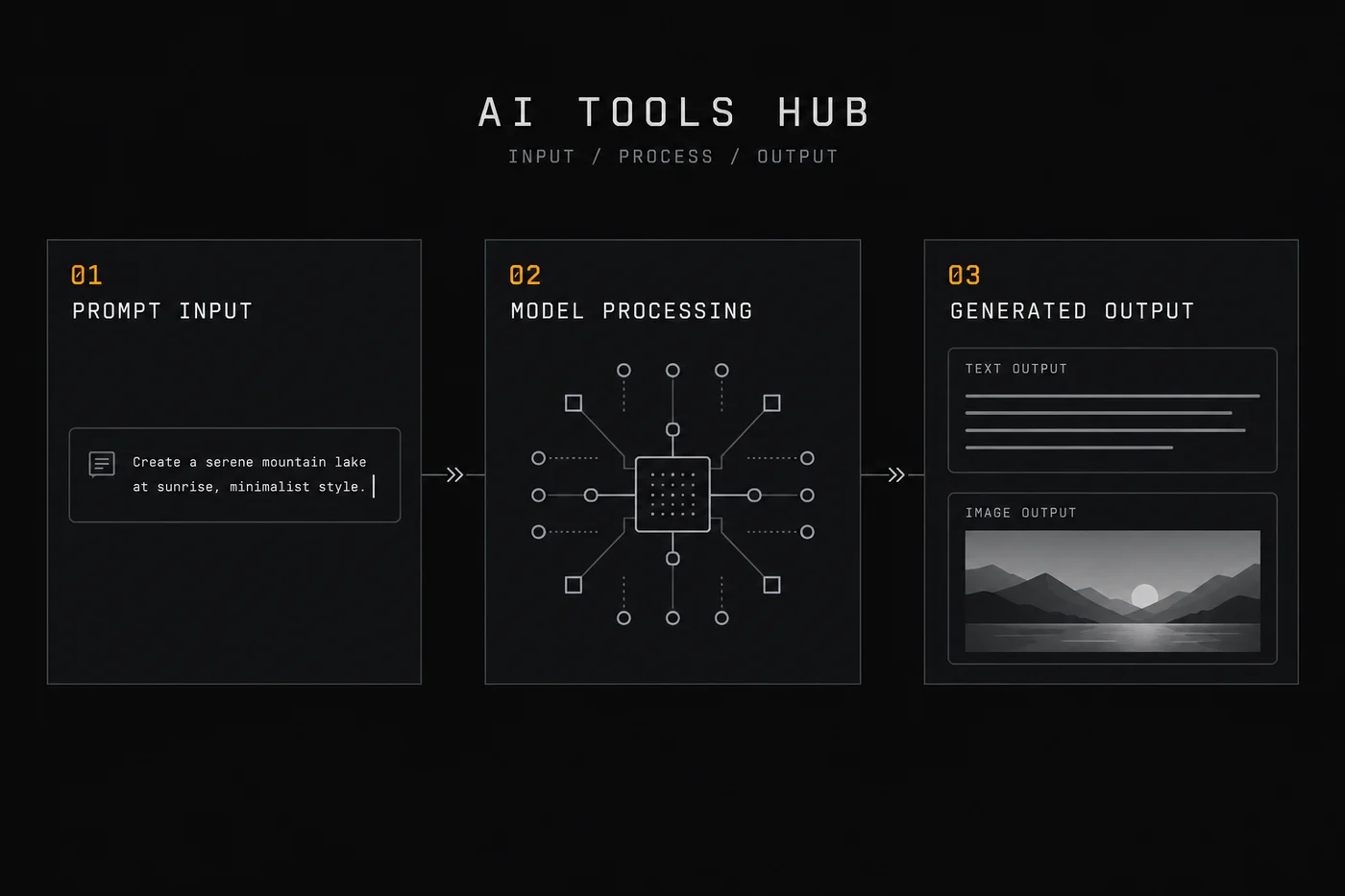
01 — Name the recurring task
Write down one task you repeat at least weekly: answering the same support questions, turning a call into notes, resizing product photos. A task you do twice a year is rarely worth a subscription.
02 — Check whether a tool you already pay for has the feature
Email, CRM and automation platforms have been folding AI features into existing plans. Before adding a subscription, open the current pricing page of what you already use and read what is included — features move between plans quickly, so check the current vendor page rather than trusting a screenshot from last year.
03 — Estimate the payback honestly
Multiply minutes saved per task by how often you do it, convert to an hourly cost you actually pay, and compare with the monthly price. If the payback is not clearly positive within a quarter, it is a hobby, not an investment.
04 — Trial it on real work, not a demo
Run the tool on a task you have already done by hand and compare the output side by side. Check the free or trial limits on the official pricing page, and note what happens to your data when the trial ends.
05 — Decide, then review in 60 days
Keep the tool only if you used it in the last month. Subscriptions you forget to cancel are the most common hidden cost in a small-business stack.
When you do not need an AI tool
This section exists because the honest answer is often “not yet”. None of the points below are anti-technology — they are about spending where it counts.

- The task is a one-off. A template, a checklist or an hour of your own time is cheaper than a new subscription.
- A deterministic rule already solves it. If the rule is “when this happens, do that”, a plain automation or a saved filter beats a model that can be wrong.
- Accuracy has to be perfect. Anything legally, financially or medically binding needs a qualified human review, whatever the tool claims.
- Your data cannot leave your systems. Check the vendor’s data-processing terms first; if you cannot, do not route that work through a third party.
- You cannot maintain the output. AI drafts still need an editor. If nobody owns quality control, the tool adds risk rather than removing effort.
If a workflow really is repetitive and rule-based, the right next read is our guide to workflow automation — it is often a better fit than a general AI assistant.
How AI tools slot into a small-business stack
AI rarely stands alone. It sits between the systems that hold your customers, money and content — which is why the rest of ICode matters if you are choosing tools seriously.
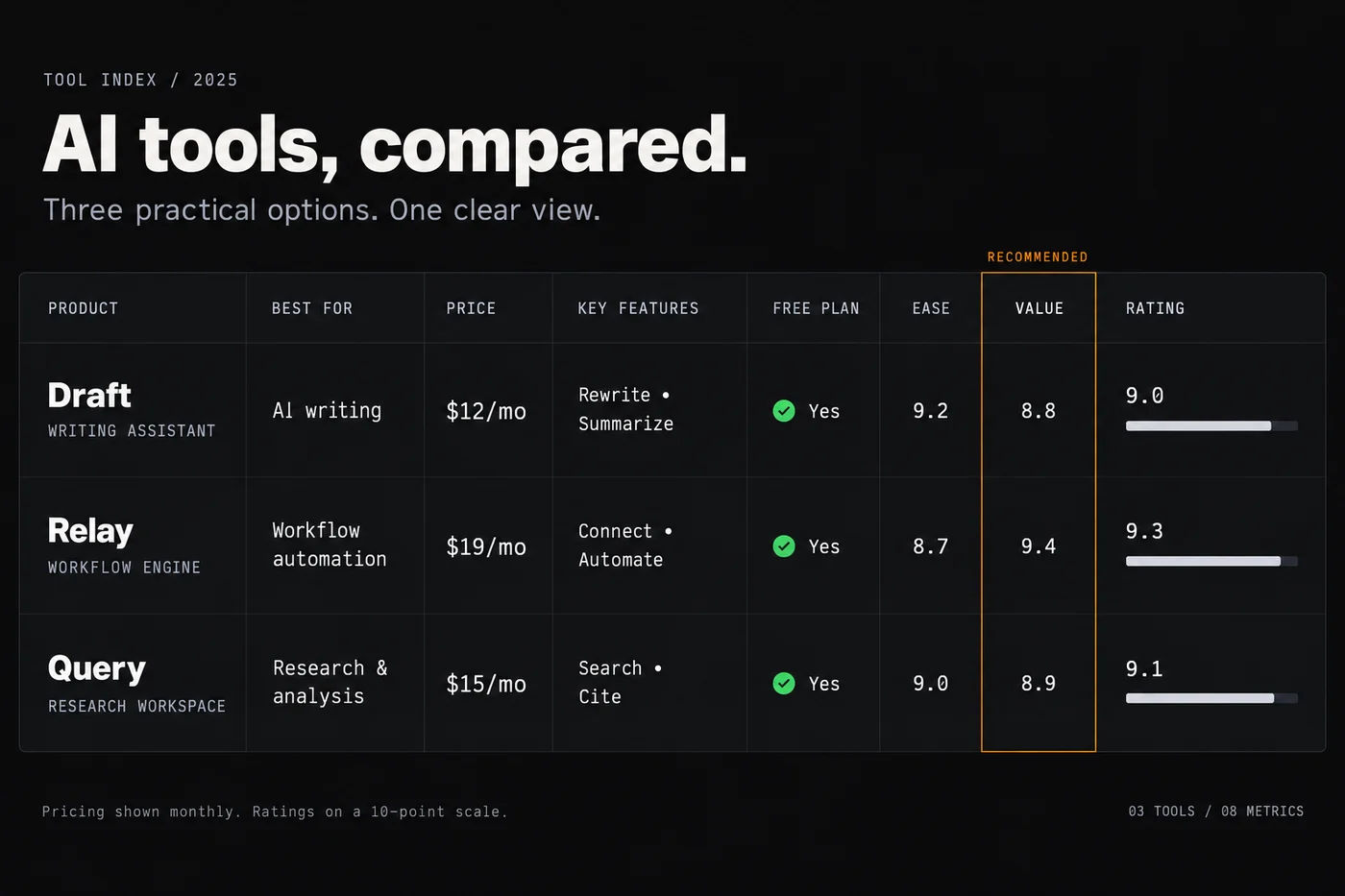
If the underlying job is customers and projects, start with our business software hub. If it is selling online, the ecommerce tools hub covers storefronts, payments and email. And if you are choosing an email platform, the email marketing hub compares how lists and automation are priced.
How we cover AI tools

We explain categories and decision logic using vendors’ own pricing and feature pages as the primary source. We do not accept payment for placement, and a commission never changes an assessment. Where we have not verified a figure ourselves, we say so rather than guess.
We do not publish hands-on test claims unless we have actually run the test, and we label vendor-reported numbers as vendor-reported. See our editorial approach for the full method.
Frequently asked
How should a small business choose AI tools?
Start from the task, not the hype: pick the AI tool that solves a specific job you already do, test it on real work, and check the data-privacy terms before feeding it sensitive information.
Are AI tools ready for business use?
Many are useful for drafting, summarising and support, but outputs need review; treat AI as an assistant and keep a person checking facts and tone.
How is AI software priced?
Most AI tools charge a monthly seat fee or usage-based credits, and costs can scale quickly with heavy use, so estimate your usage first.
How does ICode cover AI tools?
We describe what each tool is for, where it works well and its limits, using vendor documentation and hands-on checks, and we avoid ranking tools on marketing claims.
Not sure where AI actually fits?
Start from the job, not the product. Our guides walk through the categories and the questions to ask before you commit to any subscription.
Related software categories on ICODE: see our Social & creative and Developer tools hubs.
People also ask
What are the best AI tools for business?
In short: the best AI tools for business for a small business balance price, ease of use and support. For most teams the right AI assistant is a solid starting point, but a second option often fits specific workflows better. Compare two or three options below before you commit.
What are the best AI tools for business for small business?
The best AI tools for business for a small business are usually the ones with predictable pricing and a clear free or low-cost entry point. For most teams the right AI assistant is a good starting point; compare two or three options before you commit.
How do I choose AI tools for business?
Start from your workflow and budget, not the feature list. List your must-have jobs, test the top two tools on a free plan, and check how pricing scales as you grow. Our hub pages break each option down by use case.
Are there free options?
Several AI tools for business offer a free tier or a trial. Free plans usually cap usage or seats, so use them to validate fit, then upgrade when a limit starts to cost you time.