
Home / E-commerce / Guides / What is WooCommerce
Knowledge · e-commerce · updated October 9, 2026
What is WooCommerce?
WooCommerce is a free, open-source e-commerce plugin that turns a WordPress site into an online store you own and control. This guide explains what it does, how it is organised, and what it is not.
Independent analysis. This page may contain affiliate links. If you sign up through a link on this page we may earn a reward at no extra cost to you, and it never changes what we recommend. We are an independent publisher and are not affiliated with, endorsed by, or an official partner of any tool mentioned. See our Affiliate Disclosure.
TL;DR
- WooCommerce is an open-source e-commerce plugin for WordPress.
- It turns an existing WordPress site into a store.
- You own the store and the data; hosting and extensions are the real costs.
- Features, extension terms and prices change, so check the current pricing before you commit.
- It is not a hosted all-in-one platform: you still run hosting and updates.
On this page: What WooCommerce is · How it is organised · What it is good at · What it is not · Concept cheat sheet · Where this fits
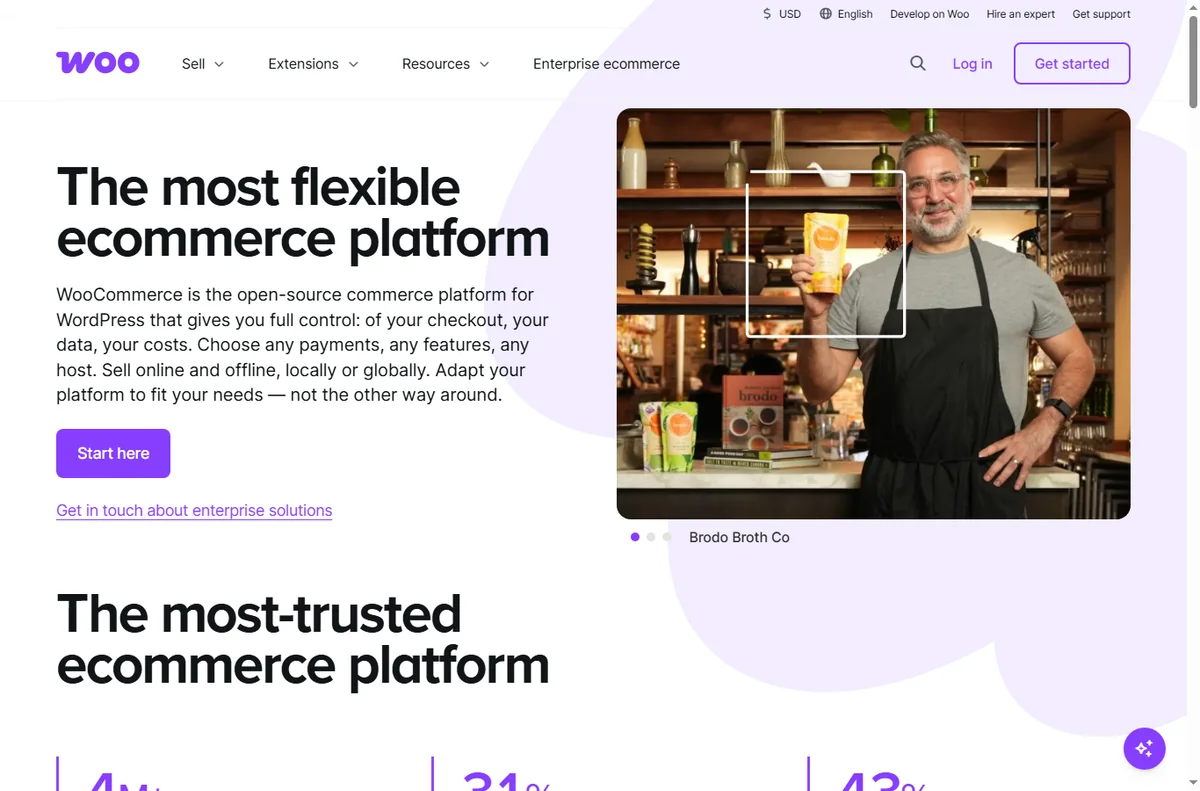
What WooCommerce is
WooCommerce is software you add to WordPress rather than a standalone store hosted for you.
The core product is the plugin: it adds products, carts and checkout to a site you already run.
Around the core it adds payments, shipping, tax and orders, with extensions for anything more specialised.
Because it runs on your WordPress site, you choose the host and you look after updates, backups and speed.
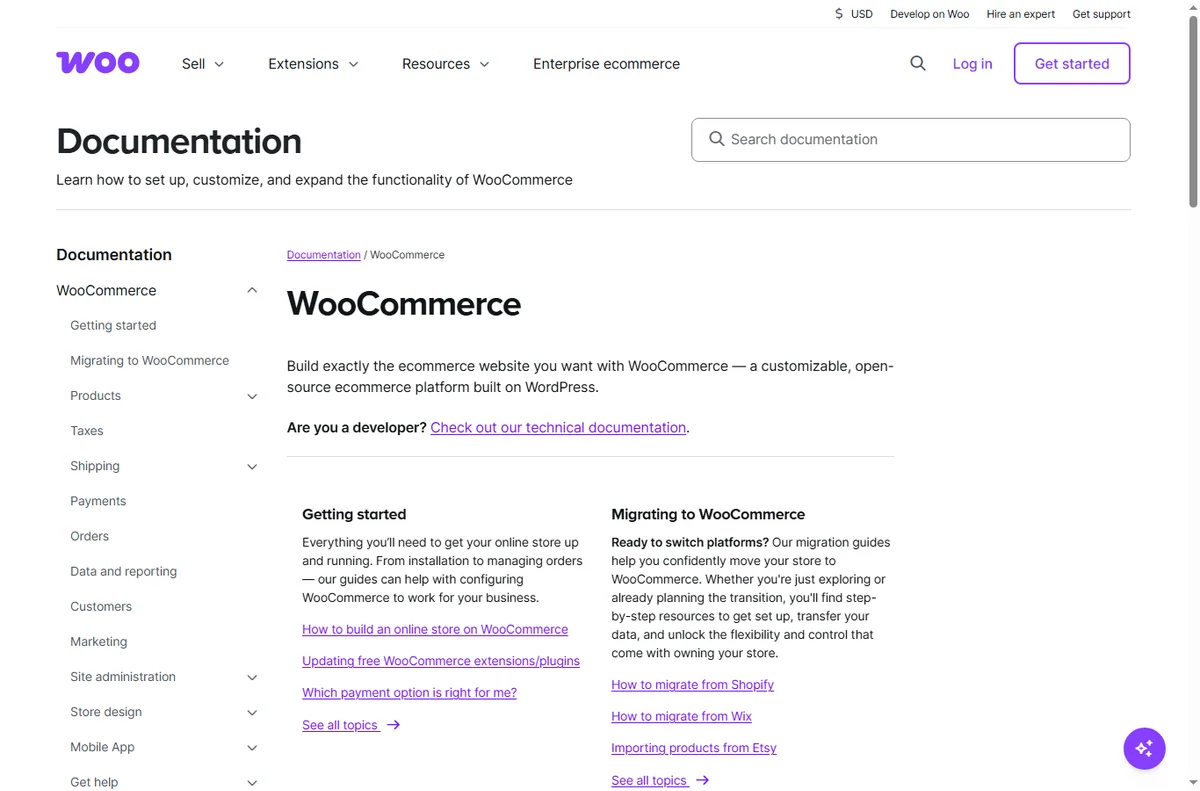
How WooCommerce is organised
Everything hangs off your WordPress site. Products are a content type, and orders, customers and coupons sit alongside them.
You create products, set prices and stock, then connect payments and shipping at checkout.
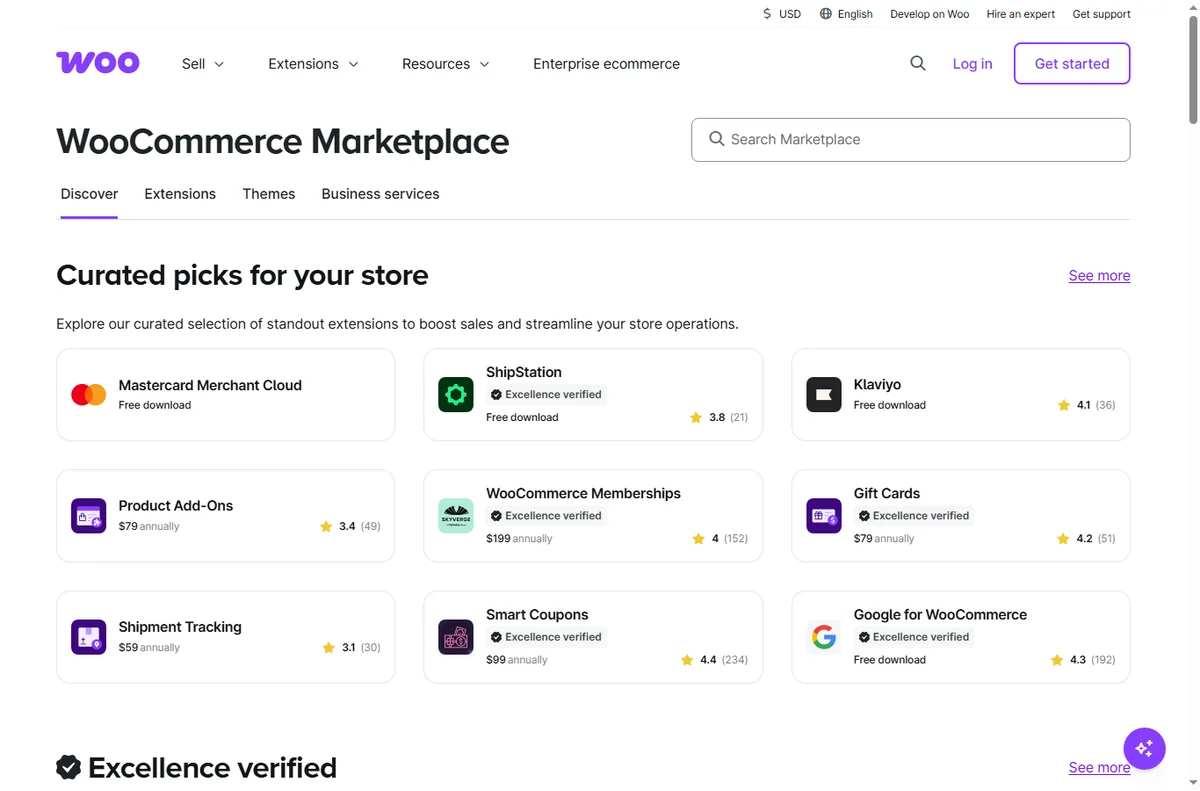
The core is free; extra capabilities come as extensions, each added to the same site.
As the store grows you scale the host, add caching, and add extensions rather than change platform.
What WooCommerce is good at
- Owning your store, data and customer relationships.
- Customising design and checkout with full control.
- Selling unlimited products without a platform plan.
- Extending with thousands of plugins for niche needs.
- Running a store on a platform you already know.

What WooCommerce is not
- Not a hosted service: you manage hosting, updates and security.
- Not turnkey: setup takes more work than a hosted store builder.
- Not inherently fast: performance depends on your host and setup.
- Not free in total: the plugin is free, but hosting and extensions are not.
Concept cheat sheet
| Concept | Meaning | Why it matters |
|---|---|---|
| Plugin | Software added to WordPress | Adds the store to your site |
| Product | An item you sell | The unit customers buy |
| Checkout | Where payment and shipping happen | Turns a cart into an order |
| Payment gateway | Connects the store to a processor | How money is collected |
| Extension | Add-on for extra features | Adds specialist capability |
| Hosting | The server your site runs on | Owns speed, uptime and security |

Where this fits
Start with the e-commerce hub. For the practical steps see how to set up WooCommerce, and for everyday usage read how to use WooCommerce for a small business. If you are choosing a platform, read Shopify vs WooCommerce.

Frequently asked
Is WooCommerce free?
The plugin itself is free and open source. Hosting, domains and extensions are the real costs, so check current pricing before you budget.
Do I need WordPress?
Yes. WooCommerce is a plugin, so it runs on a self-hosted WordPress site rather than on its own.
Can it handle a small store?
Easily. It scales from a handful of products to large catalogues, with hosting being the main limit.
Do I need to code?
Not for basic selling, but customisation and performance work benefit from some technical comfort.
Is it better than a hosted store builder?
It depends. WooCommerce wins on ownership and flexibility; hosted builders win on hands-off simplicity.
Open your store
Own your store on WordPress with WooCommerce.
Some links on this page may be referral links — we may earn a reward if you sign up, at no extra cost to you. We are an independent publisher. See our Affiliate Disclosure.
Leave a Reply