
Home / Email marketing / GetResponse review
Review · updated October 5, 2026
GetResponse: email, landing pages and webinars in one platform — reviewed
Quick answer. In short: GetResponse is a strong pick for email plus webinar funnels. It stands out for all-in-one email and funnels, and its plans scale predictably as you grow. It is a weaker fit for teams that only need email, where MailerLite usually wins. Read the full review for pricing and alternatives.
GetResponse is one of the older names in email marketing, and it has stretched well beyond email into landing pages, marketing automation and webinars. Here is what it does well, where it is weaker, and who it actually suits — based on the vendor’s published information, clearly labelled.
Referral link · we may earn a reward at no extra cost to you · it never changes our assessment
Email + pages + webinars
Free plan exists
Check-live pricing

Affiliate disclosure: this review contains a referral/affiliate link to GetResponse. If you sign up through it we may earn a reward at no extra cost to you — it never changes what we write or our assessment. See our Affiliate Disclosure. We are an independent publisher and are not affiliated with, endorsed by, or an official partner of GetResponse.
Quick verdict
GetResponse is a sensible choice if you want email marketing plus landing pages plus webinars from one vendor and you value having a free plan to start on. Its automation is capable, its deliverability tooling is mature, and bundling pages and webinars saves buying two more subscriptions. It is less compelling if you only need basic broadcast email (simpler tools do that cheaper) or if you want the most modern, opinionated creator-newsletter experience.
Best for: small businesses and marketers who want an all-in-one email + pages + webinar platform and will use at least two of those three.
Referral link — no extra cost to you. Confirm current plan limits on GetResponse’s own pricing page.
Evidence basis
- VERIFIED_FROM_VENDOR — features and plan structure from GetResponse’s own published pages (checked October 5, 2026).
- RESEARCHED — comparisons with alternative platforms, from their public documentation.
- INFERENCE — who it suits best, based on the above.
- We have not run a hands-on lab or deliverability test; we do not claim “we tested”.
On this page: Verdict · What it is · Features · Usability · Comparison · Pricing · Who it’s for · Alternatives · FAQ
What GetResponse actually is
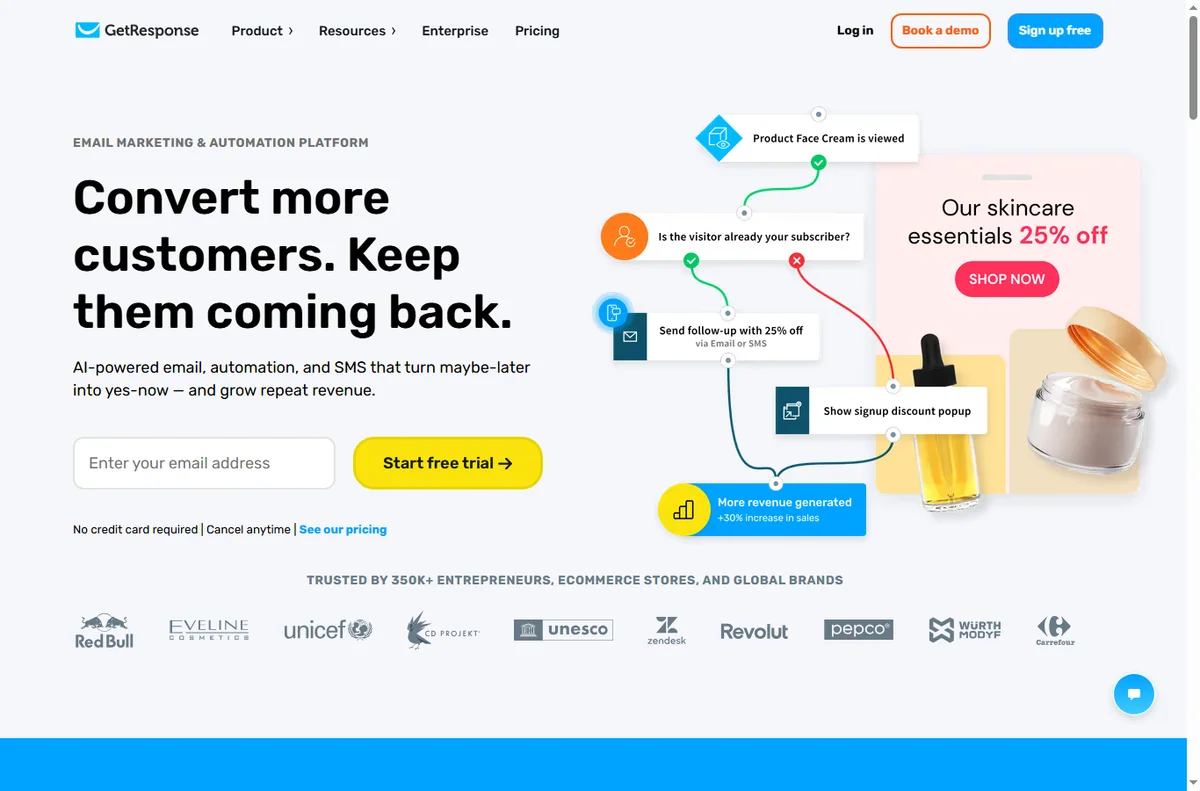
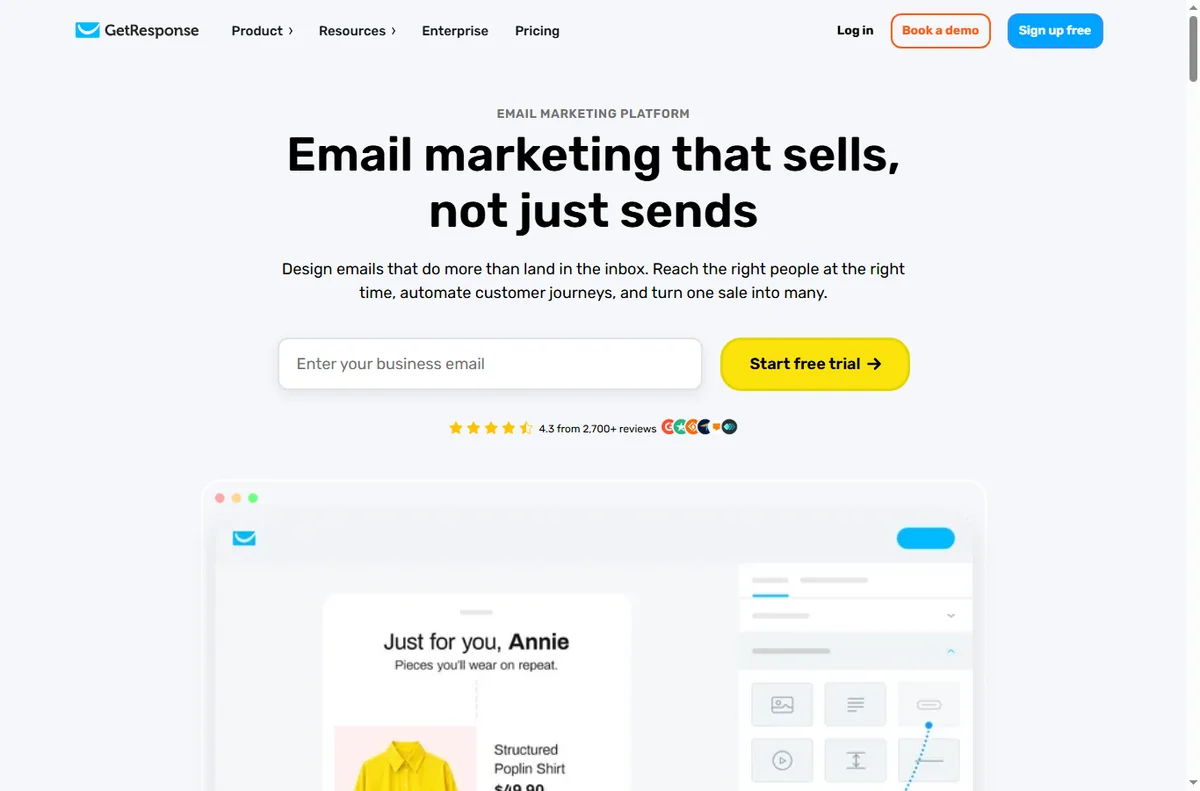
GetResponse began as an email marketing platform and has grown into a broader online-marketing suite. The core is still email: lists, newsletters, autoresponders and automations. Around that core sit three additions that define its positioning today — landing pages and simple funnels, webinar hosting, and ecommerce-oriented email for online stores.
Its differentiating bet is breadth within one vendor: rather than subscribing to an email tool, a page builder and a separate webinar service, you run all three from one account and one contact list. The trade-off is the familiar one for suites — a specialist tool may beat it in any single category, but you avoid integration glue and multiple bills.
GetResponse publishes a free plan with a contact cap and paid tiers that scale with list size, plus separate pricing for higher-usage and ecommerce needs. We describe the structure rather than exact figures below, because vendor pricing changes often and a stale number misleads.

Key features that matter
Email marketing & automation
Newsletters, autoresponders, visual automation builder, tagging and segmentation, A/B testing and deliverability tools. The automation layer is strong enough for welcome, nurture and win-back flows without another product.
Landing pages & funnels
A drag-and-drop page builder with templates for opt-ins and sales pages, plus simple funnel flows and forms. Convenient, though less flexible than a dedicated funnel builder — if page design is your core skill, compare it with the options in our funnel builders hub.
Webinars
Host live and automated webinars and connect registrations straight into your list and automations. This is the feature most alternatives lack, and it is why several users choose GetResponse over a plain email tool.
Ecommerce email
Connectors for major store platforms feed order and cart events into your automations, so abandoned-cart and post-purchase flows can run from the same list you send newsletters from.
Integrations & API
Native connections to common business tools plus an API and webhook support. If you run a separate automation platform, we cover how to wire the two together in our workflow automation guide.
Who it is for, and how it works in practice
GetResponse is aimed at small and mid-sized businesses, marketers and course or coaching sellers who want one platform for email, a landing page and a webinar — without hiring a developer. The typical flow is: publish a landing page, capture a contact, drop them into an automation, then promote a webinar that feeds the same list.
| Step | What you do in GetResponse | What it feeds |
|---|---|---|
| 01 Capture | Build a landing page or form with the drag-and-drop editor | New contacts tagged by source |
| 02 Nurture | Create an automation triggered on opt-in | Welcome and nurture sequence |
| 03 Convert | Schedule a live or automated webinar; send invites | Registrations and attendance tracked on the same list |

GetResponse vs alternatives
General orientation only. Features and pricing change often — verify each vendor’s current plans on its own site before committing.
| What matters | GetResponse | ActiveCampaign | Mailchimp | ConvertKit |
|---|---|---|---|---|
| Core strength | Email + pages + webinars in one suite | Deep automation & CRM | Broad brand & all-round marketing | Creator newsletters |
| Webinars | Yes — built in | No (integrate) | No (integrate) | No (integrate) |
| Landing pages | Yes | Yes | Yes | Basic |
| Automation depth | Strong | Very deep | Good | Creator-focused |
| Free plan | Yes — contact cap, check live | Trial rather than permanent free | Yes — contact cap, check live | Yes — contact cap, check live |
| Best for | Suite buyers who will use 2+ of the three tools | Automation-heavy ops & sales | General small-business marketing | Writers & newsletter creators |

Pricing: how it scales (check live)
GetResponse uses a freemium model: a free plan with a contact cap for getting started, then paid tiers that scale primarily with the number of contacts you store, plus higher-usage tiers and ecommerce-focused plans. Annual billing is typically cheaper than monthly.
We do not print exact prices here on purpose. Vendors in this category change tiers, launch promotions and reprice frequently, so a fixed figure goes stale fast and can be wrong by the time you read it. Treat any specific price as indicative and always check live pricing on GetResponse’s own pricing page before you decide.
| Plan tier | Indicative range | What changes |
|---|---|---|
| Free | No cost — check live contact cap | Entry list size, limited features |
| Entry paid | Check live pricing | Higher contact cap, automations, pages |
| Mid tier | Check live pricing | More contacts, deeper automation, webinars |
| Higher / ecommerce | Check live pricing | Largest lists, advanced automation, ecommerce features |

Referral link — no extra cost to you. Confirm current limits and billing terms on the vendor’s site.
Strengths and weaknesses
Strengths
- Email, landing pages and webinars in one account and one list
- Free plan to validate before paying
- Capable automation for welcome, nurture and win-back flows
- Mature deliverability tooling and ecommerce email features
- Webinar hosting is unusual among email-first competitors
Weaknesses
- Suite breadth means it rarely leads in any single category
- Page builder is less flexible than a dedicated funnel tool
- Cost rises with list size, so large lists need careful tier planning
- Interface has more surface area than a simple broadcast tool
- Best value only if you genuinely use two or more of the bundled tools
Who should — and should not — use GetResponse
Good fit if you…
- want email, landing pages and webinars without three subscriptions
- run webinars as part of your funnel and want them on the same list
- are a small business or marketer who will use the automation builder
- sell physical or digital products and want ecommerce email flows
- want a free plan to test the workflow first
Look elsewhere if you…
- only send occasional simple newsletters (a lighter tool is cheaper)
- need the deepest possible marketing automation and CRM (see a dedicated automation platform)
- want the most design-flexible funnel builder specifically
- are a writer whose priority is a minimalist creator-newsletter experience
- need a fully self-hosted platform you control end to end
Alternatives to consider
ActiveCampaign
Choose it when automation depth and CRM-style contact management matter more than bundled pages and webinars. See the email marketing hub for how the platforms differ.
Mailchimp
Choose it for a broad, well-known small-business marketing toolset with a free tier. Fewer webinar-native options than GetResponse.
ConvertKit
Choose it when publishing newsletters is the core of the business and you want creator-first tooling rather than a suite.
Exploring more options? Start from the email marketing hub, browse all reviews and guides, or read the Affiliate Disclosure.
How we reviewed this
We assessed GetResponse against feature set, usability, integrations, pricing model, strengths and limits, using the vendor’s own published product and pricing pages as the primary source and comparing it with the closest alternatives. We did not run a hands-on deliverability or performance test, and we make no such numerical claims. Claims sourced from the vendor are labelled VERIFIED_FROM_VENDOR where relevant. We do not accept payment for placement or rankings.
Last updated: October 5, 2026. Pricing and features change frequently — always confirm details on GetResponse’s own website before you buy.

Frequently asked
Does GetResponse have a free plan?
Yes — GetResponse publishes a no-cost plan with a contact limit, plus paid tiers that scale mainly with list size. The exact cap and feature limits change, so confirm them on the vendor’s current pricing page before you plan around them.
How much does GetResponse cost?
We intentionally do not quote fixed prices, because the vendor reprices and changes tiers often. Cost scales primarily with your contact count, so model your list size against current tiers and check live pricing. Annual billing is typically cheaper than monthly if you are committed.
Is GetResponse good for webinars?
Webinar hosting is one of its genuine differentiators: live and automated webinars connect directly to your list and automations, so registrations and attendance live beside your email data. If you do not run webinars at all, some of its value is unused.
Is it hard to learn?
It is approachable because the core tasks — build a list, send a newsletter, create an automation — are standard. The suite has more surface area than a simple broadcast tool, so budget some learning time if you plan to use pages and webinars too.
Should I pick GetResponse or a specialist email tool?
If you will use at least two of its three core areas (email, landing pages, webinars), the bundle is likely worth it. If you only need straightforward broadcast email, a lighter specialist tool can be simpler and cheaper — see the alternatives above.
Do you earn if I sign up?
We may earn a reward if you sign up through our referral link, at no extra cost to you. It does not change our assessment — this review lists real weaknesses and points to alternatives, and we disclose the relationship at the top of the page.
Start on the free plan, then decide
If you run email, landing pages or webinars, build one real flow on the free tier first. That tells you more than any review.
Referral link — we may earn a reward if you sign up, at no extra cost to you. Features, limits and prices change; always check the vendor’s current terms. We are an independent publisher and are not affiliated with GetResponse. See our Affiliate Disclosure.
Related guides
People also ask
Is GetResponse worth it?
In short: GetResponse is a strong pick for email plus webinar funnels. It stands out for all-in-one email and funnels, and its plans scale predictably as you grow. It is a weaker fit for teams that only need email, where MailerLite usually wins. Read the full review for pricing and alternatives.
Is GetResponse worth it?
GetResponse is worth it for email plus webinar funnels. It is strongest at all-in-one email and funnels, and its plans scale with usage. If your priority is teams that only need email, compare it with MailerLite before deciding.
Is GetResponse good for beginners?
GetResponse is friendly enough for most beginners in its category, especially for email plus webinar funnels. Expect a short learning curve; our setup guide and full review walk through the first steps and the settings that matter most.
How does GetResponse compare to MailerLite?
GetResponse tends to win on all-in-one email and funnels, while MailerLite is the better pick for teams that only need email. The right choice depends on your list size, budget and how much automation you need day to day.