
Home / Automation / Comparisons / Make vs Zapier
Comparison · updated October 5, 2026
Make vs Zapier: which automation platform should you actually build on?
Quick answer. In short: choose Make for visual automation at a lower price, and Zapier for app coverage and simplicity. For most small teams Make is the quicker start, while Zapier rewards heavier workflows. Both are capable tools; the right answer depends on your budget and how much setup you can tolerate.
Make and Zapier solve the same problem — connecting your apps so work happens without you — but they reward different instincts. This page exists to help you decide even if you never click a single link.
Affiliate disclosure: this comparison contains a referral/affiliate link to Make. If you sign up through it we may earn a reward at no extra cost to you — it never changes our criteria or the verdict. See our Affiliate Disclosure. We are an independent publisher and are not affiliated with, endorsed by, or an official partner of either Make or Zapier.
Quick verdict
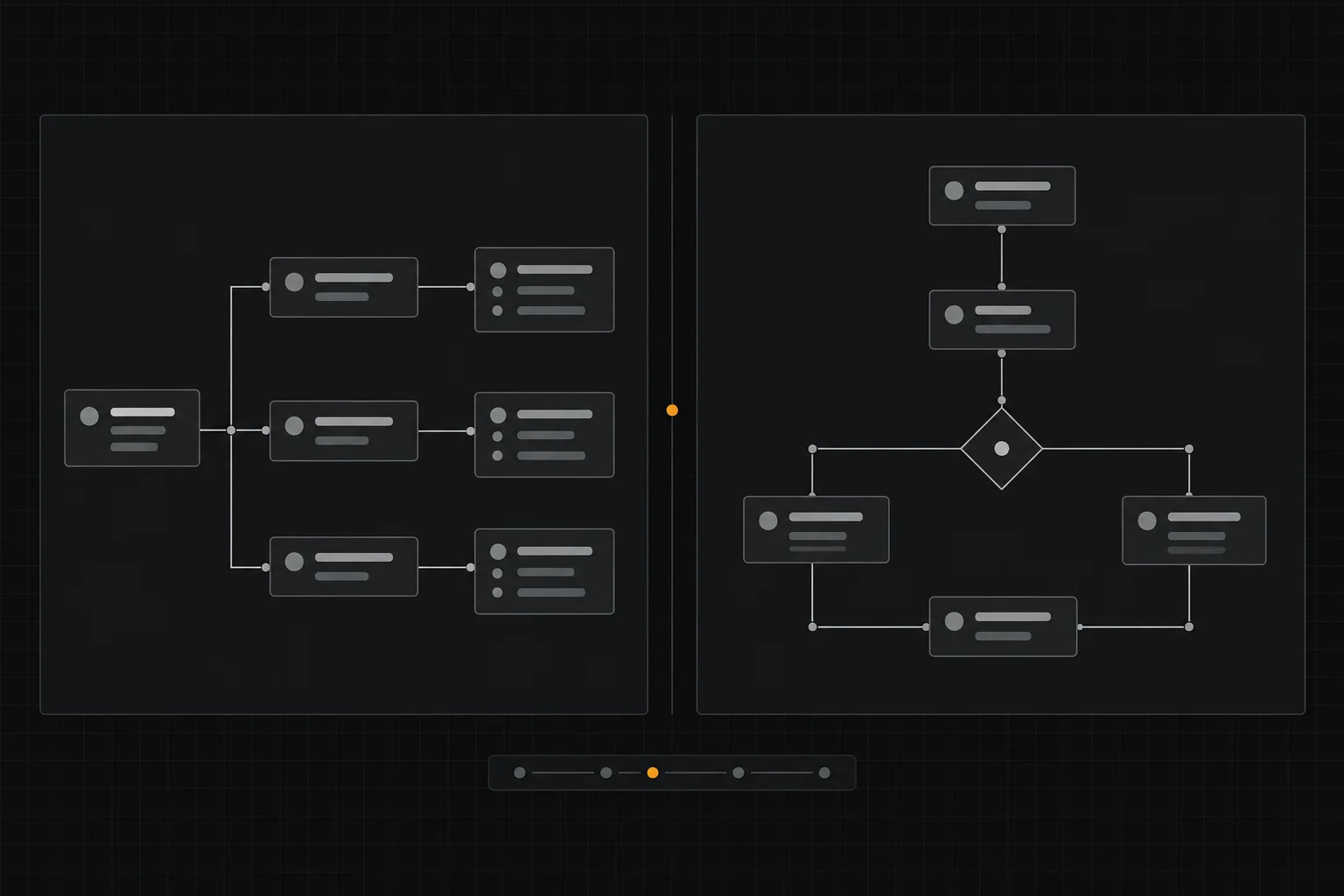
Choose Zapier if your problem is simply that two apps do not talk to each other, your team is non-technical, and you want the widest catalogue of ready-made connections with the least setup effort. Choose Make if your automations are genuinely multi-step — branching on conditions, transforming data, chaining several apps — and you would rather design that logic on a visual canvas, often at a lower cost per unit of usage.
Neither is “better” in the abstract. Zapier optimises for reach and speed; Make optimises for visual complexity and cost efficiency at volume. Match the tool to the shape of your work.
Referral link — no extra cost to you. Zapier is included here on the same criteria without an affiliate link.
At a glance
- Pick Zapier if you want the broadest app coverage and the simplest setup.
- Pick Make if you want visual multi-step logic and cost control at volume.
- Pick neither if data must stay on your own servers — look at a self-hosted tool.
Based on vendors’ publicly published product and pricing pages (checked October 5, 2026). We have not run a paid head-to-head lab test; see the methodology note at the end.
On this page: Verdict · Who should pick which · Side-by-side · Pricing · Features · Limits · Use cases · Final decision · FAQ
Who should choose which
Choose Make if you…
- build multi-step workflows with conditions and branching
- think visually and want to see the whole scenario at once
- care about cost efficiency as operation volume grows
- handle data transforms between apps, not just passing a value through
- want to iterate on logic without writing code
Choose Zapier if you…
- need a specific app pair connected and want it working today
- have a non-technical team that must self-serve simple automations
- value the largest catalogue of native integrations
- keep most workflows to a handful of straightforward steps
- prefer mature documentation and a large answer community

Make vs Zapier side by side
General orientation only. Both products ship changes constantly — verify current features and prices on each vendor’s own site before you commit.
| Dimension | Make | Zapier |
|---|---|---|
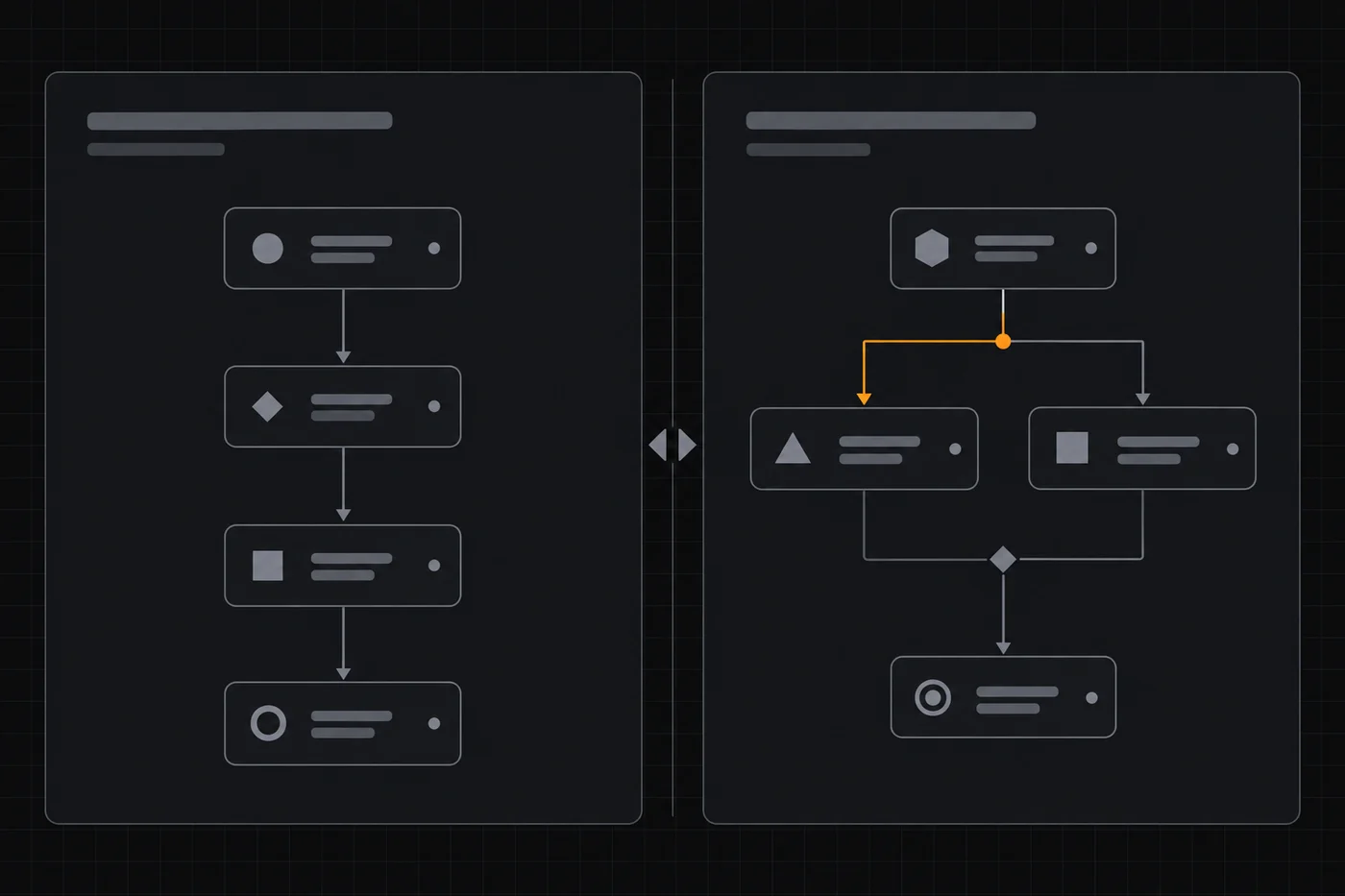
| Mental model | Visual scenario on a canvas | Linear list of steps (a “Zap”) |
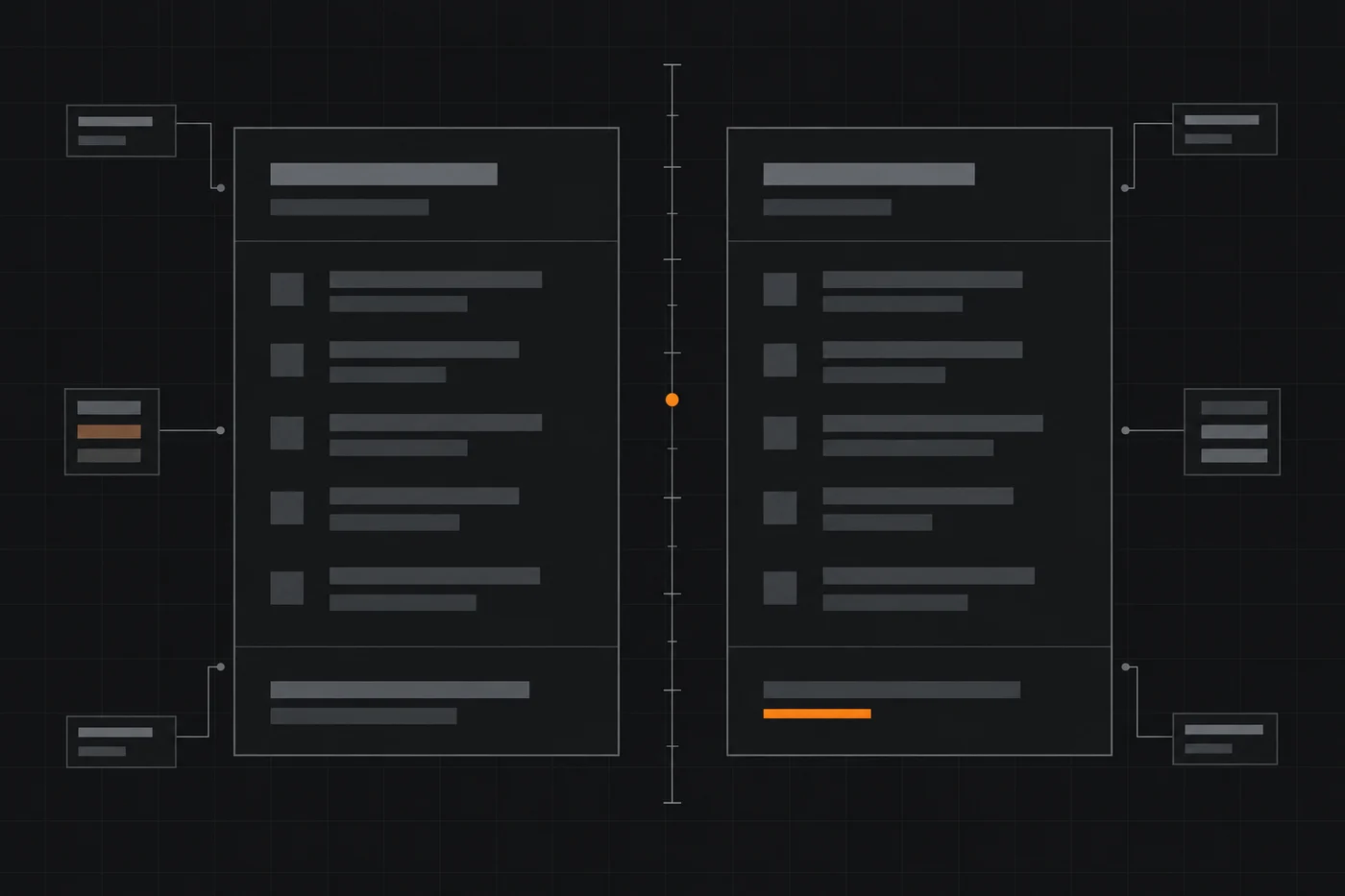
| Best at | Multi-step logic with branching & data transforms | Broad connectivity with minimal effort |
| Learning curve | Moderate — more concepts to learn, more power | Low — fastest for simple automations |
| Integrations | Very broad; narrower than Zapier overall | Very broad; among the largest catalogues |
| Pricing model | Metered by operations | Metered by tasks |
| Free tier | Yes — monthly operation cap, check live | Yes — monthly task cap, check live |
| Self-hosting | No | No |
| Non-technical friendly | Mostly, with a learning period | Strong |
| Complex branching | A core strength | Supported but less visual |

Pricing: both are metered, differently
Both Make and Zapier use a freemium, usage-metered model rather than a flat fee: there is a no-cost tier with a monthly cap, then paid tiers that raise the cap and add features. The unit differs — Make counts operations, Zapier counts tasks — and so does how much work each unit represents, which is exactly why comparing headline prices side by side is misleading.
We deliberately do not print exact figures here. Both vendors change tiers, caps and trial terms frequently, and a stale number is worse than none. Treat any specific price you have seen elsewhere as potentially out of date and check live pricing on each vendor’s own pricing page before deciding. What matters more is your expected monthly volume: estimate how many operations or tasks your workflows will realistically fire, then pick the smallest tier that covers it.
| Cost factor | Make | Zapier |
|---|---|---|
| Metered unit | Operations per month | Tasks per month |
| Free tier | Published; monthly operation cap — check live | Published; monthly task cap — check live |
| What raises cost | More operations, more scenarios, higher tiers | More tasks, multi-step zaps, higher tiers |
| Bill predictability | Good if you model your operation count | Good if you model your task count |
| Annual billing | Usually cheaper than monthly — check live | Usually cheaper than monthly — check live |
Features, integrations and ease of use
Features & integrations
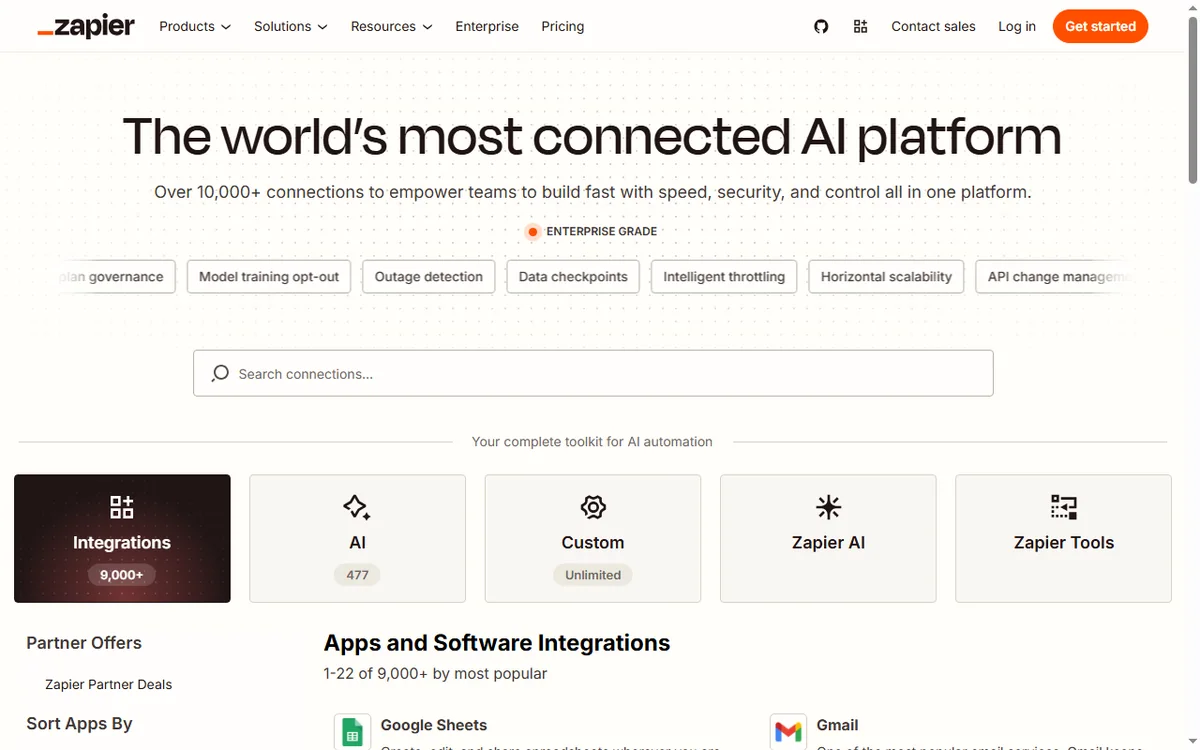
Both are general-purpose automation platforms that also offer a generic HTTP/webhook route for apps without a native connector. Zapier’s edge is the size of its native connector catalogue and the fact that popular apps tend to be supported first. Make’s edge is workflow expressiveness: routers, filters, iterators and data tools that make complex logic buildable without code. If your integration is unusual, check that the specific app is supported natively before deciding — connector coverage differs and changes over time.
Ease of use
Zapier is easier to start with: a two-step Zap is close to self-explanatory, which is why non-technical teams adopt it quickly. Make asks you to learn a few concepts — scenarios, modules, routers, functions — and that learning curve pays off when a workflow genuinely branches. For simple jobs, Make’s extra power is spent effort; for complex jobs, Zapier’s simplicity becomes a limitation. The honest test is to sketch your real workflow before choosing: count the branches and the data transforms.
Limits you should know before committing
Make’s limits
- Cloud-only — no self-hosting option
- Learning curve if you are new to canvas automation
- Operation-based metering rewards efficient scenarios and punishes wasteful ones
- Very high-volume workflows need cost modelling
Zapier’s limits
- Cloud-only — no self-hosting option
- Task-based metering can become expensive at high volume
- Complex branching is less visual and can get unwieldy
- Deep data transformation is weaker than a canvas builder
If either cloud-only limitation is a blocker for you — for example, if workflow data must not leave your infrastructure — then neither tool is the answer, and a self-hosted option belongs at the top of your shortlist. See the data-sensitive pick in our workflow automation guide.
Use-case scenarios
| Scenario | Better fit | Reason |
|---|---|---|
| Form submission → CRM → Slack alert | Either; Zapier | Simple linear trigger-action, where Zapier’s setup speed and connector coverage win. |
| Order → branch by order value → different fulfilment + invoice | Make | Branched logic on a canvas is easier to read and maintain than a long linear chain. |
| Enrich & reformat data across three apps | Make | Built-in data tools and iterators reduce the number of steps needed. |
| Non-technical team self-serve basics | Zapier | Lower learning curve means staff can build and fix simple automations unaided. |
| High-volume routine sync, cost-sensitive | Depends — model both | Unit definitions differ; estimate operations vs tasks for your real volume before choosing. |

Pros and cons
Make — pros
- Visual scenarios make complex logic readable
- Cost-efficient at volume when flows are designed well
- Strong data handling and branching without code
Make — cons
- Requires learning concepts before you are productive
- Cloud-only
- Narrower connector catalogue than Zapier
Zapier — pros
- Largest native app coverage; fastest simple setup
- Easiest for non-technical users
- Mature docs and community
Zapier — cons
- Task-based cost can escalate at volume
- Complex branching is less visual
- Cloud-only
Final decision guide
Answer one question: how much logic does my workflow really contain? If the honest answer is one trigger and one or two actions, choose Zapier — speed and app coverage matter more than power you will not use. If the answer involves conditions, several apps in sequence, or reshaping data along the way, choose Make — the visual canvas keeps that complexity manageable, usually at a better cost per operation.
Whichever you pick, build the smallest version of your real workflow on the free tier first. That single test will tell you more than any comparison. If neither fits because of data-residency or budget constraints, widen the shortlist with our best workflow automation tools guide, and read the deeper Make review if Make is the front-runner.
Referral link — no extra cost to you, and the free tier needs no commitment. Confirm current limits on the vendor’s own site.
Alternatives & where to go next
If you need self-hosting or developer-level control, look at an open, self-hostable option. If you are automating a marketing funnel, your next decision is usually the email platform that sits at the end of the flow — start with our email marketing hub and the GetResponse review, and read more vendor breakdowns under reviews and guides.
How this comparison was built
We compared both tools against the same dimensions — mental model, core features, integrations, ease of use, pricing model and limits — using the vendors’ own published product and pricing pages as the primary source. We did not run a paid, timed head-to-head lab test, so we make no performance or reliability claims. Prices are intentionally not quoted because both vendors change them often; treat all figures as check live. We do not accept payment for placement or rankings.
Last updated: October 5, 2026. This is an organic comparison page. We do not target brand or brand-variation keywords with paid search for either tool.
Frequently asked
Is Make cheaper than Zapier?
They meter different units — operations for Make, tasks for Zapier — so a headline price comparison is unreliable. The real question is what each unit costs you at your actual monthly volume. We do not quote figures because both vendors change pricing often; model your own volume and check live pricing on each site.
Which is easier to learn for a non-technical team?
Zapier, for simple automations. Its step-by-step model is closer to how a non-technical user thinks about “when this happens, do that.” Make is learnable but introduces concepts — scenarios, modules, routers — that pay off only when the workflow is genuinely complex.
Can I migrate my automations between the two?
There is no lossless one-click migration between competing platforms; automations must be rebuilt, because the building blocks and metering differ. Plan for a manual rebuild and run both in parallel briefly before switching anything business-critical.
Do I need both?
Rarely. Most small teams do fine with one. You might end up with both only if one has a specific native connector the other lacks and you also build complex internal workflows. That is a scale decision, not a starting decision.
Are you paid by Make to say it wins?
No. This page carries an affiliate link to Make, disclosed at the top, but it never changes the verdict: several scenarios above favour Zapier. Zapier has no affiliate link and is included on the same criteria.
What about Zapier?
We have no affiliate relationship with Zapier, and it is included on exactly the same criteria. The affiliate link on this page is to Make and is disclosed at the top; it never changes the verdict, which in several scenarios above favours Zapier.
Sketch the workflow first — then pick the tool
Count your branches, then prototype on a free tier. The tool choice gets obvious once the workflow is on paper.
Referral link — we may earn a reward if you sign up, at no extra cost to you. We are an independent publisher and are not affiliated with either vendor. See our Affiliate Disclosure.
More guides
People also ask
Make vs Zapier: which is better?
In short: choose Make for visual automation at a lower price, and Zapier for app coverage and simplicity. For most small teams Make is the quicker start, while Zapier rewards heavier workflows. Both are capable tools; the right answer depends on your budget and how much setup you can tolerate.
Make vs Zapier: which is better?
Make is better for visual automation at a lower price; Zapier is better for app coverage and simplicity. Most small teams should pick based on which of those two matches their workflow, then check current pricing.
Can I switch later?
Yes. Both Make and Zapier let you export and re-import data, though migration always takes some effort. Starting on the cheaper plan and moving when you outgrow it is a common, low-risk path.
Which is cheaper?
Pricing changes often, so check each provider directly. In general the two are close at entry level; costs diverge once you add seats, contacts or higher usage tiers.