Home / Social & creative
SOCIAL & CREATIVE
Social media & creative tools for small business — plan, make and schedule content
Quick answer. In short: the best social media and creative tools for a small business balance price, ease of use and support. For most teams a scheduling tool is a solid starting point, but a second option often fits specific workflows better. Compare two or three options below before you commit.
Social and creative tools are easy to over-buy. The job is to publish consistently without a design team and to reuse what already works. This hub maps the categories that pay back for a small business, from scheduling to design to video.

What this hub covers
Scheduling & management
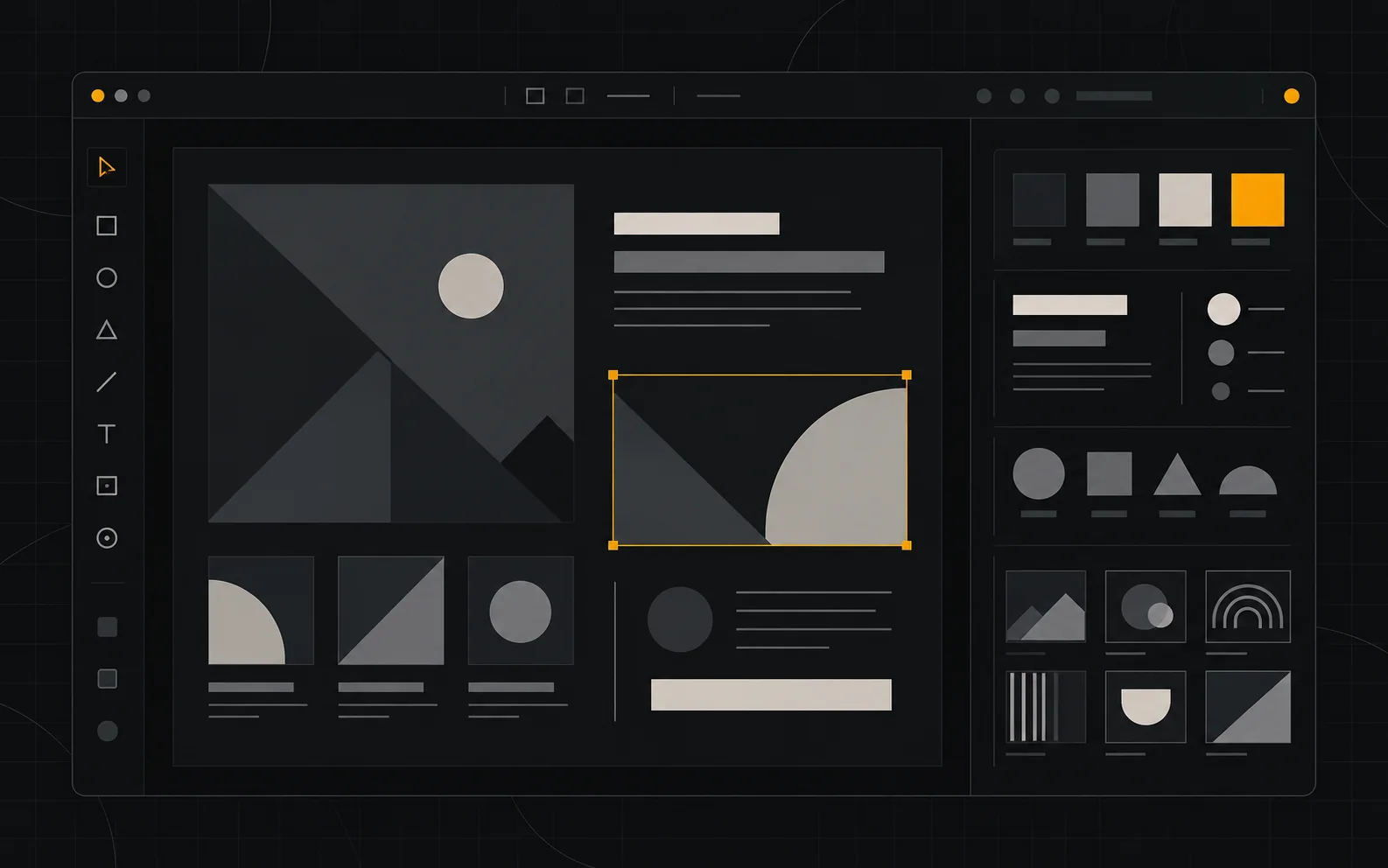
One calendar across networks, with approvals and a queue you can batch. The point is consistency, not posting everywhere at once.
Graphic design
Template-driven design so non-designers can produce on-brand posts. Look for brand-kit and resize features over endless stock libraries.
Video editing
Short-form video is the highest-effort channel. Choose a tool your least technical team member will actually open.
Stock media & templates
A modest library often beats an expensive one nobody searches.
Asset & brand management
Central logos, fonts and colours so output stays recognisable as you grow.
Social analytics
Measure saves, shares and profile visits alongside reach — reach alone rarely maps to revenue.
A decision path you can follow before you pay
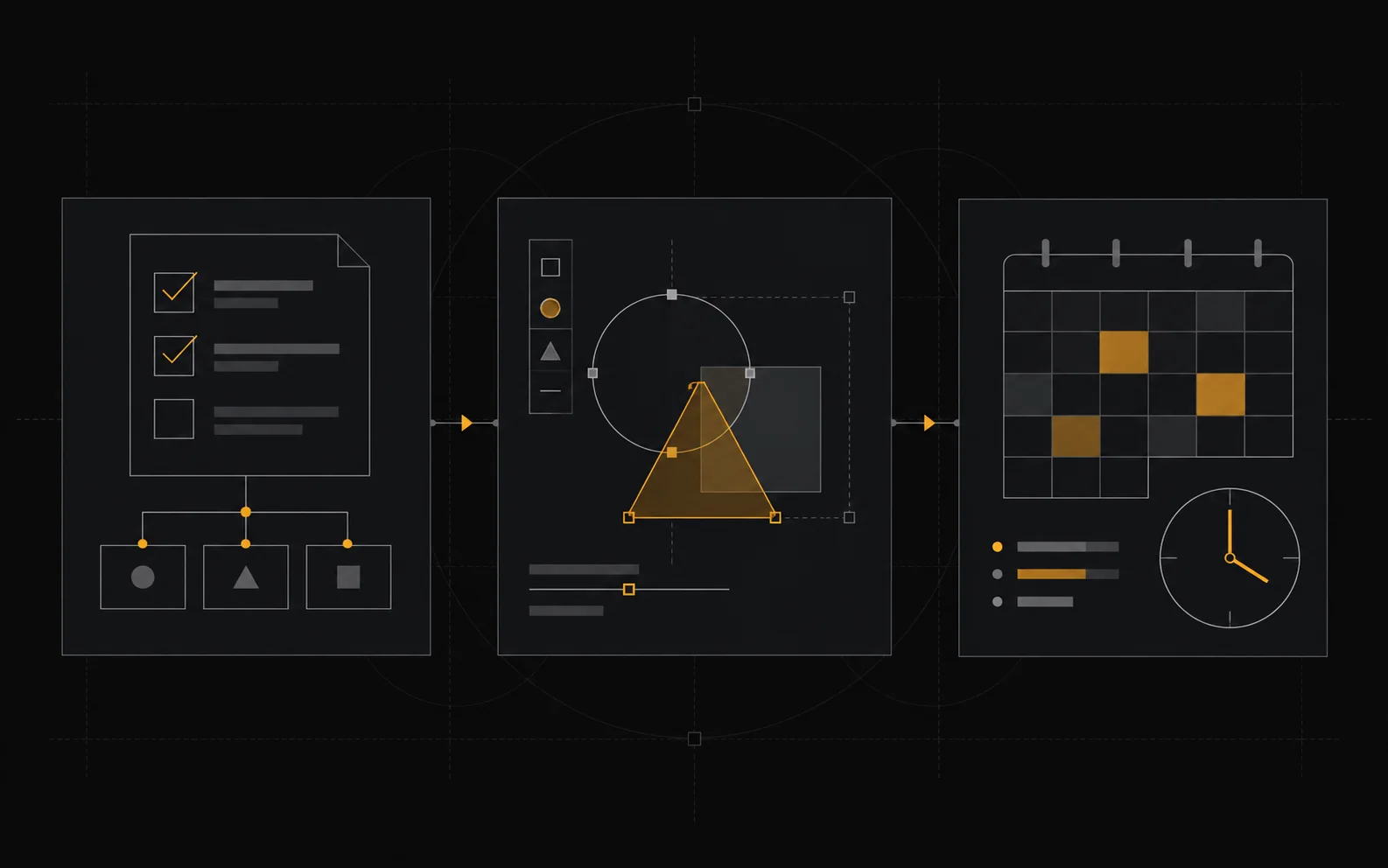
01 — Decide which one or two channels you can sustain weekly.
02 — Pick a scheduler that covers those channels and supports a batch workflow.
03 — Standardise a small set of design templates before buying more tools.
04 — Add video only once short-form is genuinely part of the plan.
05 — Review engagement quality monthly, not follower counts daily.
Work through these in order. Most wasted spend happens when a team starts at the last step and works backwards.
When you do not need these tools
If you sell to a narrow B2B audience, a single well-run channel plus email usually beats a multi-network tool subscription. Do not buy a social suite to compensate for an unclear message.

How we cover this category

We explain the categories and the decision logic using vendors’ own documentation and pricing pages as the primary source. We do not accept payment for placement, and a commission never changes a ranking. We label vendor-reported numbers as vendor-reported. Confirmed links to software may be affiliate links; see our affiliate disclosure.
Frequently asked

Which social and creative tools should a small business use?
Pick one scheduler for posting, one design tool for visuals and one analytics view; a light stack you actually use beats a large one you ignore.
Are free design tools good enough?
For most small-business posts, free tiers of design and scheduling tools are enough; paid plans mainly add brand controls, team seats and higher export limits.
How often should a small business post?
Consistency matters more than volume, so a sustainable schedule of a few quality posts a week usually outperforms sporadic bursts.
How does ICode evaluate social and creative tools?
We compare the same features across tools – scheduling, templates, analytics and price per seat.
People also ask
What are the best social media and creative tools?
In short: the best social media and creative tools for a small business balance price, ease of use and support. For most teams a scheduling tool is a solid starting point, but a second option often fits specific workflows better. Compare two or three options below before you commit.
What are the best social media and creative tools for small business?
The best social media and creative tools for a small business are usually the ones with predictable pricing and a clear free or low-cost entry point. For most teams a scheduling tool is a good starting point; compare two or three options before you commit.
How do I choose social media and creative tools?
Start from your workflow and budget, not the feature list. List your must-have jobs, test the top two tools on a free plan, and check how pricing scales as you grow. Our hub pages break each option down by use case.
Are there free options?
Several social media and creative tools offer a free tier or a trial. Free plans usually cap usage or seats, so use them to validate fit, then upgrade when a limit starts to cost you time.