
Home / Developer Tools / Guides / How to use Elementor
Use case · developer tools · updated October 8, 2026
How to use Elementor for a small business
Elementor is only useful if it solves real jobs for your business. This post looks at how a small business uses it in practice: landing pages, a theme you can maintain, reusable blocks, freelancer handoff and ongoing upkeep.
Independent analysis. This page may contain affiliate links. Some links here are referral links; if you sign up through one we may earn a reward at no extra cost to you, and it never changes what we recommend. We are an independent publisher and are not affiliated with, endorsed by, or an official partner of any tool mentioned. See our Affiliate Disclosure.
TL;DR
- Use Elementor for landing pages when speed to launch matters.
- A theme builder removes the need for custom header and footer code.
- Reusable blocks keep repeated sections consistent.
- Clear naming and structure make freelancer handoff easier.
- Budget time for updates and performance checks each month.
On this page: What this covers · Where Elementor earns its place · Landing pages for campaigns · A theme you can maintain · Reusable blocks and global widgets · Deciding what to build first · Working with freelancers · Keeping it healthy · Where this fits in your wider stack
What this covers
A page builder is a tool, and the return comes from the jobs you point it at. For a small team, that usually means shipping pages faster, keeping site-wide elements consistent and avoiding a developer bottleneck for routine changes.
This post stays practical. It covers the patterns that tend to pay off and the maintenance that keeps a built site from drifting.
Where Elementor earns its place
Small teams rarely need every feature a builder offers. These are the jobs where it tends to pay off.
- Campaign landing pages built and shipped in hours.
- A custom header, footer and blog template without code.
- Reusable hero and call-to-action sections.
- Client-friendly editing for non-technical staff.
- Rapid redesigns when the brand or offer changes.
Landing pages for campaigns
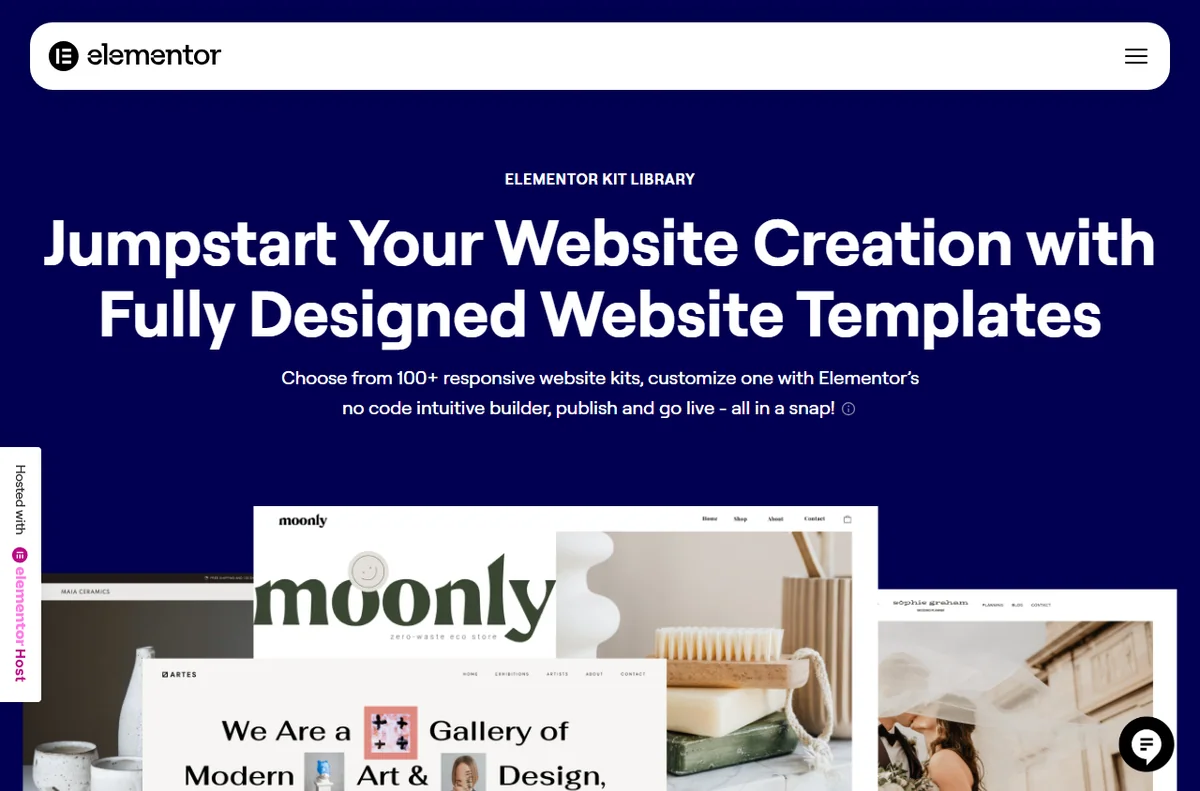
When a campaign needs a focused page, Elementor lets a marketer assemble it from sections, then duplicate and adjust for the next offer. The win is turnaround time, not novelty: the same page template can serve several campaigns with small edits.

A theme you can maintain
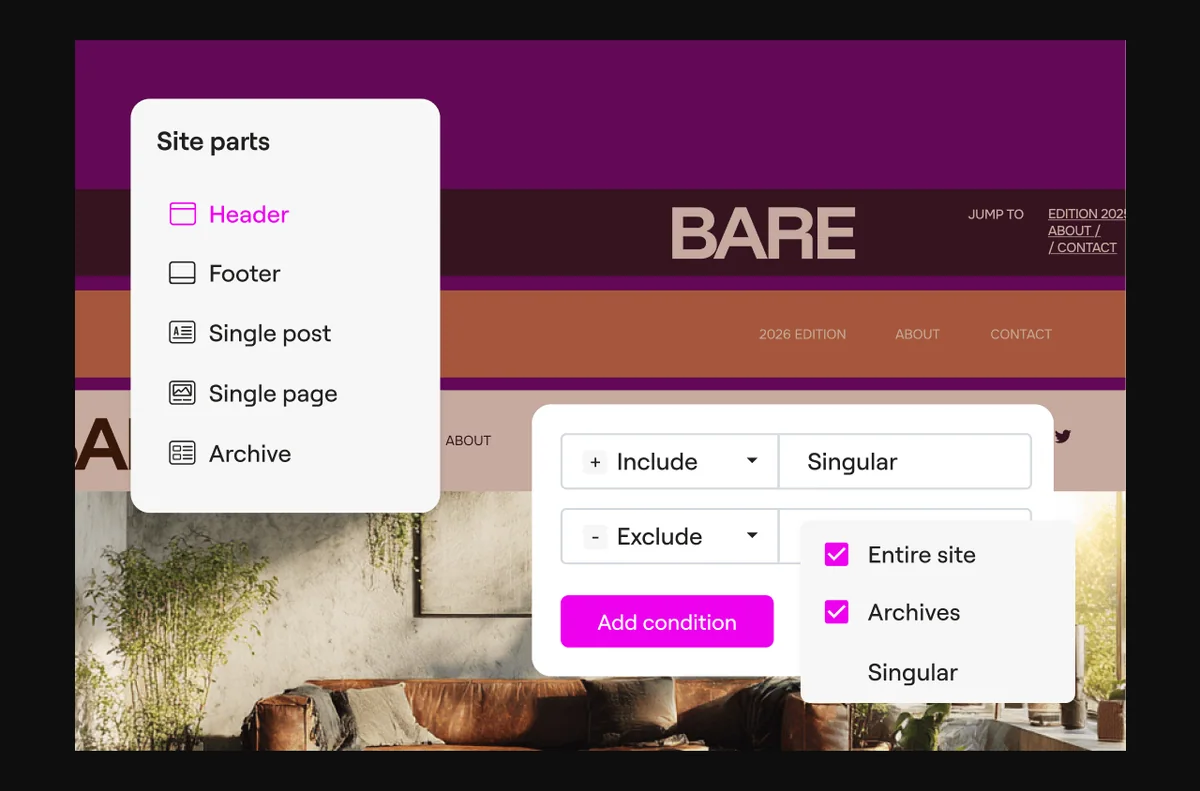
The theme builder lets you design headers, footers, archive and single templates visually. That means a small business can change site-wide elements without waiting on a developer for every tweak, and it keeps those elements consistent across the site.
Reusable blocks and global widgets
Save a section as a template or promote a widget to global, and an edit propagates everywhere it is used. This is the difference between a tidy site and one where five versions of the same button slowly drift apart.

Deciding what to build first
A simple priority order keeps the first build phase focused and avoids rework.
| Job Priority Why it comes first | ||
|---|---|---|
| Landing page for the current campaign | High | Directly tied to revenue this month |
| Header and footer templates | High | Touches every page on the site |
| Reusable call-to-action block | Medium | Reused across many pages |
| Blog and archive templates | Medium | Needed once content volume grows |
| Full redesign of old pages | Low | Better done once patterns are settled |
Working with freelancers
Naming conventions and saved templates make a site easier to hand to a freelancer. A short document listing global colours, fonts and template names saves billable hours later, because the next person is not reverse-engineering your layout decisions.
Keeping it healthy
Schedule a monthly pass: update the plugin and its add-ons, check a live page for layout drift, and confirm images are still reasonably sized. Small habits prevent the slow accumulation that makes a site feel heavy.
Where this fits in your wider stack
If you are still choosing, read the independent Elementor review and the Elementor vs Divi comparison. For the wider context, start from the developer tools hub, compare best website builders for small business, and review website performance tools.
Frequently asked
Is Elementor good for a small business website?
It suits teams that want to ship pages without a developer, as long as they keep plugins lean and images optimised.
Do I need a developer to use Elementor?
No, but a developer is useful for the initial theme setup and for anything involving custom code.
Can my staff edit the site safely?
Yes. Assign appropriate user roles and rely on saved templates so edits stay consistent.
How do I keep an Elementor site fast?
Compress images, limit plugins and test a real page with a performance tool.
Put Elementor to work
Start with the pages that matter this month, then build templates from them.
Referral link — we may earn a reward if you sign up, at no extra cost to you. We are an independent publisher. See our Affiliate Disclosure.
Leave a Reply