
Independent analysis. This page may contain affiliate links.
Elementor Review: The WordPress Page Builder Explained
Elementor is one of the most widely used page builders for WordPress. It lets you design pages visually with drag-and-drop widgets instead of writing code, and it has grown from a simple builder into a broader platform that includes theme building, popups, and form tools.
This review covers what Elementor does, where it shines, its pricing, and the trade-offs around performance and lock-in you should weigh before adopting it.
Quick comparison table
| Tool | Best for | Starting price |
|---|---|---|
| Elementor | Visual WordPress page building | Free; Essential from ~$59/yr |
| Divi | All-in-one WordPress theme and builder | From ~$89/yr |
| Beaver Builder | Lightweight WordPress page building | From ~$99/yr |
| Bricks | Code-first WordPress builder | From ~$79/yr (one-time) |
| Wix | All-in-one hosted website builder | Free; paid from ~$16/mo |
| Squarespace | Design-led hosted websites | From ~$16/mo |
What Is Elementor?
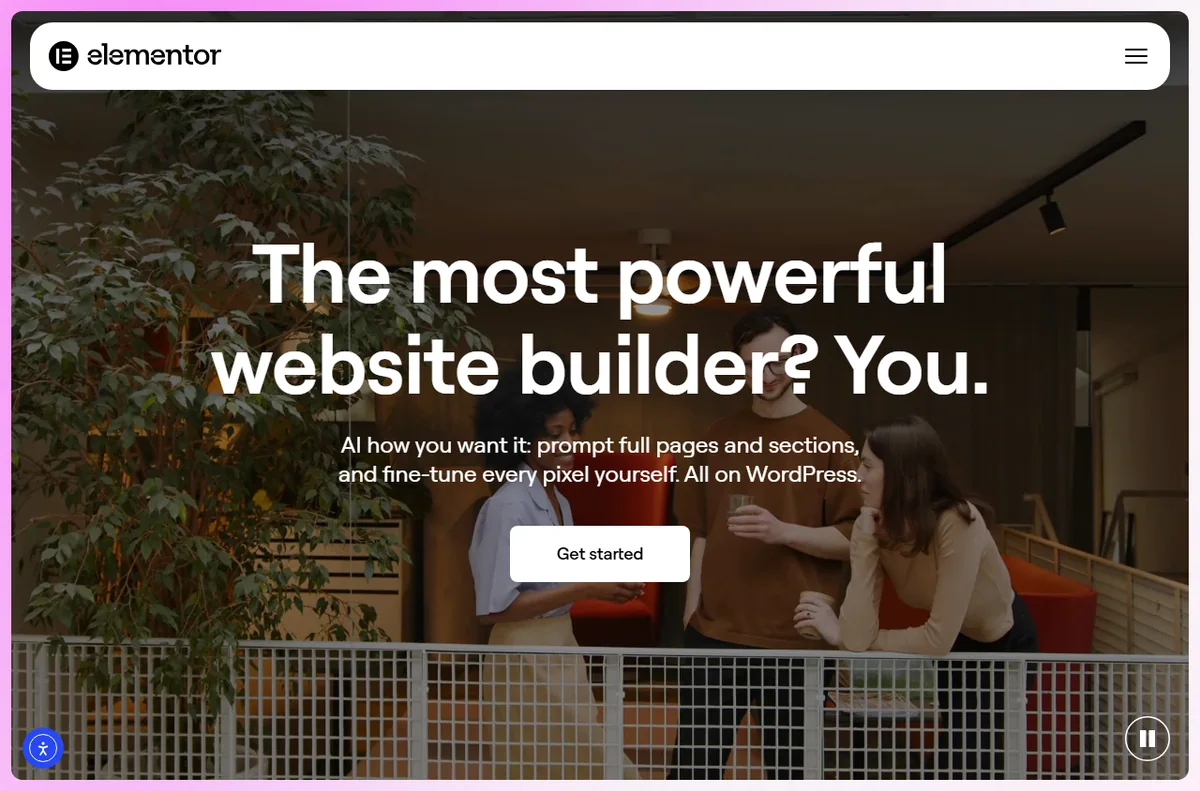
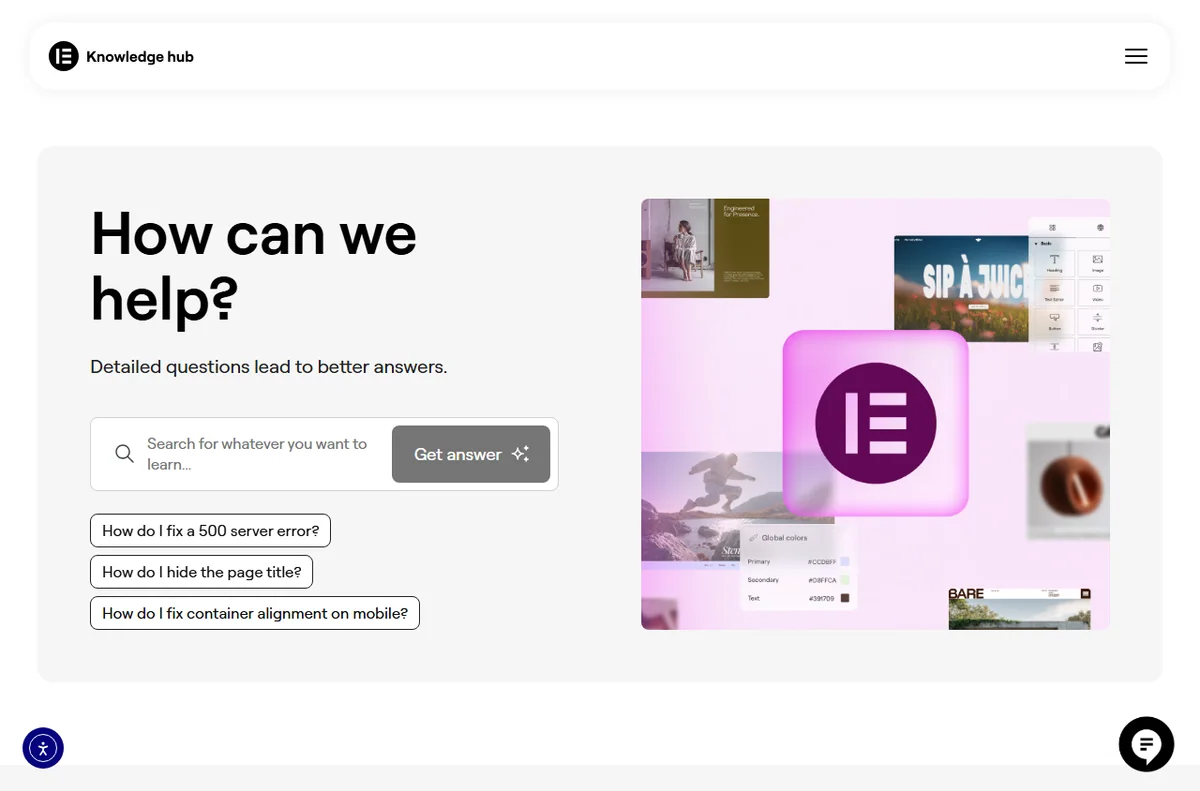
Elementor is a visual builder plugin for WordPress. You edit a page by dragging sections, columns, and widgets onto a canvas and see changes live. It works with most WordPress themes and, with its theme builder, can also control headers, footers, and archive templates.
A free version covers the basics, while the paid tiers unlock more widgets, templates, popup building, and form integrations.
Key Features
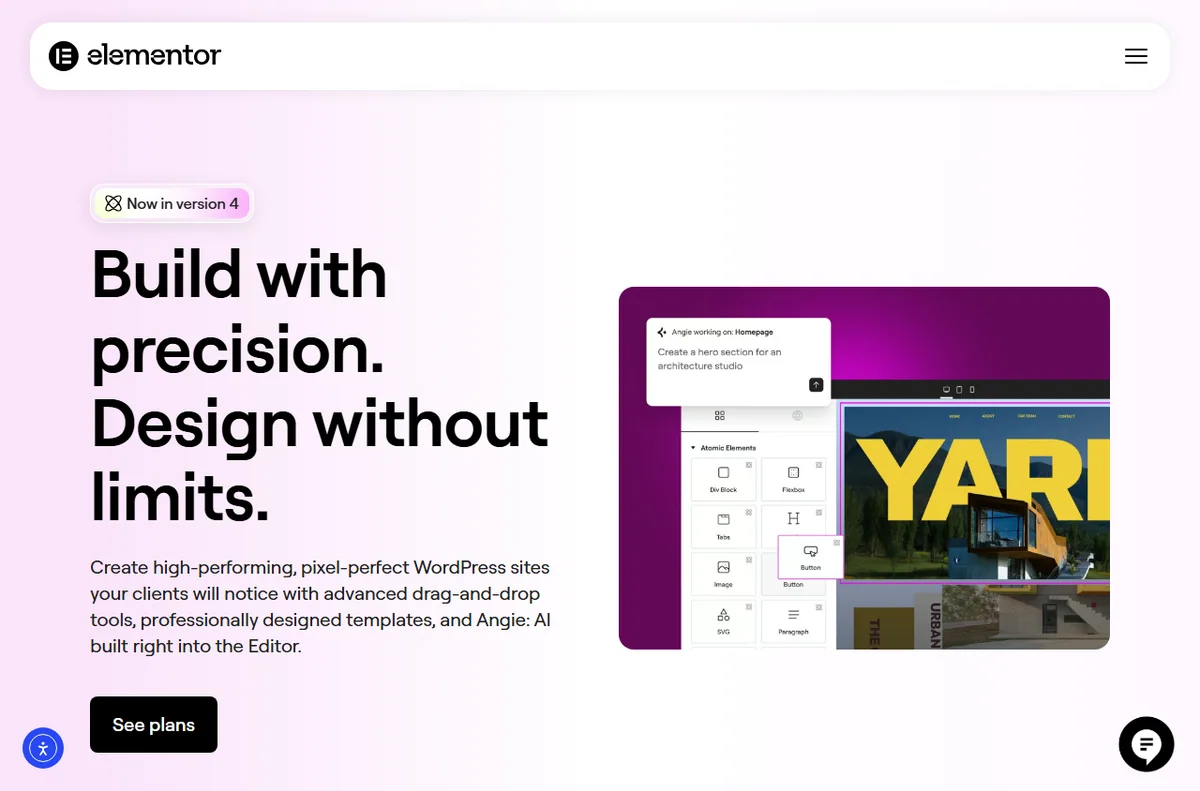
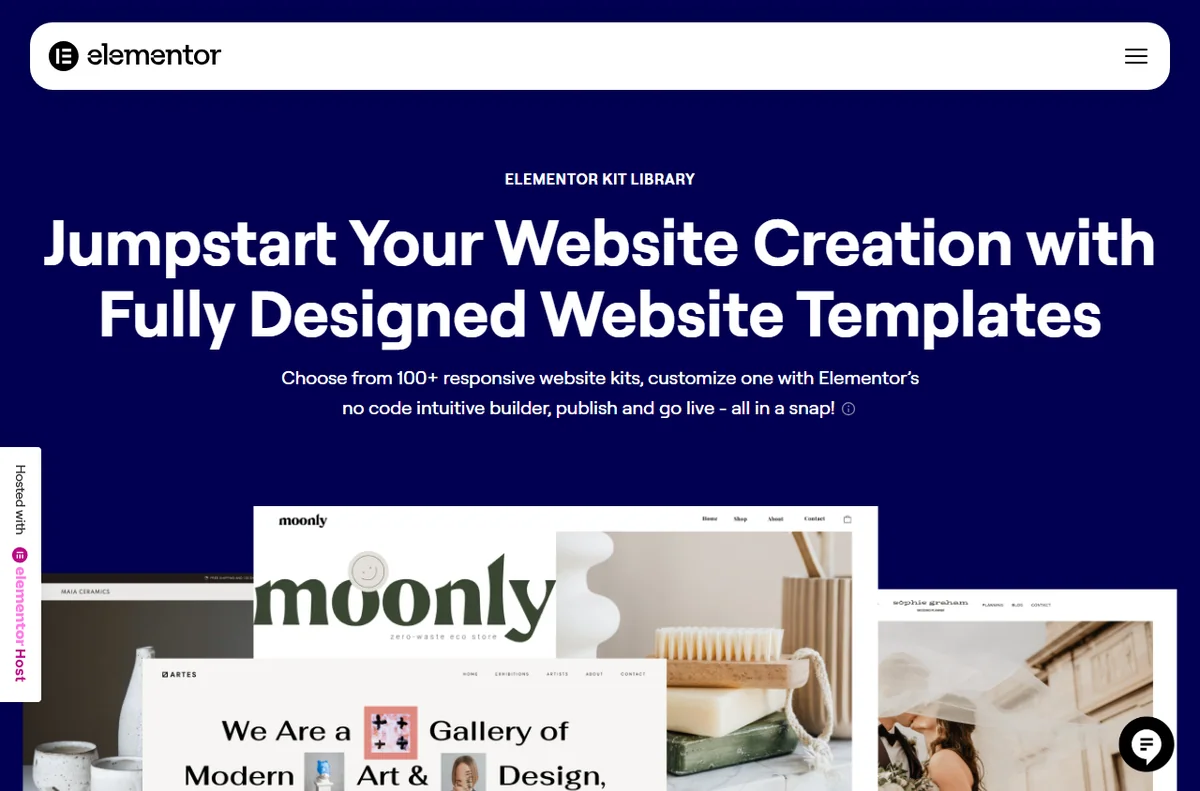
The core strength is speed of building. Elementor ships with a large library of ready-made templates and blocks, plus widgets for text, images, buttons, forms, and more. The theme builder lets you design the whole site, not just content pages.
Landing page and popup builders support lead capture, and global styling tools keep typography and colors consistent. Regular updates keep adding features, which keeps it competitive with Divi and newer builders.
Performance and Design Considerations
Elementor has historically drawn criticism for adding extra CSS and JavaScript that can slow pages if used carelessly. The platform has improved performance over time, but results depend heavily on how you build: too many nested sections and heavy widgets still hurt load times.
For SEO, speed matters, so combine Elementor with a caching plugin and a good host, and keep pages lean. Design freedom is high, which is a plus for marketers but a risk for those who over-design.

Pricing and Lock-In
Elementor offers a free plugin and paid plans priced per year, with tiers for a single site, multiple sites, and agencies. There is no lifetime license on the main plans, so costs recur annually.
Content created with Elementor is stored in the database in Elementor’s own structure, which means the design does not cleanly survive if you disable the plugin. Migration and switching builders is possible but takes effort, so consider this before committing a large site.
Who Should Use It
Elementor is a good fit for marketers, small agencies, and business owners who want to build attractive pages without code and value a large template library. It handles landing pages, blogs, and full sites well.
Developers who prioritize minimal markup, or sites with extreme performance requirements, may prefer Bricks or a lighter builder. It is less ideal for projects that demand hand-coded, dependency-free output.
Pros
- Fast visual building with a huge template library
- Free version covers many needs
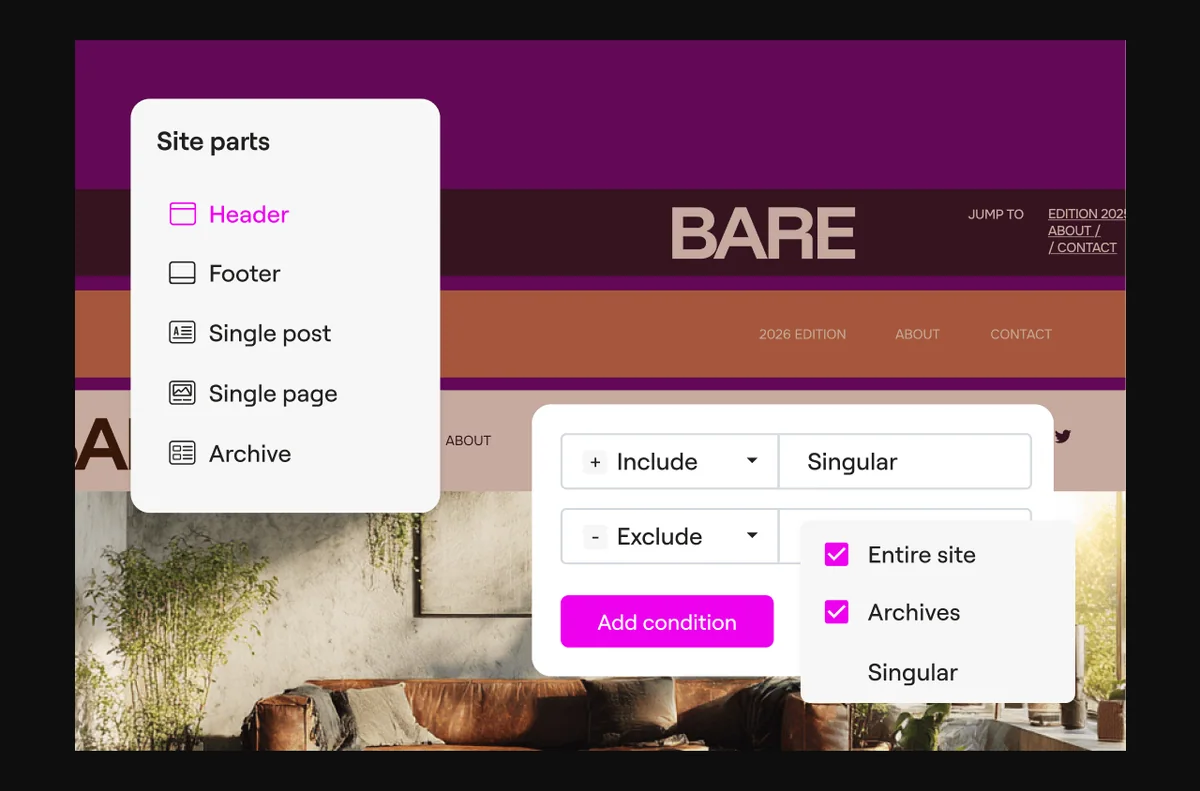
- Theme builder controls headers, footers and archives
- Large community and tutorials
Cons
- Can slow pages if used carelessly
- No lifetime license on main plans
- Content is tied to the plugin, making switching harder
Frequently asked questions
Is Elementor free?
There is a capable free version. Paid plans add more widgets, templates, popup and theme building, and priority support.
Does Elementor slow down WordPress?
It can add extra code, but with a caching plugin, a good host, and lean page building, most sites stay fast. Performance depends more on how you build than the builder alone.
Can I switch away from Elementor later?
Yes, but it takes effort because layouts are stored in Elementor’s own structure. Migration tools exist, but plan for manual cleanup on large sites.

Verdict
Elementor remains one of the fastest ways to build and manage WordPress pages visually, backed by a large template library and active development. Weigh the performance and lock-in trade-offs, keep builds lean, and it is an excellent choice for marketers and small agencies. Developers with strict performance or code-control needs should compare lighter alternatives first.
Read more: hosting WordPress · best hosting.