Home / Automation / Guides / How to use n8n for a small business
Use case · automation · updated October 8, 2026
How to use n8n for a small business
A small team rarely needs an army of automations. It needs five to seven reliable ones that remove the work nobody wants to repeat. These are the n8n workflows that pay back fastest for a small business.
Independent analysis. This page may contain affiliate links. Some links here are referral links; if you sign up through one we may earn a reward at no extra cost to you, and it never changes what we recommend. We are an independent publisher and are not affiliated with, endorsed by, or an official partner of any tool mentioned. See our Affiliate Disclosure.
TL;DR
- Start with the workflow that removes the most repetitive manual work, not the cleverest one.
- Lead capture and routing is usually the highest-value first automation.
- Internal notifications and reporting save time without touching customer-facing steps.
- Self-hosting becomes attractive once you run several busy workflows.
- Track time saved, not the number of workflows you build.
On this page: Why a small business uses n8n · Seven practical workflows · Which to build first · The core skills you reuse · Guardrails for a small team · Where this fits
Why a small business uses n8n
The pattern is familiar: a form arrives, someone copies it into a spreadsheet, someone else emails the customer, and a third person forgets to follow up. n8n turns that chain into one workflow that runs the moment the trigger fires.
You do not need a developer for this. You need one clear process, two or three connected apps, and the discipline to test before you switch it on.
Seven practical workflows
- Lead capture and routing — a form submission creates a contact and notifies the right person.
- Invoice chasing — a scheduled check flags overdue invoices and sends a reminder.
- Daily reporting digest — pull key numbers each morning into one message.
- Order or booking notifications — alert the team the moment a sale lands.
- Content publishing — draft to review to scheduled publish without manual copying.
- Internal approvals — a request routes to the right approver and records the decision.
- Appointment reminders — confirmations and reminders sent on a schedule.
Which to build first
| Priority Workflow Typical payback | ||
|---|---|---|
| 1 | Lead capture and routing | Immediate — stops lost leads |
| 2 | Invoice chasing | Days — improves cash flow |
| 3 | Order or booking notifications | Immediate — faster response |
| 4 | Daily reporting digest | Weekly — saves admin time |
| 5 | Internal approvals | Weeks — removes email chains |
The core skills you reuse
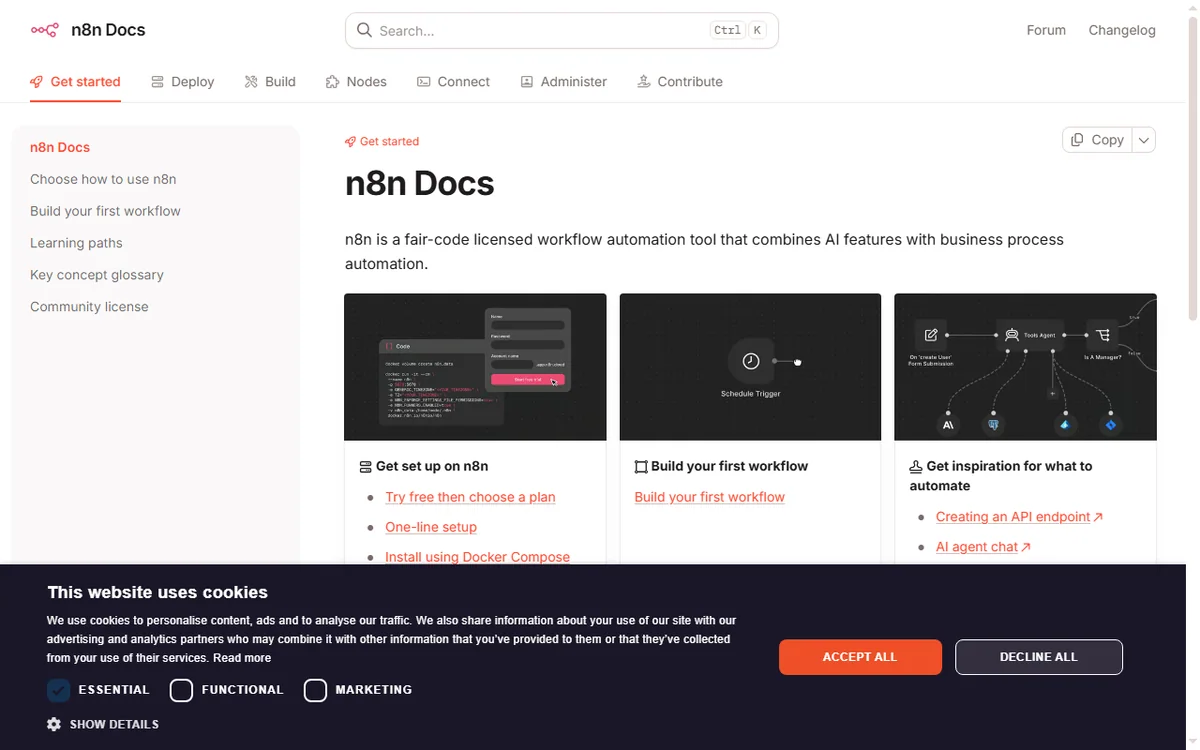
Every workflow above is built from the same few moves: a trigger, one or more actions, field mapping, and a filter or branch. Learn those once and each new automation is faster than the last.
Keep a simple naming convention so you can tell at a glance what a workflow does and who owns it.
Guardrails for a small team
- Give every workflow an owner and a short description.
- Add error notifications so failures are noticed, not discovered later.
- Log key runs to a spreadsheet or database for an audit trail.
- Review automations quarterly and retire the ones nobody uses.
Where this fits in your wider stack
Read the independent n8n review and start from the automation hub. Comparing tools? See Make vs n8n and best workflow automation tools. If you plan to host it yourself, read the n8n self-hosting guide.
Frequently asked
How many workflows does a small business need?
Most small teams get most of the value from five to seven. Add more only when a process is genuinely repeated and painful.
Is n8n overkill for a very small team?
Not necessarily. If you value self-hosting or expect volume, it fits early. If you want zero maintenance, a hosted option may suit you better.
Who should own automations?
One person should own them even if several use them. Clear ownership is what keeps workflows from quietly breaking.
How do I know an automation is working?
Add error notifications and a simple run log. If a workflow fails silently, you lose the data it was meant to move.
Turn one recurring task into an n8n workflow
Pick the process that wastes the most time this week and automate it first.
Referral link — we may earn a reward if you sign up, at no extra cost to you. We are an independent publisher. See our Affiliate Disclosure.
Leave a Reply