
Independent analysis. This page may contain affiliate links.
Teachable vs Thinkific: Which Online Course Platform Wins?
Quick answer. In short: choose Teachable for fast, friendly setup, and Thinkific for course-building control. For most small teams Teachable is the quicker start, while Thinkific rewards heavier workflows. Both are capable tools; the right answer depends on your budget and how much setup you can tolerate.
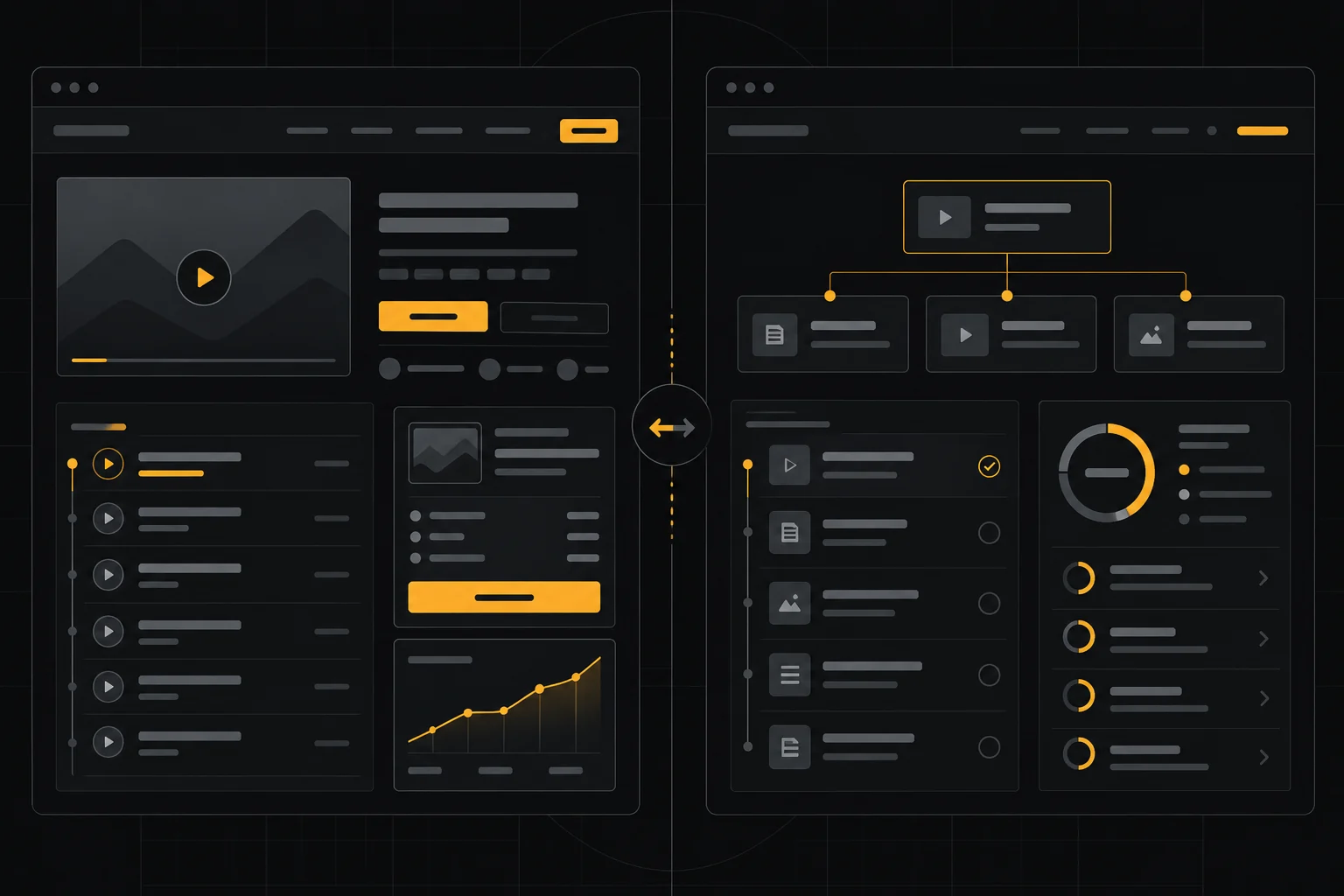
Teachable and Thinkific are two of the most popular platforms for selling online courses, and they overlap a lot: both offer drag-and-drop course builders, quizzes, certificates, and built-in payment processing. The differences show up in marketing tools, customization, community features, and how each handles fees.
This comparison breaks down pricing, course building, marketing, and the student experience so you can pick the one that fits your business model.
Quick comparison table
| Option | Best for | Starting price |
|---|---|---|
| Teachable | Creators who want built-in marketing and coaching tools | Free plan; paid from around $39/mo |
| Thinkific | Course businesses that want control and community | Free plan; paid from around $49/mo |
| Kajabi | All-in-one marketing plus courses | Paid from around $149/mo |
| Podia | Simple digital products and memberships | Free plan; paid from around $33/mo |
| LearnWorlds | Interactive, advanced course design | Paid from around $24/mo |
| Skillshare | Teachers who want marketplace traffic | Revenue share, no monthly fee |
Pricing and transaction fees
Both platforms have free plans that let you build a course and pay transaction fees on sales, plus paid tiers that remove those fees and unlock features. Teachable’s paid plans generally start lower and its free plan is fine for testing, while Thinkific’s paid tiers tend to cost a little more but include more marketing and community tools at the entry level.
Look past the headline price at transaction fees, which can erase the savings of a cheaper plan if you sell a lot. Confirm current rates on each site before committing.

Course building and features
Teachable’s builder is approachable and quick: upload video, add text, quizzes, and drip schedules without much friction. It handles certificates, coupons, and bundles out of the box.
Thinkific leans toward more control. You get stronger content organization, more flexible drip and prerequisite rules, and a more customizable site. If you want an interactive, structured curriculum, Thinkific usually gives you more room.
Marketing and sales tools
This is where Teachable pulls ahead for many creators. It bundles landing pages, email marketing, affiliate management, and upsells more aggressively, so you can launch and sell without bolting on extra tools.
Thinkific covers the essentials and integrates well with external email platforms, but you may end up paying for a separate marketing suite. If minimizing tools matters, Teachable wins; if you already have a stack you like, Thinkific stays out of the way.
Student experience and community
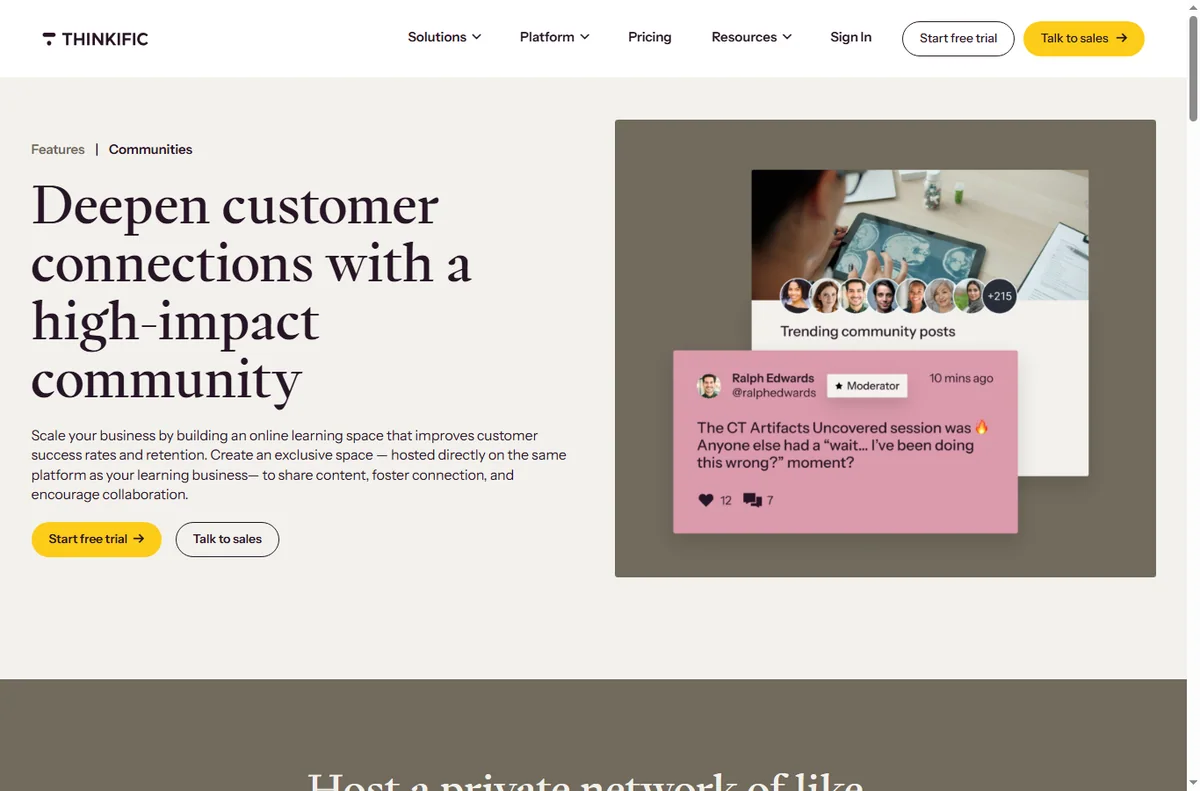
Both deliver responsive video and mobile-friendly lessons. Thinkific has historically offered stronger native community and discussion features, letting students interact inside the platform.
Teachable added community and coaching features too, including the ability to sell one-on-one sessions and live cohorts. The right choice depends on whether community is central to your offer or a nice-to-have.
Payments, taxes, and scaling
Both handle card payments and support multiple currencies, and both offer tools to simplify tax handling on course sales. As you scale, the deciding factor is total cost including transaction fees, email platform, and any marketing add-ons.
For high-volume sellers, a plan that removes transaction fees usually pays for itself quickly, so compare the paid tiers rather than the free ones.
Pros
- Both are mature, reliable platforms with free entry points
- Teachable packs strong built-in marketing and coaching tools
- Thinkific offers deeper customization and community features
Cons
- Free plans charge transaction fees on sales
- Advanced marketing on Thinkific often needs extra tools
- Costs climb quickly once you outgrow the entry tiers

Frequently asked questions
Is Teachable or Thinkific better for beginners?
Both are beginner-friendly; Teachable is often the faster start thanks to its built-in marketing, while Thinkific rewards those willing to configure more.
Do I have to pay transaction fees?
On the free plans, yes — both charge a per-sale fee. Upgrading to a paid plan typically removes it.
Can I migrate between them?
Yes, both support importing course content, though you should budget time to rebuild drip rules, quizzes, and site design.
Verdict
Pick Teachable if you want to launch fast with marketing built in. Pick Thinkific if you want a more customizable course business with stronger community and content structure. Neither is a mistake; the deciding factors are how much marketing you want handled for you and how much control you want over your site.
Read more: Thinkific review · best course platform · course launch checklist.
People also ask
Teachable vs Thinkific: which is better?
In short: choose Teachable for fast, friendly setup, and Thinkific for course-building control. For most small teams Teachable is the quicker start, while Thinkific rewards heavier workflows. Both are capable tools; the right answer depends on your budget and how much setup you can tolerate.
Teachable vs Thinkific: which is better?
Teachable is better for fast, friendly setup; Thinkific is better for course-building control. Most small teams should pick based on which of those two matches their workflow, then check current pricing.
Can I switch later?
Yes. Both Teachable and Thinkific let you export and re-import data, though migration always takes some effort. Starting on the cheaper plan and moving when you outgrow it is a common, low-risk path.
Which is cheaper?
Pricing changes often, so check each provider directly. In general the two are close at entry level; costs diverge once you add seats, contacts or higher usage tiers.