Independent analysis. This page may contain affiliate links.
Best Security Tools for Small Business
Small businesses are attractive targets precisely because they often lack the defenses larger companies have. A single compromised password or infected laptop can lock you out of your own data or expose customer information.
This guide covers the security categories that matter most, from endpoint protection and password management to network access and web defense, and the tools small teams actually use to cover them.
Quick comparison table
| Option | Best for | Starting price |
|---|---|---|
| Bitdefender GravityZone | Managed endpoint protection for small teams | Custom quote |
| Norton Small Business | All-in-one device and email security | Paid plans available |
| 1Password Business | Password and secrets management | From ~$7.99/user/mo |
| NordLayer | Zero-trust network access for teams | From ~$7/user/mo |
| Malwarebytes for Teams | Endpoint malware protection | Paid plans available |
| Cloudflare | DNS, web application firewall, and DDoS protection | Free tier; paid plans available |
Where small businesses are actually exposed
Most small-business breaches start with something simple: a reused password, a phishing email, an unpatched laptop, or a stolen laptop with no disk encryption. Attackers do not need sophistication when basic gaps are open.
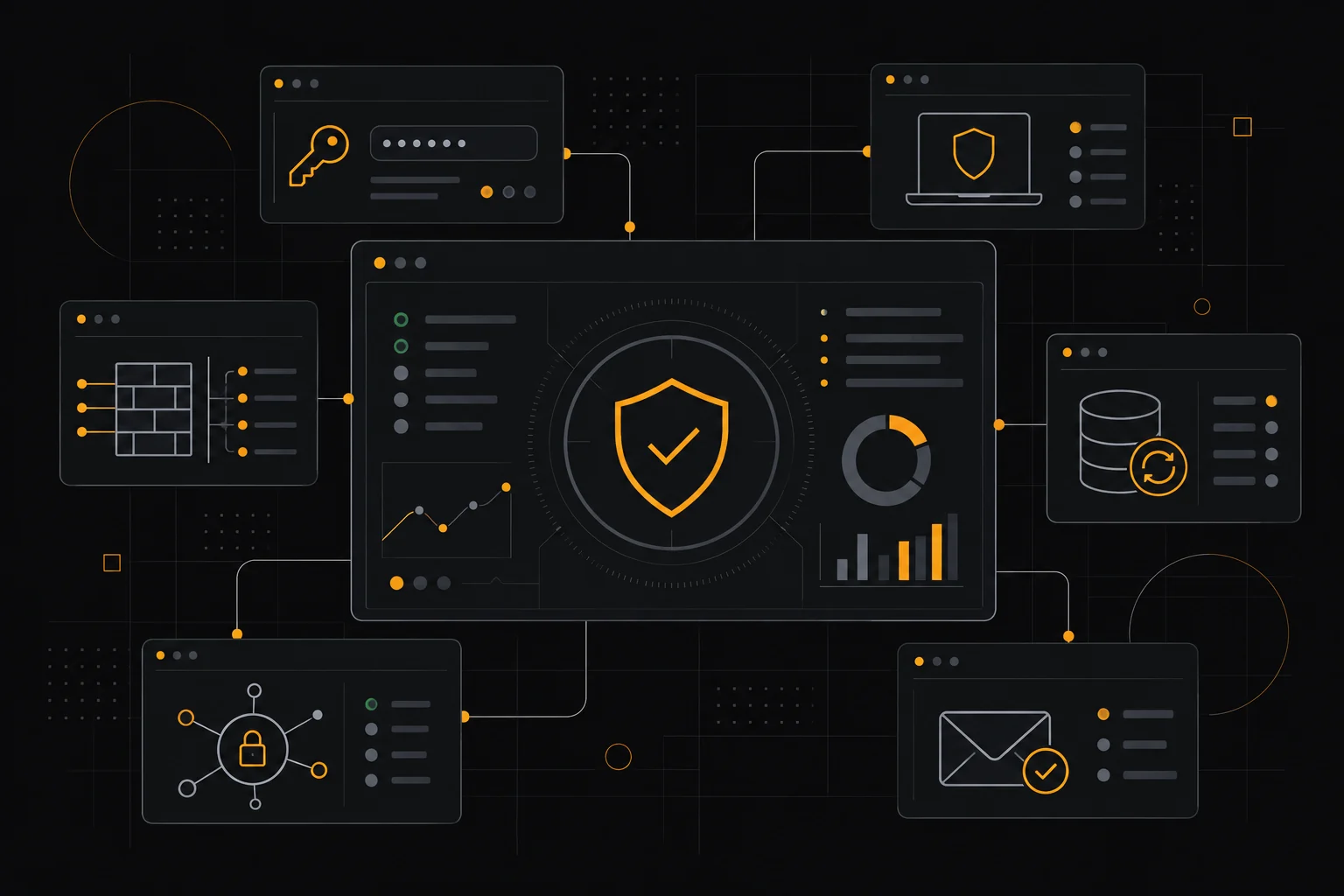
The practical approach is layered defense. Assume any single control can fail and put cheap, high-impact measures in place first: multi-factor authentication, password managers, endpoint protection, and regular backups. These stop the majority of everyday attacks.
Endpoint protection and antivirus
Every laptop, desktop, and server should run reputable endpoint protection that scans for malware and can be managed centrally. Bitdefender GravityZone and Malwarebytes for Teams are built for small fleets, while Norton Small Business bundles device and email protection for very small teams.
Look for central management so you can see the status of every device, automatic updates, and ransomware-specific defenses. Free consumer antivirus can work on a single machine, but a small business with several devices benefits from admin visibility.
Passwords, MFA, and access control
Weak and reused passwords are the single largest risk, and a password manager is the highest-return fix. A tool like 1Password Business or a comparable manager gives every employee unique passwords, secure sharing, and a place to store credentials safely.
Pair that with multi-factor authentication on every account that supports it, especially email, banking, and admin panels. Enforce least privilege so staff only access what their role requires, and remove access promptly when someone leaves.
Network, email, and web security
Cloudflare provides DNS, a web application firewall, and DDoS protection, with a free tier that covers basic needs for many small sites. For remote teams, a zero-trust access tool like NordLayer secures connections without a traditional VPN appliance.
Email remains the top phishing channel, so use a provider with strong filtering and train staff to spot suspicious messages. Set up SPF, DKIM, and DMARC on your domain to reduce spoofing and improve deliverability. These measures are inexpensive and disproportionate in their effect.
Building a layered, budget-friendly stack
You do not need every product to be secure. Start with a password manager and MFA, add managed endpoint protection, secure your email and DNS, and back up critical data to a separate location with tested restores.
Review who has access to what, patch systems promptly, and document a simple incident plan so people know who to call. Most of these tools have free or low-cost tiers for small teams, so the barrier is discipline rather than budget. Confirm current pricing with each vendor.
Pros
- Layered basics like MFA and a password manager stop most attacks
- Central endpoint management gives visibility over every device
- Free tiers make essential web and DNS protection affordable
- Backups with tested restores limit ransomware damage
Cons
- Tool sprawl without policy leads to gaps and confusion
- Some enterprise suites are overkill for very small teams
- Security depends on staff habits as much as software
Frequently asked questions
What security tools does a small business need first?
Start with a password manager, multi-factor authentication on key accounts, endpoint protection for every device, and reliable backups. These cover the most common attack paths.
Is free antivirus enough for a business?
Free antivirus can protect a single machine, but a business with several devices benefits from centrally managed protection that shows which endpoints are up to date.
Do small businesses need a VPN?
Not always. A zero-trust access tool like NordLayer can secure remote access without a traditional VPN appliance, and it scales better for distributed teams.
How much should a small business spend on security?
Many core controls, such as MFA, DNS protection, and password management, are free or low cost per user. Budget should scale with the sensitivity of the data you hold.
Verdict
Prioritize the cheap, high-impact controls: password management, multi-factor authentication, managed endpoint protection, secure DNS and email, and tested backups. Layer them, keep access tight, and review regularly rather than chasing every product on the market.
Read more: security hub · VPN for remote work.