Make vs n8n: Which Automation Platform Should You Choose?
Quick answer. In short: choose Make for no-code ease, and n8n for self-hosting and code flexibility. For most small teams Make is the quicker start, while n8n rewards heavier workflows. Both are capable tools; the right answer depends on your budget and how much setup you can tolerate.

This is an independent comparison. This page may contain affiliate links; if you buy through them, we may earn a commission without affecting the review.
TL;DR — quick pick
- Choose Make if you want an intuitive drag-and-drop interface, a rich template system, and fast deployment for most SaaS workflows.
- Choose n8n if you need self-hosting, full data control, or want to write custom logic in code when drag-and-drop isn’t enough.
Two different philosophies
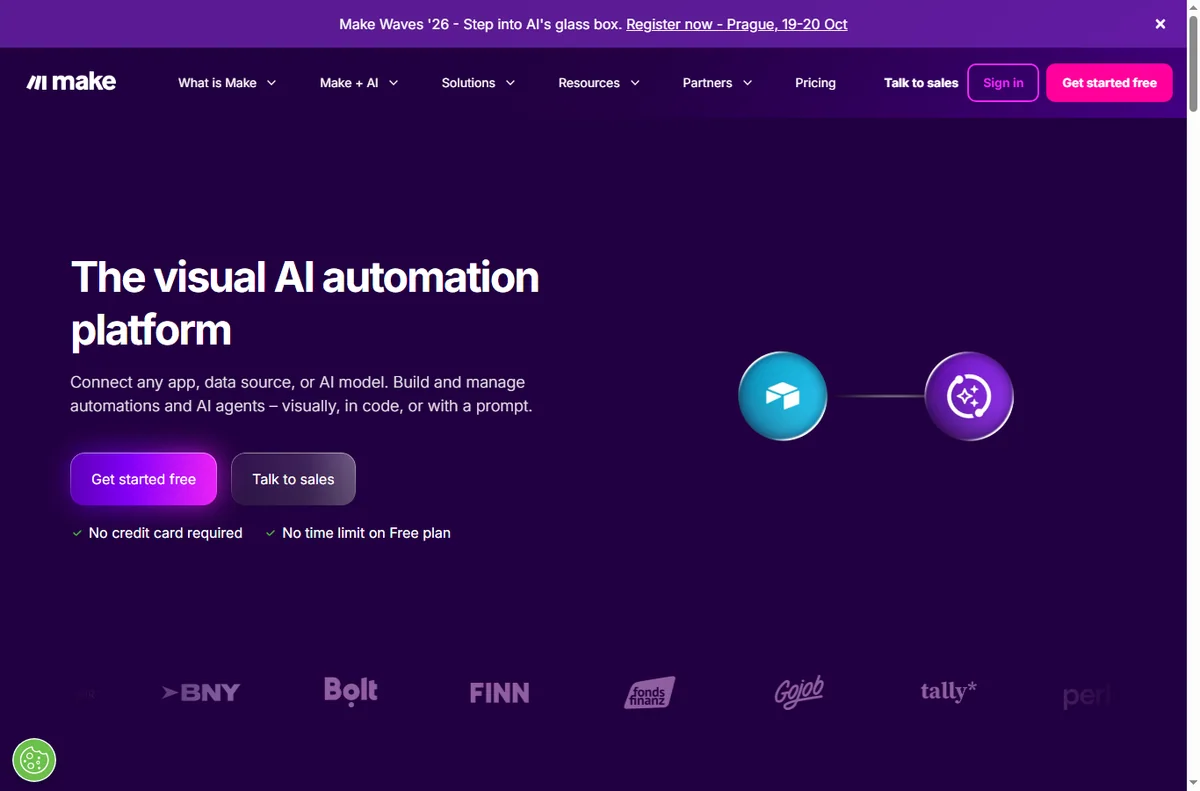
Make and n8n solve the same problem — automating workflows between apps — but with opposite philosophies. Make is optimized for deployment speed for non-coders. n8n is optimized for control and technical scalability.

Compare by criteria
| Criteria | Make | n8n |
|---|---|---|
| Model | Cloud-based SaaS | Self-host or cloud |
| Interface | Visual drag-and-drop, strong on templates | Node-based, close to a programming flow |
| Data control | Data runs through Make’s infrastructure | Run on your own infrastructure (self-hosted) |
| Custom logic | Via modules + built-in functions | Custom code node (JavaScript/Python) |
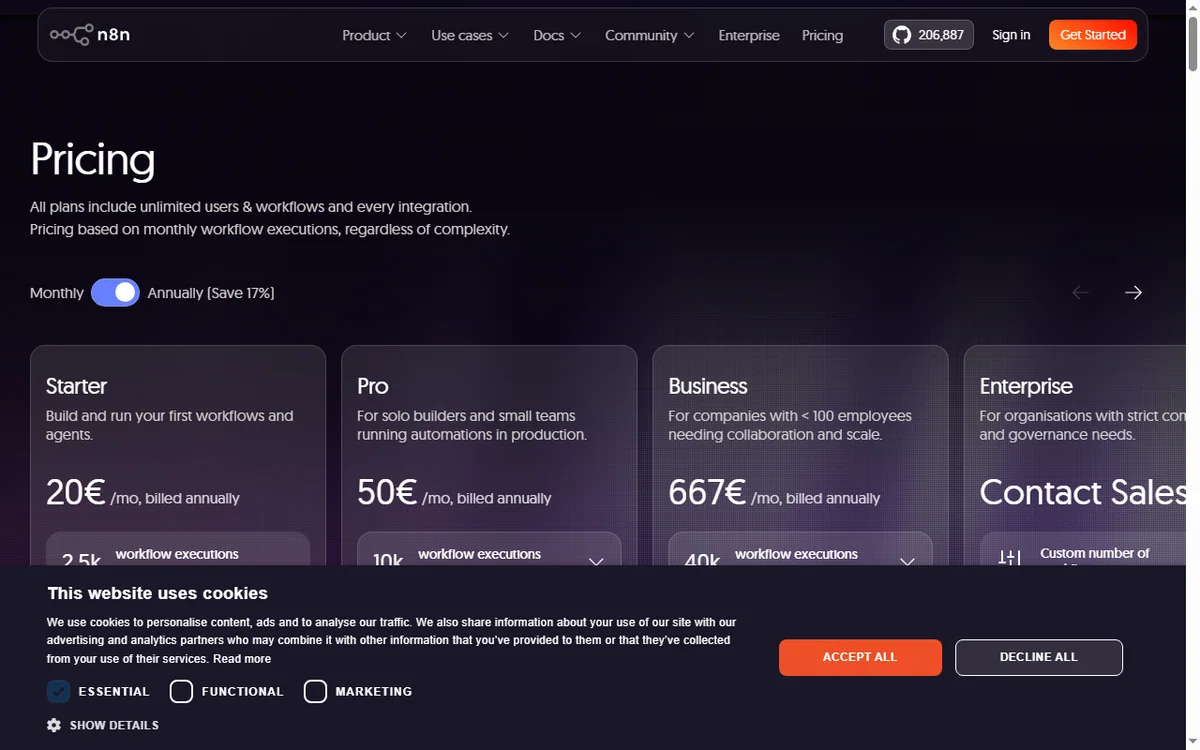
| Cost | By number of operations | Free when self-hosted; cloud charged per operation |
| Initial difficulty | Low | Average to higher |

When does Make win?
If the goal is live fast: sync your CRM, send Slack notifications, generate documents, write data to spreadsheets — Make lets you assemble it in hours. A huge template library helps you get started from a ready-made flow instead. because it starts from a blank slate.
When does n8n win?
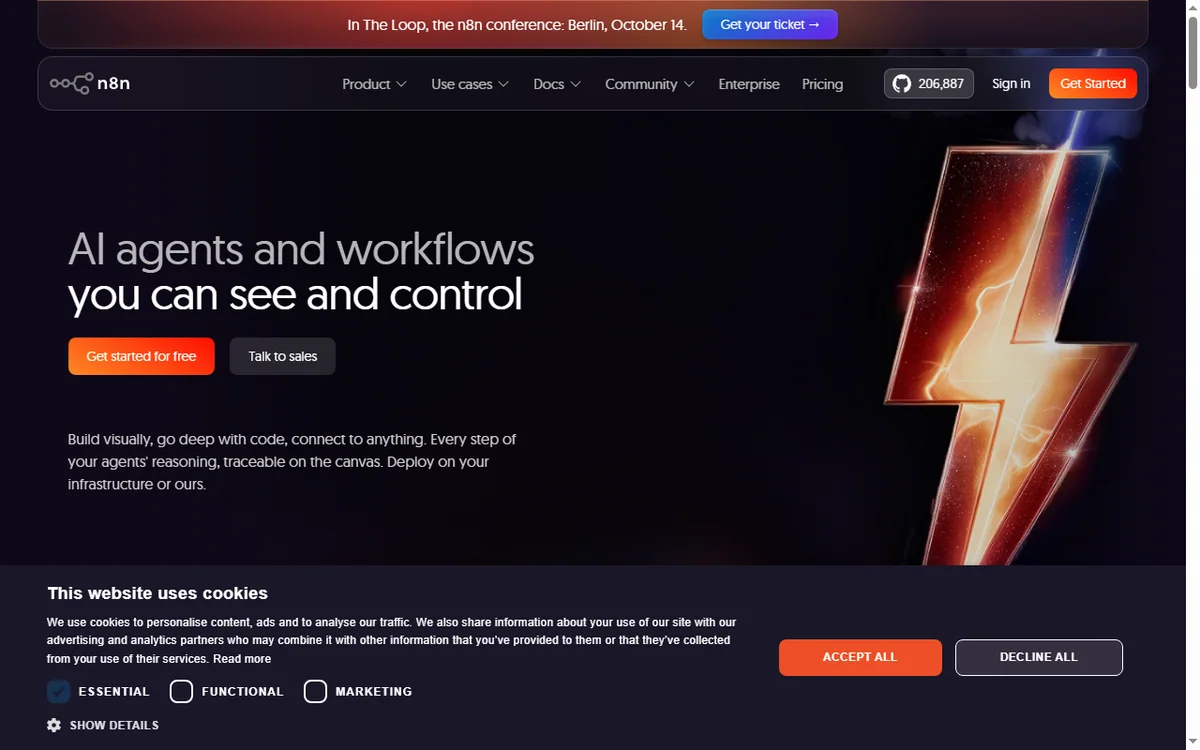
If you have data requirements (for example, customer data must not leave your infrastructure), or processes needing complex logic that drag-and-drop can’t express, n8n is the choice. The self-hosted version also removes the cost ceiling, in exchange for running the server yourself — you pay per operation.
Verdict
There’s no absolute winner. Make wins on speed and friendliness; n8n wins on control and technical depth. Many teams use Make for everyday business flows and keep n8n for data-sensitive processes.
Read more: Make review · n8n review · Make vs Zapier · best automation tools.
Get started: Try Make · Learn about n8n
More guides
People also ask
Make vs n8n: which is better?
In short: choose Make for no-code ease, and n8n for self-hosting and code flexibility. For most small teams Make is the quicker start, while n8n rewards heavier workflows. Both are capable tools; the right answer depends on your budget and how much setup you can tolerate.
Make vs n8n: which is better?
Make is better for no-code ease; n8n is better for self-hosting and code flexibility. Most small teams should pick based on which of those two matches their workflow, then check current pricing.
Can I switch later?
Yes. Both Make and n8n let you export and re-import data, though migration always takes some effort. Starting on the cheaper plan and moving when you outgrow it is a common, low-risk path.
Which is cheaper?
Pricing changes often, so check each provider directly. In general the two are close at entry level; costs diverge once you add seats, contacts or higher usage tiers.