We’re reader-supported — some links are affiliate links. Learn more →

Skip to content

Independent software research. Some links may earn us a commission at no extra cost to you. Learn more →

ICode

Tag: beginners

  • What is Surfer SEO?

    What is Surfer SEO?

    Home / SEO Tools / Guides / What is Surfer SEO

    Knowledge · seo tools · updated October 9, 2026

    What is Surfer SEO?

    Surfer SEO is a content optimisation platform that scores a draft against the pages already ranking for a keyword. This guide explains what it does, how its editor and audits are organised, and what it is not.

    Independent analysis. This page may contain affiliate links. If you sign up through a link on this page we may earn a reward at no extra cost to you, and it never changes what we recommend. We are an independent publisher and are not affiliated with, endorsed by, or an official partner of any tool mentioned. See our Affiliate Disclosure.

    TL;DR

    • Surfer SEO is a content optimisation and SEO research tool.
    • The Content Editor scores a draft against the top-ranking pages.
    • Content Audit and keyword research round out the workflow.
    • Plans are credit-based, so check the current pricing for the limits.
    • It is not a full replacement for technical SEO or a content management system.

    On this page: What Surfer SEO is · How it is organised · What it is good at · What it is not · Concept cheat sheet · Where this fits
    Icode editorial illustration
    Icode editorial illustration (image: icode.io.vn)

    What Surfer SEO is

    Surfer SEO is a web app that helps you write and improve content for a target keyword. Instead of guessing what a page needs, you give it a keyword and it looks at what already ranks.

    From that it builds a picture of the topics, terms and structure those pages share, and turns it into a score your draft can be measured against.

    It sits alongside your editor rather than replacing it. You write in Surfer, in a connected Google Doc, or elsewhere, then use the score and the suggestions to tighten the draft.
    Icode editorial illustration
    Icode editorial illustration (image: icode.io.vn)

    How Surfer SEO is organised

    The Content Editor is the core screen. It pairs your draft with a target keyword, shows a live score, and lists terms and structure the top pages tend to use.

    Content Audit takes pages you have already published and scores them the same way, so you can find posts that have slipped and refresh them.

    Around those sit keyword research, a set of AI writing tools and integrations with Google Docs and WordPress. Usage is measured in credits, so the workflow is organised around that budget.
    Icode editorial illustration
    Icode editorial illustration (image: icode.io.vn)

    What Surfer SEO is good at

    • Turning a vague content brief into a concrete set of terms and sections.
    • Scoring a draft before you publish rather than after.
    • Finding existing pages that need a refresh.
    • Comparing your draft against what actually ranks for a keyword.
    • Keeping a writer and an editor aligned on the same target.
    Icode editorial illustration
    Icode editorial illustration (image: icode.io.vn)

    What Surfer SEO is not

    • Not a technical SEO tool: it does not audit crawlability, speed or indexation.
    • Not a content management system: you still write and publish elsewhere.
    • Not a guarantee of rankings, only a way to match what ranks.
    • Not free: it runs on paid, credit-based plans, so check the current pricing.

    Concept cheat sheet

    ConceptMeaningWhy it matters
    Content EditorScores a draft against a keywordWhere you write and optimise
    Content AuditScores pages already publishedFinds posts to refresh
    Surfer ScoreA number for how well a draft matchesA rough guide, not a ranking factor
    Keyword researchFinds terms and topic ideasFeeds the brief
    CreditsUsage units spent on actionsThe budget behind each plan
    Based on publicly documented behaviour, checked October 9, 2026.
    Icode editorial illustration
    Icode editorial illustration (image: icode.io.vn)

    Where this fits

    Start with the SEO tools hub. For the practical steps see how to set up Surfer SEO, and for everyday usage read how to use Surfer SEO for a small business.
    Icode editorial illustration
    Icode editorial illustration (image: icode.io.vn)

    Frequently asked

    Do I need Surfer SEO if I already rank?

    Not necessarily, but it helps you keep pages matched to what ranks and spot ones that have slipped. If you are already at the top and stable, it is optional.

    Does the score decide my rankings?

    No. The score is a guide built from what ranks today. Search engines use their own signals, so treat the score as a target, not a promise.

    Can I use it for any language?

    It supports several languages, and quality varies by market. Check the current coverage for the language you write in.

    Is there a free plan?

    It is a paid tool. Plans and credit allowances change, so check the current pricing on the maker’s own site.

    Will it write the article for me?

    It has AI writing tools, but the value is in the optimisation and the brief. Most people still write and edit the draft themselves.

    Write content that ranks

    Score and improve drafts before you publish.

    Some links on this page may be referral links — we may earn a reward if you sign up, at no extra cost to you. We are an independent publisher. See our Affiliate Disclosure.

    Related reading

  • What is Divi?

    What is Divi?

    Home / Developer Tools / Guides / What is Divi

    Knowledge · developer tools · updated October 9, 2026

    What is Divi?

    Divi is a WordPress theme and page builder made by Elegant Themes, built around a visual builder plus a growing library of modules. This guide explains what it does, how it is organised, and what it is not.

    Independent analysis. This page may contain affiliate links. If you sign up through a link on this page we may earn a reward at no extra cost to you, and it never changes what we recommend. We are an independent publisher and are not affiliated with, endorsed by, or an official partner of any tool mentioned. See our Affiliate Disclosure.

    TL;DR

    • Divi is a WordPress theme and page builder from Elegant Themes.
    • Pages are built from sections, rows, columns and modules.
    • A visual builder and a backend builder cover the same content in different ways.
    • It comes with an Elegant Themes membership, so check the current pricing.
    • It is not a hosting service and it does not replace WordPress.

    On this page: What Divi is · How it is organised · What it is good at · What it is not · Concept cheat sheet · Where this fits

    Divi home page
    Divi home (image: divi.com)

    What Divi is

    Divi is a theme that ships with its own builder. Once it is active, you can lay out pages visually rather than by writing blocks in the default editor.

    The builder is the product. It lets you assemble a page from nested containers and style each one with controls instead of code, and it saves that structure so it can be edited or reused later.

    It sits on top of WordPress. The theme handles site-wide behaviour while the builder stores the page layout, and both render as normal markup for visitors.

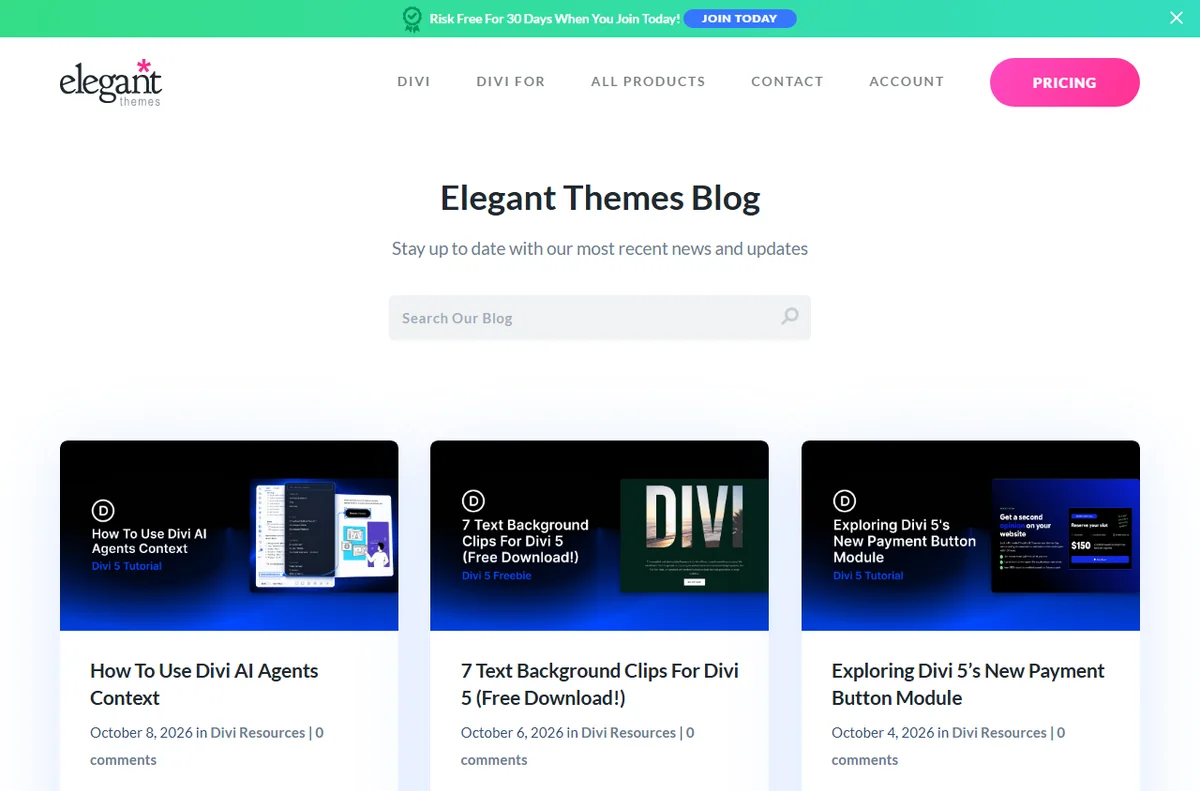
    Divi blog page
    Divi blog (image: divi.com)

    How Divi is organised

    A page is built from four nested levels: sections, rows, columns and modules. A section spans the width, rows divide it, columns split a row, and modules are the actual content such as text, images and buttons.

    The Divi Library stores saved layouts and modules so you can drop them onto other pages. Global defaults and presets hold colours and fonts so a change in one place flows through the site.

    You can work in the visual builder in the front end or the backend builder in the dashboard. Both edit the same content, and the responsive settings let you tune each level per device.

    Divi docs page
    Divi docs (image: divi.com)

    What Divi is good at

    • Building and editing pages without writing code.
    • Reusing saved layouts and modules across a site.
    • Adjusting layout separately for desktop, tablet and mobile.
    • Extending the builder with extra modules from Divi and third parties.
    • Keeping one membership across several WordPress sites.
    Divi layouts page
    Divi layouts (image: divi.com)

    What Divi is not

    • Not a host: you still need a server and WordPress.
    • Not free on its own: it is sold with an Elegant Themes membership, so check the current pricing.
    • Not a one-click replacement for a developer on custom work.
    • Not immune to plugin conflicts and performance trade-offs.

    Concept cheat sheet

    ConceptMeaningWhy it matters
    SectionA full-width containerSets the overall structure
    RowA horizontal band inside a sectionGroups columns
    ColumnA vertical slice inside a rowHolds modules side by side
    ModuleA single content elementThe heading, image or button
    BuilderThe visual or backend editorWhere you assemble pages
    Divi LibraryA store of saved layouts and modulesReused to start a page quickly
    Based on publicly documented behaviour, checked October 9, 2026.
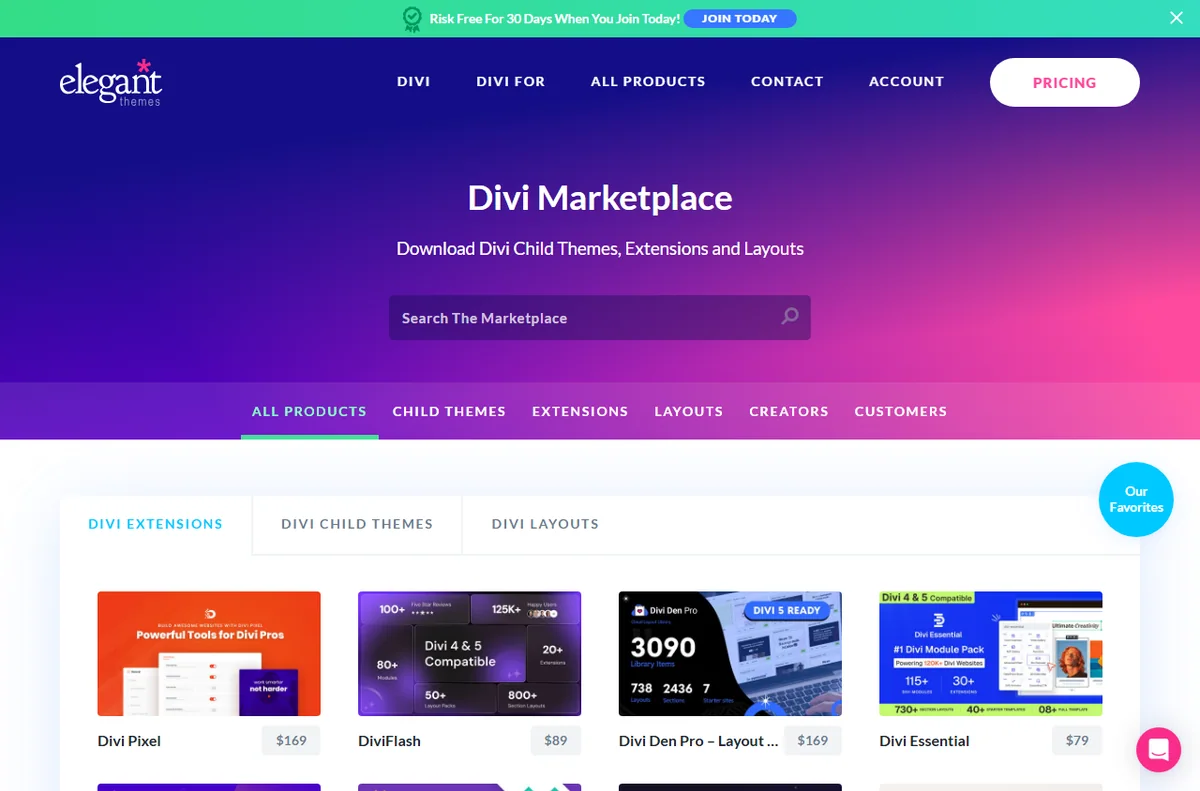
    Divi marketplace page
    Divi marketplace (image: divi.com)

    Where this fits

    Start with the developer tools hub. For the practical steps see how to set up Divi, and for everyday usage read how to use Divi for a small business.

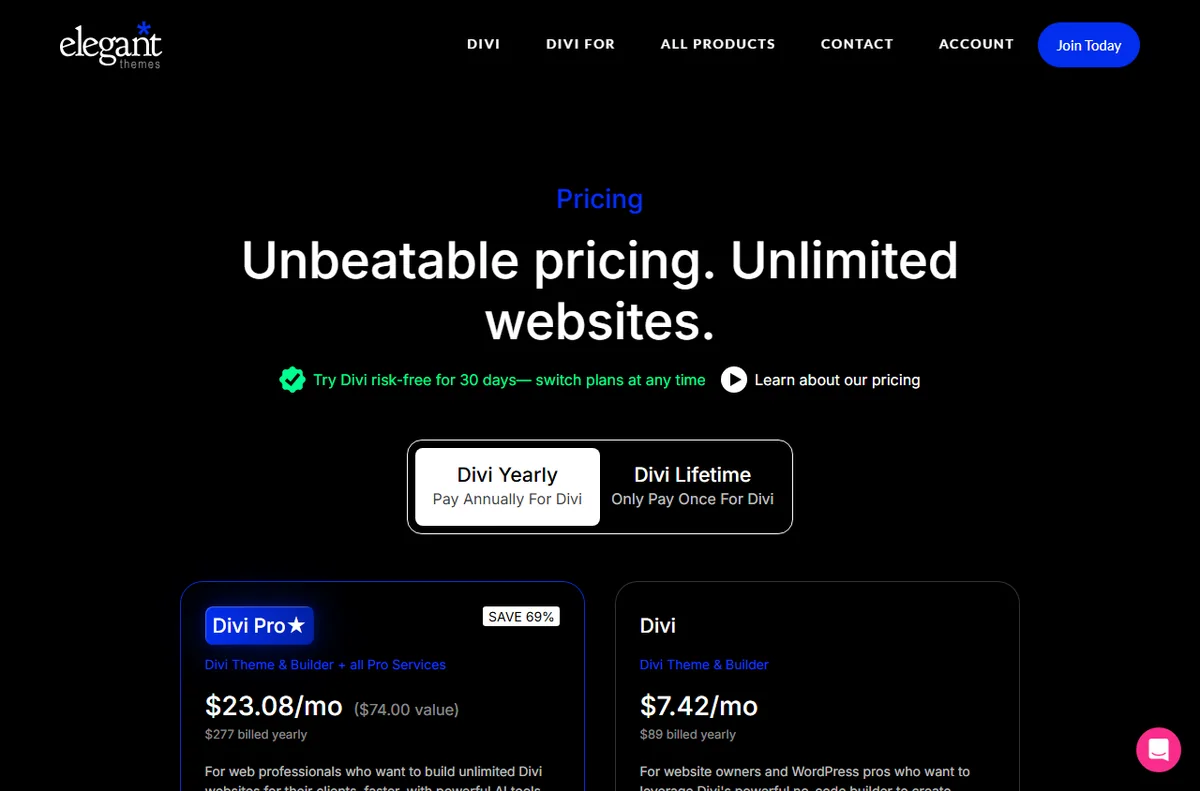
    Divi pricing page
    Divi pricing (image: divi.com)

    Frequently asked

    Do I need to know code to use Divi?

    No. The point of the builder is that you assemble pages with modules and controls. Some custom styling still benefits from knowing CSS, but it is not required to start.

    Does Divi work with any WordPress site?

    It runs on WordPress as a theme. Other plugins that also replace the editor can clash, so test them together before rolling out.

    Is there a free version?

    The theme and builder come with a paid membership. Features and terms change, so check the current pricing on the maker’s own site.

    Can I use Divi on more than one site?

    The membership tiers differ in how many sites they cover. Check the current plan details for the count you need.

    Will Divi slow my site down?

    It adds its own assets, so the effect depends on the page and the host. Test your own pages after you build them.

    Design without code

    A visual builder for WordPress sites.

    Some links on this page may be referral links — we may earn a reward if you sign up, at no extra cost to you. We are an independent publisher. See our Affiliate Disclosure.
    Related reading

  • What is GreenGeeks?

    What is GreenGeeks?

    Home / Hosting / Guides / What is GreenGeeks

    Knowledge · hosting · updated October 9, 2026

    What is GreenGeeks?

    GreenGeeks is a web host that offers shared, VPS and reseller plans and matches the energy its servers use with renewable energy credits. This guide explains what it does, how its plans are organised, and what it is not.

    Independent analysis. This page may contain affiliate links. If you sign up through a link on this page we may earn a reward at no extra cost to you, and it never changes what we recommend. We are an independent publisher and are not affiliated with, endorsed by, or an official partner of any tool mentioned. See our Affiliate Disclosure.

    TL;DR

    • GreenGeeks is a web host offering shared, VPS and reseller plans.
    • It markets itself as a green host, matching energy use with renewable credits.
    • Shared plans run on LiteSpeed with SSD storage and a bundled control panel.
    • Plans and prices change, so check the current pricing before you commit.
    • It is not a website builder or a marketing platform on its own.

    On this page: What GreenGeeks is · How it is organised · What it is good at · What it is not · Concept cheat sheet · Where this fits

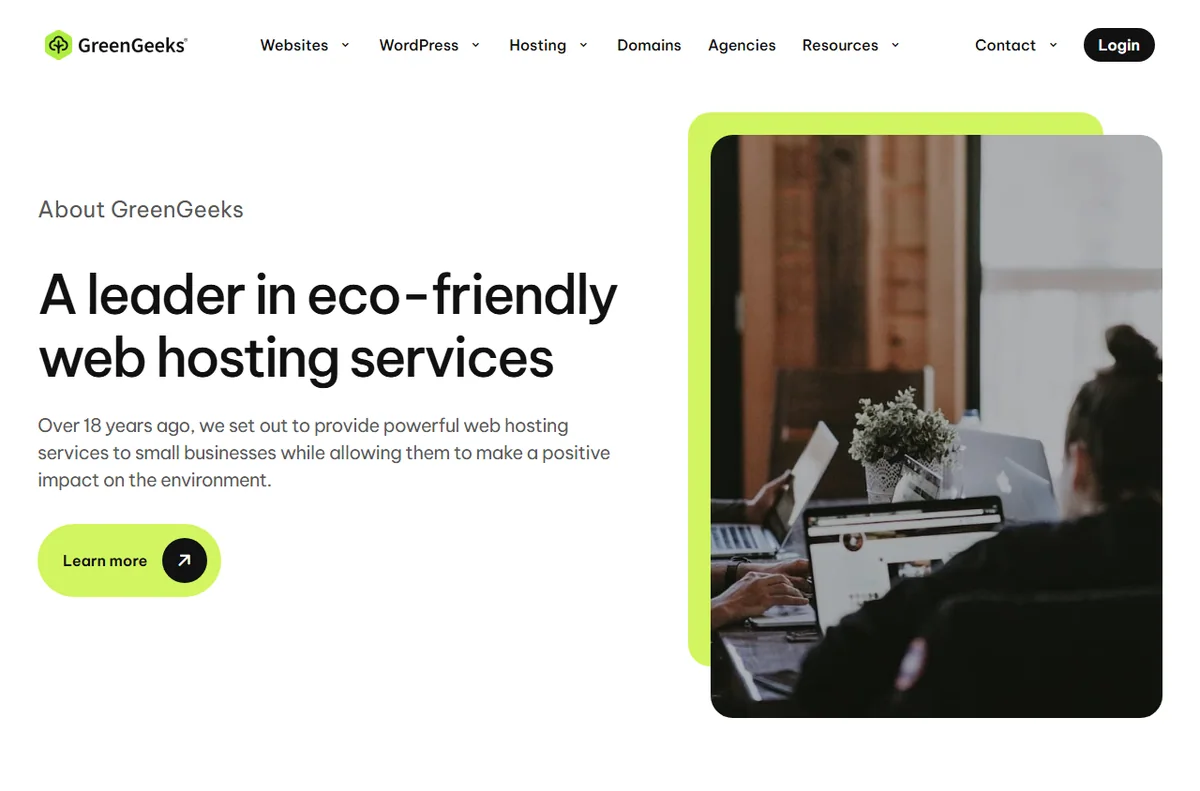
    Greengeeks home page
    Greengeeks home (image: greengeeks.com)

    What GreenGeeks is

    GreenGeeks is a hosting company rather than a software product. You rent space on its servers, point your domain at them, and run your site from a control panel that it provides.

    The pitch is straightforward: the same kind of shared hosting you would expect elsewhere, positioned around a green energy commitment. The company says it puts back into the grid several times the energy its servers consume, in the form of renewable energy credits.

    Under the marketing sits an ordinary stack. Shared plans use LiteSpeed web servers with SSD storage, and the plans bundle the usual pieces you need to run a WordPress or static site.

    Greengeeks about page
    Greengeeks about (image: greengeeks.com)

    How GreenGeeks is organised

    Plans are grouped by type rather than by feature alone. Shared hosting is the entry level, VPS hosting gives you dedicated resources, and reseller hosting lets you carve up an account into smaller ones.

    Each plan carries limits such as storage, bandwidth, the number of sites and the number of mailboxes. The higher tiers raise those numbers and add perks like more resources or better support priority.

    The control panel is where you add domains, create email accounts, manage DNS and install software. For WordPress a one-click installer is the usual route, and the panel is also where you reach backups, SSL certificates and file access.

    Greengeeks domains page
    Greengeeks domains (image: greengeeks.com)

    What GreenGeeks is good at

    • Getting a small site or a first WordPress install online quickly.
    • Bundling hosting with a domain, email and SSL in one place.
    • Running several low-traffic sites from a single shared plan.
    • Scaling to a VPS when a shared plan is no longer enough.
    • Choosing a host with an explicit renewable energy position.
    Greengeeks email page
    Greengeeks email (image: greengeeks.com)

    What GreenGeeks is not

    • Not a website builder: you still supply or install a platform such as WordPress.
    • Not unlimited in practice: each plan has storage, bandwidth and site limits.
    • Not the cheapest option at every tier, so check the current pricing for your term.
    • Not a substitute for a developer on custom, high-traffic work.

    Concept cheat sheet

    ConceptMeaningWhy it matters
    Shared hostingAn account sharing a server with othersThe cheapest way to start
    VPS hostingVirtual resources reserved for youMore control and headroom
    ResellerAn account you split into sub-accountsFor agencies and side businesses
    Control panelWhere domains, email and files are managedYour main dashboard
    SSL certificateEncryption for your domainNeeded for a trusted site
    Energy creditsRenewable energy matched to usageThe green claim behind the brand
    Based on publicly documented behaviour, checked October 9, 2026.
    Greengeeks login page
    Greengeeks login (image: greengeeks.com)

    Where this fits

    Start with the hosting hub. For the practical steps see how to set up GreenGeeks, and for everyday usage read how to use GreenGeeks for a small business.

    Greengeeks pricing page
    Greengeeks pricing (image: greengeeks.com)

    Frequently asked

    Is GreenGeeks a website builder?

    No. It is a host. You bring or install a platform such as WordPress, then build the site there.

    What does the green claim actually mean?

    The company says it matches the energy its servers use with renewable energy credits rather than generating power on site. Treat it as an offset, not a guarantee about your own footprint.

    Do I need technical skills to use it?

    Not for the basics. The control panel and one-click installer cover most small sites; deeper work such as DNS or migrations benefits from some experience.

    Can I host more than one site?

    Yes, depending on the plan. Shared tiers usually allow a set number of sites, and higher tiers raise it.

    Is the cheapest plan enough?

    For a single small site, often yes. If you expect traffic or need more resources, a higher tier or a VPS is the better fit, so check the current options.

    Host your site the greener way

    Renewable-powered hosting for small sites.

    Some links on this page may be referral links — we may earn a reward if you sign up, at no extra cost to you. We are an independent publisher. See our Affiliate Disclosure.

    Related reading

  • What is ScalaHosting?

    What is ScalaHosting?

    Home / Hosting / Guides / What is ScalaHosting

    Knowledge · hosting · updated October 9, 2026

    What is ScalaHosting?

    ScalaHosting is a web hosting provider that offers shared, VPS and managed plans. This guide explains what it does, how it is organised, and what it is not.

    Independent analysis. This page may contain affiliate links. If you sign up through a link on this page we may earn a reward at no extra cost to you, and it never changes what we recommend. We are an independent publisher and are not affiliated with, endorsed by, or an official partner of any tool mentioned. See our Affiliate Disclosure.

    TL;DR

    • ScalaHosting is a web hosting provider for shared, VPS and managed plans.
    • It is organised around plans, servers and the control panel you manage them from.
    • Sites are installed on the server and reached through your domain.
    • It is aimed at people who want a host with more control on VPS plans.
    • It is not a website builder and it is not a domain registrar alone.

    On this page: What ScalaHosting is · How it is organised · What it is good at · What it is not · Concept cheat sheet · Where this fits

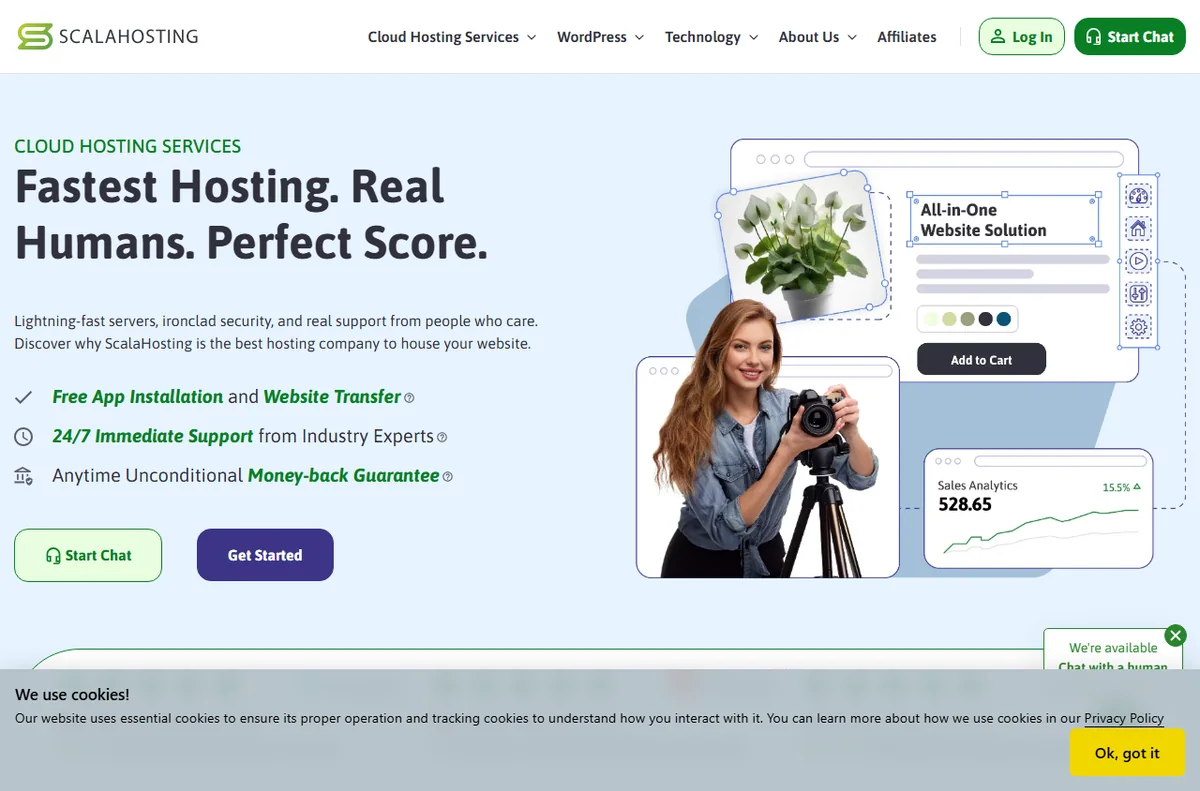
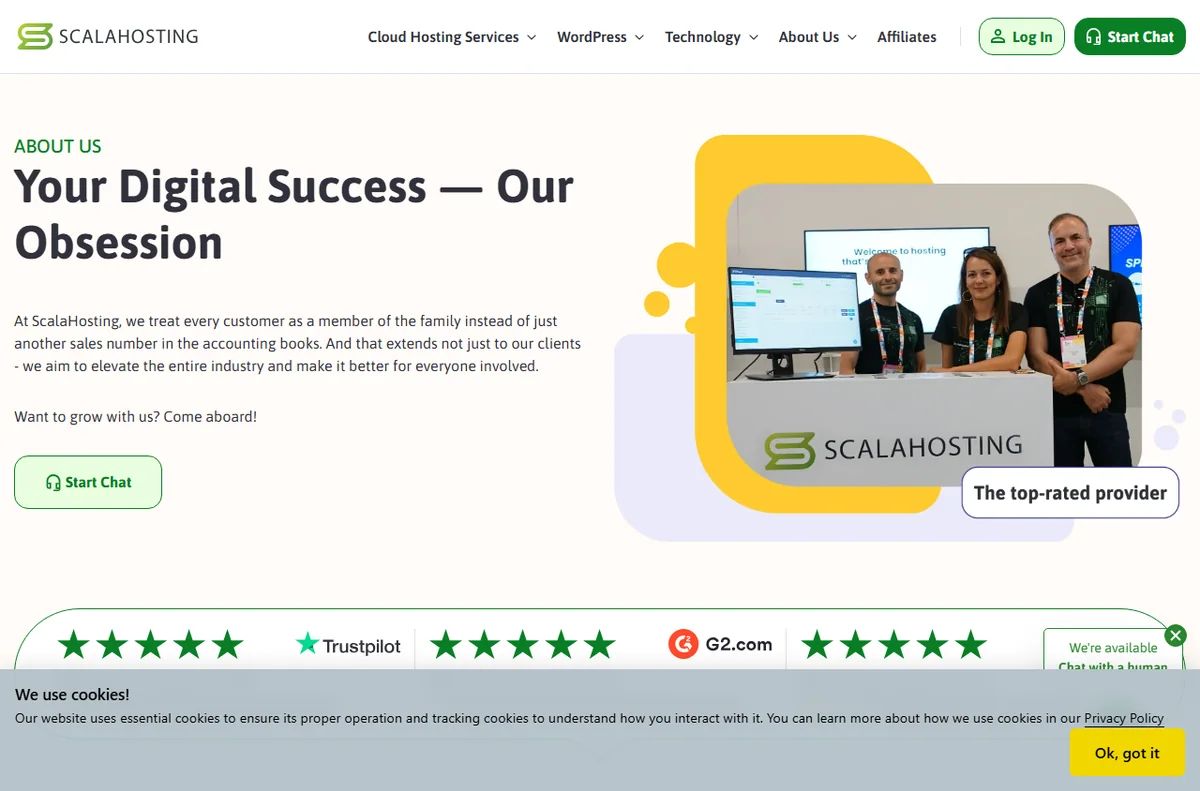
    Scalahosting home page
    Scalahosting home (image: scalahosting.com)

    What ScalaHosting is

    ScalaHosting is a company that runs servers and rents space on them. You point a domain at the server and your site runs there.

    The offering spans shared hosting, where you share a server with others, up to VPS plans, where you get a more isolated slice of a machine. The idea is that you can start simple and move up without changing hosts.

    Like any host, what you pay for is availability, support and the tools that sit around the server.

    Scalahosting about page
    Scalahosting about (image: scalahosting.com)

    How ScalaHosting is organised

    A plan decides how much storage, bandwidth and sites you get, and whether you share a server or get a dedicated slice.

    The control panel is where you manage files, databases, email and settings. A self-managed VPS gives you more room to change things and more responsibility when you do.

    Your domain points to the server through DNS records, and the site itself is stored and served from the account.

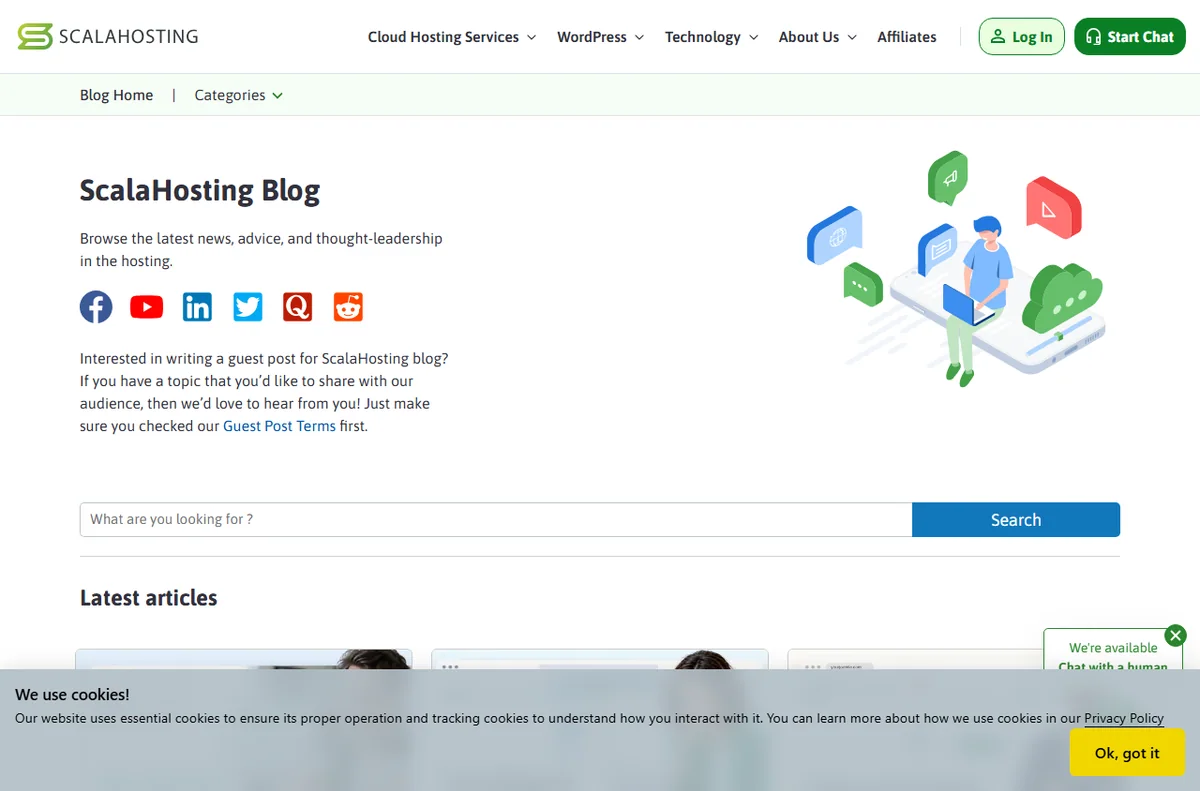
    Scalahosting blog page
    Scalahosting blog (image: scalahosting.com)

    What ScalaHosting is good at

    • Starting on shared hosting and moving up to VPS without switching providers.
    • Managing sites, email and databases from one control panel.
    • Supporting more than one site from a single account.
    • Scaling up when a site outgrows a shared server.
    Scalahosting cloud vps page
    Scalahosting cloud vps (image: scalahosting.com)

    What ScalaHosting is not

    • Not a website builder: you still need a platform or a theme to build the site.
    • Not a free service, so check the current pricing for the plan and term you want.
    • Not a managed service on every plan; a self-managed VPS expects you to handle the server.
    • Not a guarantee of speed on its own; the site and the plan both matter.

    Concept cheat sheet

    ConceptMeaningWhy it matters
    PlanWhat you buy: shared or VPSSets resources and control
    Control panelWhere you manage the accountFiles, email and databases live here
    VPSA more isolated slice of a serverMore control, more responsibility
    DNSRecords that point a domainConnects the domain to the server
    BackupA copy of your siteHow you recover from mistakes
    Based on publicly documented behaviour, checked October 9, 2026.
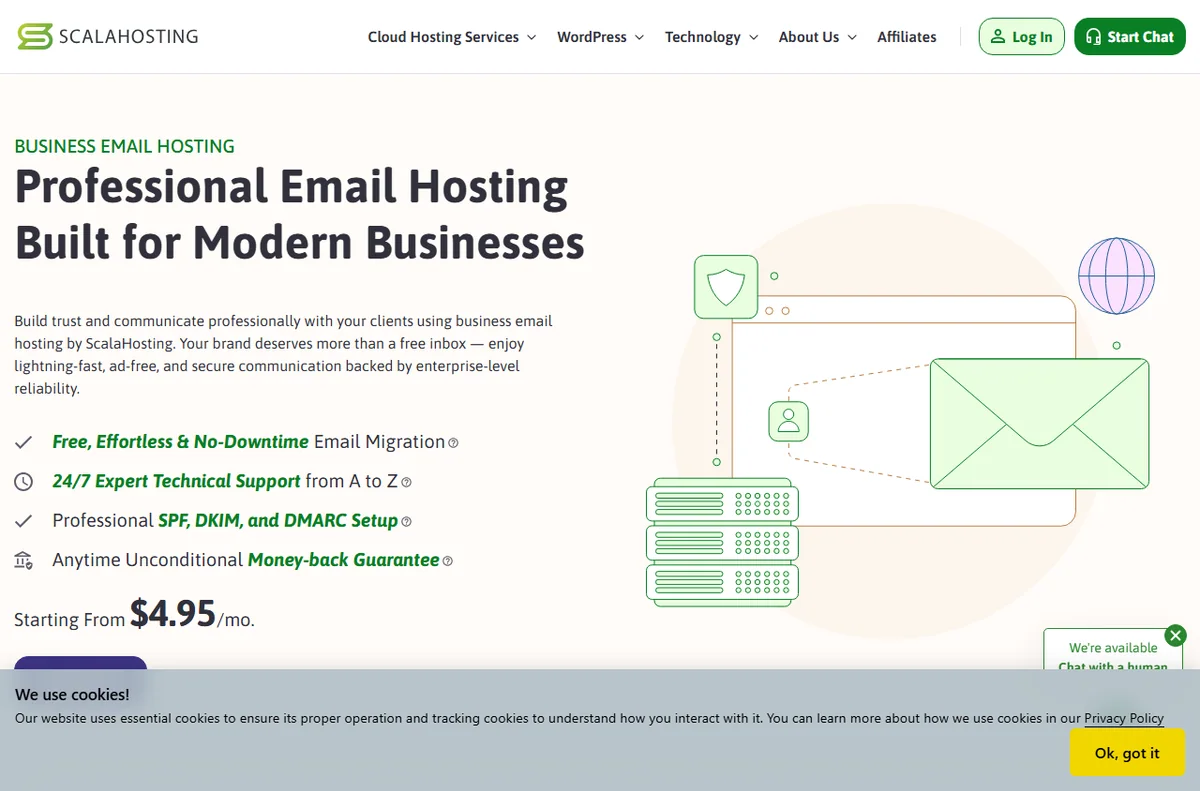
    Scalahosting email hosting page
    Scalahosting email hosting (image: scalahosting.com)

    Where this fits

    Start with the hosting hub. For the practical steps see how to set up ScalaHosting, and for everyday usage read how to use ScalaHosting for a small business.

    Scalahosting login page
    Scalahosting login (image: scalahosting.com)

    Frequently asked

    Is ScalaHosting only for advanced users?

    No. Shared hosting is beginner friendly, and VPS plans are there for people who want more control. You can pick the level that suits you.

    Do I need a separate domain?

    You can register or connect a domain during the signup flow. The site needs a domain to be reachable.

    What is a VPS?

    It is a more isolated slice of a server with its own resources. It gives you more control than shared hosting and asks more of you in return.

    Is there a money-back guarantee?

    Terms change over time. Check the current policy on ScalaHosting’s own site before you commit.

    Can I host more than one site?

    It depends on the plan; some allow several sites on one account. Match the plan to how many sites you actually run.

    Host your site with confidence

    Shared, VPS and managed plans in one account.

    Some links on this page may be referral links — we may earn a reward if you sign up, at no extra cost to you. We are an independent publisher. See our Affiliate Disclosure.

    Related reading

  • What is MailerLite?

    What is MailerLite?

    Home / Email Marketing / Guides / What is MailerLite

    Knowledge · email marketing · updated October 9, 2026

    What is MailerLite?

    MailerLite is an email marketing service for sending campaigns, building automations and collecting subscribers. This guide explains what it does, how it is organised, and what it is not.

    Independent analysis. This page may contain affiliate links. If you sign up through a link on this page we may earn a reward at no extra cost to you, and it never changes what we recommend. We are an independent publisher and are not affiliated with, endorsed by, or an official partner of any tool mentioned. See our Affiliate Disclosure.

    TL;DR

    • MailerLite is an email marketing tool for campaigns and automations.
    • It is organised around subscribers, groups, campaigns and automations.
    • Signup forms and landing pages collect new subscribers.
    • It is aimed at small businesses and creators who want simple email tools.
    • It is not a full CRM and it is not a website builder.

    On this page: What MailerLite is · How it is organised · What it is good at · What it is not · Concept cheat sheet · Where this fits

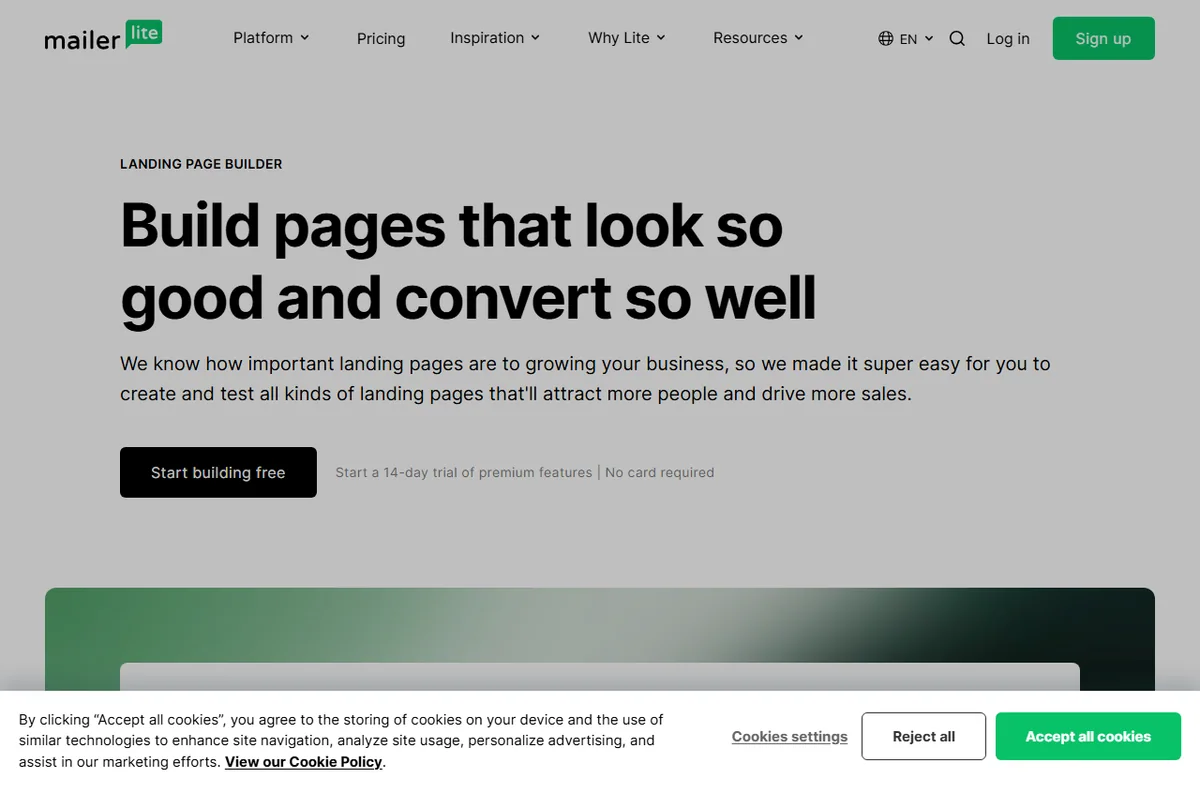
    Mailerlite home page
    Mailerlite home (image: mailerlite.com)

    What MailerLite is

    MailerLite is a service for sending email at scale. You keep a list of subscribers, send them campaigns, and set up automations that respond to what they do.

    The core job is the same as any email platform: get permission to contact someone, send them something worth reading, and watch how they respond. What differs is how the tool is organised and how much it asks of you.

    It is a hosted service, so you use it in a browser rather than installing software, and your subscriber list lives in your account.

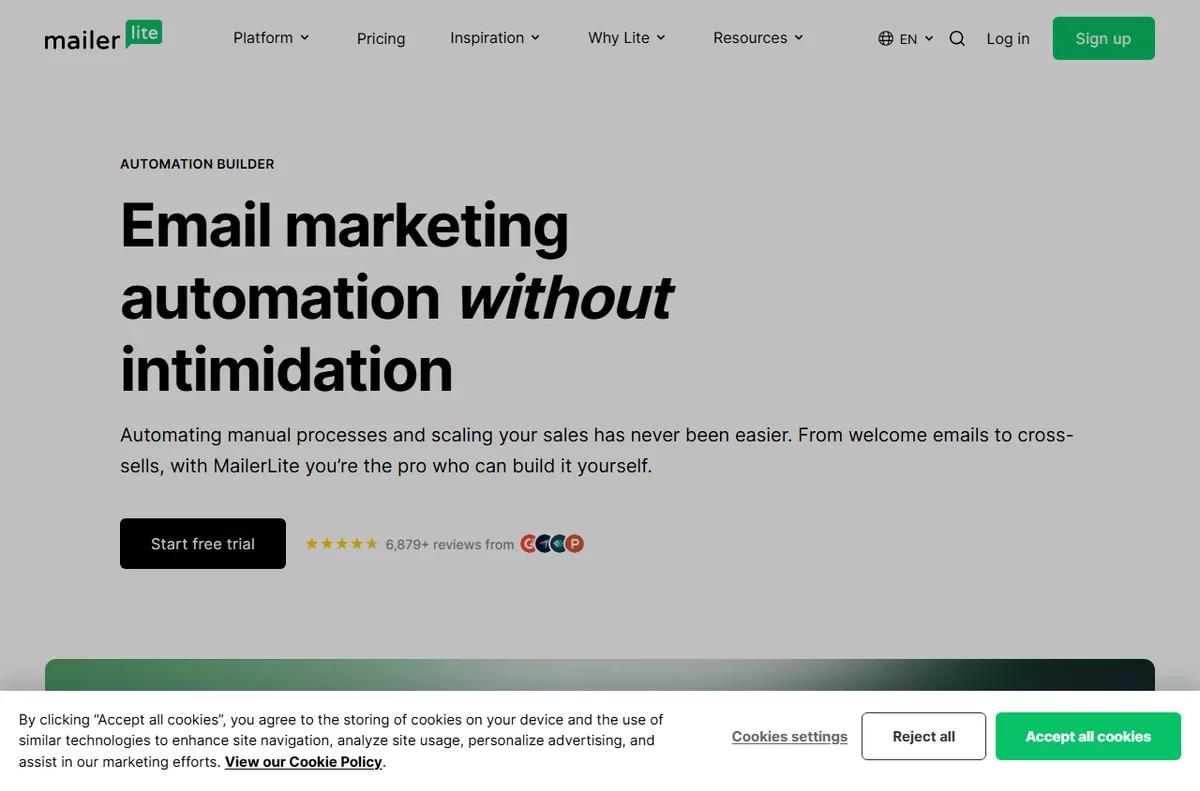
    Mailerlite automation page
    Mailerlite automation (image: mailerlite.com)

    How MailerLite is organised

    Subscribers are the people on your list. You can place them into groups so that a message goes to one segment rather than everyone.

    A campaign is a single email sent to a group. An automation is a sequence triggered by an event, such as a new subscriber joining or a link being clicked.

    Forms and landing pages are the entry points that add people to the list, and they connect back to the groups and automations you set up.

    Mailerlite features page
    Mailerlite features (image: mailerlite.com)

    What MailerLite is good at

    • Sending campaigns and simple newsletters without a designer.
    • Grouping subscribers so a message reaches the right people.
    • Automating a welcome sequence or a follow-up.
    • Collecting subscribers with signup forms and landing pages.
    • Tracking opens, clicks and unsubscribes in one place.
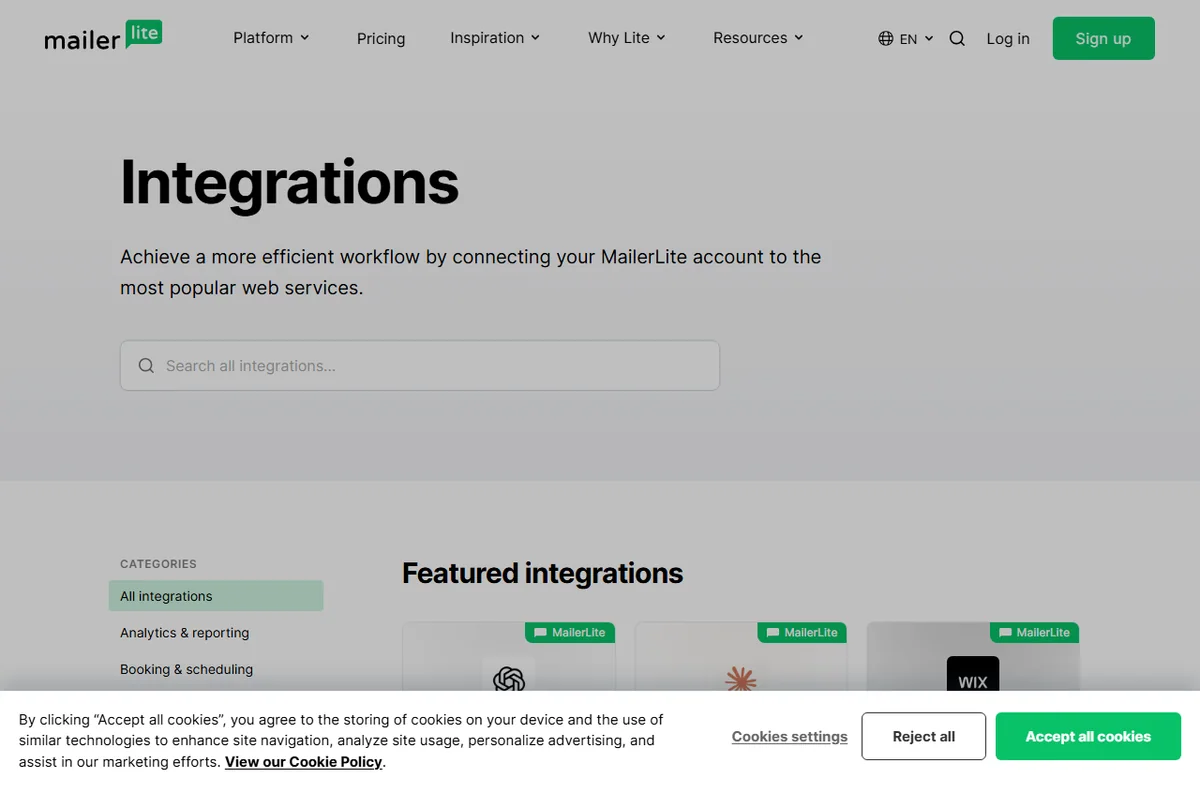
    Mailerlite integrations page
    Mailerlite integrations (image: mailerlite.com)

    What MailerLite is not

    • Not a full CRM: it tracks email behaviour more than the whole sales relationship.
    • Not free of charge beyond its free tier limits, so check the current pricing.
    • Not a website builder, even though it can host simple landing pages.
    • Not a guarantee of deliverability; that also depends on your list and your sending habits.

    Concept cheat sheet

    ConceptMeaningWhy it matters
    SubscriberA person on your listThe audience you send to
    GroupA segment of subscribersDecides who receives a message
    CampaignOne email sent onceThe core sending unit
    AutomationA sequence triggered by an eventHandles follow-up automatically
    FormA signup that adds a subscriberGrows the list
    Based on publicly documented behaviour, checked October 9, 2026.
    Mailerlite landing pages page
    Mailerlite landing pages (image: mailerlite.com)

    Where this fits

    Start with the email marketing hub. For the practical steps see how to set up MailerLite, and for everyday usage read how to use MailerLite for a small business.

    Mailerlite login page
    Mailerlite login (image: mailerlite.com)

    Frequently asked

    Is MailerLite only for email?

    Email is the centre of it, but it also offers simple landing pages and forms that collect subscribers. It is not a general website builder.

    Do I need design skills?

    No. You start from a template, add your content and send. Good copy and a clear layout matter more than visual polish.

    Is there a free tier?

    There is a free tier with limits, and paid plans above it. Limits change, so check the current pricing on MailerLite’s own site.

    Can I move my list elsewhere later?

    Most services let you export your subscribers. Check the export options in your account before you rely on it.

    Does it handle automation?

    Yes. You can trigger sequences on events such as a new subscriber or a click, and branch the flow based on what happens.

    Send email that gets opened

    Campaigns, automations and signup forms.

    Some links on this page may be referral links — we may earn a reward if you sign up, at no extra cost to you. We are an independent publisher. See our Affiliate Disclosure.
    Related reading

  • What is Elementor?

    What is Elementor?

    Home / Developer Tools / Guides / What is Elementor

    Knowledge · developer tools · updated October 9, 2026

    What is Elementor?

    Elementor is a visual page builder that plugs into WordPress and lets you lay out pages by dragging widgets onto a canvas. This guide explains what it does, how it is organised, and what it is not.

    Independent analysis. This page may contain affiliate links. If you sign up through a link on this page we may earn a reward at no extra cost to you, and it never changes what we recommend. We are an independent publisher and are not affiliated with, endorsed by, or an official partner of any tool mentioned. See our Affiliate Disclosure.

    TL;DR

    • Elementor is a drag-and-drop page builder for WordPress.
    • Pages are built from sections, columns and widgets on a canvas.
    • A free core plugin covers the basics; paid plans add widgets, templates and support.
    • A hosted cloud version exists for people who do not want to run WordPress themselves.
    • It is not a hosting company and it does not replace WordPress on its own.

    On this page: What Elementor is · How it is organised · What it is good at · What it is not · Concept cheat sheet · Where this fits

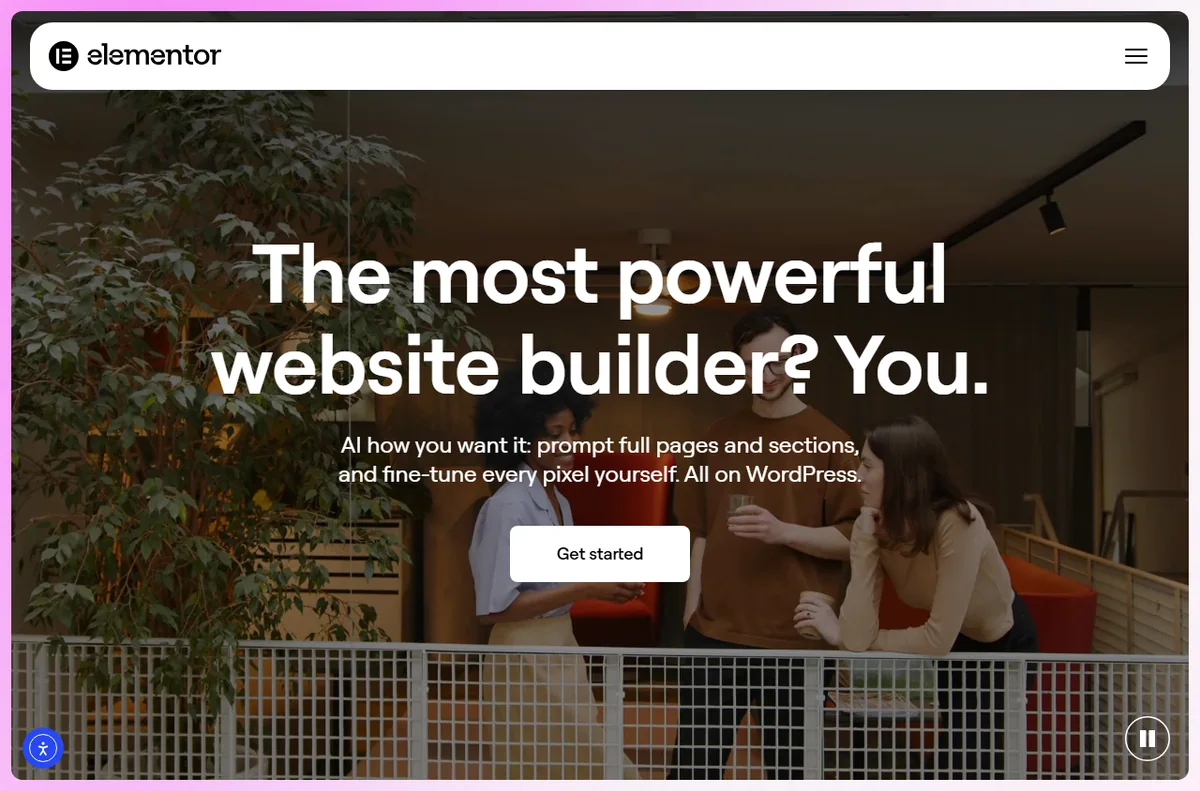
    Elementor home page
    Elementor home (image: elementor.com)

    What Elementor is

    Elementor is an editor that replaces the default WordPress block editor with a visual canvas. Instead of writing blocks in a list, you drag elements onto a page and see the result as you go.

    The idea is to let someone who does not write code build a professional-looking page. You choose a structure, drop in widgets such as headings, images, buttons and forms, then style them with controls rather than CSS.

    It sits on top of WordPress. The theme still controls some site-wide behaviour, but the page content is stored by Elementor and rendered as markup when a visitor loads the page.

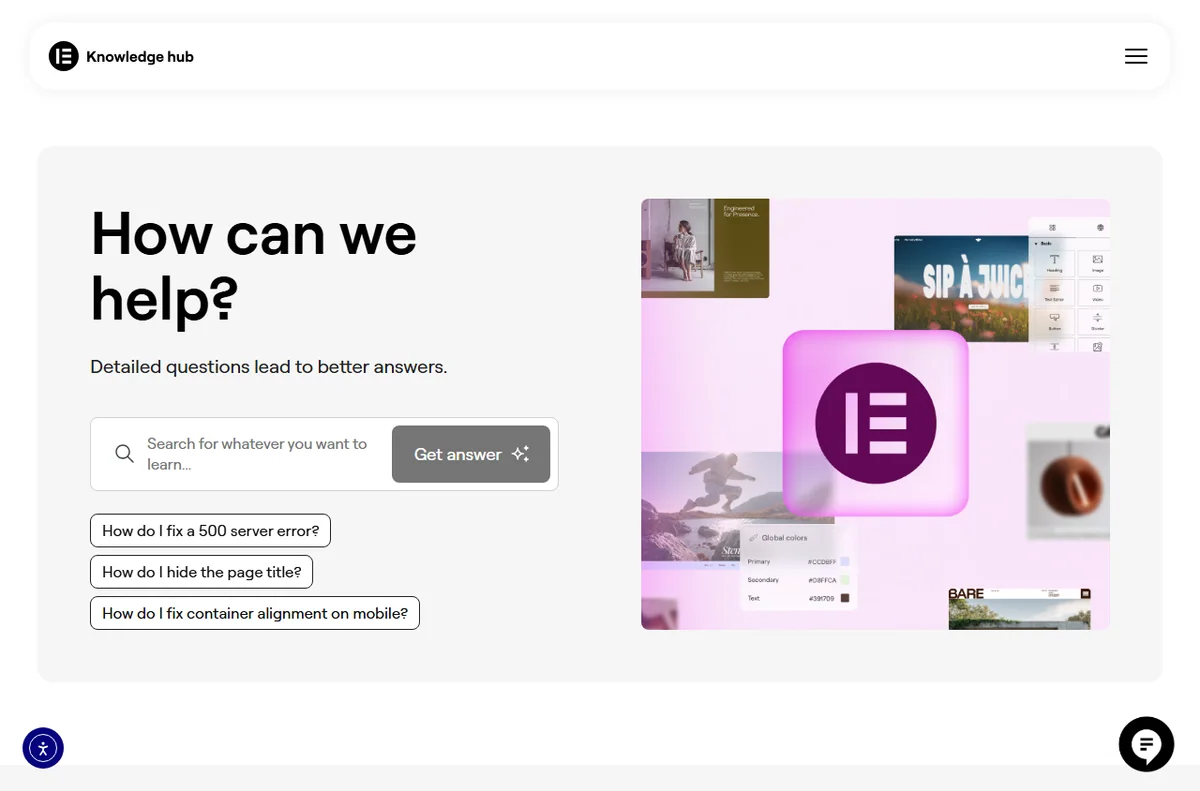
    Elementor academy page
    Elementor academy (image: elementor.com)

    How Elementor is organised

    A page is built from three nested levels: sections, columns and widgets. A section spans the width of the page, columns divide it, and widgets are the actual content inside a column.

    Templates and blocks let you save a layout and reuse it. You can apply a page template to a whole page, or drop a saved block into a single section.

    Global styles and site settings hold colours and fonts so a change in one place updates everywhere, and the responsive controls let you adjust each level per device.

    Elementor blog page
    Elementor blog (image: elementor.com)

    What Elementor is good at

    • Building and editing pages without touching code.
    • Reusing saved templates and blocks across a site.
    • Adjusting layout separately for desktop, tablet and mobile.
    • Extending the editor with extra widgets from Elementor and third parties.
    • Working with most WordPress themes without a rebuild.
    Elementor hello theme page
    Elementor hello theme (image: elementor.com)

    What Elementor is not

    • Not a hosting service: you still need a host and WordPress for the self-hosted plugin.
    • Not entirely free: the core plugin is free, but advanced widgets and support sit behind paid plans, so check the current pricing.
    • Not a one-click replacement for a developer on complex custom work.
    • Not immune to plugin conflicts and performance trade-offs.

    Concept cheat sheet

    ConceptMeaningWhy it matters
    SectionA full-width containerSets the overall structure
    ColumnA slice inside a sectionDivides content side by side
    WidgetA single content elementThe heading, image or button
    TemplateA saved full-page layoutReused to start a page quickly
    Global styleSite-wide colour and font rulesKeeps pages consistent
    Based on publicly documented behaviour, checked October 9, 2026.
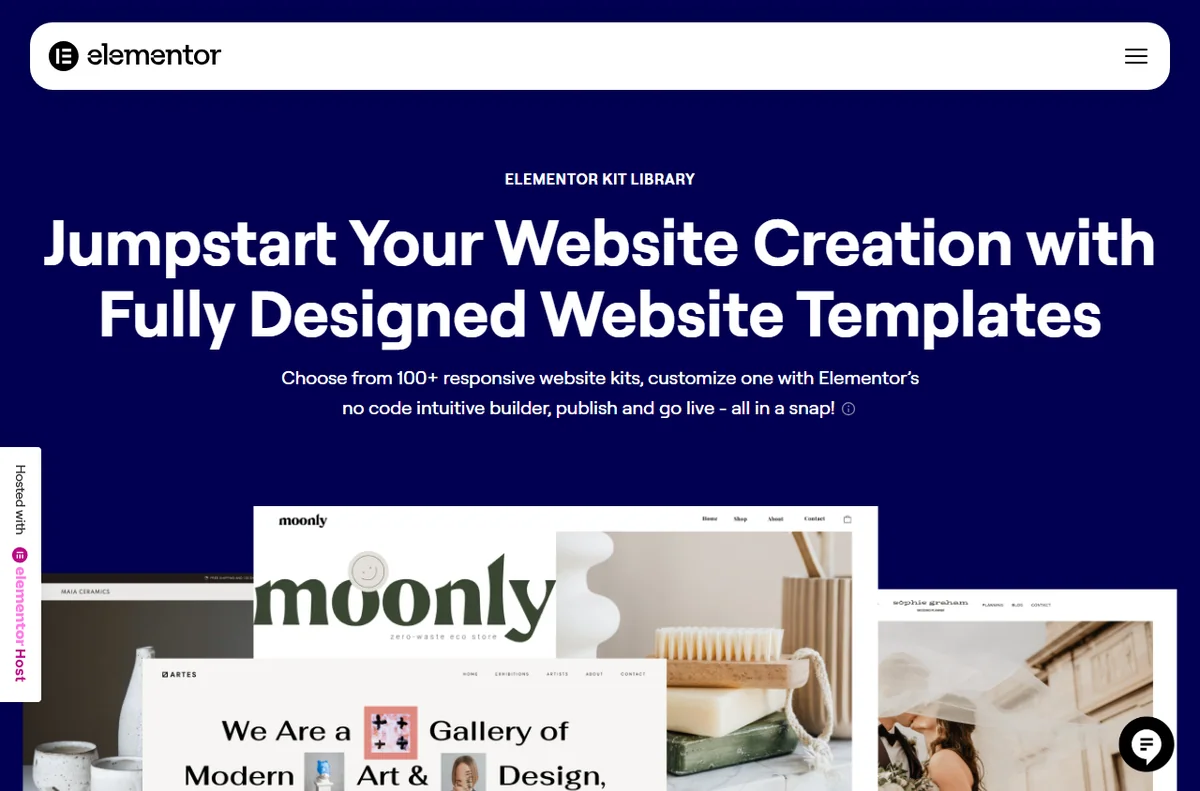
    Elementor library page
    Elementor library (image: elementor.com)

    Where this fits

    Start with the developer tools hub. For the practical steps see how to set up Elementor, and for everyday usage read how to use Elementor for a small business.

    Elementor login page
    Elementor login (image: elementor.com)

    Frequently asked

    Do I need to know code to use Elementor?

    No. The point of the editor is that you build with widgets and controls. Some custom styling still benefits from knowing CSS, but it is not required to start.

    Does Elementor work with any theme?

    It works with most themes, though some are built around it and integrate more tightly. A theme designed for the block editor may need small adjustments.

    Is there a free version?

    Yes. A free core plugin covers the basics, and paid plans add tools and support. Plans change, so check the current options on Elementor’s own site.

    Can I use Elementor without WordPress?

    There is a hosted cloud version for people who do not want to run WordPress. The plugin route requires a WordPress site.

    Will Elementor slow my site down?

    It can add weight, because it loads its own assets. How much depends on the page and the host, so test your own pages.

    Start building visually

    Drag-and-drop design for WordPress.

    Some links on this page may be referral links — we may earn a reward if you sign up, at no extra cost to you. We are an independent publisher. See our Affiliate Disclosure.
    Related reading

  • What is DreamHost?

    What is DreamHost?

    Home / Hosting / Guides / What is DreamHost

    Knowledge · hosting · updated October 9, 2026

    What is DreamHost?

    DreamHost is a web hosting company known for straightforward shared hosting alongside WordPress, VPS and dedicated plans. This guide explains what it does, how it is organised, and who it is built for.

    Independent analysis. This page may contain affiliate links. If you sign up through a link on this page we may earn a reward at no extra cost to you, and it never changes what we recommend. We are an independent publisher and are not affiliated with, endorsed by, or an official partner of any tool mentioned. See our Affiliate Disclosure.

    TL;DR

    • DreamHost offers shared, VPS, dedicated and WordPress hosting.
    • It is one of the older independent hosts, with a long track record.
    • You get its own control panel rather than cPanel.
    • Prices and terms change, so check the current pricing.
    • It is not a managed WordPress specialist, and not the cheapest at every tier.

    On this page: What DreamHost is · How it is organised · What it is good at · What it is not · Concept cheat sheet · Where this fits

    Dreamhost home page
    Dreamhost home (image: dreamhost.com)

    What DreamHost is

    DreamHost is a web host that has been running for decades and offers a range of plans. At the simpler end you get shared hosting where many sites share a server; at the higher end you get virtual and dedicated servers.

    The design goal is straightforward hosting with a clear panel, rather than a heavily managed WordPress platform. You get the tools to run a site and enough headroom to grow into more powerful plans.

    Because it covers several hosting types, it appeals to people who want one provider as a site moves from a small start to more traffic.

    Dreamhost domains page
    Dreamhost domains (image: dreamhost.com)

    How DreamHost is organised

    Hosting is organised by plan type. Shared hosting suits a few small sites, while VPS and dedicated plans give you more resources and control.

    Domains, email and databases are managed from the same custom panel, so the account is the unit you log into.

    WordPress can be installed in a click, and there are WordPress-specific plans if you would rather have the platform optimised for you.

    Dreamhost email page
    Dreamhost email (image: dreamhost.com)

    What DreamHost is good at

    • Starting cheaply on shared hosting and upgrading later.
    • Managing domains, email and databases in one place.
    • Choosing WordPress, VPS or dedicated plans under one account.
    • Getting predictable, no-nonsense hosting from an established provider.
    Dreamhost features page
    Dreamhost features (image: dreamhost.com)

    What DreamHost is not

    • Not a managed WordPress specialist in the style of a dedicated WordPress host.
    • Not built around cPanel, so migration habits may need adjusting.
    • Not always the cheapest once promotional periods end.
    • Not a fully hands-off platform; some tasks are still yours to run.

    Concept cheat sheet

    ConceptMeaningWhy it matters
    Shared hostingMany sites on one serverThe cheapest way to start
    VPSA virtual server you controlMore power and flexibility
    DedicatedA whole physical serverMaximum resources
    Control panelDreamHost’s own dashboardWhere you manage the account
    WordPress planHosting tuned for WordPressSimpler site management
    Based on publicly documented behaviour, checked October 9, 2026.
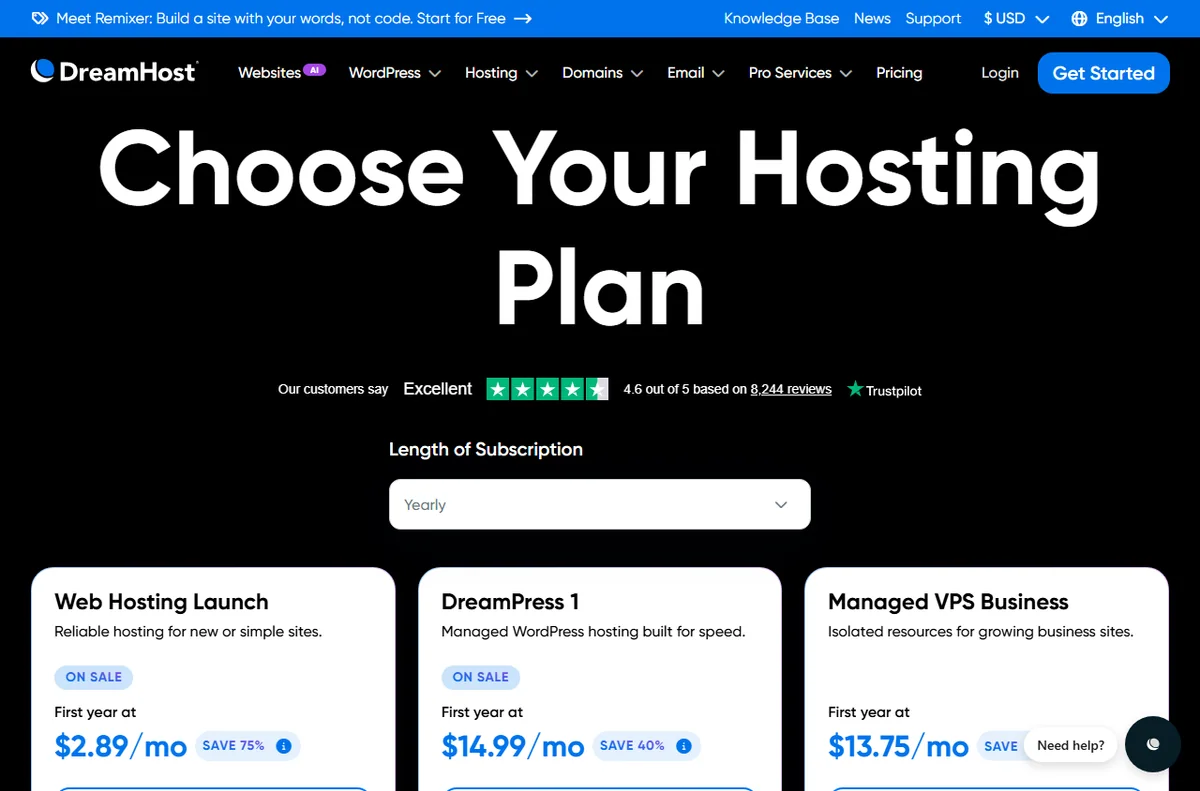
    Dreamhost hosting page
    Dreamhost hosting (image: dreamhost.com)

    Where this fits

    Start with the hosting hub and the independent DreamHost review. For the practical steps see how to set up DreamHost, and for everyday usage read how to use DreamHost for a small business. If you are still choosing, start from how to choose web hosting and best web hosting for small business.

    Dreamhost login page
    Dreamhost login (image: dreamhost.com)

    Frequently asked

    Is DreamHost good for beginners?

    Yes. Shared hosting and one-click WordPress installs make it an approachable starting point, and you can upgrade as the site grows.

    Does DreamHost use cPanel?

    No. It uses its own control panel, which works well but looks different from cPanel-based hosts.

    Can I host more than one site?

    Yes, depending on the plan. Shared plans usually allow several domains, so check the current plan details.

    Does DreamHost lock me into a long contract?

    Terms vary, and promotional pricing often applies to the first term. Check the renewal terms and current pricing before you buy.

    Is DreamHost managed WordPress hosting?

    It offers WordPress-optimised plans, but it is not a fully managed WordPress platform in the way a specialist host is.

    Host your site with DreamHost

    Shared, VPS and WordPress hosting from one account.

    Some links on this page may be referral links — we may earn a reward if you sign up, at no extra cost to you. We are an independent publisher. See our Affiliate Disclosure.
    Related guides

    Try Moosend free – email marketing & automation. Start free

  • What is Kinsta?

    What is Kinsta?

    Home / Hosting / Guides / What is Kinsta

    Knowledge · hosting · updated October 9, 2026

    What is Kinsta?

    Kinsta is a managed WordPress hosting provider that runs your site on Google Cloud and handles the server work for you. This guide explains what it does, how it is organised, and who it is built for.

    Independent analysis. This page may contain affiliate links. If you sign up through a link on this page we may earn a reward at no extra cost to you, and it never changes what we recommend. We are an independent publisher and are not affiliated with, endorsed by, or an official partner of any tool mentioned. See our Affiliate Disclosure.

    TL;DR

    • Kinsta is managed WordPress hosting, not shared cPanel hosting.
    • It runs sites on cloud infrastructure in a region you choose.
    • You get a dashboard, staging, backups and a CDN rather than a raw server.
    • Plans are priced by visits, storage and sites, so check the current pricing.
    • It is not a general-purpose host for arbitrary apps you want to self-manage.

    On this page: What Kinsta is · How it is organised · What it is good at · What it is not · Concept cheat sheet · Where this fits

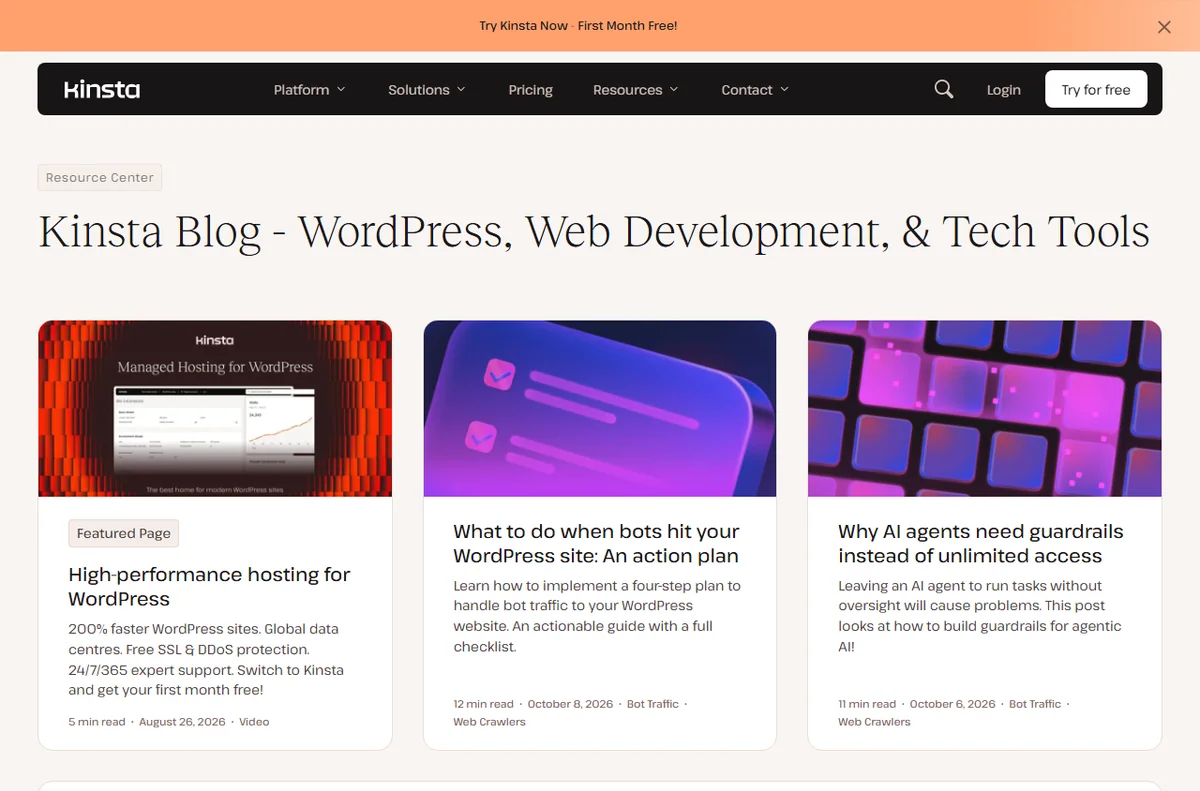
    Kinsta home page
    Kinsta home (image: kinsta.com)

    What Kinsta is

    Kinsta is a hosting company focused on WordPress. Instead of giving you a blank server to configure, it gives you a dashboard where you create a WordPress site, and it takes care of the operating system, caching and security underneath.

    The trade-off is deliberate: you get an environment tuned for WordPress, and in return you work within the way the platform is designed rather than installing whatever you like on the server.

    Because it is managed, your day-to-day job is content and configuration, not patching a server or tuning a stack yourself.

    Kinsta blog page
    Kinsta blog (image: kinsta.com)

    How Kinsta is organised

    Everything hangs off a site. A site is one WordPress install, and each site can have environments such as live and staging.

    Hosting plans set the limits you work within, including how many sites and how much storage and traffic you get. When you grow, you change the plan rather than the architecture.

    Supporting tools are built in: a content delivery network, backups, and a dashboard that shows visits, bandwidth and errors for each site.

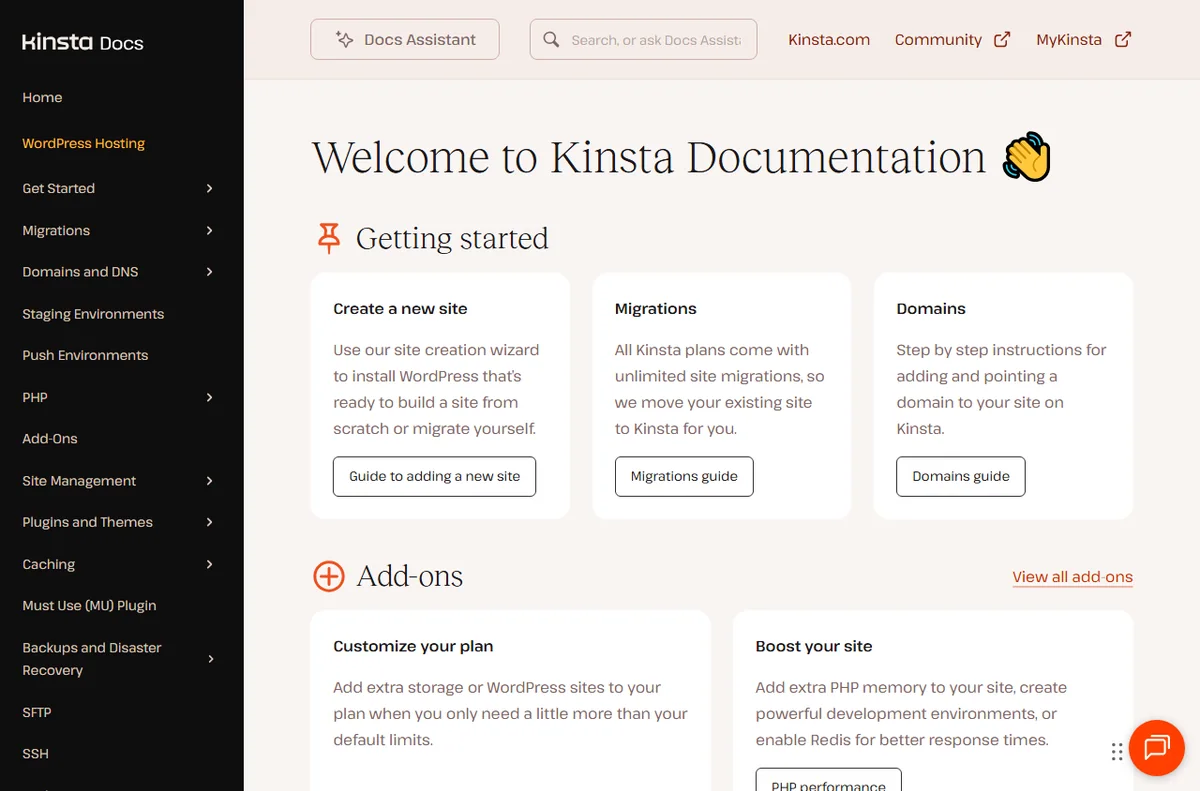
    Kinsta docs page
    Kinsta docs (image: kinsta.com)

    What Kinsta is good at

    • Running WordPress sites without managing a server.
    • Using staging to test changes before they go live.
    • Getting caching, a CDN and backups without extra setup.
    • Scaling a site without migrating to a different kind of host yourself.
    Kinsta features page
    Kinsta features (image: kinsta.com)

    What Kinsta is not

    • Not shared hosting, and not the cheapest option per site.
    • Not a place to install arbitrary server software outside WordPress.
    • Not free of limits: plans cap visits, storage and the number of sites.
    • Not a fit if you want full control of the underlying server.

    Concept cheat sheet

    ConceptMeaningWhy it matters
    SiteOne WordPress installThe unit you host and manage
    EnvironmentA copy such as live or stagingLets you test changes safely
    PlanThe limits you are billed onSets sites, storage and visits
    CDNA network that serves your filesSpeeds up pages worldwide
    BackupA restorable copy of the siteYour safety net
    Based on publicly documented behaviour, checked October 9, 2026.
    Kinsta login page
    Kinsta login (image: kinsta.com)

    Where this fits

    Start with the hosting hub and the independent Kinsta review. For the practical steps see how to set up Kinsta, and for everyday usage read how to use Kinsta for a small business. If you are still choosing, compare with how to choose web hosting and Kinsta vs Hostinger.

    Kinsta pricing page
    Kinsta pricing (image: kinsta.com)

    Frequently asked

    Is Kinsta only for WordPress?

    Yes, it is WordPress-focused managed hosting. It is not aimed at arbitrary applications you want to run and maintain yourself.

    Do I need to manage the server?

    No. That is the point of managed hosting; the platform handles the operating system, caching and security for you.

    Does Kinsta include a CDN?

    It provides a content delivery network as part of the platform. Check the current features and pricing on Kinsta’s own page, since these change over time.

    Can I test changes before going live?

    Yes. Staging environments let you try updates and design changes on a copy before you push them to the live site.

    Is Kinsta good for a small business?

    It suits businesses that value managed performance and support. If you want the lowest possible cost, a shared host may fit better.

    Put your WordPress site on managed hosting

    A managed platform with staging, CDN and backups.

    Some links on this page may be referral links — we may earn a reward if you sign up, at no extra cost to you. We are an independent publisher. See our Affiliate Disclosure.

    Related reading

  • What is 1Password?

    What is 1Password?

    Home / Security & Privacy / Guides / What is 1Password

    Knowledge · security & privacy · updated October 9, 2026

    What is 1Password?

    1Password is a password manager that stores your logins, passkeys and other secrets in encrypted vaults and fills them in for you. This guide explains what it does, how it is organised, and what it is not.

    Independent analysis. This page may contain affiliate links. If you sign up through a link on this page we may earn a reward at no extra cost to you, and it never changes what we recommend. We are an independent publisher and are not affiliated with, endorsed by, or an official partner of any tool mentioned. See our Affiliate Disclosure.

    TL;DR

    • 1Password stores logins, passkeys and secure notes in encrypted vaults.
    • It is organised around vaults, items and the account that holds them.
    • It is aimed at individuals, families and teams who want one secure place for credentials.
    • Apps exist for browsers and phones, and they sync through your account.
    • It is not a free tool, and it is not a VPN or antivirus.

    On this page: What 1Password is · How it is organised · What it is good at · What it is not · Concept cheat sheet · Where this fits

    1password home page
    1password home (image: 1password.com)

    What 1Password is

    1Password is a subscription password manager. It keeps your credentials in an encrypted vault protected by a single master password, and it fills them into websites and apps so you do not reuse weak passwords.

    The premise is simple: remember one strong credential, and let the app remember the rest. Because the vault is encrypted end to end, the company that runs the service cannot read what is inside it.

    It is a product you install rather than a service that lives only on one website, which is why the browser extension and the phone app matter as much as the web vault.

    1password business page
    1password business (image: 1password.com)

    How 1Password is organised

    Everything lives in a vault. A vault is a container for items, and you can keep a personal vault separate from a shared one for work.

    An item is one entry: a login, a credit card, a secure note or a document. Items hold fields, and 1Password can generate, save and fill those fields for you.

    Accounts and teams sit above vaults. A family or business account holds several people, and access is granted by sharing a vault rather than an individual item.

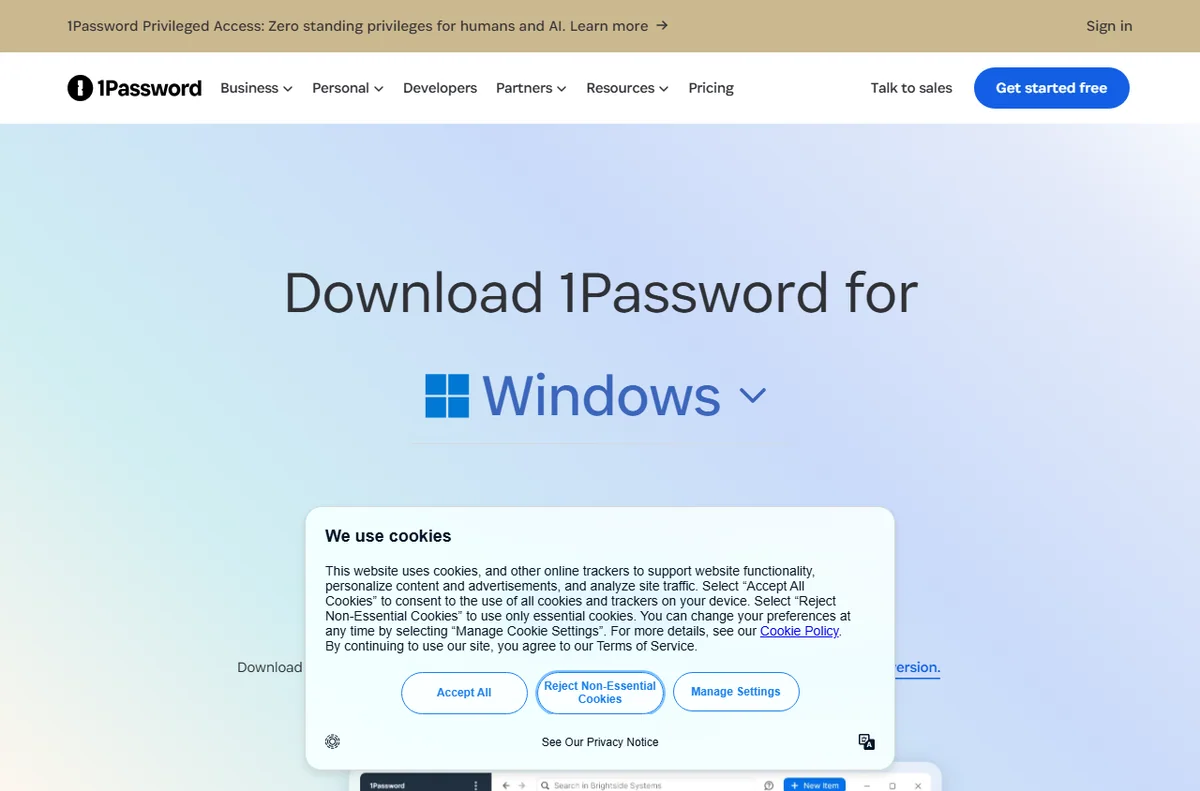
    1password downloads page
    1password downloads (image: 1password.com)

    What 1Password is good at

    • Keeping unique, strong passwords without memorising them.
    • Sharing a login, card or note with family or teammates securely.
    • Storing passkeys and one-time codes alongside your passwords.
    • Working across browsers, phones and desktops from one account.
    1password features page
    1password features (image: 1password.com)

    What 1Password is not

    • Not free of charge: it is a paid subscription, so check the current pricing before you commit.
    • Not a VPN, an antivirus or an identity-theft monitoring service.
    • Not a substitute for good habits, like keeping an emergency kit somewhere safe.
    • Not recoverable if you lose the master password and the recovery material you saved.

    Concept cheat sheet

    ConceptMeaningWhy it matters
    VaultA container for related itemsDecides what is shared and with whom
    ItemOne saved entry such as a loginThe unit you fill and edit
    Master passwordThe key to your accountThe one secret you must remember
    Secret keyA second part of your sign-inCombined with the password to unlock
    PasskeyA passwordless sign-in credentialStored and filled like a login
    Based on publicly documented behaviour, checked October 9, 2026.
    1password integrations page
    1password integrations (image: 1password.com)

    Where this fits

    Start with the security and privacy hub and the best password managers for small business. For the practical steps see how to set up 1Password, and for everyday usage read how to use 1Password for a small business.

    1password login page
    1password login (image: 1password.com)

    Frequently asked

    Is 1Password only for businesses?

    No. It is used by individuals and families as well as teams; the plan you pick decides how many people and vaults you get.

    Do I need to install anything?

    You can use the web vault on its own, but most people install the browser extension and the phone app so it can autofill for them.

    What happens if I forget my master password?

    Recovery depends on the settings you chose. Plan for it by storing an emergency kit somewhere safe, because the data cannot be decrypted without it.

    Does 1Password work offline?

    The apps keep encrypted copies locally, so you can still read and fill saved items when you have no connection.

    Is there a free plan?

    1Password is a paid product with a trial rather than a permanent free tier. Plans change, so check the current options on 1Password’s own site.

    Keep your logins in one secure place

    Vaults, passkeys and sharing from one account.

    Some links on this page may be referral links — we may earn a reward if you sign up, at no extra cost to you. We are an independent publisher. See our Affiliate Disclosure.
    Related reading

  • What is PayPal?

    What is PayPal?

    Home / Payments / Guides / What is PayPal

    Knowledge · payments · updated October 9, 2026

    What is PayPal?

    PayPal is an online payment service used to send and receive money, pay for things online, and accept payments for a business. This guide explains what it is and how the main pieces fit together.

    Independent analysis. This page may contain affiliate links. If you sign up through a link on this page we may earn a reward at no extra cost to you, and it never changes what we recommend. We are an independent publisher and are not affiliated with, endorsed by, or an official partner of any tool mentioned. See our Affiliate Disclosure.

    TL;DR

    • PayPal moves money between people and businesses online.
    • A personal account sends and receives; a business account sells.
    • Buyers can pay with a balance, a linked card or a bank account.
    • Fees and holds depend on your account, your country and the payment.
    • It is not a bank account, and it is not a full accounting system.

    On this page: What PayPal is · How a payment flows · What it is good at · What it is not · Concept cheat sheet · Where this fits

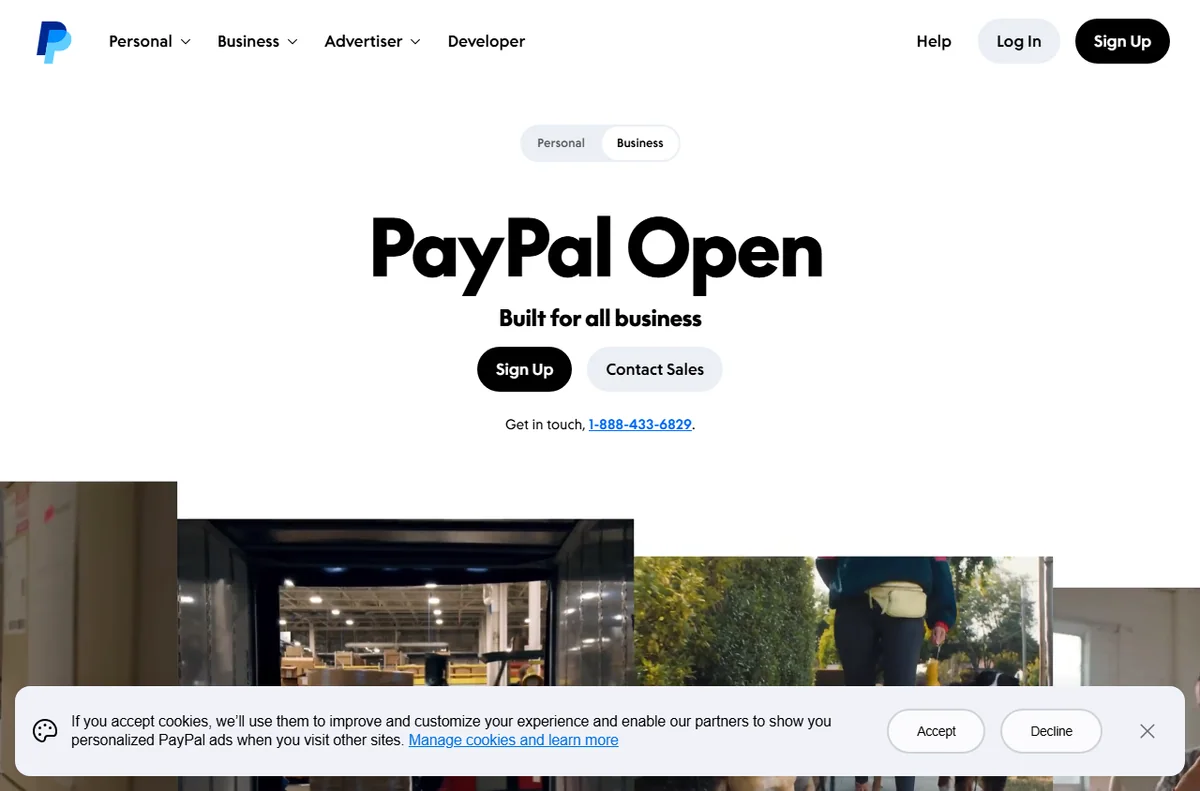
    Paypal home page
    Paypal home (image: paypal.com)

    What PayPal is

    PayPal is a payment service that sits between a payer and a payee. Instead of sharing bank details directly, both sides use a PayPal account, and the service moves the money and records the transaction.

    It is used in two broad ways: people sending money to each other, and businesses accepting payment from customers online. The same account can do both, though a business account is designed for selling.

    Because it acts as an intermediary, PayPal also handles the awkward parts of online payment, such as currency conversion, buyer protection and the dispute process when something goes wrong.

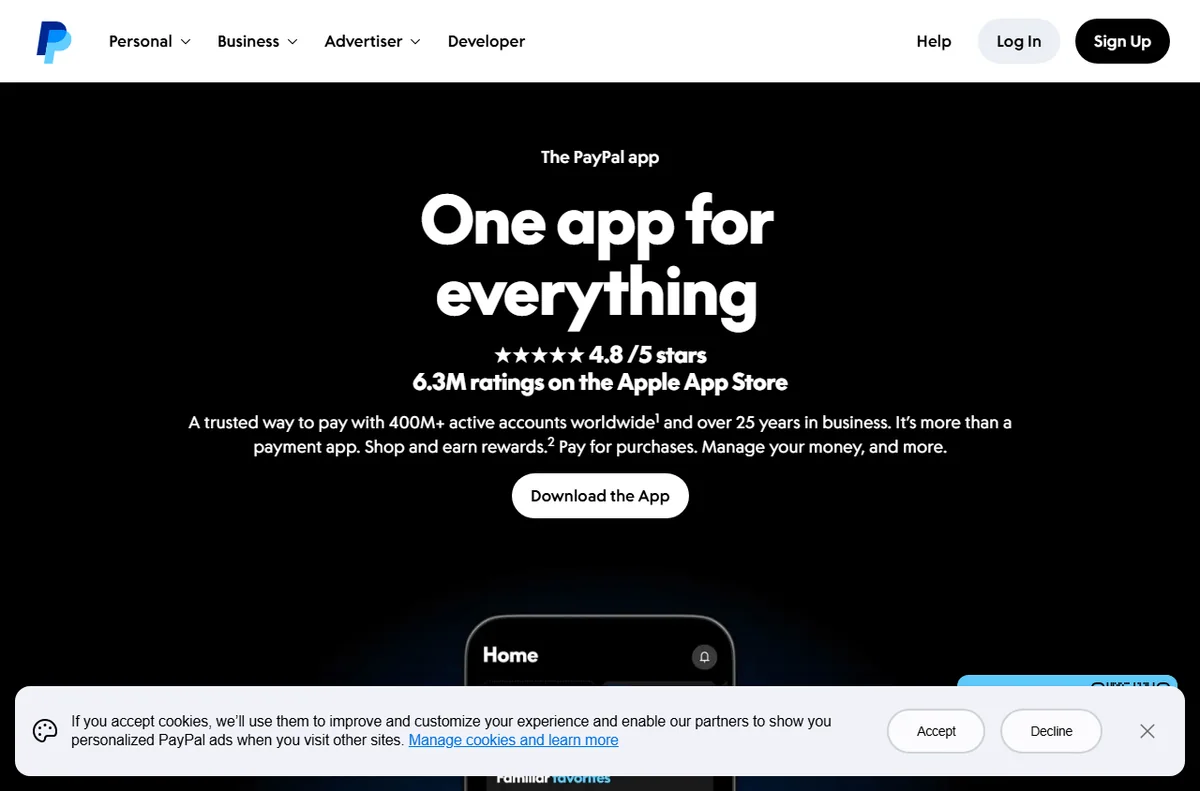
    Paypal accept payments page
    Paypal accept payments (image: paypal.com)

    How a payment flows

    At checkout, the buyer chooses PayPal and either signs in or pays as a guest using a card. The money leaves their chosen funding source and arrives in the seller’s PayPal balance.

    From there the seller can hold the balance, spend it, or withdraw it to a linked bank account. Withdrawals usually take a little longer than the payment itself, and timing varies by country.

    Fees are charged on the transaction and, in some cases, on the conversion between currencies. Because rates and rules change, always check the current fees on PayPal’s own page.

    Paypal account types page
    Paypal account types (image: paypal.com)

    What PayPal is good at

    • Accepting payments online without building your own card handling.
    • Sending money between people quickly and widely recognised.
    • Working across many countries and currencies.
    • Adding a layer of buyer protection to online purchases.
    Paypal business page
    Paypal business (image: paypal.com)

    What PayPal is not

    • Not a bank account, and not covered by the same protections as one.
    • Not a full accounting system for bookkeeping or tax.
    • Not fee-free: charges apply to most business transactions.
    • Not guaranteed instant, since withdrawals and holds can take time.

    Concept cheat sheet

    ConceptMeaningWhy it matters
    BalanceMoney held inside PayPalWhere funds sit before withdrawal
    Personal accountAn account for sending and receivingNot built for regular selling
    Business accountAn account designed for sellingBetter tools for merchants
    InvoiceA request for payment you can sendA simple way to bill a customer
    FeeWhat PayPal charges on a paymentAffects what you actually receive
    Based on publicly documented behaviour, checked October 9, 2026.
    Paypal digital wallet page
    Paypal digital wallet (image: paypal.com)

    Where this fits

    Start with the payments hub. To compare options read Wise vs PayPal, and for the practical steps see how to set up PayPal or how to use PayPal for a small business.

    Paypal disputes page
    Paypal disputes (image: paypal.com)

    Frequently asked

    Do I need an account to pay?

    Not always. Many merchants accept guest payments by card, but an account makes sending money and tracking transactions easier.

    Is my money safe in PayPal?

    It is a regulated payment service with its own protections, but it is not a bank account. Understand both before you keep a large balance there.

    How long do withdrawals take?

    It varies by country and method, and can range from near-instant to a few business days. Check the current times on PayPal’s own page.

    Does PayPal charge fees?

    Yes, on most business transactions, and sometimes on currency conversion. Rates change, so check the current fees before you rely on them.

    Can I use PayPal for a business?

    Yes. A business account is built for selling, and it adds tools that a personal account does not include.

    Get paid with PayPal

    Send, receive and accept payments online.

    Some links on this page may be referral links — we may earn a reward if you sign up, at no extra cost to you. We are an independent publisher. See our Affiliate Disclosure.

    Related reading