Home / Payments / Guides / How to use PayPal for a small business
Use case · payments · updated October 8, 2026
How to use PayPal for a small business
Once a PayPal account is live, the interesting question is not how to switch it on but where it earns its place. For a small business there are a handful of jobs it does well, and knowing them keeps the account focused rather than cluttered.
Independent analysis. This page may contain affiliate links. Some links here are referral links; if you sign up through one we may earn a reward at no extra cost to you, and it never changes what we recommend. We are an independent publisher and are not affiliated with, endorsed by, or an official partner of any tool mentioned. See our Affiliate Disclosure.
TL;DR
- Invoicing is often the first job worth setting up.
- Checkout buttons let you offer PayPal beside cards.
- Recurring billing suits memberships and retainers.
- Refund handling keeps disputes off your desk.
- Clean reporting makes month-end reconciliation faster.
On this page: What this covers · Six ways small businesses use PayPal · Invoicing and getting paid · Checkout buttons and site payments · Recurring billing and subscriptions · Refunds and disputes · Reporting and reconciliation · Where to start · Where this fits in your wider stack
What this covers
PayPal is rarely the only way a small business gets paid, but it is often the most familiar to buyers. That familiarity is the real asset: a customer who already trusts the brand is one less hesitation at checkout.
This guide lists the practical jobs PayPal handles well for a small team, then helps you decide which to set up first. It avoids specific fees or plan limits, because those are best confirmed on the official pricing page.
Six ways small businesses use PayPal
- Invoicing: send a payable invoice by email and let the status track itself.
- Site checkout: add a payment button or a gateway integration to your store.
- Recurring billing: charge a subscription or membership on a schedule.
- Refunds and disputes: reverse a charge and answer a buyer claim from one place.
- Reporting: reconcile sales, fees and payouts against your bookkeeping.
- Cross-border payments: receive money from buyers in other countries and currencies.
Invoicing and getting paid
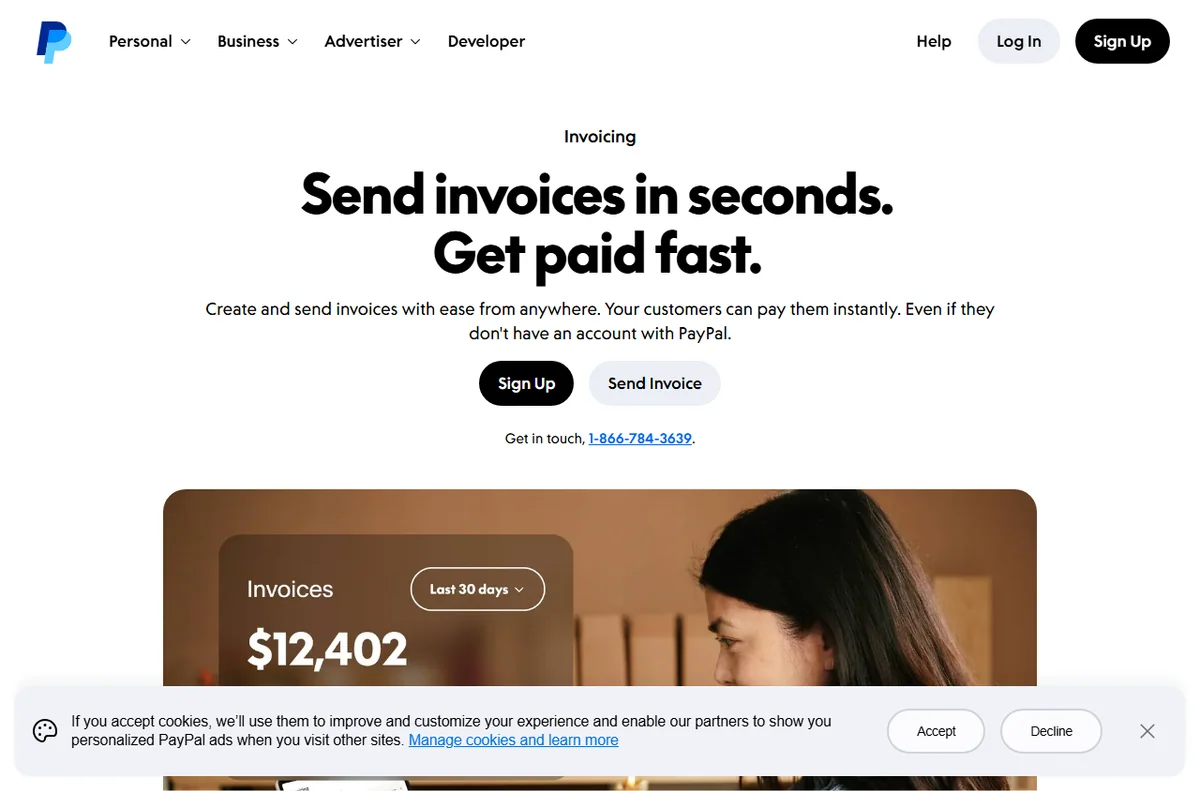
For service businesses, invoicing is usually the first feature worth learning. You create an invoice, send it by email and the customer pays online without a back-and-forth about bank details.
The quiet benefit is the paper trail. Each invoice carries a status, so you can see what is paid, what is outstanding and what has been refunded without rebuilding the picture in a spreadsheet.

Checkout buttons and site payments
If you run an online store, PayPal can sit beside your card processor as an extra option. The setup ranges from a simple button for a single product to a full gateway integration on a platform.
The decision is mostly about how much control you want. A button is fast to add; a full integration gives you a smoother flow and better reporting, at the cost of more setup time.
Recurring billing and subscriptions
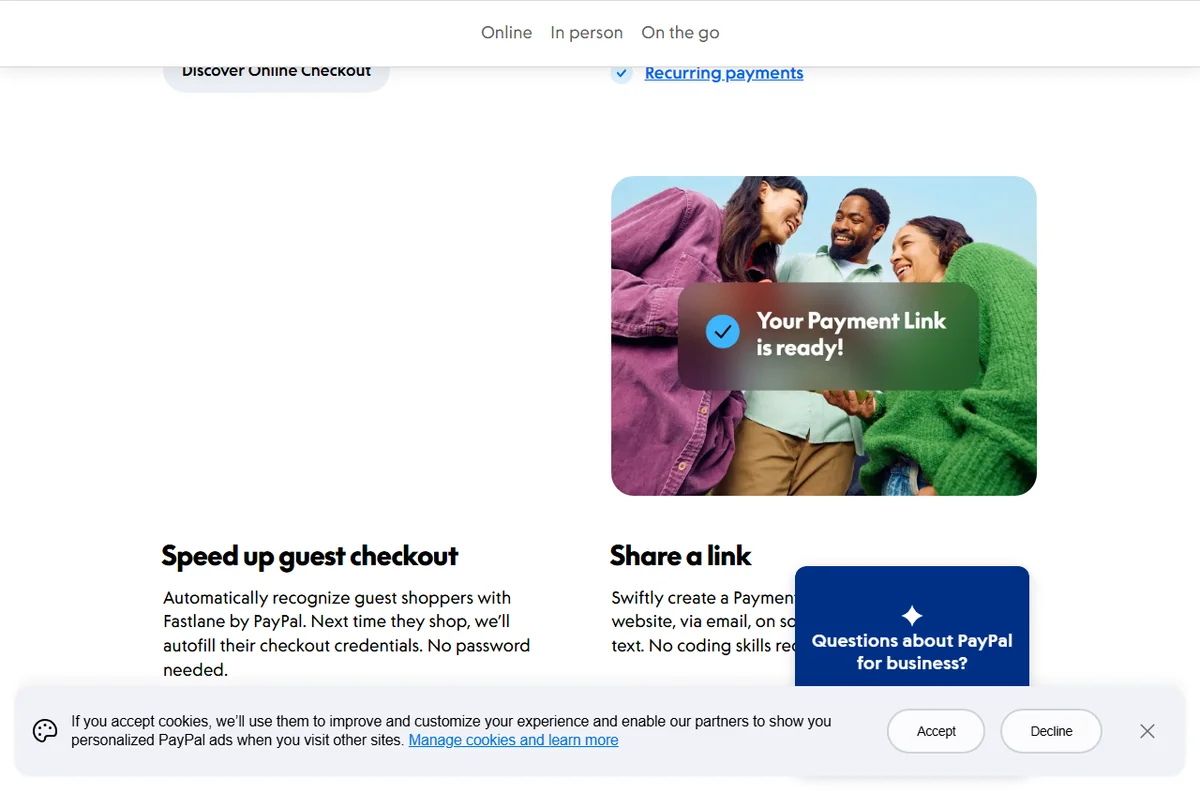
Memberships, retainers and box-of-the-month services all depend on repeat charges. PayPal supports this pattern so you are not manually re-invoicing each cycle.
Before switching recurring revenue on, decide how you will handle failed payments and cancellations. Those two paths cause more support tickets than the charges themselves.
Refunds and disputes
Refunds are a normal cost of selling, and handling them quickly protects your standing with buyers. PayPal lets you reverse a payment directly, with the original transaction as the reference.
Disputes are the other side of the same coin. Respond with clear evidence, keep the timeline tight, and treat the process as a reason to document your sales terms up front.
Reporting and reconciliation
Every payout carries a fee, and those fees need to reach your books. Downloading a transaction report at a regular interval keeps reconciliation to minutes instead of hours.
If you sell through more than one channel, export from each and match them against your platform data. Consistency matters more than perfection here.
Where to start
You do not need every feature on day one. Use the table below to pick the first two that match how you actually sell today.
| Way you sell Best PayPal feature When to prioritise it | ||
|---|---|---|
| Occasional invoices | Invoicing | You bill a handful of clients and want a record |
| Own-website sales | Checkout buttons or gateway | You run a store and want PayPal beside cards |
| Memberships | Recurring billing | Revenue depends on repeat charges |
| Returns and refunds | Refunds and disputes | You sell physical goods people send back |
| Monthly bookkeeping | Reporting | You reconcile every month and need clean data |

Where this fits in your wider stack
This page is one part of a wider path. Compare the two big names in the Wise vs PayPal comparison, then review the best payment gateways for small business and the best money transfer services. When you are done, the payments hub keeps the rest of the stack in one place.
Frequently asked
Should I use PayPal as my only payment method?
Usually not. PayPal works best alongside a card processor, so buyers who prefer a card are not turned away and buyers who trust PayPal have their option.
How many PayPal features do I need on day one?
Pick the one or two that match how you sell right now. Adding invoicing when you mostly run a store, or the reverse, just creates admin.
What slows refunds down?
Unclear return terms and slow replies. Documenting your policy and answering disputes with evidence keeps the process predictable.
How do I keep PayPal fees out of my books by accident?
Export a transaction report on a fixed schedule and reconcile it against your platform data, so fees are recorded rather than quietly absorbed.
Put PayPal to work in your business
Start with the feature that matches how you sell today, then grow from there.
Referral link — we may earn a reward if you sign up, at no extra cost to you. We are an independent publisher. See our Affiliate Disclosure.
Leave a Reply