We’re reader-supported — some links are affiliate links. Learn more →

Skip to content

Independent software research. Some links may earn us a commission at no extra cost to you. Learn more →

ICode

Tag: beginners

  • What is Thinkific?

    What is Thinkific?

    Home / Course Platforms / Guides / What is Thinkific

    Knowledge · course platforms · updated October 9, 2026

    What is Thinkific?

    Thinkific is a platform for building and selling online courses and memberships. This guide explains what it does, how a course is structured, and the kind of creator it suits.

    Independent analysis. This page may contain affiliate links. If you sign up through a link on this page we may earn a reward at no extra cost to you, and it never changes what we recommend. We are an independent publisher and are not affiliated with, endorsed by, or an official partner of any tool mentioned. See our Affiliate Disclosure.

    TL;DR

    • Thinkific specialises in hosting and selling online courses.
    • A course is built from chapters and lessons you arrange yourself.
    • It also supports memberships, communities and digital downloads.
    • It focuses on course delivery rather than all-in-one marketing.
    • It is not a marketplace, and it is not a general website builder.

    On this page: What Thinkific is · How a course is built · What it is good at · What it is not · Concept cheat sheet · Where this fits

    Thinkific home page
    Thinkific home (image: thinkific.com)

    What Thinkific is

    Thinkific is a hosted platform for creating, hosting and selling online courses. You upload your material, arrange it into a structure, set a price and connect a payment method, and the platform handles delivery to students.

    Its centre of gravity is the course itself. Where some rivals bundle a full marketing suite, Thinkific concentrates on the learning experience: how lessons are presented, how students move through them, and how progress is tracked.

    Because it is hosted, there is nothing to install or maintain. That keeps setup simple, and it also means you work within the features the platform offers rather than a custom build.
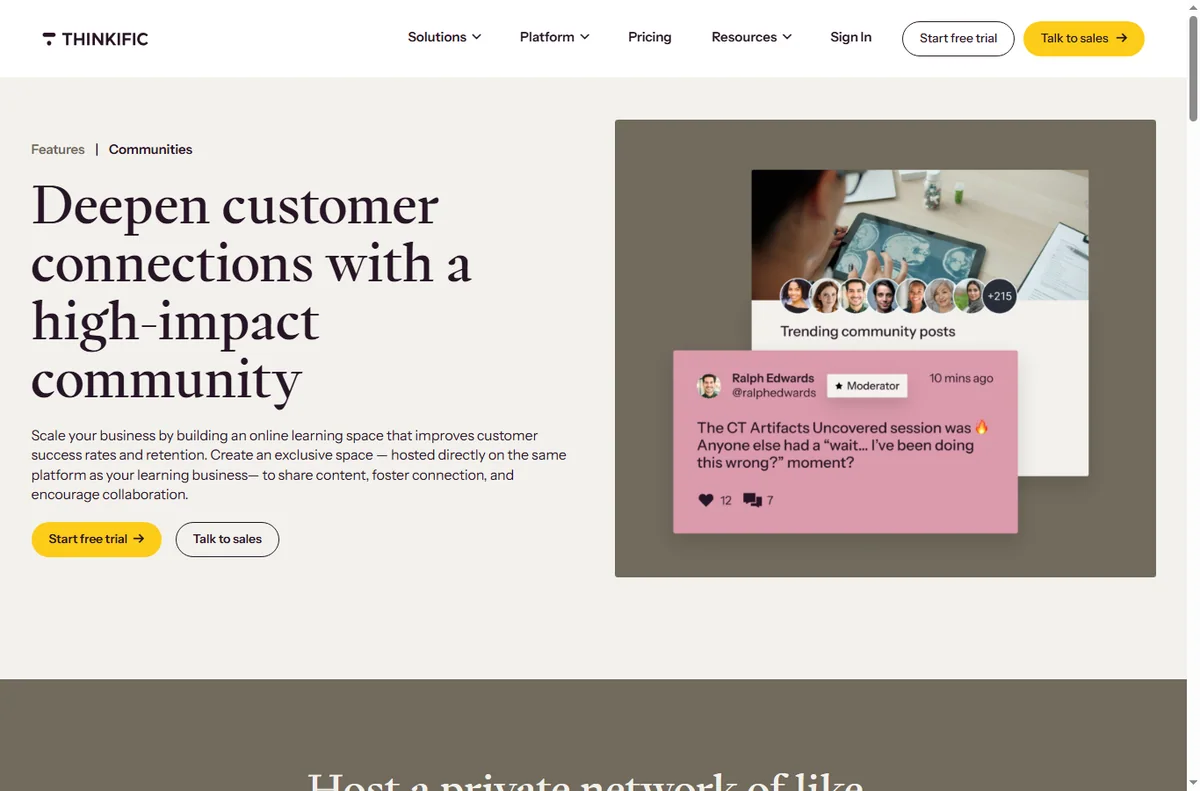
    Thinkific communities page
    Thinkific communities (image: thinkific.com)

    How a course is built

    A course is the top-level container. Inside it you create chapters, and inside chapters you create lessons, which can be video, text, audio, a quiz or a downloadable file.

    That simple hierarchy is what makes a Thinkific course easy to navigate. You decide the order, then mark the course as published when it is ready for students to enrol.

    Around the course sit the extras: coupons, bundles, memberships and certificates. Each is optional, so a small course can stay simple while a larger school can add structure as it grows.

    Thinkific courses page
    Thinkific courses (image: thinkific.com)

    What Thinkific is good at

    • Hosting and delivering structured courses with little setup.
    • Giving students a clear, uncluttered learning experience.
    • Supporting memberships, communities and digital downloads.
    • Handling payments, coupons and certificates in one place.
    Thinkific landing pages page
    Thinkific landing pages (image: thinkific.com)

    What Thinkific is not

    • Not a course marketplace that supplies its own buyers.
    • Not a full website builder for an arbitrary site design.
    • Not an all-in-one marketing suite on the scale of some rivals.
    • Not free of limits: features and fees depend on your plan.

    Concept cheat sheet

    ConceptMeaningWhy it matters
    CourseThe top-level container you sellThe unit a student buys
    ChapterA group of lessonsKeeps long courses navigable
    LessonA single piece of contentWhere learning actually happens
    StudentA person enrolled in a courseThe audience you serve
    CertificateA completion record you can offerRewards and motivates students
    Based on publicly documented behaviour, checked October 9, 2026.
    Thinkific payments page
    Thinkific payments (image: thinkific.com)

    Where this fits

    Start with the course platforms hub and the independent Thinkific review. For the practical steps see how to set up Thinkific, and for everyday usage read how to use Thinkific for a small business.
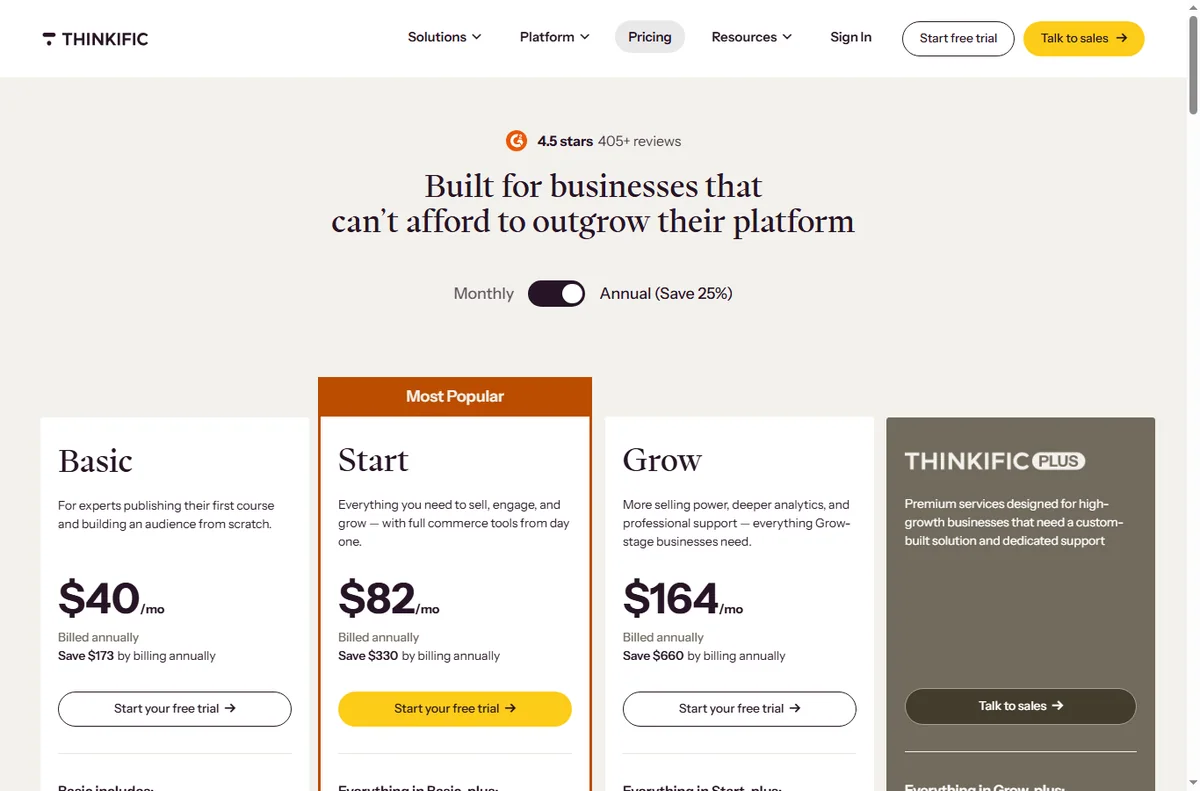
    Thinkific pricing page
    Thinkific pricing (image: thinkific.com)

    Frequently asked

    Is Thinkific only for video courses?

    No. Lessons can be video, text, audio, quizzes or downloadable files, and you can mix them freely inside the same course.

    Do I need technical skills?

    No. Courses are built in a visual editor, and the platform is hosted, so there is nothing to install or maintain yourself.

    Can I sell memberships as well as courses?

    Yes. Thinkific supports memberships and communities alongside standalone courses, and you can combine them as your offer grows.
    Does Thinkific take a cut of sales?

    Fees depend on your plan and payment setup, and they change over time. Check the current pricing on Thinkific’s own page before you commit.

    Is there a free plan?

    Thinkific has offered a free tier and paid plans. Plans change, so check the current options on Thinkific’s site.

    Create your course with Thinkific

    Build lessons, enrol students and sell online.

    Some links on this page may be referral links — we may earn a reward if you sign up, at no extra cost to you. We are an independent publisher. See our Affiliate Disclosure.

    Related reading

  • What is Kajabi?

    What is Kajabi?

    Home / Course Platforms / Guides / What is Kajabi

    Knowledge · course platforms · updated October 9, 2026

    What is Kajabi?

    Kajabi is an all-in-one platform for creating and selling online courses, coaching, and membership sites. This guide explains what it does, how it is organised, and who it is built for.

    Independent analysis. This page may contain affiliate links. If you sign up through a link on this page we may earn a reward at no extra cost to you, and it never changes what we recommend. We are an independent publisher and are not affiliated with, endorsed by, or an official partner of any tool mentioned. See our Affiliate Disclosure.

    TL;DR

    • Kajabi bundles course hosting, marketing and payments into one platform.
    • It is organised around products, which can be courses, communities or coaching.
    • It is aimed at creators who want one system instead of several separate tools.
    • Plans differ by features and contact limits, which change over time.
    • It is not a general website builder, and it is not a course marketplace.

    On this page: What Kajabi is · How it is organised · What it is good at · What it is not · Concept cheat sheet · Where this fits

    Kajabi home page
    Kajabi home (image: kajabi.com)

    What Kajabi is

    Kajabi is a hosted platform that combines course hosting, a website, email marketing and payments inside a single account. Rather than stitching several subscriptions together, you build the whole thing inside one dashboard and sign in once.

    The idea is to remove the moving parts that usually break a course business: a video host in one tab, a checkout in another, and a separate email tool somewhere else. Kajabi keeps content, marketing and billing in the same place so they can talk to each other.

    Because it is hosted, you do not manage servers, updates or plugins. That convenience is the trade-off for flexibility, since you work within the way the platform is designed rather than building a custom stack.

    Kajabi communities page
    Kajabi communities (image: kajabi.com)

    How Kajabi is organised

    Everything you sell is a product. A product can be a course, a community, a coaching offer, or a blend of these, and each one holds its own content, lesson order and access rules.

    Marketing sits around those products. You build landing pages, forms and email sequences that lead people toward an offer, and a pipeline tracks how a given campaign performs over time.

    Payments and access are part of the same system. When someone buys, the platform normally grants access and records them as a contact, so you rarely have to move data between tools by hand.

    Kajabi courses page
    Kajabi courses (image: kajabi.com)

    What Kajabi is good at

    • Running courses, communities and coaching from one account.
    • Replacing several separate tools with a single subscription.
    • Building simple funnels and email automation without extra setup.
    • Managing content, contacts and access in one place as a catalogue grows.
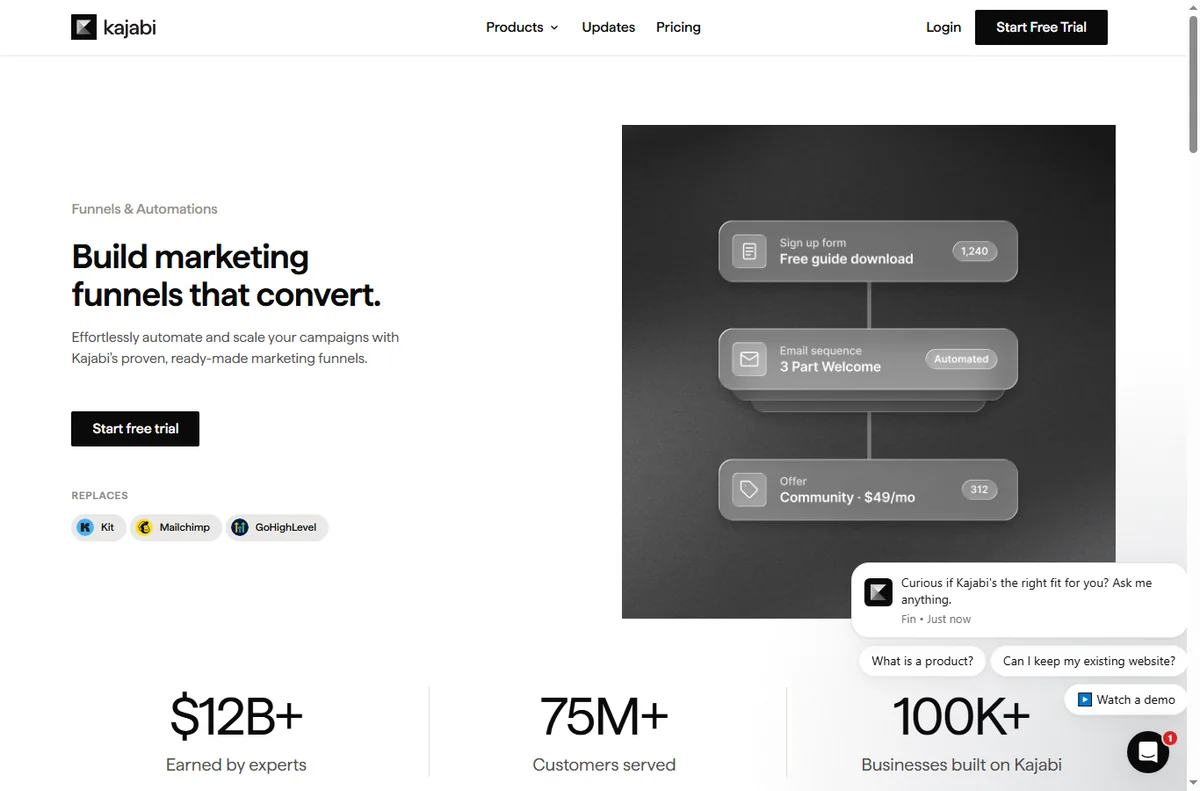
    Kajabi funnels page
    Kajabi funnels (image: kajabi.com)

    What Kajabi is not

    • Not a general-purpose website builder for arbitrary, highly custom designs.
    • Not a course marketplace that brings you its own audience of buyers.
    • Not free of limits: plans differ by features and contact thresholds.
    • Not as code-level customisable as a self-hosted platform you control.

    Concept cheat sheet

    ConceptMeaningWhy it matters
    ProductA course, community or coaching offerThe thing a customer buys
    ContactA person stored in your accountDrives marketing and access
    PipelineA sequence of steps toward an offerShows where people drop off
    OfferWhat a visitor is asked to buyTies a page to a product
    AccessWhat a buyer is allowed to seeControls who gets in
    Based on publicly documented behaviour, checked October 9, 2026.
    Kajabi payments page
    Kajabi payments (image: kajabi.com)

    Where this fits

    Start with the course platforms hub and the independent Kajabi review. For the practical steps see how to set up Kajabi, and for everyday usage read how to use Kajabi for a small business.

    Kajabi pricing page
    Kajabi pricing (image: kajabi.com)

    Frequently asked

    Is Kajabi only for courses?

    No. It also supports communities, coaching and membership offers, and many creators sell a mix of these from a single account.

    Do I need to host anything myself?

    No. Kajabi is hosted, so you do not manage servers or install plugins. You work inside their platform, which is simpler but less open than a self-hosted setup.

    Does Kajabi take a cut of sales?

    Fees depend on your plan and your payment setup, and they change over time. Check the current pricing on Kajabi’s own page before you commit.

    Can I migrate from another platform?

    Usually yes. The real question is how much content you have and how much you can rebuild cleanly, so check the current migration guidance before moving.

    Is there a free plan?

    Kajabi has offered a trial and paid plans rather than a permanent free tier. Plans change, so check the current options on Kajabi’s site.

    Build your course business with Kajabi

    Courses, community and payments in one place.

    Some links on this page may be referral links — we may earn a reward if you sign up, at no extra cost to you. We are an independent publisher. See our Affiliate Disclosure.

    Related reading

  • What is ClickFunnels?

    What is ClickFunnels?

    Home / Funnel Builders / Guides / What is ClickFunnels

    Knowledge · funnel builders · updated October 9, 2026

    What is ClickFunnels?

    ClickFunnels is a platform for building sales funnels: connected pages that move a visitor from interest toward a purchase or a signup. This guide explains what that means in practice and when it is worth using.

    Independent analysis. This page may contain affiliate links. If you sign up through a link on this page we may earn a reward at no extra cost to you, and it never changes what we recommend. We are an independent publisher and are not affiliated with, endorsed by, or an official partner of any tool mentioned. See our Affiliate Disclosure.

    TL;DR

    • ClickFunnels builds connected pages called funnels.
    • A funnel guides a visitor through steps toward one goal.
    • Pages are assembled from templates and blocks.
    • It also includes checkout, follow-up email and some CRM features.
    • It is not a general website builder first.

    On this page: What ClickFunnels is · How a funnel works · What it is good at · What it is not · Concept cheat sheet · Where this fits

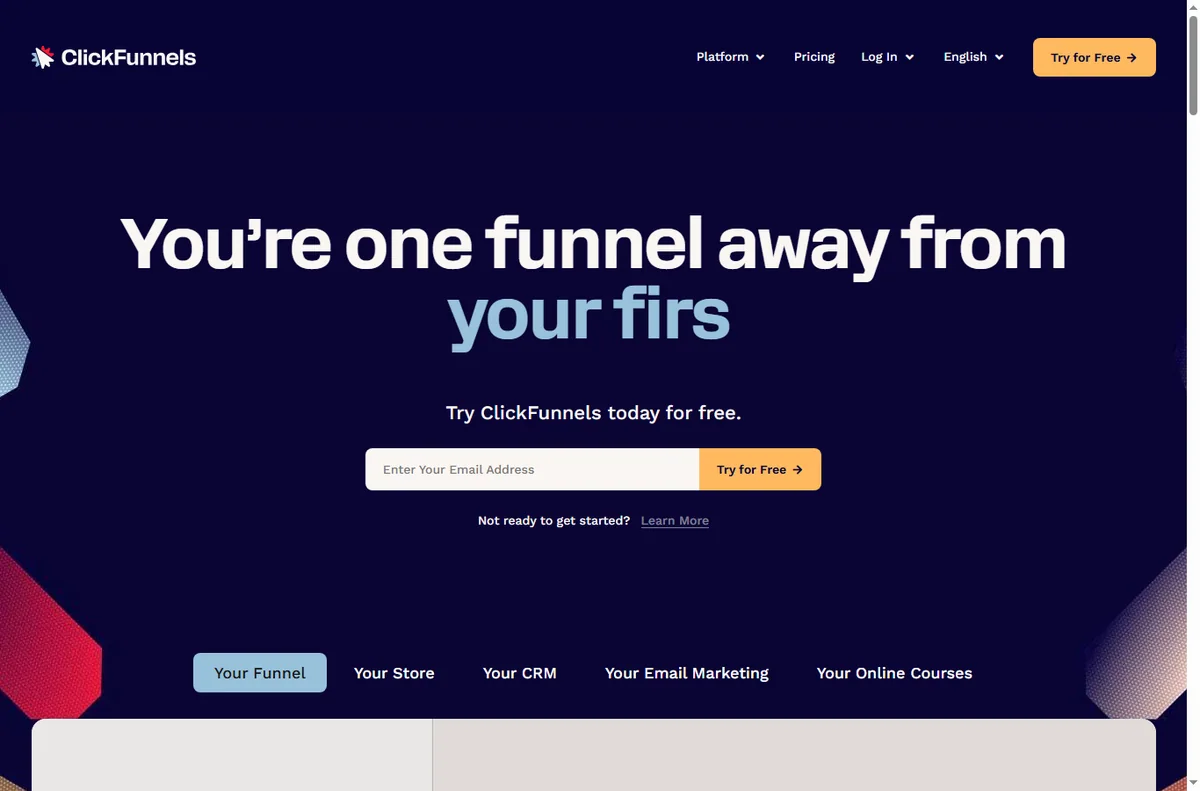
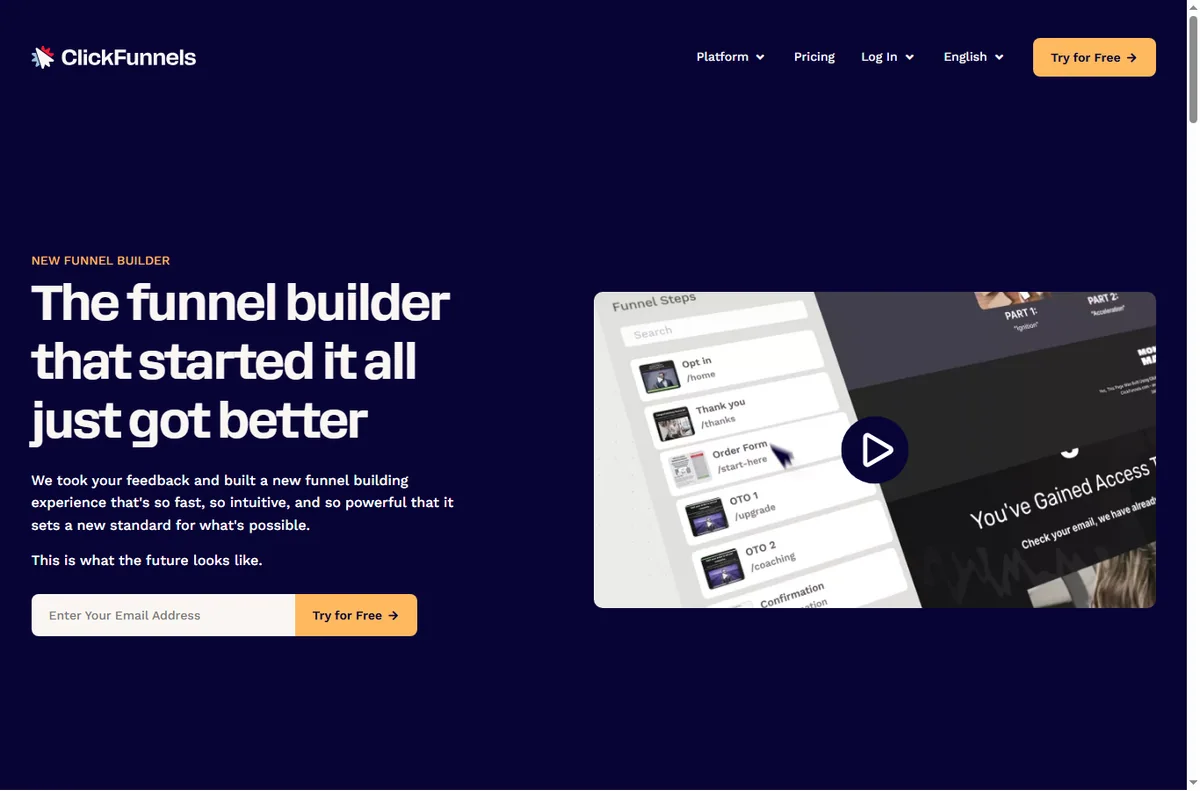
    Clickfunnels home page
    Clickfunnels home (image: clickfunnels.com)

    What ClickFunnels is

    ClickFunnels is a tool for building a sequence of pages that work together. Instead of a single website, you design a path: a landing page, then an offer page, then a checkout or a thank-you page.

    The point is focus. Each step in the funnel has one job, which is meant to move the visitor closer to a decision.

    Each page in the path can be edited on its own, but the value is that the steps stay connected, so a visitor is never dropped into an unrelated site.

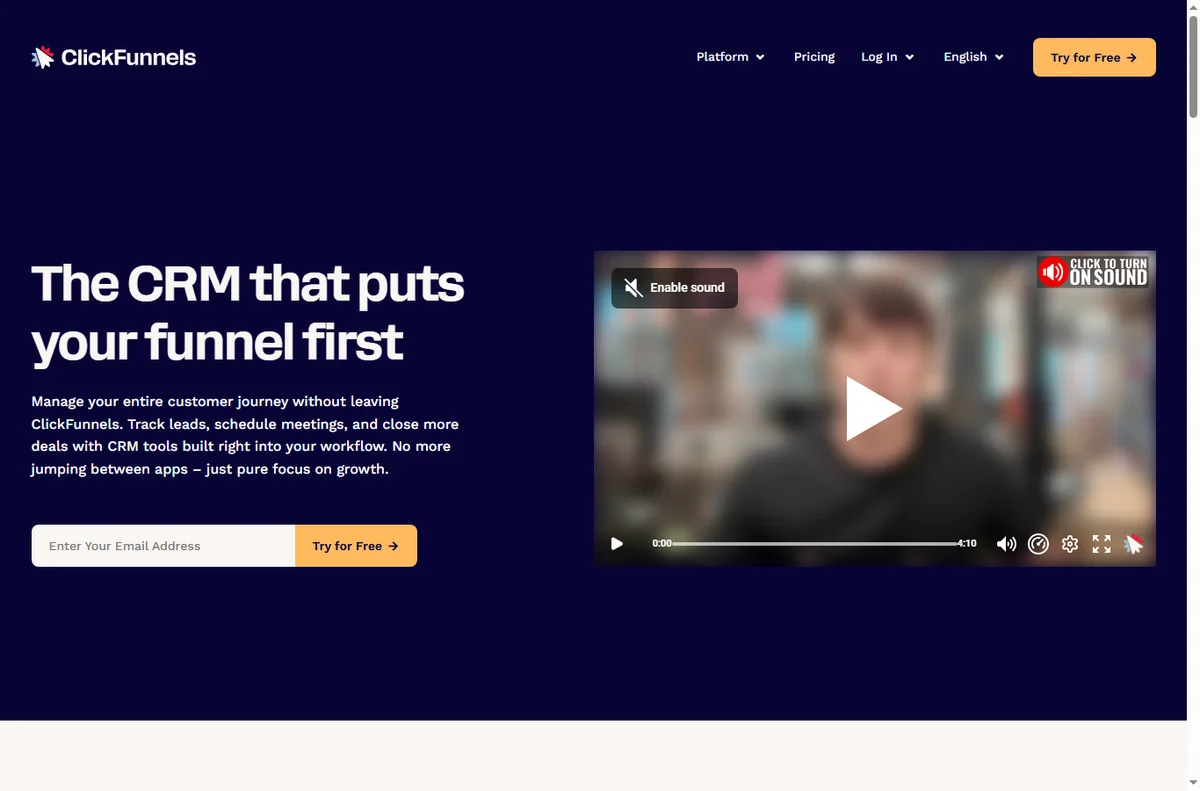
    Clickfunnels crm page
    Clickfunnels crm (image: clickfunnels.com)

    How a funnel works

    A funnel starts with a landing or opt-in page and continues for as many steps as the offer needs. Visitors move forward through buttons and links rather than navigating a menu.

    Because the pages share one flow, the platform can show where people drop off and where they convert, which is hard to see across unrelated pages.

    Most funnels use a small number of steps. Adding more pages does not automatically help; each step should earn its place in the flow.

    Because the steps are connected, you can send a visitor straight from one page to the next without asking them to find their way back through a menu or a homepage.

    Clickfunnels editor page
    Clickfunnels editor (image: clickfunnels.com)

    What ClickFunnels is good at

    • Building sales and lead-generation funnels quickly.
    • Reusing templates for landing pages and checkouts.
    • Testing variations and reading simple funnel analytics.
    • Connecting follow-up email to a funnel.
    Clickfunnels funnel builder page
    Clickfunnels funnel builder (image: clickfunnels.com)

    What ClickFunnels is not

    • Not a traditional multi-page website builder first.
    • Not free of monthly cost for serious use.
    • Not a full CRM or enterprise marketing suite.
    • Not a guarantee of sales on its own.

    Concept cheat sheet

    ConceptMeaningWhy it matters
    FunnelA connected set of pagesThe core structure you build
    Landing pageThe entry pageWhere visitors arrive
    OfferWhat you are sellingThe reason to continue
    CheckoutWhere payment happensConverts the visitor
    Opt-inCapturing an emailStarts the relationship
    Based on publicly documented behaviour, checked October 9, 2026.
    Clickfunnels global products page
    Clickfunnels global products (image: clickfunnels.com)

    Where this fits

    Start with the funnel builders hub. For the steps see how to set up ClickFunnels, and for everyday use read how to use ClickFunnels for a small business.

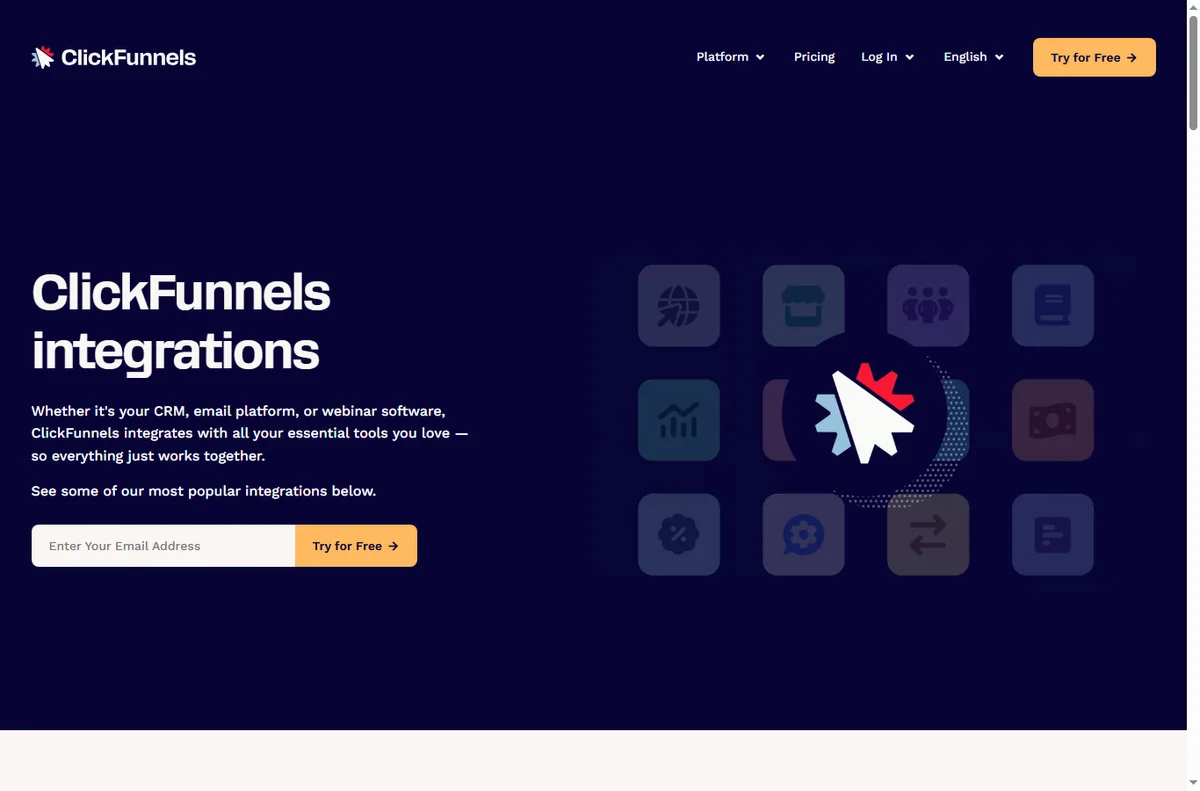
    Clickfunnels integrations page
    Clickfunnels integrations (image: clickfunnels.com)

    Frequently asked

    Is ClickFunnels a website builder?

    It can host pages, but it is designed around funnels rather than a general multi-page site.

    Do I need design skills?

    No. Templates and blocks let you assemble pages, and you can refine the design later.

    Does it handle payments?

    Yes, funnels include checkout steps. Which payment options you can use depends on your setup, so confirm the current details.

    How much does it cost?

    Plans vary by features and limits. Pricing changes, so check the current pricing on ClickFunnels’ own page.

    Can I use my own domain?

    Yes, funnels can run on a custom domain. Setup depends on your hosting and DNS, so confirm the current steps.

    Build your funnel with ClickFunnels

    Landing page to checkout, in one connected flow.

    Some links on this page may be referral links — we may earn a reward if you sign up, at no extra cost to you. We are an independent publisher. See our Affiliate Disclosure.

    Related reading

  • What is ActiveCampaign?

    What is ActiveCampaign?

    Home / Email Marketing / Guides / What is ActiveCampaign

    Knowledge · email marketing · updated October 9, 2026

    What is ActiveCampaign?

    ActiveCampaign is an email marketing and marketing-automation platform built around contacts and behaviour-based automations. This guide explains what that means in practice and when it is worth using.

    Independent analysis. This page may contain affiliate links. If you sign up through a link on this page we may earn a reward at no extra cost to you, and it never changes what we recommend. We are an independent publisher and are not affiliated with, endorsed by, or an official partner of any tool mentioned. See our Affiliate Disclosure.

    TL;DR

    • ActiveCampaign combines email marketing with automation.
    • It is built around contacts and what they do.
    • Automations trigger on contact behaviour, not just a send.
    • It also includes some CRM and messaging features.
    • It is not simply a bulk email sender.

    On this page: What ActiveCampaign is · How an automation works · What it is good at · What it is not · Concept cheat sheet · Where this fits

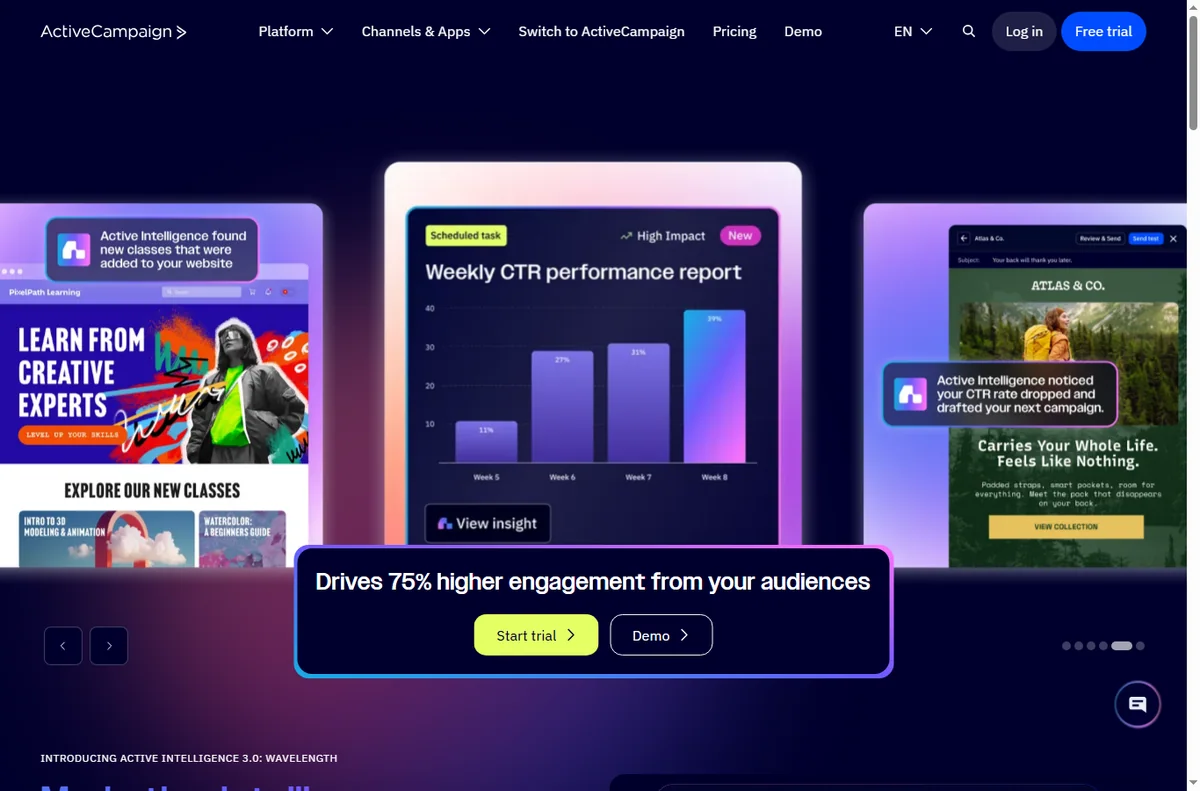
    Activecampaign home page
    Activecampaign home (image: activecampaign.com)

    What ActiveCampaign is

    ActiveCampaign is a platform for sending email and automating what happens next. Contacts sit at the centre of the system, and actions are driven by how those contacts behave.

    The point is relevance: instead of sending the same message to everyone, you send the right message based on what a contact has already done.

    Because the platform stores a history for each contact, you can decide what to send based on past opens, clicks and purchases rather than guessing.

    Activecampaign automation page
    Activecampaign automation (image: activecampaign.com)

    How an automation works

    An automation starts with a trigger — joining a list, clicking a link or making a purchase — and then runs a sequence of steps such as sending an email or adding a tag.

    Because the steps can branch on contact behaviour, the same automation can treat a brand-new subscriber and a returning customer differently.

    You can also stop an automation for a contact who reaches a goal, so they do not keep receiving messages that no longer apply to them.

    Because every step is shown as a small box on a canvas, you can see at a glance what a contact will receive and in what order before you switch the automation on.

    Activecampaign crm page
    Activecampaign crm (image: activecampaign.com)

    What ActiveCampaign is good at

    • Behaviour-based email automations.
    • Managing contacts and segmenting them by activity.
    • Combining email with lightweight CRM and messaging.
    • Automating follow-up so it does not depend on manual sends.
    Activecampaign forms page
    Activecampaign forms (image: activecampaign.com)

    What ActiveCampaign is not

    • Not only an email blaster; automations are the core of it.
    • Not a free forever tool for large lists.
    • Not a full enterprise CRM replacement.
    • Not something you get the most from without planning your contact data.

    Concept cheat sheet

    ConceptMeaningWhy it matters
    ContactA person in your listThe unit automations act on
    AutomationA triggered sequence of stepsDoes the work automatically
    TagA label on a contactDrives targeting and segments
    SegmentA filtered group of contactsSends the right message
    CampaignA one-off email sendFor announcements
    Based on publicly documented behaviour, checked October 9, 2026.
    Activecampaign integrations page
    Activecampaign integrations (image: activecampaign.com)

    Where this fits

    Start with the email marketing hub. For the steps see how to set up ActiveCampaign, and for day-to-day use read how to use ActiveCampaign for a small business.

    Activecampaign pricing page
    Activecampaign pricing (image: activecampaign.com)

    Frequently asked

    Is ActiveCampaign just email?

    No. Email is central, but automation, segmentation and some sales features are part of the platform.

    Do I need automation from day one?

    No. You can start with simple sends and add automations as you learn how your contacts behave.

    How is it priced?

    Plans scale with features and contact count. Pricing changes, so check the current pricing on ActiveCampaign’s own page.

    What is a tag for?

    Tags label contacts so that automations and segments can target the right people.

    Can I combine email with other channels?

    ActiveCampaign can trigger more than email, including some messaging and site actions, depending on your plan and setup.

    Grow with ActiveCampaign

    Relevant email, driven by what contacts actually do.

    Some links on this page may be referral links — we may earn a reward if you sign up, at no extra cost to you. We are an independent publisher. See our Affiliate Disclosure.

    Related reading

  • What is Zapier?

    What is Zapier?

    Home / Automation / Guides / What is Zapier

    Knowledge · automation · updated October 9, 2026

    What is Zapier?

    Zapier is an automation platform that connects apps together so an event in one tool can run an action in another. This guide explains what that means in practice and when it is worth using.

    Independent analysis. This page may contain affiliate links. If you sign up through a link on this page we may earn a reward at no extra cost to you, and it never changes what we recommend. We are an independent publisher and are not affiliated with, endorsed by, or an official partner of any tool mentioned. See our Affiliate Disclosure.

    TL;DR

    • Zapier connects apps so one event can trigger actions in others.
    • It works through Zaps: a trigger, then one or more actions.
    • It is strongest for no-code automations between cloud apps.
    • Plans differ by task limits, which change over time.
    • It is not a full development platform or a data warehouse.

    On this page: What Zapier is · How a Zap works · What it is good at · What it is not · Concept cheat sheet · Where this fits

    Zapier home page
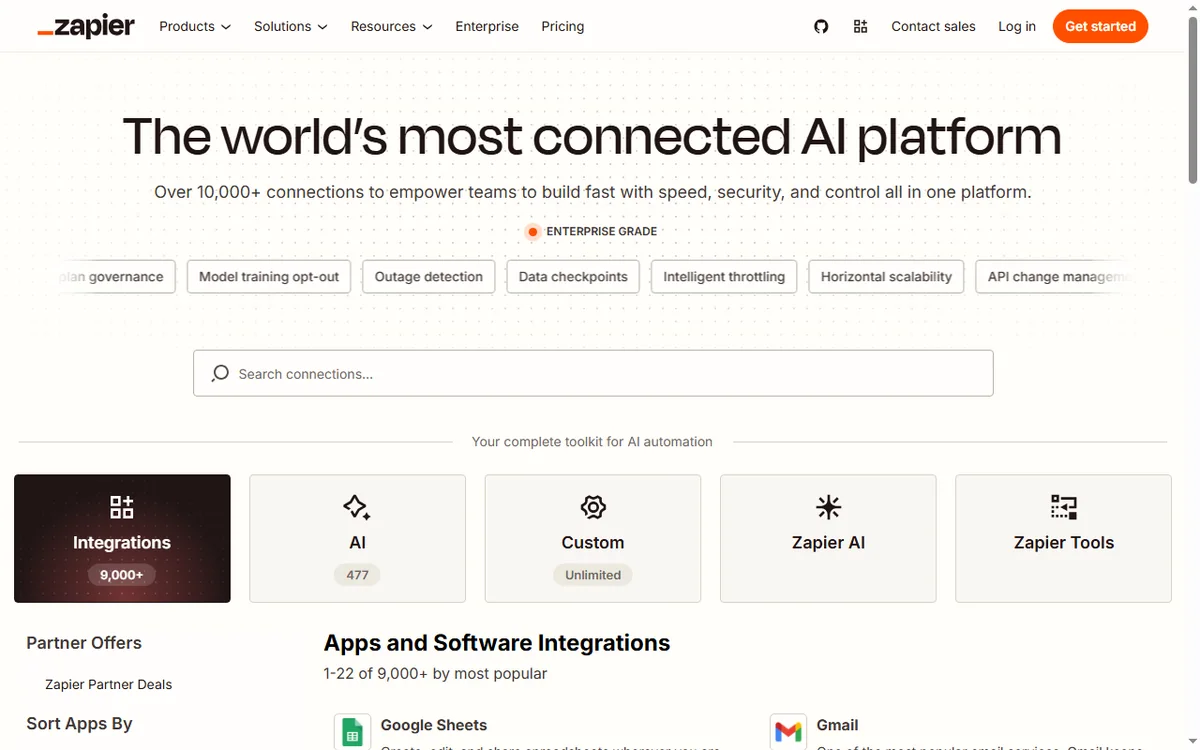
    Zapier home (image: zapier.com)

    What Zapier is

    Zapier is a cloud automation service. It connects thousands of apps through their APIs and lets you build automations without writing code.

    The point is to remove manual copy-paste work between tools: instead of moving data by hand, you describe the trigger and the action once and Zapier runs it for you.

    Because the connections are maintained for you, the same automation keeps working even when an app updates its interface, which is the part that usually breaks hand-built scripts.

    Zapier apps page
    Zapier apps (image: zapier.com)

    How a Zap works

    A Zap has a trigger (the event that starts it) and one or more actions (what happens next). A new form response, for example, can trigger creating a contact in your CRM and sending a message.

    Because each step is a separate app connection, the value comes from chaining tools that otherwise do not talk to each other.

    Most people start with a single trigger and one action, then add more steps once they trust the first ones. Keeping each Zap small makes failures easier to find.

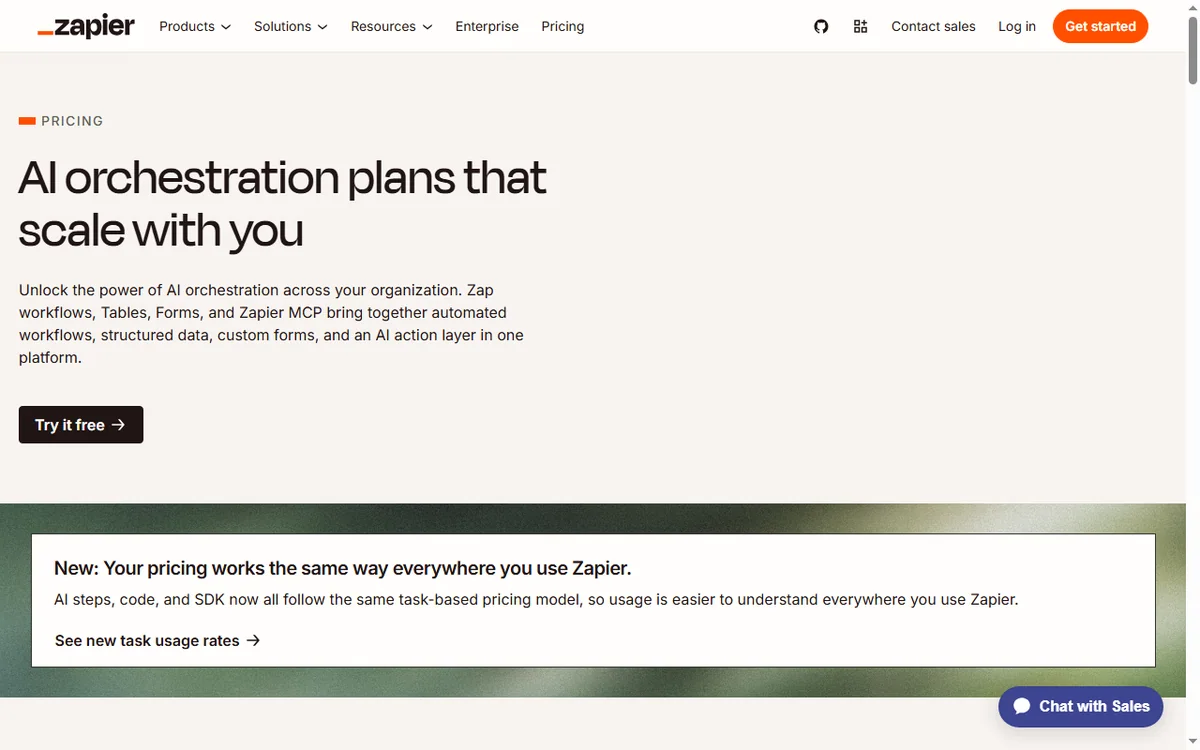
    Zapier pricing page
    Zapier pricing (image: zapier.com)

    What Zapier is good at

    • Connecting cloud apps that have no built-in integration.
    • Replacing repetitive copy-paste work between tools.
    • Letting non-developers build reliable, repeatable automations.
    • Handling multi-step workflows with filters and conditions.
    Zapier signup page
    Zapier signup (image: zapier.com)

    What Zapier is not

    • Not a replacement for custom code when the logic gets complex.
    • Not free of limits: task quotas and step counts depend on the plan.
    • Not a data warehouse or a place to store large datasets.
    • Not instant in every case; some triggers poll on an interval.

    Concept cheat sheet

    ConceptMeaningWhy it matters
    ZapOne automation with a trigger and actionsThe basic unit you build
    TriggerThe event that starts a ZapDefines when it runs
    ActionA step Zapier performsDoes the work in an app
    TaskOne successful action runCounts against your plan
    FilterA condition that stops or continuesKeeps bad data out
    Based on publicly documented behaviour, checked October 9, 2026.
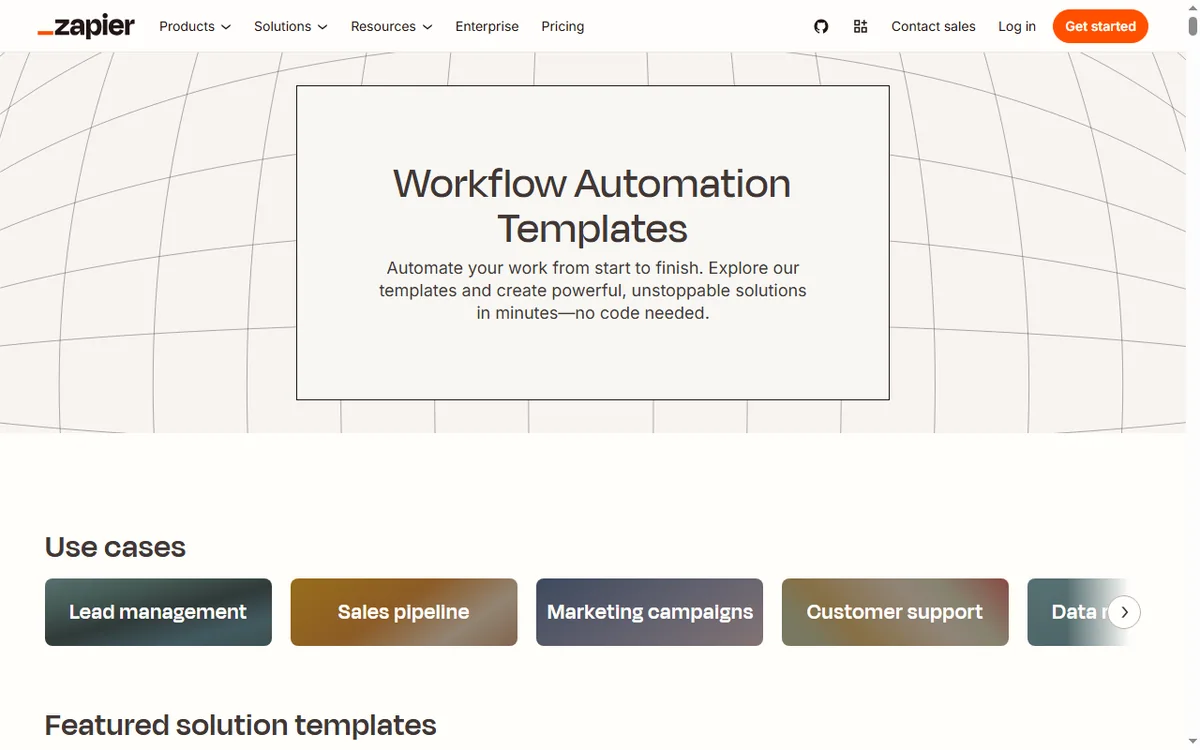
    Zapier templates page
    Zapier templates (image: zapier.com)

    Where this fits

    Start with the automation hub. For the practical steps see how to set up Zapier, and for everyday usage read how to use Zapier for a small business.

    Icode editorial illustration
    Icode editorial illustration (image: icode.io.vn)

    Frequently asked

    What is a Zap?

    A Zap is a single automation: one trigger that starts the workflow, plus the actions that follow.

    Do I need to know how to code?

    No. Zaps are built in a visual editor. Advanced steps can call webhooks or code if you need them, but that is optional.

    Is there a free plan?

    Zapier has offered a free tier and paid plans with higher limits. Plans change, so check the current pricing on Zapier’s own page.

    What are task limits?

    Each successful action counts as a task. How many you get depends on your plan, so check the current details before you commit.

    Can one Zap do several things?

    Yes. A Zap can run multiple actions in order and can branch with filters, though very complex logic is often better split into a few smaller Zaps.

    Connect your apps with Zapier

    A trigger in one app, an action in another — without code.

    Some links on this page may be referral links — we may earn a reward if you sign up, at no extra cost to you. We are an independent publisher. See our Affiliate Disclosure.

    Related reading

  • What is Wise?

    What is Wise?

    Home / Payments / Guides / What is Wise

    Knowledge · payments · updated October 9, 2026

    What is Wise?

    Wise is a money-transfer and multi-currency account service built around a simple idea: move money between currencies at the real exchange rate, with a clear fee shown up front. This guide explains what that means in practice and when it is worth using.

    Independent analysis. This page may contain affiliate links. If you sign up through a link on this page we may earn a reward at no extra cost to you, and it never changes what we recommend. We are an independent publisher and are not affiliated with, endorsed by, or an official partner of any tool mentioned. See our Affiliate Disclosure.

    TL;DR

    • Wise is built for cross-currency transfers and holding balances.
    • It uses the mid-market rate plus a visible conversion fee.
    • A multi-currency account can hold and receive several currencies.
    • It is not a bank and does not pay interest like one.
    • It is strongest when you send or receive across currencies.

    On this page: What Wise is · How a transfer works · What it is good at · What it is not · Concept cheat sheet · Where this fits

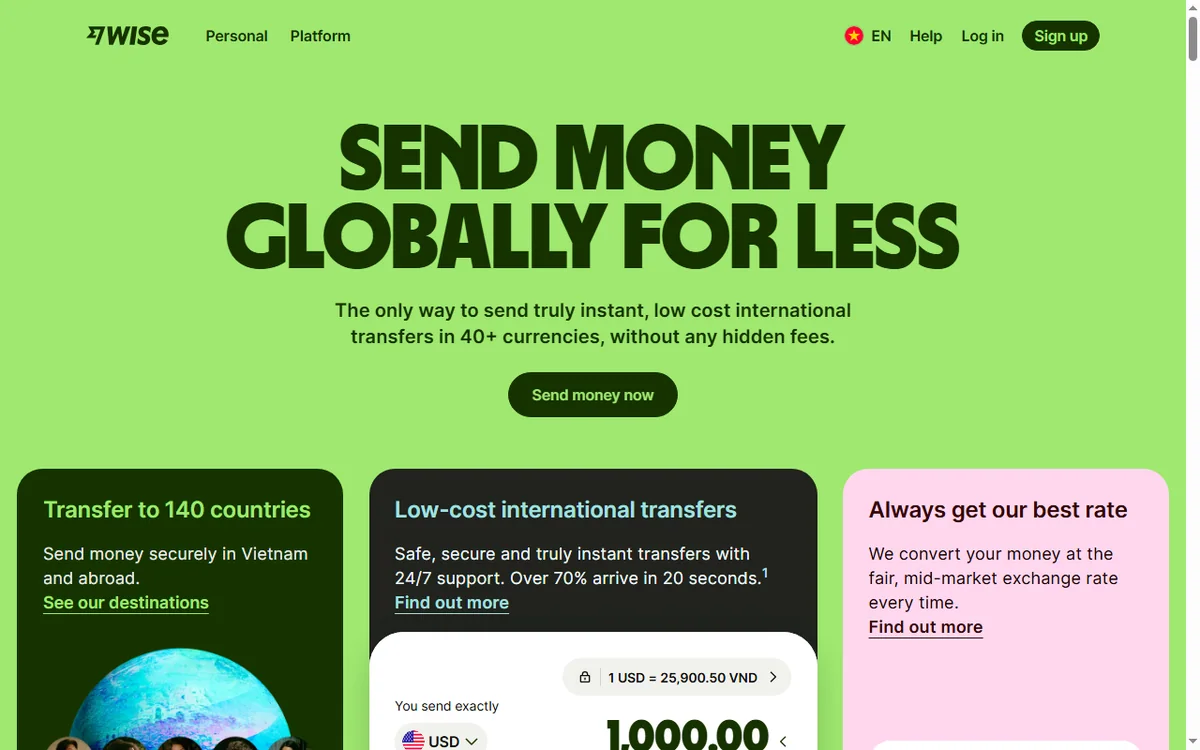
    Wise home page
    Wise home (image: wise.com)

    What Wise is

    Wise is a financial technology company, not a bank. Its core product is sending money across borders at the mid-market exchange rate, plus a multi-currency account that can hold, receive and spend in several currencies.

    The point is transparency: instead of hiding a margin in a bad exchange rate, Wise shows the conversion fee and uses the same rate you see on a currency chart.

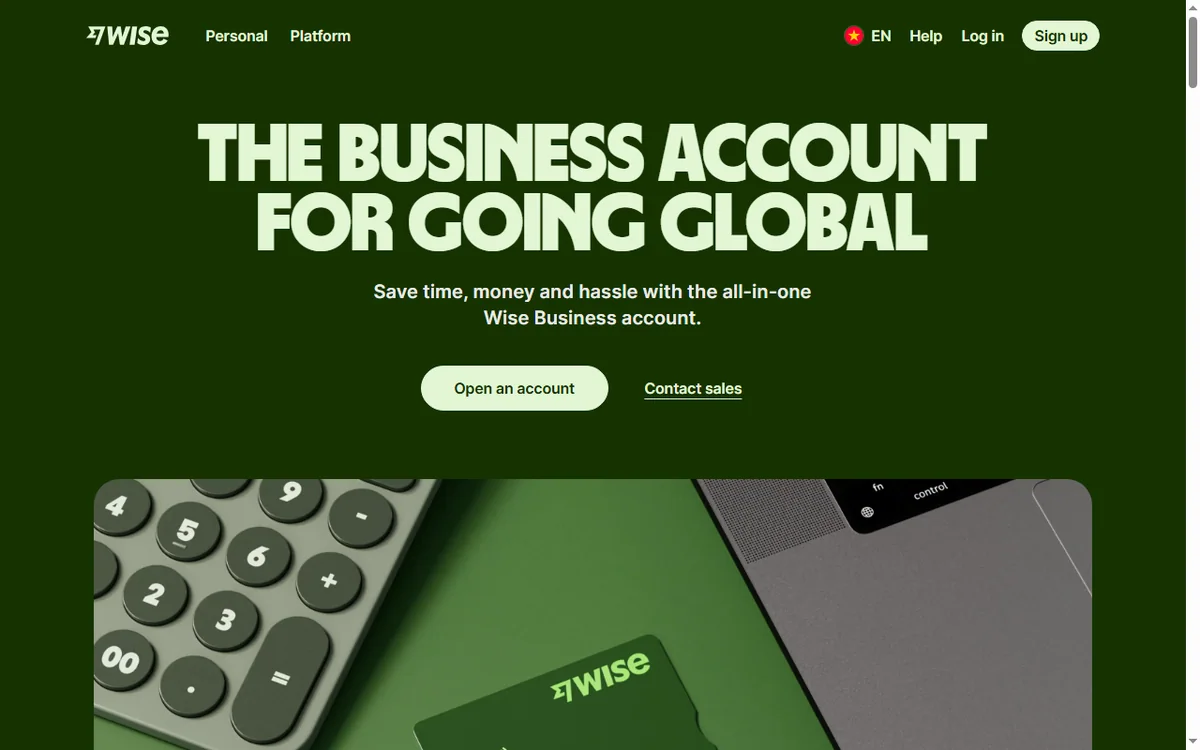
    Wise business page
    Wise business (image: wise.com)

    How a transfer works

    A transfer starts with a destination currency and recipient. Wise quotes the exchange rate and the fee, you fund the transfer, and the recipient is paid into their account in their currency.

    Because the quoted fee and rate are shown before you confirm, you can see the true cost up front rather than discovering it in the amount that arrives.

    Wise help page
    Wise help (image: wise.com)

    What Wise is good at

    • Sending money to another country at a rate close to the mid-market rate.
    • Holding balances in more than one currency.
    • Receiving payments in a foreign currency without a local bank account.
    • Giving a freelancer or small business a clearer view of cross-border costs.
    Wise login page
    Wise login (image: wise.com)

    What Wise is not

    • Not a full bank: deposit protection and services differ by country.
    • Not an investment product: it does not pay interest like a savings account.
    • Not always cheapest: for some corridors and volumes a local option can win.
    • Not instant everywhere: some transfers settle in hours, others take longer.

    Concept cheat sheet

    ConceptMeaningWhy it matters
    Mid-market rateThe rate midway between buy and sellThe fair baseline Wise uses
    Conversion feeA visible charge for changing currencyThe cost shown before you confirm
    Multi-currency accountA balance in more than one currencyHold and receive without converting immediately
    BalanceMoney held in a currencyLets you time a conversion
    TransferA cross-border paymentThe core product
    Based on publicly documented behaviour, checked October 9, 2026.
    Wise multi currency page
    Wise multi currency (image: wise.com)

    Where this fits

    Start with the payments hub and the independent Wise review. To compare options, read Wise vs PayPal, and for the practical steps see how to set up Wise.

    Wise pricing page
    Wise pricing (image: wise.com)

    Frequently asked

    Is Wise a bank?

    No. Wise is a financial technology company. Whether balances are protected, and how, depends on your country and the product, so check the current terms.

    What rate does Wise use?

    Wise converts at the mid-market rate and adds a visible fee rather than hiding a margin in the rate.

    Can I hold several currencies?

    Yes, the multi-currency account supports several balances, which is useful if you earn and spend in different currencies.

    What does it cost?

    Fees depend on the currencies, amount and method. Rates and fees change, so check the current pricing on Wise’s own page.

    Send money across borders with Wise

    The mid-market rate plus a fee you can see before you confirm.

    Some links on this page may be referral links — we may earn a reward if you sign up, at no extra cost to you. We are an independent publisher. See our Affiliate Disclosure.

    Related reading

  • What Is Semrush? A Plain-English Guide to the SEO Toolkit

    What Is Semrush? A Plain-English Guide to the SEO Toolkit

    Home / SEO Tools / Guides / What is Semrush

    Knowledge · seo tools · updated October 8, 2026

    What is Semrush?

    Semrush is an SEO and marketing toolkit: it collects data about search, competitors and ads, then lets you query it. This guide explains what it is for, how the main tools fit together, and when a suite earns its price.

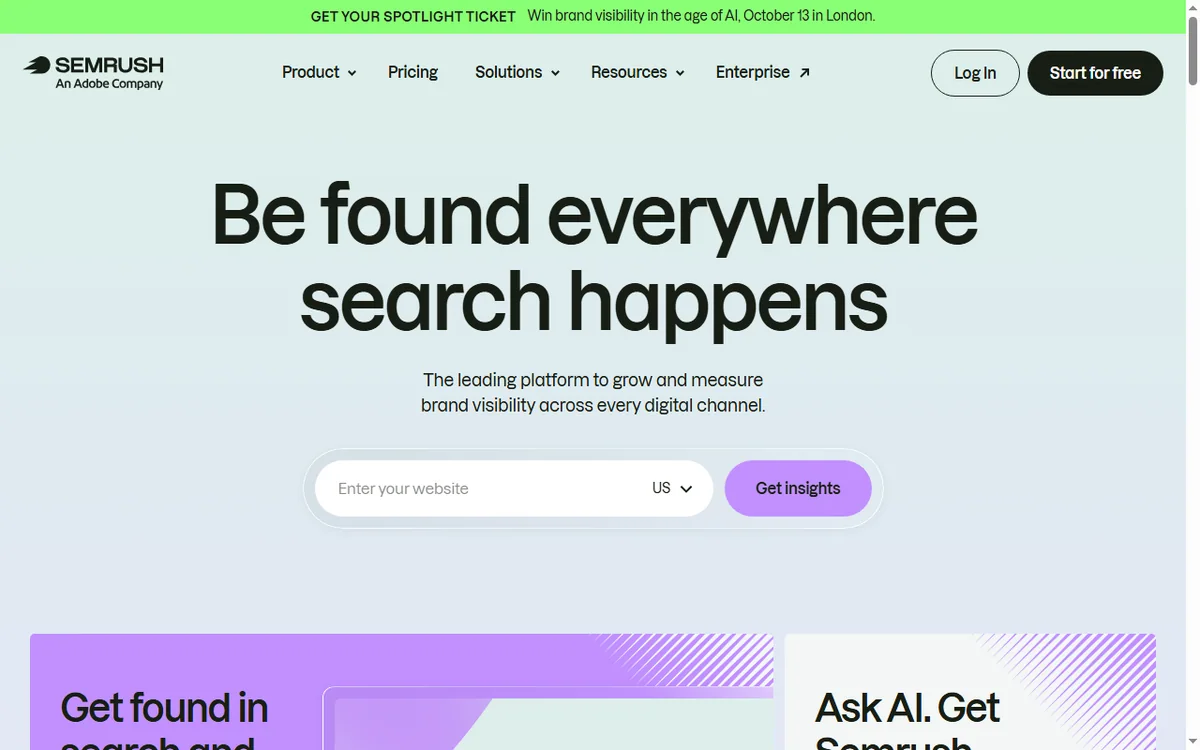
    Semrush homepage for SEO and competitor research
    Semrush official homepage (image: semrush.com)

    Independent analysis. This page may contain affiliate links. Some links here are referral links; if you sign up through one we may earn a reward at no extra cost to you, and it never changes what we recommend. We are an independent publisher and are not affiliated with, endorsed by, or an official partner of any tool mentioned. See our Affiliate Disclosure.

    TL;DR

    • Semrush is a data suite, not a single tool: keyword, competitor, backlink and audit data in one account.
    • Its value is breadth of data plus the ability to compare your site with competitors.
    • Beginners can start with keyword research and the site audit.
    • Data is an estimate, not gospel; always sanity-check against reality.
    • Confirm current limits and pricing on Semrush’s own pricing page.

    On this page: What Semrush is · The main toolkits · How the data fits together · When it is worth it · What the data is not · Where this fits

    What Semrush is

    Semrush gathers SEO and marketing data — keywords, competitor rankings, backlinks, ad copy — and serves it through dashboards and reports. You are paying for access to a large, maintained dataset plus the interface to query it.

    That framing matters: the product is the data and the workflow around it, not a single magic number.

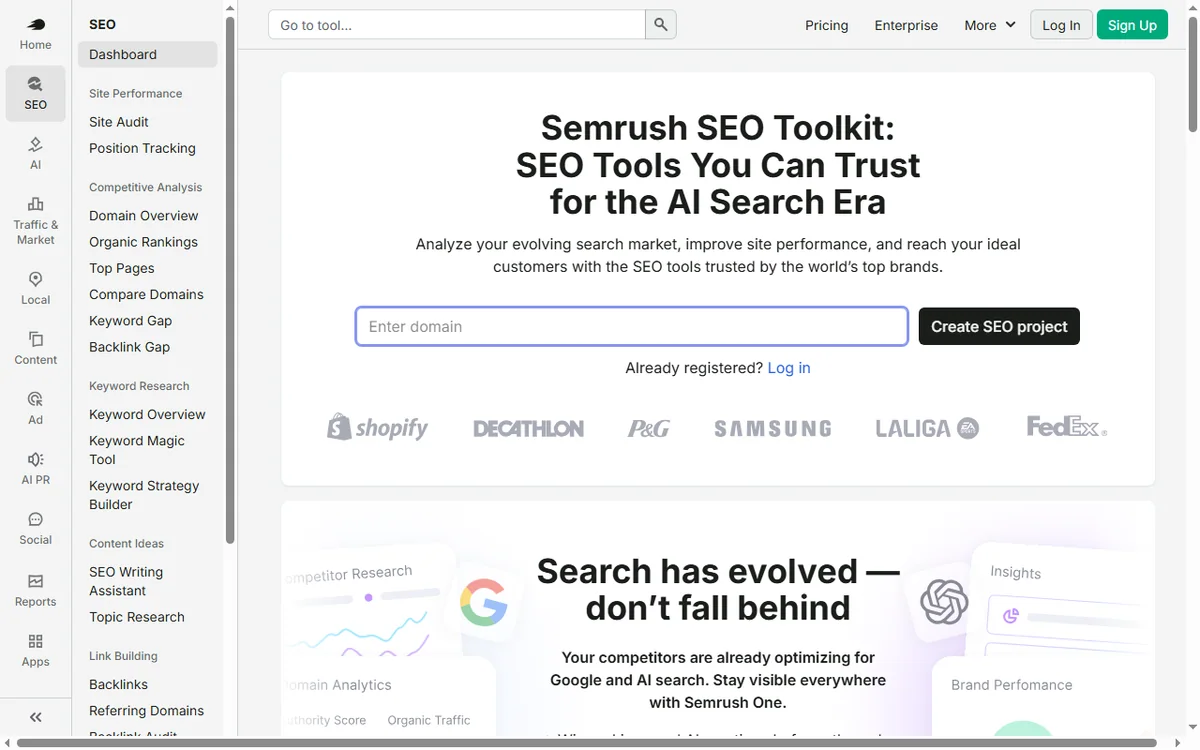
    Semrush SEO toolkit feature page
    Semrush SEO toolkit (image: semrush.com)

    The main toolkits

    • Keyword research — volume, difficulty and related terms for a topic.
    • Competitor analysis — which terms and pages a rival ranks for.
    • Backlink analytics — the links pointing at a site.
    • Site audit — technical problems on your own site.
    • Position tracking — how your rankings move over time.
    • Advertising research — the paid side of the same picture.
    Semrush keyword research feature page
    Semrush keyword research (image: semrush.com)

    How the data fits together

    The suite is useful because the same underlying data can be sliced several ways. A keyword you find in research is the same term you track in positions and audit on your pages; a competitor you study gives you both content gaps and ad angles.

    Question Toolkit What you get
    What should I write about?Keyword researchDemand and difficulty
    Why does a rival outrank me?Competitor analysisTheir winning pages and terms
    Who links to my competitors?Backlink analyticsLink prospects
    What is broken on my site?Site auditTechnical issues to fix
    Am I improving?Position trackingRanking movement over time
    Based on publicly documented behaviour, checked October 8, 2026.
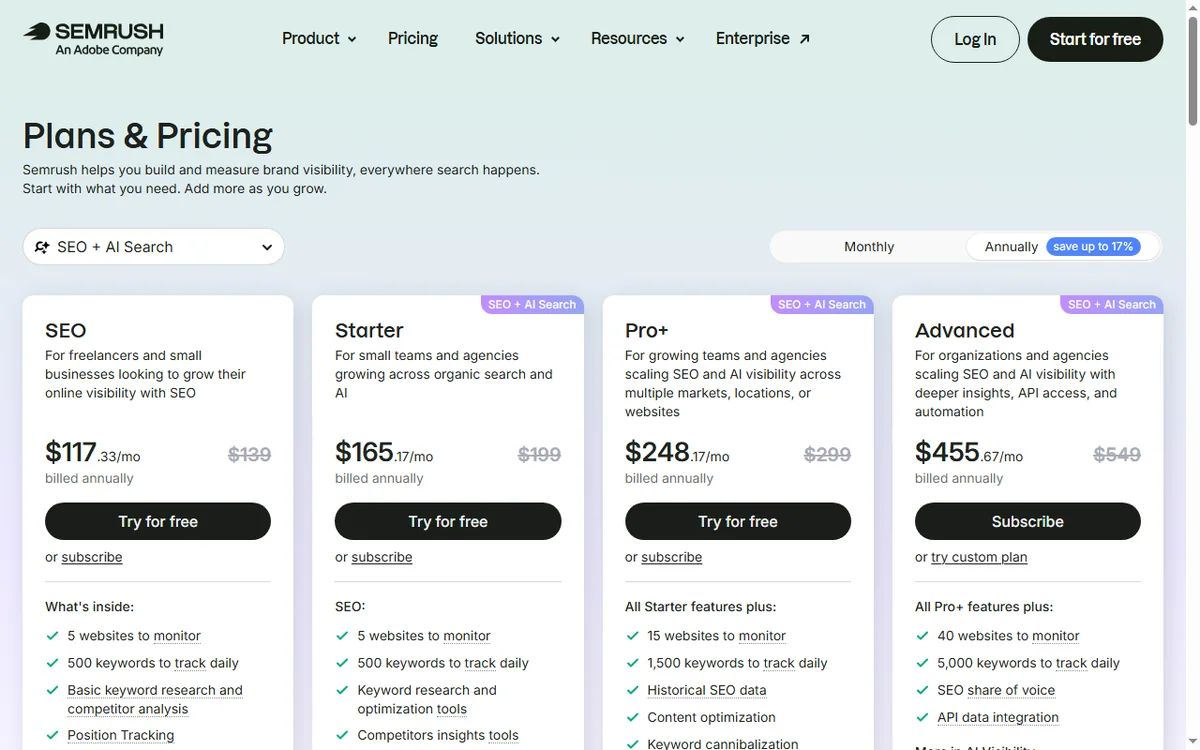
    Semrush pricing page with plan tiers
    Semrush pricing (image: semrush.com)

    When it is worth it

    A suite pays off when you have enough SEO work to make the breadth useful: several sites, an ongoing content plan, or clients. If you only need one thing occasionally, a narrower tool can be enough.

    For a small business, the common entry points are keyword research and the site audit. Start there and expand into competitors once you have a rhythm.

    What the data is not

    Keyword volumes and difficulties are estimates built from panels and modelling; treat them as directional. Rankings and backlinks are snapshots that update on a schedule, not in real time.

    Use the numbers to prioritise, then verify what matters against your own analytics and search console before you commit budget.

    Semrush site audit feature page
    Semrush site audit (image: semrush.com)

    Where this fits in your wider stack

    Read the independent Semrush review and start from the SEO tools hub. Planning cost? See the Semrush pricing guide. For a shortlist, read best SEO tools for small business and the on-page SEO guide.

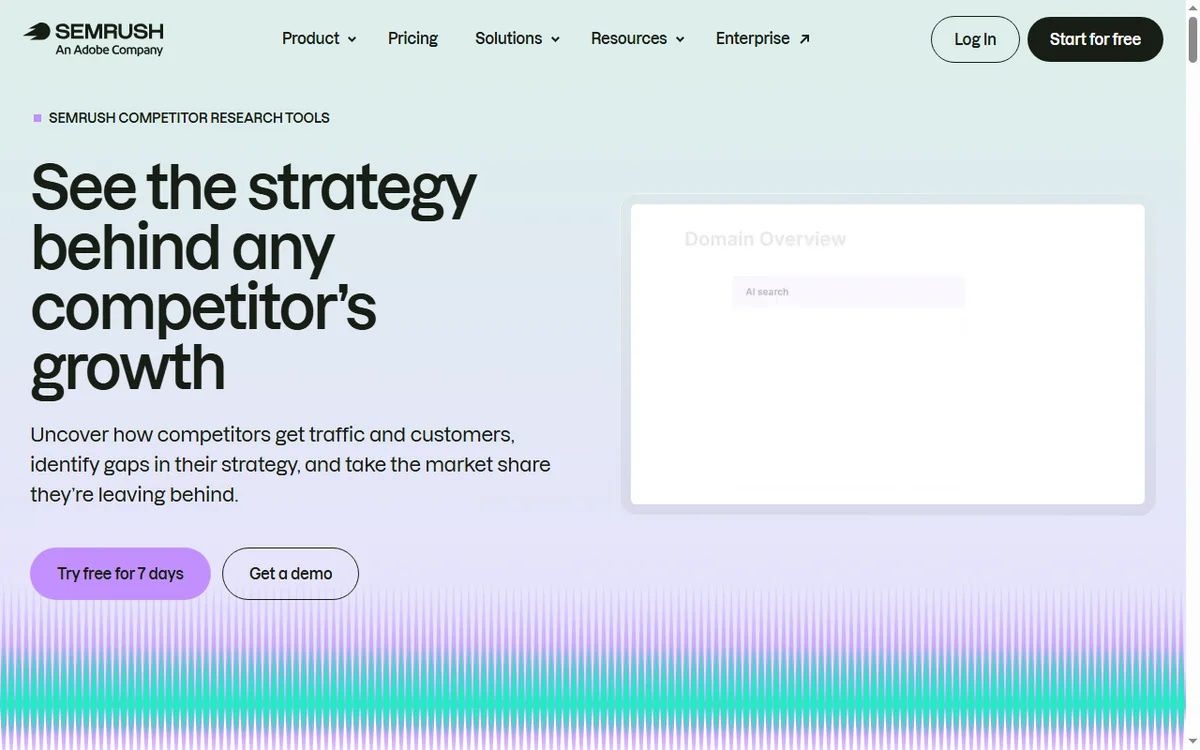
    Semrush competitor page
    Semrush competitor (image: semrush.com)

    Frequently asked

    Is Semrush for beginners?

    You can start with keyword research and the site audit, which are the most intuitive toolkits. The suite reveals more depth as you use it.

    Do I need Semrush to do SEO?

    No. You can do a lot with free tools and search console. A suite helps when you need competitor and backlink data at scale.

    Is the keyword data exact?

    It is estimated from panels and modelling, so treat volumes as directional rather than precise.

    What is the best first tool?

    Keyword research for planning content, or the site audit if you need to fix technical problems first.

    Put real search data behind your next content plan

    Start with keyword research and a site audit, then widen into competitor data.

    Referral link — we may earn a reward if you sign up, at no extra cost to you. We are an independent publisher. See our Affiliate Disclosure.

  • What Is Hostinger? A Plain-English Guide to the Web Host

    What Is Hostinger? A Plain-English Guide to the Web Host

    Home / Hosting / Guides / What is Hostinger

    Knowledge · hosting · updated October 8, 2026

    What is Hostinger?

    Hostinger is a web hosting company: it rents you server space so a website can be online. This guide explains what a plan actually includes, how the tiers differ, and when Hostinger is a sensible choice rather than just a cheap one.

    Hostinger homepage for web hosting and domains
    Hostinger official homepage (image: hostinger.com)

    Independent analysis. This page may contain affiliate links. Some links here are referral links; if you sign up through one we may earn a reward at no extra cost to you, and it never changes what we recommend. We are an independent publisher and are not affiliated with, endorsed by, or an official partner of any tool mentioned. See our Affiliate Disclosure.

    TL;DR

    • Hostinger is a web host — the company that stores and serves your website.
    • The headline price is an intro rate; renewal pricing is what you pay long term.
    • Shared hosting suits most small sites; VPS suits people who need control.
    • A plan is only as good as your ability to use the panel and support it ships with.
    • Confirm current prices, terms and renewal rates on Hostinger’s own pricing page.

    On this page: What Hostinger is · What you actually get · Shared, VPS and more · How to judge a plan · What it is not · Where this fits

    What Hostinger is

    A web host keeps your site’s files and database on a server and delivers pages to visitors. Hostinger is one such host, aimed at price-conscious users who want a managed control panel and one-click installs rather than a bare server.

    That makes the real question not “is it cheap?” but “does this plan include what my site needs, and can I manage it?”

    Hostinger pricing page listing shared, VPS and cloud plans
    Hostinger pricing (image: hostinger.com)

    What you actually get in a plan

    • Server space plus a slice of CPU and memory for your site.
    • A control panel to manage files, databases and email.
    • One-click installs for common software such as WordPress.
    • A domain registration or transfer, often bundled for the first term.
    • SSL so your site loads over HTTPS.
    • Some level of backup and support, which varies by tier.
    Hostinger WordPress hosting product page
    Hostinger WordPress hosting (image: hostinger.com)

    Shared, VPS and more

    Shared hosting puts many sites on one server, which keeps prices low but means you share resources. A VPS gives you dedicated resources and more control, at a higher price and with more setup.

    Tier Best for Trade-off
    SharedMost small sites and blogsShared resources; a noisy neighbour can affect speed
    VPSBusy sites and custom setupsMore control, more maintenance
    Managed WordPressNon-technical ownersLess flexible, easier to run
    Based on publicly documented behaviour, checked October 8, 2026.
    Hostinger domain registration and search page
    Hostinger domains (image: hostinger.com)

    How to judge a plan in two minutes

    1. Look at the renewal price, not only the intro price.
    2. Check the resource limits: sites, storage, databases, email accounts.
    3. Confirm what backups and support are included.
    4. Check the money-back window if you are unsure.

    What Hostinger is not

    It is not a website builder in the design sense, and it is not an all-in-one marketing suite. It hosts the site; you still choose and run the software that gives it features.

    It is also not the only answer at every scale. If you need a specific managed stack or enterprise support, a specialist host may fit better — the Kinsta vs Hostinger comparison is a useful contrast.

    Hostinger tutorials and knowledge base library
    Hostinger tutorials (image: hostinger.com)

    Where this fits in your wider stack

    Start with the independent Hostinger review and the hosting hub. Weighing hosts? See Kinsta vs Hostinger and factor long-term cost with the hosting renewal pricing guide. For a shortlist, read best web hosting for small business.

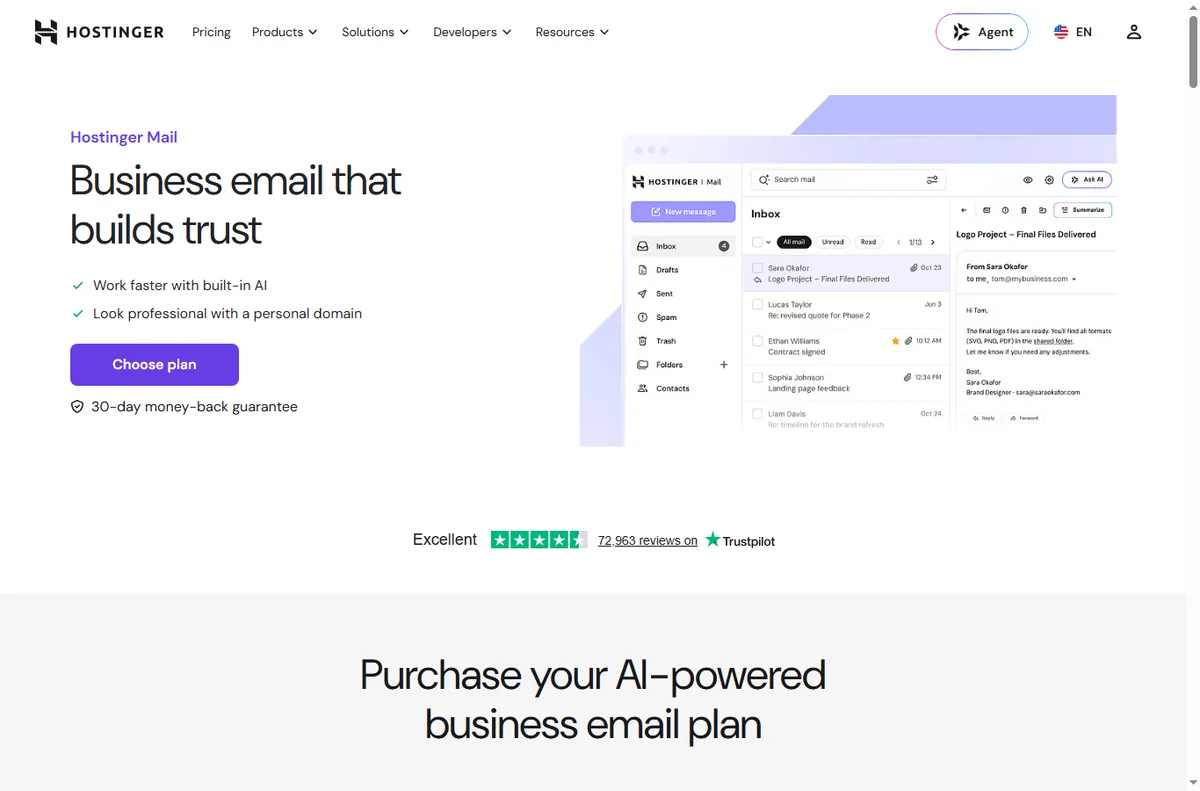
    Hostinger business email page
    Hostinger business email (image: hostinger.com)

    Frequently asked

    Is Hostinger good for beginners?

    Generally yes. The appeal for beginners is the managed panel and one-click installs, which reduce the technical steps.

    What is the catch with cheap hosting?

    The intro price is temporary. Renewal pricing and resource limits are the numbers that matter over the life of the site.

    Shared or VPS?

    Choose shared for a normal small site and VPS when you outgrow shared resources or need custom software and control.

    Can I move my site later?

    You can migrate a site between hosts, but plan it as a deliberate project with backups and a test copy before switching.

    Compare Hostinger plans against your site’s needs

    Check the renewal price and resource limits, not just the headline offer.

    Referral link — we may earn a reward if you sign up, at no extra cost to you. We are an independent publisher. See our Affiliate Disclosure.

  • What Is GetResponse? Email, Automation and Funnels Explained

    What Is GetResponse? Email, Automation and Funnels Explained

    Home / Email marketing / Guides / What is GetResponse

    Knowledge · email marketing · updated October 8, 2026

    What is GetResponse?

    GetResponse started as an email marketing tool and grew into a platform that also handles automation, landing pages and webinars. This guide explains what it actually covers and where it fits for a small team.

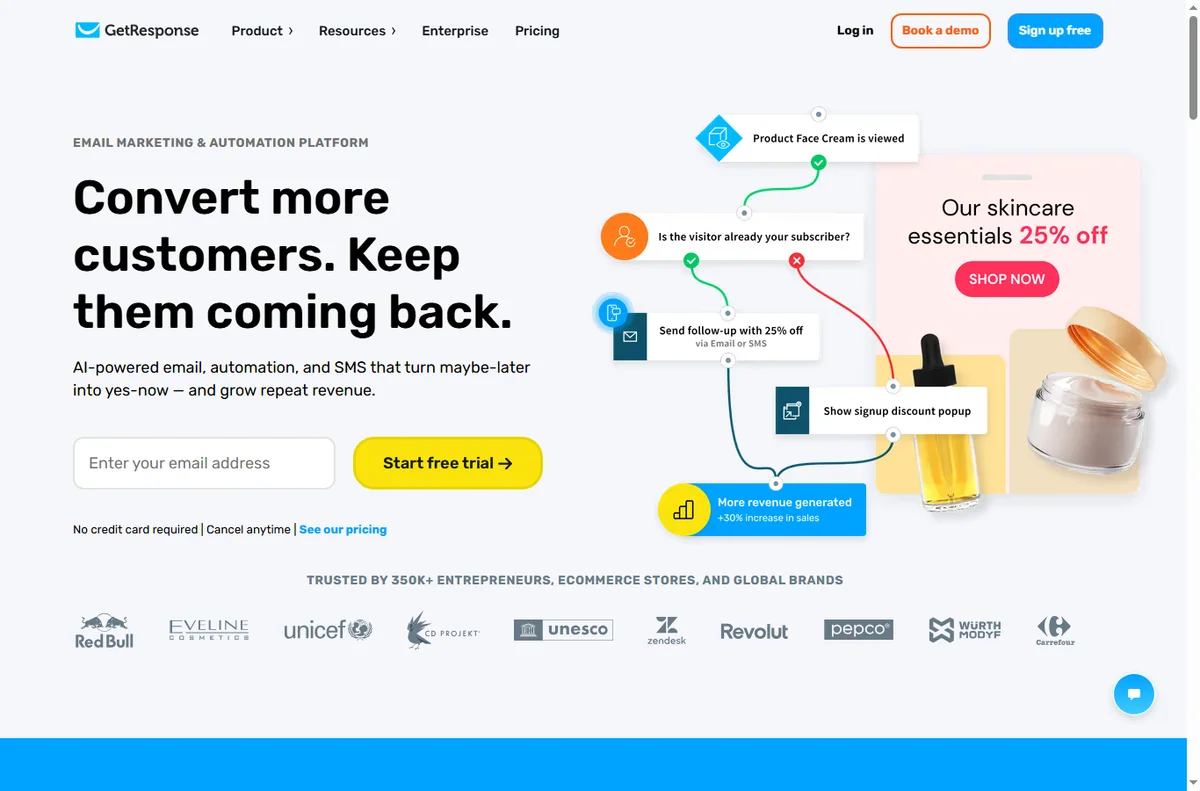
    GetResponse homepage for email marketing and automation
    GetResponse official homepage (image: getresponse.com)

    Independent analysis. This page may contain affiliate links. Some links here are referral links; if you sign up through one we may earn a reward at no extra cost to you, and it never changes what we recommend. We are an independent publisher and are not affiliated with, endorsed by, or an official partner of any tool mentioned. See our Affiliate Disclosure.

    TL;DR

    • GetResponse is an email marketing platform with automation and funnel extras.
    • Its core value is still email: lists, forms, sequences and broadcasts.
    • Built-in automation moves beyond simple autoresponders.
    • Extra features (pages, webinars) reduce the number of tools you need.
    • Confirm current plan limits on the vendor’s pricing page.

    On this page: What GetResponse is · What it covers · When it is the right fit · Things to consider · Core building blocks · Where this fits

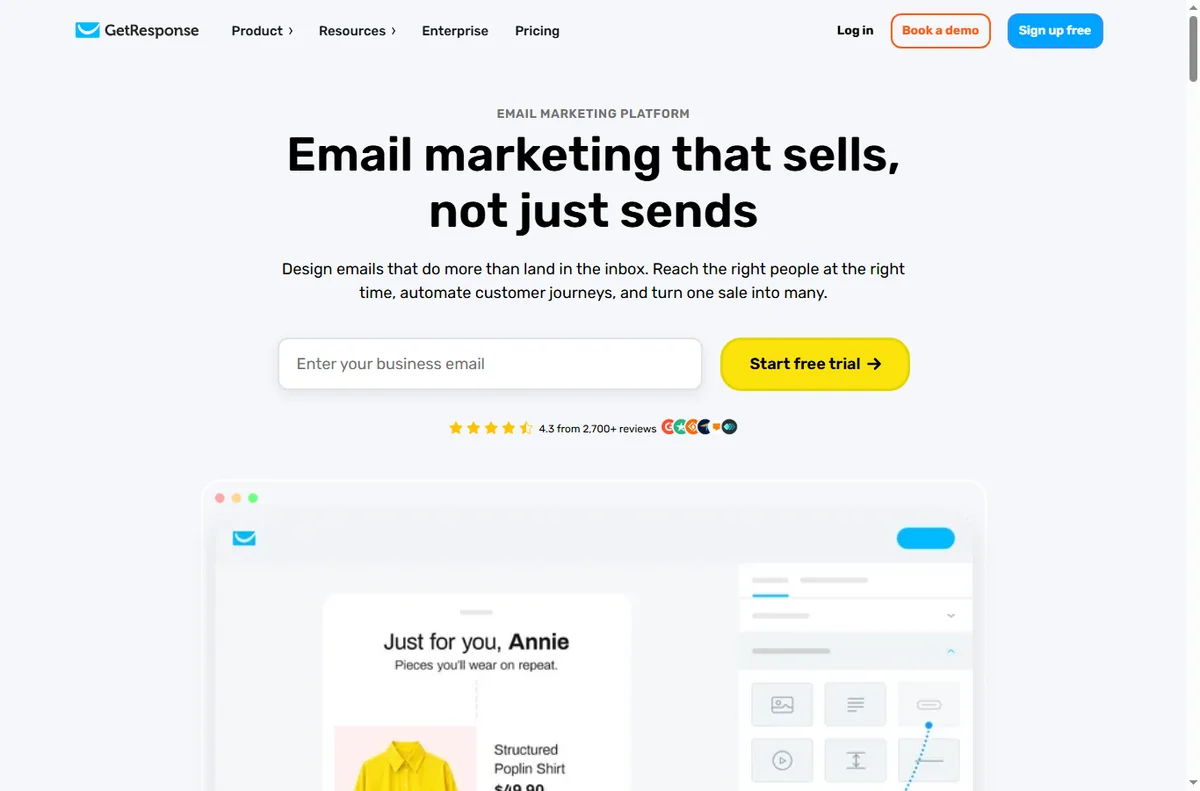
    GetResponse email marketing feature page
    GetResponse email marketing (image: getresponse.com)

    What GetResponse is

    GetResponse is an email marketing platform. You build a list, send broadcasts and set up automated sequences, then use the extras — landing pages, forms and marketing automation — to grow and convert that list.

    It sits in the middle ground between a simple newsletter tool and a heavyweight marketing suite, which is why small teams often land on it.

    GetResponse landing page builder feature page
    GetResponse landing pages (image: getresponse.com)

    What it covers

    • Email campaigns: newsletters, broadcasts and autoresponders.
    • Automation: multi-step sequences triggered by behaviour.
    • Signup forms and landing pages to grow the list.
    • Segmentation using tags and behaviour.
    • Extras such as webinar and funnel features on higher tiers.
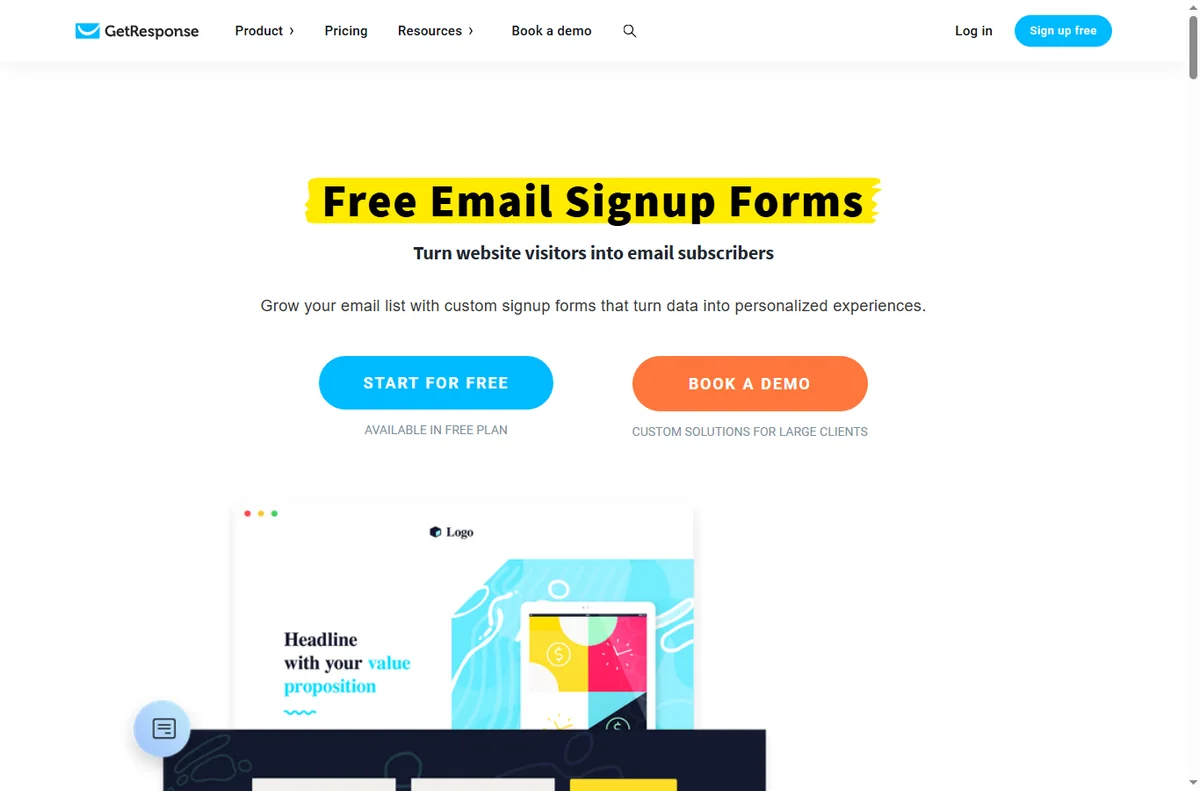
    Getresponse form builder page
    Getresponse form builder (image: getresponse.com)

    When it is the right fit

    It fits when email is central to your business and you want automation without assembling three tools. If you send regularly and want sequences, segmentation and forms in one place, the bundled extras remove integration work.

    Things to consider

    • Pricing scales with list size, so model your growth before committing.
    • The most advanced extras sit on higher tiers.
    • If you only send occasional newsletters, a simpler tool may be cheaper.
    • Deliverability depends on your own sending habits and domain setup as much as the platform.
    GetResponse marketing automation feature page
    GetResponse marketing automation (image: getresponse.com)

    Core building blocks

    Block What it does Typical use
    ListsWhere contacts liveSegmented audiences
    Forms and pagesCapture new contactsLead magnets
    AutorespondersScheduled sequencesWelcome and nurture
    AutomationBehaviour-triggered flowsRoute and follow up
    SegmentationTags and conditionsRelevant messaging
    Based on publicly documented behaviour, checked October 8, 2026.
    GetResponse pricing page with plan tiers
    GetResponse pricing (image: getresponse.com)

    Where this fits in your wider stack

    Start with the email marketing hub and the independent GetResponse review. For cost, see the GetResponse pricing guide; compare platforms in GetResponse vs ActiveCampaign and the best email marketing software roundup.

    Frequently asked

    Is GetResponse just email?

    No. Email is the core, but it also includes automation, forms, landing pages and some higher-tier extras such as webinars.

    Who is it best for?

    Small businesses where email drives sales and automation matters, and that prefer one tool over several.

    Does pricing scale with my list?

    Yes, plans generally scale with list size, so model your growth before you commit. Check current tiers on the vendor’s pricing page.

    Do I need the highest tier?

    Only if you need the extras it unlocks. Many teams get everything they use from a mid tier.

    Grow a list you actually use

    If email drives revenue, automation and segmentation earn their keep.

    Referral link — we may earn a reward if you sign up, at no extra cost to you. We are an independent publisher. See our Affiliate Disclosure.

  • What Is Systeme.io? Funnels, Email and Courses in One Tool

    What Is Systeme.io? Funnels, Email and Courses in One Tool

    Home / Funnel builders / Guides / What is Systeme.io

    Knowledge · funnel builders · updated October 8, 2026

    What is Systeme.io?

    Systeme.io is an all-in-one platform that bundles funnel pages, email marketing, courses and payments into a single account. This guide explains what it actually covers, where that helps, and where a specialist tool still wins.

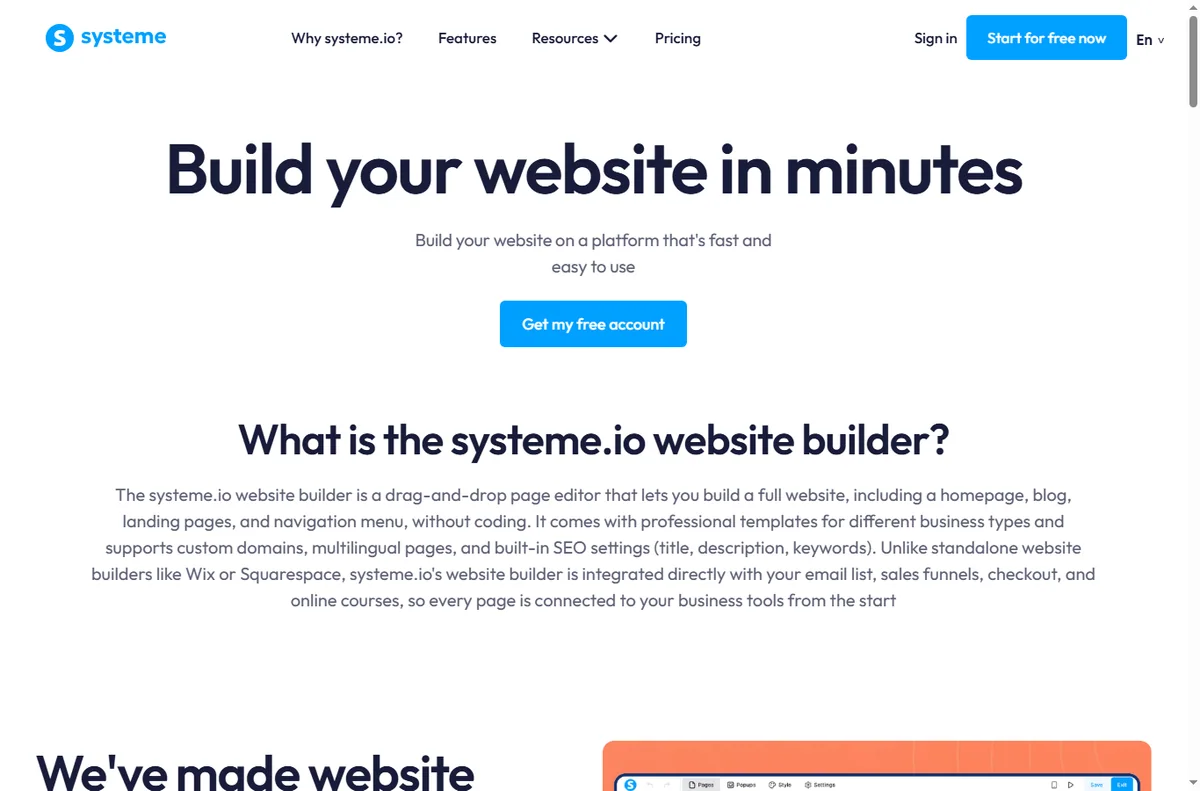
    Systeme.io homepage for building an online business
    Systeme.io official homepage (image: systeme.io)

    Independent analysis. This page may contain affiliate links. Some links here are referral links; if you sign up through one we may earn a reward at no extra cost to you, and it never changes what we recommend. We are an independent publisher and are not affiliated with, endorsed by, or an official partner of any tool mentioned. See our Affiliate Disclosure.

    TL;DR

    • Systeme.io combines funnels, email, courses and payments under one login.
    • The main draw is replacing several subscriptions with one.
    • It suits solo founders and small teams selling a course or offer.
    • Deep integrations and advanced design features are not its strength.
    • Confirm current limits and pricing on the vendor’s own page.

    On this page: What Systeme.io is · What it covers · When all-in-one wins · Where it is limited · Building blocks · Where this fits

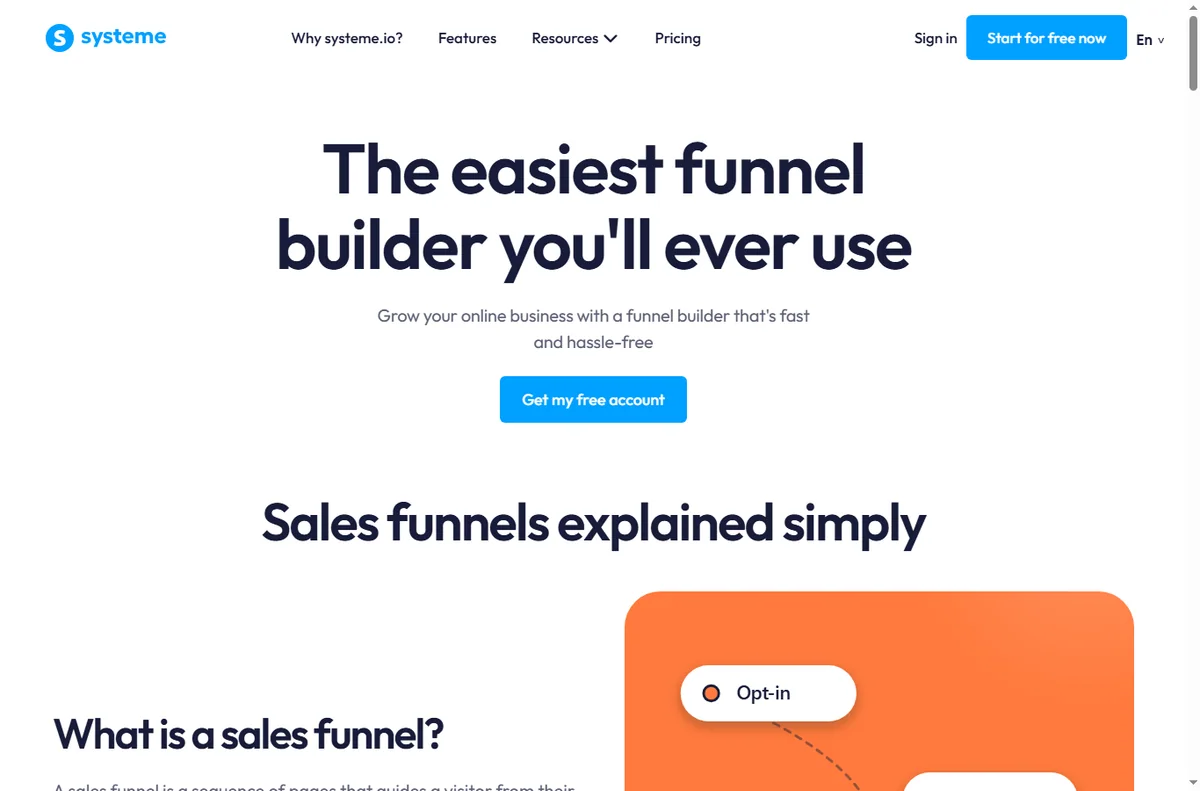
    Systeme.io sales funnel builder page
    Systeme.io sales funnels (image: systeme.io)

    What Systeme.io is

    Systeme.io is a platform for building and running an online offer end to end. Instead of paying for a page builder, an email service and a course host separately, you get one account that connects the funnel, the list and the product.

    That consolidation is the whole proposition: fewer logins, fewer integrations to maintain, and one place to see what a visitor does after they land.

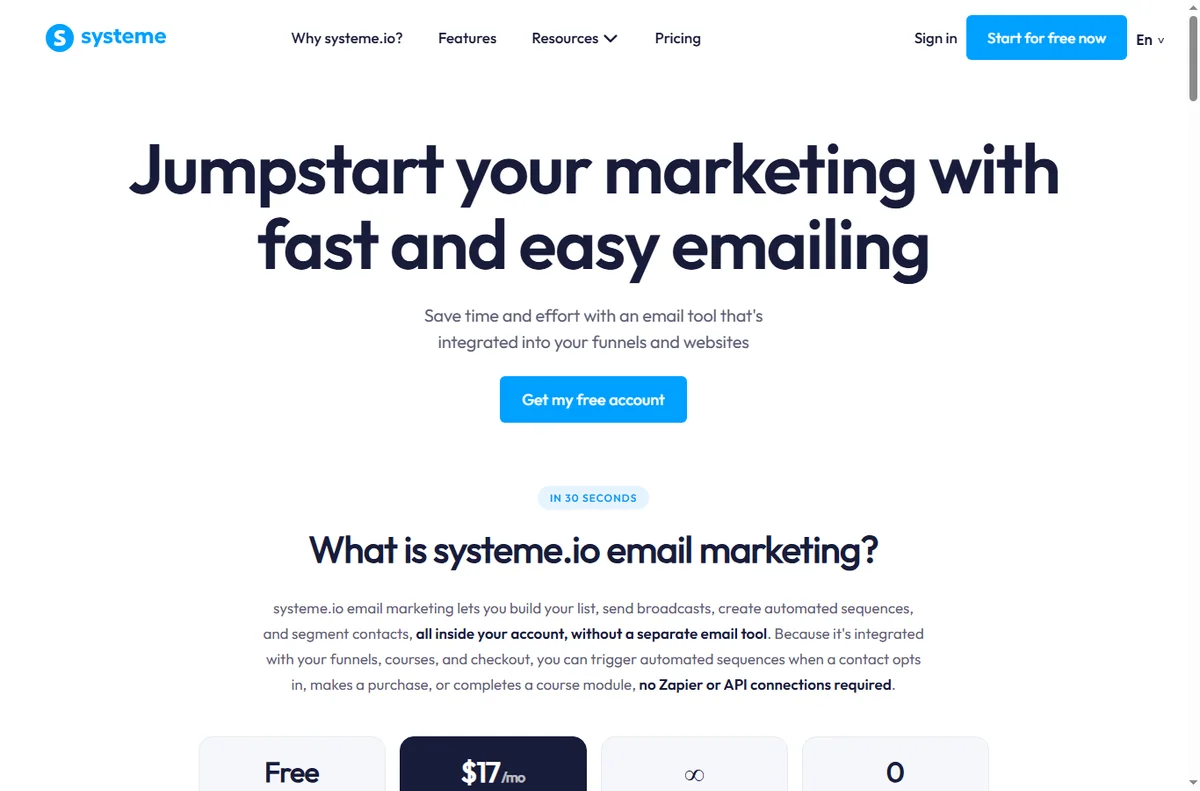
    Systeme.io email marketing features page
    Systeme.io email marketing (image: systeme.io)

    What it covers

    • Funnel and landing pages with templates and a drag-and-drop editor.
    • Email marketing: forms, sequences and broadcasts to your list.
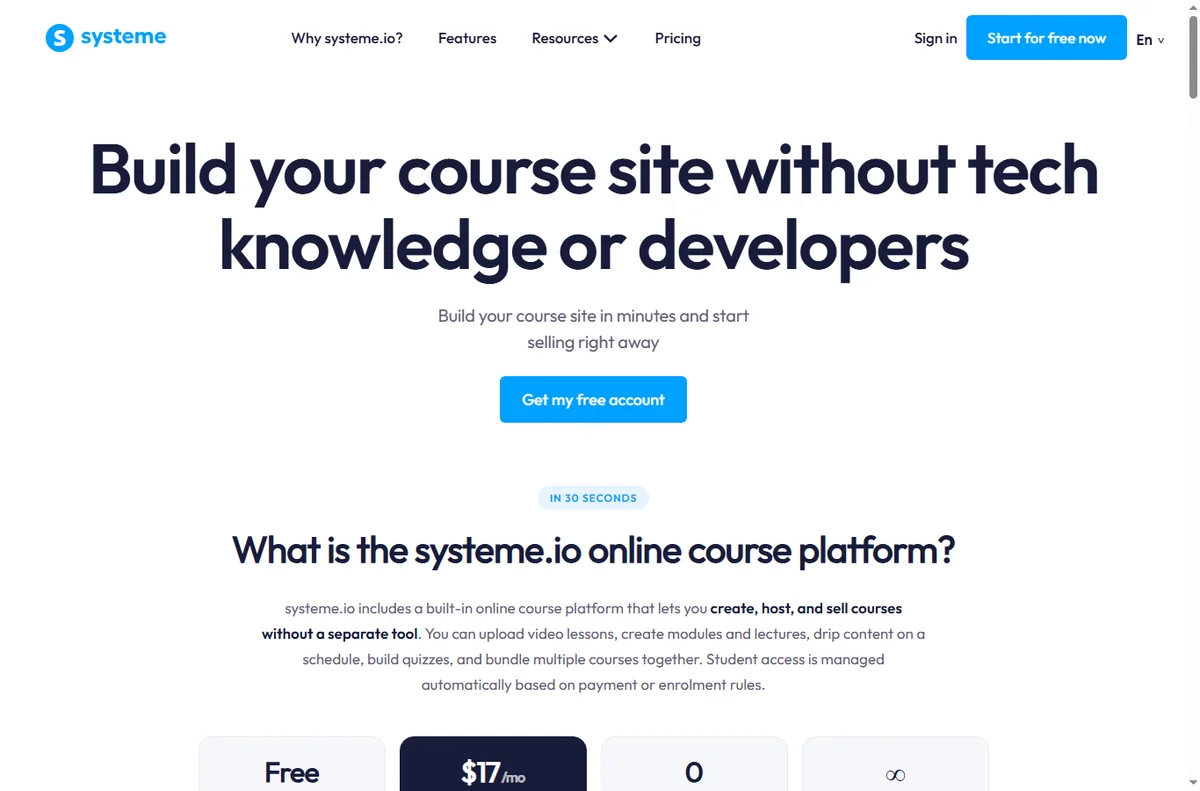
    • Online courses and memberships hosted on the same platform.
    • Payments and checkout so you can sell without a separate tool.
    • Basic automation to move people through a funnel.
    Systeme.io online courses features page
    Systeme.io online courses (image: systeme.io)

    When an all-in-one wins

    It wins when you are selling a single clear offer and want to launch quickly without wiring tools together. For a solo founder, removing three integrations and their monthly bills is often worth more than the best-in-class features of each specialist.

    It also wins when your team is small and nobody wants to maintain a connector between a page builder, an email tool and a checkout.

    Where it is limited

    • Advanced design control is narrower than a dedicated page builder.
    • The integration ecosystem is smaller than a standalone email platform.
    • Very large lists or unusual workflows can outgrow the bundled features.
    • If you already run a mature stack, migrating may cost more than it saves.
    Systeme.io website and page builder page
    Systeme.io website builder (image: systeme.io)

    The building blocks

    Block What it does Typical use
    PagesLanding and funnel pagesLead capture and sales pages
    EmailSequences and broadcastsWelcome and follow-up
    CoursesHosted lessons and accessSell a course
    PaymentsCheckout and ordersTake payment in the funnel
    AutomationRules that move contactsRoute leads by behaviour
    Based on publicly documented behaviour, checked October 8, 2026.
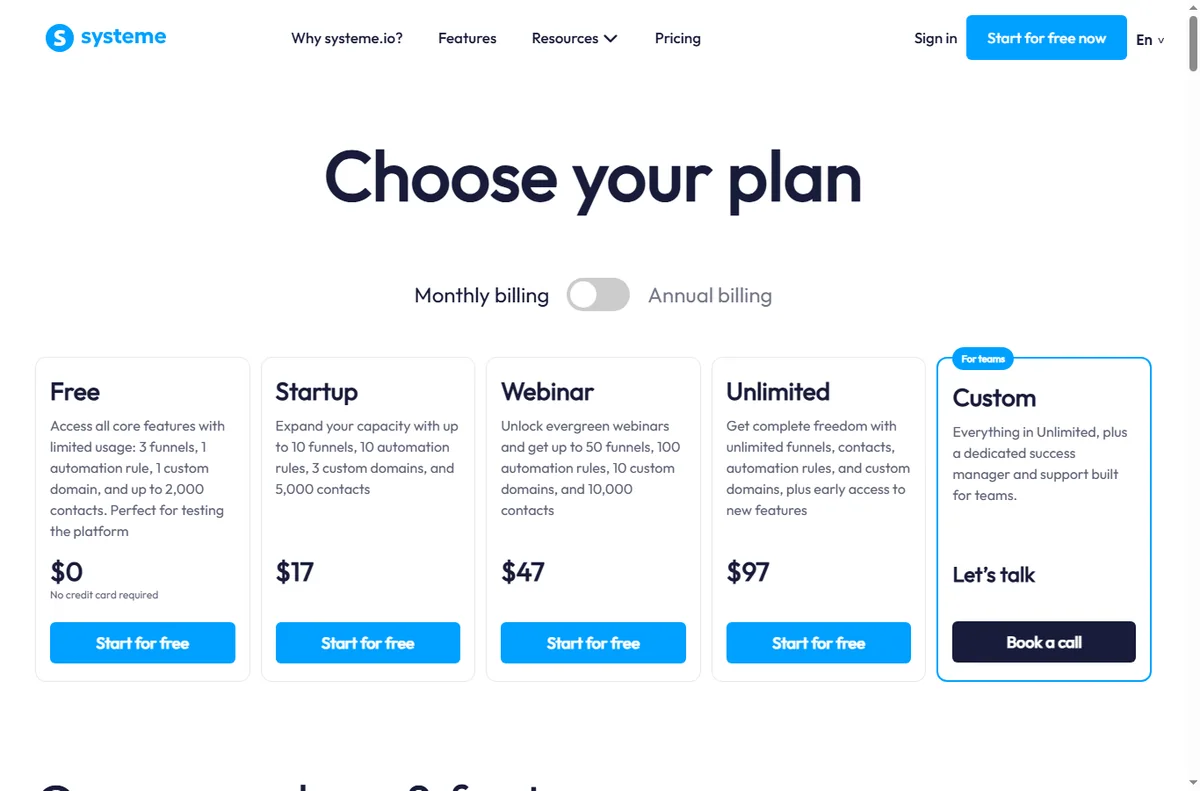
    Systeme.io pricing page with plan tiers
    Systeme.io pricing (image: systeme.io)

    Where this fits in your wider stack

    Start with the funnel builders hub and the independent Systeme.io review. For cost, see the Systeme.io pricing guide; for alternatives, read the best funnel builders roundup and the email marketing hub.

    Frequently asked

    Is Systeme.io a page builder or an email tool?

    Both, plus course hosting and checkout. It is an all-in-one platform, not a single-purpose tool.

    Who is it best for?

    Solo founders and small teams selling a course, membership or a single offer who want to avoid stitching tools together.

    Does it replace my email service?

    For many small setups, yes. Very large lists or advanced segmentation may still favour a specialist email platform.

    How much does it cost?

    Plans and limits change; we do not quote prices here. Check the vendor’s current pricing page.

    Launch one offer on a single platform

    If you are juggling three tools to sell one product, consolidation is the win.

    Referral link — we may earn a reward if you sign up, at no extra cost to you. We are an independent publisher. See our Affiliate Disclosure.