Independent analysis. This page may contain affiliate links.
How to Choose Web Hosting: A Practical Buyer’s Guide
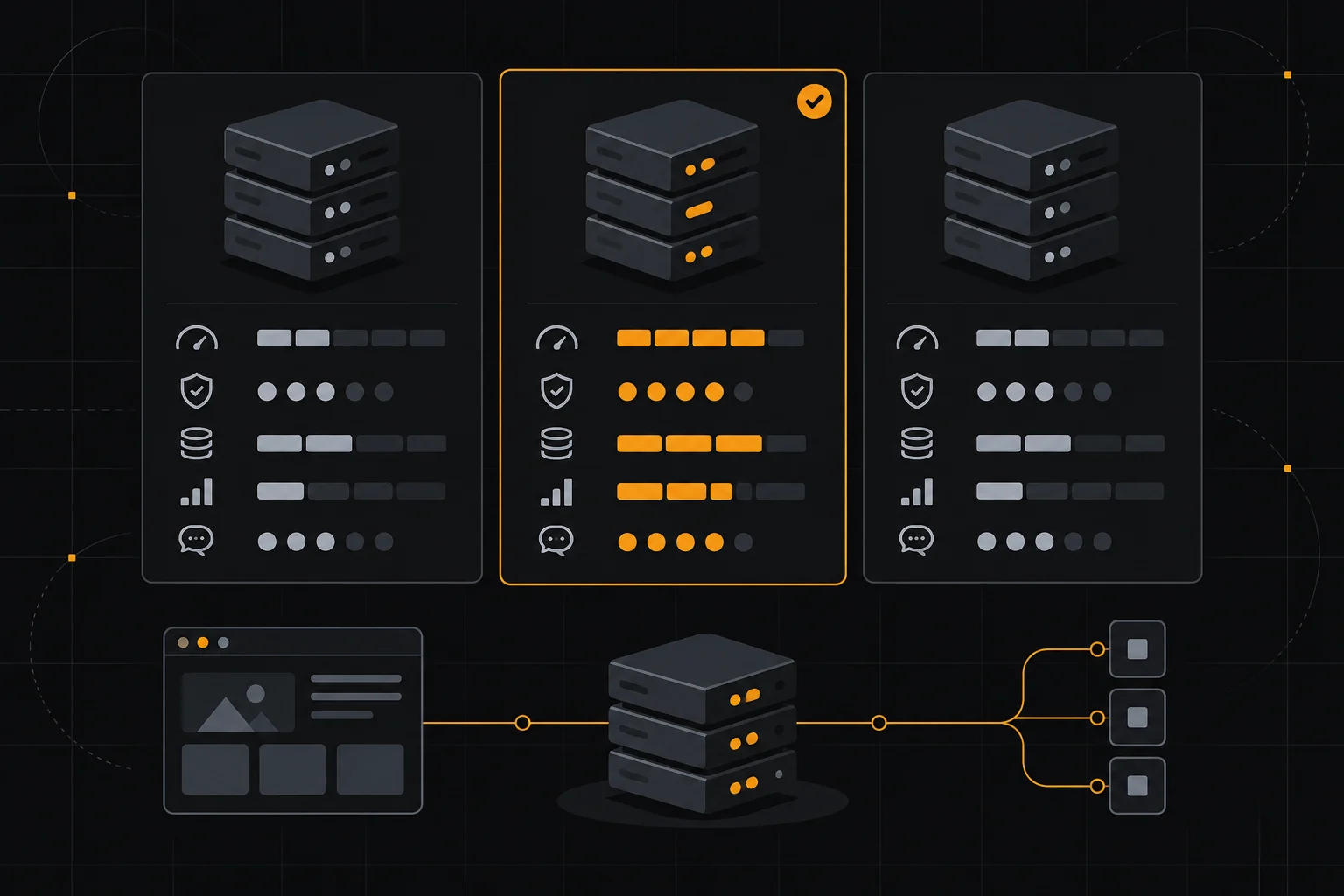
Web hosting is where your site physically lives, and the choice affects speed, uptime, support, and total cost more than almost any other decision you make. The cheapest plan is not always the best value, and the most expensive is not automatically faster.
This guide explains the hosting types, what separates providers, and how to match a plan to your traffic, stack, and budget.
Quick comparison table
| Option | Best for | Starting price |
|---|---|---|
| Hostinger | Budget shared hosting with decent speed | From about $3/mo |
| Bluehost | Beginners who want a simple WordPress setup | From about $3/mo |
| SiteGround | Small sites wanting strong support | From about $3/mo promo |
| DreamHost | Straightforward shared and VPS plans | From about $3/mo |
| Cloudways | Developers who want cloud flexibility | From about $11/mo |
| WP Engine | Managed WordPress for growing businesses | From about $20/mo |
| Kinsta | Premium managed WordPress and WooCommerce | From about $35/mo |
Shared, VPS, Dedicated, and Managed: What the Labels Mean
Shared hosting puts many sites on one server, splitting resources and keeping the price low. VPS gives you a reserved slice of a server with more control and consistency. Dedicated hosting rents an entire machine, and cloud hosting runs on scalable infrastructure you can resize on demand.
Managed WordPress hosting is less a hardware tier than a service layer: the provider handles updates, caching, staging, and security. You pay more for that hand-holding, but you avoid the maintenance work.

Match Hosting to Your Traffic and Stack
A brochure site with a few hundred visits a month is fine on shared hosting. A store, a membership site, or anything running WooCommerce benefits from VPS or managed plans that handle concurrent sessions and database load.
If your site is built on WordPress, managed WordPress hosts remove most operational chores. If you run a custom application, a provider that gives you root access and flexible stacks, such as Cloudways, fits better than a WordPress-only host.
What Actually Matters: Speed, Uptime, and Support
Look for SSD or NVMe storage, HTTP/3 and a content delivery network, and a written uptime commitment. Real performance depends on server location relative to your audience, so choose a data center close to your visitors.
Support quality varies enormously. Prefer providers with 24/7 chat and documented response times. Read recent user reviews rather than marketing pages, and check whether support is in-house or outsourced.
Pricing Traps: Renewals, Add-Ons, and Limits
Introductory prices are almost always for the first term only. A plan advertised at a few dollars a month commonly renews at two or three times that rate, so calculate the renewal cost before committing. Watch for separate charges for domains, SSL, and daily backups.
Check the fine print on visitors, storage, and email accounts. Unlimited often means unlimited with fair-use limits that most small sites never hit, but high-traffic sites can be throttled.
When to Upgrade or Migrate
Upgrade when your site slows under normal traffic, when you regularly hit resource limits, or when downtime starts costing sales. Before migrating, confirm the new host offers free migrations, a staging environment, and a refund window.
Most reputable hosts move a site for free. Test the new environment thoroughly before cutting DNS over, and keep a recent backup until the move is confirmed stable.
Pros
- Cheap shared hosting lowers the barrier for new sites
- Managed hosting removes updates, caching, and security work
- Cloud and VPS plans scale resources without changing hosts
- Free migrations and refund windows reduce switching risk
Cons
- Introductory pricing usually jumps sharply at renewal
- Shared servers can slow down when neighbors use heavy resources
- Managed hosting costs several times more than basic shared plans

Frequently asked questions
Is cheap hosting good enough for a small business site?
Often yes for a low-traffic brochure site. Move to VPS or managed hosting once you add a store, membership area, or heavy traffic.
Does hosting location affect SEO?
Server location matters mainly through page speed. Choose a data center near your audience and pair it with a CDN for global reach.
Do I need managed WordPress hosting?
Only if you want the provider to handle updates, caching, staging, and security. It is worth it for business sites with revenue at stake.
Can I switch hosts later without downtime?
Yes. Most hosts offer free migration and you can test the new site before pointing DNS over, so downtime is usually minimal.
Verdict
For a new, low-traffic site, a reputable shared host such as Hostinger or SiteGround is enough. Once your site earns money, move to managed WordPress hosting like WP Engine, or a flexible cloud plan like Cloudways, and always price the renewal rate, not the promo.
Read more: hosting for beginners · renewal price · VPS vs shared.