Home / Email Marketing / Guides / How to use MailerLite
Use case · email marketing · updated October 8, 2026
How to use MailerLite for a small business
MailerLite is a tool; the value comes from how a small business uses it. This post covers the practical patterns that tend to earn their keep: welcome series, a sustainable newsletter, simple segmentation, a few automations and honest reporting.

Independent analysis. This page may contain affiliate links. Some links here are referral links; if you sign up through one we may earn a reward at no extra cost to you, and it never changes what we recommend. We are an independent publisher and are not affiliated with, endorsed by, or an official partner of any tool mentioned. See our Affiliate Disclosure.
TL;DR
- A welcome series does more work than most one-off campaigns.
- A predictable newsletter rhythm beats sporadic bursts.
- Segment by behaviour, not by guesswork.
- Automate the handful of messages you send every time.
- Keep consent and list hygiene in view as the list grows.
On this page: What this covers · Where MailerLite earns its place · A welcome series that does a job · A newsletter rhythm you can keep · Segmentation without overcomplicating · What to automate first · Reading the numbers that matter · Consent and list hygiene · Where this fits in your wider stack
What this covers
Once the account is set up, the question shifts from configuration to habit. This post is about the patterns a small business can sustain: a few automations that always run, a newsletter cadence you can keep, and segmentation you will actually act on.
It avoids theory. Each section maps to something you can build in an afternoon and improve over time.
Where MailerLite earns its place
For a small team, email is often the most reliable channel you own. These are the jobs worth setting up first.
- Welcome new subscribers automatically.
- Send a regular newsletter to stay in touch.
- Segment by interest or purchase behaviour.
- Follow up after a purchase or a key action.
- Report on what actually gets opened and clicked.
A welcome series that does a job
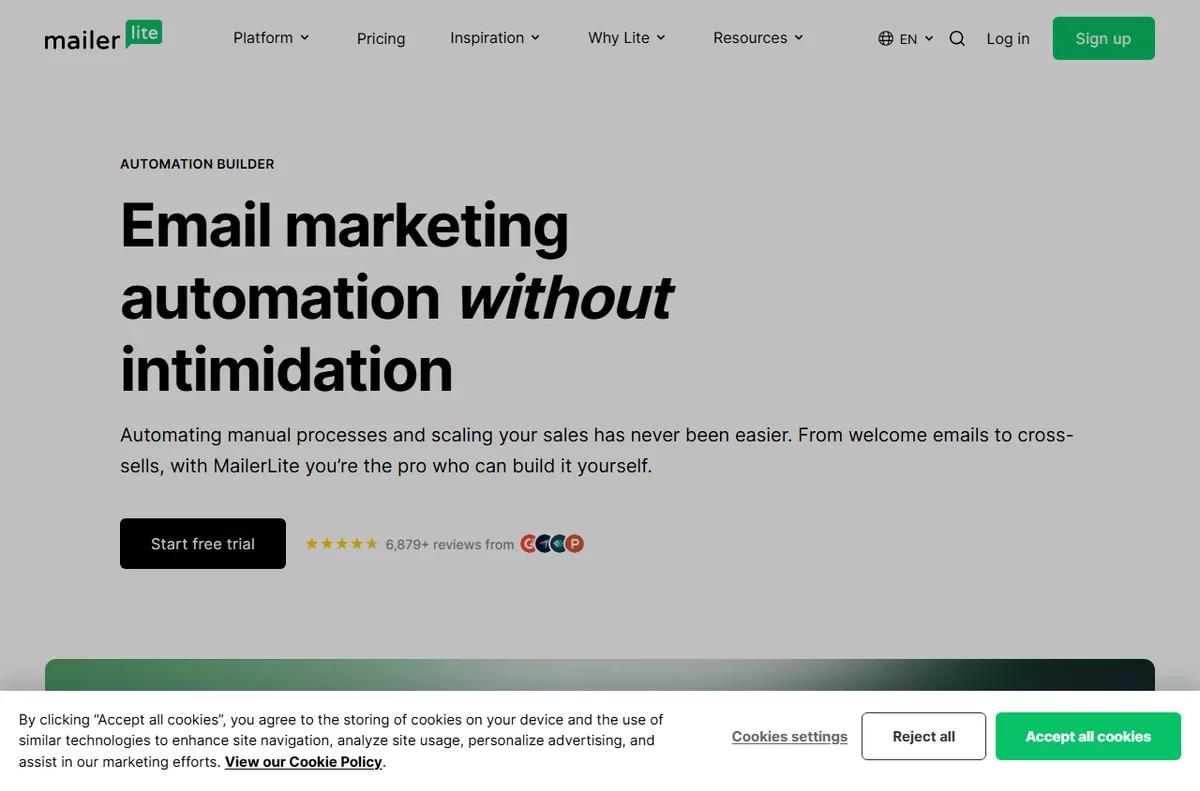
The first messages after sign-up get the most attention you will ever have. A short series that sets expectations, delivers the promised value and points to one clear next step usually outperforms a single generic hello.

A newsletter rhythm you can keep
Pick a cadence you can sustain and protect it. A monthly issue that always ships beats a burst of weekly sends that fades after a month, both for your audience and for your own workload.
Segmentation without overcomplicating
Start with a few meaningful groups: customers, subscribers, and one based on a clear action such as a recent purchase. More segments than you can act on adds work without changing what you send.
What to automate first
Automate the messages you would otherwise send by hand every time.
| Automation Priority Why | ||
|---|---|---|
| Welcome sequence | High | Every new subscriber sees it |
| Post-purchase follow-up | High | Tied to repeat business |
| Re-engagement for inactive readers | Medium | Protects list quality over time |
| Birthday or milestone message | Low | Nice to have, rarely urgent |
| Complex branching journeys | Later | Worth the effort only at larger scale |

Reading the numbers that matter
Open and click rates are directional, not definitive, and privacy features affect how they are measured. Watch trends over time and use the results to decide what to send next rather than chasing a single number in isolation.

Consent and list hygiene
Only email people who agreed to hear from you, make unsubscribing easy, and remove addresses that consistently bounce. A smaller engaged list is worth more than a large indifferent one, and it protects your deliverability.
Where this fits in your wider stack
If you are still choosing a tool, read the independent MailerLite review and start from the email marketing hub. Weighing options? See best email marketing software, browse best email newsletter tools, and if you are starting out, read best email marketing for beginners.
Frequently asked
How should a small business use MailerLite?
Start with a welcome sequence and a newsletter you can keep up, then add segmentation and automations as you learn what your audience responds to.
How often should I email my list?
Choose a cadence you can sustain; consistency matters more than raw frequency.
Should I segment my list?
Yes, but keep it simple. A few groups tied to clear behaviour are easier to act on than many fine-grained ones.
What metrics should I track?
Watch open and click trends over time, plus unsubscribes and bounces, rather than optimising one number in isolation.
Get more from MailerLite
Start with a welcome series and one newsletter you can keep.
Referral link — we may earn a reward if you sign up, at no extra cost to you. We are an independent publisher. See our Affiliate Disclosure.
Leave a Reply