We’re reader-supported — some links are affiliate links. Learn more →

Skip to content

Independent software research. Some links may earn us a commission at no extra cost to you. Learn more →

ICode

Author: admin

  • What is Rank Math?

    What is Rank Math?

    Home / SEO Tools / Guides / What is Rank Math

    Knowledge · seo tools · updated October 9, 2026

    What is Rank Math?

    Rank Math is an SEO plugin for WordPress that adds search controls, schema and analytics to the pages you already publish. This guide explains what it does, how its modules fit together, and what it is not.

    Independent analysis. This page may contain affiliate links. If you sign up through a link on this page we may earn a reward at no extra cost to you, and it never changes what we recommend. We are an independent publisher and are not affiliated with, endorsed by, or an official partner of any tool mentioned. See our Affiliate Disclosure.

    TL;DR

    • Rank Math is a WordPress SEO plugin, not a hosted platform.
    • It bundles on-page SEO, schema, redirects, sitemaps and analytics in one dashboard.
    • It runs inside WordPress, so it does not host or design your site for you.
    • Features and pricing change, so check the current pricing before you commit.
    • It is not a keyword research tool on its own, and not a guarantee of rankings.

    On this page: What Rank Math is · How it is organised · What it is good at · What it is not · Concept cheat sheet · Where this fits

    Rank math home page
    Rank math home (image: rank.com)

    What Rank Math is

    Rank Math is a plugin rather than a platform. You install it inside WordPress and it adds SEO controls to the pages, posts and products you already publish.

    The core job is the material search engines read first: titles, meta descriptions, headings, links, canonical tags and structured data. Instead of editing theme templates, you set these in a panel that sits next to each page while you write.

    Around that core it bundles tools that are often separate add-ons, such as redirections, XML sitemaps and a schema builder. Keeping them together means a single workflow instead of five plugins with five dashboards.

    Because it lives inside WordPress, its reach ends at the site it is installed on. It does not host the site, speed it up or choose the design; those remain the job of your host and your theme.

    Rank math blog page
    Rank math blog (image: rank.com)

    How Rank Math is organised

    Everything is grouped into named modules, and you switch on the ones you want. Turning off modules you do not use keeps the dashboard to the essentials and reduces the chance of two features fighting each other.

    Each page or post gets an editor panel where you set the SEO title, the meta description, a focus keyword and the social preview. The plugin scores the page and suggests fixes, but the decision about what to publish stays with you.

    Site-wide settings cover sitemaps, schema types, redirects and third-party integrations. A setup wizard walks through the first pass, so the defaults are sensible before you start tuning individual pages.
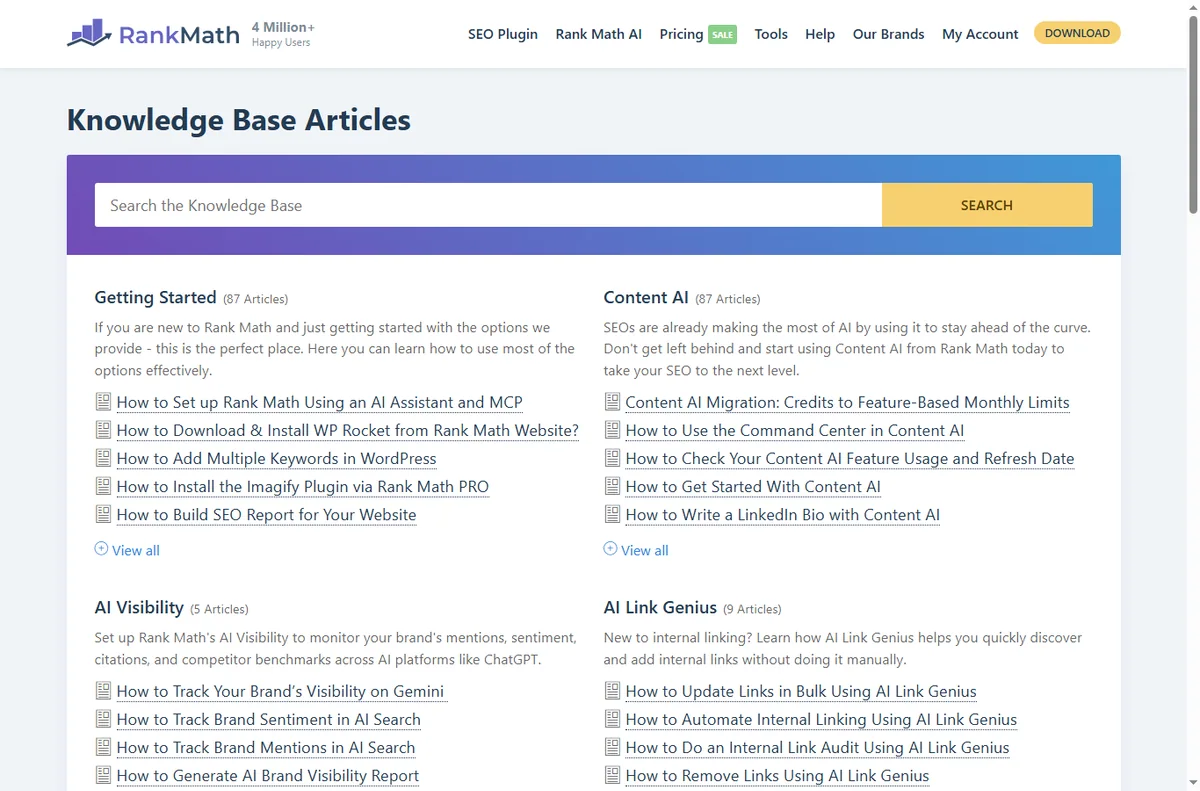
    Rank math kb page
    Rank math kb (image: rank.com)

    What Rank Math is good at

    • Getting the on-page basics right without touching theme code.
    • Adding schema and social tags to a page without a developer.
    • Managing redirects and an XML sitemap from the same dashboard.
    • Reviewing titles, descriptions and canonical tags in one place.
    • Scoring pages against a focus keyword as you write.
    Rank math pricing page
    Rank math pricing (image: rank.com)

    What Rank Math is not

    • Not a full keyword research suite, so you still need a research tool.
    • Not a substitute for genuinely useful, well-structured content.
    • Not a guarantee of rankings, and not a reason to ignore page speed.
    • Not free at every level, so check the current pricing before you commit.

    Concept cheat sheet

    ConceptMeaningWhy it matters
    SEO titleThe headline search results displayIt decides clicks before anyone reads the page
    Meta descriptionThe summary shown under the titleIt sets expectations and improves click-through
    Focus keywordThe term a page is scored againstIt keeps one page aimed at one clear topic
    SchemaStructured data that describes the pageIt helps search engines read the content correctly
    Canonical tagThe preferred URL for a piece of contentIt stops duplicate versions competing with each other
    The handful of terms that come up again and again when you work with Rank Math.
    Rank math y about page
    Rank math y about (image: rank.com)

    Where this fits

    Rank Math sits in the SEO Tools part of the site, alongside the wider guides to on-page SEO and the best SEO tools for a small business. If you are comparing it with alternatives, the Rank Math review walks through the trade-offs, and the setup guide and the day-to-day guide take you from installing it to using it on live pages.
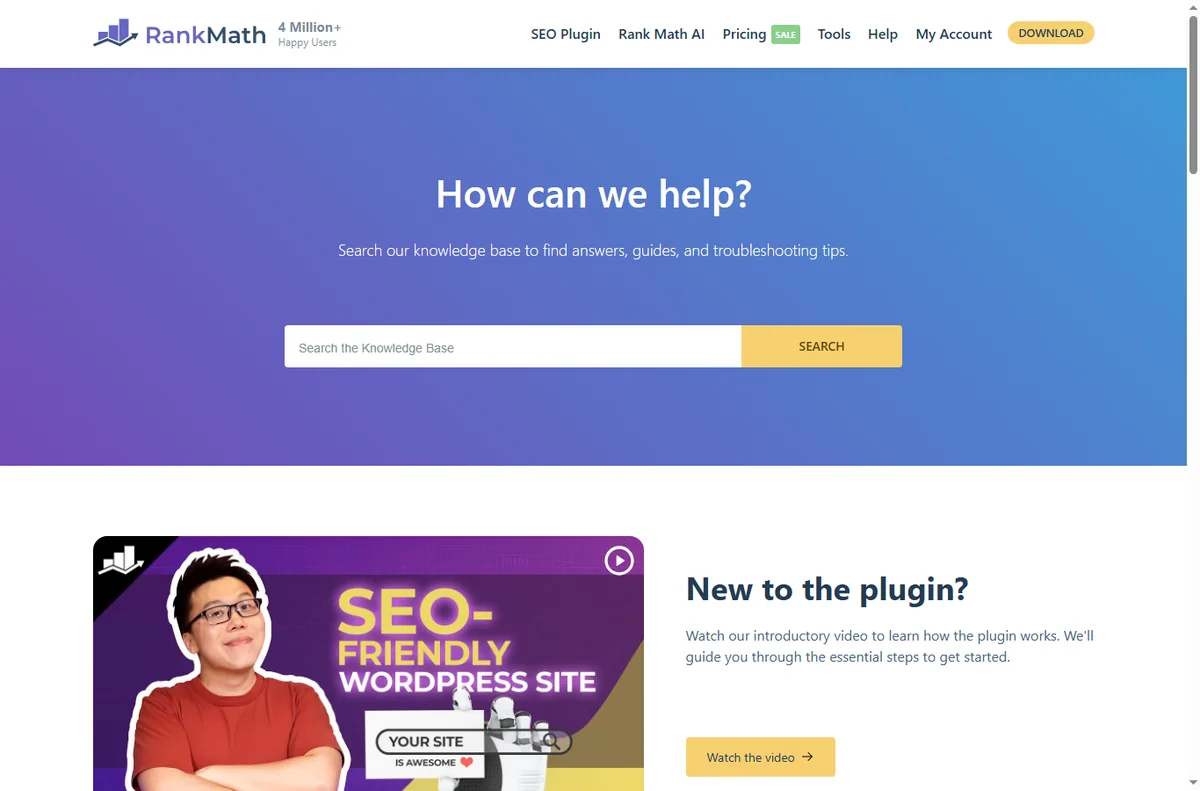
    Rank math y support page
    Rank math y support (image: rank.com)

    Frequently asked

    Is Rank Math free?

    It offers a free version and paid tiers. Feature limits and plan names change over time, so check the current pricing before you commit.

    Does it replace my theme?

    No. It works alongside your theme and adds an SEO layer on top; it does not change how your site looks.

    Can I use it with another SEO plugin?

    You can install two, but running them together usually produces duplicate titles and schema, so it is safer to pick one.

    Do I need to know code?

    No. Almost everything is set through the WordPress editor and the plugin settings screens.

    Get Rank Math working for your site

    Install the plugin, run the setup wizard and let it handle the technical side while you focus on content.

    Some links on this page may be referral links — we may earn a reward if you sign up, at no extra cost to you. We are an independent publisher. See our Affiliate Disclosure.

    Related reading

  • Common Kartra problems and how to fix them

    Common Kartra problems and how to fix them

    Home / Funnels / Guides / Common Kartra problems

    Problem · funnel builders · updated October 9, 2026

    Common Kartra problems and how to fix them

    Most Kartra problems fall into a few areas: a page or funnel that will not publish, email that does not send or lands in spam, automations that do not fire, checkout or payment issues, and slow editing in the builder. Here are the ones that come up most, and what to check first.

    Independent analysis. This page may contain affiliate links. If you sign up through a link on this page we may earn a reward at no extra cost to you, and it never changes what we recommend. We are an independent publisher and are not affiliated with, endorsed by, or an official partner of any tool mentioned. See our Affiliate Disclosure.

    TL;DR

    • A page that will not publish is usually a missing step or an unsaved change.
    • Email that does not send is often list, sender or DNS setup.
    • An automation that does not fire is usually a trigger or filter mistake.
    • Checkout problems are often payment gateway or product settings.
    • Slow editing is usually browser, cache or page complexity.

    On this page: Why things go wrong · Will not publish · Email does not send · Automation will not fire · Checkout problems · Slow editor · Symptom to fix · Where this fits

    Why things go wrong

    Kartra ties pages, email, automations and payments together, so a small setup mistake in one place can look like a failure somewhere else.

    A habit that saves time: test the exact step that failed rather than the whole funnel, and note what you changed last, such as a new page, a list or a gateway.

    If only one part fails, the problem is probably in that part rather than the whole account.

    Kartra home page
    Kartra home (image: kartra.com)

    Will not publish

    A page that refuses to publish is usually an unsaved change or an incomplete required step such as a page name or URL path.

    Check that the page is not a draft, confirm the funnel path, and save before publishing. If it still fails, duplicate the page into a new one to isolate a corrupt section.

    Kartra blog page
    Kartra blog (image: kartra.com)

    Email does not send

    Mail that does not send or lands in spam is often about the sending domain, the list, or how the message was scheduled.

    Confirm the sender address is verified, the recipient is on the right list, and any custom sending domain has its DNS records in place.

    Automation will not fire

    An automation that does not run is usually a trigger that never fired or a filter that excluded the contact.

    Re-check the entry trigger, the conditions, and whether the contact actually matches the list, tag or form the automation expects.

    Kartra help page
    Kartra help (image: kartra.com)

    Checkout problems

    A checkout that fails or does not deliver is often a payment gateway setting, a product price or a redirect URL.

    Verify the gateway is connected and in live mode, the product is published, and the thank-you page and delivery step point to the right place.

    Kartra marketing page
    Kartra marketing (image: kartra.com)

    Slow editor

    A sluggish builder is usually the browser, a large cached state, or a page with many heavy sections.

    Try a fresh browser session, clear the cache, and split very long pages into sections so the editor has less to render at once.

    Symptom to fix

    SymptomLikely causeFix
    Page will not publishUnsaved change or missing stepSave, check the path, re-publish
    Email does not sendSender, list or DNS setupVerify sender and list, check DNS
    Automation will not fireWrong trigger, filter or tagRe-check the entry condition
    Checkout failsGateway or product settingReconnect gateway, republish product
    Editor is slowBrowser, cache or heavy pageNew session, clear cache, split page
    General guidance, checked October 9, 2026. Confirm specifics inside your own Kartra setup.
    Kartra pricing page
    Kartra pricing (image: kartra.com)

    Where this fits

    Start with the funnel builders hub. For the basics read what Kartra is, and for the setup steps see how to set up Kartra. You can also read our Kartra review.

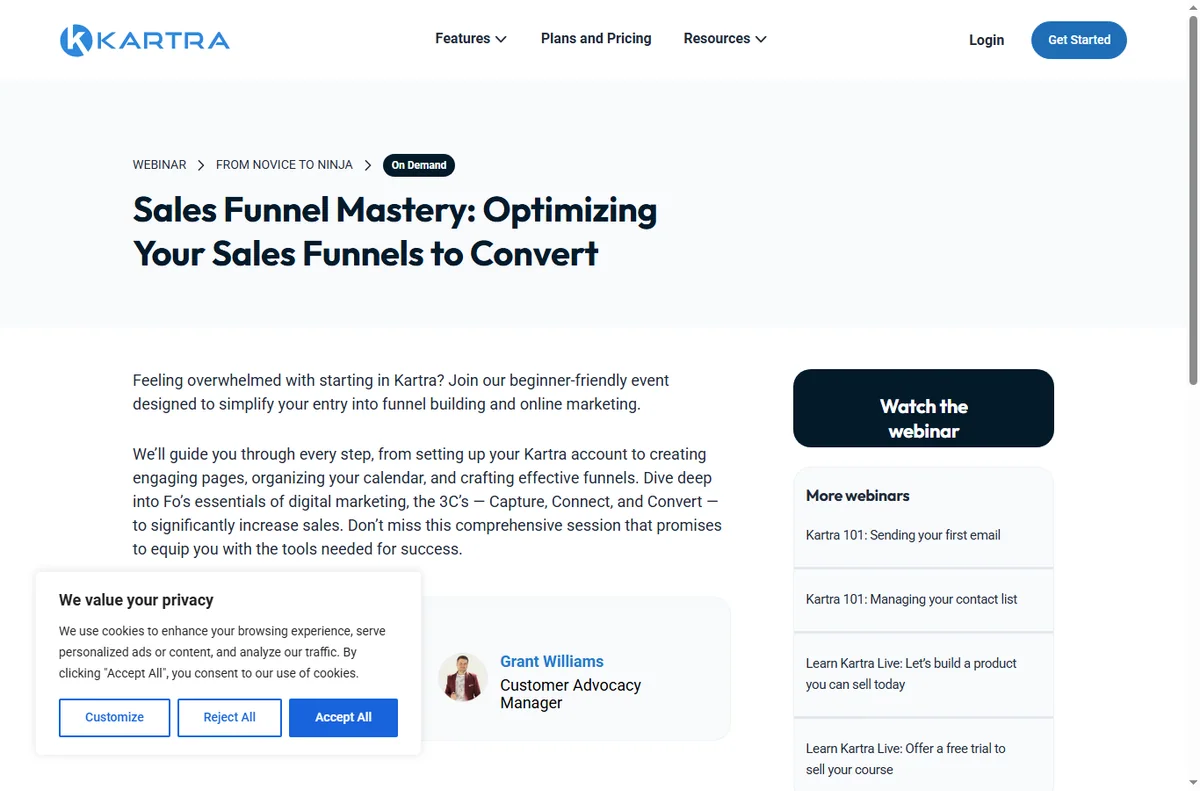
    Kartra sales page
    Kartra sales (image: kartra.com)

    Frequently asked

    Can I fix these myself?

    Most of them. Pages, email and automations are in your control. Anything on the platform side needs a support ticket.

    Why did my automation stop?

    Check the trigger and filters first; a changed form or tag can stop contacts entering it.

    Why is email going to spam?

    Usually the sending domain and its DNS records. Verify the sender and the records before resending.

    Should I rebuild the funnel?

    Not straight away. Isolate the failing step first, since most problems are a single fixable setting.

    How long do fixes take to show?

    Settings usually apply at once, but DNS and email reputation can take hours to settle.

    Get your funnel working

    Fix the step, then get help if you need it.

    Some links on this page may be referral links — we may earn a reward if you sign up, at no extra cost to you. We are an independent publisher. See our Affiliate Disclosure.
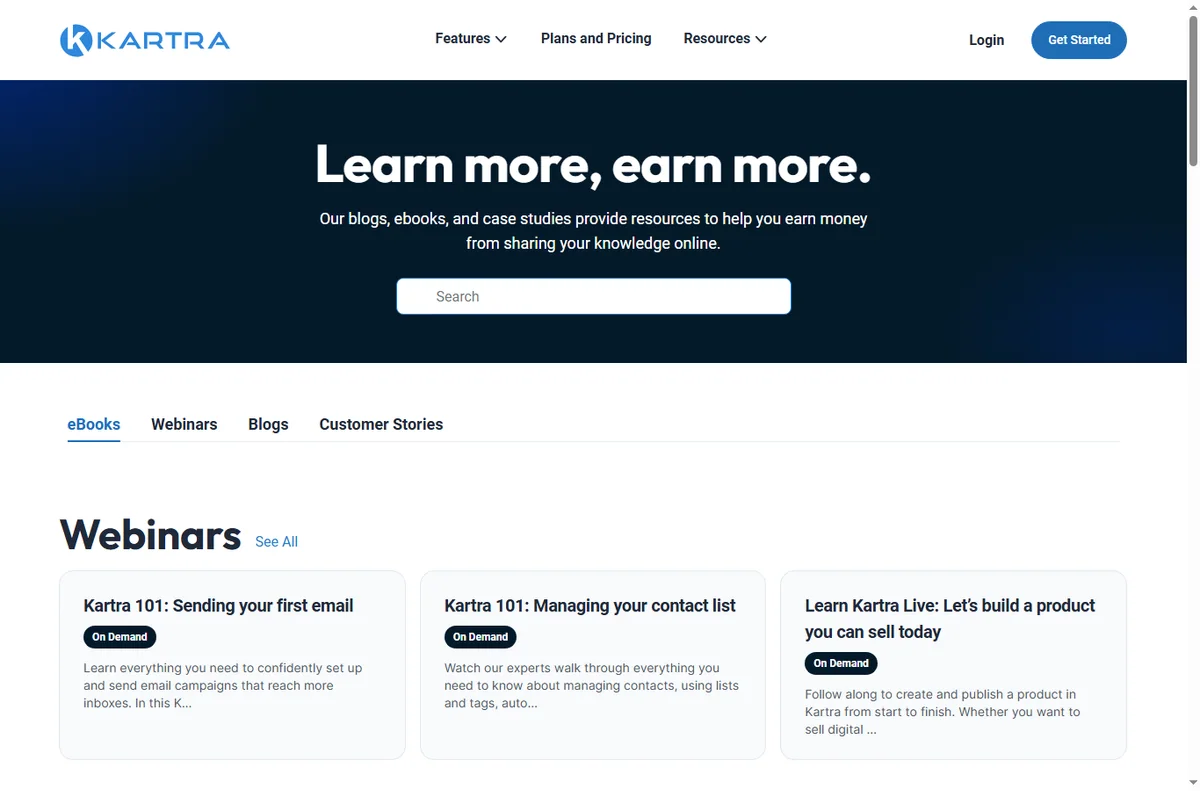
    Related reading

  • What is Kartra?

    What is Kartra?

    Home / Funnels / Guides / What is Kartra

    Knowledge · funnel builders · updated October 9, 2026

    What is Kartra?

    Kartra is an all-in-one marketing platform that bundles pages, funnels, email, automation, video hosting and checkouts into one account. This guide explains what it does, how it is organised, and what it is not.

    Independent analysis. This page may contain affiliate links. If you sign up through a link on this page we may earn a reward at no extra cost to you, and it never changes what we recommend. We are an independent publisher and are not affiliated with, endorsed by, or an official partner of any tool mentioned. See our Affiliate Disclosure.

    TL;DR

    • Kartra is an all-in-one platform for funnels, pages, email and automation.
    • It bundles video hosting, checkouts and membership features.
    • One account replaces several separate tools.
    • Plans, terms and prices change, so check the current pricing before you commit.
    • It is not free, and not the cheapest option in every category.

    On this page: What Kartra is · How it is organised · What it is good at · What it is not · Concept cheat sheet · Where this fits

    Kartra home page
    Kartra home (image: kartra.com)

    What Kartra is

    Kartra is a marketing platform rather than a single tool. You build pages and funnels, send email, automate sequences and take payments from one dashboard.

    The core product is the funnel: a series of pages that move a visitor toward a purchase or a signup.

    Around the funnel it adds email marketing, video hosting, calendar and checkout features that would otherwise be separate subscriptions.

    Because it is hosted software, you configure it in the browser and Kartra looks after the servers, updates and delivery.

    Kartra blog page
    Kartra blog (image: kartra.com)

    How Kartra is organised

    Everything hangs off one account. You create pages inside funnels, and each page is built from sections and blocks in a visual editor.

    Email lists, automations, videos and products live alongside the funnels, so a single login covers the whole stack.

    Plans differ mainly by how many contacts and features you unlock rather than by a different product.

    Higher tiers add contacts, team seats and advanced features; you start small and move up as you grow.

    Kartra help page
    Kartra help (image: kartra.com)

    What Kartra is good at

    • Running funnels and landing pages without stitching tools together.
    • Sending email and running automations from the same place.
    • Hosting sales videos so they are not on a public video site.
    • Taking payments and delivering digital products or memberships.
    • Replacing several monthly subscriptions with one account.
    Kartra marketing page
    Kartra marketing (image: kartra.com)

    What Kartra is not

    • Not free, and not always the cheapest option per feature, so check the current pricing.
    • Not a specialist email tool or a full accounting package.
    • Not a WordPress plugin: it is hosted software you log into.
    • Not a magic fix: funnels still need a clear offer and honest copy.

    Concept cheat sheet

    ConceptMeaningWhy it matters
    FunnelA sequence of pages toward one goalDefines the path a visitor takes
    Landing pageThe single page a campaign points toWhere the conversion happens
    AutomationRules that trigger emails or actionsFollow up without manual work
    CheckoutThe page that takes paymentTurns interest into revenue
    MembershipGated content for paying usersRecurring access to a product
    Video hostingPrivate hosting inside the platformKeeps sales videos off public sites
    Based on publicly documented behaviour, checked October 9, 2026.
    Kartra pricing page
    Kartra pricing (image: kartra.com)

    Where this fits

    Start with the funnel builders hub. For the practical steps see how to set up Kartra, and for everyday usage read how to use Kartra for a small business. You can also read our Kartra review.

    Kartra sales page
    Kartra sales (image: kartra.com)

    Frequently asked

    Is Kartra a website builder?

    It can build pages and funnels, but it is a marketing platform first. Many people keep a separate site and use Kartra for funnels and email.

    Does it include email marketing?

    Yes. Email lists, broadcasts and automations are built in, so you do not need a separate email tool for basic use.

    Can it replace several tools?

    For funnels, pages, email and checkouts, often yes. For deep specialist needs you may still want a dedicated tool.

    Is there a free plan?

    Kartra is a paid platform. Terms and trial offers change, so confirm on the current pricing page.

    Do I need technical skills?

    No coding is required for basic funnels and pages; the editor is visual, though the feature set takes some learning.

    Build your funnel

    Pages, email, automation and checkouts in one account.

    Some links on this page may be referral links — we may earn a reward if you sign up, at no extra cost to you. We are an independent publisher. See our Affiliate Disclosure.
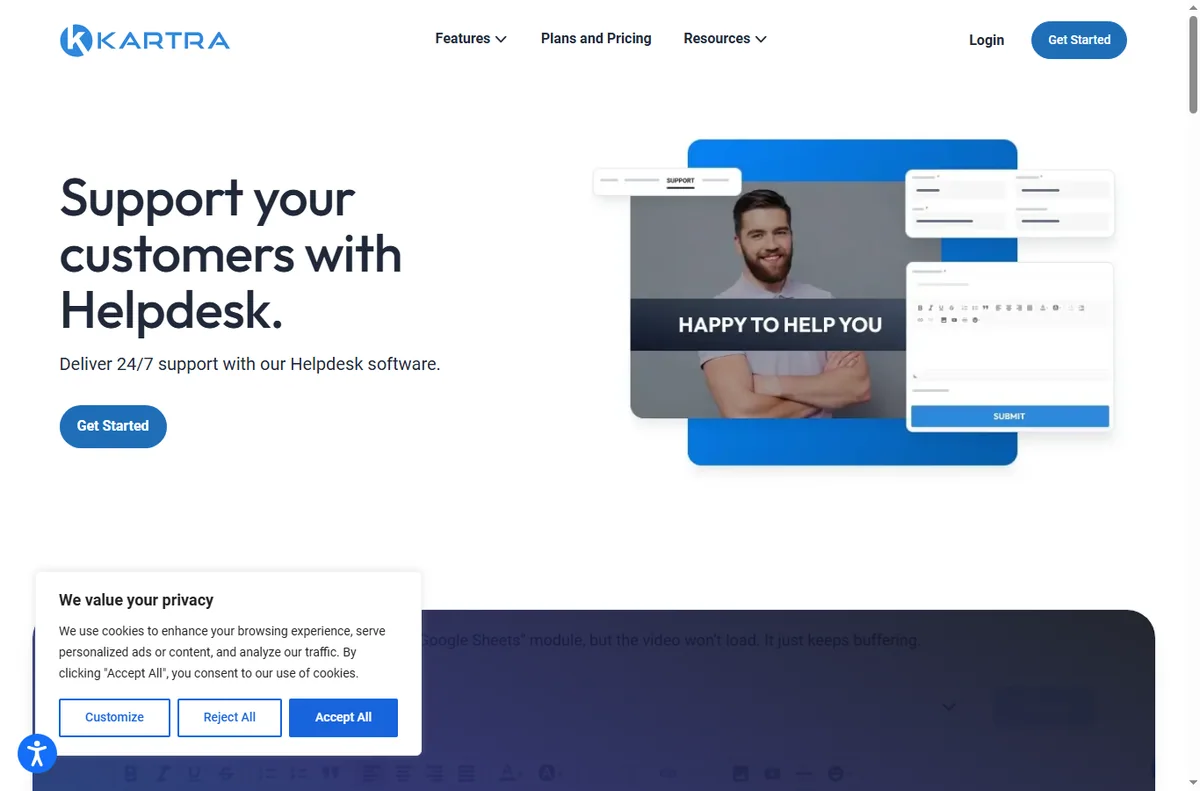
    Related reading

  • Common Pabbly problems and how to fix them

    Common Pabbly problems and how to fix them

    Home / Automation / Guides / Common Pabbly problems

    Problem · automation · updated October 9, 2026

    Common Pabbly problems and how to fix them

    Most Pabbly problems fall into a few areas: a workflow that will not fire, a connection that has expired, tasks that run out mid-month, data that arrives in the wrong field, or a schedule that stops running. Here are the ones that come up most, and what to check first.

    Independent analysis. This page may contain affiliate links. If you sign up through a link on this page we may earn a reward at no extra cost to you, and it never changes what we recommend. We are an independent publisher and are not affiliated with, endorsed by, or an official partner of any tool mentioned. See our Affiliate Disclosure.

    TL;DR

    • A workflow that will not fire usually has a trigger that never matches.
    • An expired connection stops every step that depends on it.
    • Running out of tasks mid-month is a plan limit, not a bug.
    • Data in the wrong field is usually a mapping mistake.
    • A schedule that stops is often disabled or waiting on its interval.

    On this page: Why things go wrong · Workflow not firing · Connection expired · Task limit reached · Wrong data mapped · Schedule not running · Symptom to fix · Where this fits

    Why things go wrong

    An automation depends on a chain: a live trigger, an authorised connection, and a mapping that puts each field where it belongs. A fault in any link shows up as a workflow that does nothing.

    The quickest way to locate it is to look at one run end to end: did the trigger fire, did the step run, and what does the task history show?

    Usage limits are the one cause that is easy to mistake for a bug, because a plan that has run out of tasks stops silently until it resets.

    For anything that touches a live workflow, change one step at a time and run a test, because several fixes at once make it hard to see which one helped.

    Pabbly home page
    Pabbly home (image: pabbly.com)

    Workflow not firing

    A workflow only runs when its trigger matches, so a condition that is never true or an event that never occurs leaves it idle.

    Read the workflow from the start, confirm the trigger app and event, and run a test to see whether a run appears.

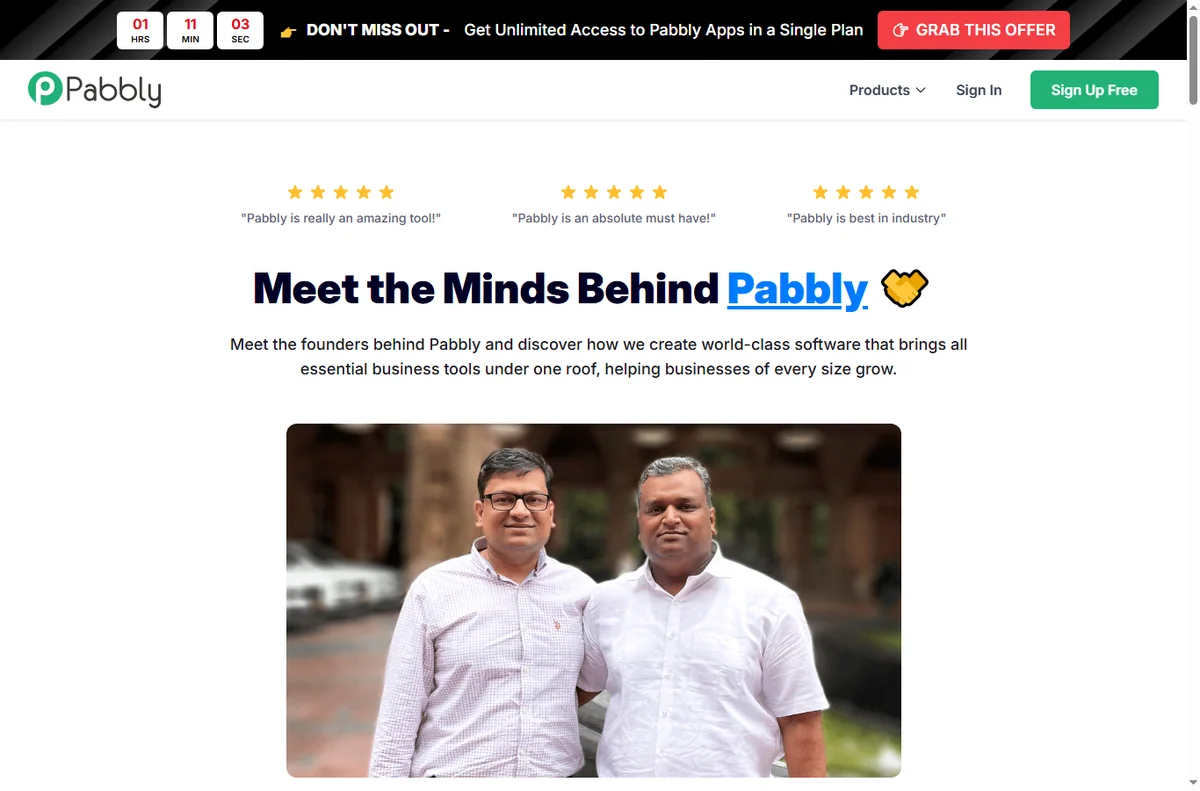
    Pabbly about page
    Pabbly about (image: pabbly.com)

    Connection expired

    A connection can lose its authorisation when a password changes or a provider revokes access, which stops every step that relies on it.

    Reconnect the app, re-authorise the account, and re-run the workflow before assuming the logic is wrong.

    Task limit reached

    Plans include a number of tasks, and once they are used the workflows wait until the next cycle, which looks like nothing working.

    Check usage against your plan, cut the runs you do not need, and move up a plan if the work is genuinely needed.

    Pabbly connect page
    Pabbly connect (image: pabbly.com)

    Wrong data mapped

    Data that lands in the wrong place is almost always a mapping problem, because a field was left unset or mapped from the wrong step.

    Open the step, re-pick the fields, and send a test record to confirm each value lands where it should.

    Pabbly integrations page
    Pabbly integrations (image: pabbly.com)

    Schedule not running

    A scheduled workflow that stops is usually switched off, waiting on its interval, or limited by how often the plan allows it to run.

    Confirm the schedule is enabled, check the interval, and look at the task history for the last few runs.

    Symptom to fix

    SymptomLikely causeFix
    Workflow not firingTrigger never matchesFix the trigger, run a test
    Connection expiredAuthorisation lostReconnect and re-authorise
    Task limit reachedPlan tasks used upCheck usage, adjust the plan
    Wrong data mappedField left unset or wrong stepRe-pick the fields and test
    Schedule not runningDisabled or wrong intervalEnable it and check the interval
    General guidance, checked October 9, 2026. Confirm specifics inside your own Pabbly setup.
    Pabbly x blog page
    Pabbly x blog (image: pabbly.com)

    Where this fits

    Start with the automation hub. For the basics read what Pabbly is, and for the setup steps see how to set up Pabbly.

    Pabbly x email page
    Pabbly x email (image: pabbly.com)

    Frequently asked

    Can I fix these myself?

    Most of them. Triggers, connections and mappings are in your account. A provider-side limit can need a support ticket.

    Why did my workflow stop?

    Often a connection lost its authorisation, or the plan ran out of tasks. Check the task history and reconnect the app.

    What happens when I run out of tasks?

    The workflows wait until the next cycle, so nothing runs until usage resets or you move up a plan.

    How do I test a workflow?

    Run it manually with sample data and watch the task history to see each step complete.

    Keep your workflows running

    Fix the common snags and stay automated.

    Some links on this page may be referral links — we may earn a reward if you sign up, at no extra cost to you. We are an independent publisher. See our Affiliate Disclosure.
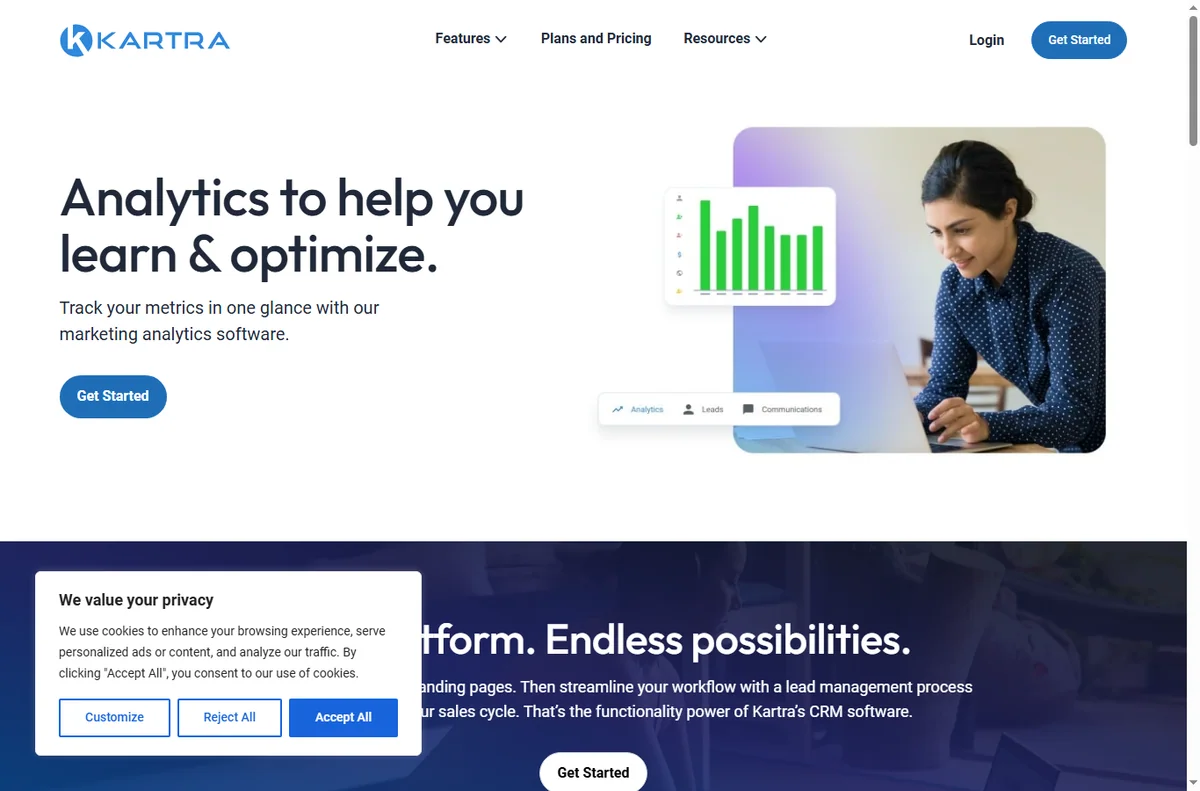
    Related reading

  • Common Leadpages problems and how to fix them

    Common Leadpages problems and how to fix them

    Home / Funnel Builders / Guides / Common Leadpages problems

    Problem · funnel builders · updated October 9, 2026

    Common Leadpages problems and how to fix them

    Most Leadpages problems fall into a few areas: a page that will not load, a domain that will not connect, form submissions that never arrive in your email tool, a checkout that will not work, or a page that search engines ignore. Here are the ones that come up most, and what to check first.

    Independent analysis. This page may contain affiliate links. If you sign up through a link on this page we may earn a reward at no extra cost to you, and it never changes what we recommend. We are an independent publisher and are not affiliated with, endorsed by, or an official partner of any tool mentioned. See our Affiliate Disclosure.

    TL;DR

    • A page that will not load is usually a DNS or domain connection that has not finished.
    • Form submissions that go missing are usually a broken integration or a wrong destination.
    • A checkout that will not work is often a payment or currency setting.
    • A page that does not rank is usually blocked from indexing or missing its SEO basics.
    • Check the exact step that failed before you change the whole page.

    On this page: Why things go wrong · Page will not load · Domain not connecting · Leads not arriving · Checkout not working · Page not indexed · Symptom to fix · Where this fits

    Why things go wrong

    A published page depends on a chain: a working domain, a live page, a form that passes the lead on, and a payment step if you sell. A fault in any link shows up as a page that underperforms.

    The quickest way to locate it is to walk through the page as a visitor: does it load, does the form submit, and does the lead appear in the tool you connected?

    Domain and DNS changes are the usual culprit because they rely on records you set outside Leadpages and can take time to take effect.

    For anything that touches publishing, change one thing at a time and retest, because several fixes at once make it hard to see which one helped.

    Leadpages home page
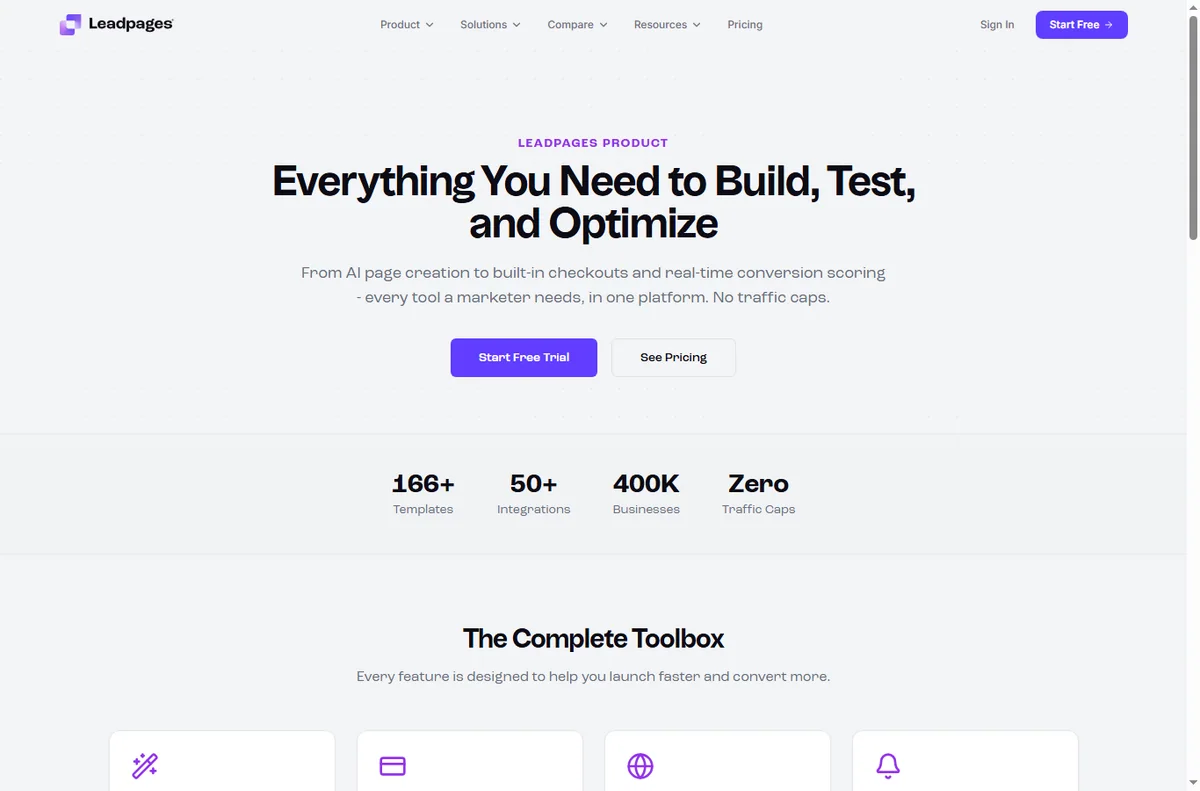
    Leadpages home (image: leadpages.com)

    Page will not load

    A page that does not load is usually the domain or its DNS records rather than the page itself, so the first check is whether the address points where it should.

    Confirm the domain is connected, give the records time to propagate, and test the page in a private window.

    Leadpages features page
    Leadpages features (image: leadpages.com)

    Domain not connecting

    Connecting a custom domain means copying records into your domain registrar, and a small typo there stops the whole thing from resolving.

    Re-copy the records exactly, check for a conflicting old record, and allow a little time before concluding it failed.

    Leads not arriving

    A form that submits but sends nothing on is usually an integration that has lost its connection or a destination that was never set.

    Reconnect the integration, confirm the destination list or CRM, and submit a test entry yourself.

    Leadpages integrations page
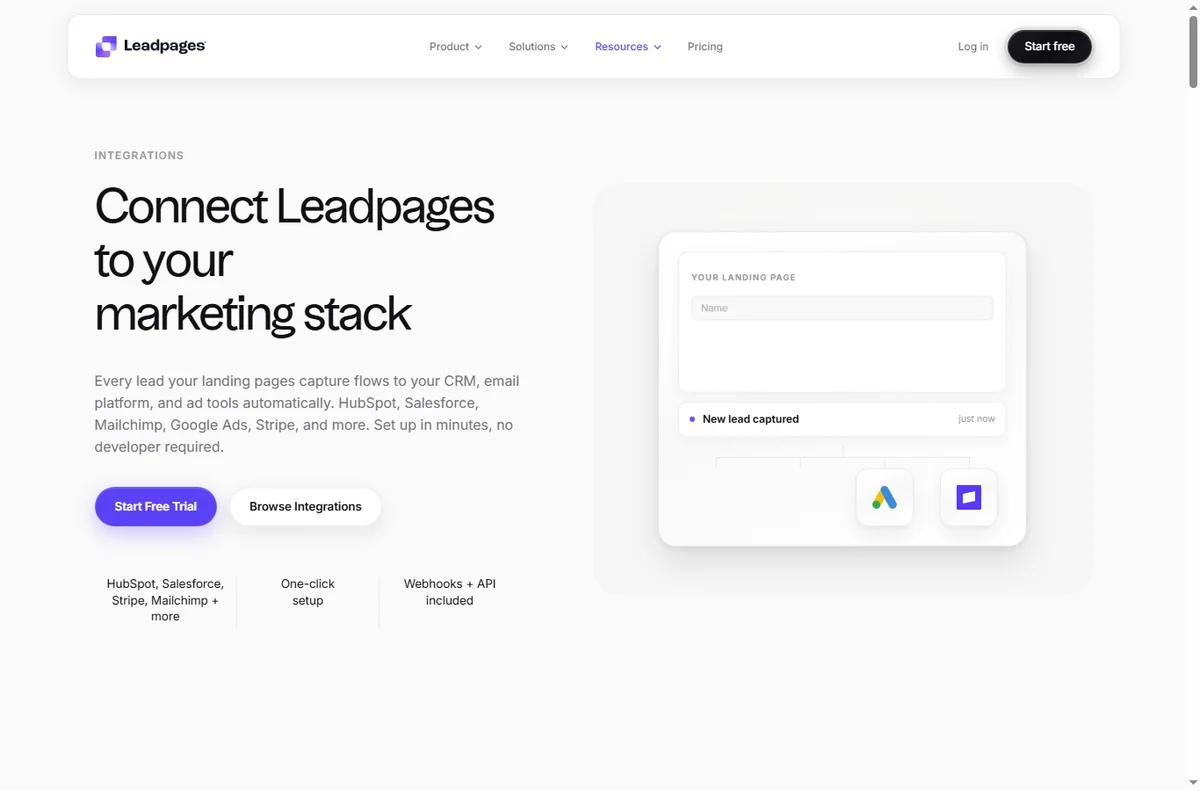
    Leadpages integrations (image: leadpages.com)

    Checkout not working

    A checkout that refuses a payment is often a payment account, currency or product setting rather than the page itself.

    Check the connected payment account, confirm the product and currency, and run a small test transaction.

    Leadpages pricing page
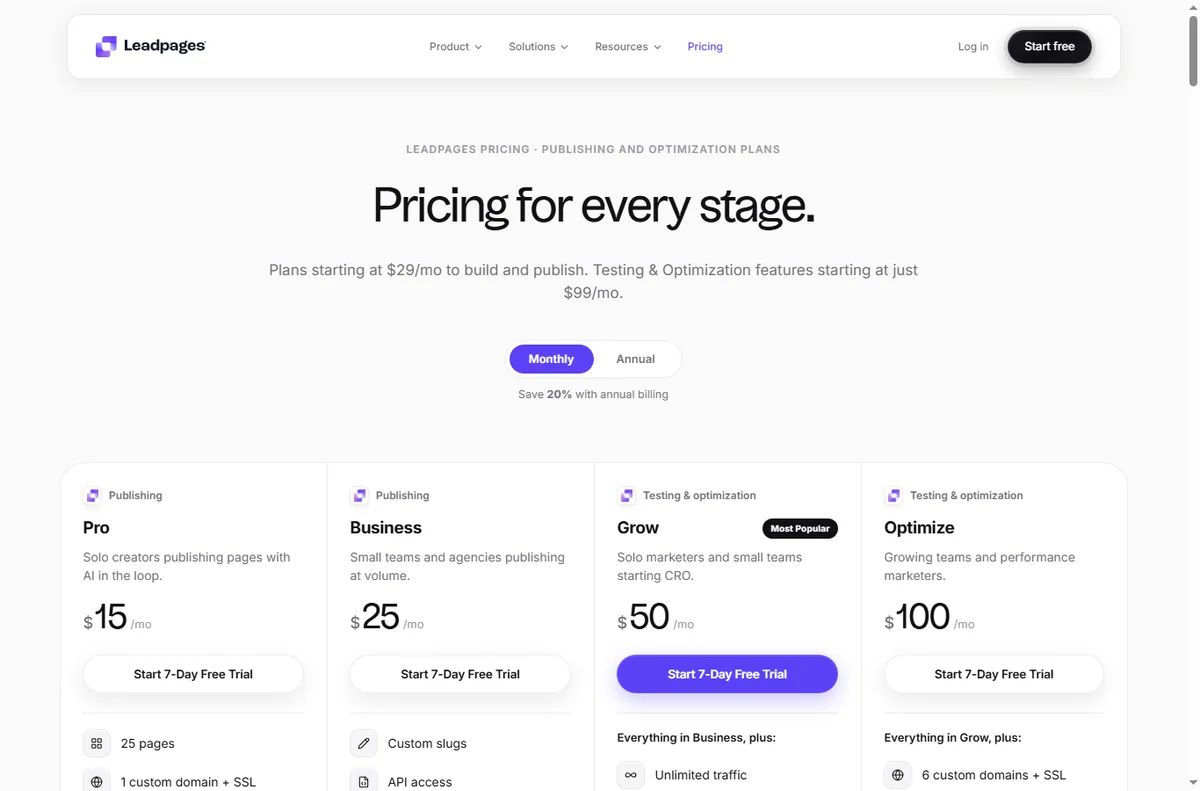
    Leadpages pricing (image: leadpages.com)

    Page not indexed

    A page that never appears in search is usually blocked by an indexing setting or missing its title and meta description.

    Turn on indexing, fill in the SEO fields, and give search engines time to recrawl.

    Symptom to fix

    SymptomLikely causeFix
    Page will not loadDNS or domain not connectedConnect the domain, allow propagation
    Domain not connectingWrong or conflicting recordsRe-copy the records exactly
    Leads not arrivingBroken integration or destinationReconnect and set the destination
    Checkout not workingPayment or currency settingCheck the account and product
    Page not indexedIndexing blocked or missing SEOEnable indexing, add title and meta
    General guidance, checked October 9, 2026. Confirm specifics inside your own Leadpages setup.
    Leadpages signup page
    Leadpages signup (image: leadpages.com)

    Where this fits

    Start with the funnel building hub. For the basics read what Leadpages is, and for the setup steps see how to set up Leadpages.

    Leadpages templates page
    Leadpages templates (image: leadpages.com)

    Frequently asked

    Can I fix these myself?

    Most of them. Domains, forms and page settings are in your control. A payment problem can need a support ticket with your payment provider.

    Why did my leads stop arriving?

    Usually the integration lost its connection or the destination list changed. Reconnect it and submit a test entry.

    How long does a domain take to connect?

    It depends on the records and your registrar. It can be near-instant or take a few hours while DNS propagates.

    Should my landing page be indexed?

    That depends on your plan. A page for search traffic should be indexed; a page only for ads often should not be.

    Get your pages converting

    Fix the common snags and keep publishing.

    Some links on this page may be referral links — we may earn a reward if you sign up, at no extra cost to you. We are an independent publisher. See our Affiliate Disclosure.

    Related reading

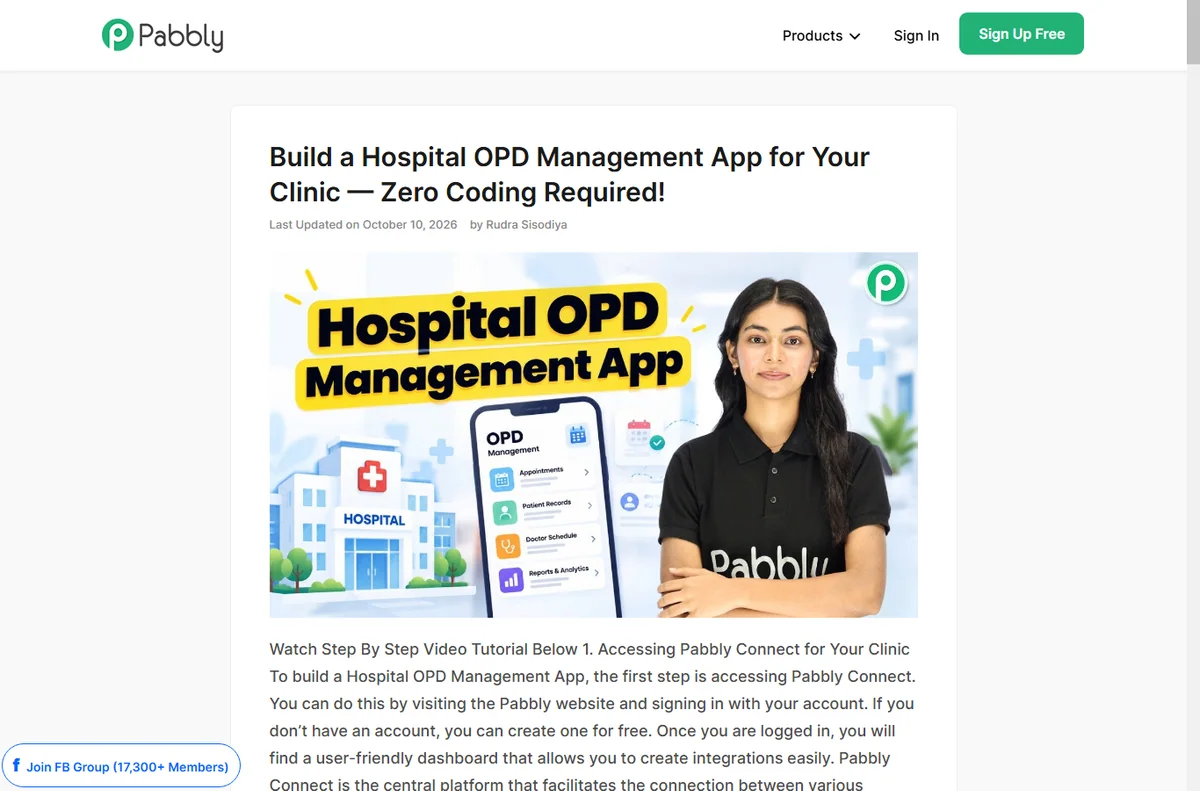
  • What is Pabbly?

    What is Pabbly?

    Home / Automation / Guides / What is Pabbly

    Knowledge · automation · updated October 9, 2026

    What is Pabbly?

    Pabbly is a family of business tools, best known for Pabbly Connect, an automation platform that moves data between the apps you already use. This guide explains what each part does, how an account is organised, and what it is not.

    Independent analysis. This page may contain affiliate links. If you sign up through a link on this page we may earn a reward at no extra cost to you, and it never changes what we recommend. We are an independent publisher and are not affiliated with, endorsed by, or an official partner of any tool mentioned. See our Affiliate Disclosure.

    TL;DR

    • Pabbly is a family of business tools, with Pabbly Connect as the best-known product.
    • It covers workflow automation, subscriptions, email marketing, forms and invoicing.
    • Connect moves data between apps with triggers and actions.
    • Each product is priced separately and usage is metered in tasks, so check the current pricing before you commit.
    • It is not a single all-in-one CRM.

    On this page: What Pabbly is · How it is organised · What it is good at · What it is not · Concept cheat sheet · Where this fits

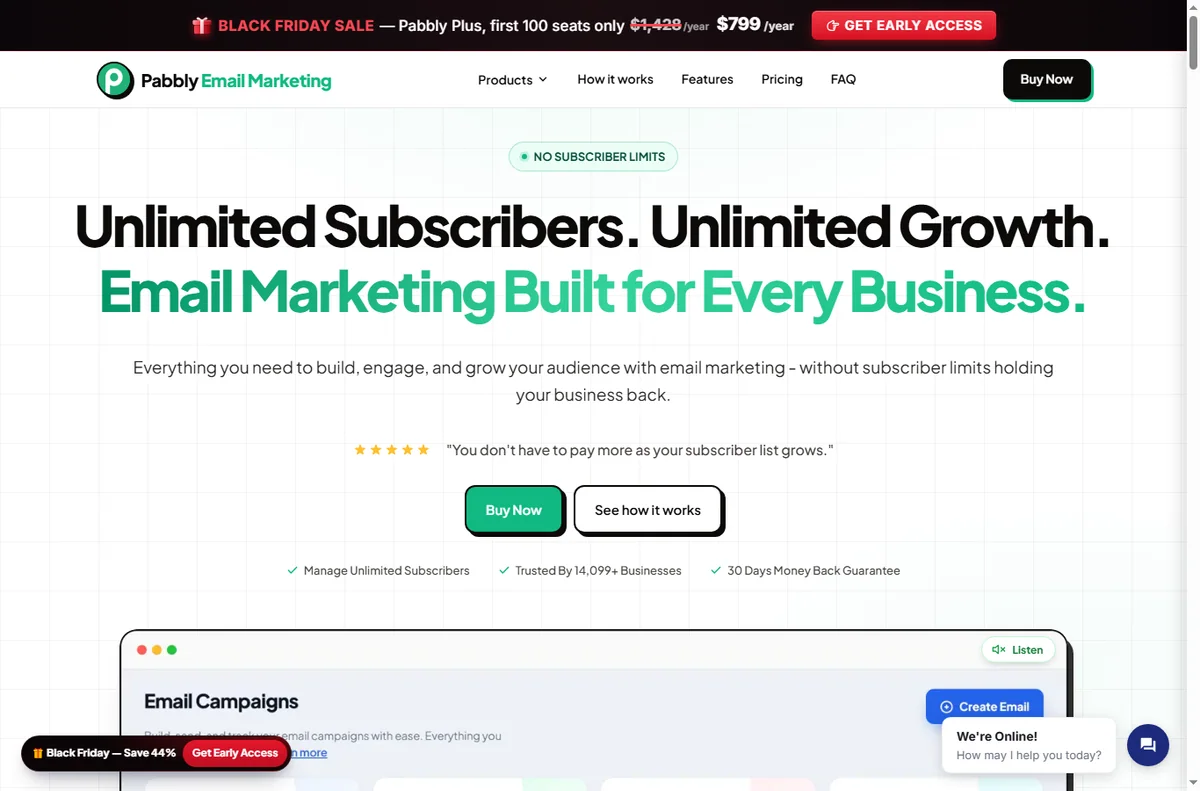
    Pabbly home page
    Pabbly home (image: pabbly.com)

    What Pabbly is

    Pabbly is a cloud service rather than software you install. Pabbly Connect is the piece most people mean: a workflow builder that links two or more apps together.

    You choose a trigger in one app and actions in another, and the workflow runs whenever that trigger fires, without anyone copying data by hand.

    Alongside Connect sit the other Pabbly products: subscriptions and billing, email marketing, forms and invoicing, each sold and used on its own.

    Because the products are separate, an account can use just one of them, and you only pay for what you switch on.

    The organising idea is that a small business can replace repetitive manual work with a workflow it builds once.

    Pabbly about page
    Pabbly about (image: pabbly.com)

    How Pabbly is organised

    Connect is organised around workflows. Each workflow has a trigger that starts it and one or more actions that follow, and steps can be filtered or routed so only matching data continues.

    Each workflow leans on connections you authorise once, so an app stays linked until you remove or refresh it.

    Tasks are the unit of work: every time a workflow runs it consumes a task, and reports show how many ran and where they stalled.

    Pabbly connect page
    Pabbly connect (image: pabbly.com)

    What Pabbly is good at

    • Automating a handoff between two apps you already use.
    • Building multi-step workflows with filters and routing.
    • Capturing data from a webhook or form and filing it elsewhere.
    • Replacing copy-and-paste work without hiring a developer.
    • Starting on a single product and adding others later.
    Pabbly integrations page
    Pabbly integrations (image: pabbly.com)

    What Pabbly is not

    • Not a single all-in-one CRM: the products are separate tools.
    • Not a general website builder: it connects apps rather than publishing a site.
    • Not unlimited on a free tier, so check the current pricing and task limits.
    • Not a guarantee that every run succeeds: the limits of each app still apply.

    Concept cheat sheet

    ConceptMeaningWhy it matters
    WorkflowA sequence of a trigger and actionsAutomate a repeatable job
    TriggerThe event that starts a workflowDecide when it runs
    ActionA step performed in an appDo the work automatically
    TaskOne run of a workflowMeasure usage against a plan
    Filter / routerA condition that splits the flowSend only matching data
    ConnectionAn authorised link to an appKeep the app signed in
    Based on publicly documented behaviour, checked October 9, 2026.
    Pabbly x blog page
    Pabbly x blog (image: pabbly.com)

    Where this fits

    Start with the automation hub. For the practical steps see how to set up Pabbly, and for everyday usage read how to use Pabbly for a small business.

    Pabbly x email page
    Pabbly x email (image: pabbly.com)

    Frequently asked

    Is Pabbly one product?

    No. It is a family of products, each with its own purpose. Pabbly Connect, the automation tool, is the one most people start with.

    Do I need to code?

    No. Workflows are built from triggers and actions you pick from a list, though a webhook option exists when you need it.

    What is a task?

    A task is one run of a workflow. Every execution uses one, which is how usage is measured against your plan.

    Can I connect any app?

    There are many built-in integrations plus a webhook route for apps that are not on the list.

    Is there a free plan?

    Each product has a free tier with limits. For regular use you will want a paid plan, so check the current pricing.

    Put your busywork on autopilot

    Connect your apps and let the workflows run.

    Some links on this page may be referral links — we may earn a reward if you sign up, at no extra cost to you. We are an independent publisher. See our Affiliate Disclosure.
    Related reading

  • What is Leadpages?

    What is Leadpages?

    Home / Funnel Builders / Guides / What is Leadpages

    Knowledge · funnel builders · updated October 9, 2026

    What is Leadpages?

    Leadpages is a landing page builder that lets you publish pages built to convert without touching code. This guide explains what each part does, how an account is organised, and what it is not.

    Independent analysis. This page may contain affiliate links. If you sign up through a link on this page we may earn a reward at no extra cost to you, and it never changes what we recommend. We are an independent publisher and are not affiliated with, endorsed by, or an official partner of any tool mentioned. See our Affiliate Disclosure.

    TL;DR

    • Leadpages is a landing page builder with a drag-and-drop editor.
    • It covers templates, lead capture forms, pop-ups, alert bars and a built-in checkout.
    • Pages connect out to your email tool or CRM through integrations.
    • Plans differ, so check the current pricing before you commit.
    • It is not a full marketing automation suite or a general-purpose CMS.

    On this page: What Leadpages is · How it is organised · What it is good at · What it is not · Concept cheat sheet · Where this fits

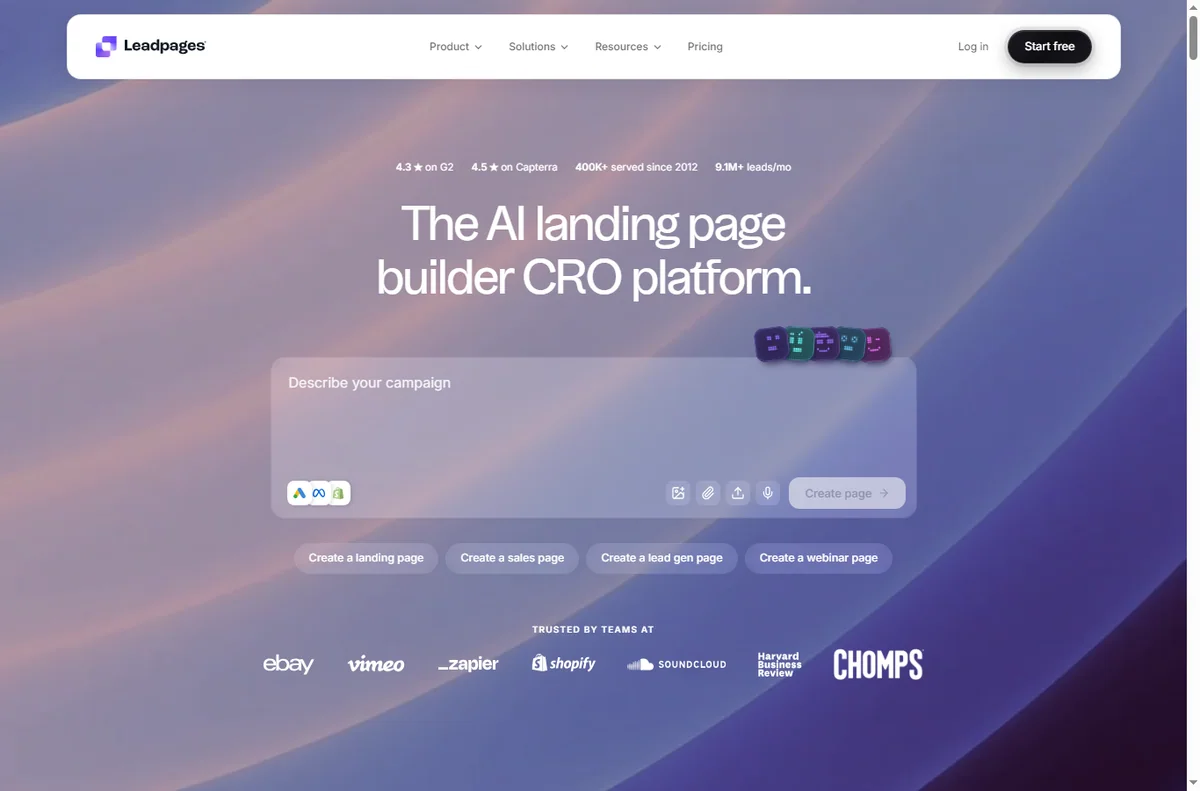
    Leadpages home page
    Leadpages home (image: leadpages.com)

    What Leadpages is

    Leadpages is a cloud service rather than software you install. You pick a template, edit it on screen, and publish a page to a web address on the platform.

    Around the page builder sit the parts that turn visits into contacts: lead capture forms, pop-ups and alert bars, all attached to the same page or site.

    Pages connect outwards through integrations, so an opt-in can be pushed into your email tool or CRM the moment someone submits it.

    A checkout step is built in as well, so you can take a payment on the page rather than sending people somewhere else.

    Conversion is the organising idea: templates, testing options and page analytics all point at getting more of your visitors to act.

    Leadpages features page
    Leadpages features (image: leadpages.com)

    How Leadpages is organised

    Everything sits under one account. Pages are the main object, and each one has a layout, a form and a web address you control.

    Pop-ups and alert bars are separate assets you switch on over a page or site, while forms decide where a submission is sent.

    Integrations and billing sit alongside, and reporting shows visits and conversion for each page.

    Leadpages integrations page
    Leadpages integrations (image: leadpages.com)

    What Leadpages is good at

    • Publishing a landing page quickly without a developer.
    • Templates that already follow conversion conventions.
    • Capturing leads with forms, pop-ups and alert bars.
    • Taking payments on the page with a built-in checkout.
    • Connecting an opt-in straight into your email tool or CRM.
    Leadpages pricing page
    Leadpages pricing (image: leadpages.com)

    What Leadpages is not

    • Not a full marketing automation suite: follow-up usually happens in the tool you connect.
    • Not a general-purpose CMS: it builds pages and small sites, not a large content site.
    • Not unlimited on a free tier, so check the current pricing and limits.
    • Not a guarantee of conversions: the offer and the traffic still do most of the work.

    Concept cheat sheet

    ConceptMeaningWhy it matters
    Landing pageA single page built to convertCapture a lead or a sale
    TemplateA ready-made page layoutStart from a proven design
    Drag-and-drop builderVisual editing without codeChange a page yourself
    Lead capture formA form placed on a pageCollect contact details
    Pop-up / alert barAn overlay or strip on a pageDraw attention to an offer
    IntegrationA link to another appSend leads to your email tool
    Based on publicly documented behaviour, checked October 9, 2026.
    Leadpages signup page
    Leadpages signup (image: leadpages.com)

    Where this fits

    Start with the funnel building hub. For the practical steps see how to set up Leadpages, and for everyday usage read how to use Leadpages for a small business.

    Leadpages templates page
    Leadpages templates (image: leadpages.com)

    Frequently asked

    Do I need to know how to code?

    No. The editor is drag-and-drop, and templates give you a working page to edit.

    Can I use my own domain?

    Yes. You can connect a custom domain by adding the records your registrar needs.

    Does it replace my email tool?

    No. It captures the lead and passes it on, but the email sequence still runs in your email tool or CRM.

    Can I take payments?

    Yes. There is a built-in checkout so a page can collect a payment as well as a lead.

    Is there a free plan?

    There is a free tier with limits. For more pages and features you will want a paid plan, so check the current pricing.

    Build a page that converts

    Templates, forms and checkout in one place.

    Some links on this page may be referral links — we may earn a reward if you sign up, at no extra cost to you. We are an independent publisher. See our Affiliate Disclosure.

    Related reading

  • Common EmailOctopus problems and how to fix them

    Common EmailOctopus problems and how to fix them

    Home / Email Marketing / Guides / Common EmailOctopus problems

    Problem · email marketing · updated October 9, 2026

    Common EmailOctopus problems and how to fix them

    Most EmailOctopus problems fall into a few areas: campaigns that land in spam, subscribers who never receive them, automations that do not fire, forms that do not capture, or a sending connection that needs checking. Here are the ones that come up most, and what to check first.

    Independent analysis. This page may contain affiliate links. If you sign up through a link on this page we may earn a reward at no extra cost to you, and it never changes what we recommend. We are an independent publisher and are not affiliated with, endorsed by, or an official partner of any tool mentioned. See our Affiliate Disclosure.

    TL;DR

    • Campaigns in spam are usually about authentication records and list hygiene.
    • Missing emails are often bounces, a wrong segment or a suppressed address.
    • An automation that will not fire usually has a trigger or filter that never matches.
    • A form that captures nothing is usually a broken embed or a wrong list.
    • A sending connection needs its own verification, so check it early.

    On this page: Why things go wrong · Campaigns in spam · Subscribers missing · Automation not firing · Forms not capturing · Sending connection failing · Symptom to fix · Where this fits

    Why things go wrong

    Email depends on a chain: a verified sending domain, clean lists, and an automation or form that passes the contact through. A fault in any link shows up as mail that does not arrive.

    The quickest way to locate it is to follow one contact end to end: were they added, did the trigger fire, and what does their activity show?

    Because sending can run through Amazon SES, there is an extra link in the chain: the connection between your account and your own sending credentials has to stay valid.

    For anything that touches sending, change one thing at a time and watch the next campaign, because several fixes at once make it hard to see which one helped.

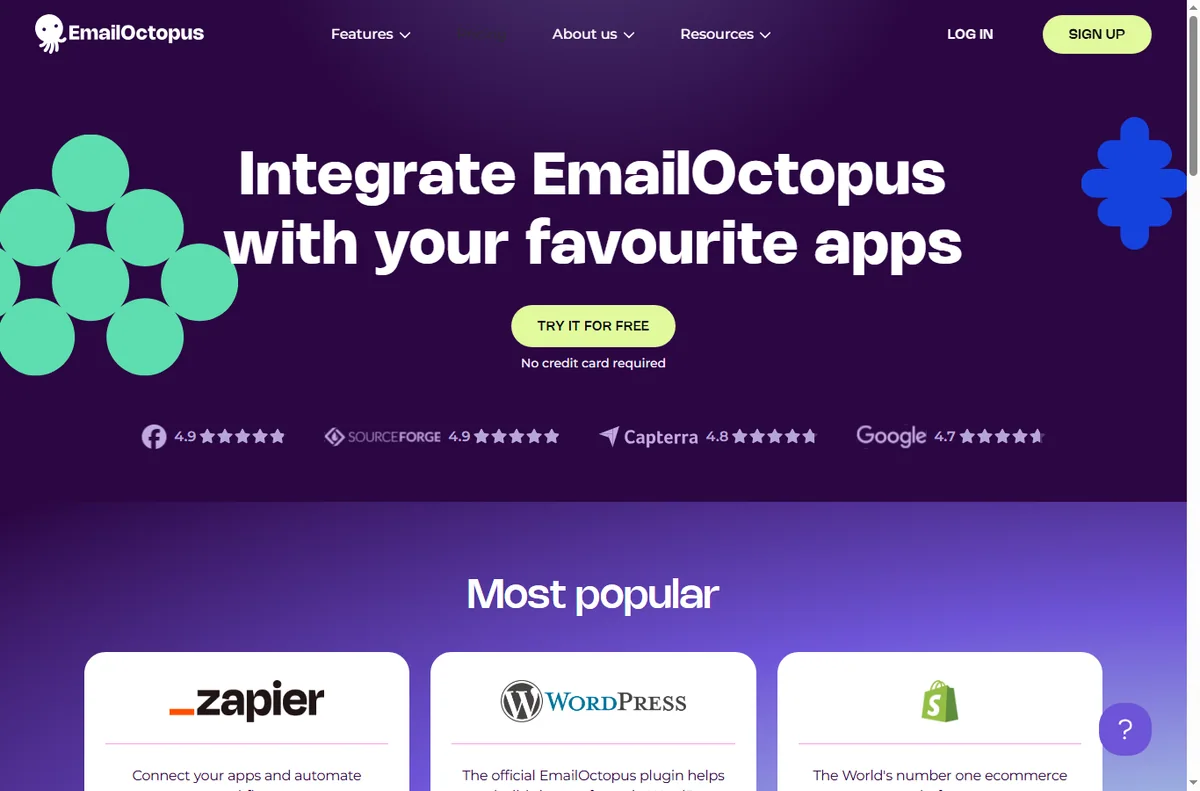
    Emailoctopus home page
    Emailoctopus home (image: emailoctopus.com)

    Campaigns in spam

    Spam placement is usually about authentication, so mail sent from a domain without SPF, DKIM and DMARC looks unfamiliar to the receiving provider.

    Confirm those records for your sending domain, and check whether the list contains addresses that never engaged, which drags reputation down.

    Emailoctopus blog page
    Emailoctopus blog (image: emailoctopus.com)

    Subscribers missing

    A subscriber who never received the email was probably bounced, suppressed, or filtered out by the segment you sent to.

    Check the contact activity, the segment rules, and the suppression list before you resend anything.

    Automation not firing

    An automation only runs when its trigger matches, so a join condition or a filter that is never true leaves the journey idle.

    Read the workflow from the start, confirm the trigger event, and test with a contact you control.

    Emailoctopus features page
    Emailoctopus features (image: emailoctopus.com)

    Forms not capturing

    A form that collects nothing is usually embedded incorrectly or pointed at the wrong list, so submissions have nowhere to land.

    Re-check the embed code, confirm the form is connected to a list, and submit a test yourself.

    Emailoctopus integrations page
    Emailoctopus integrations (image: emailoctopus.com)

    Sending connection failing

    When a campaign will not send, the sending connection is the first thing to rule out, because an expired key or an unverified identity stops delivery.

    Reconnect the sending service, confirm the domain is verified, and send yourself a test before a full campaign.

    Symptom to fix

    SymptomLikely causeFix
    Campaigns in spamMissing authentication recordsAdd SPF, DKIM and DMARC
    Subscribers missingBounce, suppression or segmentCheck activity and segment rules
    Automation not firingTrigger or filter never matchesFix the trigger, run a test
    Forms not capturingBad embed or wrong listRe-embed and connect the list
    Sending connection failingExpired key or unverified domainReconnect and verify
    General guidance, checked October 9, 2026. Confirm specifics inside your own EmailOctopus setup.
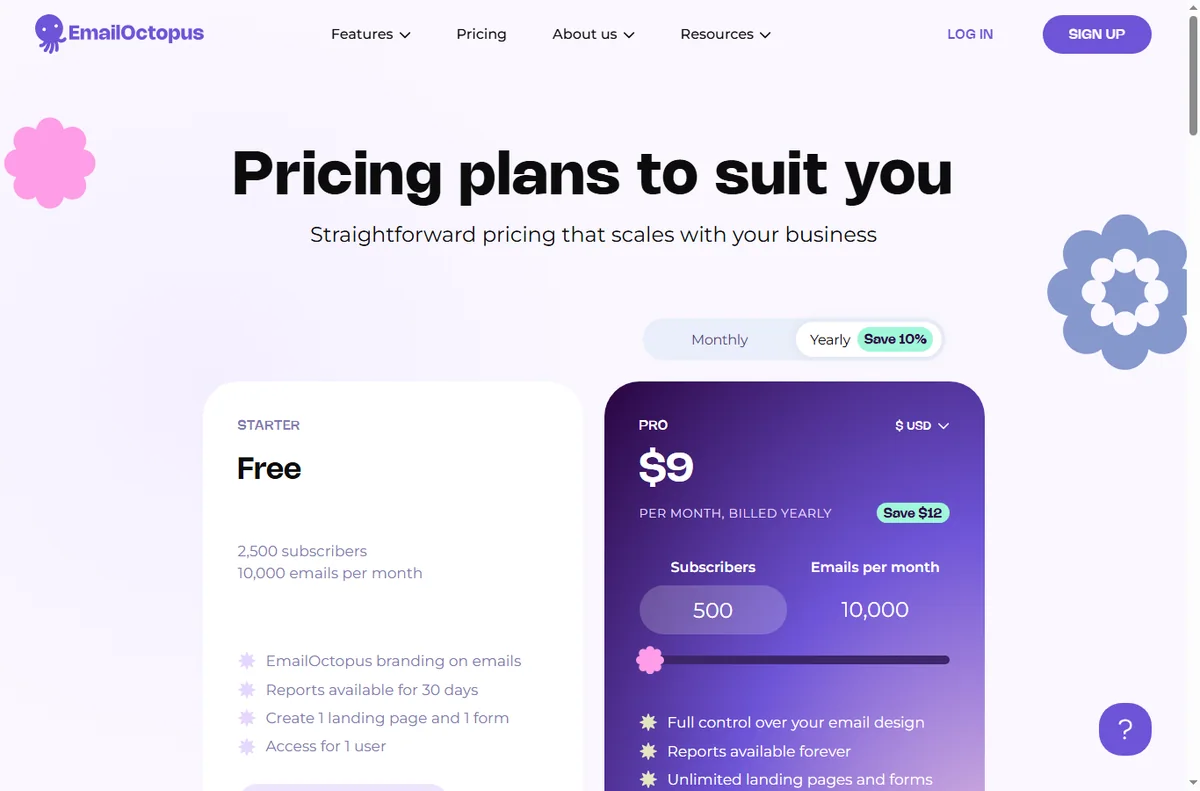
    Emailoctopus pricing page
    Emailoctopus pricing (image: emailoctopus.com)

    Where this fits

    Start with the email marketing hub. For the basics read what EmailOctopus is, and for the setup steps see how to set up EmailOctopus.

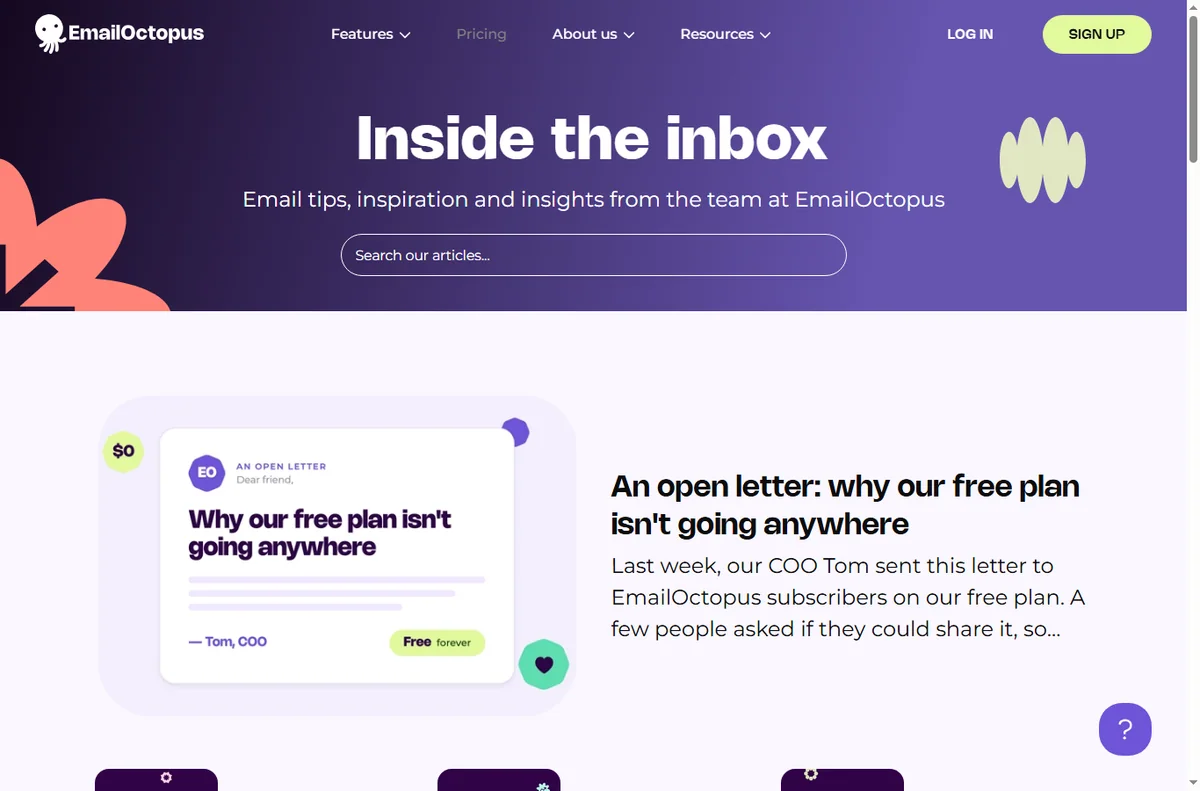
    Icode editorial illustration
    Icode editorial illustration (image: icode.io.vn)

    Frequently asked

    Can I fix these myself?

    Most of them. Records, forms and automations are in your control. Deliverability issues can need a support ticket.

    Why do emails bounce?

    An address that is closed, full or misspelled will bounce. Repeated bounces are suppressed so they stop harming your reputation.

    Why did only some people get the email?

    The segment decided that. Check its rules, and remember that suppressed addresses are excluded on purpose.

    How do I test an automation?

    Add a contact you control and walk through the trigger yourself. The activity view shows each step as it runs.

    Get your campaigns delivered

    Fix the common snags and keep sending.

    Some links on this page may be referral links — we may earn a reward if you sign up, at no extra cost to you. We are an independent publisher. See our Affiliate Disclosure.

    Related reading

  • What is EmailOctopus?

    What is EmailOctopus?

    Home / Email Marketing / Guides / What is EmailOctopus

    Knowledge · email marketing · updated October 9, 2026

    What is EmailOctopus?

    EmailOctopus is an email marketing platform for sending campaigns, building automations and capturing subscribers with forms and landing pages. This guide explains what each part does, how an account is organised, and what it is not.

    Independent analysis. This page may contain affiliate links. If you sign up through a link on this page we may earn a reward at no extra cost to you, and it never changes what we recommend. We are an independent publisher and are not affiliated with, endorsed by, or an official partner of any tool mentioned. See our Affiliate Disclosure.

    TL;DR

    • EmailOctopus is an email marketing and automation platform.
    • It covers campaigns, automations, signup forms, landing pages and reports.
    • It can send through Amazon SES, so mail leaves from your own sending setup.
    • Plans scale with your subscriber count, so check the current pricing before you commit.
    • It is not a full CRM or a general website builder.

    On this page: What EmailOctopus is · How it is organised · What it is good at · What it is not · Concept cheat sheet · Where this fits

    Emailoctopus home page
    Emailoctopus home (image: emailoctopus.com)

    What EmailOctopus is

    EmailOctopus is a cloud service rather than software you run yourself. You import or collect subscribers, build an email, and send it in a few clicks.

    Around the campaign editor sit the parts that make sending repeatable: automation workflows, signup forms, landing pages and the reports that show what happened.

    A notable part of the setup is how it sends: the platform can connect to Amazon Simple Email Service so email leaves through your own sending infrastructure.

    Templates and a visual editor sit in front of the sending engine, so you design an email on screen and the platform handles delivery, tracking and unsubscribes for you.

    Consent is part of the model: subscribers arrive through forms and landing pages, and the account keeps a record of how each person joined.

    Emailoctopus blog page
    Emailoctopus blog (image: emailoctopus.com)

    How EmailOctopus is organised

    Everything sits under one account. Your contacts live in lists, and segments carve those lists into the people you actually want to reach.

    Campaigns are one-off sends, while automations are journeys that fire when someone joins, clicks or buys. Both draw on the same templates and lists.

    Forms and landing pages feed the lists, and reporting closes the loop by showing opens, clicks and unsubscribes per campaign.

    Emailoctopus features page
    Emailoctopus features (image: emailoctopus.com)

    What EmailOctopus is good at

    • Sending a first campaign without a long setup.
    • Keeping sending costs down by using Amazon SES.
    • Automations that follow up while you get on with other work.
    • Capturing subscribers with forms and landing pages.
    • Splitting a list with segments so the right people get each email.
    Emailoctopus integrations page
    Emailoctopus integrations (image: emailoctopus.com)

    What EmailOctopus is not

    • Not a CRM: it does not manage a sales pipeline or deals.
    • Not a general website builder: the pages are for campaigns, not a full site.
    • Not unlimited on a free tier, so check the current pricing and limits.
    • Not a guarantee of inbox placement: deliverability still depends on your list and content.

    Concept cheat sheet

    ConceptMeaningWhy it matters
    CampaignA single email sent to a listAnnounce or promote something
    AutomationA journey triggered by an actionFollow up automatically
    List and segmentContacts grouped by criteriaSend to the right people
    Signup formA way to collect subscribersGrow the list from a site
    Landing pageA hosted page tied to a campaignCapture leads in one step
    Amazon SES connectionSending through your own AWS accountControl sending and cost
    Based on publicly documented behaviour, checked October 9, 2026.
    Emailoctopus pricing page
    Emailoctopus pricing (image: emailoctopus.com)

    Where this fits

    Start with the email marketing hub. For the practical steps see how to set up EmailOctopus, and for everyday usage read how to use EmailOctopus for a small business.

    Icode editorial illustration
    Icode editorial illustration (image: icode.io.vn)

    Frequently asked

    Is EmailOctopus a CRM?

    No. It is an email marketing platform. It manages lists and campaigns rather than deals and pipelines.

    Can I automate follow-ups?

    Yes. Automations fire on joins, clicks or purchases, so a sequence can run without manual sends.

    Do I need my own website for forms?

    No. Landing pages are hosted for you, and forms can be embedded on a site you already have.

    Is there a free plan?

    There is a free tier with limits. For larger lists you will want a paid plan, so check the current pricing.

    Does it send through Amazon SES?

    It can send through Amazon SES, which is one reason many teams choose it, but confirm the details of your own plan and setup.

    Send your first campaign

    Campaigns, automations and forms in one account.

    Some links on this page may be referral links — we may earn a reward if you sign up, at no extra cost to you. We are an independent publisher. See our Affiliate Disclosure.

    Related reading

  • Common Moosend problems and how to fix them

    Common Moosend problems and how to fix them

    Home / Email Marketing / Guides / Common Moosend problems

    Problem · email marketing · updated October 9, 2026

    Common Moosend problems and how to fix them

    Most Moosend problems fall into a few areas: campaigns that land in spam, subscribers who never receive them, automations that do not fire, forms that do not capture, or an account that needs verifying. Here are the ones that come up most, and what to check first.

    Independent analysis. This page may contain affiliate links. If you sign up through a link on this page we may earn a reward at no extra cost to you, and it never changes what we recommend. We are an independent publisher and are not affiliated with, endorsed by, or an official partner of any tool mentioned. See our Affiliate Disclosure.

    TL;DR

    • Campaigns in spam are usually about authentication records and list hygiene.
    • Missing emails are often bounces, a wrong segment or a suppressed address.
    • An automation that will not fire usually has a trigger or filter that never matches.
    • A form that captures nothing is usually a broken embed or a wrong list.
    • Check the exact step that failed before you change the whole setup.

    On this page: Why things go wrong · Campaigns in spam · Subscribers missing · Automation not firing · Forms not capturing · Account not verified · Symptom to fix · Where this fits

    Why things go wrong

    Email depends on a chain: a verified sending domain, clean lists, and an automation or form that passes the contact through. A fault in any link shows up as mail that does not arrive.

    The quickest way to locate it is to follow one contact end to end: were they added, did the trigger fire, and what does their activity show?

    Deliverability in particular sits outside your account: the receiving mailbox decides what to do with the message, and your job is to make that decision easy.

    For anything that touches sending, change one thing at a time and watch the next campaign, because several fixes at once make it hard to see which one helped.

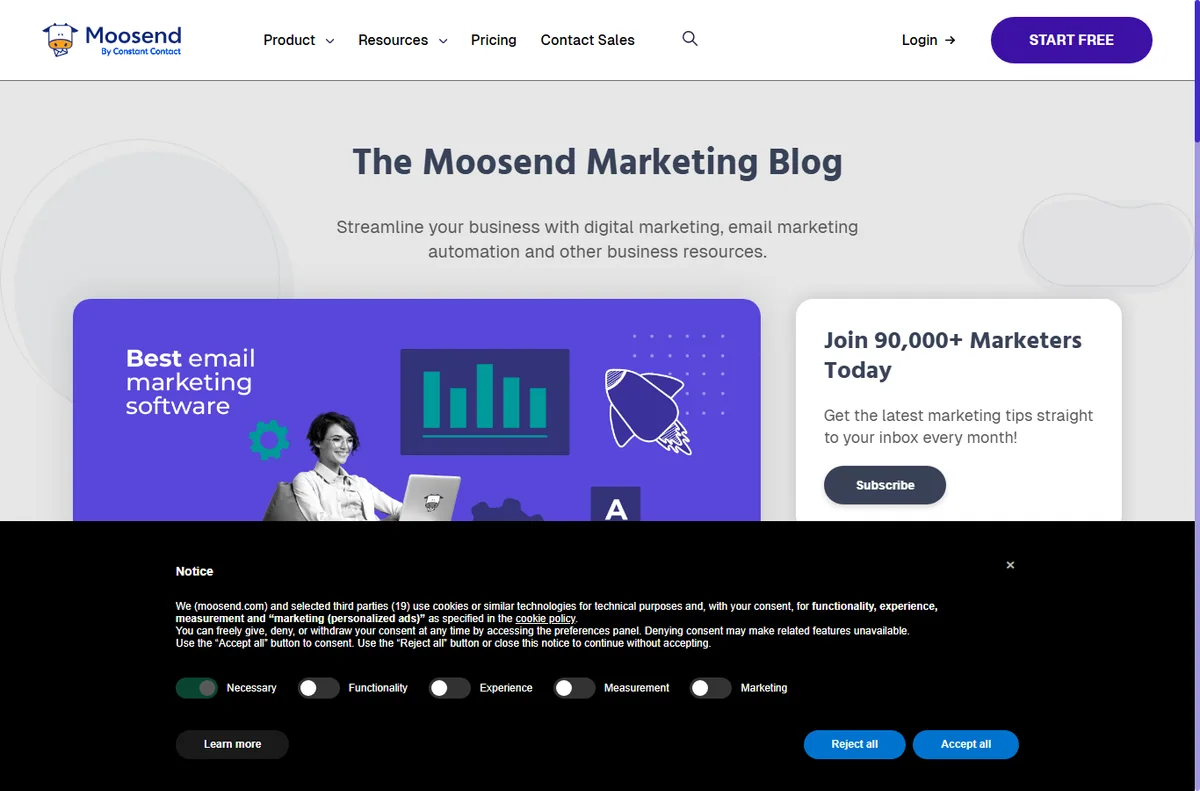
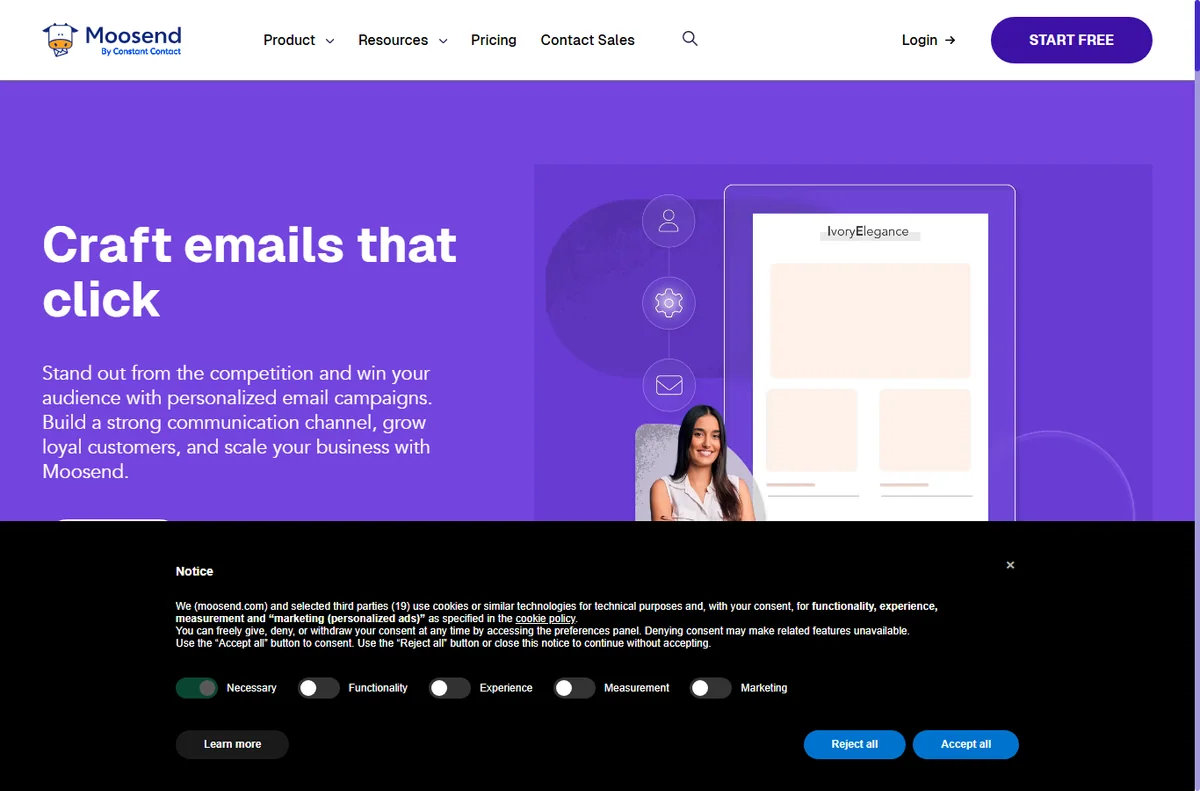
    Moosend home page
    Moosend home (image: moosend.com)

    Campaigns in spam

    Spam placement is usually about authentication, so mail sent from a domain without SPF, DKIM and DMARC looks unfamiliar to the receiving provider.

    Confirm those records for your sending domain, and check whether the list contains addresses that never engaged, which drags reputation down.

    Moosend blog page
    Moosend blog (image: moosend.com)

    Subscribers missing

    A subscriber who never received the email was probably bounced, suppressed, or filtered out by the segment you sent to.

    Check the contact’s activity, the segment rules, and the suppression list before you resend anything.

    Automation not firing

    An automation only runs when its trigger matches, so a join condition or a filter that is never true leaves the journey idle.

    Read the workflow from the start, confirm the trigger event, and test with a contact you control.

    Moosend emailmarketing page
    Moosend emailmarketing (image: moosend.com)

    Forms not capturing

    A form that collects nothing is usually embedded incorrectly or pointed at the wrong list, so submissions have nowhere to land.

    Re-check the embed code, confirm the form is connected to a list, and submit a test yourself.

    Moosend features page
    Moosend features (image: moosend.com)

    Account not verified

    Sending is often held back until the account and sending domain are verified, which is a safety step rather than an error.

    Look for the verification email, complete the domain records, and allow a little time for the status to update.

    Symptom to fix

    SymptomLikely causeFix
    Campaigns in spamMissing authentication recordsAdd SPF, DKIM and DMARC
    Subscribers missingBounce, suppression or segmentCheck activity and segment rules
    Automation not firingTrigger or filter never matchesFix the trigger, run a test
    Forms not capturingBad embed or wrong listRe-embed and connect the list
    Account not verifiedPending verificationConfirm domain and email
    General guidance, checked October 9, 2026. Confirm specifics inside your own Moosend setup.
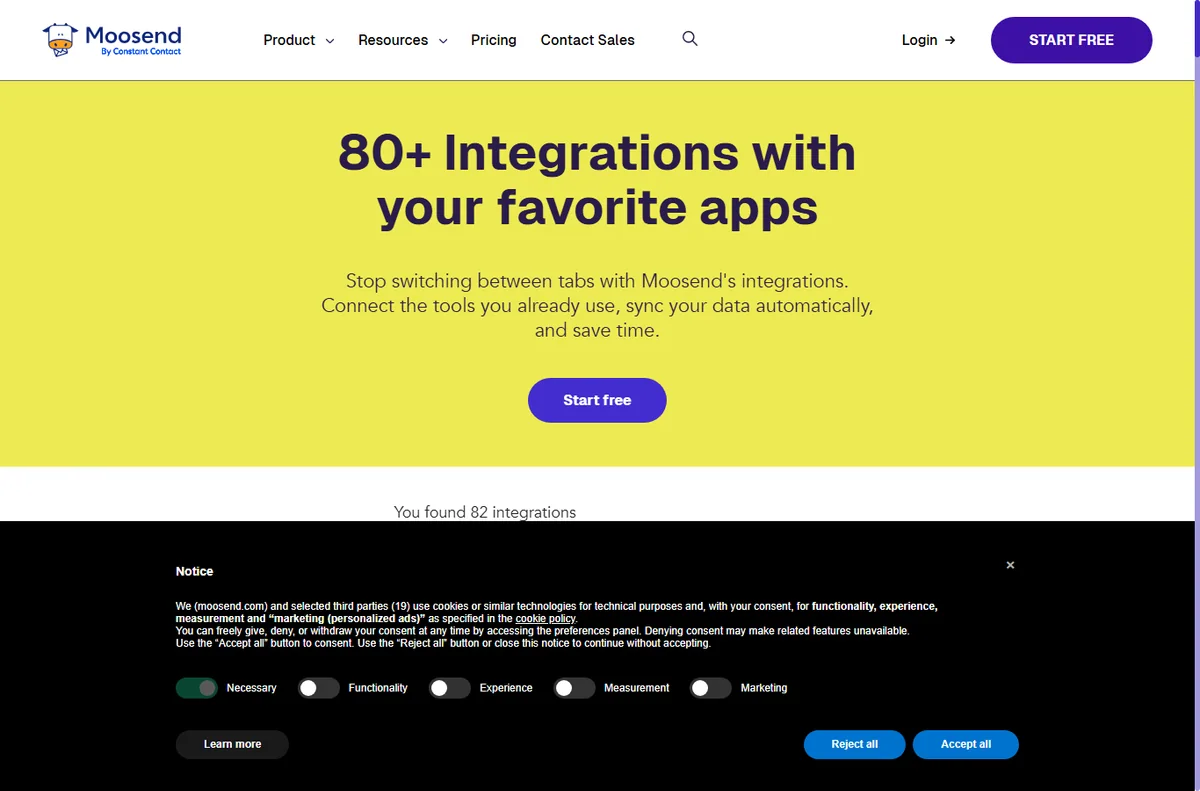
    Moosend integrations page
    Moosend integrations (image: moosend.com)

    Where this fits

    Start with the email marketing hub. For the basics read what Moosend is, and for the setup steps see how to set up Moosend.

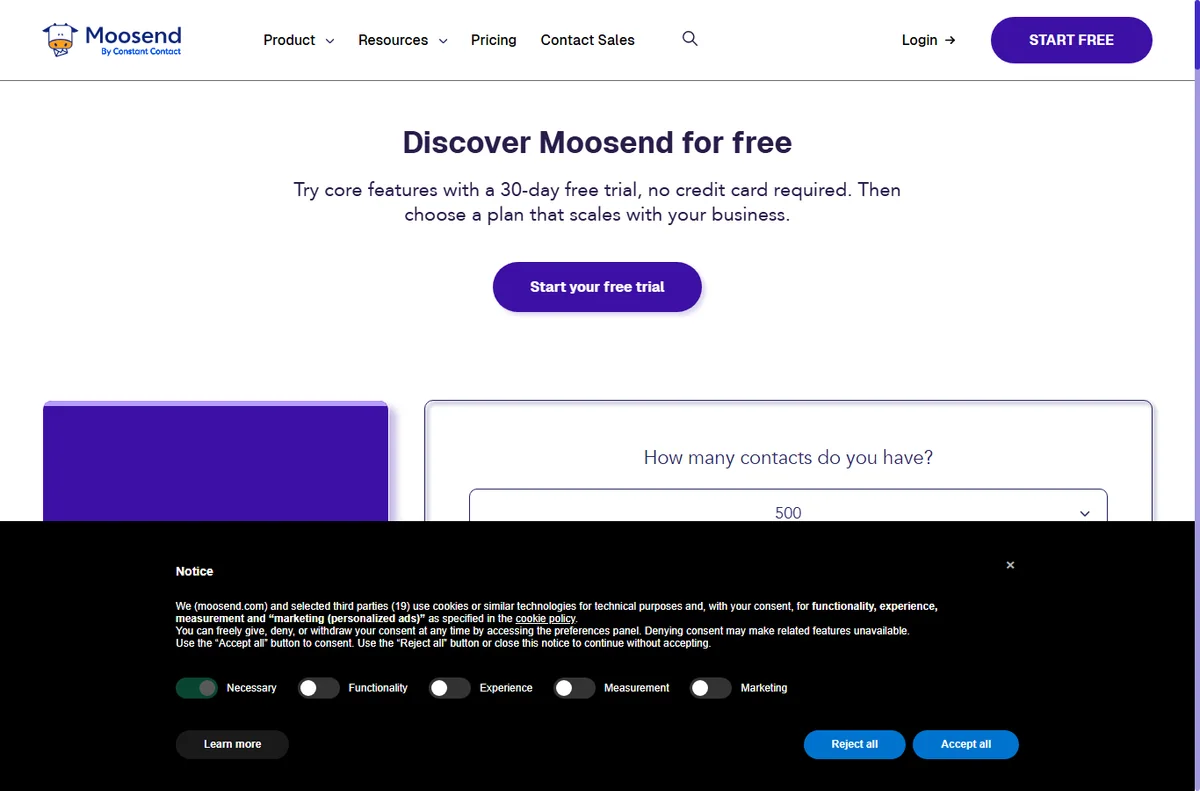
    Moosend pricing page
    Moosend pricing (image: moosend.com)

    Frequently asked

    Can I fix these myself?

    Most of them. Records, forms and automations are in your control. Deliverability issues can need a support ticket.

    Why do emails bounce?

    An address that is closed, full or misspelled will bounce. Repeated bounces are suppressed so they stop harming your reputation.

    Why did only some people get the email?

    The segment decided that. Check its rules, and remember that suppressed addresses are excluded on purpose.

    How do I test an automation?

    Add a contact you control and walk through the trigger yourself. The activity view shows each step as it runs.

    Get your campaigns delivered

    Fix the common snags and keep sending.

    Some links on this page may be referral links — we may earn a reward if you sign up, at no extra cost to you. We are an independent publisher. See our Affiliate Disclosure.
    Related reading