Home / Funnel Builders / Guides / Common Leadpages problems
Problem · funnel builders · updated October 9, 2026
Common Leadpages problems and how to fix them
Most Leadpages problems fall into a few areas: a page that will not load, a domain that will not connect, form submissions that never arrive in your email tool, a checkout that will not work, or a page that search engines ignore. Here are the ones that come up most, and what to check first.
Independent analysis. This page may contain affiliate links. If you sign up through a link on this page we may earn a reward at no extra cost to you, and it never changes what we recommend. We are an independent publisher and are not affiliated with, endorsed by, or an official partner of any tool mentioned. See our Affiliate Disclosure.
TL;DR
- A page that will not load is usually a DNS or domain connection that has not finished.
- Form submissions that go missing are usually a broken integration or a wrong destination.
- A checkout that will not work is often a payment or currency setting.
- A page that does not rank is usually blocked from indexing or missing its SEO basics.
- Check the exact step that failed before you change the whole page.
On this page: Why things go wrong · Page will not load · Domain not connecting · Leads not arriving · Checkout not working · Page not indexed · Symptom to fix · Where this fits
Why things go wrong
A published page depends on a chain: a working domain, a live page, a form that passes the lead on, and a payment step if you sell. A fault in any link shows up as a page that underperforms.
The quickest way to locate it is to walk through the page as a visitor: does it load, does the form submit, and does the lead appear in the tool you connected?
Domain and DNS changes are the usual culprit because they rely on records you set outside Leadpages and can take time to take effect.
For anything that touches publishing, change one thing at a time and retest, because several fixes at once make it hard to see which one helped.
Page will not load
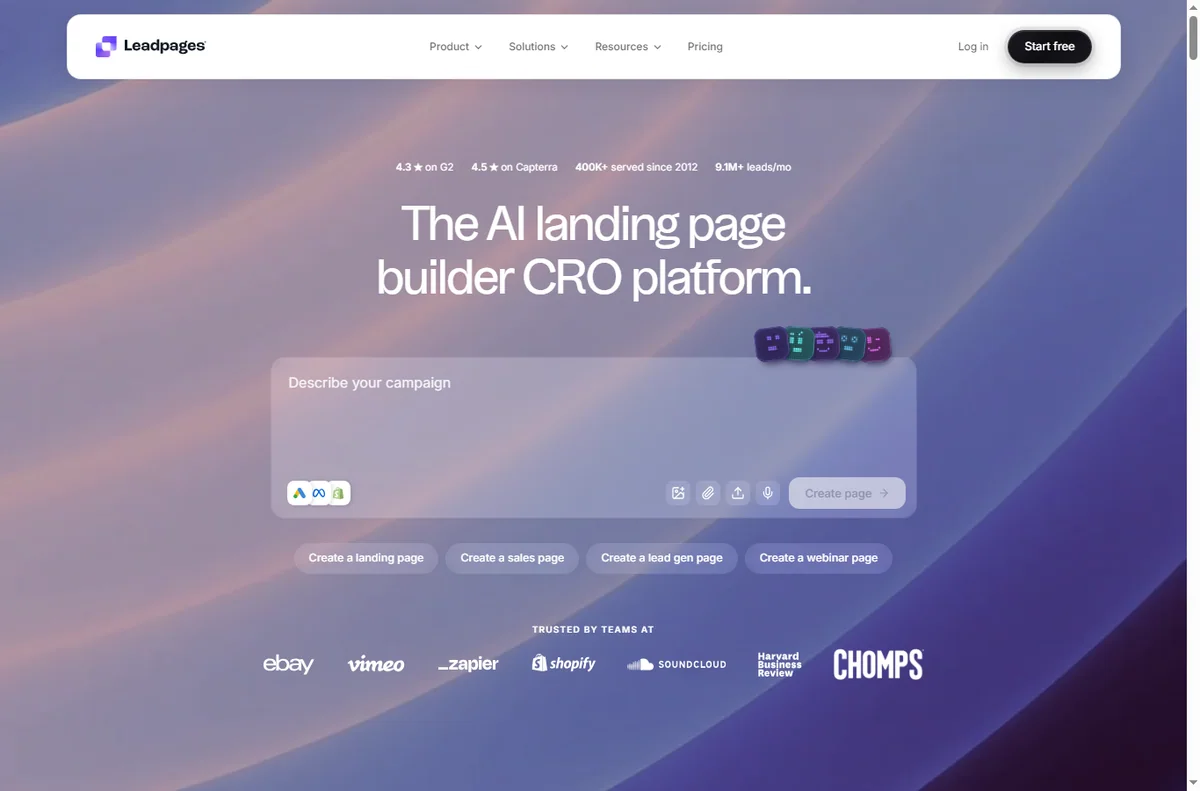
A page that does not load is usually the domain or its DNS records rather than the page itself, so the first check is whether the address points where it should.
Confirm the domain is connected, give the records time to propagate, and test the page in a private window.
Domain not connecting
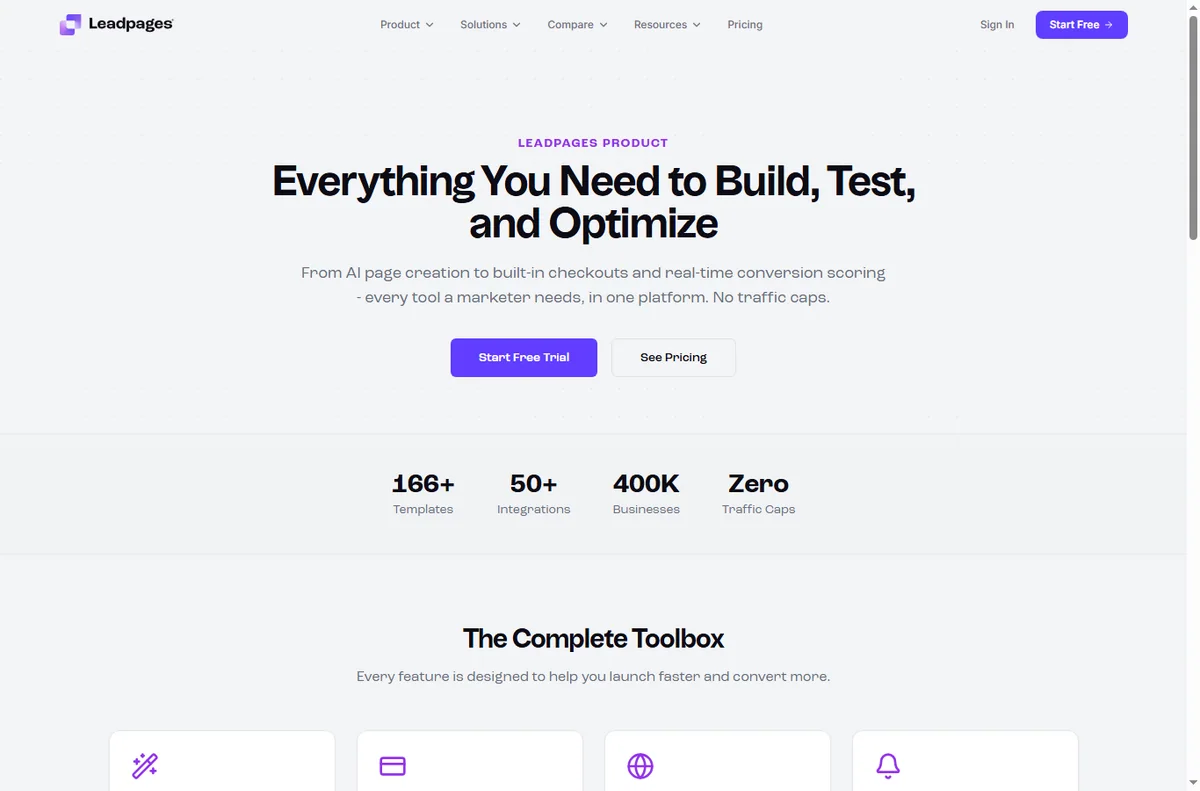
Connecting a custom domain means copying records into your domain registrar, and a small typo there stops the whole thing from resolving.
Re-copy the records exactly, check for a conflicting old record, and allow a little time before concluding it failed.
Leads not arriving
A form that submits but sends nothing on is usually an integration that has lost its connection or a destination that was never set.
Reconnect the integration, confirm the destination list or CRM, and submit a test entry yourself.
Checkout not working
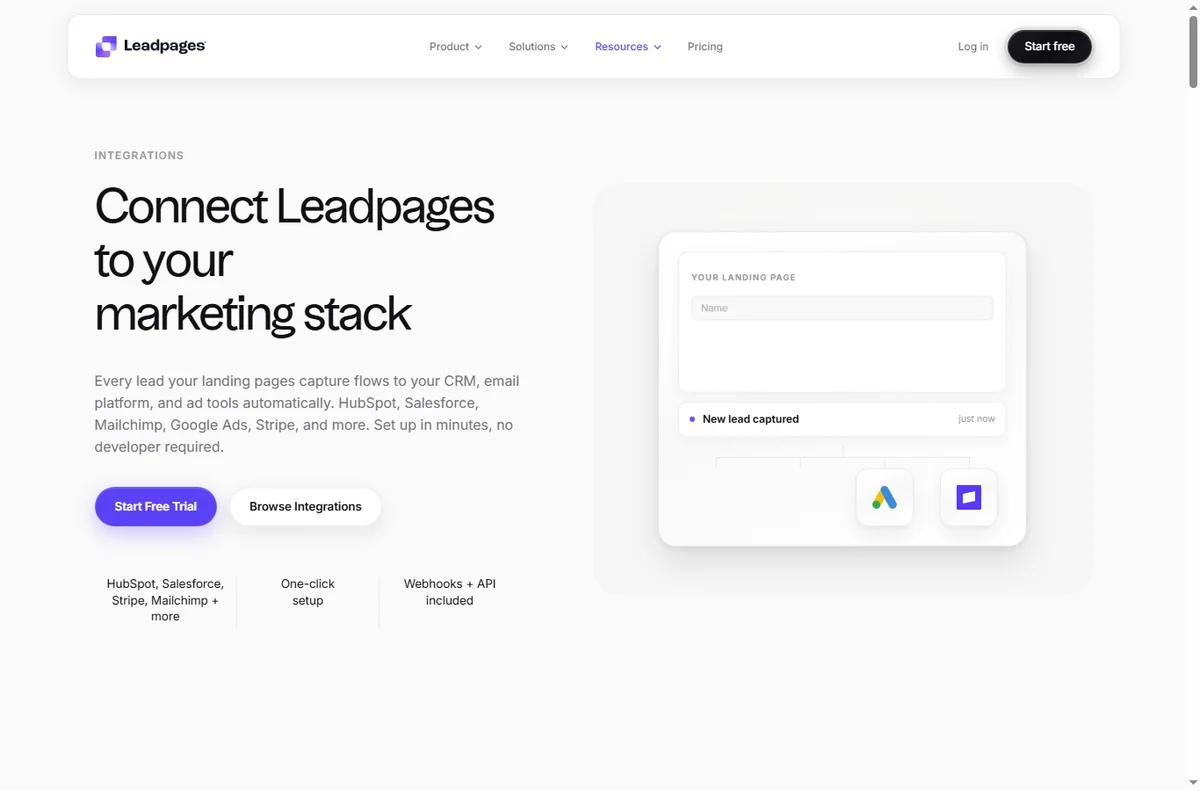
A checkout that refuses a payment is often a payment account, currency or product setting rather than the page itself.
Check the connected payment account, confirm the product and currency, and run a small test transaction.
Page not indexed
A page that never appears in search is usually blocked by an indexing setting or missing its title and meta description.
Turn on indexing, fill in the SEO fields, and give search engines time to recrawl.
Symptom to fix
| Symptom | Likely cause | Fix |
|---|---|---|
| Page will not load | DNS or domain not connected | Connect the domain, allow propagation |
| Domain not connecting | Wrong or conflicting records | Re-copy the records exactly |
| Leads not arriving | Broken integration or destination | Reconnect and set the destination |
| Checkout not working | Payment or currency setting | Check the account and product |
| Page not indexed | Indexing blocked or missing SEO | Enable indexing, add title and meta |

Where this fits
Start with the funnel building hub. For the basics read what Leadpages is, and for the setup steps see how to set up Leadpages.

Frequently asked
Can I fix these myself?
Most of them. Domains, forms and page settings are in your control. A payment problem can need a support ticket with your payment provider.
Why did my leads stop arriving?
Usually the integration lost its connection or the destination list changed. Reconnect it and submit a test entry.
How long does a domain take to connect?
It depends on the records and your registrar. It can be near-instant or take a few hours while DNS propagates.
Should my landing page be indexed?
That depends on your plan. A page for search traffic should be indexed; a page only for ads often should not be.
Get your pages converting
Fix the common snags and keep publishing.
Some links on this page may be referral links — we may earn a reward if you sign up, at no extra cost to you. We are an independent publisher. See our Affiliate Disclosure.
Leave a Reply