We’re reader-supported — some links are affiliate links. Learn more →

Skip to content

Independent software research. Some links may earn us a commission at no extra cost to you. Learn more →

ICode

Author: admin

  • What is Surfshark?

    What is Surfshark?

    Home / Security & Privacy / Guides / What is Surfshark

    Knowledge · security & privacy · updated October 9, 2026

    What is Surfshark?

    Surfshark is a virtual private network (VPN) service that encrypts your connection and lets you appear to browse from another location. This guide explains what it does, how its apps and account are organised, and what it is not.

    Independent analysis. This page may contain affiliate links. If you sign up through a link on this page we may earn a reward at no extra cost to you, and it never changes what we recommend. We are an independent publisher and are not affiliated with, endorsed by, or an official partner of any tool mentioned. See our Affiliate Disclosure.

    TL;DR

    • Surfshark is a VPN service for encrypted, private browsing.
    • It offers apps for the major desktop and mobile platforms plus browser extensions.
    • A single account covers several devices at the same time.
    • Plans and prices change, so check the current pricing before you commit.
    • It is not an antivirus suite or a full security platform on its own.

    On this page: What Surfshark is · How it is organised · What it is good at · What it is not · Concept cheat sheet · Where this fits

    Surfshark home page
    Surfshark home (image: surfshark.com)

    What Surfshark is

    Surfshark is a subscription service rather than a piece of hardware. You install its app, sign in, and route your traffic through one of its servers so the sites you visit see the server’s address rather than your own.

    The core idea is a tunnel: your device talks to a Surfshark server over an encrypted link, and that server talks to the internet for you. Anyone watching your local network sees encrypted traffic, not the pages you open.

    Alongside the tunnel the service bundles extras such as a tracker and ad blocker, an alerts feature for breached accounts, and options like a dedicated IP. These sit on top of the tunnel rather than replacing it.

    Surfshark blog page
    Surfshark blog (image: surfshark.com)

    How Surfshark is organised

    Everything hangs off one account. A single subscription covers the apps, and how many devices you can connect at once depends on the plan you pick.

    The service is organised around server locations rather than fixed bundles. You choose a country or city in the app, and it connects you to the nearest or the fastest server in that group.

    The apps share one layout: a connect button, a searchable list of locations, and a settings area for the kill switch, split tunnelling and the protocol in use. The browser extensions cover web traffic only.

    Surfshark cleanweb page
    Surfshark cleanweb (image: surfshark.com)

    What Surfshark is good at

    • Encrypting traffic on public Wi-Fi and other untrusted networks.
    • Hiding your real IP address from the sites you visit.
    • Covering several devices under one account.
    • Reaching region-locked content that is not available at home.
    • Adding a tracker blocker without a second subscription.

    Surfshark download page
    Surfshark download (image: surfshark.com)

    What Surfshark is not

    • Not an antivirus: it does not scan for or remove infected files.
    • Not true anonymity: you still sign in and pay, so the account is tied to you.
    • Not a way to make unlawful activity safe or invisible.
    • Not free at scale, so check the current pricing for the plan and term you need.

    Concept cheat sheet

    ConceptMeaningWhy it matters
    VPN tunnelEncrypted link between your device and a serverHides traffic from the local network
    Server locationThe country or city you appear to browse fromChanges the IP sites see
    Kill switchCuts the connection if the tunnel dropsStops traffic leaking in the clear
    Split tunnellingSends chosen apps outside the tunnelUseful for local services
    ProtocolThe rules the tunnel usesAffects speed and reliability
    Private DNSResolves names without your provider seeing themReduces tracking
    Based on publicly documented behaviour, checked October 9, 2026.
    Surfshark features page
    Surfshark features (image: surfshark.com)

    Where this fits

    Start with the security and privacy hub. For the practical steps see how to set up Surfshark, and for everyday usage read how to use Surfshark for a small business.
    Surfshark one page
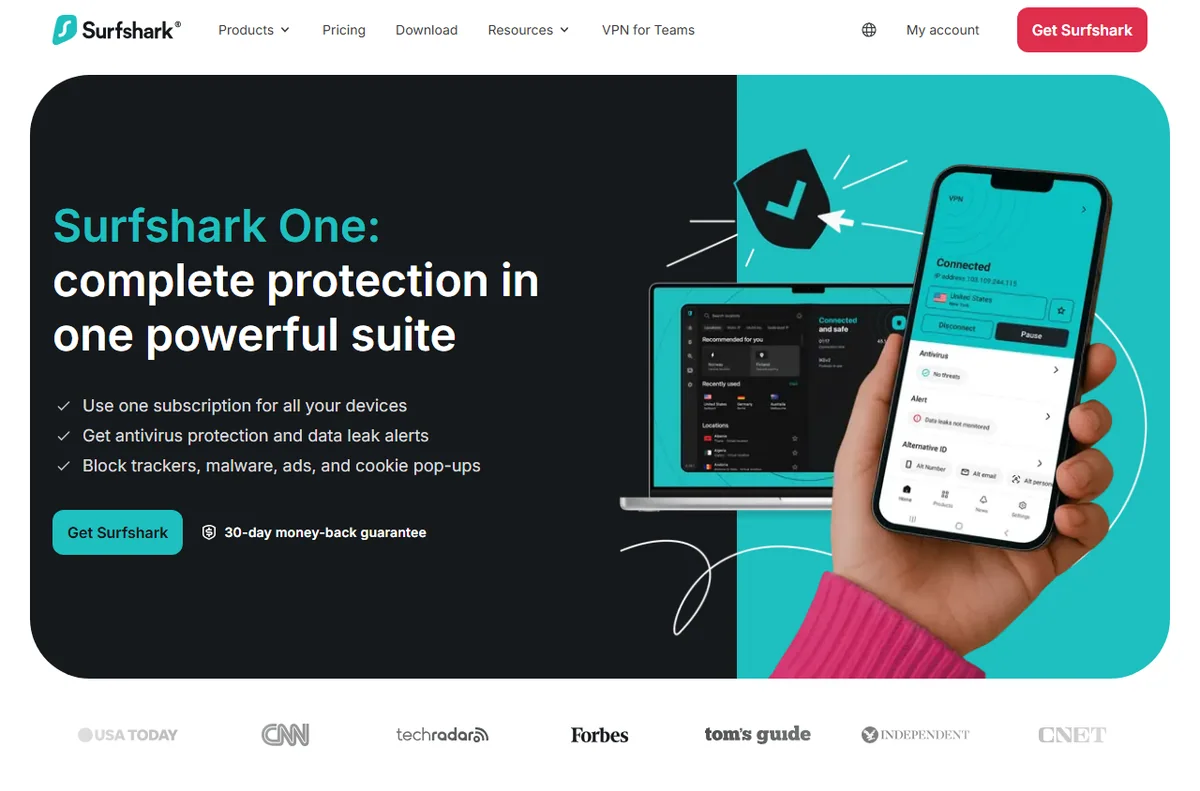
    Surfshark one (image: surfshark.com)

    Frequently asked

    Is Surfshark a VPN?

    Yes. It is a subscription VPN service with apps for the main desktop and mobile platforms, plus browser extensions.

    How many devices can I use?

    That depends on the plan. A single account usually covers several devices at once, so check the current plan details.

    Does it make me anonymous?

    No. It hides your IP from the sites you visit, but you still pay and sign in, so the account is linked to you.

    Will it slow my connection?

    Encryption and distance add some overhead. A nearby server usually keeps the drop small, and the app labels its fastest servers.

    Do I need it at home?

    Not always. It is most useful on untrusted networks, while travelling, or when a tool you need is only available in another region.

    Browse privately on any network

    One account, several devices, encrypted traffic.

    Some links on this page may be referral links — we may earn a reward if you sign up, at no extra cost to you. We are an independent publisher. See our Affiliate Disclosure.

    Related reading

  • Common Surfer SEO problems and how to fix them

    Common Surfer SEO problems and how to fix them

    Home / SEO Tools / Guides / Common Surfer SEO problems

    Problem · seo tools · updated October 9, 2026

    Common Surfer SEO problems and how to fix them

    Most Surfer SEO problems fall into a few areas: content that will not import, a score that will not move, audits that stall on large sites, login and integration issues, and credits that run out faster than expected. Here are the ones that come up most, and what to check first.

    Independent analysis. This page may contain affiliate links. If you sign up through a link on this page we may earn a reward at no extra cost to you, and it never changes what we recommend. We are an independent publisher and are not affiliated with, endorsed by, or an official partner of any tool mentioned. See our Affiliate Disclosure.

    Surfer SEO homepage for content optimization
    Surfer SEO official homepage (image: surferseo.com)

    TL;DR

    • An import that will not load is usually a document access or format issue.
    • A score that will not move is often about structure and terms, not length.
    • Audits on large sites can stall, so scope them down.
    • Login and integration problems are usually about access and connections.
    • Credits run out faster when you audit and re-optimise the same content twice.

    On this page: Why things go wrong · Content will not import · Score will not move · Audit stalls · Login and integrations · Credits run out · Symptom to fix · Where this fits

    Why things go wrong

    Surfer SEO sits between your draft and the search results, so a problem can come from the document, the connection, the target keyword or your plan limits. The useful first move is to work out which of those changed.

    Another habit that saves time: check whether the issue follows one document or every document. That tells you whether to look at the content or at the account.

    Surfer SEO content editor with optimization score
    Surfer SEO content editor (image: surferseo.com)

    Content will not import

    When a draft will not load into the Content Editor, it is usually about access or format. The connected document may not be shared with the right account, or the text may carry formatting the importer cannot read.

    Import a plain-text copy to isolate the cause, and confirm the document is shared with the Surfer account you are signed in as.

    Surfer SEO content audit report page
    Surfer SEO content audit (image: surferseo.com)

    The score will not move

    A score that stays flat as you write is usually about structure and terms rather than word count. Adding words without covering the topics the top pages use will not shift it.

    Check the suggested terms and headings, and make sure each section answers part of the query rather than padding the page.

    A content audit stalls

    Audits run over many pages at once, so a large site or a slow response from a page can make the job look stuck. Scope the audit to a subset first.

    Run it on a group of URLs, let it finish, then widen it. A page that blocks the crawler will hold up the set.

    Surfer SEO integrations page with supported apps
    Surfer SEO integrations (image: surferseo.com)

    Login and integration problems

    If you cannot sign in, or a Google Doc or WordPress connection drops, the usual cause is an expired session or a revoked permission on the connected account.

    Reconnect the integration from settings, and sign out and back in to refresh the session before assuming the tool is down.

    Credits run out faster than expected

    Credits are spent per action, and it is easy to spend them twice by auditing and then re-optimising the same content, or by generating several drafts for one keyword.

    Plan the workflow before you start, reuse a single editor document, and check what each action costs under your plan.

    Symptom to fix

    SymptomLikely causeFix
    Import failsDocument access or formatShare the doc and try plain text
    Score will not moveStructure and terms, not lengthCover the suggested topics and headings
    Audit stallsToo many pages or a blocking URLScope it to a subset and rerun
    Login or integration dropsExpired session or revoked accessReconnect and sign in again
    Credits run outRepeated actions on the same contentPlan the workflow and reuse one document
    General guidance, checked October 9, 2026. Confirm specifics inside your own Surfer SEO setup.
    Surfer SEO pricing page with plan tiers
    Surfer SEO pricing and plans (image: surferseo.com)

    Where this fits

    Start with the SEO tools hub. For the basics read what Surfer SEO is, and for the setup steps see how to set up Surfer SEO.

    Frequently asked

    Is my draft lost if the import fails?

    No. The text lives in your document until it is imported. Fix the sharing or format and import again.

    Why is my score low on a long article?

    Length alone does not raise the score. If the article misses the terms and structure the top pages share, it stays low no matter how long it is.

    Should I audit my whole site at once?

    Start with a subset. Auditing everything in one run is slow and spends credits, so widen it once you know the tool is behaving.

    Do I need the integration to use the editor?

    No. You can paste content in directly. The integrations save time but are not required.

    Surfer AI article generation page
    Surfer AI (image: surferseo.com)

    Get your content scoring again

    Fix the common snags and get back to optimising.

    Some links on this page may be referral links — we may earn a reward if you sign up, at no extra cost to you. We are an independent publisher. See our Affiliate Disclosure.

    Related reading

  • What is Surfer SEO?

    What is Surfer SEO?

    Home / SEO Tools / Guides / What is Surfer SEO

    Knowledge · seo tools · updated October 9, 2026

    What is Surfer SEO?

    Surfer SEO is a content optimisation platform that scores a draft against the pages already ranking for a keyword. This guide explains what it does, how its editor and audits are organised, and what it is not.

    Independent analysis. This page may contain affiliate links. If you sign up through a link on this page we may earn a reward at no extra cost to you, and it never changes what we recommend. We are an independent publisher and are not affiliated with, endorsed by, or an official partner of any tool mentioned. See our Affiliate Disclosure.

    TL;DR

    • Surfer SEO is a content optimisation and SEO research tool.
    • The Content Editor scores a draft against the top-ranking pages.
    • Content Audit and keyword research round out the workflow.
    • Plans are credit-based, so check the current pricing for the limits.
    • It is not a full replacement for technical SEO or a content management system.

    On this page: What Surfer SEO is · How it is organised · What it is good at · What it is not · Concept cheat sheet · Where this fits

    Icode editorial illustration
    Icode editorial illustration (image: icode.io.vn)

    What Surfer SEO is

    Surfer SEO is a web app that helps you write and improve content for a target keyword. Instead of guessing what a page needs, you give it a keyword and it looks at what already ranks.

    From that it builds a picture of the topics, terms and structure those pages share, and turns it into a score your draft can be measured against.

    It sits alongside your editor rather than replacing it. You write in Surfer, in a connected Google Doc, or elsewhere, then use the score and the suggestions to tighten the draft.

    Icode editorial illustration
    Icode editorial illustration (image: icode.io.vn)

    How Surfer SEO is organised

    The Content Editor is the core screen. It pairs your draft with a target keyword, shows a live score, and lists terms and structure the top pages tend to use.

    Content Audit takes pages you have already published and scores them the same way, so you can find posts that have slipped and refresh them.

    Around those sit keyword research, a set of AI writing tools and integrations with Google Docs and WordPress. Usage is measured in credits, so the workflow is organised around that budget.

    Icode editorial illustration
    Icode editorial illustration (image: icode.io.vn)

    What Surfer SEO is good at

    • Turning a vague content brief into a concrete set of terms and sections.
    • Scoring a draft before you publish rather than after.
    • Finding existing pages that need a refresh.
    • Comparing your draft against what actually ranks for a keyword.
    • Keeping a writer and an editor aligned on the same target.
    Icode editorial illustration
    Icode editorial illustration (image: icode.io.vn)

    What Surfer SEO is not

    • Not a technical SEO tool: it does not audit crawlability, speed or indexation.
    • Not a content management system: you still write and publish elsewhere.
    • Not a guarantee of rankings, only a way to match what ranks.
    • Not free: it runs on paid, credit-based plans, so check the current pricing.

    Concept cheat sheet

    ConceptMeaningWhy it matters
    Content EditorScores a draft against a keywordWhere you write and optimise
    Content AuditScores pages already publishedFinds posts to refresh
    Surfer ScoreA number for how well a draft matchesA rough guide, not a ranking factor
    Keyword researchFinds terms and topic ideasFeeds the brief
    CreditsUsage units spent on actionsThe budget behind each plan
    Based on publicly documented behaviour, checked October 9, 2026.
    Icode editorial illustration
    Icode editorial illustration (image: icode.io.vn)

    Where this fits

    Start with the SEO tools hub. For the practical steps see how to set up Surfer SEO, and for everyday usage read how to use Surfer SEO for a small business.

    Icode editorial illustration
    Icode editorial illustration (image: icode.io.vn)

    Frequently asked

    Do I need Surfer SEO if I already rank?

    Not necessarily, but it helps you keep pages matched to what ranks and spot ones that have slipped. If you are already at the top and stable, it is optional.

    Does the score decide my rankings?

    No. The score is a guide built from what ranks today. Search engines use their own signals, so treat the score as a target, not a promise.

    Can I use it for any language?

    It supports several languages, and quality varies by market. Check the current coverage for the language you write in.

    Is there a free plan?

    It is a paid tool. Plans and credit allowances change, so check the current pricing on the maker’s own site.

    Will it write the article for me?

    It has AI writing tools, but the value is in the optimisation and the brief. Most people still write and edit the draft themselves.

    Write content that ranks

    Score and improve drafts before you publish.

    Some links on this page may be referral links — we may earn a reward if you sign up, at no extra cost to you. We are an independent publisher. See our Affiliate Disclosure.

    Related reading

  • Common Divi problems and how to fix them

    Common Divi problems and how to fix them

    Home / Developer Tools / Guides / Common Divi problems

    Problem · developer tools · updated October 9, 2026

    Common Divi problems and how to fix them

    Most Divi problems fall into a few areas: a builder that will not load, changes that do not show on the live site, layouts that break on mobile, modules that go missing, or conflicts with other plugins. Here are the ones that come up most, and what to check first.

    Independent analysis. This page may contain affiliate links. If you sign up through a link on this page we may earn a reward at no extra cost to you, and it never changes what we recommend. We are an independent publisher and are not affiliated with, endorsed by, or an official partner of any tool mentioned. See our Affiliate Disclosure.

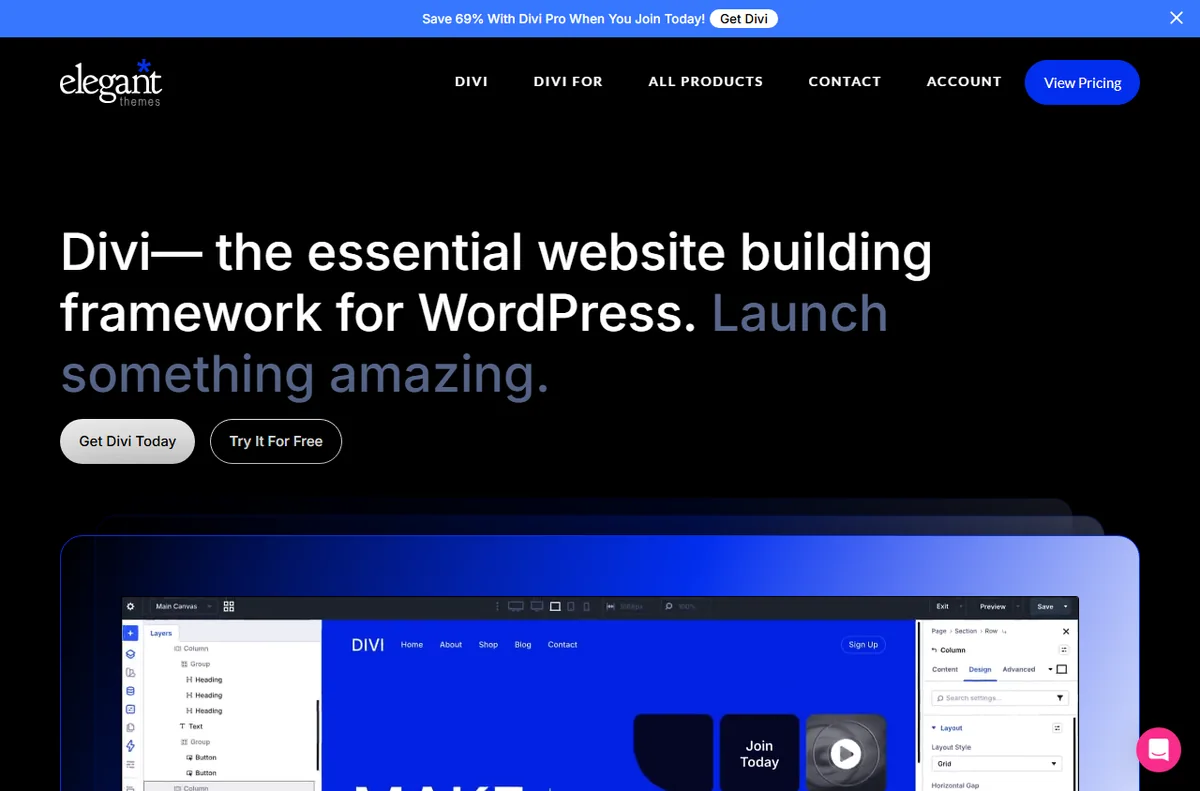
    Divi by Elegant Themes homepage and visual builder
    Divi official homepage (image: elegantthemes.com)

    TL;DR

    • A builder that will not load is usually a memory, cache or plugin issue.
    • Changes that do not appear are often a caching problem between the builder and the live page.
    • Layout that breaks on mobile usually traces back to per-device settings.
    • Missing modules are about the theme version or an add-on.
    • Check the exact step that failed before you rebuild anything.

    On this page: Why things go wrong · Builder will not load · Changes do not appear · Layout breaks on mobile · Modules are missing · Conflicts and speed · Symptom to fix · Where this fits

    Why things go wrong

    Divi sits on top of WordPress, so a problem can come from the builder, the theme, another plugin, the host or the browser. The useful first move is to work out which of those changed.

    Another habit that saves time: check whether the issue follows the page or follows the browser and account. That tells you whether to look at content or at your setup.

    Divi product page describing the visual builder
    Divi product overview (image: elegantthemes.com)

    The builder will not load

    A blank or endless-loading builder is usually about resources or a clash. The visual builder is heavier than the default editor, and a tight memory limit or a plugin that hooks into it can stop it loading.

    Work through the likely causes in order and note the first error you see rather than rebuilding the page.

    Changes do not appear on the live site

    You edit a page, save, and the front end still shows the old version. Most of the time a cache is serving the earlier copy, either a plugin cache, the host cache, the CDN or the browser.

    Clear those layers in order, then reload in a private window. If the change shows there but not in your normal window, the browser is the one holding the old file.

    Divi layout library with prebuilt page designs
    Divi layout library (image: elegantthemes.com)

    Layout breaks on mobile

    Divi lets you set values per device. A size chosen on desktop does not always suit a phone, and a value that was never set can inherit an awkward default.

    Switch to the mobile preview and check each level from section down to module, looking for fixed widths and large padding that do not shrink.

    Modules or saved layouts are missing

    If a module you expect is not in the list, the theme is probably out of date, or the module belongs to an add-on or a layout pack you have not imported.

    Update the theme and its plugins, then check whether the item belongs to something you actually have installed.

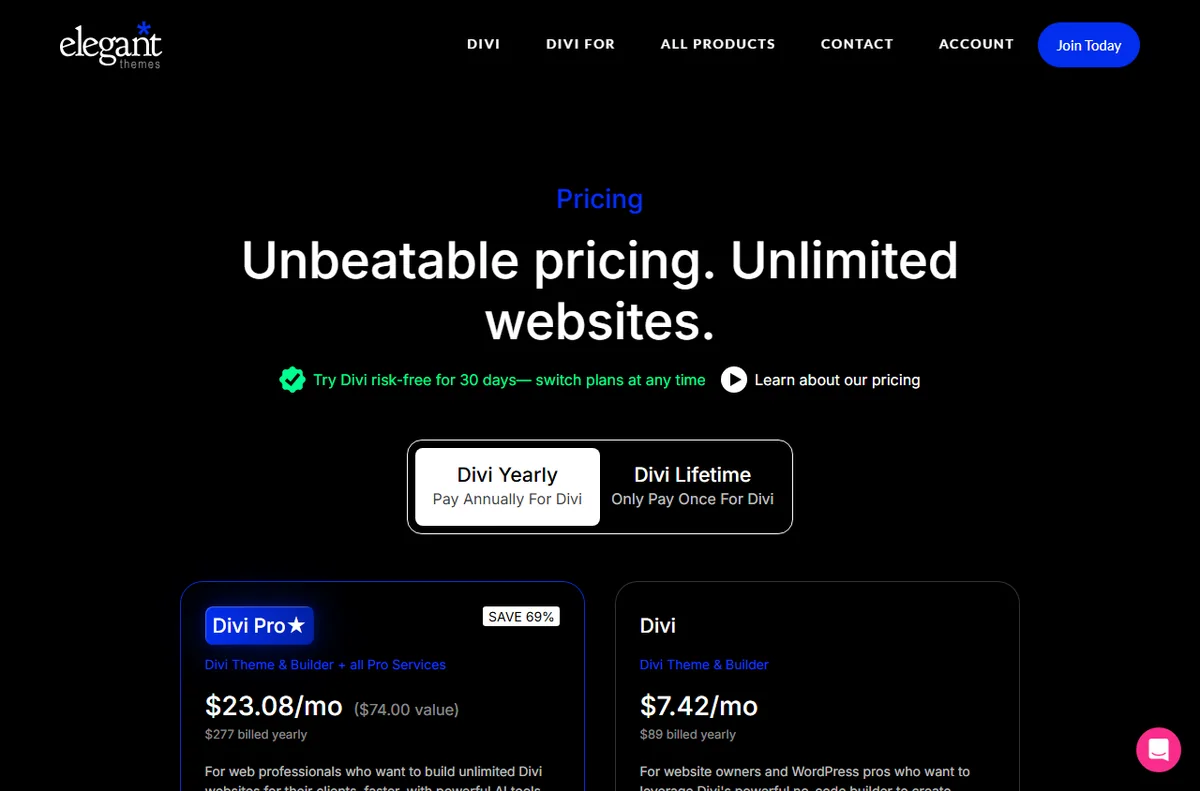
    Elegant Themes pricing page with Divi plans
    Divi pricing and plans (image: elegantthemes.com)

    Conflicts and performance problems

    A slow or broken page is often the result of several builders, caches or optimisers pulling in different directions. Two plugins doing the same job is a common cause.

    Disable overlapping tools one at a time and measure the page after each change, keeping a note of what you turned off.

    Symptom to fix

    SymptomLikely causeFix
    Builder will not loadMemory limit or plugin clashRaise the limit and test plugins
    Changes do not appearA cache is serving the old pageClear plugin, host, CDN and browser caches
    Broken mobile layoutPer-device settings not setCheck each level in mobile preview
    Module missingOutdated theme or missing add-onUpdate the theme and add-ons
    Slow or unstable pageConflicting pluginsDisable overlapping tools one by one
    General guidance, checked October 9, 2026. Confirm specifics inside your own Divi setup.
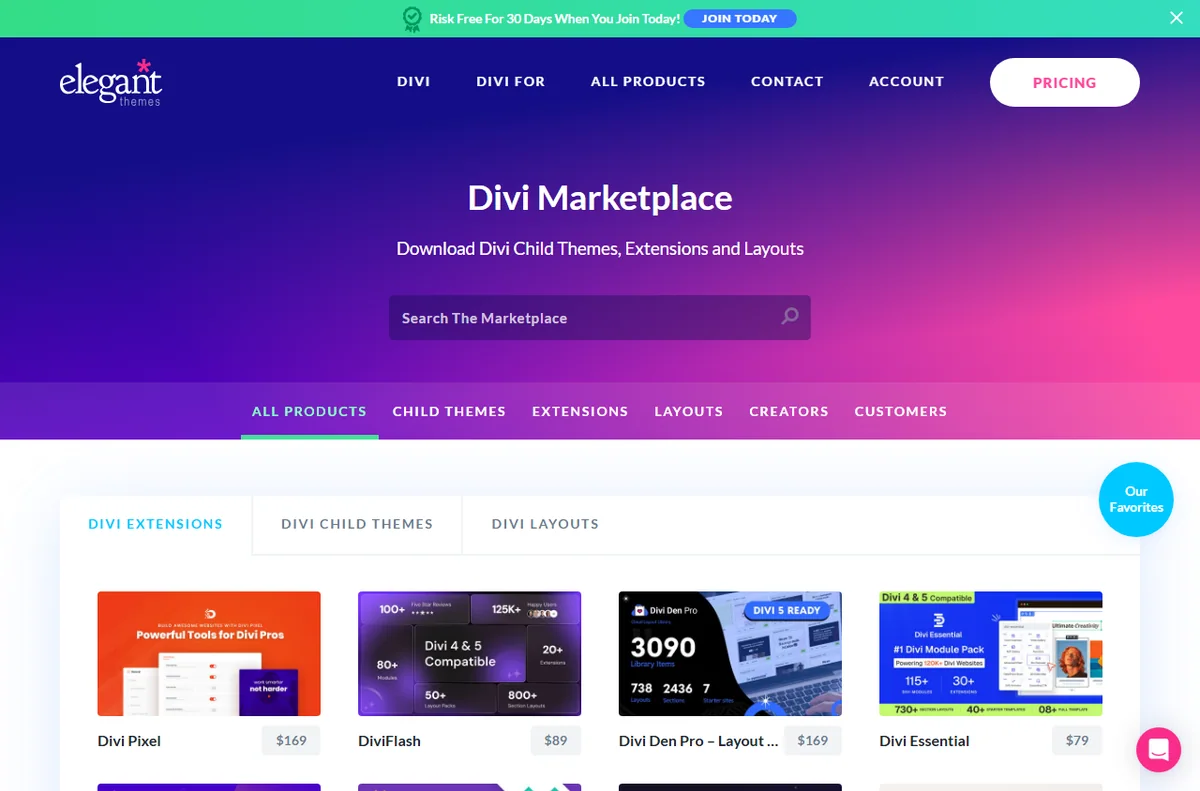
    Divi marketplace with third-party modules and layouts
    Divi marketplace (image: elegantthemes.com)

    Where this fits

    Start with the developer tools hub. For the basics read what Divi is, and for the setup steps see how to set up Divi.

    Frequently asked

    Is my content lost if the builder will not load?

    No. The content is stored by WordPress and Divi. Once the builder loads again it should still be there; the failure is usually in loading, not in saving.

    Why does the preview look right but the live page does not?

    The builder can render slightly differently from the front end, and caching adds another layer. Check the live page in a private window after clearing caches.

    Should I disable all plugins to test?

    Do it briefly and one at a time, on a staging copy where possible, so you can tell which plugin is responsible without disturbing visitors.

    Does Divi need a special host?

    It runs on ordinary WordPress hosting. A host with decent memory limits and a staging option makes troubleshooting easier.

    Divi documentation and help center
    Divi documentation (image: elegantthemes.com)

    Get the builder loading again

    Fix the common clashes and get back to building.

    Some links on this page may be referral links — we may earn a reward if you sign up, at no extra cost to you. We are an independent publisher. See our Affiliate Disclosure.

    Related reading

  • What is Divi?

    What is Divi?

    Home / Developer Tools / Guides / What is Divi

    Knowledge · developer tools · updated October 9, 2026

    What is Divi?

    Divi is a WordPress theme and page builder made by Elegant Themes, built around a visual builder plus a growing library of modules. This guide explains what it does, how it is organised, and what it is not.

    Independent analysis. This page may contain affiliate links. If you sign up through a link on this page we may earn a reward at no extra cost to you, and it never changes what we recommend. We are an independent publisher and are not affiliated with, endorsed by, or an official partner of any tool mentioned. See our Affiliate Disclosure.

    TL;DR

    • Divi is a WordPress theme and page builder from Elegant Themes.
    • Pages are built from sections, rows, columns and modules.
    • A visual builder and a backend builder cover the same content in different ways.
    • It comes with an Elegant Themes membership, so check the current pricing.
    • It is not a hosting service and it does not replace WordPress.

    On this page: What Divi is · How it is organised · What it is good at · What it is not · Concept cheat sheet · Where this fits

    Divi home page
    Divi home (image: divi.com)

    What Divi is

    Divi is a theme that ships with its own builder. Once it is active, you can lay out pages visually rather than by writing blocks in the default editor.

    The builder is the product. It lets you assemble a page from nested containers and style each one with controls instead of code, and it saves that structure so it can be edited or reused later.

    It sits on top of WordPress. The theme handles site-wide behaviour while the builder stores the page layout, and both render as normal markup for visitors.

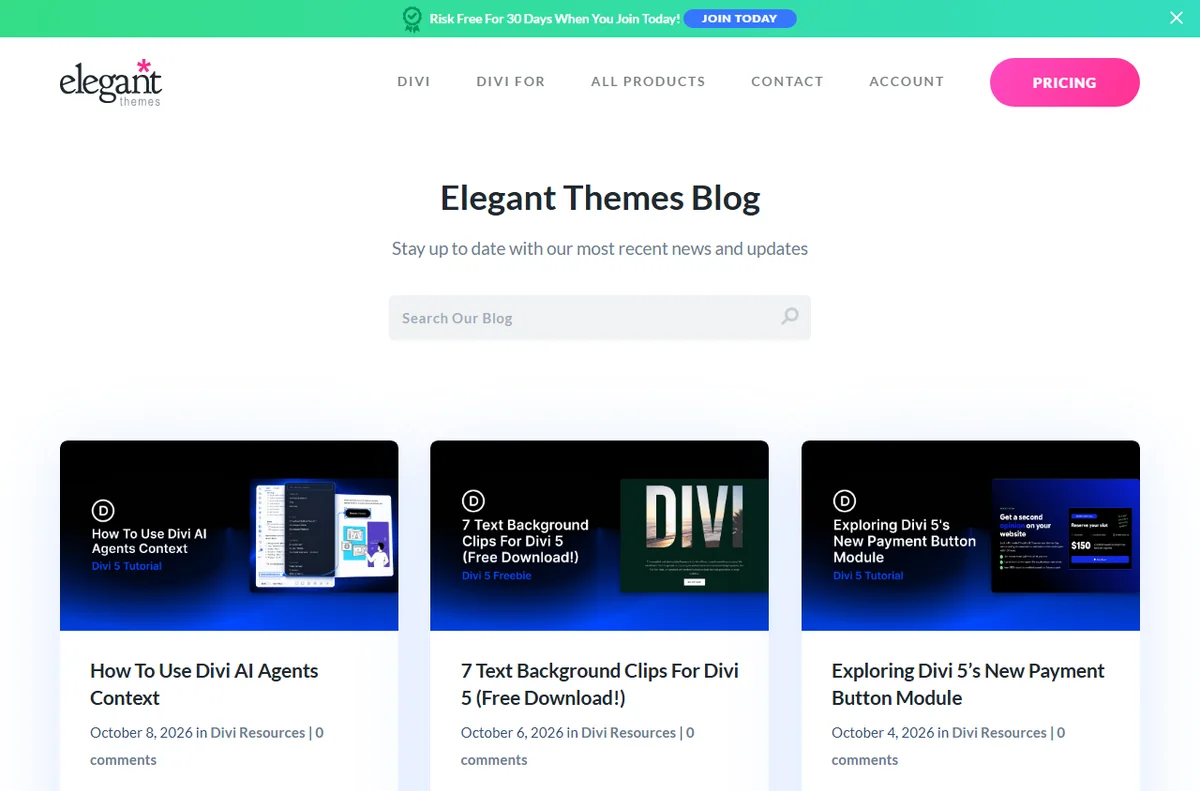
    Divi blog page
    Divi blog (image: divi.com)

    How Divi is organised

    A page is built from four nested levels: sections, rows, columns and modules. A section spans the width, rows divide it, columns split a row, and modules are the actual content such as text, images and buttons.

    The Divi Library stores saved layouts and modules so you can drop them onto other pages. Global defaults and presets hold colours and fonts so a change in one place flows through the site.

    You can work in the visual builder in the front end or the backend builder in the dashboard. Both edit the same content, and the responsive settings let you tune each level per device.

    Divi docs page
    Divi docs (image: divi.com)

    What Divi is good at

    • Building and editing pages without writing code.
    • Reusing saved layouts and modules across a site.
    • Adjusting layout separately for desktop, tablet and mobile.
    • Extending the builder with extra modules from Divi and third parties.
    • Keeping one membership across several WordPress sites.
    Divi layouts page
    Divi layouts (image: divi.com)

    What Divi is not

    • Not a host: you still need a server and WordPress.
    • Not free on its own: it is sold with an Elegant Themes membership, so check the current pricing.
    • Not a one-click replacement for a developer on custom work.
    • Not immune to plugin conflicts and performance trade-offs.

    Concept cheat sheet

    ConceptMeaningWhy it matters
    SectionA full-width containerSets the overall structure
    RowA horizontal band inside a sectionGroups columns
    ColumnA vertical slice inside a rowHolds modules side by side
    ModuleA single content elementThe heading, image or button
    BuilderThe visual or backend editorWhere you assemble pages
    Divi LibraryA store of saved layouts and modulesReused to start a page quickly
    Based on publicly documented behaviour, checked October 9, 2026.
    Divi marketplace page
    Divi marketplace (image: divi.com)

    Where this fits

    Start with the developer tools hub. For the practical steps see how to set up Divi, and for everyday usage read how to use Divi for a small business.

    Divi pricing page
    Divi pricing (image: divi.com)

    Frequently asked

    Do I need to know code to use Divi?

    No. The point of the builder is that you assemble pages with modules and controls. Some custom styling still benefits from knowing CSS, but it is not required to start.

    Does Divi work with any WordPress site?

    It runs on WordPress as a theme. Other plugins that also replace the editor can clash, so test them together before rolling out.

    Is there a free version?

    The theme and builder come with a paid membership. Features and terms change, so check the current pricing on the maker’s own site.

    Can I use Divi on more than one site?

    The membership tiers differ in how many sites they cover. Check the current plan details for the count you need.

    Will Divi slow my site down?

    It adds its own assets, so the effect depends on the page and the host. Test your own pages after you build them.

    Design without code

    A visual builder for WordPress sites.

    Some links on this page may be referral links — we may earn a reward if you sign up, at no extra cost to you. We are an independent publisher. See our Affiliate Disclosure.

    Related reading

  • Common GreenGeeks problems and how to fix them

    Common GreenGeeks problems and how to fix them

    Home / Hosting / Guides / Common GreenGeeks problems

    Problem · hosting · updated October 9, 2026

    Common GreenGeeks problems and how to fix them

    Most GreenGeeks problems fall into a few areas: a site that will not load, email that lands in spam, a slow dashboard or control panel, a migration that stalled, or DNS and SSL that will not settle. Here are the ones that come up most, and what to check first.

    Independent analysis. This page may contain affiliate links. If you sign up through a link on this page we may earn a reward at no extra cost to you, and it never changes what we recommend. We are an independent publisher and are not affiliated with, endorsed by, or an official partner of any tool mentioned. See our Affiliate Disclosure.

    TL;DR

    • A site that will not load is usually DNS, SSL or a resource limit.
    • Email deliverability problems come back to DNS records and sender reputation.
    • A slow dashboard often traces to the server node or the plugins you run.
    • A stalled migration is usually about access details or file size.
    • Check the exact step that failed before you rebuild anything.

    On this page: Why things go wrong · Site will not load · Email lands in spam · Dashboard is slow · Migration stalls · DNS and SSL · Symptom to fix · Where this fits

    Why things go wrong

    GreenGeeks manages the server, so some problems you can fix from the panel and some you cannot. The useful first move is to work out whether the fault is on your side, in DNS, or on the host.

    Another habit that saves time: check whether the issue follows the domain or follows your browser and network. That tells you where to start looking.

    Greengeeks home page
    Greengeeks home (image: greengeeks.com)

    The site will not load

    A site that returns an error or hangs often comes down to one of three things: DNS has not resolved, the SSL certificate is not active, or the plan has hit a resource limit.

    Work from the outside in. Check the domain resolves, check the certificate is valid for the right hostname, then check the plan limits and the site logs.

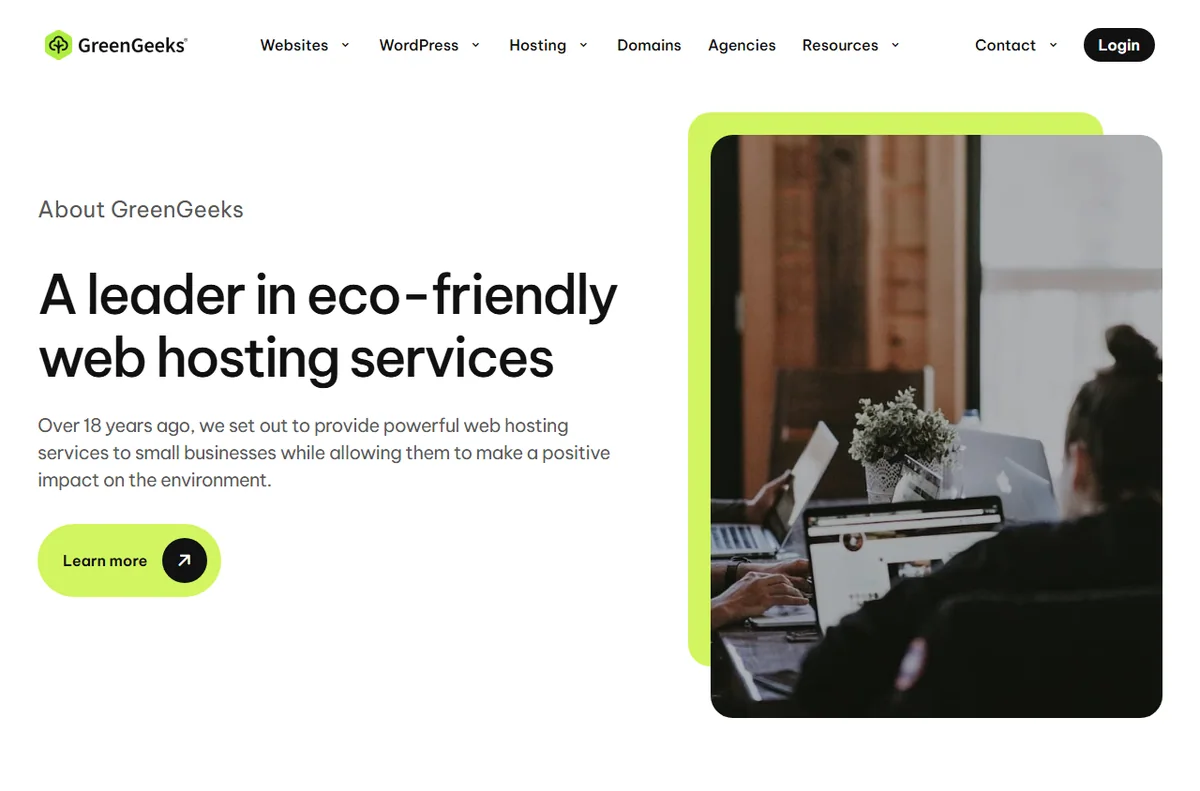
    Greengeeks about page
    Greengeeks about (image: greengeeks.com)

    Email lands in spam

    If mail from the domain lands in spam, the usual cause is missing or wrong DNS records: SPF, DKIM and DMARC. Without them, receivers have no reason to trust the domain.

    Confirm the records the host publishes are actually in your DNS, then check whether a new domain simply lacks sending history. Reputation builds over time.

    The control panel is slow

    A sluggish dashboard can be the host node under load or your own site pulling too much. It can also be a plugin doing heavy work in admin.

    Test the panel when the site is quiet, review the plugins you run, and check whether a cron job or a backup is running at the same time.

    Greengeeks domains page
    Greengeeks domains (image: greengeeks.com)

    A migration or transfer stalls

    A stalled migration is usually about access. The tool cannot log in to the old host, the archive is larger than the limit, or the DNS switch was done before the files finished copying.

    Confirm the source credentials, check the size against the plan limit, and leave DNS alone until the copy is complete.

    Greengeeks email page
    Greengeeks email (image: greengeeks.com)

    DNS and SSL will not settle

    DNS changes take time to propagate, and a certificate cannot be issued until DNS points at the right server. Doing both at once creates a gap where neither looks finished.

    Point DNS first, wait for it to resolve, then issue the certificate. Clear your own resolver cache before assuming the change failed.

    Symptom to fix

    SymptomLikely causeFix
    Site will not loadDNS, SSL or a resource limitCheck DNS, verify the certificate, review plan limits
    Email in spamMissing SPF, DKIM or DMARCAdd the records the host publishes
    Slow control panelHost load or heavy pluginsTest at a quiet time and review plugins
    Migration stallsBad credentials or a size limitConfirm access and size, then retry
    SSL pendingDNS not pointed yetPoint DNS, wait, then issue the certificate
    General guidance, checked October 9, 2026. Confirm specifics inside your own GreenGeeks setup.
    Greengeeks login page
    Greengeeks login (image: greengeeks.com)

    Where this fits

    Start with the hosting hub. For the basics read what GreenGeeks is, and for the setup steps see how to set up GreenGeeks.

    Greengeeks pricing page
    Greengeeks pricing (image: greengeeks.com)

    Frequently asked

    Can I fix these problems myself?

    Many of them, yes. DNS, records and plan limits are within your panel. Faults on the host node need a support ticket.

    Why does my site show a certificate warning?

    The certificate is either not issued yet or is for a different hostname. Confirm DNS points to the host, then reissue.

    Should I change DNS before or after migrating?

    After. Finish copying the files, then move DNS, so visitors are not sent to an empty server.

    Does email affect my site loading?

    No, but both rely on the same DNS. If one is broken, check the records first.

    Get the site loading again

    Fix the common snags and get back online.

    Some links on this page may be referral links — we may earn a reward if you sign up, at no extra cost to you. We are an independent publisher. See our Affiliate Disclosure.

    Related reading

  • What is GreenGeeks?

    What is GreenGeeks?

    Home / Hosting / Guides / What is GreenGeeks

    Knowledge · hosting · updated October 9, 2026

    What is GreenGeeks?

    GreenGeeks is a web host that offers shared, VPS and reseller plans and matches the energy its servers use with renewable energy credits. This guide explains what it does, how its plans are organised, and what it is not.

    Independent analysis. This page may contain affiliate links. If you sign up through a link on this page we may earn a reward at no extra cost to you, and it never changes what we recommend. We are an independent publisher and are not affiliated with, endorsed by, or an official partner of any tool mentioned. See our Affiliate Disclosure.

    TL;DR

    • GreenGeeks is a web host offering shared, VPS and reseller plans.
    • It markets itself as a green host, matching energy use with renewable credits.
    • Shared plans run on LiteSpeed with SSD storage and a bundled control panel.
    • Plans and prices change, so check the current pricing before you commit.
    • It is not a website builder or a marketing platform on its own.

    On this page: What GreenGeeks is · How it is organised · What it is good at · What it is not · Concept cheat sheet · Where this fits

    Greengeeks home page
    Greengeeks home (image: greengeeks.com)

    What GreenGeeks is

    GreenGeeks is a hosting company rather than a software product. You rent space on its servers, point your domain at them, and run your site from a control panel that it provides.

    The pitch is straightforward: the same kind of shared hosting you would expect elsewhere, positioned around a green energy commitment. The company says it puts back into the grid several times the energy its servers consume, in the form of renewable energy credits.

    Under the marketing sits an ordinary stack. Shared plans use LiteSpeed web servers with SSD storage, and the plans bundle the usual pieces you need to run a WordPress or static site.

    Greengeeks about page
    Greengeeks about (image: greengeeks.com)

    How GreenGeeks is organised

    Plans are grouped by type rather than by feature alone. Shared hosting is the entry level, VPS hosting gives you dedicated resources, and reseller hosting lets you carve up an account into smaller ones.

    Each plan carries limits such as storage, bandwidth, the number of sites and the number of mailboxes. The higher tiers raise those numbers and add perks like more resources or better support priority.

    The control panel is where you add domains, create email accounts, manage DNS and install software. For WordPress a one-click installer is the usual route, and the panel is also where you reach backups, SSL certificates and file access.

    Greengeeks domains page
    Greengeeks domains (image: greengeeks.com)

    What GreenGeeks is good at

    • Getting a small site or a first WordPress install online quickly.
    • Bundling hosting with a domain, email and SSL in one place.
    • Running several low-traffic sites from a single shared plan.
    • Scaling to a VPS when a shared plan is no longer enough.
    • Choosing a host with an explicit renewable energy position.
    Greengeeks email page
    Greengeeks email (image: greengeeks.com)

    What GreenGeeks is not

    • Not a website builder: you still supply or install a platform such as WordPress.
    • Not unlimited in practice: each plan has storage, bandwidth and site limits.
    • Not the cheapest option at every tier, so check the current pricing for your term.
    • Not a substitute for a developer on custom, high-traffic work.

    Concept cheat sheet

    ConceptMeaningWhy it matters
    Shared hostingAn account sharing a server with othersThe cheapest way to start
    VPS hostingVirtual resources reserved for youMore control and headroom
    ResellerAn account you split into sub-accountsFor agencies and side businesses
    Control panelWhere domains, email and files are managedYour main dashboard
    SSL certificateEncryption for your domainNeeded for a trusted site
    Energy creditsRenewable energy matched to usageThe green claim behind the brand
    Based on publicly documented behaviour, checked October 9, 2026.
    Greengeeks login page
    Greengeeks login (image: greengeeks.com)

    Where this fits

    Start with the hosting hub. For the practical steps see how to set up GreenGeeks, and for everyday usage read how to use GreenGeeks for a small business.

    Greengeeks pricing page
    Greengeeks pricing (image: greengeeks.com)

    Frequently asked

    Is GreenGeeks a website builder?

    No. It is a host. You bring or install a platform such as WordPress, then build the site there.

    What does the green claim actually mean?

    The company says it matches the energy its servers use with renewable energy credits rather than generating power on site. Treat it as an offset, not a guarantee about your own footprint.

    Do I need technical skills to use it?

    Not for the basics. The control panel and one-click installer cover most small sites; deeper work such as DNS or migrations benefits from some experience.

    Can I host more than one site?

    Yes, depending on the plan. Shared tiers usually allow a set number of sites, and higher tiers raise it.

    Is the cheapest plan enough?

    For a single small site, often yes. If you expect traffic or need more resources, a higher tier or a VPS is the better fit, so check the current options.

    Host your site the greener way

    Renewable-powered hosting for small sites.

    Some links on this page may be referral links — we may earn a reward if you sign up, at no extra cost to you. We are an independent publisher. See our Affiliate Disclosure.

    Related reading

  • Common ScalaHosting problems and how to fix them

    Common ScalaHosting problems and how to fix them

    Home / Hosting / Guides / Common ScalaHosting problems

    Problem · hosting · updated October 9, 2026

    Common ScalaHosting problems and how to fix them

    Most ScalaHosting problems fall into a few areas: a site that is down or slow, email that will not send or receive, DNS and domain mix-ups, VPS resources that run out, or billing and access questions. Here are the ones that come up most, and what to check first.

    Independent analysis. This page may contain affiliate links. If you sign up through a link on this page we may earn a reward at no extra cost to you, and it never changes what we recommend. We are an independent publisher and are not affiliated with, endorsed by, or an official partner of any tool mentioned. See our Affiliate Disclosure.

    TL;DR

    • A site that is down is often DNS, propagation or a server status issue.
    • Slow pages are usually about the site itself, not only the host.
    • Email problems often trace back to DNS records.
    • A VPS that runs out of resources is a capacity problem, not a mystery.
    • Check the exact symptom before you change servers.

    On this page: Why things go wrong · Site is down or slow · Email problems · DNS and domain issues · VPS resources · Billing and access · Symptom to fix · Where this fits

    Why things go wrong

    Hosting problems can come from the site, the server or the path between them, and the same symptom can have different causes. The useful first move is to decide which layer is actually failing.

    Checking whether a problem is only you or everyone, and whether it is the site or the mail system, narrows it down quickly.

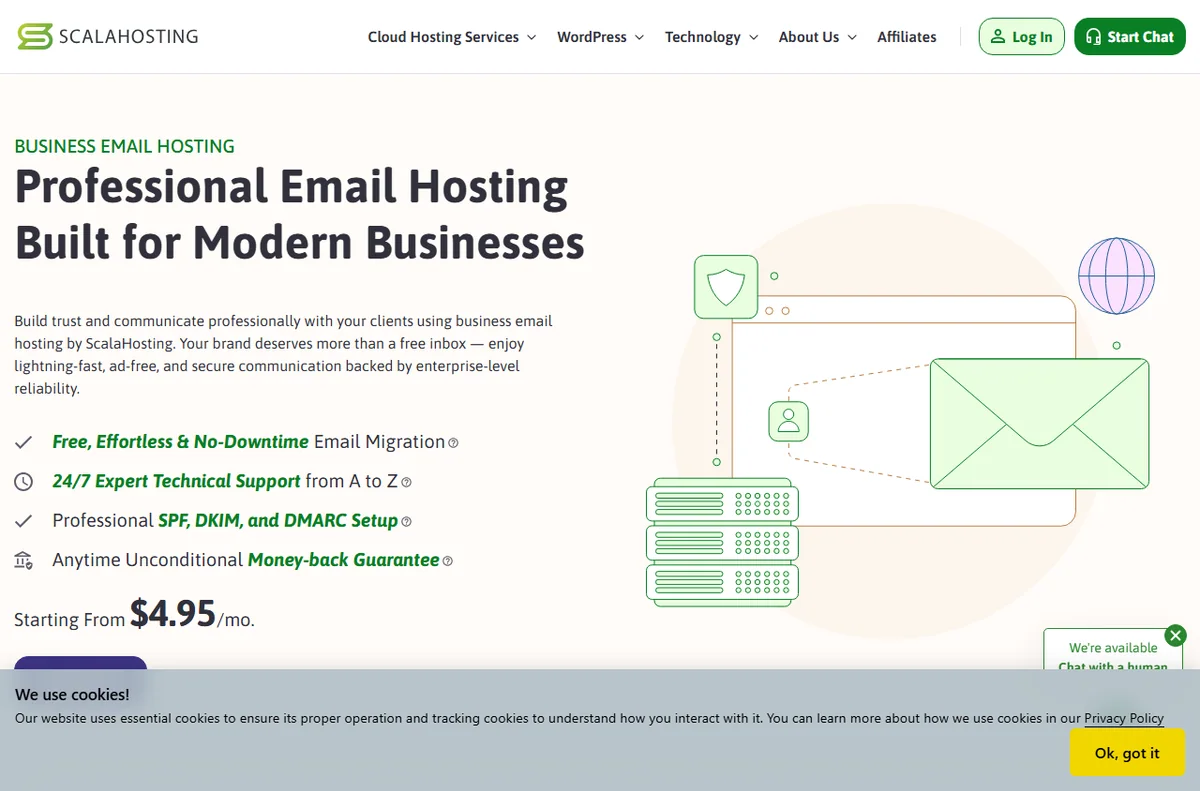
    Scalahosting home page
    Scalahosting home (image: scalahosting.com)

    The site is down or slow

    A site that will not load can be the site, the server or the path between them. Before you assume the host, check whether the problem is only you or everyone.

    • Test from another network or a status tool to see if it is local.
    • Check the host’s status page for planned or unplanned work.
    • Look for a recent change on the site, such as a plugin update.
    • Confirm DNS is pointing where you expect.
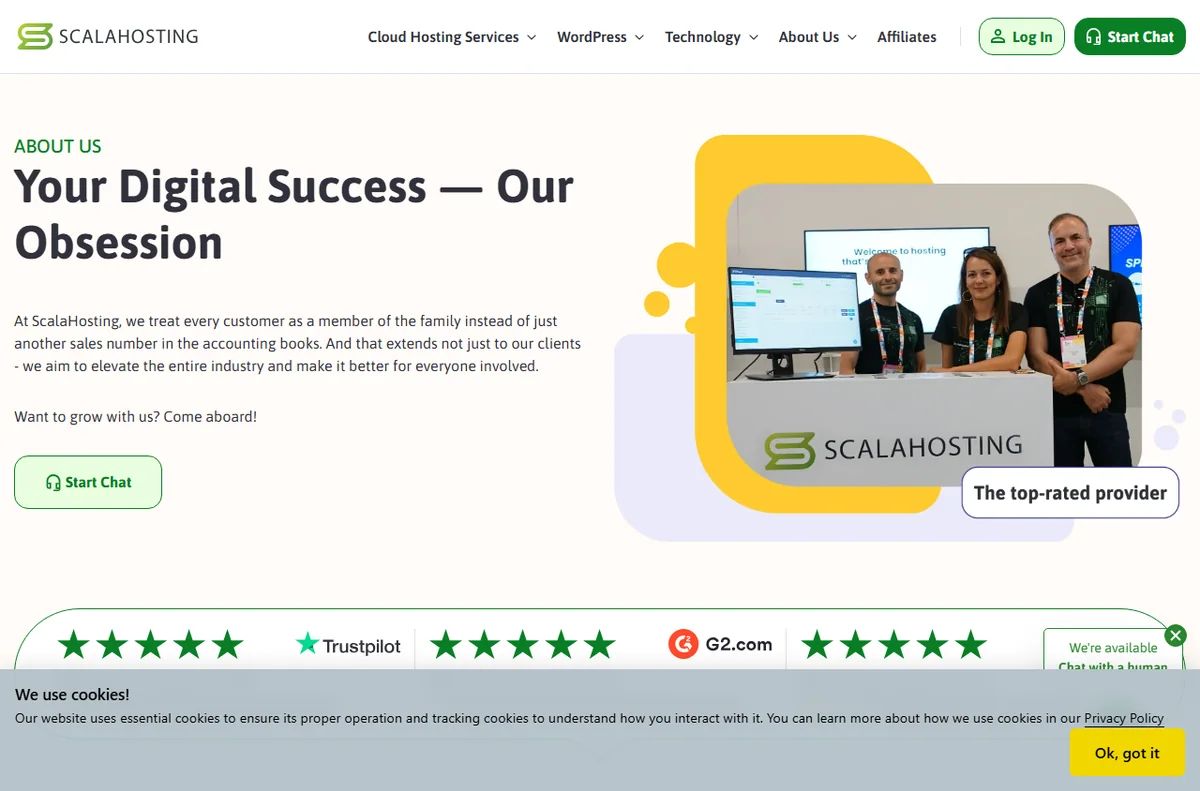
    Scalahosting about page
    Scalahosting about (image: scalahosting.com)

    Email will not send or receive

    Hosting email depends on DNS records for mail and on the mailboxes you created. A missing or wrong record breaks sending or receiving even when the site is fine.

    Confirm the mailbox exists, check the mail records on the domain, and test from an account outside your network.

    DNS and domain issues

    A wrong record is one of the most common causes of a site or email going missing after a change. Propagation also means a change is not instant everywhere.

    Compare the records you set against what the host documents, and allow time for propagation before assuming the change failed.

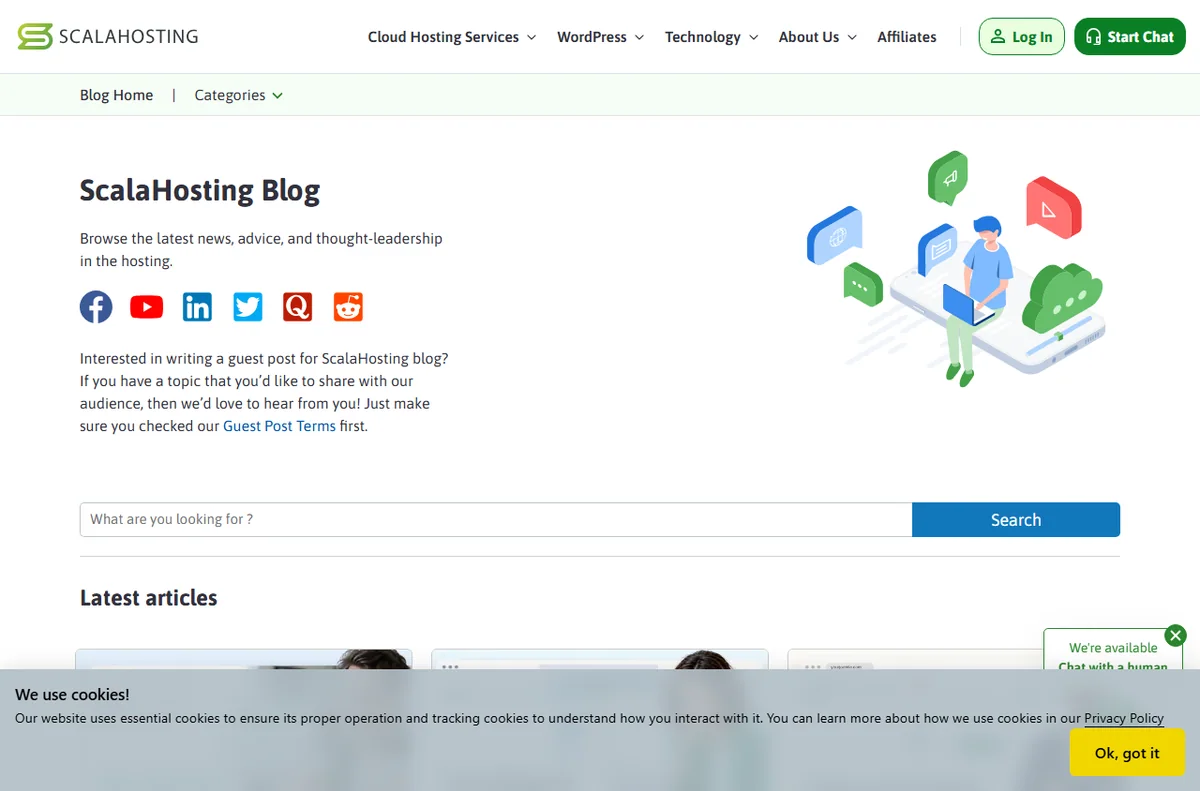
    Scalahosting blog page
    Scalahosting blog (image: scalahosting.com)

    VPS resources run out

    On a VPS you own the resources, so a spike in traffic or a runaway process can exhaust memory or CPU. The symptom is a slow or unresponsive server rather than a single broken page.

    • Watch memory and CPU in the panel before the peak, not after.
    • Right-size the plan to real usage rather than guessing.
    • Isolate heavy sites so one does not starve the others.
    Scalahosting cloud vps page
    Scalahosting cloud vps (image: scalahosting.com)

    Billing and access problems

    Payment, plan limits and login sit with the account rather than the server. A lapsed payment or an exceeded limit can suspend services even when everything looks fine.

    Check the billing page, confirm the plan against your usage, and contact support with your account details.

    Symptom to fix

    SymptomLikely causeFix
    Site will not loadDNS, propagation or server statusCheck status, DNS and local network
    Email not sendingMailbox or DNS recordsConfirm the mailbox and mail records
    Site moved but is brokenWrong DNS recordCompare records and allow propagation
    VPS slow or unresponsiveResources exhaustedWatch usage and resize the plan
    Suspended or locked outBilling or plan limitCheck billing and contact support
    General guidance, checked October 9, 2026. Confirm specifics inside your own ScalaHosting account.
    Scalahosting email hosting page
    Scalahosting email hosting (image: scalahosting.com)

    Where this fits

    Start with the hosting hub. For the basics read what ScalaHosting is, and for the setup steps see how to set up ScalaHosting.

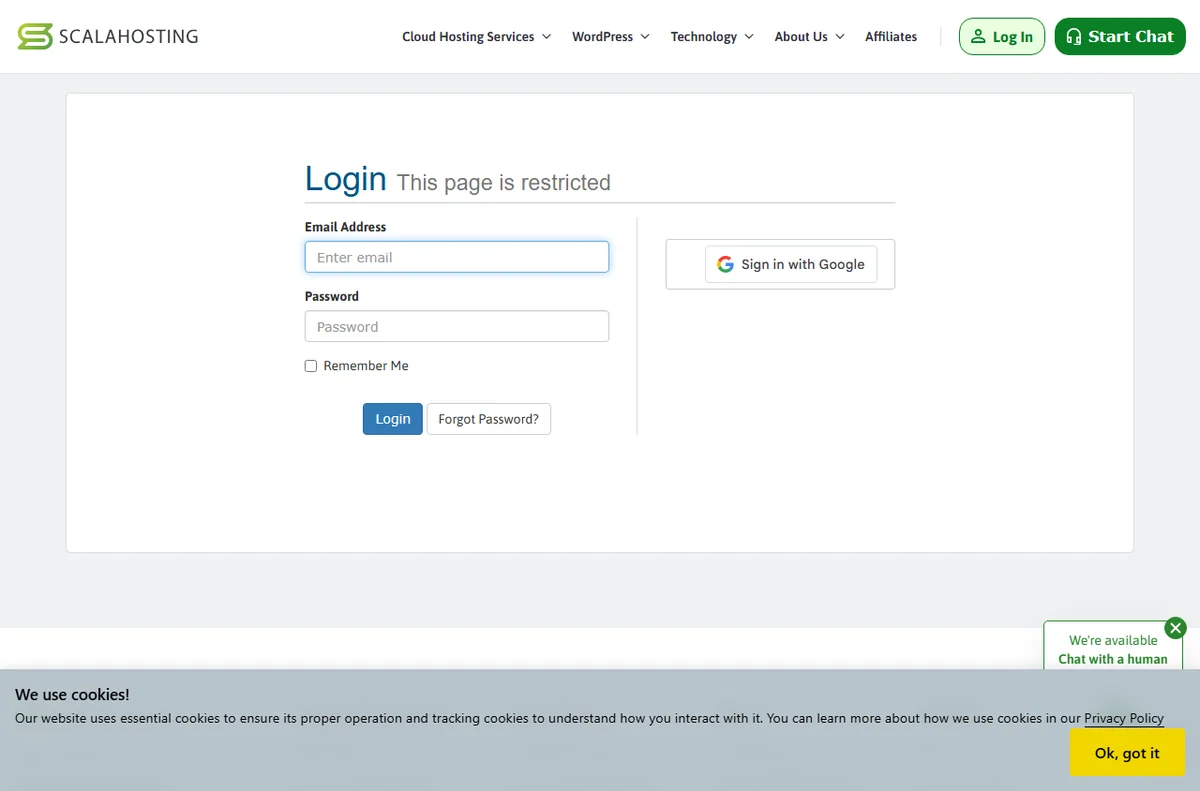
    Scalahosting login page
    Scalahosting login (image: scalahosting.com)

    Frequently asked

    Is my data lost if the server goes down?

    Usually not. A restart or a fix restores the service; check whether you have a recent backup before assuming the worst.

    Why does my site work for me but not others?

    DNS caching can make a change visible to you before the rest of the world. Test from another network to see the difference.

    Should I upgrade the plan to fix speed?

    Only if resources are the bottleneck. A slow page is often the site; measure before you pay for more.

    Can support fix my DNS?

    They can advise on records, but the domain’s DNS may sit with the registrar rather than the host, so check where it is managed.

    Get the server and the site healthy again

    Fix the common hosting problems step by step.

    Some links on this page may be referral links — we may earn a reward if you sign up, at no extra cost to you. We are an independent publisher. See our Affiliate Disclosure.
    Related reading

  • What is ScalaHosting?

    What is ScalaHosting?

    Home / Hosting / Guides / What is ScalaHosting

    Knowledge · hosting · updated October 9, 2026

    What is ScalaHosting?

    ScalaHosting is a web hosting provider that offers shared, VPS and managed plans. This guide explains what it does, how it is organised, and what it is not.

    Independent analysis. This page may contain affiliate links. If you sign up through a link on this page we may earn a reward at no extra cost to you, and it never changes what we recommend. We are an independent publisher and are not affiliated with, endorsed by, or an official partner of any tool mentioned. See our Affiliate Disclosure.

    TL;DR

    • ScalaHosting is a web hosting provider for shared, VPS and managed plans.
    • It is organised around plans, servers and the control panel you manage them from.
    • Sites are installed on the server and reached through your domain.
    • It is aimed at people who want a host with more control on VPS plans.
    • It is not a website builder and it is not a domain registrar alone.

    On this page: What ScalaHosting is · How it is organised · What it is good at · What it is not · Concept cheat sheet · Where this fits

    Scalahosting home page
    Scalahosting home (image: scalahosting.com)

    What ScalaHosting is

    ScalaHosting is a company that runs servers and rents space on them. You point a domain at the server and your site runs there.

    The offering spans shared hosting, where you share a server with others, up to VPS plans, where you get a more isolated slice of a machine. The idea is that you can start simple and move up without changing hosts.

    Like any host, what you pay for is availability, support and the tools that sit around the server.

    Scalahosting about page
    Scalahosting about (image: scalahosting.com)

    How ScalaHosting is organised

    A plan decides how much storage, bandwidth and sites you get, and whether you share a server or get a dedicated slice.

    The control panel is where you manage files, databases, email and settings. A self-managed VPS gives you more room to change things and more responsibility when you do.

    Your domain points to the server through DNS records, and the site itself is stored and served from the account.

    Scalahosting blog page
    Scalahosting blog (image: scalahosting.com)

    What ScalaHosting is good at

    • Starting on shared hosting and moving up to VPS without switching providers.
    • Managing sites, email and databases from one control panel.
    • Supporting more than one site from a single account.
    • Scaling up when a site outgrows a shared server.
    Scalahosting cloud vps page
    Scalahosting cloud vps (image: scalahosting.com)

    What ScalaHosting is not

    • Not a website builder: you still need a platform or a theme to build the site.
    • Not a free service, so check the current pricing for the plan and term you want.
    • Not a managed service on every plan; a self-managed VPS expects you to handle the server.
    • Not a guarantee of speed on its own; the site and the plan both matter.

    Concept cheat sheet

    ConceptMeaningWhy it matters
    PlanWhat you buy: shared or VPSSets resources and control
    Control panelWhere you manage the accountFiles, email and databases live here
    VPSA more isolated slice of a serverMore control, more responsibility
    DNSRecords that point a domainConnects the domain to the server
    BackupA copy of your siteHow you recover from mistakes
    Based on publicly documented behaviour, checked October 9, 2026.
    Scalahosting email hosting page
    Scalahosting email hosting (image: scalahosting.com)

    Where this fits

    Start with the hosting hub. For the practical steps see how to set up ScalaHosting, and for everyday usage read how to use ScalaHosting for a small business.

    Scalahosting login page
    Scalahosting login (image: scalahosting.com)

    Frequently asked

    Is ScalaHosting only for advanced users?

    No. Shared hosting is beginner friendly, and VPS plans are there for people who want more control. You can pick the level that suits you.

    Do I need a separate domain?

    You can register or connect a domain during the signup flow. The site needs a domain to be reachable.

    What is a VPS?

    It is a more isolated slice of a server with its own resources. It gives you more control than shared hosting and asks more of you in return.

    Is there a money-back guarantee?

    Terms change over time. Check the current policy on ScalaHosting’s own site before you commit.

    Can I host more than one site?

    It depends on the plan; some allow several sites on one account. Match the plan to how many sites you actually run.

    Host your site with confidence

    Shared, VPS and managed plans in one account.

    Some links on this page may be referral links — we may earn a reward if you sign up, at no extra cost to you. We are an independent publisher. See our Affiliate Disclosure.
    Related reading

  • Common MailerLite problems and how to fix them

    Common MailerLite problems and how to fix them

    Home / Email Marketing / Guides / Common MailerLite problems

    Problem · email marketing · updated October 9, 2026

    Common MailerLite problems and how to fix them

    Most MailerLite problems fall into a few areas: emails that do not arrive, subscribers who do not get added, automations that do not fire, deliverability warnings, or billing and account questions. Here are the ones that come up most, and what to check first.

    Independent analysis. This page may contain affiliate links. If you sign up through a link on this page we may earn a reward at no extra cost to you, and it never changes what we recommend. We are an independent publisher and are not affiliated with, endorsed by, or an official partner of any tool mentioned. See our Affiliate Disclosure.

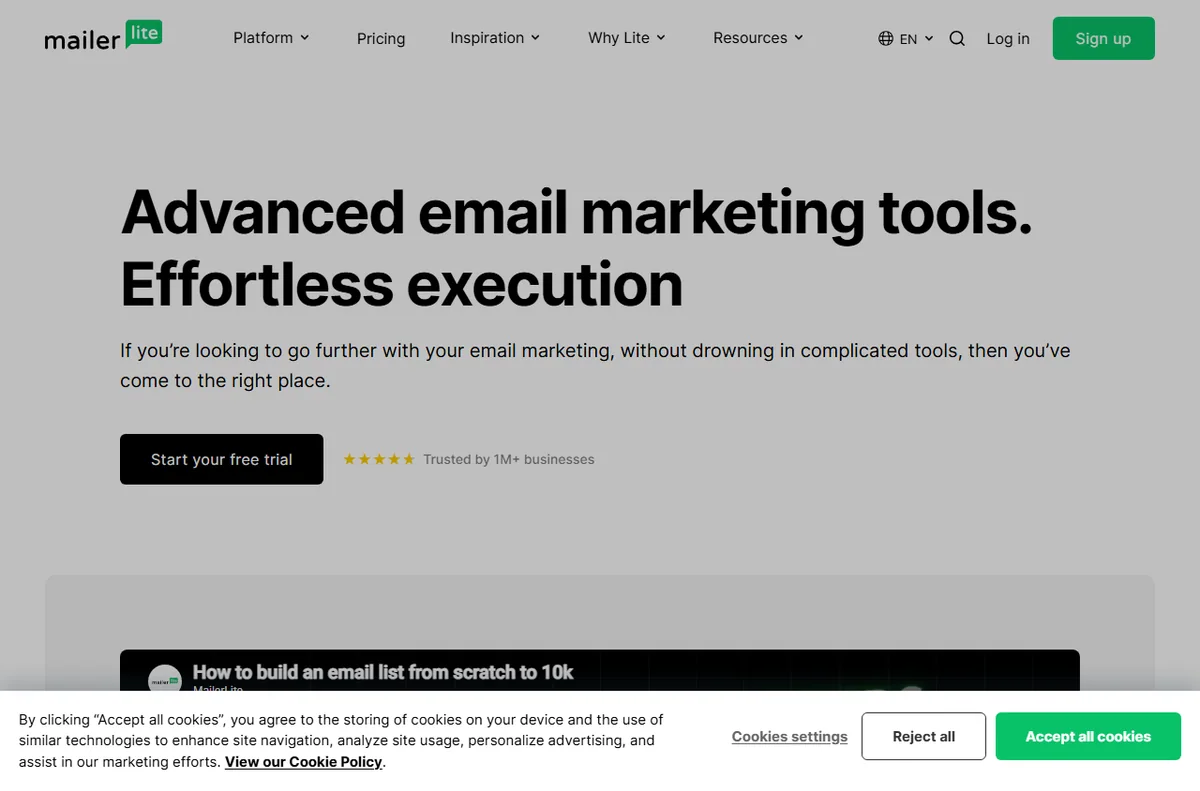
    MailerLite homepage for email marketing and automation
    MailerLite official homepage (image: mailerlite.com)

    TL;DR

    • An email that never arrives is usually about deliverability, not the editor.
    • Subscribers who do not appear are often failing a form or a confirmation step.
    • An automation that does not fire is usually a trigger or a condition mismatch.
    • Deliverability warnings are about list quality and sending habits.
    • Check the exact step that failed before you resend anything.

    On this page: Why things go wrong · Emails do not arrive · Subscribers are missing · Automations do not fire · Deliverability warnings · Account and billing · Symptom to fix · Where this fits

    Why things go wrong

    MailerLite depends on a few moving parts: your list, the forms that fill it, the campaigns you send and the servers that deliver them. Most problems sit at one of those, and the report usually names the step that failed.

    The useful habit is to check whether the problem is in your account or at the recipient’s end before you change anything.

    MailerLite features page for campaigns and deliverability
    MailerLite features (image: mailerlite.com)

    Emails do not arrive

    When a campaign shows as sent but nobody received it, the problem usually sits with delivery rather than the tool. Spam filters, a mistyped address and a sender without the right records are the common causes.

    • Check the campaign report for bounces and their reasons.
    • Confirm the authentication records on your sending domain.
    • Ask a few recipients to check their spam folder.
    • Send a test to an address you control before a full send.

    Subscribers are missing

    A signup that does not add anyone is usually about the form or the confirmation step. If double opt-in is on, the subscriber only joins after they click the confirmation link.

    Check the form is connected to the right group, that the confirmation email is being delivered, and that the address was not already unsubscribed.

    MailerLite automation builder with triggers and steps
    MailerLite automation builder (image: mailerlite.com)

    Automations do not fire

    An automation is triggered by an event and filtered by conditions. If nothing happens, either the trigger did not occur or a condition excluded the person.

    Open the automation’s activity log, confirm the trigger matches what you expected, and check whether a condition or a group filter is stopping the flow.

    Deliverability warnings

    Warnings about deliverability usually point at list quality, complaint rates or sending patterns. A list that was bought rather than earned will hurt every send.

    • Send only to people who opted in.
    • Keep complaint and bounce rates low by cleaning the list.
    • Warm a new domain gradually instead of blasting it on day one.
    MailerLite pricing page with plan tiers
    MailerLite pricing and plans (image: mailerlite.com)

    Account and billing questions

    Plan limits, subscriber counts and billing sit with the company rather than your campaigns. A plan can pause sending when you exceed a limit or a payment fails.

    Check the account and billing pages, confirm your subscriber count against the plan limit, and contact support with your account details.

    Symptom to fix

    SymptomLikely causeFix
    Email marked sent but not receivedDeliverability or address issueCheck bounces and authentication
    Subscriber does not appearForm, group or confirmation stepConnect the form and check double opt-in
    Automation does not runTrigger or condition mismatchReview the automation activity log
    Sending is limited or blockedList quality or account limitClean the list and check the plan
    Billing or access problemPayment or plan limitCheck billing and contact support
    General guidance, checked October 9, 2026. Confirm specifics inside your own MailerLite account.
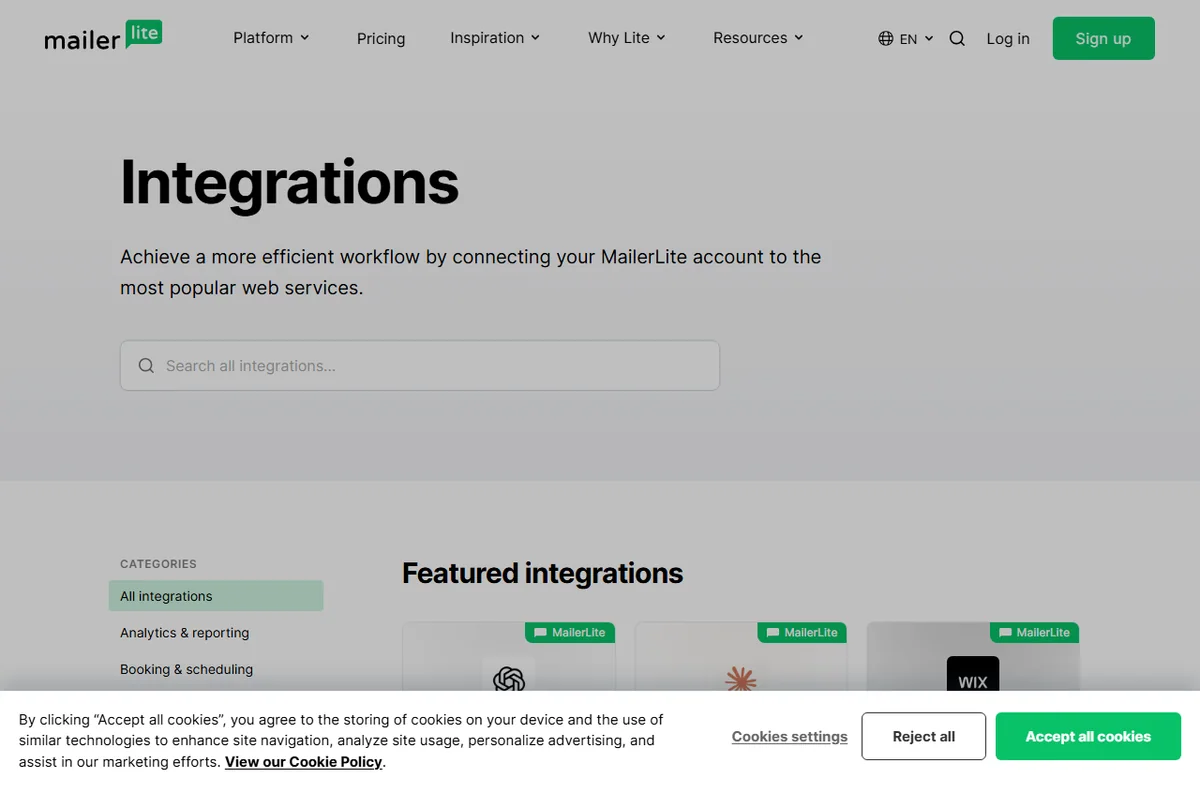
    MailerLite integrations page with supported apps
    MailerLite integrations (image: mailerlite.com)

    Where this fits

    Start with the email marketing hub. For the basics read what MailerLite is, and for the setup steps see how to set up MailerLite.

    Frequently asked

    Why did my campaign never arrive?

    Start with the report: bounces, spam placement and authentication explain most cases. A test send to your own address is a quick check.

    Is my list lost if an automation breaks?

    No. The subscribers are still on your list; the automation is the part that needs fixing. Pausing it does not remove anyone.

    Should I resend to everyone?

    Not before you know why the first send failed. Resending to a disengaged list can hurt your sender reputation.

    Can support fix deliverability for me?

    They can advise on settings and records, but reputation depends on your list and habits, which is why the sender owns most of it.

    MailerLite sign-up screen for a new account
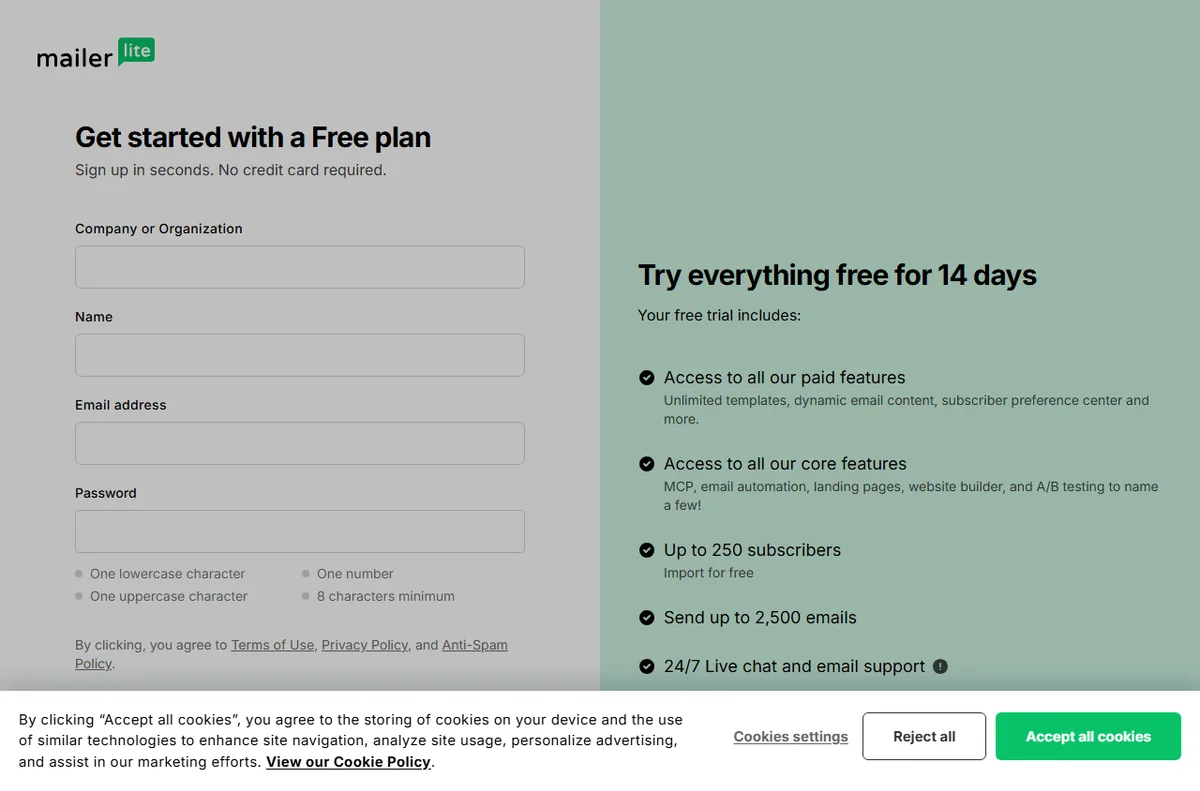
    MailerLite sign-up (image: mailerlite.com)

    Fix the email, not the symptom

    Get campaigns and automations working again.

    Some links on this page may be referral links — we may earn a reward if you sign up, at no extra cost to you. We are an independent publisher. See our Affiliate Disclosure.

    Related reading