Home / Email Marketing / Guides / How to use EmailOctopus for a small business
Guide · email marketing · updated October 9, 2026
How to use EmailOctopus for a small business
Once EmailOctopus is set up, the value comes from a steady routine. This guide turns it into a small-business workflow: keep costs predictable as the list grows, email people who opted in, automate the follow-ups, and watch the handful of numbers that matter.
Independent analysis. This page may contain affiliate links. If you sign up through a link on this page we may earn a reward at no extra cost to you, and it never changes what we recommend. We are an independent publisher and are not affiliated with, endorsed by, or an official partner of any tool mentioned. See our Affiliate Disclosure.
TL;DR
- Keep sending costs predictable as your list grows.
- Send a reliable, regular newsletter.
- Automate welcome and follow-up messages.
- Segment so every email is relevant.
- Watch the deliverability basics.
- Measure opens and clicks on a fixed schedule.
On this page: Keep costs predictable · Regular newsletter · Automate · Segment · Deliverability · Measure

Keep costs predictable as you grow
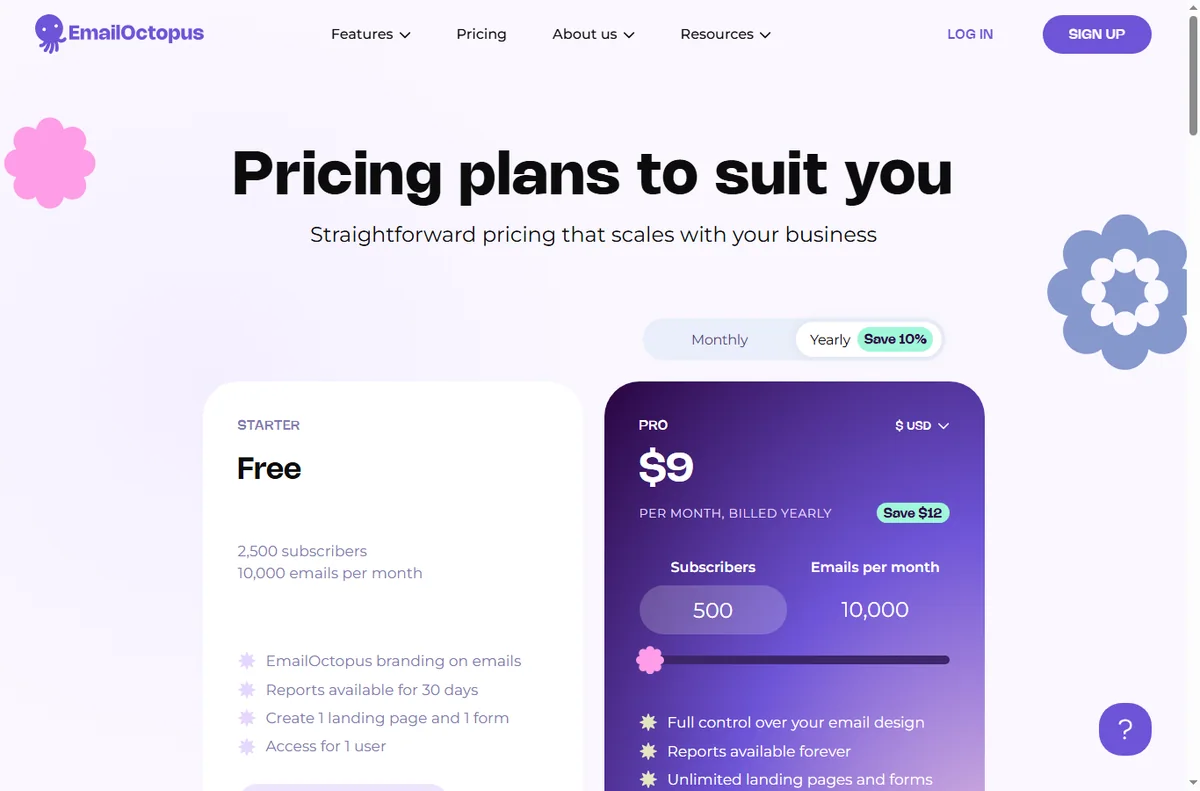
Because EmailOctopus prices largely on list size, the key habit is keeping the list clean. Remove people who never engage so you are not paying to email the unengaged.
Check your plan’s current limits before a big campaign. Knowing the boundary in advance avoids a surprise halfway through a send.
Prune the list on a schedule — once a quarter is enough — and let the small savings compound. A tidy list also improves your engagement metrics, which in turn helps every future send.
Send a reliable newsletter
Pick a rhythm you can keep and hold it. A predictable newsletter keeps your name familiar and makes unsubscribes less likely.
One main idea per issue with a clear next step beats an everything-email that readers skim and forget.

Automate welcome and follow-up
Build a short welcome sequence and one follow-up for people who show interest but do not buy. Automation handles the repetition so you do not have to.
Review automated emails quarterly. If a message no longer matches your offer or prices, fix it or switch it off.
Segment for relevance
Split the list by what people did, not just who they are: new subscribers, past buyers, or the recently inactive. Relevance is what keeps engagement up.
You do not need elaborate rules. Two or three honest segments are enough to make your messages feel personal.
Even a simple split by sign-up source tells you which pages attract the right people, so you can send those readers content that actually fits.
Watch the deliverability basics
Verify your sending domain, email people who opted in, and avoid over-mailing. These three habits do more for inbox placement than any trick.
Keep a consistent sender name and address so subscribers and mailbox providers recognise you over time.
Measure what matters
Track open rate and click rate for your main campaigns, and watch unsubscribes as a signal that something is off. Review on a fixed schedule.
A small, stable scoreboard you actually read is worth more than a dashboard full of numbers nobody checks.
Write down what you changed after each review, so improvement is a loop rather than a fresh guess every month.
Where this fits
Start from the independent EmailOctopus review and the email marketing hub. For setup, see how to set up EmailOctopus. Compare options in best email marketing software and follow the method with the deliverability guide.

Frequently asked
Is EmailOctopus good for a large list?
Its SES-based model keeps sending costs low as a list grows, which suits list-heavy businesses. Check the current tiers before you commit.
How do I keep costs down?
Keep your list clean and remove people who never engage, since you generally pay by contact count. A smaller engaged list is cheaper and performs better.
Do I need automation?
Not on day one, but a welcome sequence is the single best automation to start with, because attention is highest right after sign-up.
How often should I send?
Monthly is enough for most small businesses. Consistency and relevance matter more than frequency.
Put EmailOctopus to work
Affordable sending, lists and automation.
Some links on this page may be referral links — we may earn a reward if you sign up, at no extra cost to you. We are an independent publisher. See our Affiliate Disclosure.
Leave a Reply