We’re reader-supported — some links are affiliate links. Learn more →

Skip to content

Independent software research. Some links may earn us a commission at no extra cost to you. Learn more →

ICode

Author: admin

  • Systeme.io alternatives: 7 tools compared (2026)

    Systeme.io alternatives: 7 tools compared (2026)

    Home / Funnel builders / Guides / Systeme.io alternatives

    Comparison · funnel builders · updated October 9, 2026

    Systeme.io alternatives: 7 tools compared (2026)

    Systeme.io bundles funnels, email and courses into one account — but it is not the only tool that does. Here are seven alternatives worth comparing, and how to choose between them without overpaying.

    Independent analysis. This page may contain affiliate links. If you sign up through a link on this page we may earn a reward at no extra cost to you, and it never changes what we recommend. We are an independent publisher and are not affiliated with, endorsed by, or an official partner of any tool mentioned. See our Affiliate Disclosure.

    TL;DR

    • Systeme.io wins on all-in-one simplicity; ClickFunnels and Kartra lean harder into advanced funnel and membership features.
    • Leadpages is page-first, Kajabi and Thinkific are course-first, and GetResponse leans on email.
    • Choose by the job you do most often, not by the longest feature list.
    • Most tools offer a trial or free tier, so you can test the workflow before you commit.
    • Plans change often — check the current pricing on each vendor site before you buy.

    On this page: How we compared · At a glance · The seven tools · Which to pick · FAQ

    Systeme home page
    Systeme home (image: systeme.io)

    How we compared

    We compared the tools on the parts that decide whether you actually finish a funnel: how easy the builder is to learn, whether email and automation are included, whether you can sell a course in the same account, and how transparent the pricing page is.

    This is a feature-emphasis comparison, not a benchmark. We have not listed dollar amounts because plans are revised frequently; instead we point you to where to confirm the current pricing and limits.

    At a glance

    ToolBest forFunnelsEmail + automationCoursesPricing
    Systeme.ioAll-in-one on a budgetYesYesYesFree plan; check the current pricing
    ClickFunnelsAdvanced, high-volume funnelsYesBasicAdd-onCheck the current pricing
    KartraFunnels plus membershipsYesYesYesCheck the current pricing
    LeadpagesFast, high-converting pagesLimitedLightNoCheck the current pricing
    KajabiPremium course businessesLightYesYesCheck the current pricing
    ThinkificSelling online coursesNoLightYesFree plan; check the current pricing
    GetResponseEmail-first marketingLightYesYesFree plan; check the current pricing
    Feature emphasis only. Confirm current plans and limits on each vendor site before you buy.
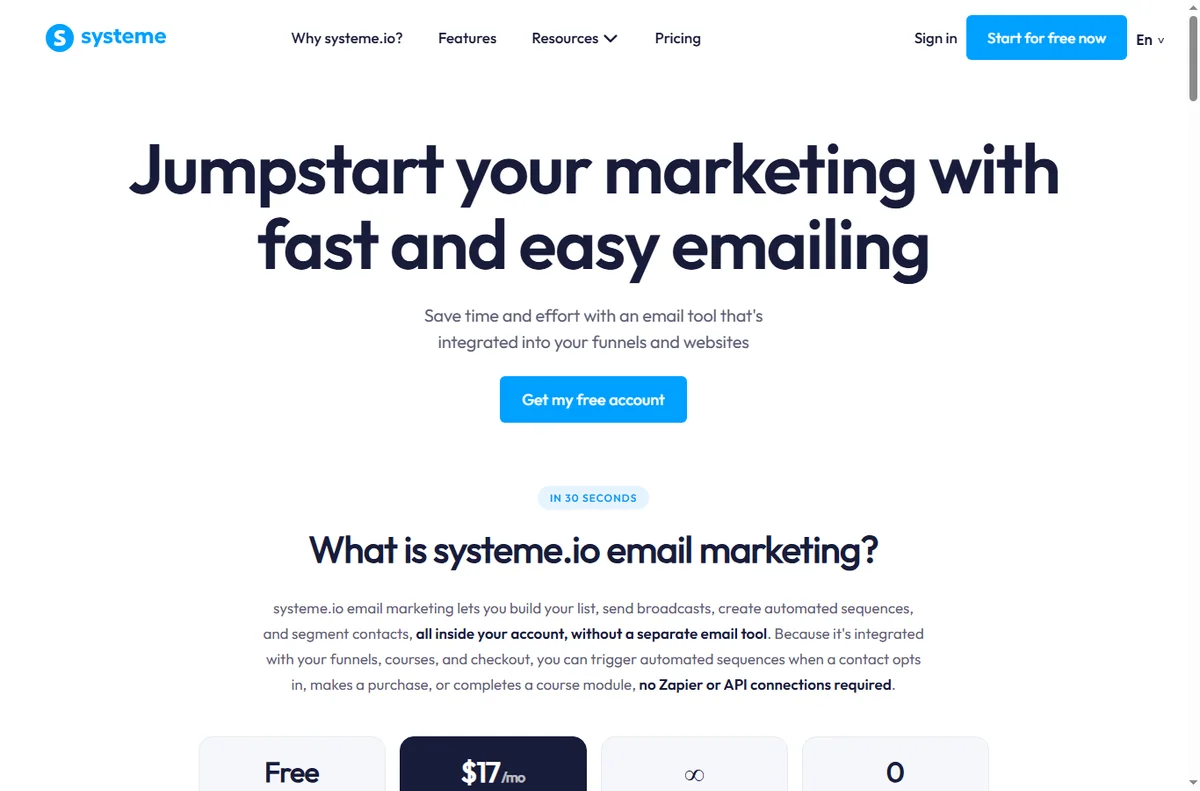
    Systeme email marketing page
    Systeme email marketing (image: systeme.io)

    1. Systeme.io: the all-in-one baseline

    Systeme.io is the tool this guide starts from, so it earns first mention. It bundles funnel building, email marketing, a course builder and automation in one account, which removes the need to stitch three subscriptions together. For a solo founder or a small team, that single-account simplicity is the whole point.

    Where it gives ground is depth: power users who need very granular funnel logic may reach its ceiling earlier. Read our full Systeme.io review and the pricing guide for the detail.
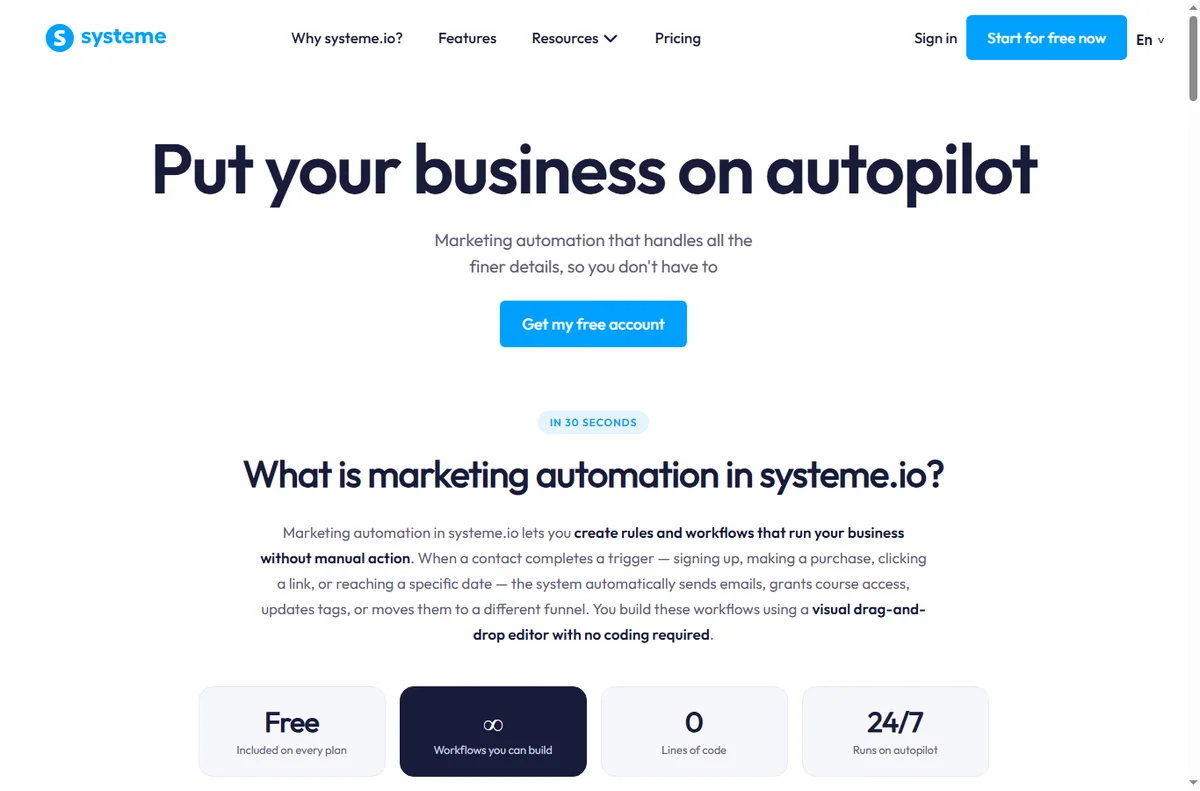
    Systeme marketing automation page
    Systeme marketing automation (image: systeme.io)

    2. ClickFunnels: depth for high-volume funnels

    ClickFunnels is the name most people meet first in this category. It is strong at building elaborate, traffic-heavy funnels with a large template library and detailed control over each step. If funnels are your core business, the extra depth can matter.

    The trade-off is that email and course features are less central, so many teams pair it with separate tools. See our ClickFunnels overview for where it fits.

    3. Kartra: memberships and all-in-one marketing

    Kartra competes in the same all-in-one space as Systeme.io. It is known for membership sites, video hosting and built-in campaign logic, and it suits creators who want a single dashboard for a membership business.

    It typically sits at a higher commitment level, so it rewards creators who will use the membership and marketing depth rather than a single funnel. Our Kartra overview has the specifics.
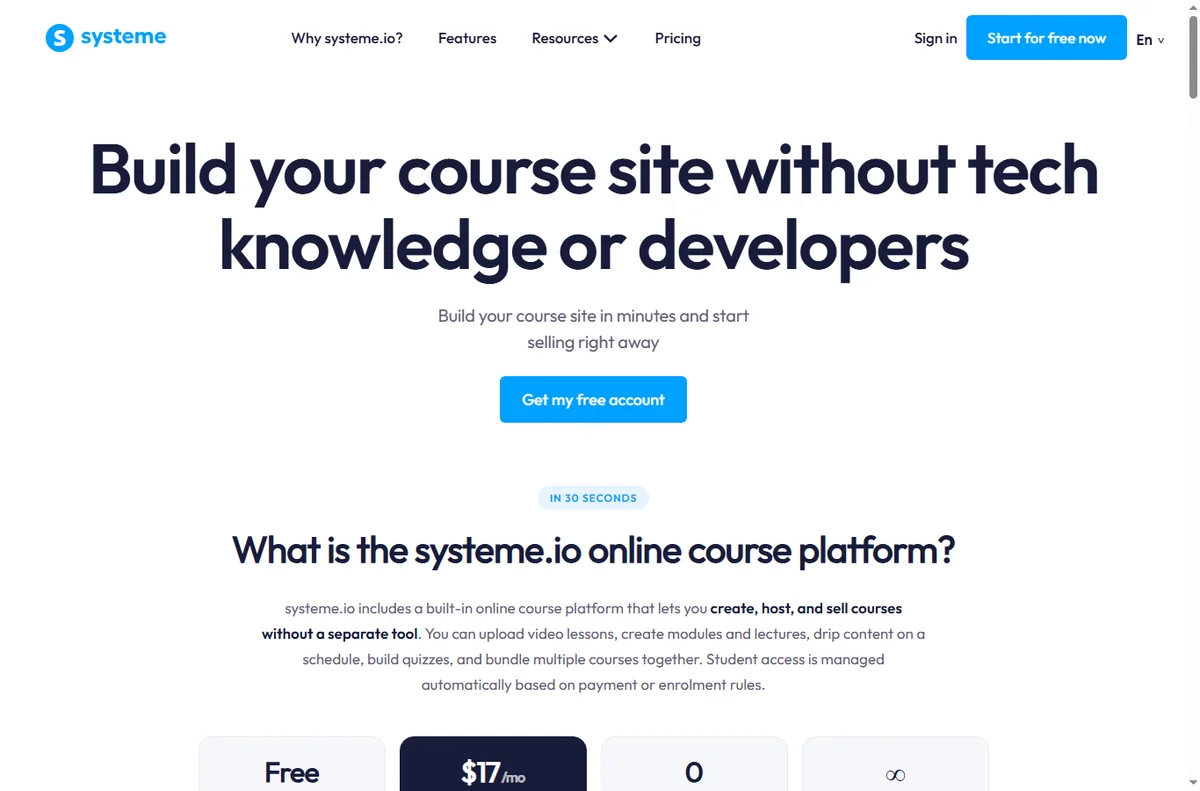
    Systeme online courses page
    Systeme online courses (image: systeme.io)

    4. Leadpages: pages that convert quickly

    Leadpages is page-first: landing pages, opt-ins and simple funnel steps. If your bottleneck is not the whole stack but the page that captures the lead, it is fast to launch and easy to learn.

    It is not a full email or course platform, so it usually sits alongside other tools rather than replacing them.

    5. Kajabi: premium course businesses

    Kajabi targets established creators running premium courses and communities. It leans into course delivery, marketing and polished member experiences, and it is priced and positioned for businesses that already sell.

    If you are still validating your first course, a lighter and cheaper starting point usually makes more sense.

    6. Thinkific: course-first selling

    Thinkific focuses on building and selling online courses with a gentle learning curve and a free starting tier. If courses are your product and funnels are secondary, it is a natural fit.

    It offers limited funnel-building, so pair it with a page builder if you also run heavy funnels.
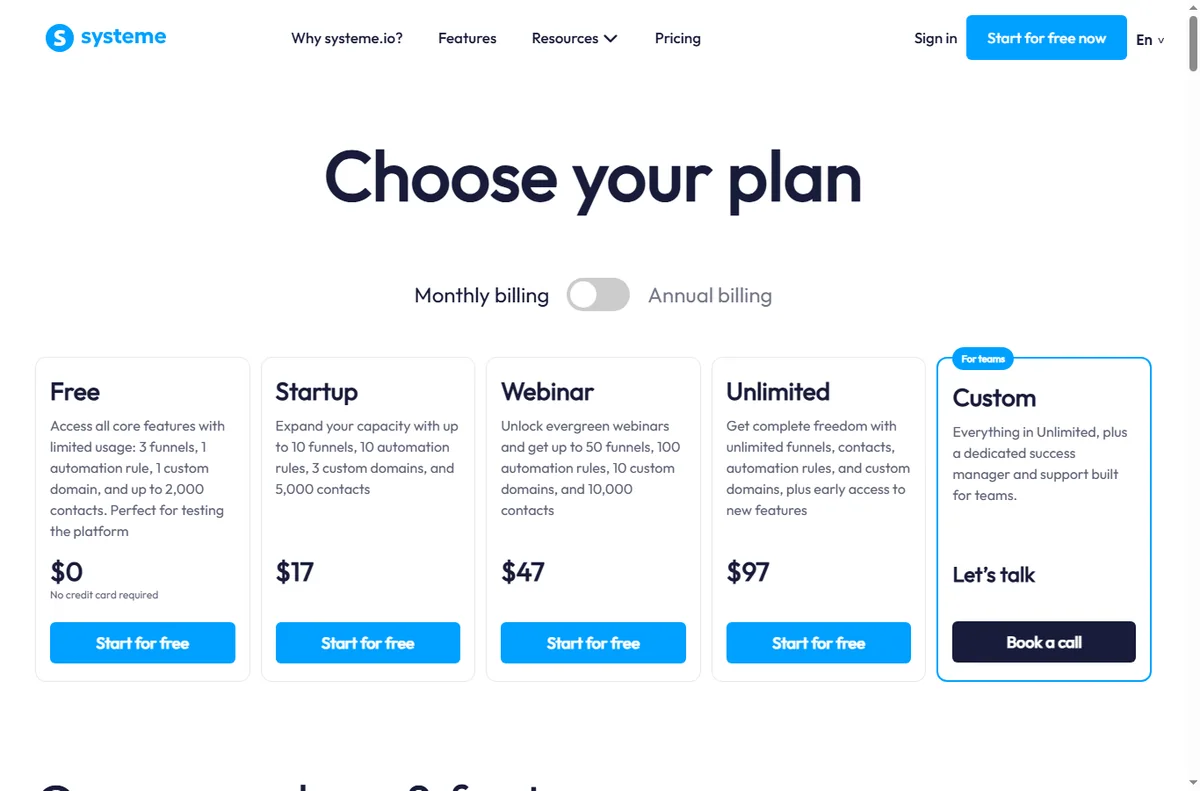
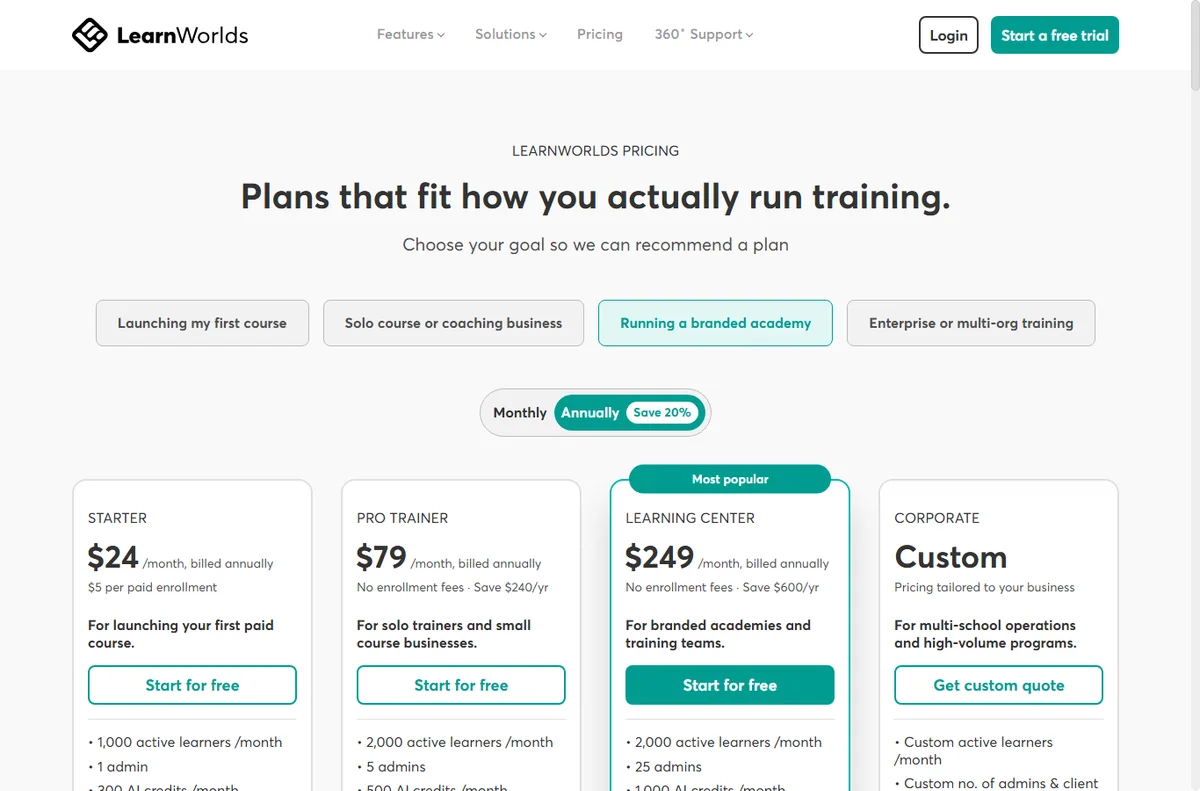
    Systeme pricing page
    Systeme pricing (image: systeme.io)

    7. GetResponse: email-first marketing

    GetResponse started in email marketing and grew into landing pages, automation and course features. It suits businesses whose revenue engine is the email list rather than the funnel.

    If email is the centre of your marketing, it is worth a close look; if courses and funnels are the centre, the all-in-one options above are usually simpler.

    Which should you pick?

    Start from the job you do most. If you want one account for funnels, email and courses at a low entry point, Systeme.io is the simplest place to begin. If you build complex, high-traffic funnels, ClickFunnels gives you more control. If memberships are the product, look closely at Kartra; if courses are the product, Thinkific and Kajabi are the course-first options.

    • Want everything in one account, cheap to start: Systeme.io.
    • Funnels are the business and you need depth: ClickFunnels.
    • Membership sites and campaigns: Kartra.
    • Pages only, fast to launch: Leadpages.
    • Premium course business: Kajabi.
    • Course-first with a free start: Thinkific.
    • Email-first marketing: GetResponse.
    Systeme register page
    Systeme register (image: systeme.io)

    Frequently asked

    Is Systeme.io cheaper than ClickFunnels?

    Pricing changes often, so compare the current plans on each site rather than trusting old figures. Systeme.io is generally the lower-commitment starting point, and it includes email and courses in the same account.

    Can I use Systeme.io and another tool together?

    Yes. Many teams run Systeme.io for funnels and courses while keeping a specialised email or page tool. The point of an all-in-one is that you usually do not have to.

    Which alternative is best for beginners?

    Look for a tool with a free or trial tier and a gentle builder. Systeme.io, Leadpages and Thinkific are all reasonable starting points depending on whether you sell funnels, pages or courses.

    Do these tools have free plans?

    Several do, including Systeme.io, Thinkific and GetResponse. Free plans usually carry limits, so check the current pricing and limits before you commit.

    Start with a tool that fits your funnel

    Compare the current plans and try the free options before you commit.

    Some links on this page may be referral links — we may earn a reward if you sign up, at no extra cost to you. We are an independent publisher. See our Affiliate Disclosure.

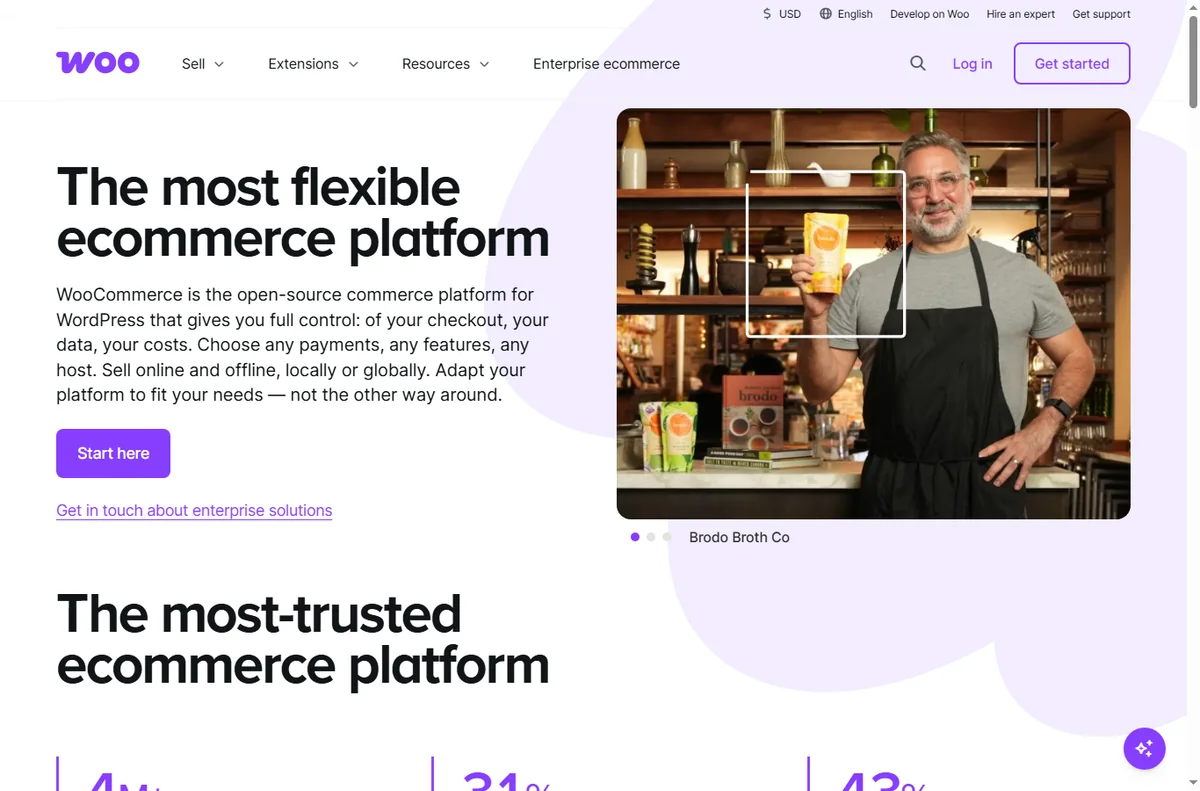
    Related reading

  • Common WooCommerce problems and how to fix them

    Common WooCommerce problems and how to fix them

    Home / E-commerce / Guides / Common WooCommerce problems

    Problem · e-commerce · updated October 9, 2026

    Common WooCommerce problems and how to fix them

    Most WooCommerce problems fall into a few areas: a checkout that will not complete, products that will not show or update, payments that fail, a store that is slow, and emails that never arrive. Here are the ones that come up most, and what to check first.

    Independent analysis. This page may contain affiliate links. If you sign up through a link on this page we may earn a reward at no extra cost to you, and it never changes what we recommend. We are an independent publisher and are not affiliated with, endorsed by, or an official partner of any tool mentioned. See our Affiliate Disclosure.

    TL;DR

    • A checkout that will not complete is usually a plugin or payment conflict.
    • Products that will not show are usually visibility, stock or caching.
    • Failed payments are often gateway settings or currency.
    • A slow store is usually hosting, caching or heavy plugins.
    • Missing order emails are usually SMTP or deliverability.

    On this page: Why things go wrong · Checkout will not complete · Products will not show · Payments fail · Store is slow · Order emails missing · Symptom to fix · Where this fits

    Why things go wrong

    A WooCommerce store stacks WordPress, the theme, the plugin and its extensions on top of each other, so a fault in any layer can break the store.

    A habit that saves time: test with only WooCommerce and a default theme active, and note what changed last, such as a new plugin or an update.

    If the problem appeared right after an update, that update is the first thing to check.

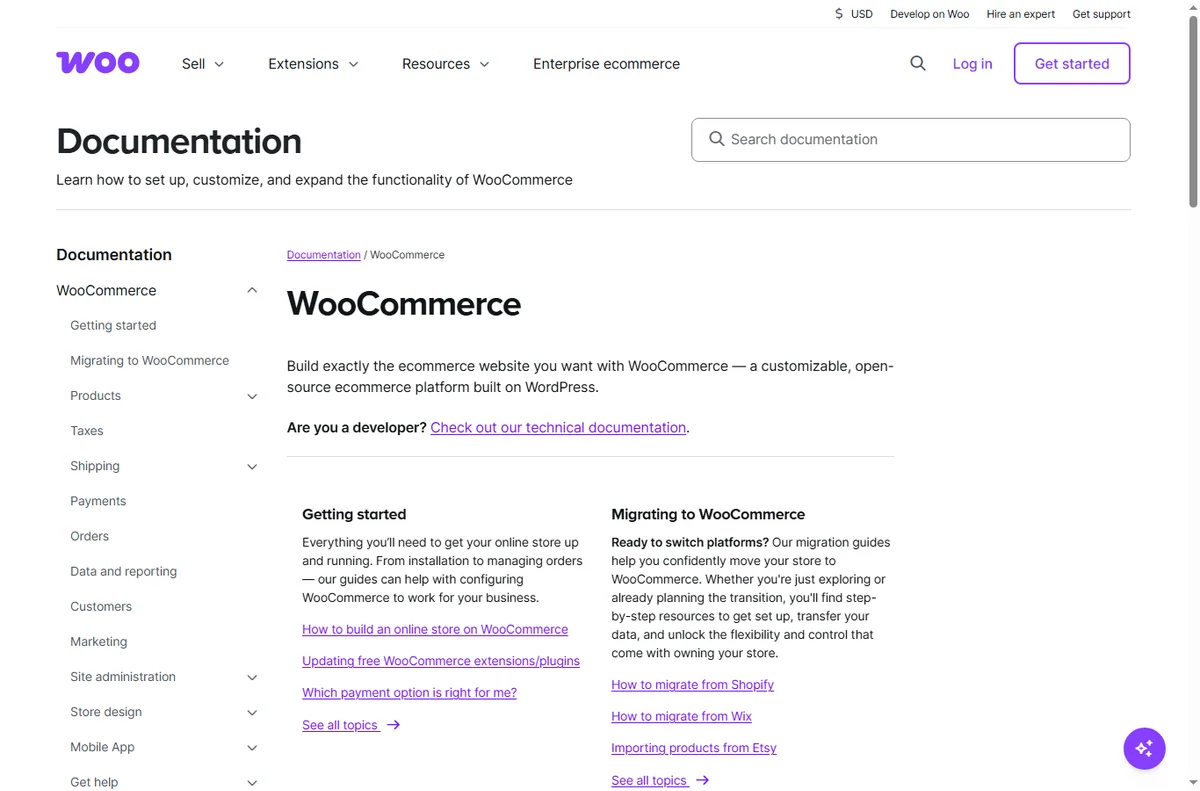
    Woocommerce home page
    Woocommerce home (image: woocommerce.com)

    Checkout will not complete

    A checkout that stalls or throws an error is often a conflict between plugins or a broken payment step.

    Disable other plugins on a staging copy, switch to a default theme, and confirm the payment gateway is connected in live mode.

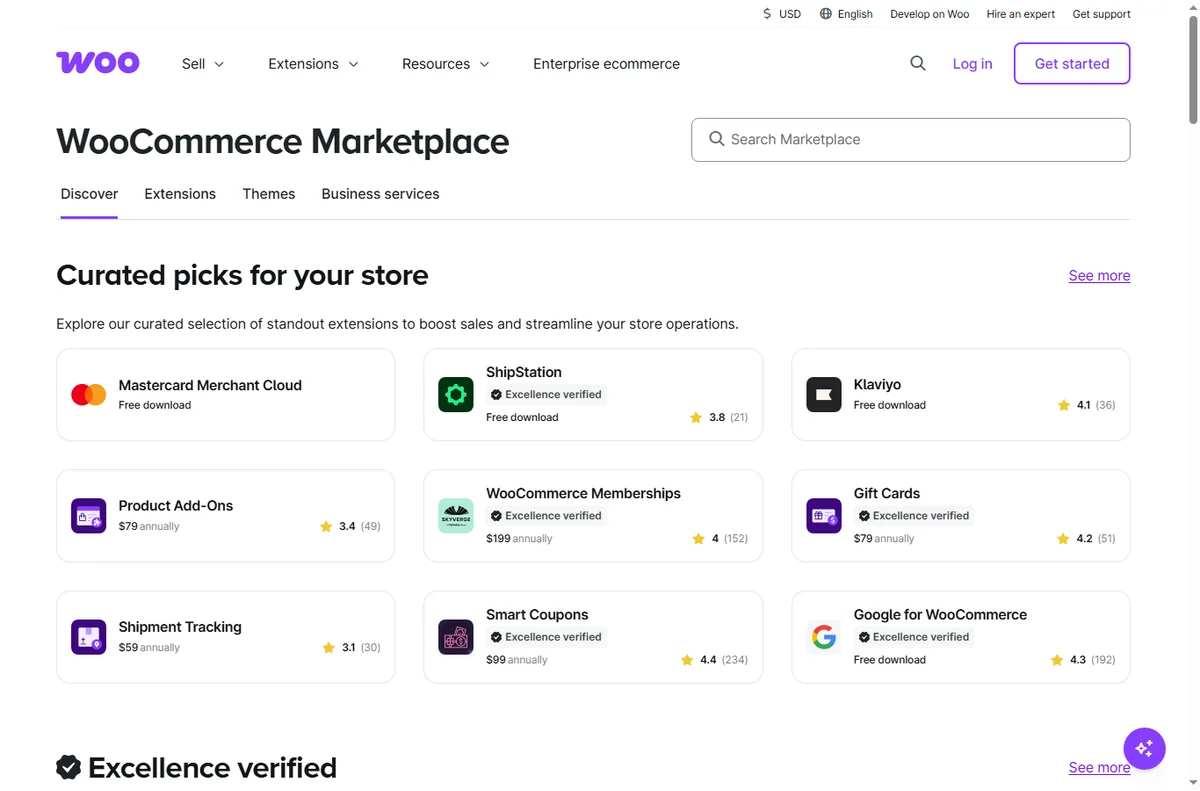
    Woocommerce docs page
    Woocommerce docs (image: woocommerce.com)

    Products will not show

    A product that is missing from the shop is usually set to draft, out of stock, or hidden by a cache.

    Check the product’s visibility and stock, confirm the category is published, and clear the site and page cache.

    Payments fail

    Failed payments are usually about the gateway: wrong live keys, an unsupported currency, or a required field the gateway rejects.

    Verify the gateway credentials, the store currency, and run a real test transaction at a low value before assuming a bug.

    Woocommerce extensions page
    Woocommerce extensions (image: woocommerce.com)

    Store is slow

    A slow store is usually hosting, missing caching, or too many heavy plugins loading on every page.

    Enable caching and object caching, remove unused plugins, and check whether the host meets the store’s needs.

    Woocommerce features page
    Woocommerce features (image: woocommerce.com)

    Order emails missing

    Transactional emails that never arrive are usually about sending: WordPress alone is a poor mail sender.

    Route mail through an SMTP or transactional service, check the sending domain, and confirm the emails are not landing in spam.

    Symptom to fix

    SymptomLikely causeFix
    Checkout will not completePlugin or payment conflictTest with a default theme, check the gateway
    Products will not showVisibility, stock or cacheCheck visibility and stock, clear cache
    Payments failGateway keys or currencyVerify keys and currency, test live
    Store is slowHosting, cache or pluginsAdd caching, remove heavy plugins
    Order emails missingWordPress mail or deliverabilityUse SMTP, check sending domain
    General guidance, checked October 9, 2026. Confirm specifics inside your own WooCommerce setup.
    Woocommerce payments page
    Woocommerce payments (image: woocommerce.com)

    Where this fits

    Start with the e-commerce hub. For the basics read what WooCommerce is, and for the setup steps see how to set up WooCommerce. If you are choosing a platform, read Shopify vs WooCommerce.

    Woocommerce pricing page
    Woocommerce pricing (image: woocommerce.com)

    Frequently asked

    Can I fix these myself?

    Most of them. Products, plugins and caching are in your control. Anything on the host needs a support ticket.

    Why did checkout break?

    Usually a plugin or payment change. Test with a default theme and only WooCommerce active to isolate it.

    Why are orders not emailing?

    WordPress mail is unreliable on its own. Route it through SMTP and check the sending domain.

    Should I switch platforms?

    Not straight away. Confirm whether it is a setting, a plugin or the host first.

    How long do fixes take?

    Most settings apply at once, but caching and email reputation can take time to settle.

    Fix your store

    Isolate the layer, then get help if you need it.

    Some links on this page may be referral links — we may earn a reward if you sign up, at no extra cost to you. We are an independent publisher. See our Affiliate Disclosure.
    Related reading

  • What is WooCommerce?

    What is WooCommerce?

    Home / E-commerce / Guides / What is WooCommerce

    Knowledge · e-commerce · updated October 9, 2026

    What is WooCommerce?

    WooCommerce is a free, open-source e-commerce plugin that turns a WordPress site into an online store you own and control. This guide explains what it does, how it is organised, and what it is not.

    Independent analysis. This page may contain affiliate links. If you sign up through a link on this page we may earn a reward at no extra cost to you, and it never changes what we recommend. We are an independent publisher and are not affiliated with, endorsed by, or an official partner of any tool mentioned. See our Affiliate Disclosure.

    TL;DR

    • WooCommerce is an open-source e-commerce plugin for WordPress.
    • It turns an existing WordPress site into a store.
    • You own the store and the data; hosting and extensions are the real costs.
    • Features, extension terms and prices change, so check the current pricing before you commit.
    • It is not a hosted all-in-one platform: you still run hosting and updates.

    On this page: What WooCommerce is · How it is organised · What it is good at · What it is not · Concept cheat sheet · Where this fits

    Woocommerce home page
    Woocommerce home (image: woocommerce.com)

    What WooCommerce is

    WooCommerce is software you add to WordPress rather than a standalone store hosted for you.

    The core product is the plugin: it adds products, carts and checkout to a site you already run.

    Around the core it adds payments, shipping, tax and orders, with extensions for anything more specialised.

    Because it runs on your WordPress site, you choose the host and you look after updates, backups and speed.

    Woocommerce docs page
    Woocommerce docs (image: woocommerce.com)

    How WooCommerce is organised

    Everything hangs off your WordPress site. Products are a content type, and orders, customers and coupons sit alongside them.

    You create products, set prices and stock, then connect payments and shipping at checkout.

    The core is free; extra capabilities come as extensions, each added to the same site.

    As the store grows you scale the host, add caching, and add extensions rather than change platform.

    Woocommerce extensions page
    Woocommerce extensions (image: woocommerce.com)

    What WooCommerce is good at

    • Owning your store, data and customer relationships.
    • Customising design and checkout with full control.
    • Selling unlimited products without a platform plan.
    • Extending with thousands of plugins for niche needs.
    • Running a store on a platform you already know.
    Woocommerce features page
    Woocommerce features (image: woocommerce.com)

    What WooCommerce is not

    • Not a hosted service: you manage hosting, updates and security.
    • Not turnkey: setup takes more work than a hosted store builder.
    • Not inherently fast: performance depends on your host and setup.
    • Not free in total: the plugin is free, but hosting and extensions are not.

    Concept cheat sheet

    ConceptMeaningWhy it matters
    PluginSoftware added to WordPressAdds the store to your site
    ProductAn item you sellThe unit customers buy
    CheckoutWhere payment and shipping happenTurns a cart into an order
    Payment gatewayConnects the store to a processorHow money is collected
    ExtensionAdd-on for extra featuresAdds specialist capability
    HostingThe server your site runs onOwns speed, uptime and security
    Based on publicly documented behaviour, checked October 9, 2026.
    Woocommerce payments page
    Woocommerce payments (image: woocommerce.com)

    Where this fits

    Start with the e-commerce hub. For the practical steps see how to set up WooCommerce, and for everyday usage read how to use WooCommerce for a small business. If you are choosing a platform, read Shopify vs WooCommerce.

    Woocommerce pricing page
    Woocommerce pricing (image: woocommerce.com)

    Frequently asked

    Is WooCommerce free?

    The plugin itself is free and open source. Hosting, domains and extensions are the real costs, so check current pricing before you budget.

    Do I need WordPress?

    Yes. WooCommerce is a plugin, so it runs on a self-hosted WordPress site rather than on its own.

    Can it handle a small store?

    Easily. It scales from a handful of products to large catalogues, with hosting being the main limit.

    Do I need to code?

    Not for basic selling, but customisation and performance work benefit from some technical comfort.

    Is it better than a hosted store builder?

    It depends. WooCommerce wins on ownership and flexibility; hosted builders win on hands-off simplicity.

    Open your store

    Own your store on WordPress with WooCommerce.

    Some links on this page may be referral links — we may earn a reward if you sign up, at no extra cost to you. We are an independent publisher. See our Affiliate Disclosure.
    Related reading

  • What is LearnWorlds?

    What is LearnWorlds?

    Home / Course Platforms / Guides / What is LearnWorlds

    Knowledge · course platforms · updated October 9, 2026

    What is LearnWorlds?

    LearnWorlds is an online course platform that lets you build, sell and run courses from a single account. This guide explains what it does, how its courses, site builder and memberships fit together, and what it is not.

    Independent analysis. This page may contain affiliate links. If you sign up through a link on this page we may earn a reward at no extra cost to you, and it never changes what we recommend. We are an independent publisher and are not affiliated with, endorsed by, or an official partner of any tool mentioned. See our Affiliate Disclosure.

    TL;DR

    • LearnWorlds is a hosted platform for creating and selling online courses.
    • It combines a course builder, a site builder and a checkout in one account.
    • You rent the platform rather than install software on your own server.
    • Plans and fees change, so check the current pricing before you commit.
    • It is not a general website builder, and not the cheapest option for a single small course.

    On this page: What LearnWorlds is · How it is organised · What it is good at · What it is not · Concept cheat sheet · Where this fits

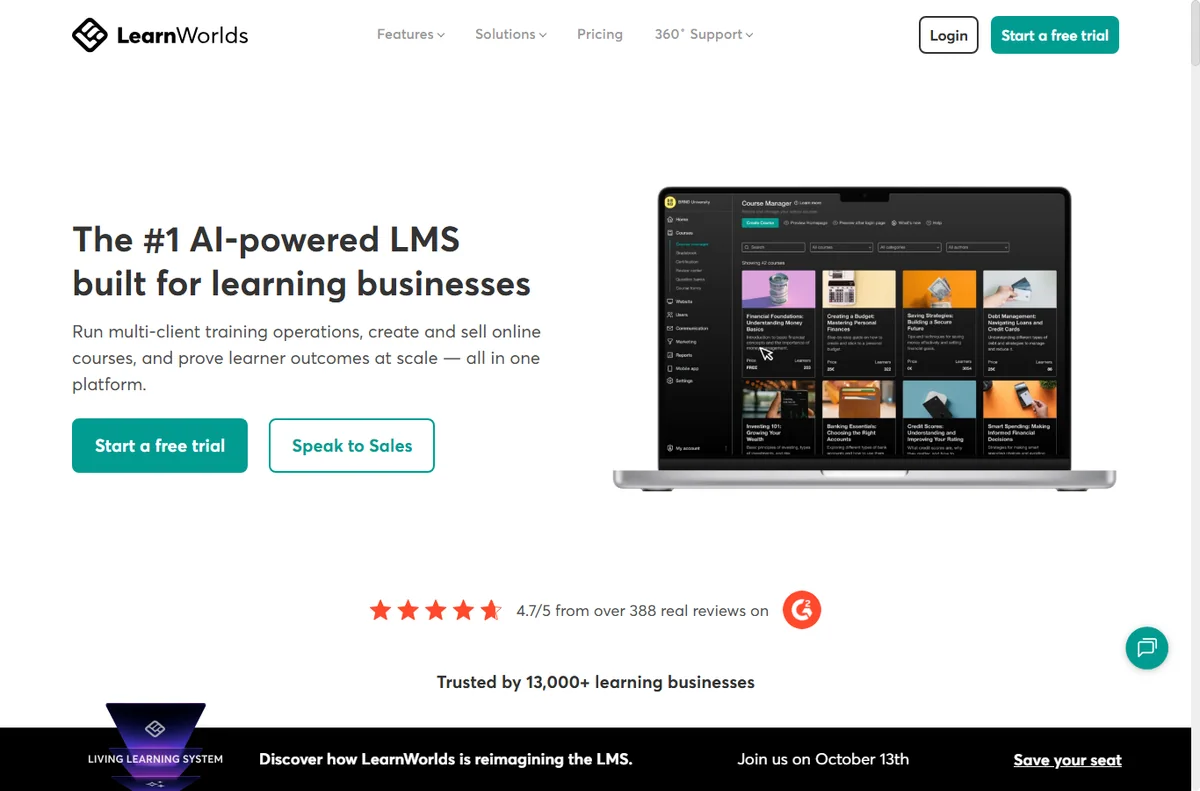
    Learnworlds home page
    Learnworlds home (image: learnworlds.com)

    What LearnWorlds is

    LearnWorlds is a hosted platform, not a plugin. You sign up, build your school inside it, and it looks after the servers, the updates and the payment handling for you.

    Its job is to take a course from an outline to something people can buy and work through. That means lesson pages, video hosting, quizzes and a checkout in one place.

    Around the lessons it adds the parts a course business needs: a small website, student accounts, drip schedules and a way to take payment.

    Because it is hosted, you trade some control for convenience. You do not manage hosting or updates, but you also work within the features the platform offers.

    A useful way to think about it: it is the school, the shop and the classroom combined, rather than one piece you bolt onto another.

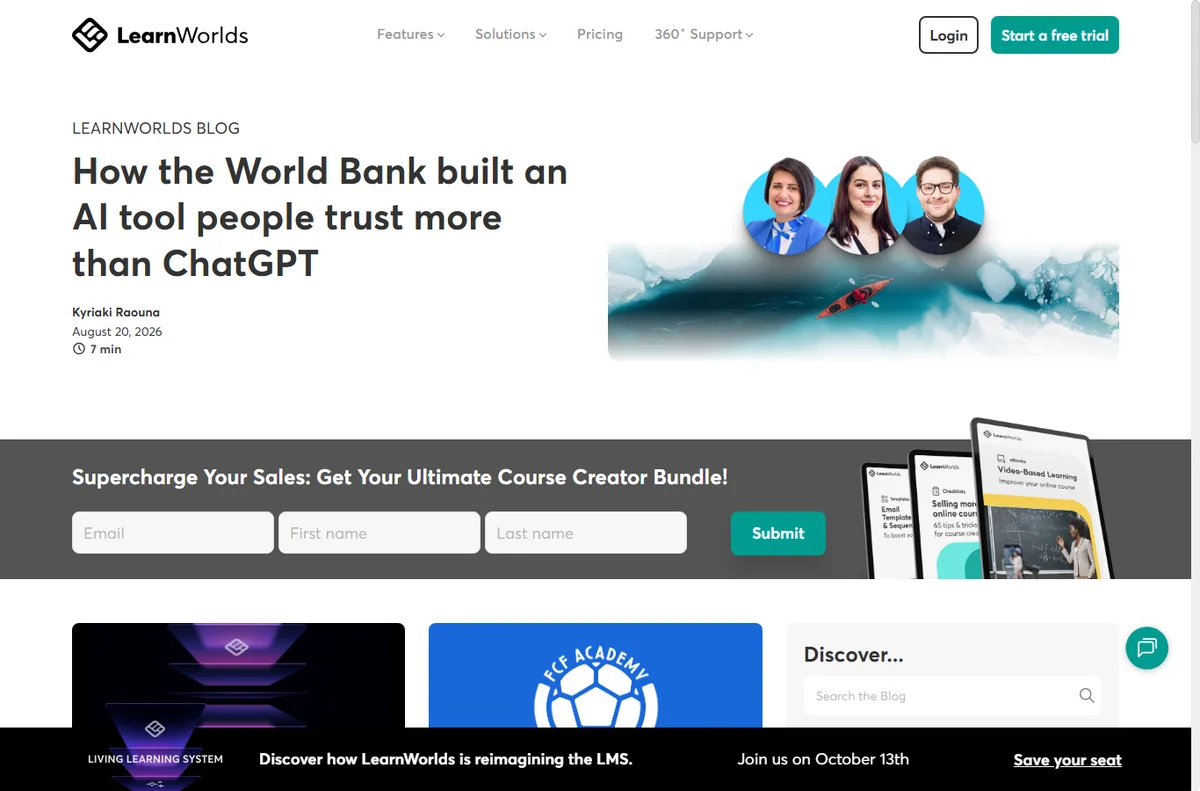
    Learnworlds blog page
    Learnworlds blog (image: learnworlds.com)

    How LearnWorlds is organised

    Everything sits inside one school. You organise content into courses, courses into lessons, and lessons into sections, with multimedia, quizzes and assignments inside each.

    A built-in site builder puts pages around the courses, so a homepage, a sales page and a blog all live in the same account rather than on a separate site.

    Memberships and access rules decide who sees what. You can drip lessons over time, bundle courses, or sell a subscription instead of a one-off purchase.

    The checkout and payments are handled in the same place, which means student accounts, receipts and access follow the sale automatically.

    Learnworlds features page
    Learnworlds features (image: learnworlds.com)

    What LearnWorlds is good at

    • Taking a course from idea to sale without stitching tools together.
    • Hosting video and lessons without managing your own server.
    • Dripping content and bundling courses with simple rules.
    • Running a small website and a checkout in one account.
    • Handling student accounts and access automatically after purchase.
    Learnworlds integrations page
    Learnworlds integrations (image: learnworlds.com)

    What LearnWorlds is not

    • Not a general-purpose website builder for any kind of site.
    • Not a one-off purchase; it is a subscription, so check the current pricing.
    • Not the best fit if you need deep custom code control.
    • Not a marketplace that brings you an audience; students still have to find you.

    Concept cheat sheet

    ConceptMeaningWhy it matters
    CourseA collection of lessons sold as one productIt is the unit you build and sell
    SectionA group of lessons inside a courseIt gives long courses some shape
    DripReleasing lessons on a scheduleIt paces students through the material
    MembershipA rule for who can see whatIt controls access without manual work
    CheckoutWhere payment is takenIt links a sale to an account automatically
    The small vocabulary that makes a course platform make sense.
    Learnworlds pricing page
    Learnworlds pricing (image: learnworlds.com)

    Where this fits

    LearnWorlds sits in the Course Platforms section, next to the roundups of the best course platforms and the best online learning platforms. The LearnWorlds review compares it with alternatives, the setup guide and day-to-day guide cover the practical side, and the pricing guide helps you charge for what you build.

    Learnworlds x about page
    Learnworlds x about (image: learnworlds.com)

    Frequently asked

    Do I need my own website?

    No. The platform includes a small site builder, so your pages can live inside your account.

    Can I sell bundles or subscriptions?

    Yes. Memberships and bundles let you sell more than one course, or ongoing access.

    Do I need to host video myself?

    No. Video hosting is part of the platform, so you do not manage a separate media server.

    Can I use my own domain?

    Yes. You can connect a custom domain to your school.

    Is it a one-off payment?

    No. It is a subscription, and plans change, so check the current pricing.

    Build your course with LearnWorlds

    Set up your school, add your lessons and start selling without managing servers.

    Some links on this page may be referral links — we may earn a reward if you sign up, at no extra cost to you. We are an independent publisher. See our Affiliate Disclosure.

    Related reading

  • Common LearnWorlds problems and how to fix them

    Common LearnWorlds problems and how to fix them

    Home / Course Platforms / Guides / Common LearnWorlds problems

    Problem · course platforms · updated October 9, 2026

    Common LearnWorlds problems and how to fix them

    Course platforms fail in small, specific ways, and the symptom rarely points straight at the cause. This guide covers the LearnWorlds issues that come up most and what to check first.

    Independent analysis. This page may contain affiliate links. If you sign up through a link on this page we may earn a reward at no extra cost to you, and it never changes what we recommend. We are an independent publisher and are not affiliated with, endorsed by, or an official partner of any tool mentioned. See our Affiliate Disclosure.

    TL;DR

    • Most LearnWorlds problems come from access rules, browser caches or a settings mismatch.
    • A student who cannot see a course is usually blocked by a membership rule, not a broken course.
    • Video and login issues are often browser or device specific.
    • Check the student view before you change the course itself.
    • When payments look wrong, compare the receipt with the access it grants.

    On this page: Why things go wrong · Students cannot access a course · Videos will not play · Login or password problems · Payments and access mismatch · Custom domain or page issues · Symptom to fix · Where this fits

    Why things go wrong

    On a course platform, a small misconfiguration shows up as a student complaint rather than an error message, which makes the cause harder to see.

    Access rules, browser caches and a settings mismatch cover most of what goes wrong. Reproducing the problem from a student point of view usually narrows it down fast.

    Work through the simple explanations before you rebuild anything.

    Learnworlds home page
    Learnworlds home (image: learnworlds.com)

    Students cannot access a course

    This is almost always an access rule rather than a fault with the lesson itself.

    • Check the membership that grants access.
    • Confirm the student account is enrolled.
    • Test with a fresh student account.
    Learnworlds blog page
    Learnworlds blog (image: learnworlds.com)

    Videos will not play

    Playback problems are usually browser, network or format specific rather than a platform failure.

    • Try another browser and device.
    • Check the network or a content blocker.
    • Confirm the lesson is published.

    Login or password problems

    A login that fails is often a caching or email delivery issue rather than a wrong password.

    • Have the student reset the password.
    • Check that the welcome email arrived.
    • Clear the browser cache before retrying.
    Learnworlds features page
    Learnworlds features (image: learnworlds.com)

    Payments and access mismatch

    When a sale does not unlock the course, the cause is usually a delayed notification or a mismatched product.

    • Confirm the payment completed.
    • Check the product the student bought.
    • Allow a short delay for access to sync.
    Learnworlds integrations page
    Learnworlds integrations (image: learnworlds.com)

    Custom domain or page issues

    A custom domain that will not resolve, or a page that looks broken, is usually a DNS or cache problem.

    • Verify the DNS records.
    • Clear the cache layer.
    • Re-save the page settings.

    Symptom to fix

    SymptomLikely causeFix
    Student cannot open a courseAccess rule or enrolmentCheck the membership and enrolment
    Video will not playBrowser or networkTry another browser and device
    Login failsCache or email deliveryReset the password and clear the cache
    Paid but no accessDelayed sync or wrong productConfirm payment and product, allow time
    Custom domain not loadingDNS or cacheVerify the DNS and clear the cache
    Page looks brokenCache or an unpublished changeClear the cache and republish the page
    The symptom, the likely cause and the first thing to check.
    Learnworlds pricing page
    Learnworlds pricing (image: learnworlds.com)

    Where this fits

    These fixes fit with the rest of the Course Platforms guides. If you are still choosing a platform, start with what LearnWorlds is and the LearnWorlds review; the setup guide and the day-to-day guide cover getting your school running.

    Learnworlds x about page
    Learnworlds x about (image: learnworlds.com)

    Frequently asked

    Can I fix these myself?

    Most of them, yes. Access rules, caches and product settings are all within your control in the dashboard.

    Why can I see the course but my student cannot?

    Your account usually has admin access, so it bypasses the rules that apply to students. Always test from a student account.

    Why did a video stop playing?

    Playback depends on the browser and the network too. If one student is affected, check their setup before the platform.

    What if a payment did not grant access?

    Confirm the payment and the product first, then allow a short delay for access to sync.

    Do I need to rebuild the course?

    Rarely. Fix the access rule or the setting rather than the content.

    Run your school without the friction

    Set your access rules once and spend your time teaching, not troubleshooting.

    Some links on this page may be referral links — we may earn a reward if you sign up, at no extra cost to you. We are an independent publisher. See our Affiliate Disclosure.

    Related reading

  • Common Wincher problems and how to fix them

    Common Wincher problems and how to fix them

    Home / SEO Tools / Guides / Common Wincher problems

    Problem · seo tools · updated October 9, 2026

    Common Wincher problems and how to fix them

    Rank tracking tools mostly fail quietly, which makes the symptoms easy to misread. This guide covers the Wincher issues that come up most and what to check first.

    Independent analysis. This page may contain affiliate links. If you sign up through a link on this page we may earn a reward at no extra cost to you, and it never changes what we recommend. We are an independent publisher and are not affiliated with, endorsed by, or an official partner of any tool mentioned. See our Affiliate Disclosure.

    TL;DR

    • Rank tracking problems usually come from the wrong location, a changed URL or a limit on the plan.
    • A keyword that stops updating is often paused, over a limit or simply checked less often.
    • A sudden jump is often a search engine change, not a real move.
    • Check the setup before you assume the data is broken.
    • If the numbers look wrong, compare with a manual search first.

    On this page: Why things go wrong · Keywords stop updating · Rankings look wrong · A big jump up or down · URLs or pages changed · Reports empty or slow · Symptom to fix · Where this fits

    Why things go wrong

    Rank trackers report slowly and quietly. Nothing crashes, but the numbers drift, stall or stop, and it is not always obvious why.

    Most causes sit in the setup rather than the software: a keyword tied to the wrong country, a page whose URL changed, or a plan that limits how often checks run.

    Working from the simplest explanation upward will solve most of these quickly.

    Wincher home page
    Wincher home (image: wincher.com)

    Keywords stop updating

    A keyword that shows the same position forever is usually paused or has hit a limit on how often it is checked.

    • Check whether the keyword is paused.
    • Confirm your plan still covers the number of keywords.
    • Re-add the keyword if it looks stuck.
    Wincher blog page
    Wincher blog (image: wincher.com)

    Rankings look wrong

    A result that does not match what you see in a browser often comes from location, device or personalisation differences.

    • Match the country and language settings.
    • Compare on a device with no personalisation.
    • Allow a day for a fresh check.

    A big jump up or down

    Large single-day moves are usually search engine updates or a page being re-indexed rather than a real ranking shift.

    • Wait a few days to confirm the trend.
    • Check whether the page changed or moved.
    • Look at competitors for the same keyword.
    Wincher pricing page
    Wincher pricing (image: wincher.com)

    URLs or pages changed

    If a tracked page moved, the keyword can keep pointing at the old URL and show a false decline.

    • Update the tracked URL.
    • Add a redirect from the old page.
    • Re-check after the next run.
    Wincher rank tracker page
    Wincher rank tracker (image: wincher.com)

    Reports empty or slow

    An empty report usually means there is not enough history yet, or the filters exclude every keyword.

    • Widen the date range.
    • Clear any filters.
    • Wait for the next scheduled check.

    Symptom to fix

    SymptomLikely causeFix
    Keyword never changesPaused or over a limitResume it or upgrade the plan
    Position looks wrongWrong location or deviceMatch country and language settings
    Sudden big dropSearch engine update or re-indexWait and confirm the trend
    Old URL still trackedPage movedUpdate the URL and add a redirect
    Report is blankToo little history or heavy filtersWiden dates and clear filters
    Slow updatesPlan check frequencyCheck the current pricing for faster checks
    What you see, what usually causes it, and the first thing to try.
    Wincher y about page
    Wincher y about (image: wincher.com)

    Where this fits

    These fixes sit alongside the other SEO Tools guides. Start with what Wincher is and the Wincher review if you are still choosing a tracker, then use the setup guide and the day-to-day guide to keep the data accurate.

    Icode editorial illustration
    Icode editorial illustration (image: icode.io.vn)

    Frequently asked

    Can I fix these myself?

    Yes. Almost all of them are settings, URLs or timing, all of which you control from the dashboard.

    Why does my rank differ from a manual search?

    Location, device and personalisation all change results, so make sure you compare like for like.

    Why did my ranking change overnight?

    Search engines update their results constantly. A one-day move is often noise, so watch the trend instead.

    Do I need to re-add keywords after a change?

    Only if a tracked URL moved or the keyword was removed. Updating the URL is usually enough.

    Keep your rankings accurate

    Track the right keywords in the right location and trust the numbers you act on.

    Some links on this page may be referral links — we may earn a reward if you sign up, at no extra cost to you. We are an independent publisher. See our Affiliate Disclosure.

    Related reading

  • What is Wincher?

    What is Wincher?

    Home / SEO Tools / Guides / What is Wincher

    Knowledge · seo tools · updated October 9, 2026

    What is Wincher?

    Wincher is a web-based rank tracking tool that follows where your pages sit in search results over time. This guide explains what it does, how its projects and keyword views fit together, and what it is not.

    Independent analysis. This page may contain affiliate links. If you sign up through a link on this page we may earn a reward at no extra cost to you, and it never changes what we recommend. We are an independent publisher and are not affiliated with, endorsed by, or an official partner of any tool mentioned. See our Affiliate Disclosure.

    TL;DR

    • Wincher is a rank tracking tool that runs in the browser.
    • It follows the position of your keywords day by day.
    • It adds competitors and reports on top of plain position tracking.
    • Limits and pricing change, so check the current pricing before you commit.
    • It is not a keyword research tool or a full SEO suite on its own.

    On this page: What Wincher is · How it is organised · What it is good at · What it is not · Concept cheat sheet · Where this fits

    Wincher home page
    Wincher home (image: wincher.com)

    What Wincher is

    Wincher is a subscription tool rather than a plugin. You connect it to a website, add the keywords you care about, and it checks search results on a schedule to record where you rank.

    Its focus is narrow on purpose. Instead of trying to be a research tool, a crawler and a rank tracker at once, it does tracking well and keeps the interface simple.

    The data answers a specific question: are we moving up or down for the terms that matter, and where do we stand next to the sites we compete with.

    Because it is cloud-based, there is nothing to install on your site, and you can read the results from any browser.

    Think of it as a scoreboard. It records the score; improving the score is still down to your content, your links and your pages.

    Wincher blog page
    Wincher blog (image: wincher.com)

    How Wincher is organised

    Everything hangs off a project. You add a domain, a search engine and a location, then the keywords you want to follow.

    Each keyword becomes a row with its current position, its best position and a small chart of how it has moved. Grouping keywords keeps large lists manageable.

    Competitors are added as other domains, so the same keyword row can show where you sit relative to them rather than in isolation.

    Reports pull the movement into a summary you can read at a glance, which is useful when you do not want to scan every row.

    Wincher pricing page
    Wincher pricing (image: wincher.com)

    What Wincher is good at

    • Watching positions change day by day.
    • Comparing your ranking with named competitors.
    • Keeping keyword groups tidy as a list grows.
    • Reading a simple report instead of raw data.
    • Working from any browser with no plugin to maintain.
    Wincher rank tracker page
    Wincher rank tracker (image: wincher.com)

    What Wincher is not

    • Not a keyword research tool; it needs keywords to track.
    • Not an on-page or technical audit suite.
    • Not a content writer or a link builder.
    • Not free, so check the current pricing before you commit.

    Concept cheat sheet

    ConceptMeaningWhy it matters
    RankThe position a page holds for a keywordIt is the score you are trying to move
    Keyword groupA set of keywords treated togetherIt keeps large lists readable
    CompetitorAnother domain you compare againstIt turns a number into context
    Position historyThe record of past rankingsIt shows whether the work is paying off
    ReportA summary of movementIt saves reading every row yourself
    The short list of ideas you need to read a rank tracking dashboard.
    Wincher y about page
    Wincher y about (image: wincher.com)

    Where this fits

    Wincher belongs with the other SEO Tools guides. For the bigger picture, read what SEO tools are for and the roundup for a small business; the Wincher review weighs it against alternatives, and the setup guide and day-to-day guide cover the practical side.

    Icode editorial illustration
    Icode editorial illustration (image: icode.io.vn)

    Frequently asked

    Is Wincher a keyword research tool?

    No. It tracks keywords you already have, so you still need a research tool to find new ones.

    Does it work for any site?

    It reads public search results, so it can track any site you have the URL for, though you get the most value tracking your own.

    How often does it update?

    It checks on a schedule, and the frequency depends on your plan, so check the current pricing for current limits.

    Can I compare with competitors?

    Yes. You can add rival domains and see the same keywords side by side.

    Track your rankings with Wincher

    Add your keywords, watch the movement and see where you stand against competitors.

    Some links on this page may be referral links — we may earn a reward if you sign up, at no extra cost to you. We are an independent publisher. See our Affiliate Disclosure.

    Related reading

  • Common FreshBooks problems and how to fix them

    Common FreshBooks problems and how to fix them

    Home / Payments / Guides / Common FreshBooks problems

    Problem · payments & finance · updated October 9, 2026

    Common FreshBooks problems and how to fix them

    Most FreshBooks problems fall into a few areas: an invoice the client cannot open or pay, expenses that will not import or categorise, time entries that do not add up, payment or bank-feed issues, and reports that look wrong. Here are the ones that come up most, and what to check first.

    Independent analysis. This page may contain affiliate links. If you sign up through a link on this page we may earn a reward at no extra cost to you, and it never changes what we recommend. We are an independent publisher and are not affiliated with, endorsed by, or an official partner of any tool mentioned. See our Affiliate Disclosure.

    TL;DR

    • An invoice a client cannot open is usually delivery or permissions.
    • Payments that do not appear are often gateway or bank-feed timing.
    • Expenses that will not import are usually file format or connection.
    • Time entries that do not add up are usually status or rate settings.
    • Reports that look wrong are usually date range or unfiled items.

    On this page: Why things go wrong · Invoice will not open · Payment not showing · Expenses will not import · Time entries wrong · Reports look wrong · Symptom to fix · Where this fits

    Why things go wrong

    FreshBooks links clients, invoices, expenses and payments, so a small setup detail in one area can show up as a wrong number somewhere else.

    A habit that saves time: check the exact item that looks wrong, and note what changed last, such as a new client, rate or bank connection.

    A quick way to tell whether the issue is data or display: open the original item, then compare it with the report that disagrees.

    Freshbooks home page
    Freshbooks home (image: freshbooks.com)

    Invoice will not open

    A client who cannot open or pay an invoice is usually hitting an email delivery problem or a link that has expired.

    Confirm the invoice was actually sent, resend it, and share the direct link from the invoice itself rather than a forwarded email.

    Freshbooks accounting page
    Freshbooks accounting (image: freshbooks.com)

    Payment not showing

    A payment that does not appear as received is often about the payment gateway, the recording step, or the timing of a bank feed.

    Check the invoice status, confirm the gateway is connected, and allow for the time a bank feed takes to import before recording it manually.

    Expenses will not import

    Expenses that will not import are usually a file format the importer does not accept or a broken bank connection.

    Re-export the statement in a supported format, re-link the bank account, and import in smaller date ranges if the file is large.

    Freshbooks pricing page
    Freshbooks pricing (image: freshbooks.com)

    Time entries wrong

    Time that does not add up is often about which entries are billable, which rate applies, or entries that are still unsaved.

    Check each entry’s billable flag and rate, and confirm the entries are logged against the right client or project.

    Freshbooks signup page
    Freshbooks signup (image: freshbooks.com)

    Reports look wrong

    A report that looks wrong is usually a date range, a filter, or items that are still unfiled.

    Set the period explicitly, clear extra filters, and file any uncategorised income or expenses before you trust the totals.

    Symptom to fix

    SymptomLikely causeFix
    Invoice will not openDelivery or expired linkResend, share the direct link
    Payment not showingGateway or bank-feed timingCheck status, allow the feed to import
    Expenses will not importFile format or bank linkRe-export, re-link, smaller ranges
    Time entries wrongBillable flag or rateCheck flag, rate and project
    Reports look wrongDate range or unfiled itemsSet the period, file the items
    General guidance, checked October 9, 2026. Confirm specifics inside your own FreshBooks setup.
    Freshbooks y about page
    Freshbooks y about (image: freshbooks.com)

    Where this fits

    Start with the payments and finance hub. For the basics read what FreshBooks is, and for the setup steps see how to set up FreshBooks. You can also read our FreshBooks review.

    Freshbooks y mobile page
    Freshbooks y mobile (image: freshbooks.com)

    Frequently asked

    Can I fix these myself?

    Most of them. Invoices, expenses and reports are in your control. Anything on the service side needs a support ticket.

    Why is my payment missing?

    Check the gateway and the invoice status, then allow for bank-feed timing before recording it manually.

    Why did an expense import fail?

    Usually the file format or the bank connection. Re-export and re-link the account.

    Should I switch tools over this?

    Not straight away. Confirm whether it is a setting or a data issue first.

    How long do fixes take?

    Most settings apply at once, but bank feeds and payments can take a day or more to appear.

    Get your books straight

    Fix the item, then get help if you need it.

    Some links on this page may be referral links — we may earn a reward if you sign up, at no extra cost to you. We are an independent publisher. See our Affiliate Disclosure.

    Related reading

  • Common Rank Math problems and how to fix them

    Common Rank Math problems and how to fix them

    Home / SEO Tools / Guides / Common Rank Math problems

    Problem · seo tools · updated October 9, 2026

    Common Rank Math problems and how to fix them

    When Rank Math misbehaves, the cause is usually outside the plugin. This guide covers the issues that come up most, what usually sits behind them, and the first thing to check.

    Independent analysis. This page may contain affiliate links. If you sign up through a link on this page we may earn a reward at no extra cost to you, and it never changes what we recommend. We are an independent publisher and are not affiliated with, endorsed by, or an official partner of any tool mentioned. See our Affiliate Disclosure.

    TL;DR

    • Most Rank Math problems come from a stale cache, a conflicting plugin or a setting that was never switched on.
    • A sitemap, a title or a schema tag that will not appear is usually a caching or indexing issue, not a content bug.
    • Check the obvious causes first: cache, conflicting plugins and permalinks.
    • If a redirect or a module misbehaves, isolate it before changing everything at once.
    • When in doubt, re-save permalinks and clear every cache layer, including the host.

    On this page: Why things go wrong · Sitemap not updating · Titles or descriptions not showing · Schema and rich results missing · Redirects not working · Module or dashboard errors · Symptom to fix · Where this fits

    Why things go wrong

    When Rank Math behaves oddly, the cause is usually outside the plugin: a cached copy of the old page, a second SEO plugin, or a setting left at its default. Working through those first saves a lot of guesswork.

    It also helps to remember that search engines are not instant. A change you made this morning may not show in search results for days, which is different from it being broken.

    Rank math home page
    Rank math home (image: rank.com)

    Sitemap not updating

    A sitemap that still shows old URLs, or none at all, is nearly always a cache problem or a permalink problem rather than a content problem.

    • Re-save your permalinks under Settings, then Permalinks.
    • Clear the site cache, the host cache and any CDN cache.
    • Resubmit the sitemap in the search console.
    • Confirm the sitemap module is switched on.
    Rank math blog page
    Rank math blog (image: rank.com)

    Titles or descriptions not showing

    When the title in search results is wrong, the usual reasons are a cached page, a second plugin also writing titles, or a template override.

    • Disable any other SEO plugin that manages titles.
    • Clear all cache layers and re-crawl the page.
    • Confirm the title template for that content type.

    Schema and rich results missing

    Schema that is present in the page source but absent from a test tool is usually a caching or validation issue.

    Structured data has to match what is visibly on the page, so a mismatch between the tag and the content is a common cause of failure.

    • Validate a single URL with the rich results test.
    • Make sure only one plugin is injecting schema.
    • Check that the schema type matches the content.
    Rank math kb page
    Rank math kb (image: rank.com)

    Redirects not working

    Redirects that loop, or do nothing, are often caused by the old URL already redirecting somewhere else, or by a redirect added both in the plugin and on the server.

    • Look for a redirect that already exists for the same path.
    • Check whether the host or server also handles that URL.
    • Test in a fresh browser session to skip caches.
    Rank math pricing page
    Rank math pricing (image: rank.com)

    Module or dashboard errors

    A module that will not load, or a dashboard that hangs, points at a conflict rather than the plugin itself.

    Isolating the conflict is the fastest route back to a working site.

    • Deactivate other plugins briefly to find the conflict.
    • Switch to a default theme for one test.
    • Reinstall the current plugin version if files are damaged.

    Symptom to fix

    SymptomLikely causeFix
    Sitemap shows old URLsCache or permalinksClear cache, re-save permalinks
    Wrong title in searchSecond plugin or cacheDisable the other SEO plugin, recrawl
    Schema not detectedCache or duplicate schemaValidate one URL, keep one schema source
    Redirect loopsDuplicate redirect rulesKeep redirects in one place
    Dashboard will not loadPlugin conflictDeactivate plugins to isolate it
    Warnings on old pagesMissing fields or thin contentFill the SEO fields and improve the content
    A quick map from what you see to what is most likely behind it.
    Rank math y about page
    Rank math y about (image: rank.com)

    Where this fits

    These fixes belong with the rest of the SEO Tools guides. If you are still deciding whether the plugin is right for you, start with what Rank Math is and the Rank Math review, then use the setup guide and the day-to-day guide to put it to work.

    Rank math y support page
    Rank math y support (image: rank.com)

    Frequently asked

    Can I fix these myself?

    In most cases yes. Cache, permalinks, redirects and duplicate plugins are all things you can check and change from the WordPress dashboard.

    Why did my title change on its own?

    Usually because a second plugin or your theme is also writing titles, or because a cached copy is still being served.

    How long until search engines update?

    Changes can take days to appear. If the page source is correct, the delay is on the search engine side, not yours.

    Keep Rank Math running smoothly

    Install it, run the setup wizard and clear the common issues before they cost you traffic.

    Some links on this page may be referral links — we may earn a reward if you sign up, at no extra cost to you. We are an independent publisher. See our Affiliate Disclosure.
    Related reading

  • What is FreshBooks?

    What is FreshBooks?

    Home / Payments / Guides / What is FreshBooks

    Knowledge · payments & finance · updated October 9, 2026

    What is FreshBooks?

    FreshBooks is accounting and invoicing software for small businesses and freelancers that handles invoices, expenses, time tracking and reports. This guide explains what it does, how it is organised, and what it is not.

    Independent analysis. This page may contain affiliate links. If you sign up through a link on this page we may earn a reward at no extra cost to you, and it never changes what we recommend. We are an independent publisher and are not affiliated with, endorsed by, or an official partner of any tool mentioned. See our Affiliate Disclosure.

    TL;DR

    • FreshBooks is invoicing and accounting software for small businesses.
    • It covers invoices, estimates, expenses and time tracking.
    • It is designed for non-accountants rather than finance teams.
    • Plans, terms and prices change, so check the current pricing before you commit.
    • It is not a full enterprise accounting suite and not an inventory system.

    On this page: What FreshBooks is · How it is organised · What it is good at · What it is not · Concept cheat sheet · Where this fits

    Freshbooks home page
    Freshbooks home (image: freshbooks.com)

    What FreshBooks is

    FreshBooks is software you use to bill clients and keep the books tidy, rather than a service that does the work for you.

    The core product is the invoice: you create one, send it, and track whether it has been paid.

    Around invoices it adds estimates, expense capture, time tracking and simple reports so one account covers everyday bookkeeping.

    Because it is hosted software, you log in from a browser or app and FreshBooks looks after the servers and updates.

    Freshbooks accounting page
    Freshbooks accounting (image: freshbooks.com)

    How FreshBooks is organised

    Everything hangs off your business account. Clients, invoices, expenses and time entries are linked so a project stays in one place.

    You create clients, then invoice them, then record payments and expenses against them.

    Plans differ mainly by how many billable clients you manage and which features you unlock, not by a different product.

    Higher tiers add features such as more clients, team members and advanced reporting.

    Freshbooks pricing page
    Freshbooks pricing (image: freshbooks.com)

    What FreshBooks is good at

    • Sending professional invoices and reminders without accounting knowledge.
    • Tracking expenses and receipts against a job.
    • Logging billable hours and turning them into an invoice.
    • Giving clients a simple portal to view and pay invoices.
    • Producing straightforward reports for tax time.
    Freshbooks signup page
    Freshbooks signup (image: freshbooks.com)

    What FreshBooks is not

    • Not full double-entry accounting for complex or regulated businesses.
    • Not an inventory or point-of-sale system.
    • Not a payroll service in every region.
    • Not free, so check the current pricing for your client count.

    Concept cheat sheet

    ConceptMeaningWhy it matters
    InvoiceA bill you send a clientGets you paid
    EstimateA quote before the workSets expectations
    ExpenseA cost you recordCounts against income
    Time trackingHours logged to a jobTurns work into a bill
    Client portalThe client’s view of invoicesFaster payment
    ReportA summary of money in and outSimplifies tax time
    Based on publicly documented behaviour, checked October 9, 2026.
    Freshbooks y about page
    Freshbooks y about (image: freshbooks.com)

    Where this fits

    Start with the payments and finance hub. For the practical steps see how to set up FreshBooks, and for everyday usage read how to use FreshBooks for a small business. You can also read our FreshBooks review.

    Freshbooks y mobile page
    Freshbooks y mobile (image: freshbooks.com)

    Frequently asked

    Is FreshBooks good for freelancers?

    Yes. It is aimed at freelancers and small teams, and its per-client plans suit solo work well.

    Does it handle expenses?

    Yes. You can record expenses, attach receipts and bill them to clients where relevant.

    Can my accountant use it?

    You can invite an accountant to view the account on most plans, so they can work from the same figures.

    Is it free?

    FreshBooks is a paid service. Terms and trials change, so confirm on the current pricing page.

    Do I need accounting knowledge?

    No. It is built for people who are not accountants, though a professional is still useful for tax and compliance.

    Send your next invoice

    Invoices, expenses and time tracking in one place.

    Some links on this page may be referral links — we may earn a reward if you sign up, at no extra cost to you. We are an independent publisher. See our Affiliate Disclosure.
    Related reading