Home / Funnel Builders / Guides / What is Leadpages
Knowledge · funnel builders · updated October 9, 2026
What is Leadpages?
Leadpages is a landing page builder that lets you publish pages built to convert without touching code. This guide explains what each part does, how an account is organised, and what it is not.
Independent analysis. This page may contain affiliate links. If you sign up through a link on this page we may earn a reward at no extra cost to you, and it never changes what we recommend. We are an independent publisher and are not affiliated with, endorsed by, or an official partner of any tool mentioned. See our Affiliate Disclosure.
TL;DR
- Leadpages is a landing page builder with a drag-and-drop editor.
- It covers templates, lead capture forms, pop-ups, alert bars and a built-in checkout.
- Pages connect out to your email tool or CRM through integrations.
- Plans differ, so check the current pricing before you commit.
- It is not a full marketing automation suite or a general-purpose CMS.
On this page: What Leadpages is · How it is organised · What it is good at · What it is not · Concept cheat sheet · Where this fits
What Leadpages is
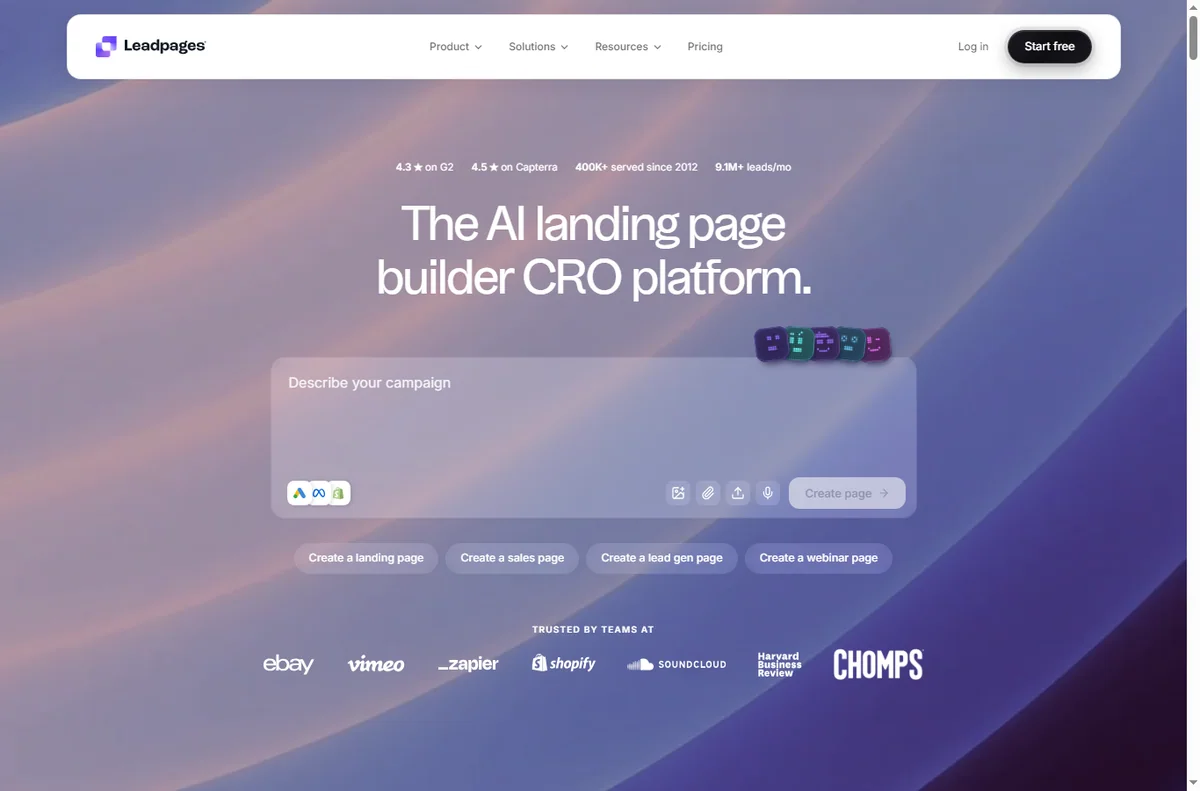
Leadpages is a cloud service rather than software you install. You pick a template, edit it on screen, and publish a page to a web address on the platform.
Around the page builder sit the parts that turn visits into contacts: lead capture forms, pop-ups and alert bars, all attached to the same page or site.
Pages connect outwards through integrations, so an opt-in can be pushed into your email tool or CRM the moment someone submits it.
A checkout step is built in as well, so you can take a payment on the page rather than sending people somewhere else.
Conversion is the organising idea: templates, testing options and page analytics all point at getting more of your visitors to act.
How Leadpages is organised
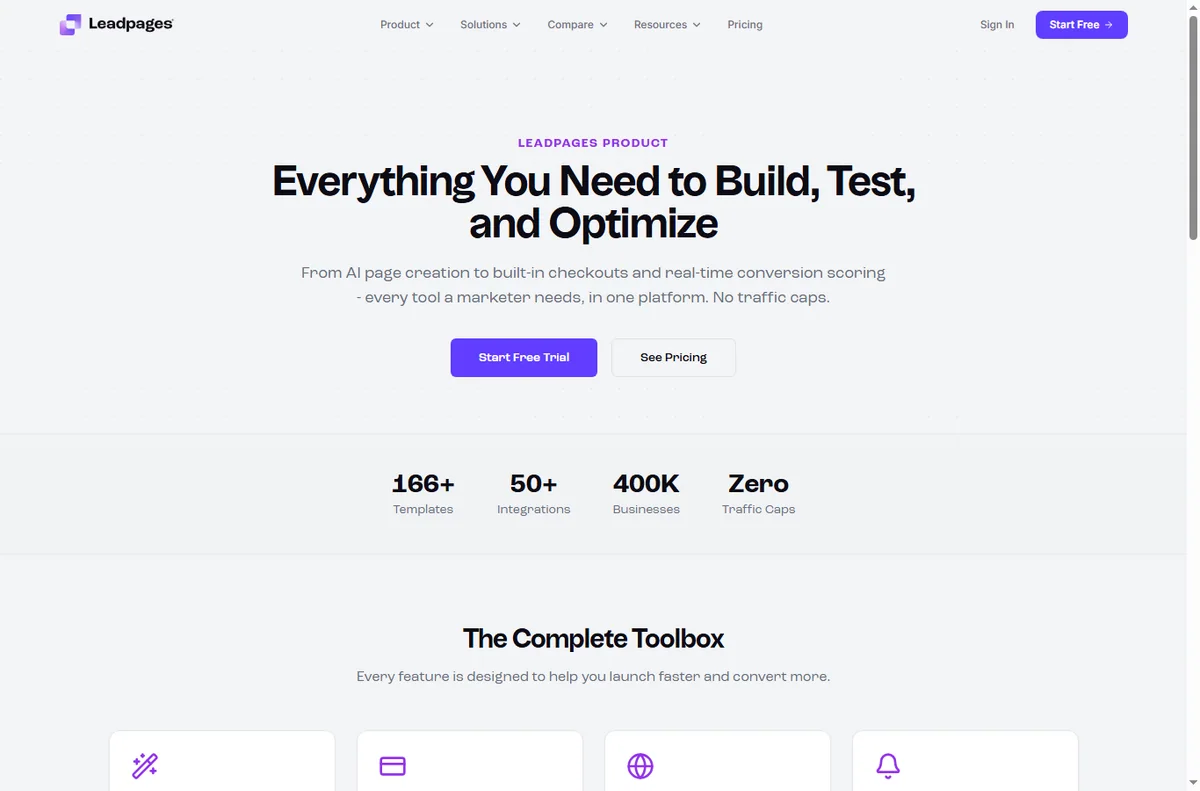
Everything sits under one account. Pages are the main object, and each one has a layout, a form and a web address you control.
Pop-ups and alert bars are separate assets you switch on over a page or site, while forms decide where a submission is sent.
Integrations and billing sit alongside, and reporting shows visits and conversion for each page.
What Leadpages is good at
- Publishing a landing page quickly without a developer.
- Templates that already follow conversion conventions.
- Capturing leads with forms, pop-ups and alert bars.
- Taking payments on the page with a built-in checkout.
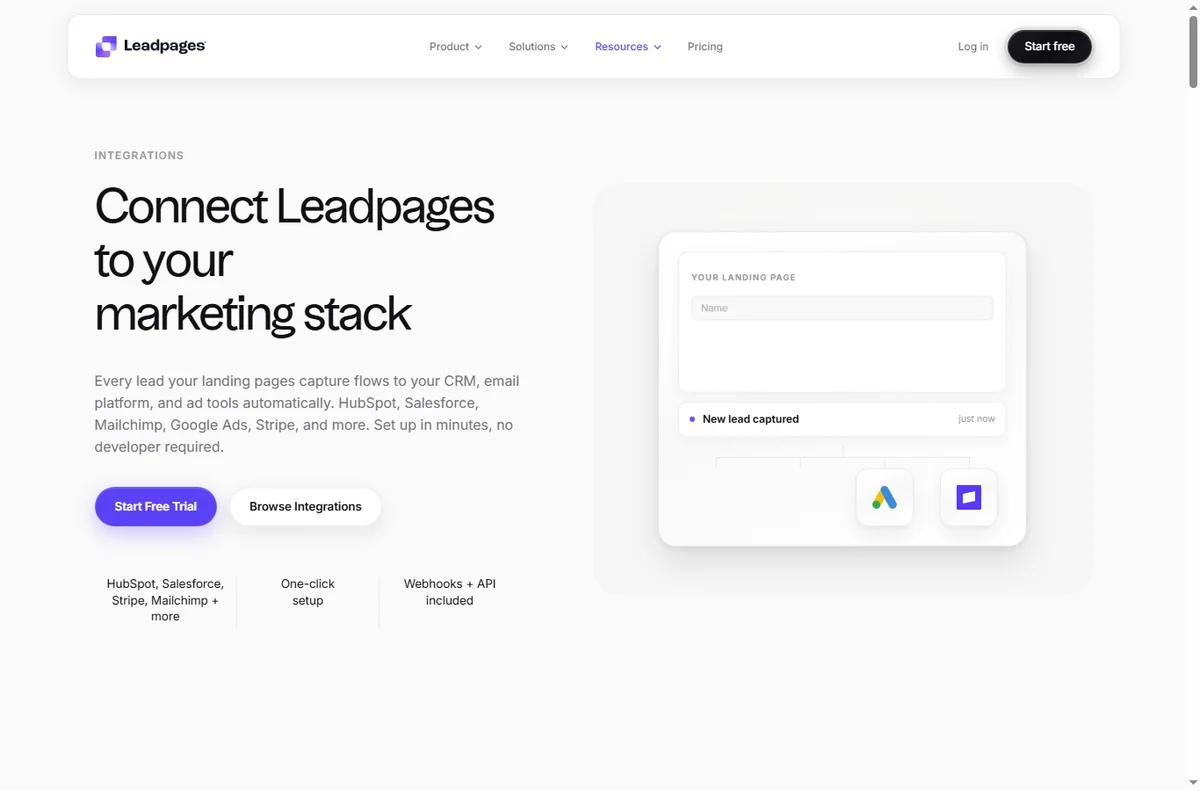
- Connecting an opt-in straight into your email tool or CRM.
What Leadpages is not
- Not a full marketing automation suite: follow-up usually happens in the tool you connect.
- Not a general-purpose CMS: it builds pages and small sites, not a large content site.
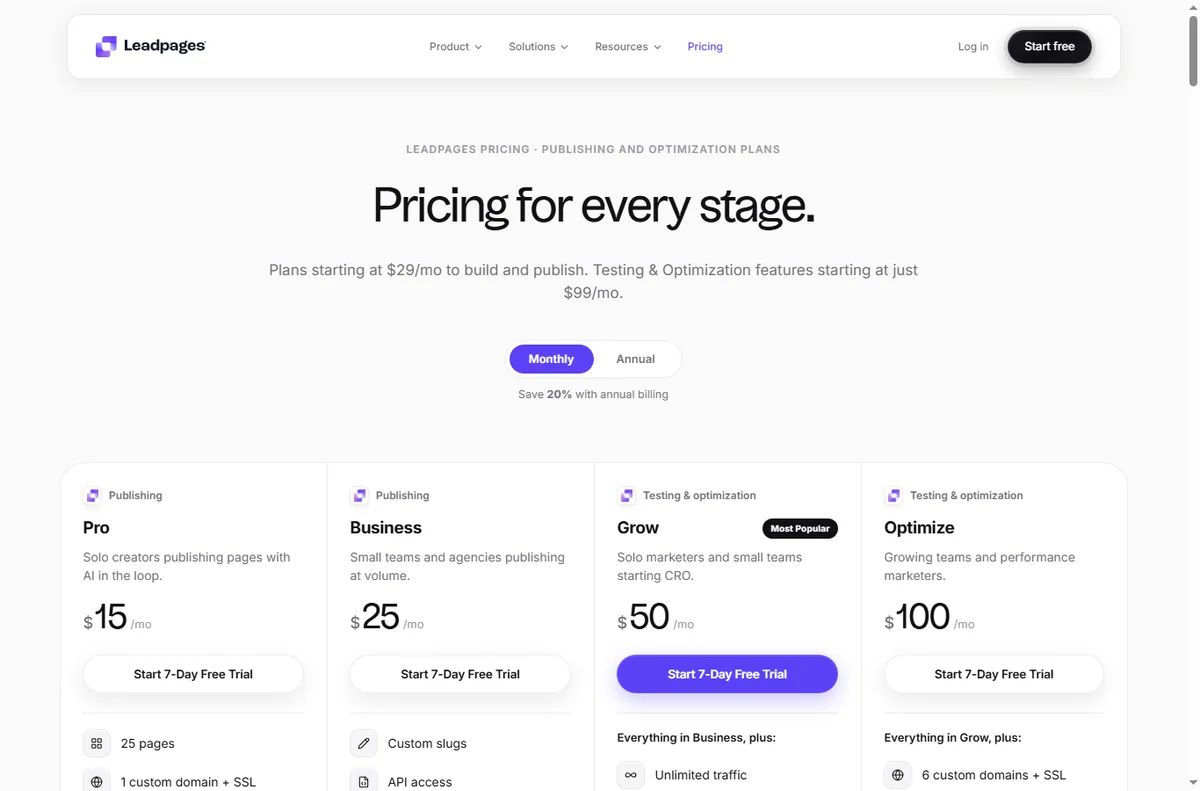
- Not unlimited on a free tier, so check the current pricing and limits.
- Not a guarantee of conversions: the offer and the traffic still do most of the work.
Concept cheat sheet
| Concept | Meaning | Why it matters |
|---|---|---|
| Landing page | A single page built to convert | Capture a lead or a sale |
| Template | A ready-made page layout | Start from a proven design |
| Drag-and-drop builder | Visual editing without code | Change a page yourself |
| Lead capture form | A form placed on a page | Collect contact details |
| Pop-up / alert bar | An overlay or strip on a page | Draw attention to an offer |
| Integration | A link to another app | Send leads to your email tool |

Where this fits
Start with the funnel building hub. For the practical steps see how to set up Leadpages, and for everyday usage read how to use Leadpages for a small business.

Frequently asked
Do I need to know how to code?
No. The editor is drag-and-drop, and templates give you a working page to edit.
Can I use my own domain?
Yes. You can connect a custom domain by adding the records your registrar needs.
Does it replace my email tool?
No. It captures the lead and passes it on, but the email sequence still runs in your email tool or CRM.
Can I take payments?
Yes. There is a built-in checkout so a page can collect a payment as well as a lead.
Is there a free plan?
There is a free tier with limits. For more pages and features you will want a paid plan, so check the current pricing.
Build a page that converts
Templates, forms and checkout in one place.
Some links on this page may be referral links — we may earn a reward if you sign up, at no extra cost to you. We are an independent publisher. See our Affiliate Disclosure.
Leave a Reply