Independent analysis. This page may contain affiliate links.
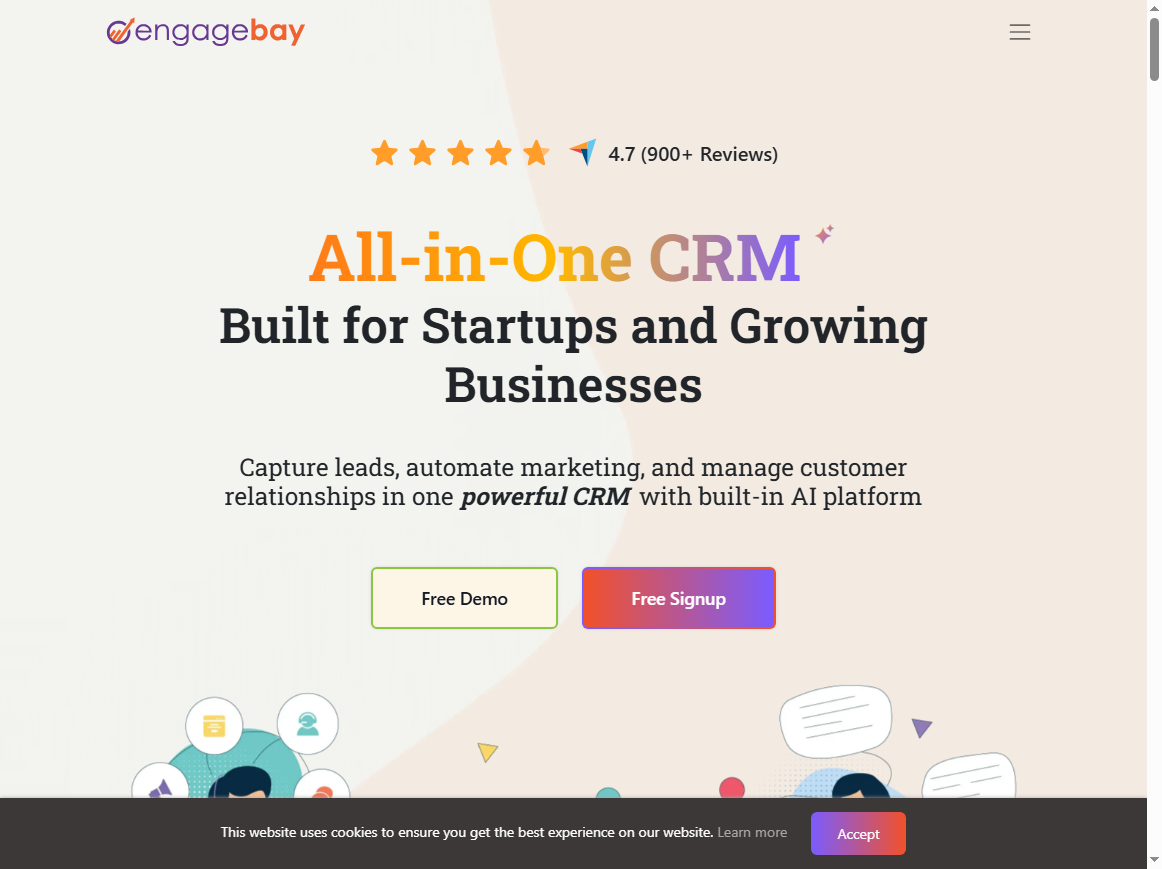
These tools solve different layers of the same problem. EngageBay is a CRM suite with automation built into its own modules: a form submission can tag a contact, start a sequence, and create a deal. Zapier is a connector that moves data between separate apps. If you consolidate into EngageBay, native automation is usually enough. If you keep a mixed stack, Zapier fills the gaps.
What native automation actually covers
Inside EngageBay, automation can react to its own events: a form submitted, a tag added, a deal moved, a ticket opened. That covers most small business flows without a connector, and it keeps the logic in one place.
The advantage is maintenance. One vendor, one set of permissions, one place to debug. The disadvantage is scope: nothing outside the suite participates unless an integration exists.
What a connector buys you
Zapier earns its fee when your stack is genuinely mixed: a store, a calendar, a spreadsheet, an accounting tool, a form builder you refuse to abandon. It turns those into a workflow without waiting for native integrations.
The cost is opacity. Multi-step zaps fail quietly, and debugging someone else chain is unpleasant. Keep diagrams and naming conventions, or the workflow becomes tribal knowledge.
The overlap, and how to avoid double automation
A common mistake is automating the same event in both places: EngageBay sends the welcome email while a zap also sends one. Duplicate messages are the fastest way to lose subscribers.
Write down every automated message and where it originates. If a flow lives natively, do not mirror it in the connector. One owner per event is the whole rule.
Cost comparison without fake numbers
Do not compare a suite subscription with a connector subscription directly; compare the cost of the stack each enables. Native automation may let you cancel a connector and a standalone email tool. A connector may let you keep tools you already pay for.
Include maintenance time. A five-step zap that saves an hour a week is cheap; one that saves ten minutes and breaks monthly is expensive in attention.
The decision rule
If most of your customer data already lives in the suite, use native automation and add a connector only for the two or three external systems you cannot replace.
If your data lives everywhere and the CRM is just one node, a connector is the pragmatic choice. The CRM still needs to be the record of truth for the relationship.
Before you decide
One practical test: try to run your most important flow natively for two weeks. If it holds, you do not need the connector for that flow. If it cannot be expressed, that gap is exactly what the connector is for.
Write the answer down. Teams re-litigate this decision every quarter because nobody recorded why the first choice was made.
Two failure modes to plan for
The first is automation sprawl: dozens of small workflows, each undocumented, each owned by nobody. It works until the person who built it leaves or forgets.
The second is silent duplication: two systems sending the same follow-up because nobody mapped the message ownership. Audit your automated emails quarterly, and delete anything you cannot explain in one sentence.
What to do next
- List every automated message and its owner.
- Mark which flows can run natively.
- Identify external systems with no native integration.
- Add a connector only for those.
- Document each workflow before you build it.
The bottom line
Native automation is simpler and cheaper when your stack is consolidated. A connector is better when it is not. Neither is universally superior.
Decide by where your data lives, not by which tool has the longer feature list.
Try EngageBay – the all-in-one CRM that covers marketing, sales and support without stacking subscriptions.
This link does not change the price.
For the full breakdown of modules, limits and alternatives, read our EngageBay review.
Frequently asked questions
Can Zapier trigger EngageBay actions?
Yes, through the available integration. Most teams use it to create or update contacts from external tools.
Do I need Zapier if I use EngageBay?
Only if you rely on external apps that have no native integration. Plenty of small businesses never need it.
Which is cheaper?
Compare the whole stack, not the two subscriptions. Native automation often removes a tool you were paying for.
\n
Leave a Reply