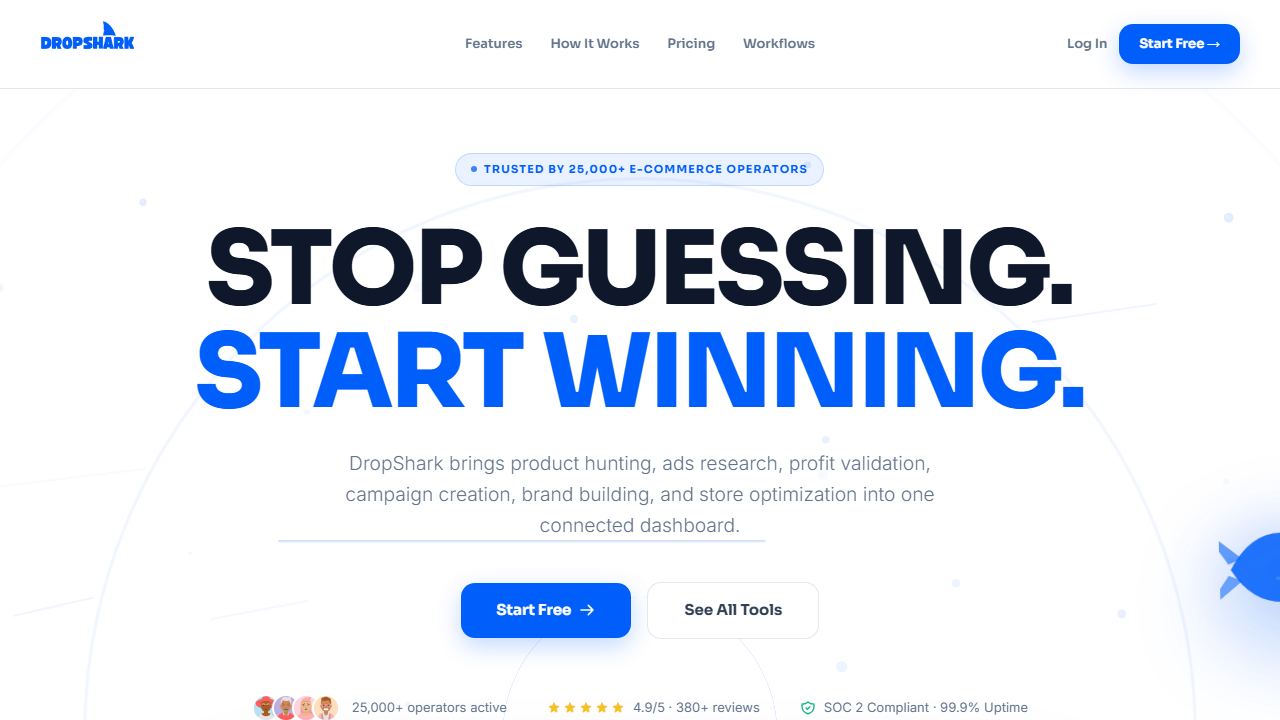
Short answer: set up DropShark in one sitting by defining a single recurring task, running it end to end, and only then adding a second. Most failed setups start with a broad goal like “organise our content” and end with an unused account.
Independent analysis. This page may contain affiliate links.
Before you open the app
Write down one task you did last week that took longer than thirty minutes. Include what you produced and who used it. DropShark is an ecommerce research tool for reading product demand before you buy stock, so the task should produce an artefact, not a feeling of being organised.
Then write the acceptance test: what does a good output look like, in one sentence? Without that sentence you will judge the tool by novelty and keep it for the wrong reason.
Step 1: create the account and set the workspace
Use a shared team address rather than a personal one, so access survives when someone leaves. Name the workspace after the team, not the tool. Keep the first project private until the output is presentable.
Step 2: configure the minimum, not the maximum
Every tool in this category offers settings you do not need on day one. Set only: the output format, the language, and where results are stored. Leave integrations, templates and automations for later.
The temptation is to connect everything first. Each connection is a failure point and a support ticket. Add them when a specific task requires them.
Step 3: run the real task, three times
Run the same task three times with different inputs. The first run teaches you the interface, the second shows default behaviour, the third exposes whether the output is consistent. Consistency is the real test: a tool that is brilliant once and mediocre twice is not usable in a weekly rhythm.
Step 4: define the correction loop
Record what you change after each run. If you edit the same thing three times, that is a configuration problem, not a skill problem. Fix the input template instead of fixing the output.
Step 5: set a review date
Put a calendar entry for fourteen days. On that date, answer two questions: did the correction time fall, and did anyone else use the output without asking you? If both answers are no, cancel before renewal.
Step 6: handover notes
Write half a page: what the tool is for, what the input looks like, what good output looks like, and what to do when it breaks. This is the difference between a tool and a dependency on one person.
Common setup mistakes
- Starting with several use cases at once, so none gets enough repetitions.
- Judging quality on the vendor demo instead of your own data.
- Ignoring export options until the day you want to leave.
- Letting the free tier decide the workflow, then rebuilding after upgrade.
Open DropShark and start the setup →
Start from the DropShark review if you want the fit and pricing picture before creating an account.
Week two: the part that decides the outcome
Week one is configuration; week two is repetition. Run DropShark against three different real inputs and keep every output, good and bad, in one folder. The pattern that matters appears at the third run: which corrections repeat. Repeated corrections are a specification problem, and they are cheap to fix once you can name them.
Do not invite the team yet. A tool that has not survived a week of your own use will not survive five people improvising with it. Write the two or three rules you discovered, then hand those rules over instead of handing over the login.
How to tell the setup is working
- You reach the same output in fewer steps than before, without a new checklist.
- The corrections you make are about taste, not about fixing obvious errors.
- Someone else can produce an acceptable draft from your notes.
- You can say what the tool is not for, in one sentence.
If none of those are true after two weeks, the usual cause is a task that was never specific enough. Narrow the task before changing the software. Changing software is the most expensive way to avoid defining the job.
FAQ
How long does setup take?
One focused session for the first task. Add a week of real use before deciding on a paid plan.
Do I need a technical background?
No for the core task. You will need patience for the first configuration and for reading the settings that affect output quality.
What if the output is poor at first?
Improve the input before changing tools. Most quality problems in this category come from vague briefs, not weak software.
\n