
Quick answer. Elementor and Zapier are not competitors. Elementor is a page-building layer for WordPress; Zapier is an automation layer that connects apps. One designs what visitors see, the other moves data behind the scenes. Most people asking this question need to know which problem to solve first, not which tool wins.
Independent analysis. This page may contain affiliate links.
The core difference in one line
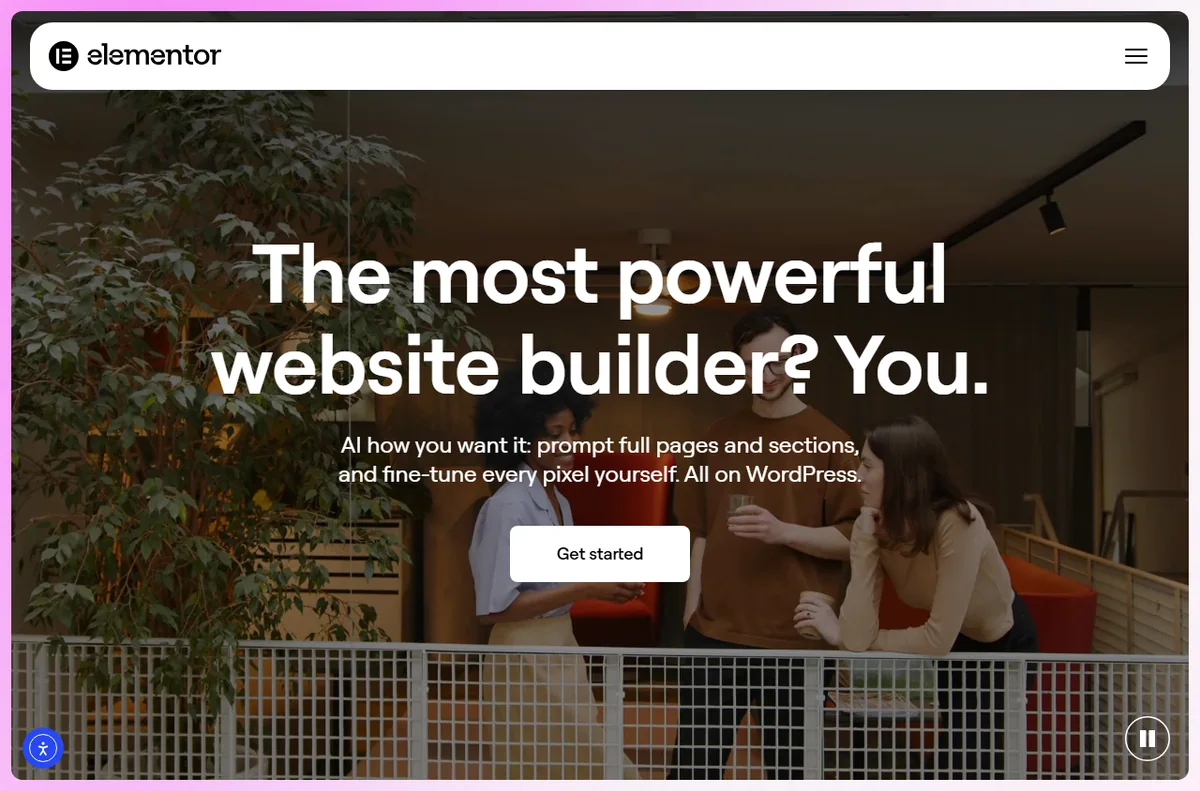
Elementor replaces the WordPress block editor with a visual, drag-and-drop canvas for layouts, headers, footers and landing pages. Zapier watches for a trigger in one app and performs an action in another, so form entries become rows, rows become emails, emails become tasks.
Said another way: Elementor is where a page is built. Zapier is where the data that page collects gets routed after someone submits it.
What Elementor is genuinely good at
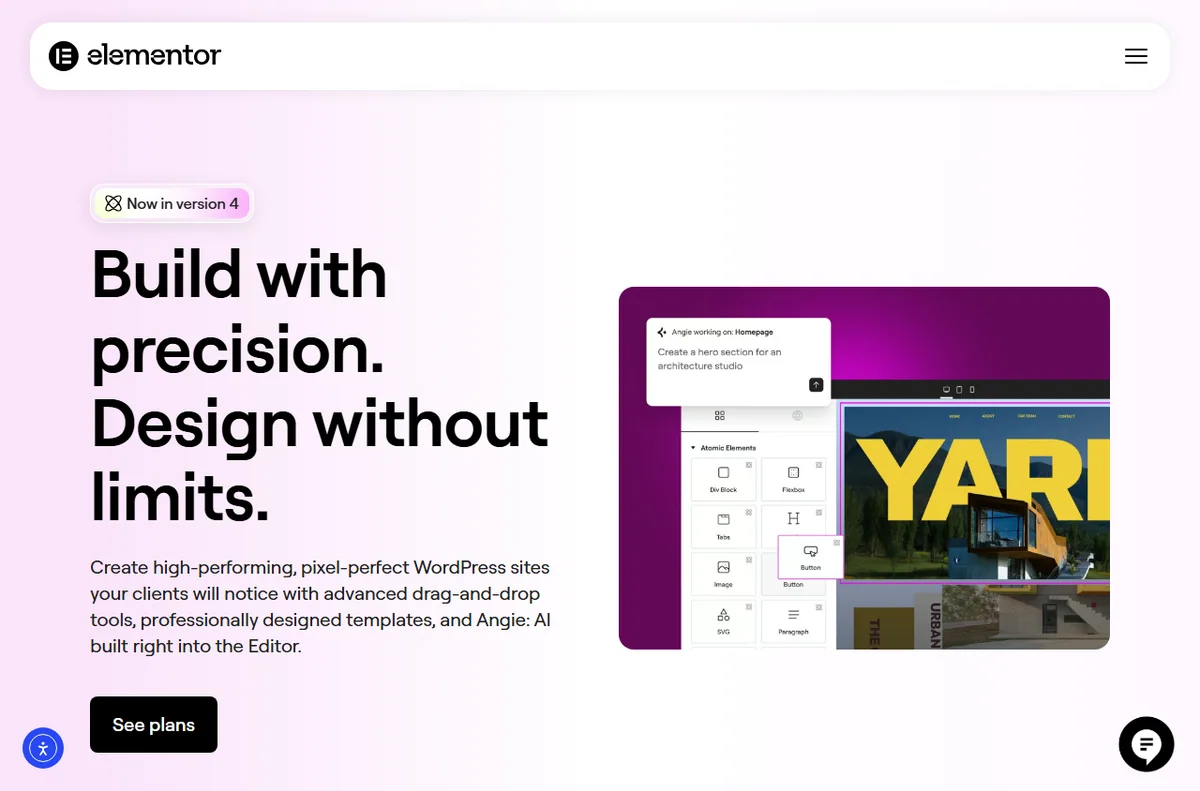
Elementor’s strength is design control without touching code. You get containers, responsive controls, global colours and fonts, reusable templates, and a live preview. For a small business site, a portfolio, or a service landing page on WordPress, that is usually enough to ship something professional in a day.
It is a WordPress plugin, so it inherits whatever your host and theme provide. That cuts both ways: you keep ownership of the site and data, but page speed and stability depend on hosting, caching and how disciplined your plugin list is.
What Zapier is genuinely good at
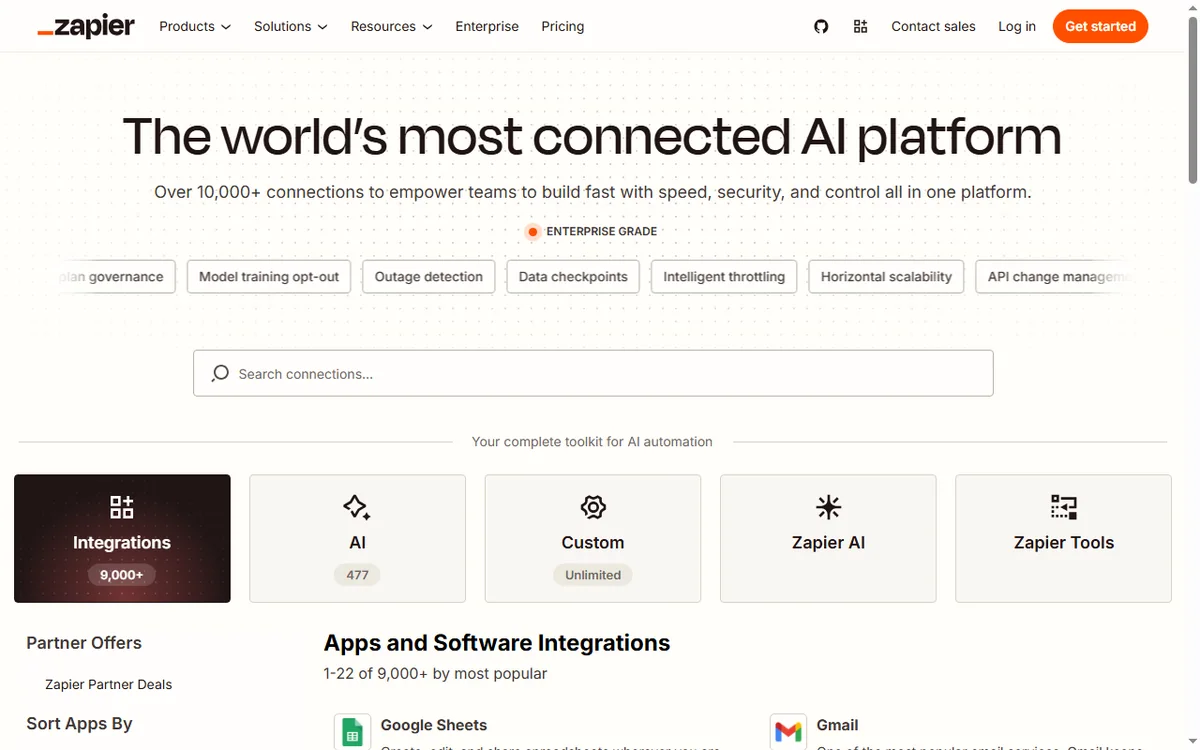
Zapier’s strength is breadth. If two services have APIs, Zapier probably has an integration for them, and you can chain steps without writing code. Lead routing, invoice creation, Slack notifications, spreadsheet logging: it removes the manual copy-paste between systems.
Where it struggles is anything beyond its model. Multi-step logic with branches gets expensive quickly, and high-volume workflows are better served by a dedicated automation platform or a small script.
Where the confusion comes from
Both are marketed as tools that let non-technical people build things. Both have visual editors. Both appear in the same “my website stack” articles. That is where the similarity ends.
A useful test: if the output is something a visitor looks at, you are in Elementor’s territory. If the output is a record moving from one system to another, you are in Zapier’s territory.

Pricing models are not comparable
Elementor is a subscription for the builder itself, with a free core plugin and paid tiers that unlock more widgets, templates and site-management features. You still pay for hosting and a domain separately.
Zapier charges by task volume and feature tier. The free plan exists but is limited, and costs rise with automation frequency rather than with the number of people using it.
Comparing the two headline prices is meaningless because the units differ: one is a design tool licence, the other is an automation quota. Check current pricing on each vendor’s site before budgeting.
When you actually need both
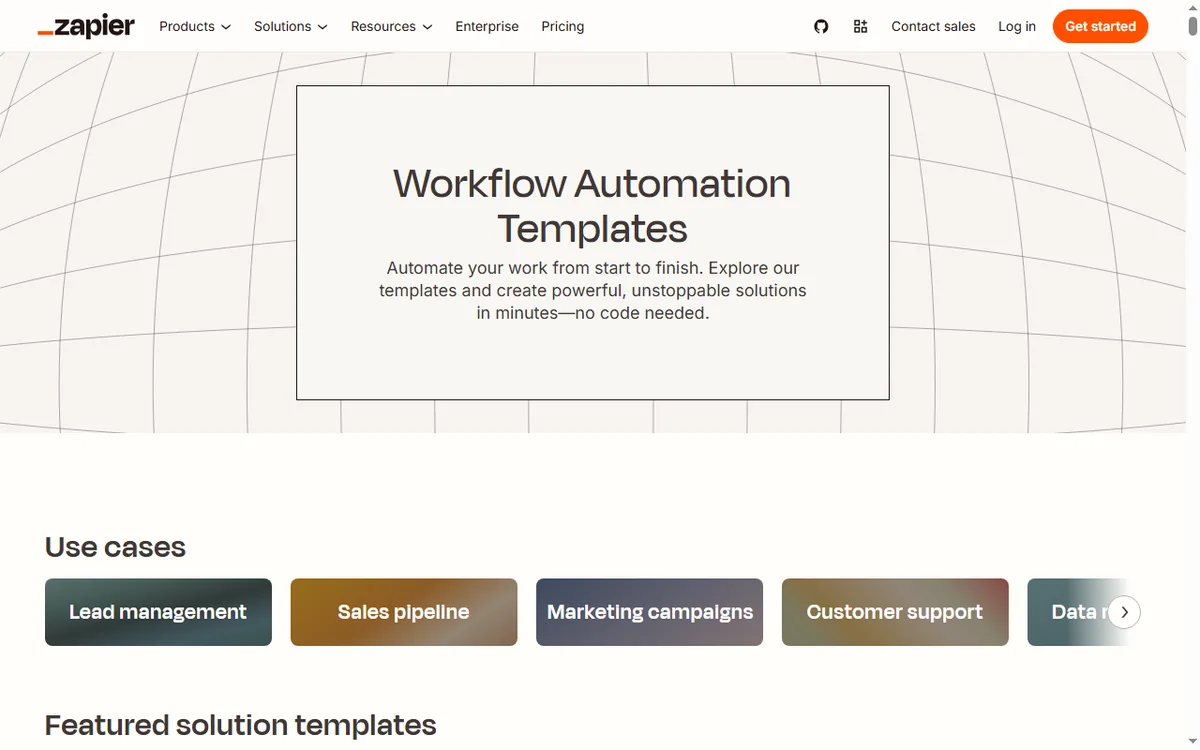
A typical setup looks like this: Elementor builds a landing page with a form. Zapier takes the submission, adds the contact to a CRM or email tool, and posts a notification to a team channel. Neither tool can do the other’s half.
- Elementor alone: a brochure site where leads arrive by email and someone handles them manually.
- Zapier alone: an existing site or store that needs its data to move between services.
- Both: a lead-generation page that must route leads automatically. That is the common small-business case.
What each costs you in maintenance
Elementor needs attention at update time. Plugin, theme and builder versions move independently, and a conflict can break a layout. Budget an hour a month for updates and a staging check if the site earns money.
Zapier needs attention when the apps it connects change their APIs or field names. A silently failing automation is worse than no automation, so set up error notifications and review task usage monthly.

Which one first?
If you do not have a site yet, start with Elementor. There is nothing to automate until there is something collecting data. If your site already works and the pain is manual admin, start with Zapier and leave the design alone.
The order matters less than the reason. Pick the tool that removes today’s bottleneck, and add the second when the bottleneck moves.
For a deeper look at the builder itself, read our full Elementor review covering templates, pricing tiers and where it falls short.
Start with Elementor Build the page first, then automate what it collects. Get Elementor
This link does not change the price.
Based on the vendors’ public product and pricing pages as of October 2026. We did not run a timed lab test, so treat performance remarks as general guidance rather than measured results.
\n
Leave a Reply