Home / Email marketing / Guides / How to use ActiveCampaign for a small business
Use case · email marketing · updated October 8, 2026
How to use ActiveCampaign for a small business
ActiveCampaign earns its keep when automation does work a small team cannot do by hand: welcoming new leads, following up, and re-engaging people who went quiet. These six automations are the ones worth building first.
Independent analysis. This page may contain affiliate links. Some links here are referral links; if you sign up through one we may earn a reward at no extra cost to you, and it never changes what we recommend. We are an independent publisher and are not affiliated with, endorsed by, or an official partner of any tool mentioned. See our Affiliate Disclosure.
TL;DR
- Start with the automation that touches revenue most directly.
- A welcome sequence is usually automation number one.
- Segmentation makes every later automation more relevant.
- Re-engagement campaigns recover contacts you would otherwise lose.
- Keep automations simple enough that you can debug them.
On this page: Where automation pays off · Six automations · Which one first · Keeping the list healthy · Where this fits
Where automation pays off
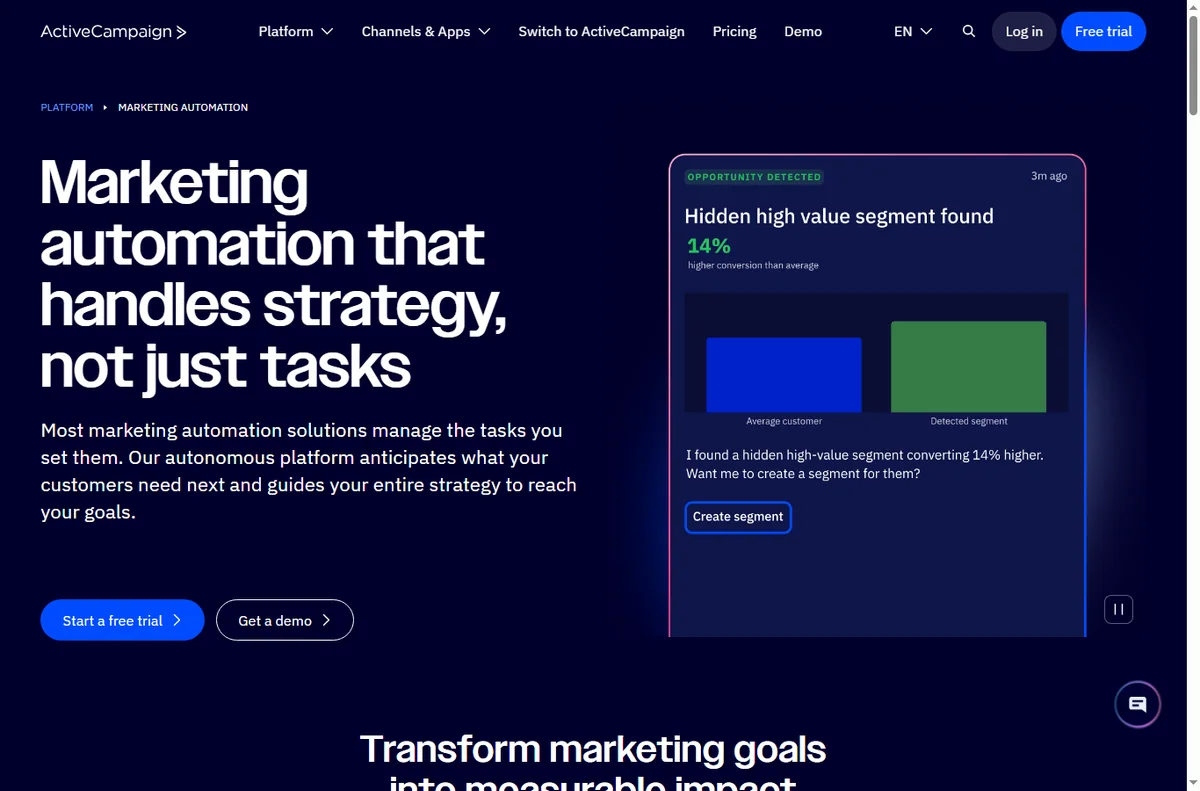
Automation pays off when a follow-up should happen every time an event occurs, and doing it by hand is unrealistic. A small team cannot personally welcome every lead or chase every quiet contact.
The rule of thumb: if a follow-up should happen consistently after a trigger, it is a candidate for automation.
Six automations worth building
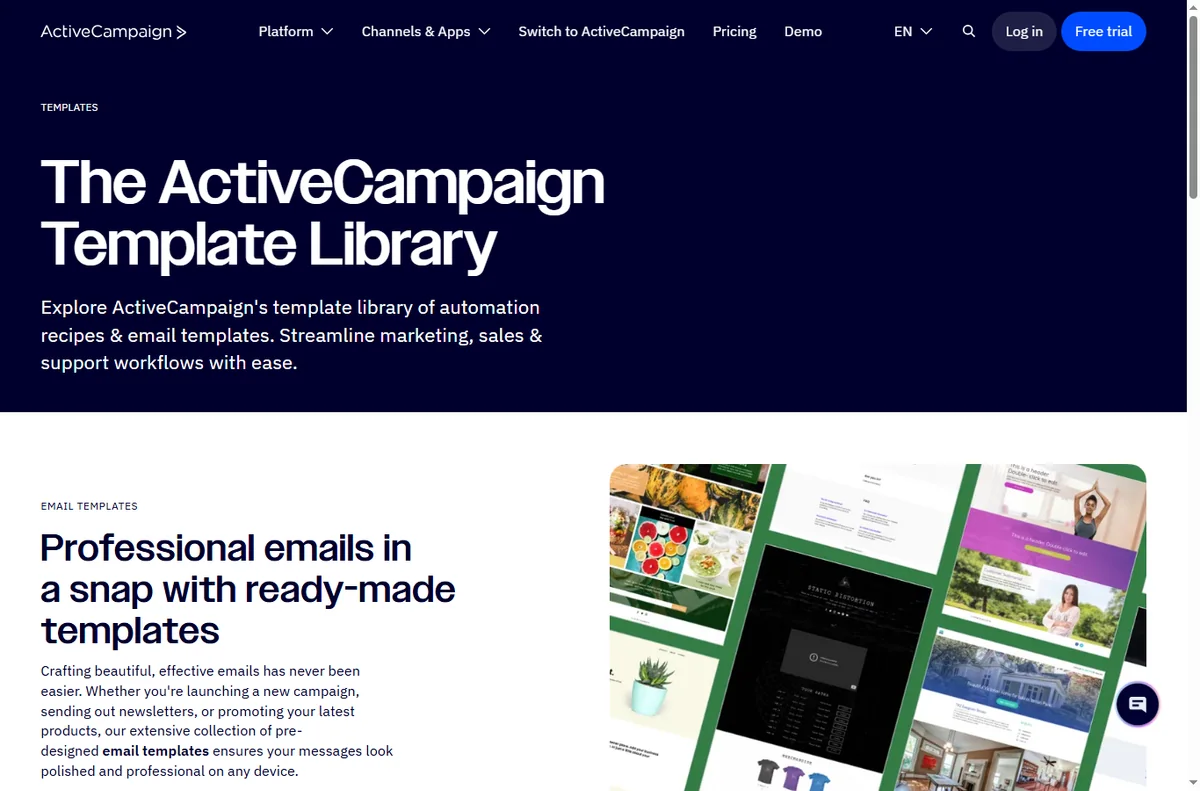
- A welcome sequence that introduces your business after a signup.
- A lead-nurture series that educates before it sells.
- A win-back sequence for contacts who stopped opening.
- A post-purchase follow-up with onboarding or a review request.
- A re-engagement flow for people who abandoned a form or cart.
- A segmentation flow that tags contacts by what they click.
Which automation to build first
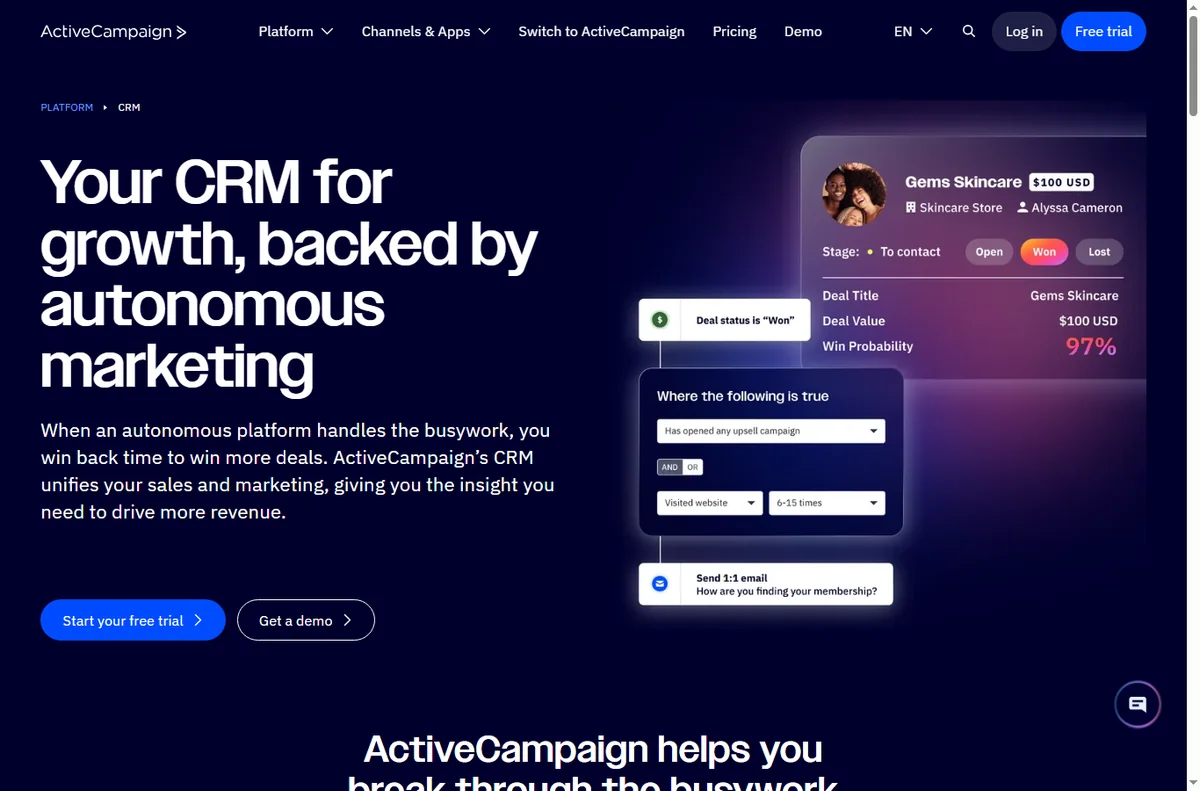
Build the welcome sequence first. It touches every new lead, it is straightforward to test, and it sets the tone for everything else. Once contacts are tagged reliably, later automations become far more relevant.
Build one, watch it for a week, then add the next. Automating several at once makes failures hard to trace.

Keeping the list healthy
- Send to engaged contacts more often than to everyone.
- Remove or suppress people who never open, so deliverability stays strong.
- Let contacts manage preferences rather than only unsubscribe.
- Watch for sudden drops in opens; they usually signal a deliverability issue.
Where this fits in your wider stack
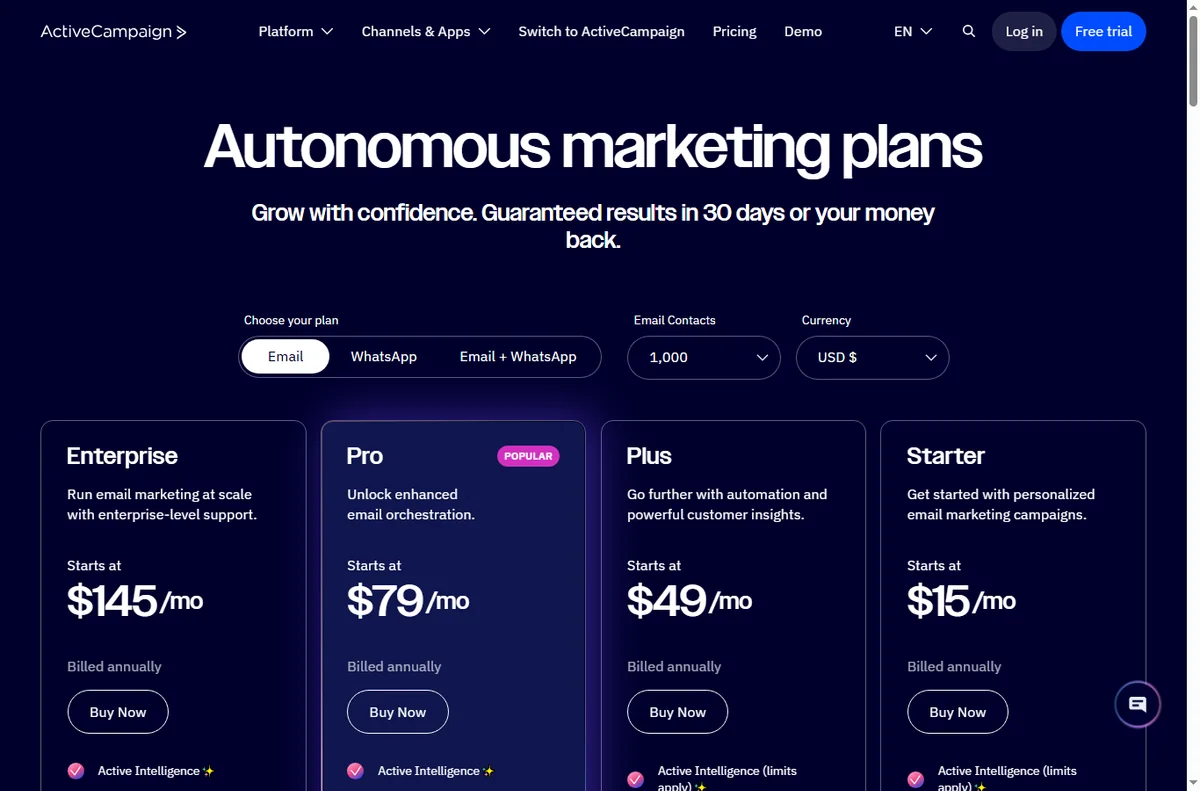
Start with the email marketing hub and the independent ActiveCampaign review. For cost, see the ActiveCampaign pricing guide; compare platforms in GetResponse vs ActiveCampaign, and go deeper with the email marketing automation guide.
Frequently asked
What should I automate first?
A welcome sequence. It touches every new lead, is easy to test, and improves as your segmentation improves.
How many automations should I run at once?
Start with one, prove it for a week, then add the next so failures stay easy to trace.
How do I keep deliverability healthy?
Send to engaged contacts, suppress people who never open, and offer preference management instead of only unsubscribe.
Do I need advanced features on day one?
No. The core automations deliver most of the value; add advanced features only when a real workflow needs them.
Let automation do the follow-up
If a follow-up should happen every time, it should not depend on memory.
Referral link — we may earn a reward if you sign up, at no extra cost to you. We are an independent publisher. See our Affiliate Disclosure.
Leave a Reply