
Home / Email marketing / Guides / What is GetResponse
Knowledge · email marketing · updated October 8, 2026
What is GetResponse?
GetResponse started as an email marketing tool and grew into a platform that also handles automation, landing pages and webinars. This guide explains what it actually covers and where it fits for a small team.
Independent analysis. This page may contain affiliate links. Some links here are referral links; if you sign up through one we may earn a reward at no extra cost to you, and it never changes what we recommend. We are an independent publisher and are not affiliated with, endorsed by, or an official partner of any tool mentioned. See our Affiliate Disclosure.
TL;DR
- GetResponse is an email marketing platform with automation and funnel extras.
- Its core value is still email: lists, forms, sequences and broadcasts.
- Built-in automation moves beyond simple autoresponders.
- Extra features (pages, webinars) reduce the number of tools you need.
- Confirm current plan limits on the vendor’s pricing page.
On this page: What GetResponse is · What it covers · When it is the right fit · Things to consider · Core building blocks · Where this fits

What GetResponse is
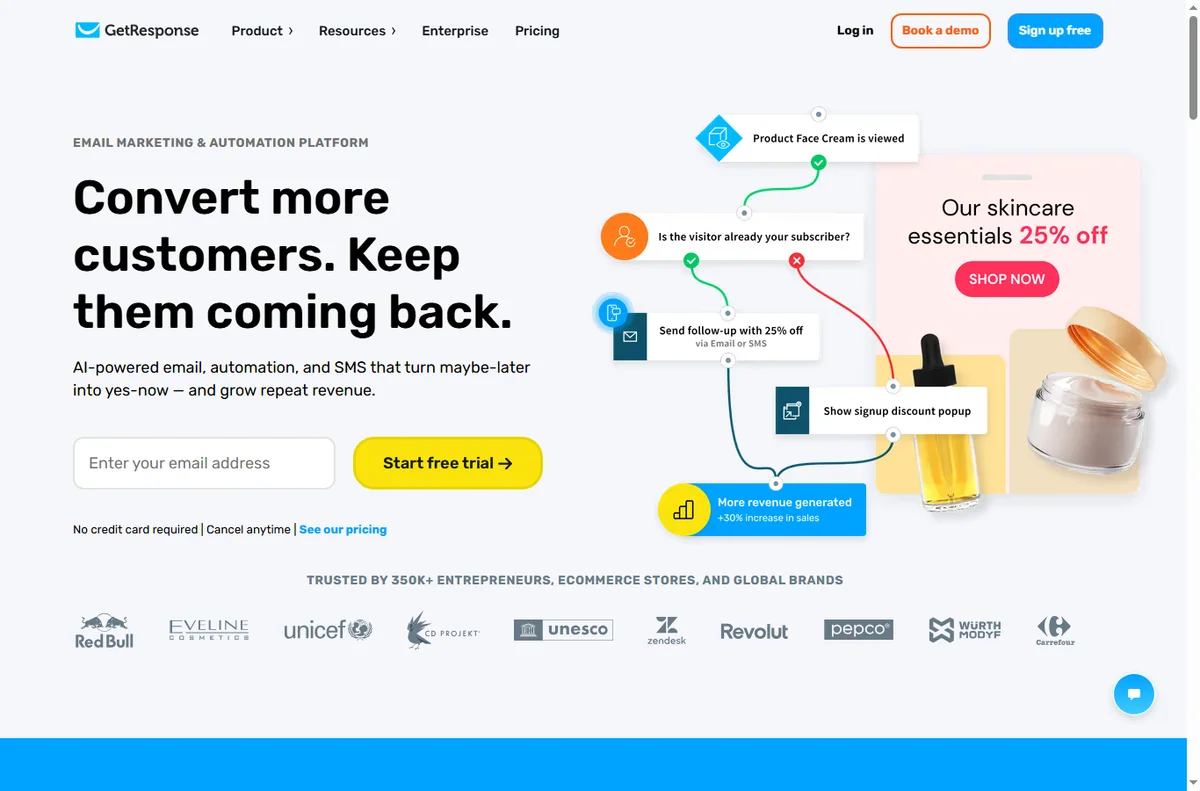
GetResponse is an email marketing platform. You build a list, send broadcasts and set up automated sequences, then use the extras — landing pages, forms and marketing automation — to grow and convert that list.
It sits in the middle ground between a simple newsletter tool and a heavyweight marketing suite, which is why small teams often land on it.

What it covers
- Email campaigns: newsletters, broadcasts and autoresponders.
- Automation: multi-step sequences triggered by behaviour.
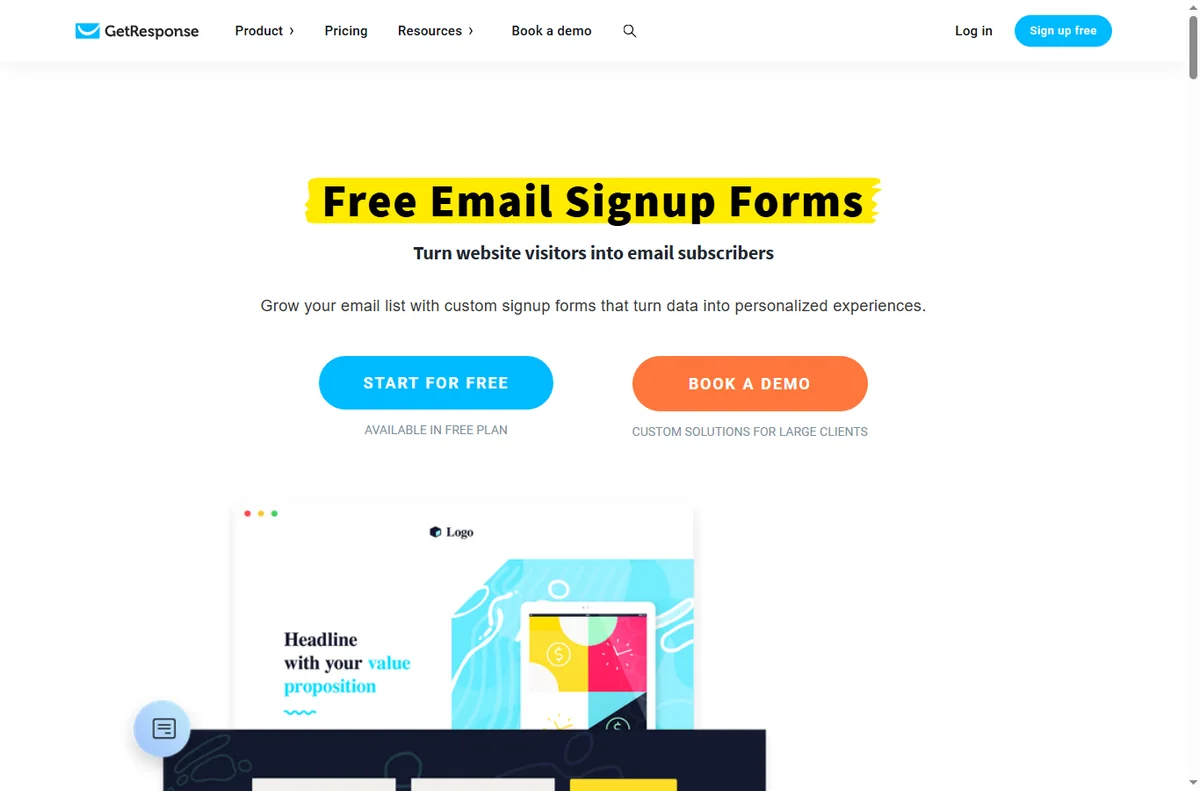
- Signup forms and landing pages to grow the list.
- Segmentation using tags and behaviour.
- Extras such as webinar and funnel features on higher tiers.
When it is the right fit
It fits when email is central to your business and you want automation without assembling three tools. If you send regularly and want sequences, segmentation and forms in one place, the bundled extras remove integration work.
Things to consider
- Pricing scales with list size, so model your growth before committing.
- The most advanced extras sit on higher tiers.
- If you only send occasional newsletters, a simpler tool may be cheaper.
- Deliverability depends on your own sending habits and domain setup as much as the platform.

Core building blocks
| Block What it does Typical use | ||
|---|---|---|
| Lists | Where contacts live | Segmented audiences |
| Forms and pages | Capture new contacts | Lead magnets |
| Autoresponders | Scheduled sequences | Welcome and nurture |
| Automation | Behaviour-triggered flows | Route and follow up |
| Segmentation | Tags and conditions | Relevant messaging |

Where this fits in your wider stack
Start with the email marketing hub and the independent GetResponse review. For cost, see the GetResponse pricing guide; compare platforms in GetResponse vs ActiveCampaign and the best email marketing software roundup.
Frequently asked
Is GetResponse just email?
No. Email is the core, but it also includes automation, forms, landing pages and some higher-tier extras such as webinars.
Who is it best for?
Small businesses where email drives sales and automation matters, and that prefer one tool over several.
Does pricing scale with my list?
Yes, plans generally scale with list size, so model your growth before you commit. Check current tiers on the vendor’s pricing page.
Do I need the highest tier?
Only if you need the extras it unlocks. Many teams get everything they use from a mid tier.
Grow a list you actually use
If email drives revenue, automation and segmentation earn their keep.
Referral link — we may earn a reward if you sign up, at no extra cost to you. We are an independent publisher. See our Affiliate Disclosure.
Leave a Reply