
Home / Automation / Guides / Common Zapier problems
Problem · automation · updated October 9, 2026
Common Zapier problems and how to fix them
Most Zapier problems are not mysteries — they are Zaps that stopped running, one step that keeps erroring, or task limits that ran out. Here are the failures that come up again and again, and what to do about them.
Independent analysis. This page may contain affiliate links. If you sign up through a link on this page we may earn a reward at no extra cost to you, and it never changes what we recommend. We are an independent publisher and are not affiliated with, endorsed by, or an official partner of any tool mentioned. See our Affiliate Disclosure.
TL;DR
- A Zap that stopped running is usually off or failed at one step.
- Most errors come from a single app connection or permission.
- Task limits running out can pause automations silently.
- Duplicate data usually means a trigger fired more than once.
- Fix the failing step before you switch the Zap back on.
On this page: Why Zaps go wrong · Zap is off · A step keeps erroring · Ran out of tasks · Duplicate data · Field mapping · Symptom to fix · Where this fits
Why Zaps go wrong
A Zap depends on several moving parts: your trigger, each connected app, and your plan limits. Most problems happen at one of those, and the task history usually names the step that failed.
The habit that prevents most of these is simple: open the task history and read the error before you rebuild anything, because rebuilding rarely fixes a permissions or mapping problem.

The Zap is off or has stopped
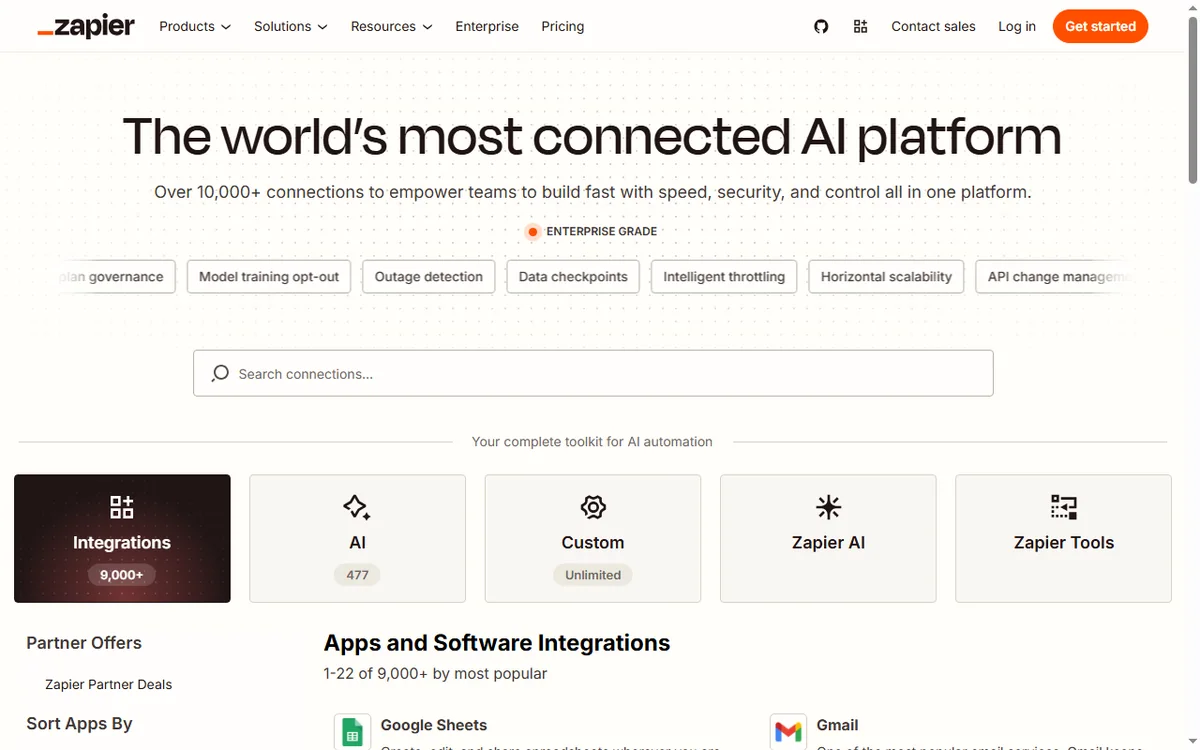
A paused or off Zap does not run, and neither does one whose trigger app has disconnected. Check the Zap’s on/off state first, then confirm every connected account is still authorised.
If the trigger is a schedule or a poll, confirm the interval and that the source app still contains the events you expect.
A step keeps erroring
An error on a step usually means the app rejected the data or the connection lost permission. The history shows which step failed and what the app returned.
- Reconnect the app account if the token expired.
- Check that required fields are present and correctly typed.
- Confirm the app still supports the action you are using.
- Test the step on its own before re-running the whole Zap.
You ran out of tasks
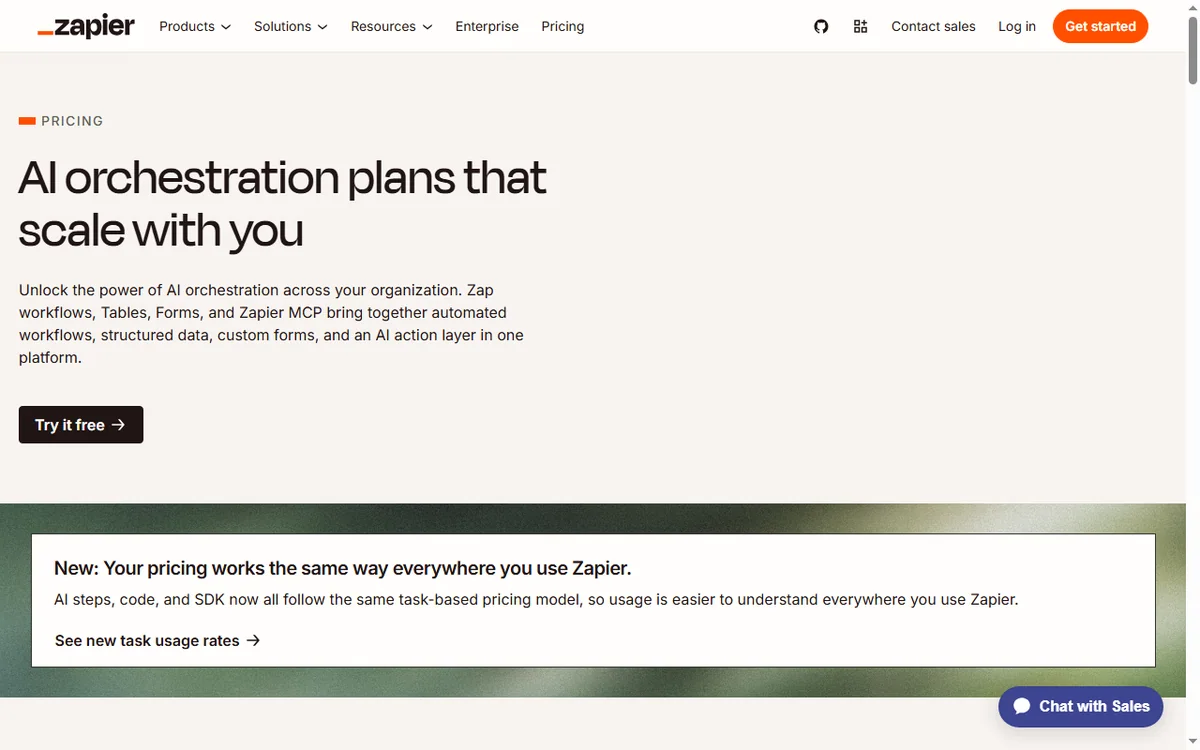
Every successful action counts as a task, and when a plan’s quota is used up, Zaps can stop running until the next cycle. That is a limit, not a bug.
Check your task usage, then either trim unnecessary steps or move to a plan with more headroom. Confirm current limits on Zapier’s own pricing page.
Duplicate or repeated data
Duplicates usually come from a trigger firing more than once, or from a Zap being switched on while older events are still queued.
Use a filter or a de-duplication step, and make sure you are not running two Zaps that both handle the same event.

Field mapping is wrong
Wrong values in the destination app usually mean a field is mapped to the wrong source, or a format does not match. Dates, numbers and lists are common offenders.
Open the step, review each mapped field against the source, and re-test with a fresh sample before enabling the Zap.
Symptom to fix
| Symptom | Likely cause | Fix |
|---|---|---|
| Zap never runs | Zap off or trigger disconnected | Switch it on and reconnect accounts |
| One step errors | App rejected data or lost access | Reconnect and fix the field |
| Zaps stopped entirely | Task quota used up | Check usage and adjust the plan |
| Same record twice | Trigger fired more than once | Add a filter or de-duplicate |
| Wrong values saved | Field mapped incorrectly | Re-map the field and re-test |
Where this fits
Start with the automation hub. For the basics read what Zapier is, and for the setup steps see how to set up Zapier.

Frequently asked
Is my data lost if a Zap fails?
No. A failed step usually just did not complete. Fix the step, then re-run and check the history for what was already processed.
Why did my Zap stop overnight?
Automations can pause when a plan’s task quota is used up. Check your usage and limits.
Can I retry a failed task?
Often yes, from the task history, once you have fixed the underlying cause.
Do I need to rebuild the Zap?
Rarely. Most issues are a disconnected account or a field mapping, which you can fix in place.
Automate more with Zapier
Fix the failing step, then let your Zaps run.
Some links on this page may be referral links — we may earn a reward if you sign up, at no extra cost to you. We are an independent publisher. See our Affiliate Disclosure.
Leave a Reply