We’re reader-supported — some links are affiliate links. Learn more →

Skip to content

Independent software research. Some links may earn us a commission at no extra cost to you. Learn more →

ICode

Tag: small-business

  • How to Use Kajabi for a Small Business: Five Plays

    How to Use Kajabi for a Small Business: Five Plays

    Home / Course Platforms / Guides / How to use Kajabi for a small business

    Use case · course platforms · updated October 8, 2026

    How to use Kajabi for a small business

    Kajabi is often filed under online courses, but a small business can use it more broadly: to sell knowledge, run a membership, or bundle a product with the emails and pages around it. These five plays cover the common cases.

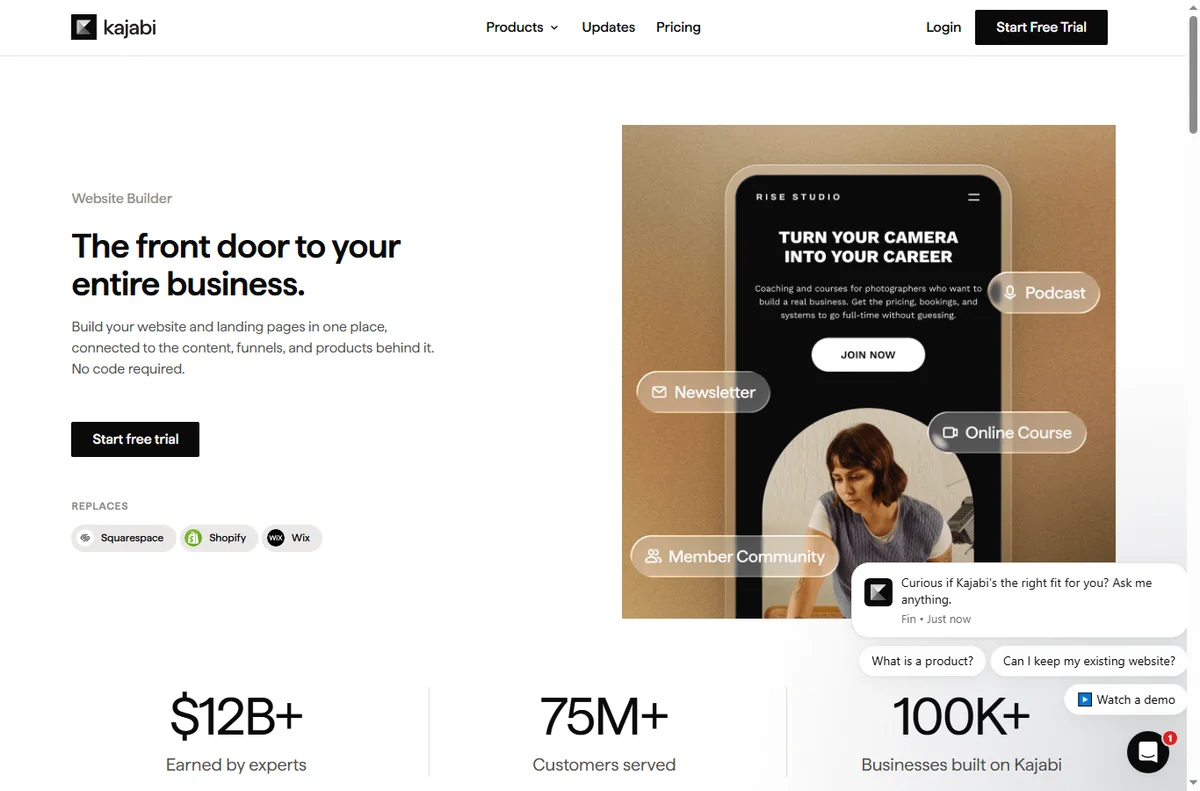
    Kajabi homepage for turning expertise into products
    Kajabi official homepage (image: kajabi.com)

    Independent analysis. This page may contain affiliate links. Some links here are referral links; if you sign up through one we may earn a reward at no extra cost to you, and it never changes what we recommend. We are an independent publisher and are not affiliated with, endorsed by, or an official partner of any tool mentioned. See our Affiliate Disclosure.

    TL;DR

    • Kajabi is strongest when you sell knowledge or access, not physical goods.
    • All-in-one means fewer tools, at the cost of using one platform’s way of working.
    • Start with one play, prove it converts, then add a second.
    • Bundle products and email so the platform does more than host content.
    • Confirm current plan limits and pricing on Kajabi’s own pricing page.

    On this page: Why a small business uses Kajabi · Five plays to consider · Which play fits · What the plays share · Guardrails · Where this fits

    Kajabi online courses product page
    Kajabi online courses (image: kajabi.com)

    Why a small business uses Kajabi

    If your business sells expertise, access or recurring value, you face the same stack problem: a course tool, a page builder, an email tool and a checkout. Kajabi collapses those into one account, which is its main appeal for a small team.

    The trade-off is real: all-in-one platforms want you to work their way. If that fits your business, the time saved is significant.

    Kajabi communities product page
    Kajabi communities (image: kajabi.com)

    Five plays to consider

    • Launch a course — package what you already know into a paid, structured outcome.
    • Sell coaching or consulting — gate sessions, resources and follow-ups behind a product.
    • Run a membership — recurring access to content, community or updates.
    • Gate a resource library — templates and tools for a fee or an email.
    • Bundle product and email — sell an offer and nurture buyers in the same platform.
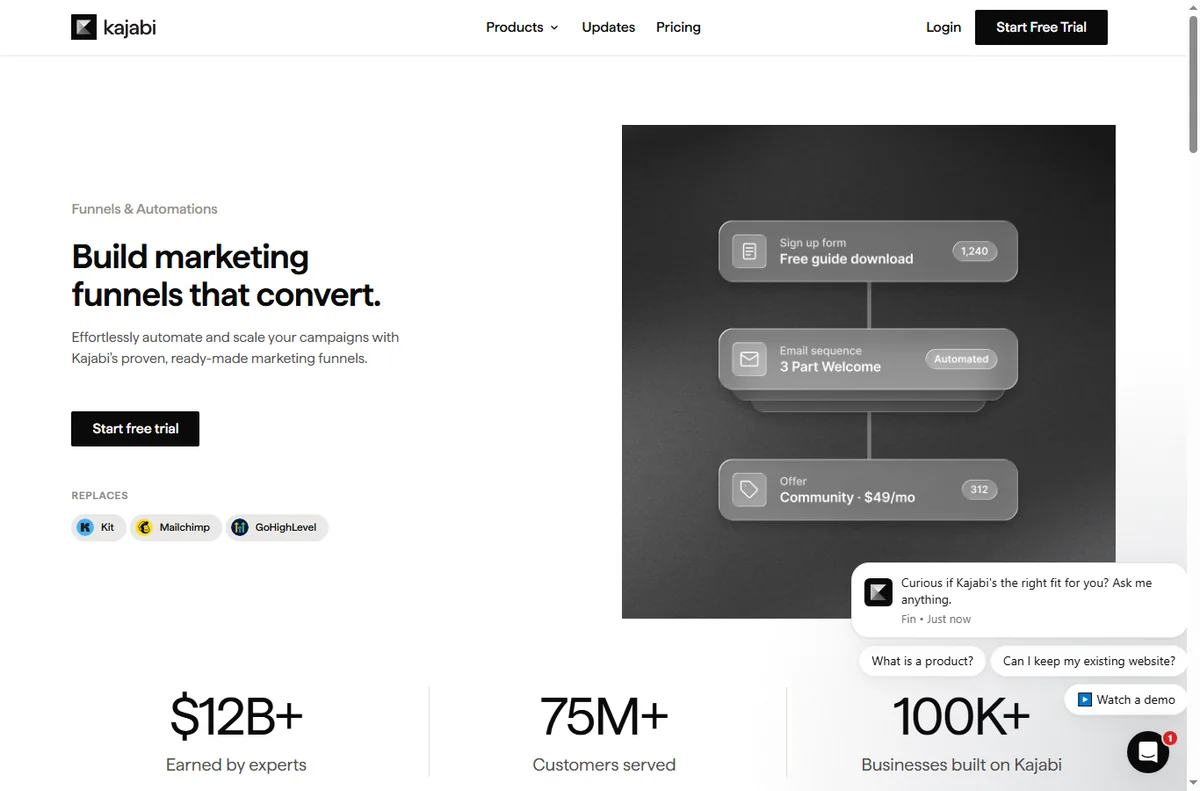
    Kajabi funnels feature page
    Kajabi funnels (image: kajabi.com)

    Which play fits your business

    Business Best play Why
    Expert or consultantCourse or coachingSells knowledge directly
    Creator with a followingMembershipRecurring access fits an audience
    Agency or freelancerGated resource libraryTemplates add value to services
    Product businessBundle product and emailNurture buyers without a second tool
    Based on publicly documented behaviour, checked October 8, 2026.
    Kajabi website and page builder feature page
    Kajabi website builder (image: kajabi.com)

    What the plays share

    Every play needs the same three things: a clear promise, a product that delivers it, and a follow-up that keeps the buyer engaged. Kajabi gives you one place to run all three, which is the point of choosing an all-in-one.

    Keep the promise specific. “Learn marketing” sells poorly; “run your first paid campaign in a week” sells well.

    Kajabi payments feature page
    Kajabi payments (image: kajabi.com)

    Guardrails for a small business

    • Price before you build, so you know it is worth the effort.
    • Ship one offer before starting a second.
    • Set up the welcome and follow-up emails early.
    • Review churn if you run a membership; access products lose value if unused.
    Kajabi pricing page with plan tiers
    Kajabi pricing (image: kajabi.com)

    Where this fits in your wider stack

    Read the independent Kajabi review and start from the course platforms hub. Comparing options? See Kajabi vs Thinkific and the course platform pricing comparison. For pricing strategy, read course pricing strategy.

    Frequently asked

    Is Kajabi only for online courses?

    No. It is used for coaching, memberships, gated resources and product-plus-email bundles as well.

    Is an all-in-one worth it for a small team?

    It is when you would otherwise pay for and maintain several tools. If you only need one feature, a specialist tool can be cheaper.

    Which play should I start with?

    The one that matches how you already make money. Package what you sell today before inventing a new offer.

    How do I keep members engaged?

    Regular, useful updates and a clear schedule. Access products lose value if members stop finding a reason to return.

    Turn your expertise into a product

    Pick one play, price it, and deliver it inside a single platform.

    Referral link — we may earn a reward if you sign up, at no extra cost to you. We are an independent publisher. See our Affiliate Disclosure.
  • How to Use ClickFunnels for a Small Business: Five Funnels

    How to Use ClickFunnels for a Small Business: Five Funnels

    Home / Funnel Builders / Guides / How to use ClickFunnels for a small business

    Use case · funnel builders · updated October 8, 2026

    How to use ClickFunnels for a small business

    A small business does not need a dozen funnels. It needs a few that map to how customers actually arrive and buy. These five cover most small-business goals without over-building.

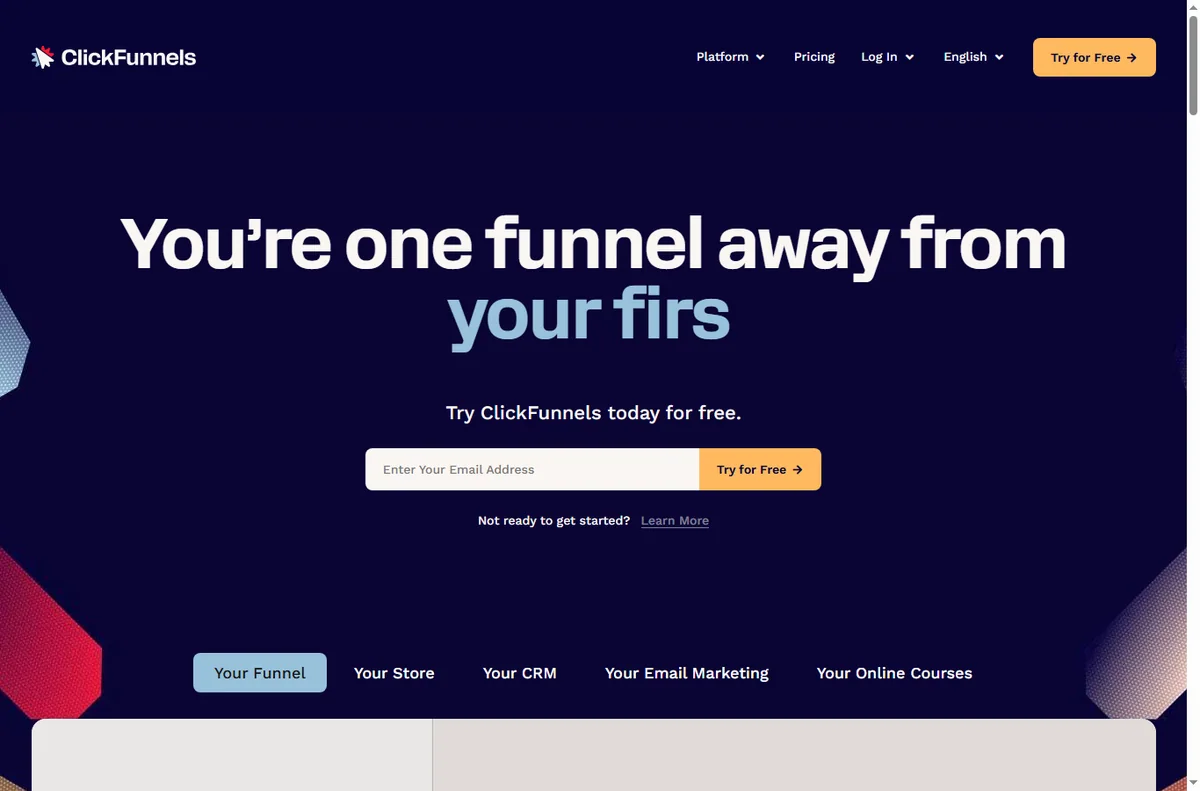
    ClickFunnels homepage for marketing funnels
    ClickFunnels official homepage (image: clickfunnels.com)

    Independent analysis. This page may contain affiliate links. Some links here are referral links; if you sign up through one we may earn a reward at no extra cost to you, and it never changes what we recommend. We are an independent publisher and are not affiliated with, endorsed by, or an official partner of any tool mentioned. See our Affiliate Disclosure.

    TL;DR

    • Match the funnel to the goal, not the other way around.
    • Lead capture converts cold traffic; sales funnels convert warm traffic.
    • A tripwire funnel can fund the ad spend behind a free offer.
    • One funnel done well beats five half-built ones.
    • Measure opt-in and conversion rates, not page count.

    On this page: Why a small business uses funnels · Five funnels to consider · Which funnel fits · Building blocks you reuse · Guardrails · Where this fits

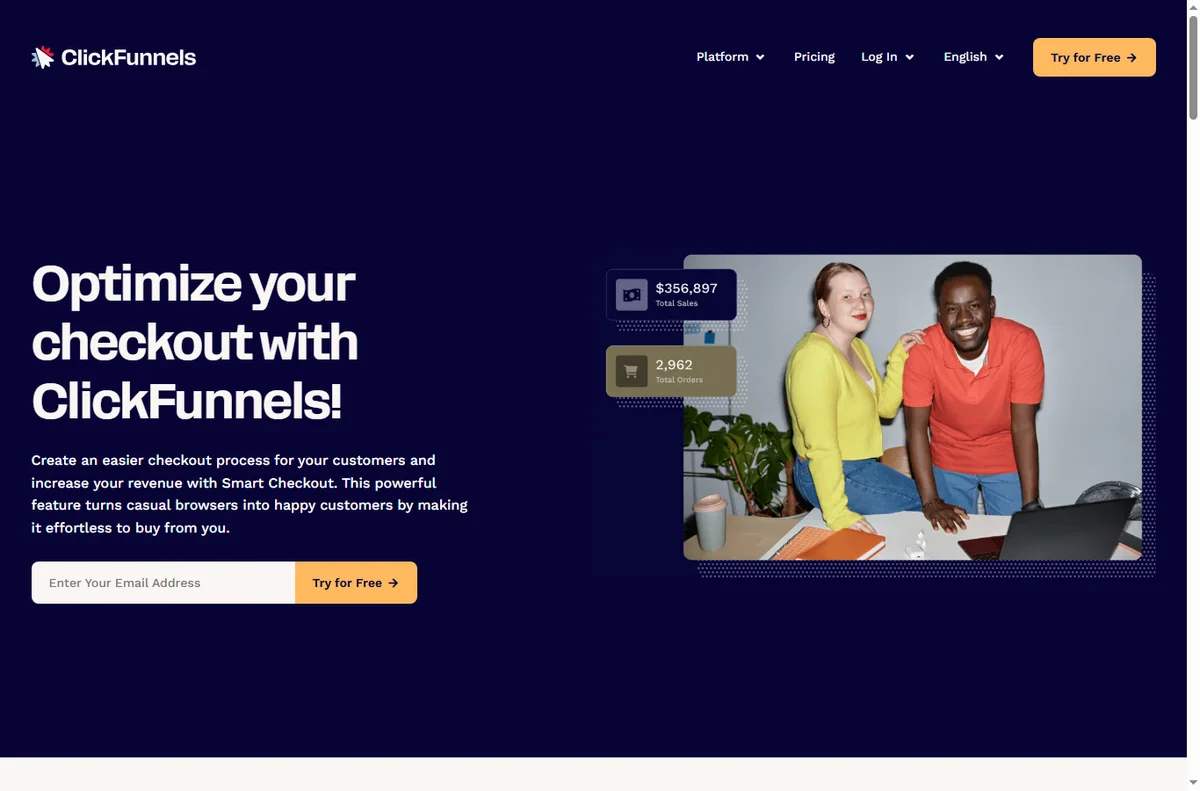
    ClickFunnels sales funnels feature page
    ClickFunnels sales funnels (image: clickfunnels.com)

    Why a small business uses funnels

    A page asks a visitor to decide; a funnel guides them. For a small business with limited traffic, guiding each visitor through a short, purposeful sequence lifts the return on the traffic you already have.

    The trick is restraint. Choose the funnel that matches your goal this quarter and ignore the rest until it works.

    ClickFunnels funnel builder feature page
    ClickFunnels funnel builder (image: clickfunnels.com)

    Five funnels to consider

    • Lead capture funnel — offer a useful resource in exchange for an email.
    • Sales funnel — present one offer and take the order on a single page.
    • Webinar registration funnel — register interest, then remind and follow up.
    • Tripwire funnel — a low-priced first offer that turns a lead into a buyer.
    • Order form funnel — a focused checkout for one product or service.

    Which funnel fits your goal

    Goal Funnel Why
    Build an email listLead captureLow commitment, high volume
    Sell one product or serviceSales funnelOne clear decision
    Fill a live sessionWebinar registrationRegistration plus reminders
    Turn leads into buyersTripwireLow-priced first purchase
    Simplify a single checkoutOrder formFewer distractions, less drop-off
    Based on publicly documented behaviour, checked October 8, 2026.
    ClickFunnels page editor feature page
    ClickFunnels editor (image: clickfunnels.com)

    Building blocks you reuse

    Across all five funnels you reuse the same pieces: a headline, a short explanation, one call to action, an optional form, and a thank-you step. Learn these once and each new funnel is mostly copywriting.

    Keep a swipe file of the headlines and buttons that worked so your next funnel starts from proof rather than guesswork.

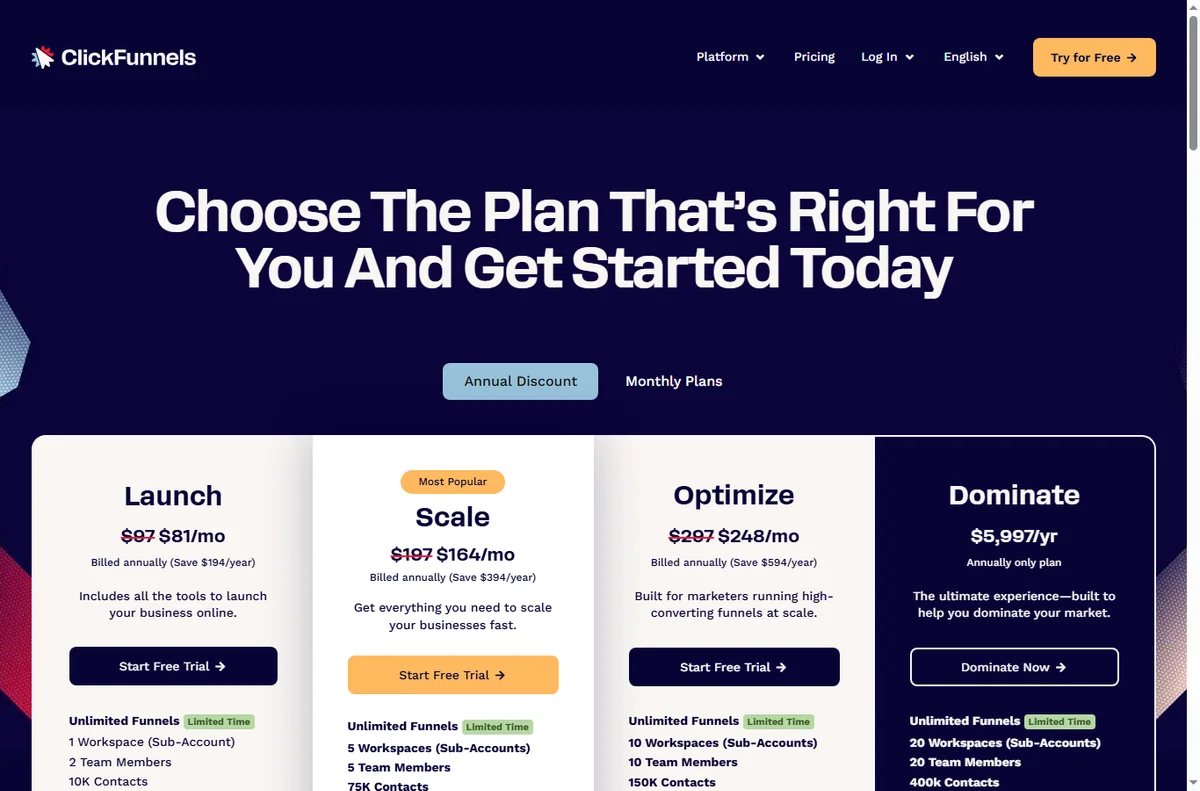
    ClickFunnels pricing page with plans
    ClickFunnels pricing (image: clickfunnels.com)

    Guardrails for a small business

    • Give each funnel one owner and one goal.
    • Track opt-in and conversion rates, not vanity page views.
    • Keep follow-up emails ready before you launch the funnel.
    • Retire funnels that underperform instead of piling on new ones.
    ClickFunnels integrations directory
    ClickFunnels integrations (image: clickfunnels.com)

    Where this fits in your wider stack

    Read the independent ClickFunnels review and start from the funnel builders hub. Comparing tools? See Systeme.io vs ClickFunnels. For a shortlist and cost breakdown, read best funnel builders and the funnel builder pricing guide.

    Frequently asked

    How many funnels should I start with?

    One. Build it, learn what converts, then add a second only when the first is working.

    Do I need paid traffic to use funnels?

    No. Funnels improve the return on any traffic. Paid traffic just makes the math easier to see because the numbers arrive faster.

    Can I use the same funnel for several products?

    You can, but one funnel per offer usually converts better because the message stays focused.

    What should I measure?

    Opt-in rate for lead funnels and conversion rate for sales funnels. Those two tell you whether the funnel earns its place.

    Put one small-business funnel to work

    Choose the goal that matters this quarter and build the funnel that fits it.

    Referral link — we may earn a reward if you sign up, at no extra cost to you. We are an independent publisher. See our Affiliate Disclosure.
  • How to Use n8n for a Small Business: Seven Workflows

    How to Use n8n for a Small Business: Seven Workflows

    Home / Automation / Guides / How to use n8n for a small business

    Use case · automation · updated October 8, 2026

    How to use n8n for a small business

    A small team rarely needs an army of automations. It needs five to seven reliable ones that remove the work nobody wants to repeat. These are the n8n workflows that pay back fastest for a small business.

    Independent analysis. This page may contain affiliate links. Some links here are referral links; if you sign up through one we may earn a reward at no extra cost to you, and it never changes what we recommend. We are an independent publisher and are not affiliated with, endorsed by, or an official partner of any tool mentioned. See our Affiliate Disclosure.

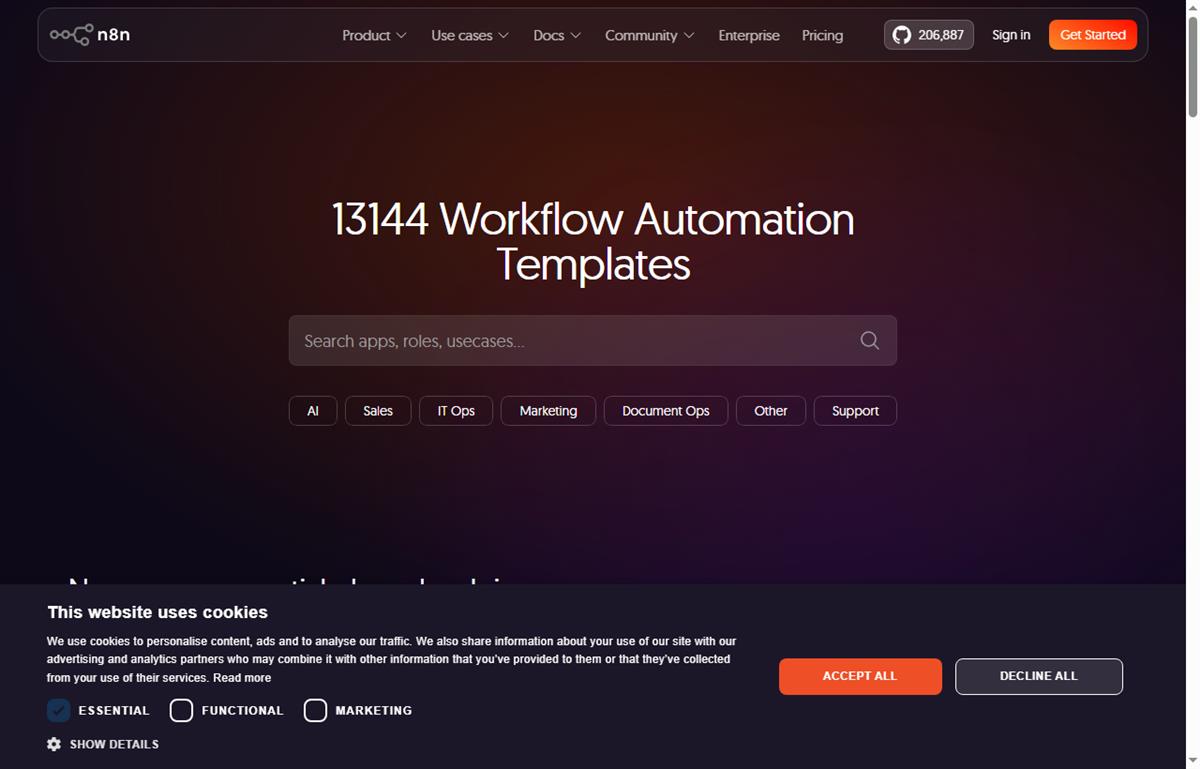
    n8n workflow templates you can build from
    Example n8n workflows you can start from at n8n.io/workflows (image: n8n.io)

    TL;DR

    • Start with the workflow that removes the most repetitive manual work, not the cleverest one.
    • Lead capture and routing is usually the highest-value first automation.
    • Internal notifications and reporting save time without touching customer-facing steps.
    • Self-hosting becomes attractive once you run several busy workflows.
    • Track time saved, not the number of workflows you build.

    On this page: Why a small business uses n8n · Seven practical workflows · Which to build first · The core skills you reuse · Guardrails for a small team · Where this fits

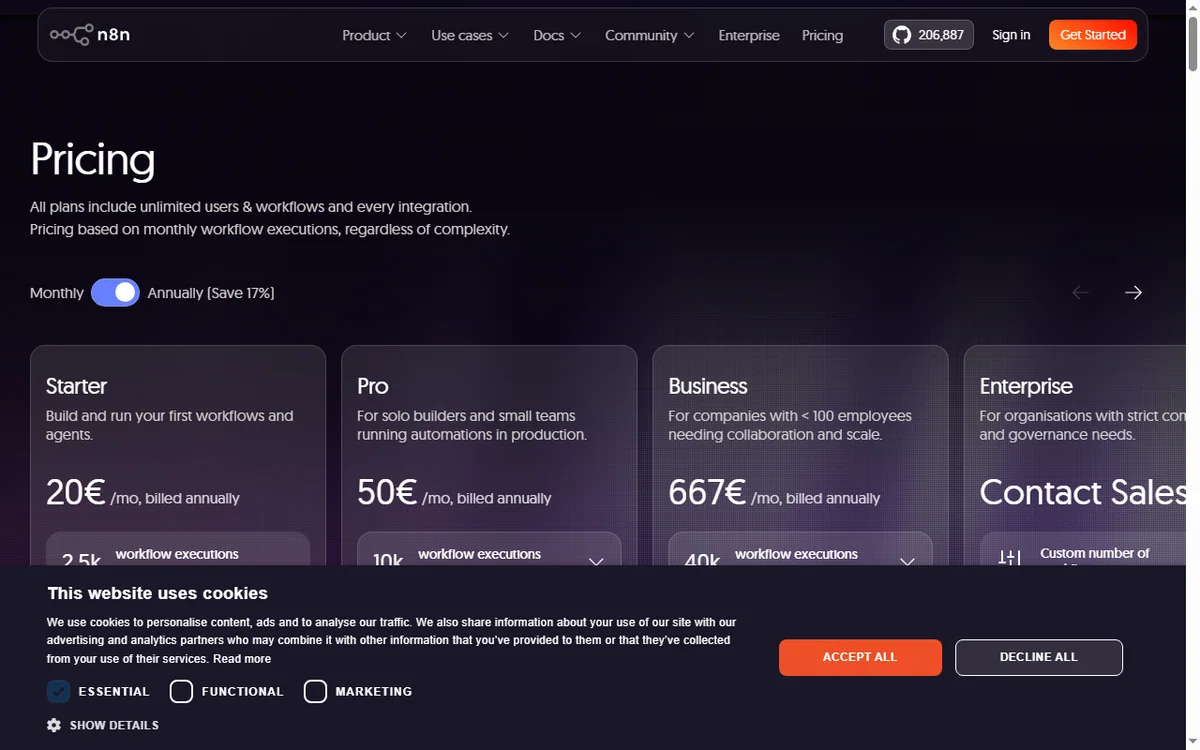
    N8n pricing page
    N8n pricing (image: n8n.com)

    Why a small business uses n8n

    The pattern is familiar: a form arrives, someone copies it into a spreadsheet, someone else emails the customer, and a third person forgets to follow up. n8n turns that chain into one workflow that runs the moment the trigger fires.

    You do not need a developer for this. You need one clear process, two or three connected apps, and the discipline to test before you switch it on.

    N8n home page
    N8n home (image: n8n.com)

    Seven practical workflows

    • Lead capture and routing — a form submission creates a contact and notifies the right person.
    • Invoice chasing — a scheduled check flags overdue invoices and sends a reminder.
    • Daily reporting digest — pull key numbers each morning into one message.
    • Order or booking notifications — alert the team the moment a sale lands.
    • Content publishing — draft to review to scheduled publish without manual copying.
    • Internal approvals — a request routes to the right approver and records the decision.
    • Appointment reminders — confirmations and reminders sent on a schedule.

    Which to build first

    Priority Workflow Typical payback
    1Lead capture and routingImmediate — stops lost leads
    2Invoice chasingDays — improves cash flow
    3Order or booking notificationsImmediate — faster response
    4Daily reporting digestWeekly — saves admin time
    5Internal approvalsWeeks — removes email chains
    Based on publicly documented behaviour, checked October 8, 2026.
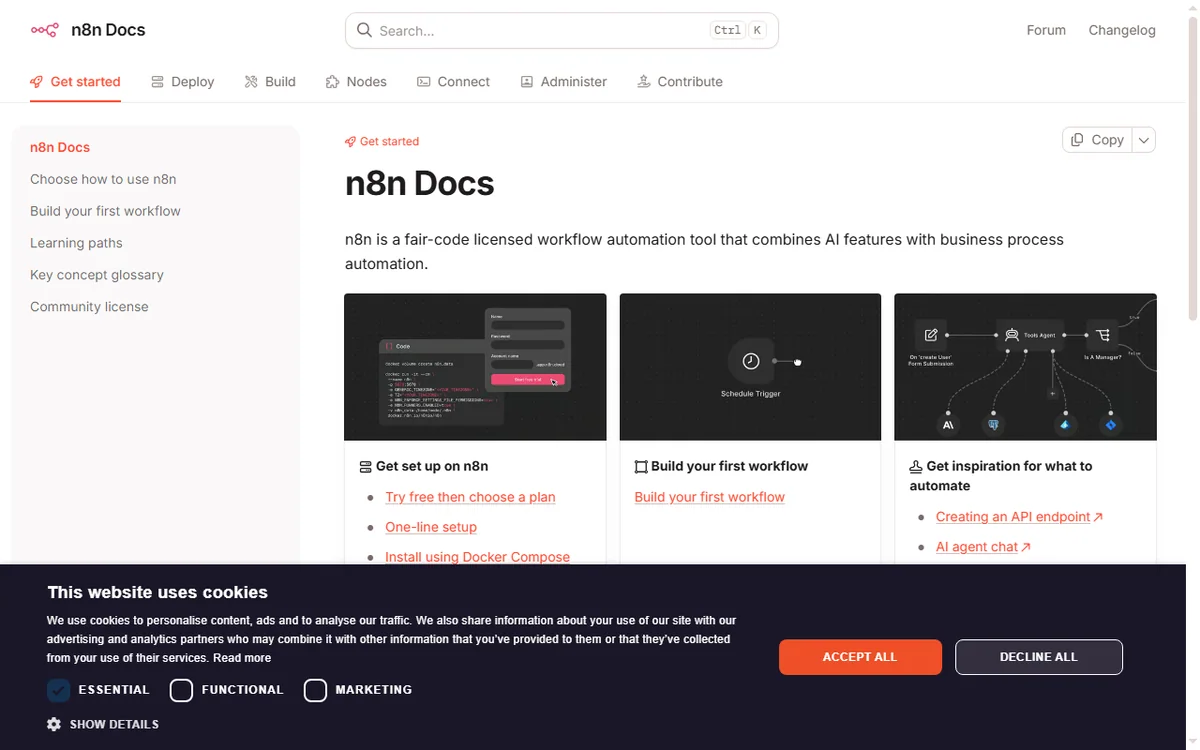
    N8n docs page
    N8n docs (image: n8n.com)

    The core skills you reuse

    Every workflow above is built from the same few moves: a trigger, one or more actions, field mapping, and a filter or branch. Learn those once and each new automation is faster than the last.

    Keep a simple naming convention so you can tell at a glance what a workflow does and who owns it.

    Guardrails for a small team

    • Give every workflow an owner and a short description.
    • Add error notifications so failures are noticed, not discovered later.
    • Log key runs to a spreadsheet or database for an audit trail.
    • Review automations quarterly and retire the ones nobody uses.
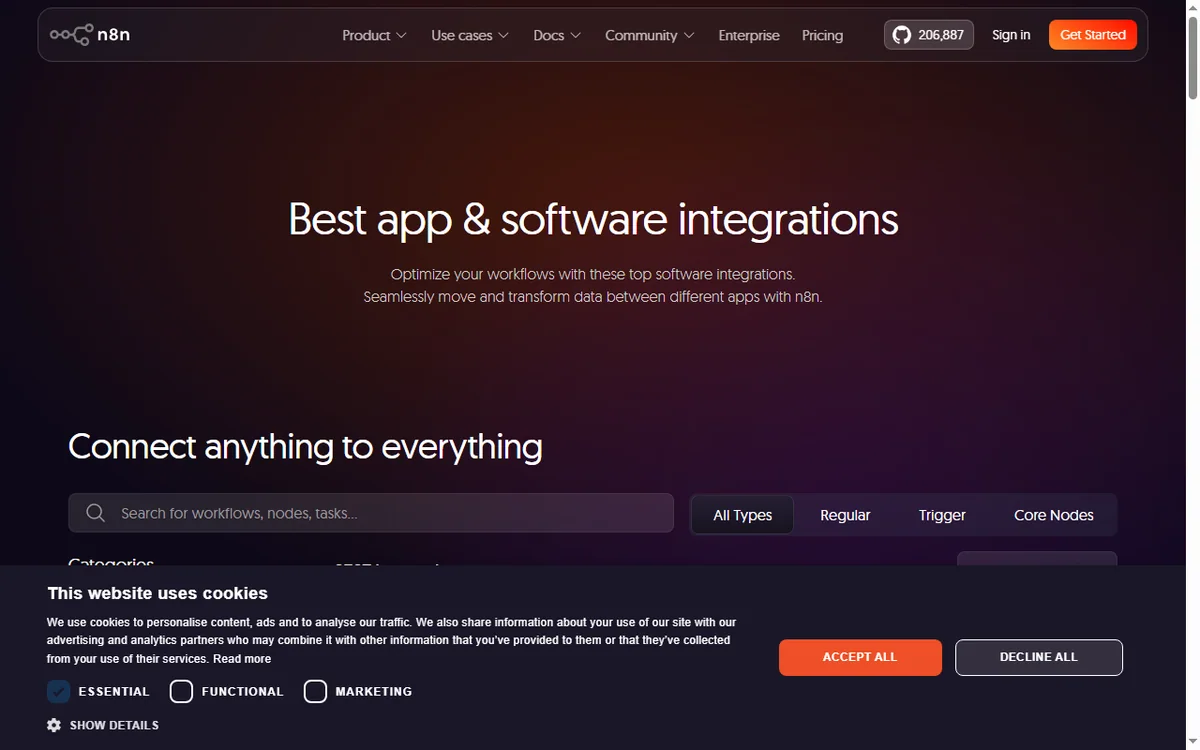
    N8n integrations page
    N8n integrations (image: n8n.com)

    Where this fits in your wider stack

    Read the independent n8n review and start from the automation hub. Comparing tools? See Make vs n8n and best workflow automation tools. If you plan to host it yourself, read the n8n self-hosting guide.

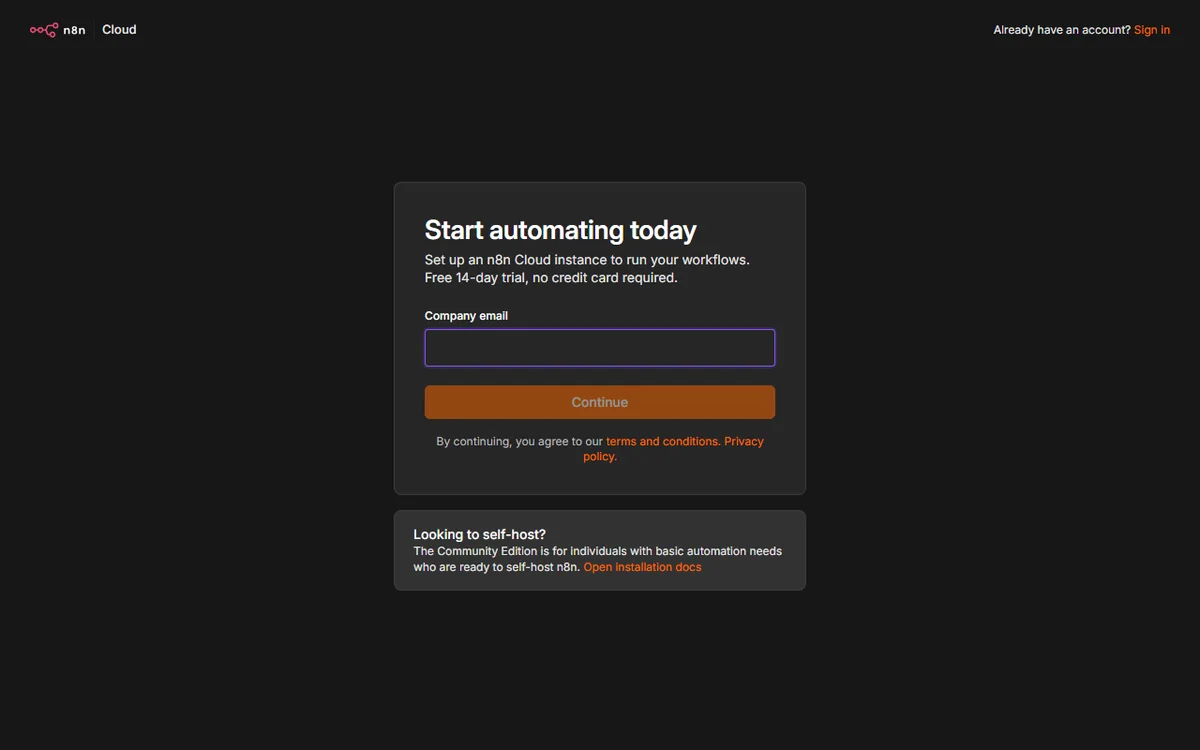
    N8n register page
    N8n register (image: n8n.com)

    Frequently asked

    How many workflows does a small business need?

    Most small teams get most of the value from five to seven. Add more only when a process is genuinely repeated and painful.

    Is n8n overkill for a very small team?

    Not necessarily. If you value self-hosting or expect volume, it fits early. If you want zero maintenance, a hosted option may suit you better.

    Who should own automations?

    One person should own them even if several use them. Clear ownership is what keeps workflows from quietly breaking.

    How do I know an automation is working?

    Add error notifications and a simple run log. If a workflow fails silently, you lose the data it was meant to move.

    Turn one recurring task into an n8n workflow

    Pick the process that wastes the most time this week and automate it first.

    Referral link — we may earn a reward if you sign up, at no extra cost to you. We are an independent publisher. See our Affiliate Disclosure.
  • How to Use ActiveCampaign for a Small Business: Six Automations That Pay Off

    How to Use ActiveCampaign for a Small Business: Six Automations That Pay Off

    Home / Email marketing / Guides / How to use ActiveCampaign for a small business

    Use case · email marketing · updated October 8, 2026

    How to use ActiveCampaign for a small business

    ActiveCampaign earns its keep when automation does work a small team cannot do by hand: welcoming new leads, following up, and re-engaging people who went quiet. These six automations are the ones worth building first.

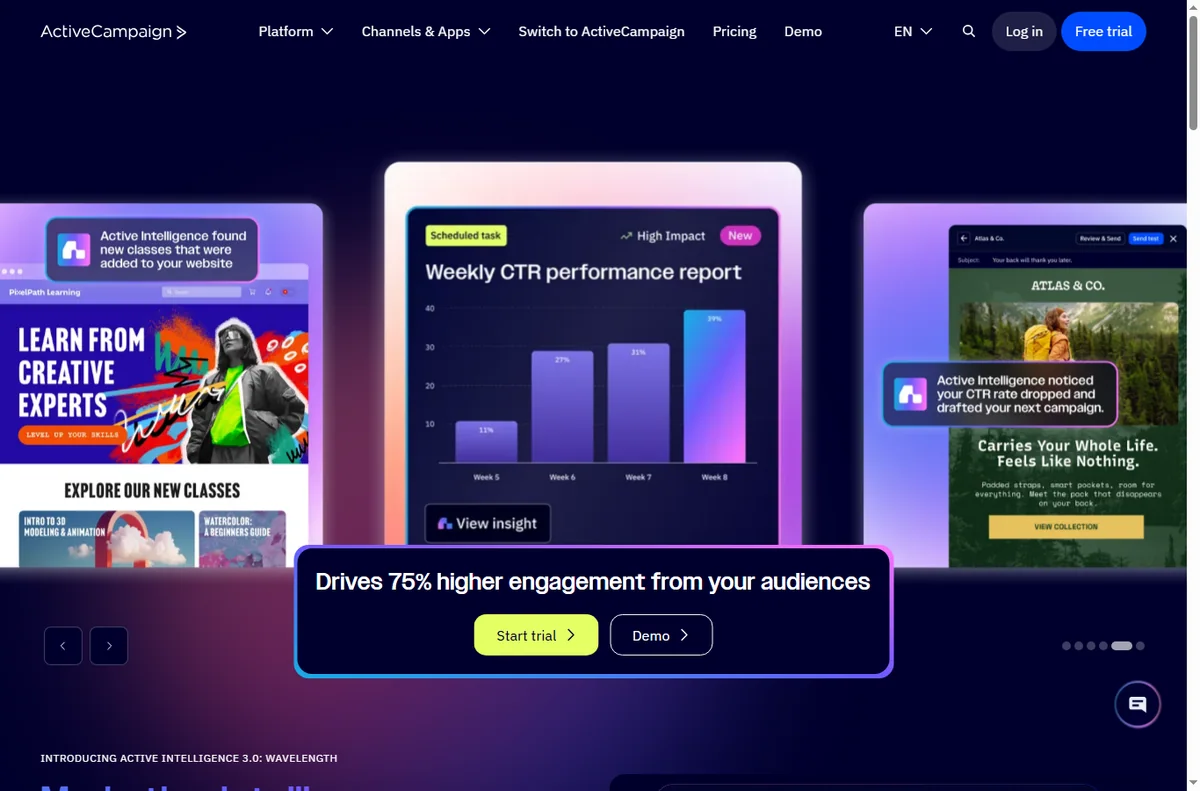
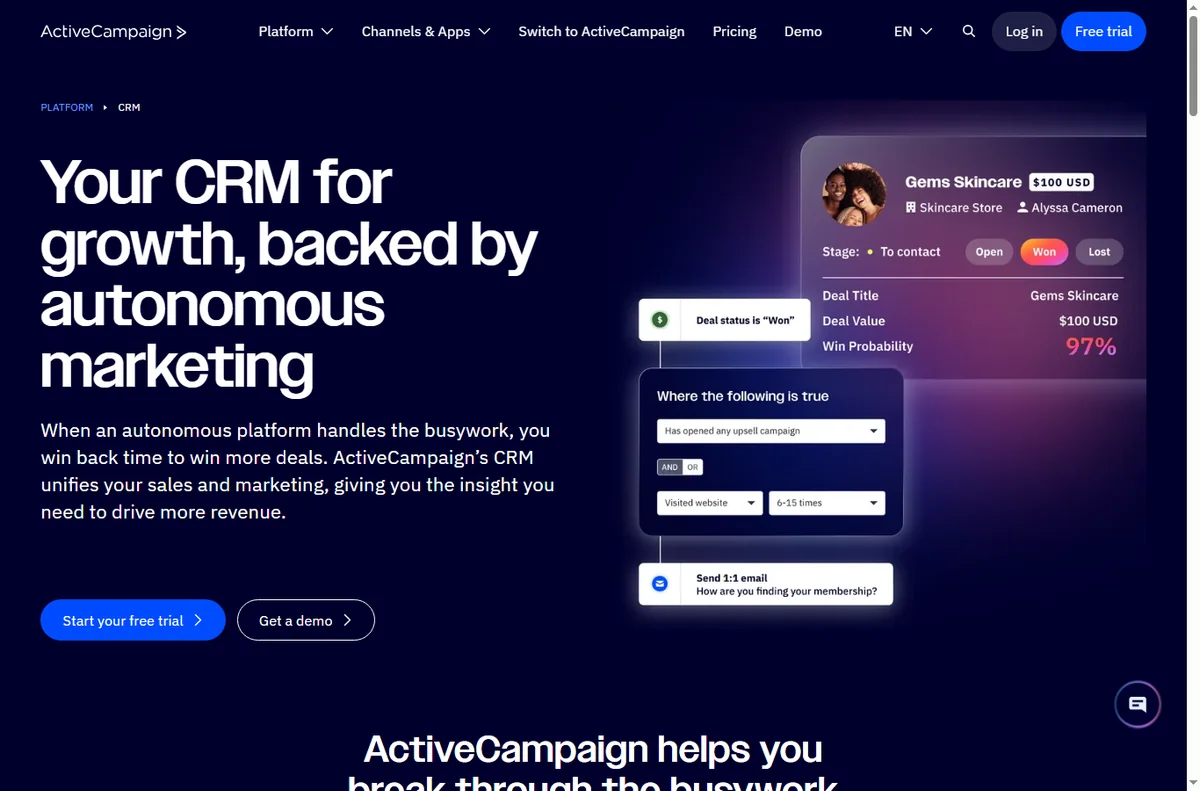
    ActiveCampaign homepage for marketing automation
    ActiveCampaign official homepage (image: activecampaign.com)

    Independent analysis. This page may contain affiliate links. Some links here are referral links; if you sign up through one we may earn a reward at no extra cost to you, and it never changes what we recommend. We are an independent publisher and are not affiliated with, endorsed by, or an official partner of any tool mentioned. See our Affiliate Disclosure.

    TL;DR

    • Start with the automation that touches revenue most directly.
    • A welcome sequence is usually automation number one.
    • Segmentation makes every later automation more relevant.
    • Re-engagement campaigns recover contacts you would otherwise lose.
    • Keep automations simple enough that you can debug them.

    On this page: Where automation pays off · Six automations · Which one first · Keeping the list healthy · Where this fits

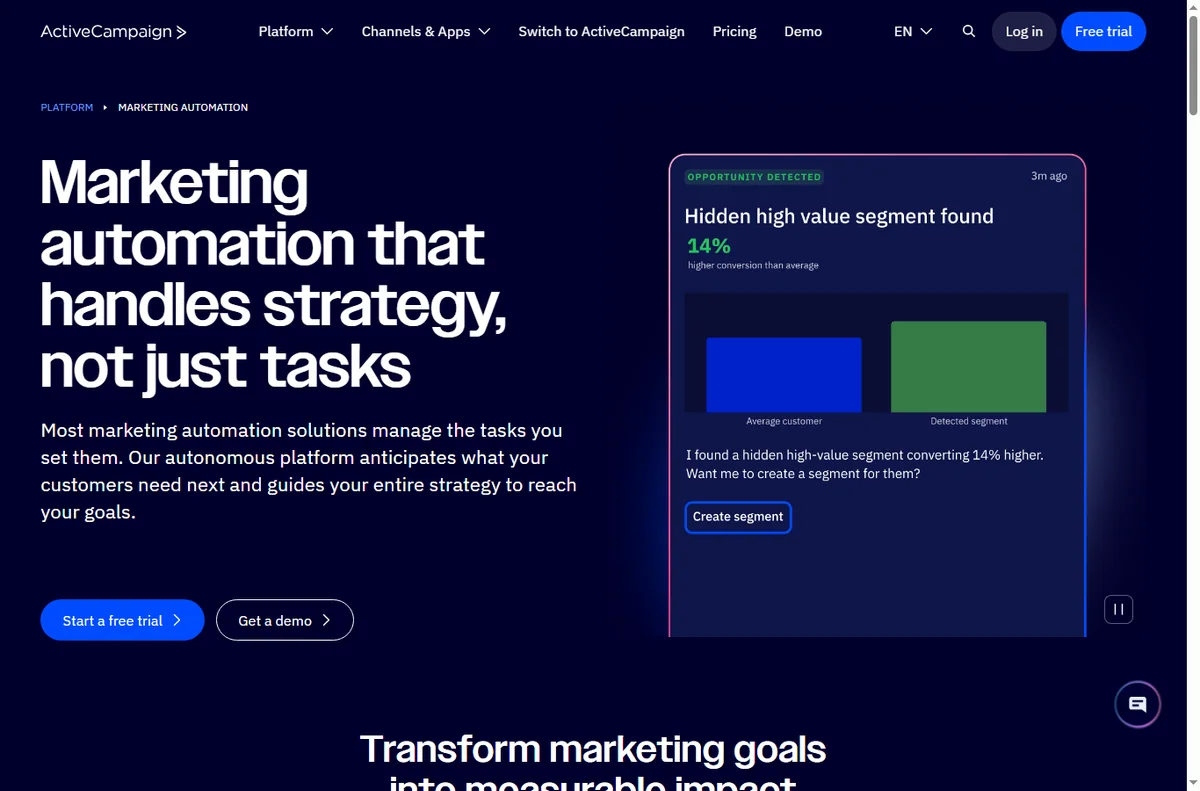
    ActiveCampaign marketing automation features
    ActiveCampaign marketing automation (image: activecampaign.com)

    Where automation pays off

    Automation pays off when a follow-up should happen every time an event occurs, and doing it by hand is unrealistic. A small team cannot personally welcome every lead or chase every quiet contact.

    The rule of thumb: if a follow-up should happen consistently after a trigger, it is a candidate for automation.

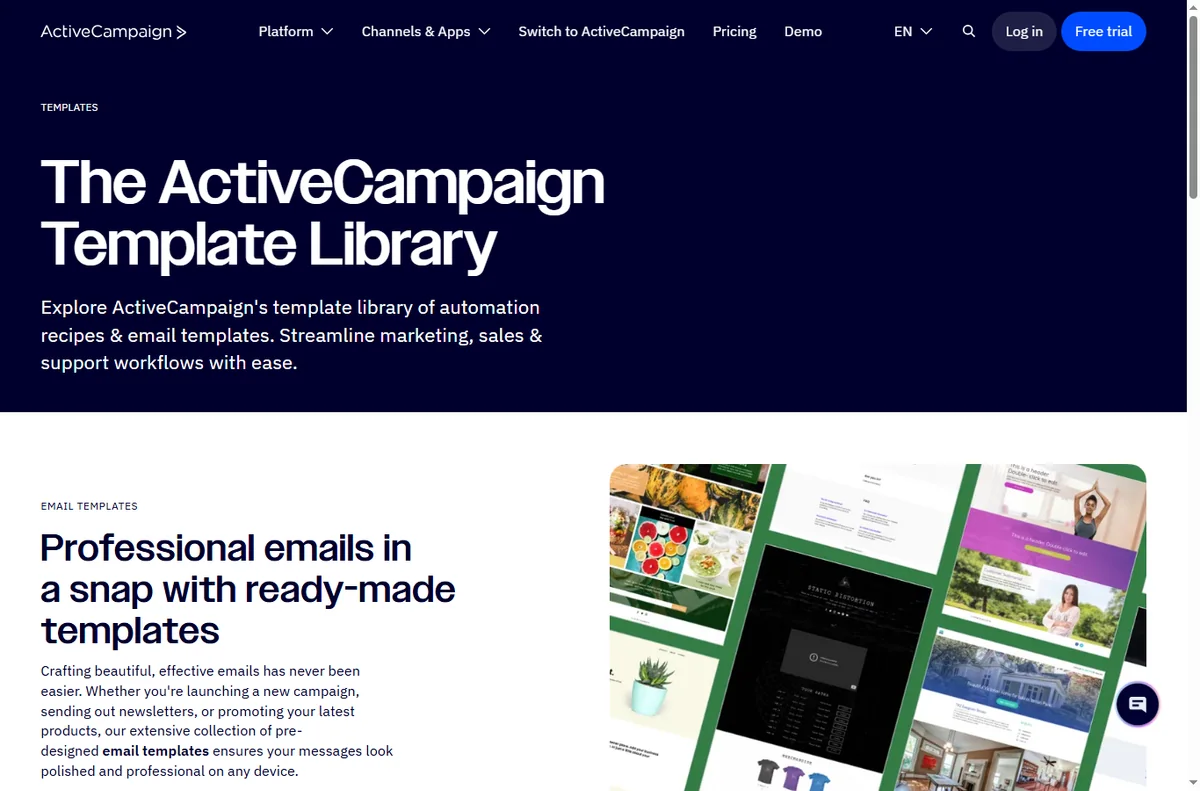
    ActiveCampaign automation template library
    ActiveCampaign automation templates (image: activecampaign.com)

    Six automations worth building

    1. A welcome sequence that introduces your business after a signup.
    2. A lead-nurture series that educates before it sells.
    3. A win-back sequence for contacts who stopped opening.
    4. A post-purchase follow-up with onboarding or a review request.
    5. A re-engagement flow for people who abandoned a form or cart.
    6. A segmentation flow that tags contacts by what they click.
    ActiveCampaign CRM and contact view
    ActiveCampaign CRM (image: activecampaign.com)

    Which automation to build first

    Build the welcome sequence first. It touches every new lead, it is straightforward to test, and it sets the tone for everything else. Once contacts are tagged reliably, later automations become far more relevant.

    Build one, watch it for a week, then add the next. Automating several at once makes failures hard to trace.

    ActiveCampaign lead form builder
    ActiveCampaign forms (image: activecampaign.com)

    Keeping the list healthy

    • Send to engaged contacts more often than to everyone.
    • Remove or suppress people who never open, so deliverability stays strong.
    • Let contacts manage preferences rather than only unsubscribe.
    • Watch for sudden drops in opens; they usually signal a deliverability issue.
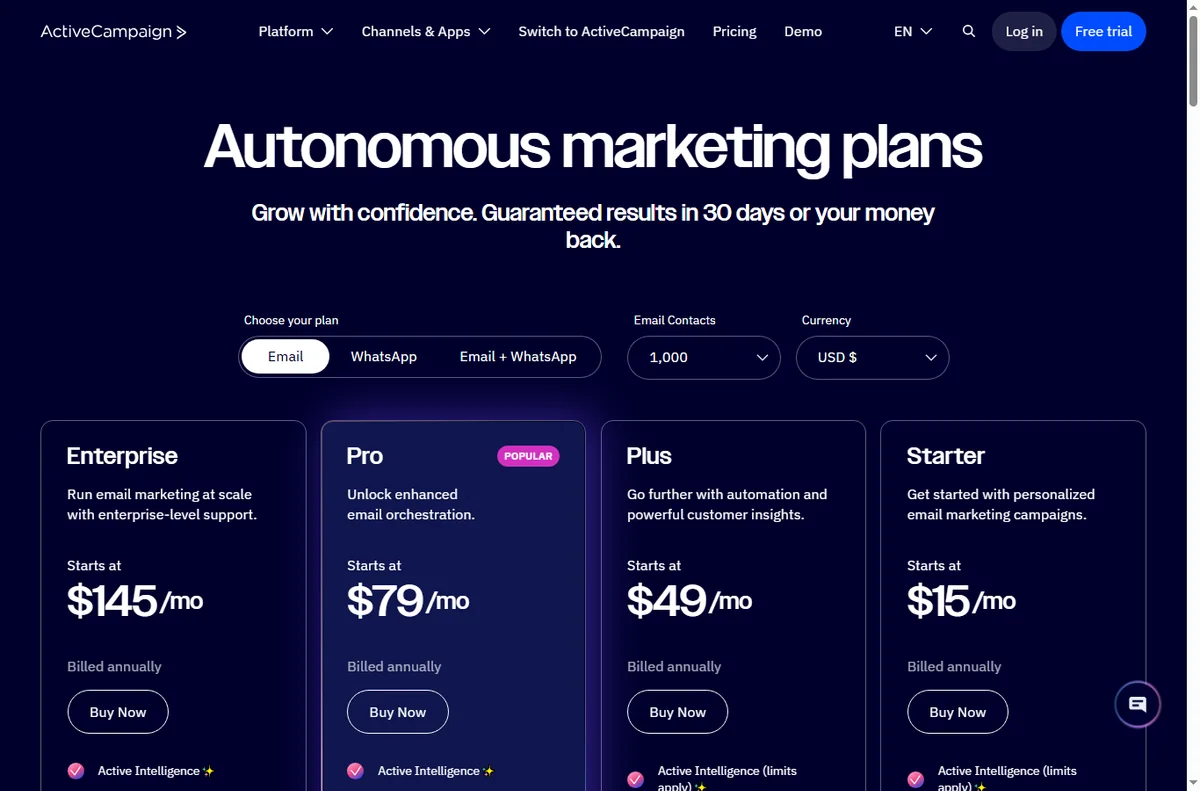
    ActiveCampaign pricing page with plan tiers
    ActiveCampaign pricing (image: activecampaign.com)

    Where this fits in your wider stack

    Start with the email marketing hub and the independent ActiveCampaign review. For cost, see the ActiveCampaign pricing guide; compare platforms in GetResponse vs ActiveCampaign, and go deeper with the email marketing automation guide.

    Frequently asked

    What should I automate first?

    A welcome sequence. It touches every new lead, is easy to test, and improves as your segmentation improves.

    How many automations should I run at once?

    Start with one, prove it for a week, then add the next so failures stay easy to trace.

    How do I keep deliverability healthy?

    Send to engaged contacts, suppress people who never open, and offer preference management instead of only unsubscribe.

    Do I need advanced features on day one?

    No. The core automations deliver most of the value; add advanced features only when a real workflow needs them.

    Let automation do the follow-up

    If a follow-up should happen every time, it should not depend on memory.

    Referral link — we may earn a reward if you sign up, at no extra cost to you. We are an independent publisher. See our Affiliate Disclosure.

  • How to Use Zapier for a Small Business: Seven Automations Worth Building

    How to Use Zapier for a Small Business: Seven Automations Worth Building

    Home / Automation / Guides / How to use Zapier for a small business

    Use case · automation · updated October 8, 2026

    How to use Zapier for a small business

    Zapier is most useful to a small business when it removes the repetitive glue work: moving leads, sending follow-ups, logging orders. These seven automations are the ones worth building first, in the order most teams should build them.

    Independent analysis. This page may contain affiliate links. Some links here are referral links; if you sign up through one we may earn a reward at no extra cost to you, and it never changes what we recommend. We are an independent publisher and are not affiliated with, endorsed by, or an official partner of any tool mentioned. See our Affiliate Disclosure.

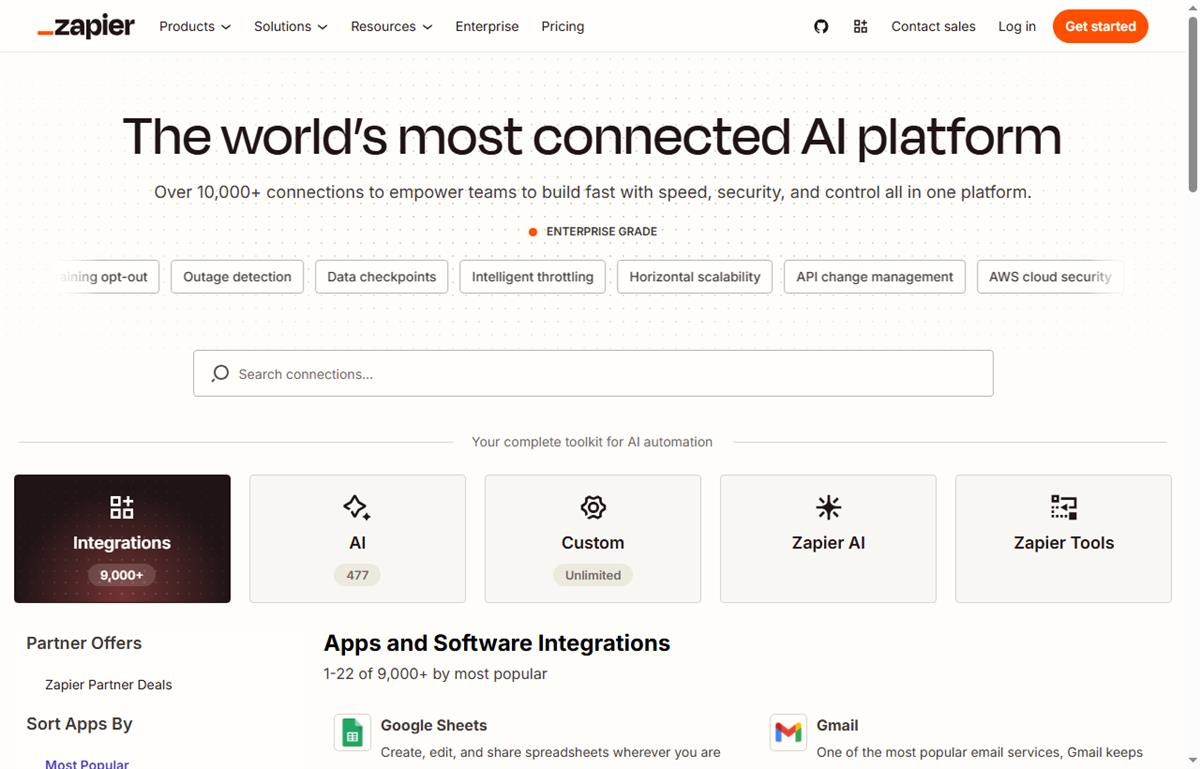
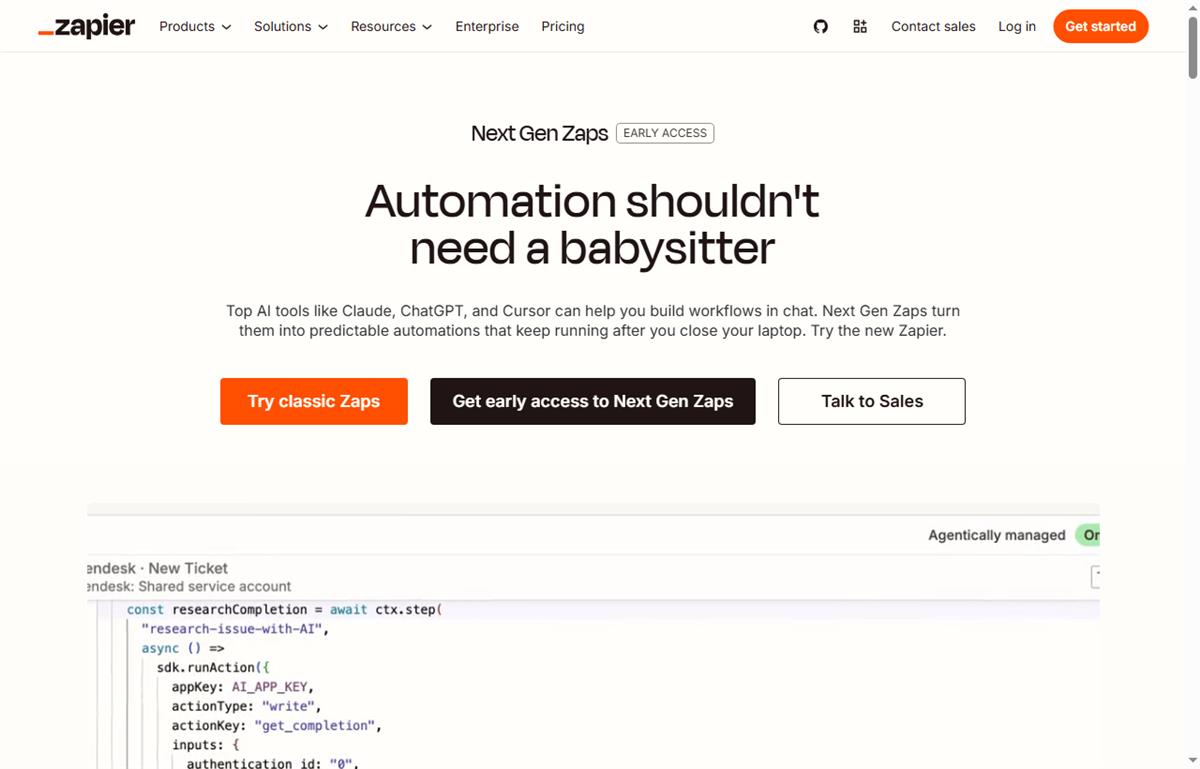
    Zapier app directory for connecting tools
    Connecting your tools in the Zapier app directory (image: zapier.com/apps)

    TL;DR

    • Start with the automation that saves the most manual minutes.
    • Lead capture and follow-up is usually automation number one.
    • Keep each Zap narrow rather than building one giant flow.
    • Watch task usage; a busy Zap can consume the free cap quickly.
    • Only automate a process you already do consistently by hand.

    On this page: Where automation pays off · Seven automations · Which one first · Keeping tasks under control · Where this fits

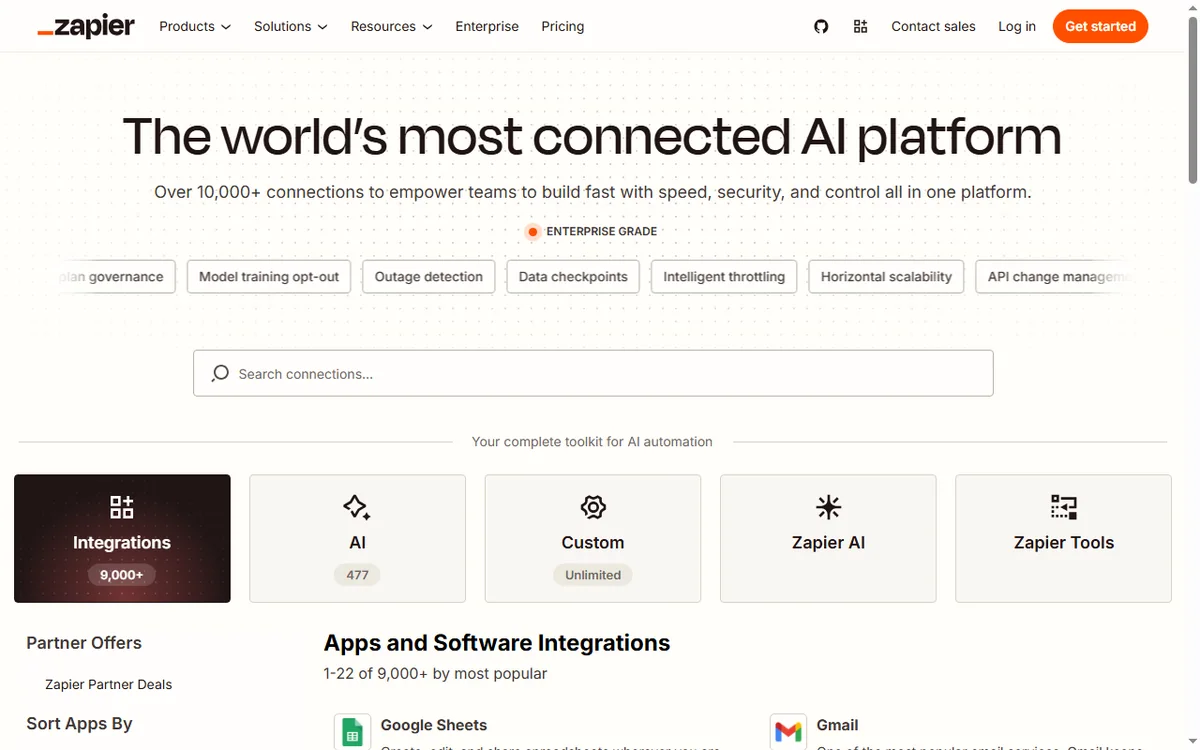
    Zapier home page
    Zapier home (image: zapier.com)

    Where automation pays off

    Automation pays off when a task is repetitive, rule-based and triggered by an event. If you already do the same thing every time a lead arrives, a Zap can do it instead.

    The rule of thumb: if a task happens more than a few times a week and follows a fixed pattern, it is a candidate.

    How a Zap connects a trigger to an action
    How a Zap connects a trigger to an action (image: zapier.com/how-it-works)

    Seven automations worth building

    1. Send new form leads into your CRM or spreadsheet automatically.
    2. Start a follow-up email sequence when someone opts in.
    3. Notify your team in chat when an order or payment lands.
    4. Create a task when a client replies to a proposal.
    5. Log invoices and receipts into bookkeeping software.
    6. Add new customers to an onboarding checklist automatically.
    7. Post new content or listings to social channels from one source.
    Zapier apps page
    Zapier apps (image: zapier.com)

    Which automation to build first

    Count the minutes each task costs you per week, then pick the highest. For most small businesses that is lead capture and follow-up, because it touches revenue and is done constantly.

    Build that one, watch it for a week, and only then add the next. Automating five things at once makes failures hard to trace.

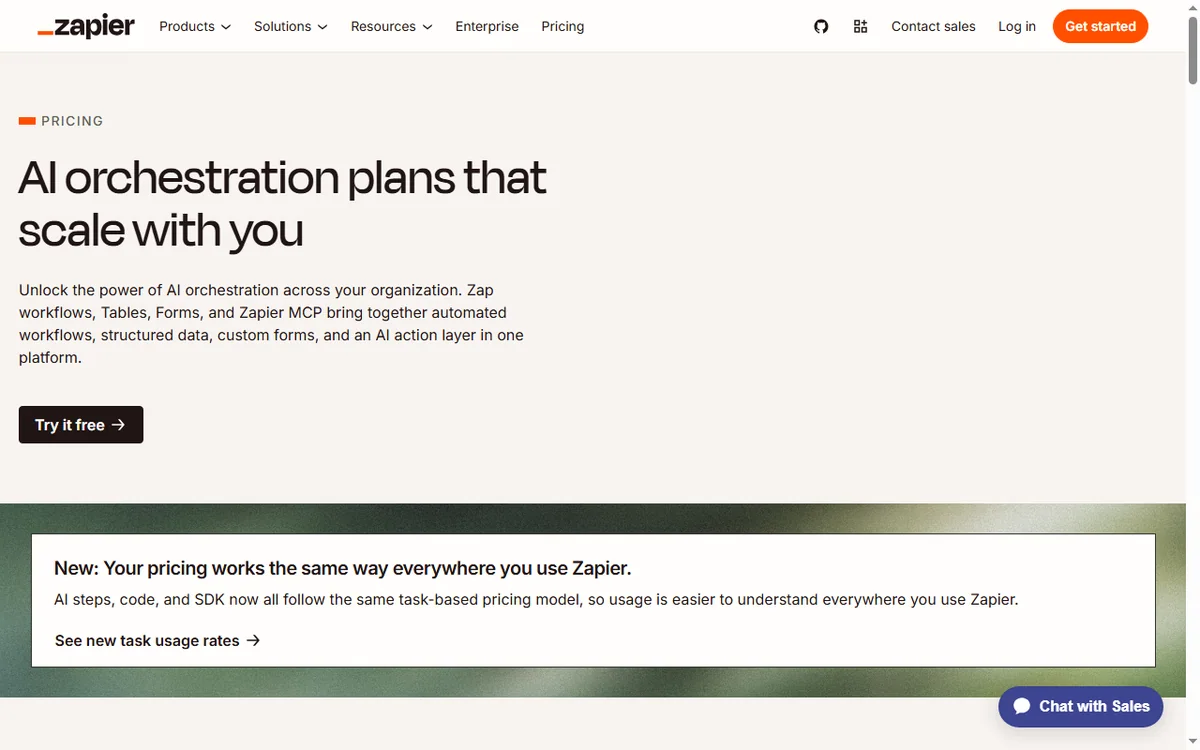
    Zapier task usage and plans
    Zapier plans and task usage (image: zapier.com/pricing)

    Keeping task usage under control

    • Keep Zaps narrow: fewer steps per Zap means fewer tasks per run.
    • Add filters so a Zap only runs on the events that matter.
    • Estimate monthly tasks from volume before you rely on it in production.
    • Check the current cap on the vendor’s pricing page, because tiers change.

    Where this fits in your wider stack

    Start with the business automation hub and the independent Zapier review. For cost, see the Zapier pricing guide; for context read what is Make, compare in Make vs Zapier, and browse the best workflow automation tools roundup.

    Zapier pricing page
    Zapier pricing (image: zapier.com)

    Frequently asked

    What should I automate first?

    The task that costs the most minutes per week and follows a fixed pattern. For most small businesses that is lead capture and follow-up.

    How many Zaps should I start with?

    One. Prove it works for a week before adding the next, so failures stay easy to trace.

    How do I avoid burning through tasks?

    Keep Zaps narrow, add filters so they only run on relevant events, and estimate volume before relying on them in production.

    Do I still need manual checks?

    Yes. Automations handle the repetitive path; judgement calls still need a human.

    Automate the task that eats your week

    Pick the one that costs the most minutes, and build only that.

    Referral link — we may earn a reward if you sign up, at no extra cost to you. We are an independent publisher. See our Affiliate Disclosure.
  • How to Use Wise for a Small Business: Six Money Workflows

    How to Use Wise for a Small Business: Six Money Workflows

    Home / Payments / Guides / How to use Wise for a small business

    Use case · payments · updated October 8, 2026

    How to use Wise for a small business

    Once a small business starts paying suppliers, contractors or overseas customers, money stops being a single-currency problem. These six workflows show how a small team can use Wise without hiring a finance department.

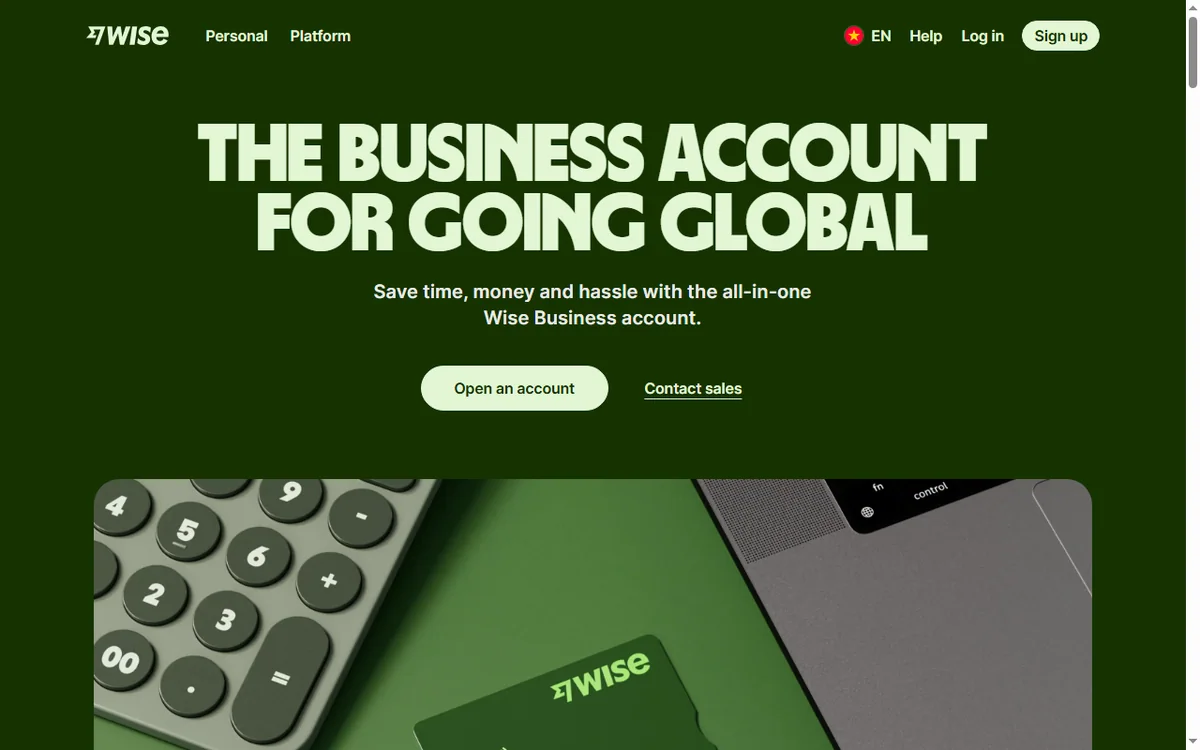
    Wise homepage for international money transfers
    Wise official homepage (image: wise.com)

    Independent analysis. This page may contain affiliate links. Some links here are referral links; if you sign up through one we may earn a reward at no extra cost to you, and it never changes what we recommend. We are an independent publisher and are not affiliated with, endorsed by, or an official partner of any tool mentioned. See our Affiliate Disclosure.

    TL;DR

    • Wise is most useful the moment you pay or get paid across borders.
    • The highest-value workflow is usually paying overseas suppliers at the real exchange rate.
    • Holding balances in a currency you get paid in avoids repeated conversion.
    • Small teams can pay contractors individually without a payroll system.
    • Keep a simple record of every transfer for bookkeeping from day one.

    On this page: Why a small business uses Wise · Six practical workflows · Which workflow fits · Guardrails for a small team · Where this fits

    Wise Business international business account page
    Wise Business (image: wise.com)

    Why a small business uses Wise

    A solo founder or a five-person team hits the same wall: suppliers, freelancers and customers sit in different countries, and a bank charges a spread on every conversion. A multi-currency account removes the repeated conversion and makes the cost visible.

    You do not need a finance team for this. You need a base currency, a few saved recipients, and a habit of checking the recipient-gets figure before you confirm.

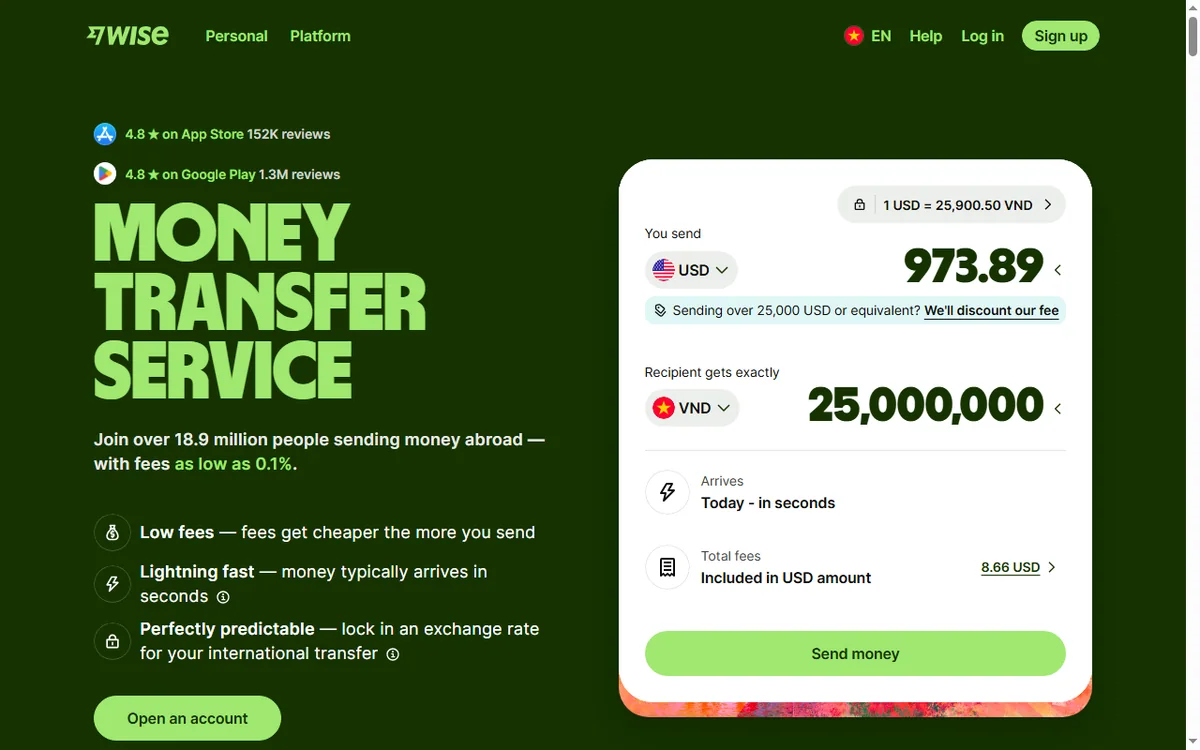
    Wise international money transfer page
    Wise send money (image: wise.com)

    Six practical workflows

    • Pay overseas suppliers directly in their currency so they receive the expected amount.
    • Pay international contractors one transfer at a time, or batch routine payouts on a schedule.
    • Get paid by overseas clients into local account details in supported currencies.
    • Hold income in the currency you were paid in and convert only when you need to.
    • Reimburse staff or founders for foreign expenses without a personal card spreading fees.
    • Fund ad or software accounts billed in another currency with a predictable rate.
    Wise fees and pricing page
    Wise fees and pricing (image: wise.com)

    Which workflow fits your need

    Need Workflow Why it helps
    Monthly supplier invoices abroadPay overseas suppliersYou quote them in their own currency
    Occasional freelancer payoutsPay international contractorsNo payroll system required
    Foreign clients pay youReceive in local detailsThey avoid their own cross-border fees
    Income arrives in another currencyHold and convert laterYou choose the conversion moment
    Mixed foreign expensesReimburse via accountFees stay visible and recorded
    Based on publicly documented behaviour, checked October 8, 2026.
    Wise multi-currency account page
    Wise multi-currency account (image: wise.com)

    Guardrails for a small team

    • Reconcile transfers weekly so bookkeeping never becomes a backlog.
    • Decide a rule for when you convert — for example, at invoice payment, not on a hunch.
    • Store recipient details once and reuse them to avoid typos.
    • Keep personal and business flows separate as soon as you invoice as a company.
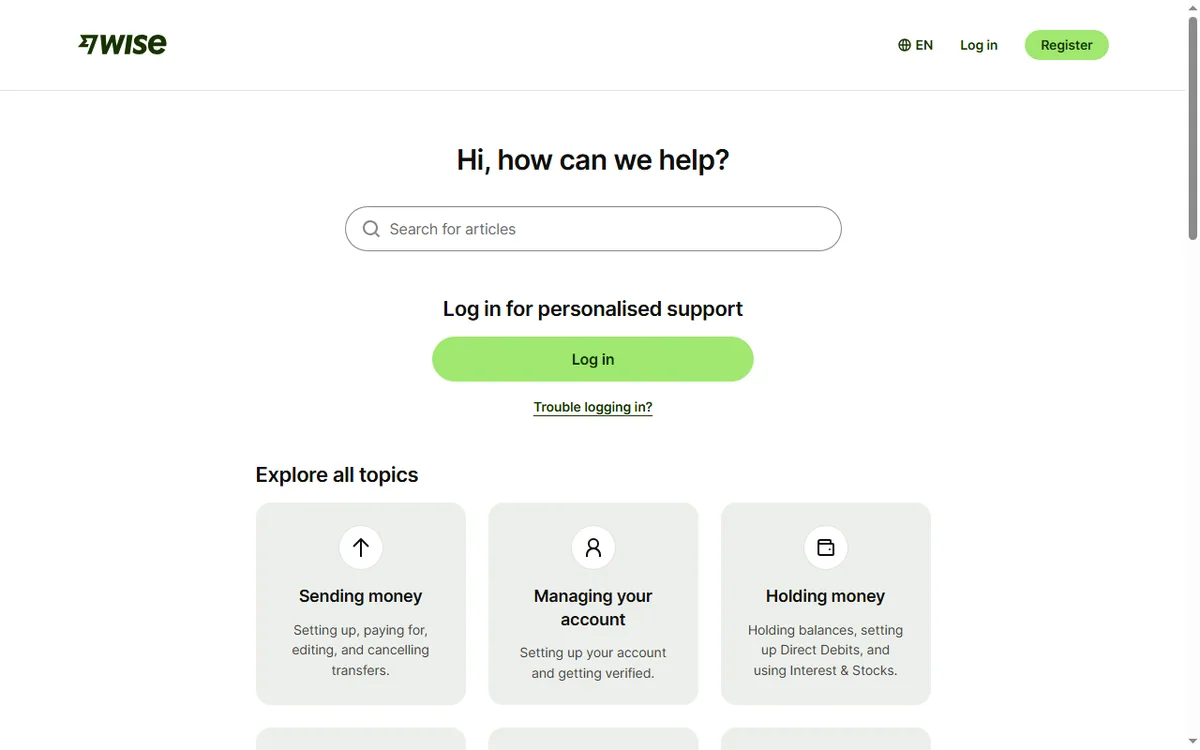
    Wise Help Centre
    Wise Help Centre (image: wise.com)

    Where this fits in your wider stack

    Start with the payments hub to see where money tools sit, then read the independent Wise review. If you are comparing providers, see Wise vs PayPal. Selling abroad? Pair this with how to sell internationally.

    Frequently asked

    Is Wise a bank?

    It is a money-transfer and multi-currency account service rather than a traditional bank. Balances and protections depend on your region; check the vendor’s terms for your country.

    Can I pay a contractor with it?

    Yes — you add the contractor as a recipient and send in their currency. For routine payouts, a schedule keeps it consistent.

    Do I need a business account to pay suppliers?

    Not always, but a business account is cleaner once you invoice as a company and need proper records and multiple users.

    How do I avoid conversion fees stacking up?

    Hold the currency you are paid in and convert only when you need it, rather than converting on every incoming and outgoing transfer.

    Put one cross-border workflow on a real rate

    Start with the workflow that costs you the most today, then expand.

    Referral link — we may earn a reward if you sign up, at no extra cost to you. We are an independent publisher. See our Affiliate Disclosure.
  • How to Use Semrush for a Small Business (SEO Without a Team)

    How to Use Semrush for a Small Business (SEO Without a Team)

    Home / SEO Tools / Guides / How to use Semrush for a small business

    Use case · seo tools · updated October 7, 2026

    How to use Semrush for a small business: SEO without a team

    A small business cannot outspend competitors on SEO. It can out-focus them. Semrush is useful here as a filter — it helps you find the few actions that move revenue and ignore the rest.

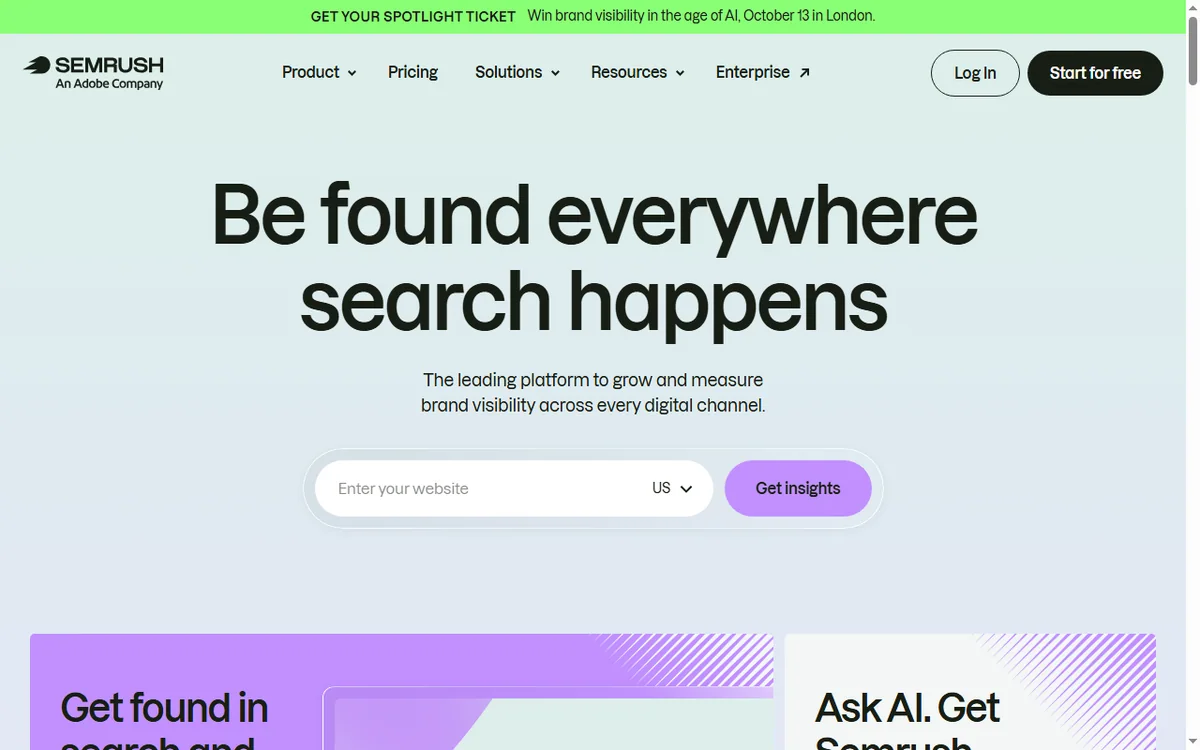
    Semrush homepage for SEO and competitor research
    Semrush official homepage (image: semrush.com)

    Independent analysis. This page may contain affiliate links. Some links here are referral links; if you sign up through one we may earn a reward at no extra cost to you, and it never changes what we recommend. We are an independent publisher and are not affiliated with, endorsed by, or an official partner of any tool mentioned. See our Affiliate Disclosure.

    TL;DR

    • Focus on a small set of keywords tied to revenue.
    • Fix technical problems before chasing new content.
    • Study two or three competitors, not the whole market.
    • Build a modest content plan around intent, not volume.
    • Measure a few metrics consistently and act monthly.

    On this page: Find winnable keywords · Fix technical issues · Watch competitors · A modest content plan · Local SEO · Measure · Where this fits

    Semrush keyword research feature page for finding keyword opportunities
    Semrush keyword research (image: semrush.com)

    Find keywords you can actually win

    Big-volume terms are usually owned by large sites with deep authority. Filter for specific, lower-competition phrases that match what your customers type when they are close to buying. Those are the ones a small site can realistically rank for.

    Semrush technical SEO audit feature page
    Semrush site audit (image: semrush.com)

    Fix technical issues before publishing more

    • Broken links and redirect chains.
    • Missing or duplicated titles and descriptions.
    • Slow, heavy pages that hurt both users and rankings.
    • Mobile problems — most local traffic is mobile.
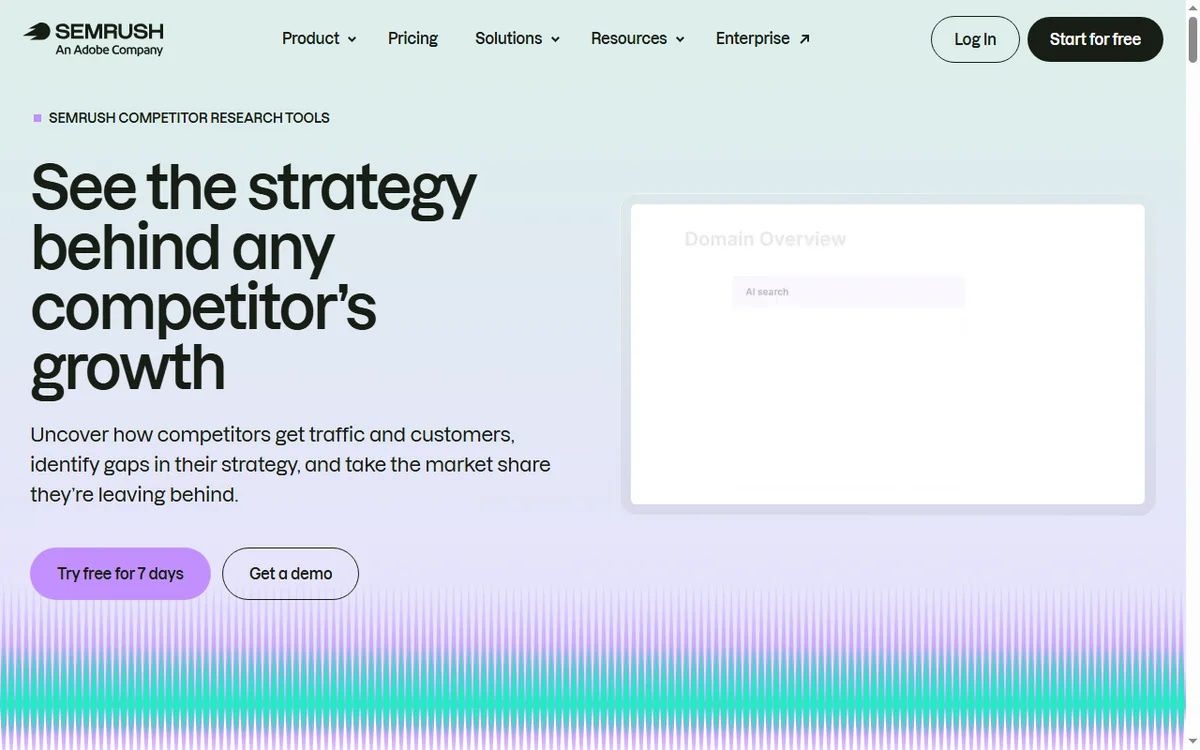
    Semrush competitor analysis feature page
    Semrush competitor analysis (image: semrush.com)

    Watch a small set of competitors

    Pick two or three competitors who already rank for your target terms. Look at the pages that earn them traffic and the gaps you could fill with a better, more specific page — not a duplicate.

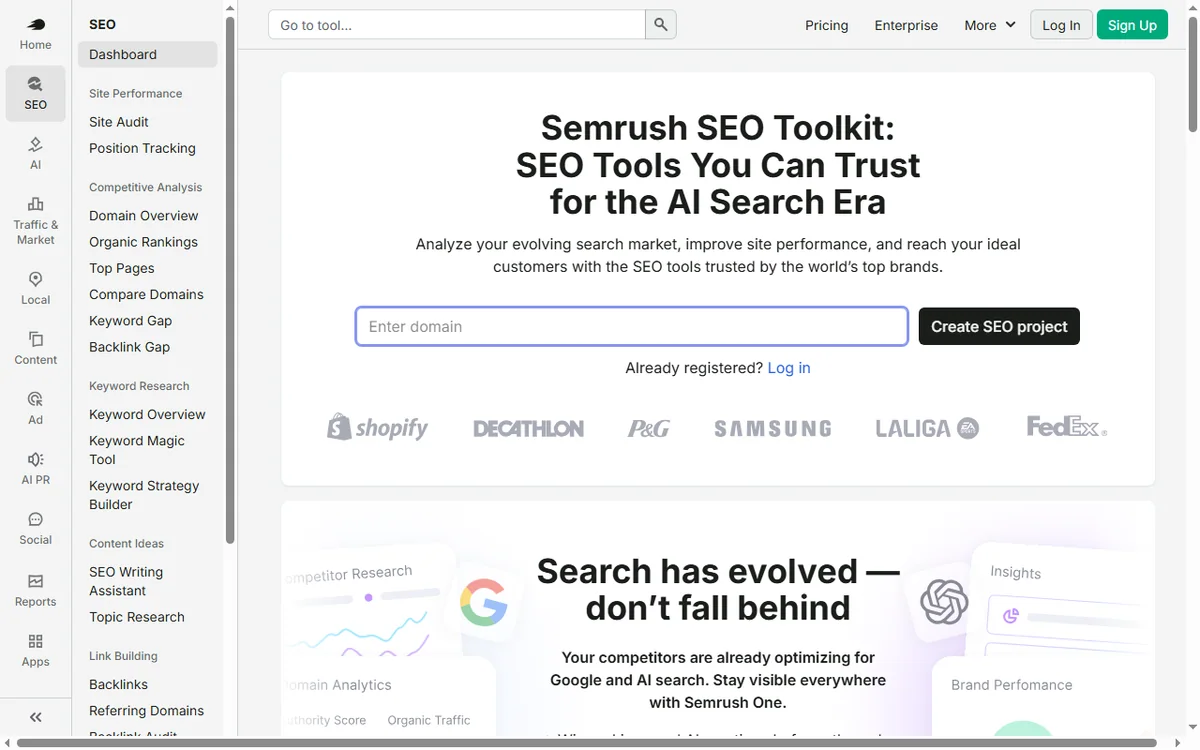
    Semrush SEO toolkit page for planning content
    Semrush SEO toolkit (image: semrush.com)

    Build a modest content plan

    Map each target keyword to one page and one intent. Update existing pages that are close to ranking before writing new ones; improving a page at position eight is usually cheaper than launching a new one at position eighty.

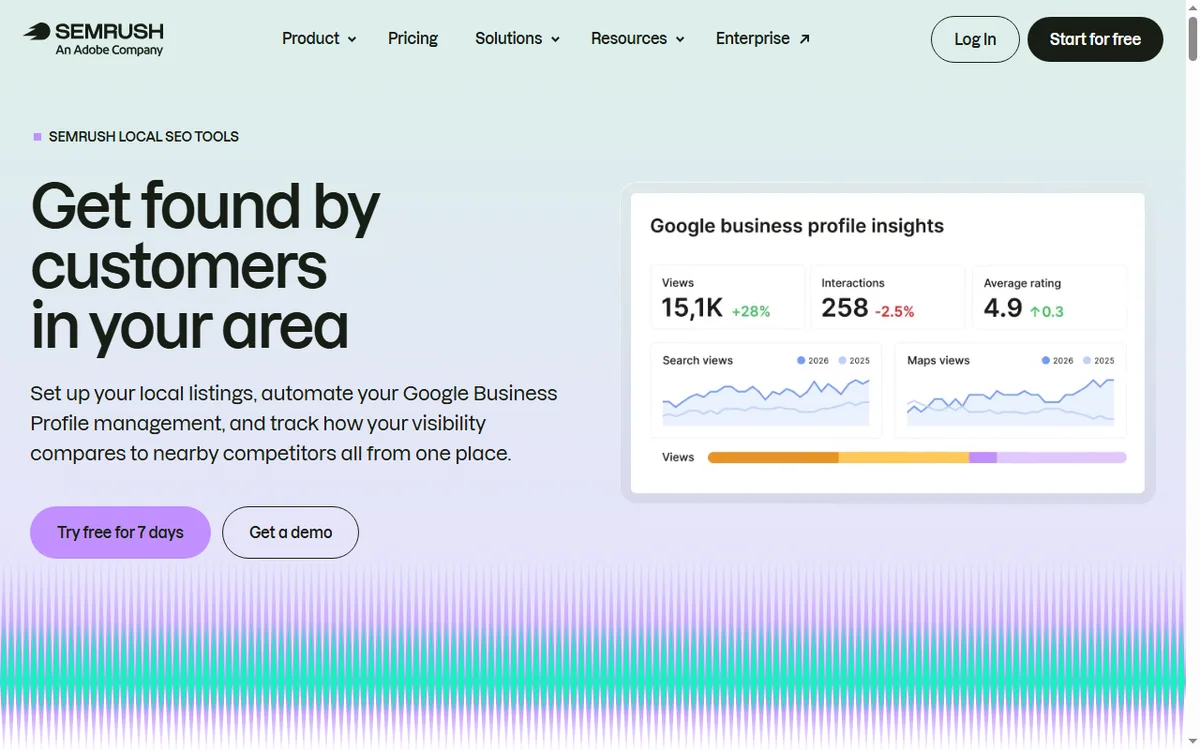
    Semrush local SEO tools page for rankings, listings and reviews
    Semrush local SEO (image: semrush.com)

    If you serve a local area

    Local SEO rewards clarity: consistent business details, a complete profile, real reviews and pages that mention the areas you serve. Semrush helps you find the terms; the local basics do the ranking.

    Semrush position tracking feature page
    Semrush position tracking (image: semrush.com)

    Measure a few things consistently

    • Rankings for your chosen keywords.
    • Organic sessions and which pages earn them.
    • Enquiries or revenue that follow.
    • Technical health from your latest audit.
    Semrush pricing page with plan tiers
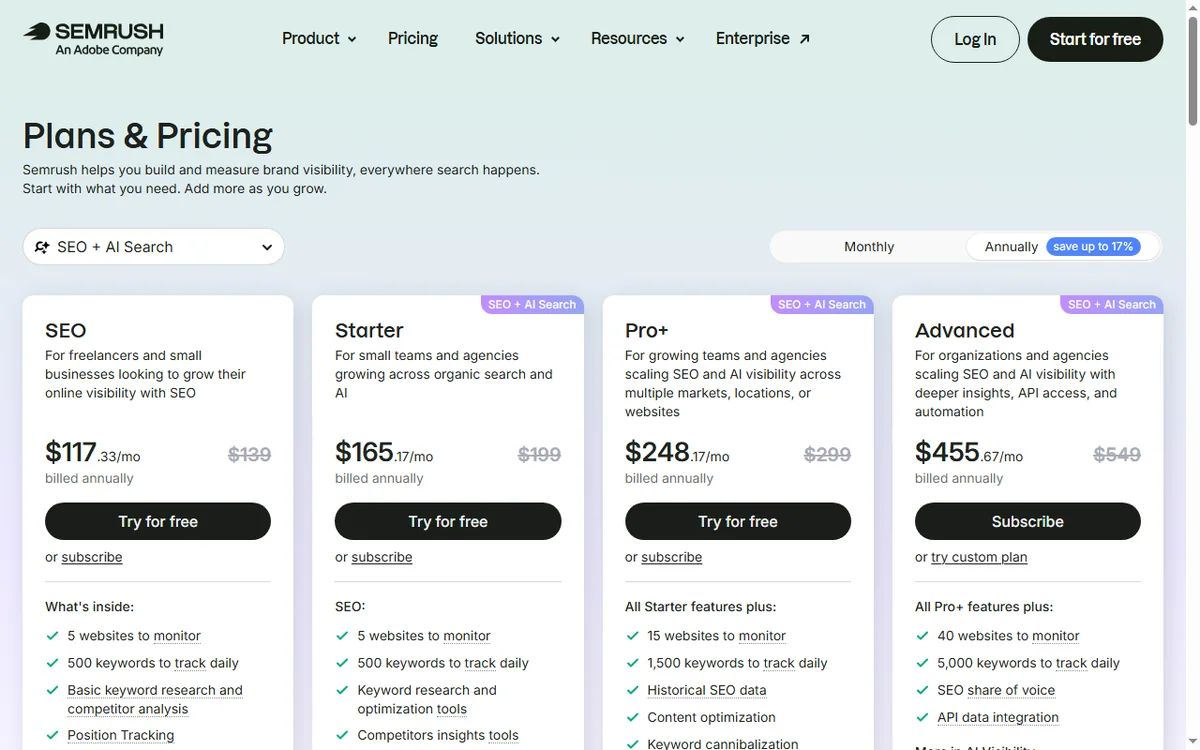
    Semrush pricing (image: semrush.com)

    Where this fits

    See the independent Semrush review and the Semrush pricing guide. For tool choice, see the SEO tools hub and the best SEO tools for small business. On-page fundamentals are covered in the on-page SEO guide.

    Frequently asked

    Can this replace an SEO agency?

    It can reduce what you need from one, especially for on-site basics and content planning. Agencies still add value for large-scale link building or complex migrations.

    How long before I see results?

    Expect months, not days. New sites and new pages typically take weeks to be crawled and longer to rank; consistency over several months is what compounds.

    What should I prioritise first?

    Technical health on your own site, then a handful of specific keywords, then improving existing pages before adding new ones.

    Do I need backlinks?

    They help, but small businesses often see more early gain from fixing technical issues and targeting specific terms than from chasing links.

    How often should I review data?

    Monthly is enough for most small businesses. Weekly checks encourage over-reacting to normal fluctuation; monthly reviews reveal real trends.

    Out-focus, do not outspend

    A short keyword list and the technical basics first.

    Referral link — we may earn a reward if you sign up, at no extra cost to you. We are an independent publisher. See our Affiliate Disclosure.
  • How to Use Hostinger for a Small Business Website (Without a Developer)

    How to Use Hostinger for a Small Business Website (Without a Developer)

    Home / Hosting / Guides / How to use Hostinger for a small business

    Use case · hosting · updated October 7, 2026

    How to use Hostinger for a small business website — without a developer

    You do not need a developer to run a credible small-business website. You need hosting that is easy to operate, a simple stack, and a short list of habits that keep the site fast and safe.

    Hostinger homepage for web hosting and domains
    Hostinger official homepage (image: hostinger.com)

    Independent analysis. This page may contain affiliate links. Some links here are referral links; if you sign up through one we may earn a reward at no extra cost to you, and it never changes what we recommend. We are an independent publisher and are not affiliated with, endorsed by, or an official partner of any tool mentioned. See our Affiliate Disclosure.

    TL;DR

    • Run a lean stack: WordPress, a light theme, and few plugins.
    • Use the host tools for backups, SSL and staging.
    • Give the business a branded email address on your domain.
    • Keep the site fast — speed affects both users and search.
    • Plan for renewal pricing so it never surprises you.

    On this page: Keep the stack lean · Launch pages · Business email · Selling online · Staging and backups · Speed · Renewals · Where this fits

    Keep the stack lean

    • A current WordPress core, updated automatically.
    • A lightweight theme rather than a heavy multipurpose one.
    • Only the plugins you actually use — each one is a liability.
    • A cache layer, switched on and configured once.
    Hostinger WordPress hosting page
    Hostinger WordPress hosting (image: hostinger.com)

    Launch the pages you need

    A small business site usually needs a handful of pages: home, services or products, about, contact, and a legal page. Build those well before adding a blog; depth beats breadth early on.

    Hostinger business email page
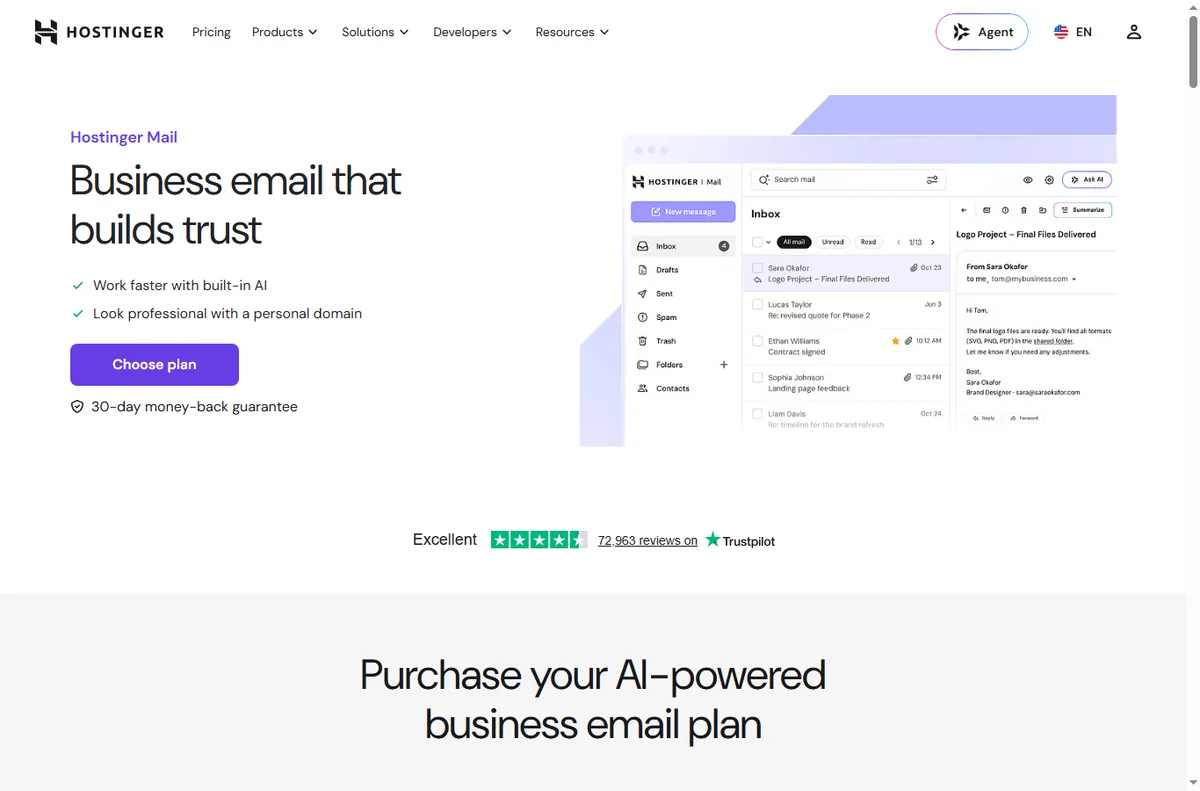
    Hostinger business email (image: hostinger.com)

    Give the business a real email address

    Create addresses on your own domain for sales and support, and use them consistently. Consistent branded senders improve trust and deliverability compared with free-mail addresses.

    If you sell online

    A light ecommerce setup on your own host is very achievable for a small catalogue. Keep the product count and plugin count modest, and make sure the checkout works on a phone before you promote it.

    Hostinger tutorials library
    Hostinger tutorials (image: hostinger.com)

    Use staging and backups like a pro

    Make changes on a staging copy first, then push them live. Keep automated backups and verify that a restore actually works — an untested backup is not a backup.

    Keep the site fast

    • Compress and correctly size images before upload.
    • Avoid stacking multiple plugins that do the same job.
    • Use a cache and, if traffic grows, a CDN.
    • Re-test speed after every change to the theme or plugins.
    Hostinger pricing page with hosting plans
    Hostinger pricing (image: hostinger.com)

    Plan for renewal pricing

    Introductory hosting rates usually rise at renewal. Note the renewal date and expected price well in advance, and decide each year whether to stay. See the hosting renewal pricing guide for how this works across providers.

    Hostinger domain registration and management page
    Hostinger domains (image: hostinger.com)

    Where this fits

    See the independent Hostinger review and the hosting hub. For a shortlist, see best web hosting for small business; for beginners, the WordPress hosting beginners guide.

    Frequently asked

    Can I run an online store on shared hosting?

    For a small catalogue and moderate traffic, yes. Very large catalogues or heavy traffic may need to move to a higher tier or a specialised host later.

    How many plugins are too many?

    There is no fixed limit, but each plugin adds risk and weight. Keep only plugins that do a job you rely on, and remove the rest.

    Do I need a CDN?

    Not on day one. Add one when you have visitors spread across regions or a media-heavy site that needs to be faster.

    How often should I back up?

    At least daily for a site that changes often, and always before major updates. Test a restore occasionally so you know it works.

    Why did my renewal price go up?

    Hosting usually has an introductory rate that rises at renewal. Track the date and budget for it; the renewal pricing guide explains the pattern.

    Run the site, not a second job

    Lean stack, working backups, fast pages.

    Referral link — we may earn a reward if you sign up, at no extra cost to you. We are an independent publisher. See our Affiliate Disclosure.
  • How to Use GetResponse for a Small Business: Email That Sells

    How to Use GetResponse for a Small Business: Email That Sells

    Home / Email Marketing / Guides / How to use GetResponse for a small business

    Use case · email marketing · updated October 7, 2026

    How to use GetResponse for a small business: email that actually sells

    For a small business, email is the rare channel you own outright — no algorithm decides who sees it. GetResponse gives you the mechanics; the value comes from a few well-run campaigns.

    GetResponse homepage for email marketing and automation
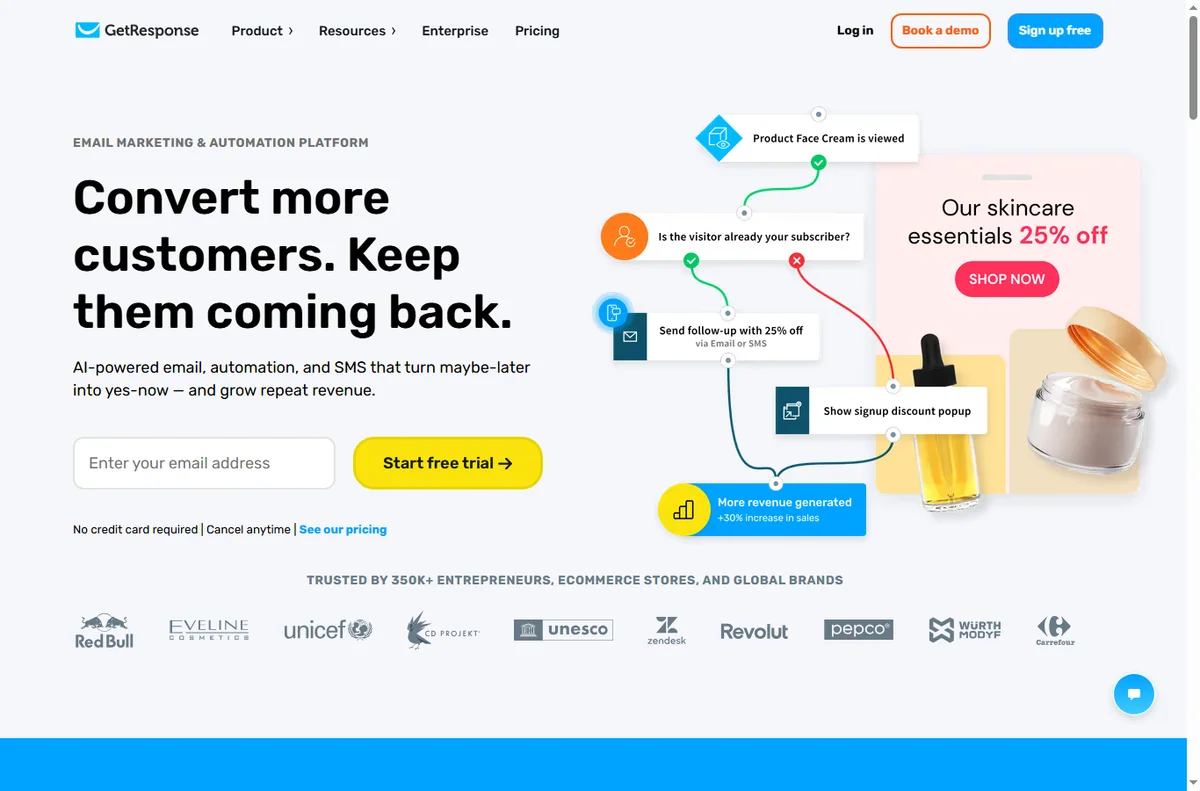
    GetResponse official homepage (image: getresponse.com)

    Independent analysis. This page may contain affiliate links. Some links here are referral links; if you sign up through one we may earn a reward at no extra cost to you, and it never changes what we recommend. We are an independent publisher and are not affiliated with, endorsed by, or an official partner of any tool mentioned. See our Affiliate Disclosure.

    TL;DR

    • Own your audience: an email list is not rented reach.
    • Build a welcome series before you build anything else.
    • Segmentation beats volume — send less, more relevantly.
    • A simple win-back campaign often pays for the tool alone.
    • Measure clicks and revenue per email, not open rates alone.

    On this page: Welcome series · Segmentation · Newsletter · Win-back · Local business · Measure · Where this fits

    GetResponse email marketing features page
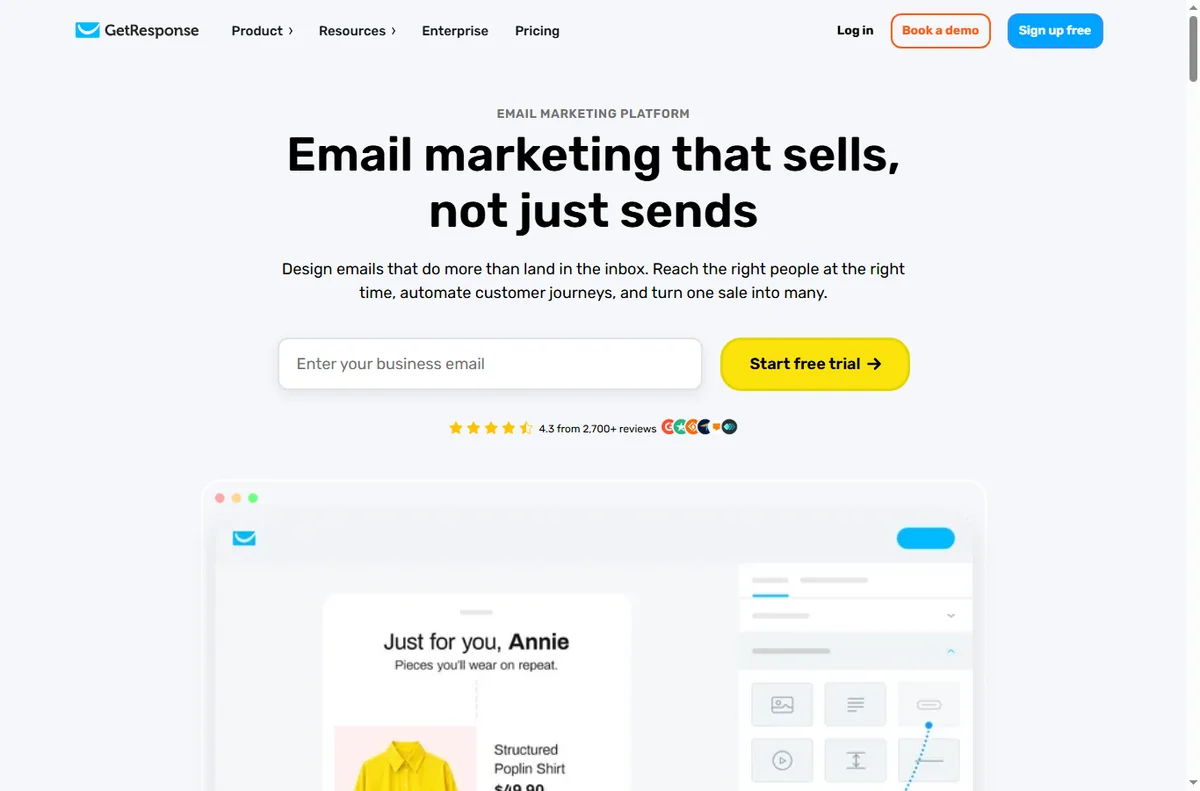
    GetResponse email marketing (image: getresponse.com)

    Start with the welcome series

    The first few emails after someone joins do the heaviest lifting. Send an immediate delivery of whatever you promised, then one or two emails that prove you are worth reading, then make a clear offer.

    GetResponse signup form builder used to segment contacts
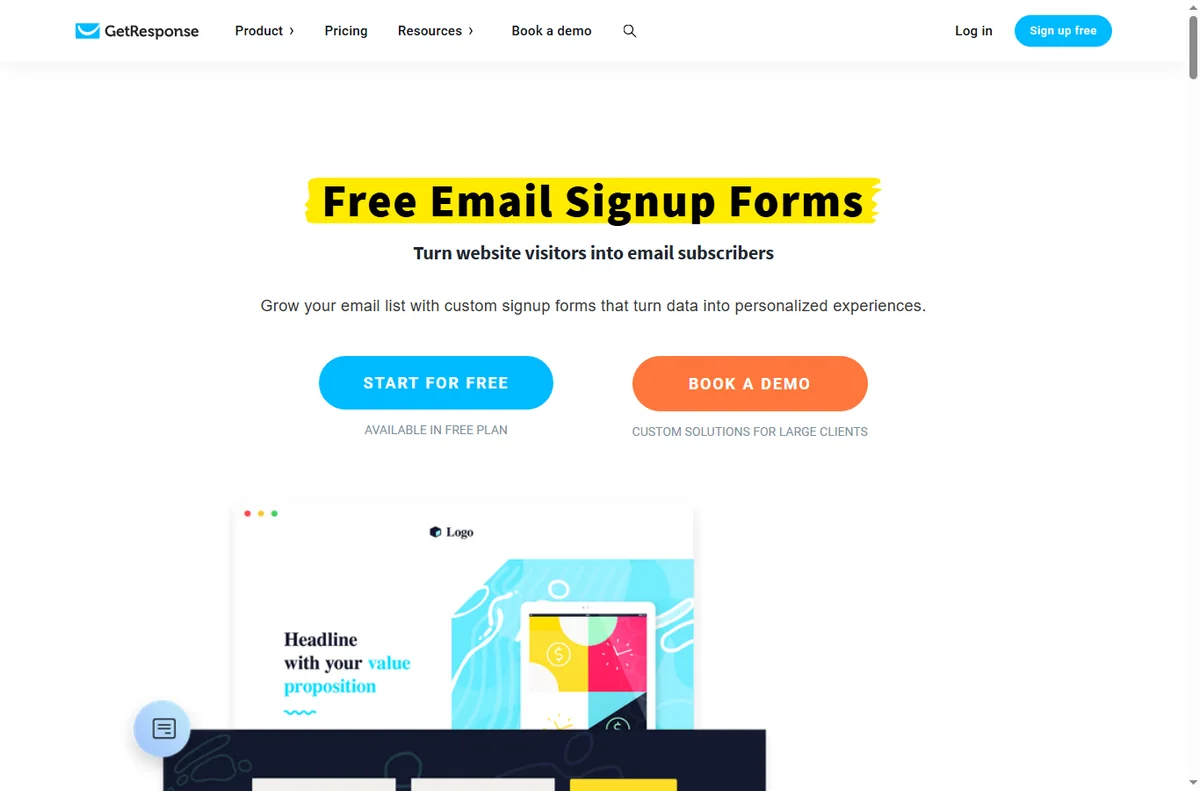
    GetResponse form builder (image: getresponse.com)

    Segment so you can send less

    • Group by what people bought or clicked, not just when they joined.
    • Send offers only to people whose behaviour suggests interest.
    • Suppress unengaged contacts from regular campaigns to protect deliverability.

    Run a newsletter people open

    A consistent newsletter keeps you present between offers. Keep it short, make one point, and link to one next step. Consistency matters more than length.

    GetResponse marketing automation features page
    GetResponse marketing automation (image: getresponse.com)

    Win back lapsed customers

    A short win-back sequence — a reminder, a reason to return, and a clear final email — often recovers a meaningful slice of lapsed buyers and tends to pay for the tool on its own.

    GetResponse landing page builder page
    GetResponse landing pages (image: getresponse.com)

    If you are a local business

    Email works locally too: reminders, seasonal offers and appointment follow-ups. Keep the tone personal and the offer specific to your area and regulars.

    Measure revenue, not vanity

    • Clicks and revenue per email.
    • Revenue per subscriber over time.
    • Which segment responds, and which never does.
    • Deliverability: is your sender reputation stable?
    GetResponse pricing page with plan tiers
    GetResponse pricing (image: getresponse.com)

    Where this fits

    See the independent GetResponse review and the GetResponse pricing guide. For platform choice, see the email marketing hub and the best email marketing software shortlist. Local tactics are covered in email marketing for local business, and list structure in the email segmentation guide.

    Frequently asked

    How often should a small business email?

    Consistency matters more than frequency. A weekly or fortnightly newsletter plus triggered emails is a sustainable rhythm for most small teams.

    Is email marketing still worth it?

    Yes, because you own the list. Unlike social reach, no platform sits between you and your subscribers — provided you keep consent and deliverability healthy.

    What is a win-back campaign?

    A short sequence aimed at customers who have not bought or opened in a while. It usually has a reminder, a reason to return and a final email.

    How do I improve deliverability?

    Send only to consented contacts, suppress the unengaged, authenticate your domain, and avoid spammy subject lines. Consistency and honesty protect your sender reputation.

    Do I need advanced automation?

    Not to start. A welcome series and a simple newsletter outperform an elaborate flowchart nobody maintains. Add complexity only when a real need appears.

    Send less, but make it count

    Welcome series first, then build outward.

    Referral link — we may earn a reward if you sign up, at no extra cost to you. We are an independent publisher. See our Affiliate Disclosure.
  • How to Use Systeme.io for a Small Business: Funnels That Convert

    How to Use Systeme.io for a Small Business: Funnels That Convert

    Home / Funnel Builders / Guides / How to use Systeme.io for a small business

    Use case · funnel builders · updated October 7, 2026

    How to use Systeme.io for a small business: funnels that actually convert

    A funnel is not a website. It is a short, deliberate path from a stranger to a customer. Systeme.io gives a small business the pieces to build that path in one place — here is how to use them.

    Systeme.io homepage for building an online business
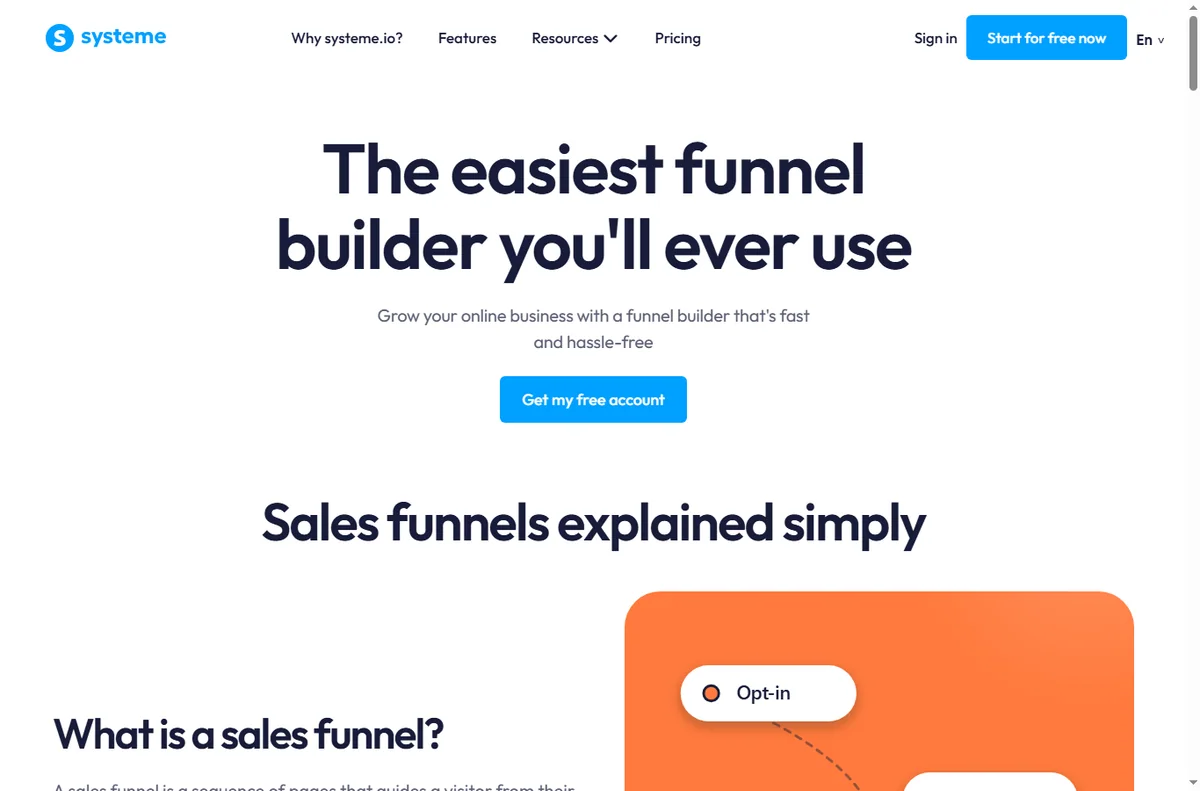
    Systeme.io official homepage (image: systeme.com)

    Independent analysis. This page may contain affiliate links. Some links here are referral links; if you sign up through one we may earn a reward at no extra cost to you, and it never changes what we recommend. We are an independent publisher and are not affiliated with, endorsed by, or an official partner of any tool mentioned. See our Affiliate Disclosure.
    TL;DR

    • A funnel is a path, not a website: one goal per step.
    • Pick the funnel type that matches how you sell.
    • A lead-magnet funnel is the safest first build for most small businesses.
    • Add an upsell only after the core path converts.
    • Follow up by email — most conversions happen after the first visit.

    On this page: What a funnel is for · Choose the funnel type · Build a lead-magnet funnel · Add an upsell later · Follow up · Measure · Where this fits

    What a funnel is actually for

    A small business website tries to answer everything at once. A funnel does the opposite: it removes choices so the visitor takes one next step. That focus is why a simple funnel often outperforms a busier site for a single offer.

    The trade is narrower: a funnel works when you know the one action you want. If you cannot name it, the funnel will feel unfocused.

    Systeme.io sales funnel builder page
    Systeme.io sales funnels (image: systeme.com)

    Choose the funnel type that matches how you sell

    For most small businesses the safest first build is the lead-magnet funnel: give something genuinely useful in exchange for an email, then sell to that list over time.

    Your situationFunnel typeWhy
    You sell a serviceLead-magnet funnelCollect enquiries, sell on a call
    You sell a digital productOpt-in + sales pageSell directly to a warm list
    You teachWebinar or course funnelBuild trust before the price
    You sell repeatedlyEvergreen offer funnelConvert new traffic on autopilot
    Pick one type and finish it before starting another.
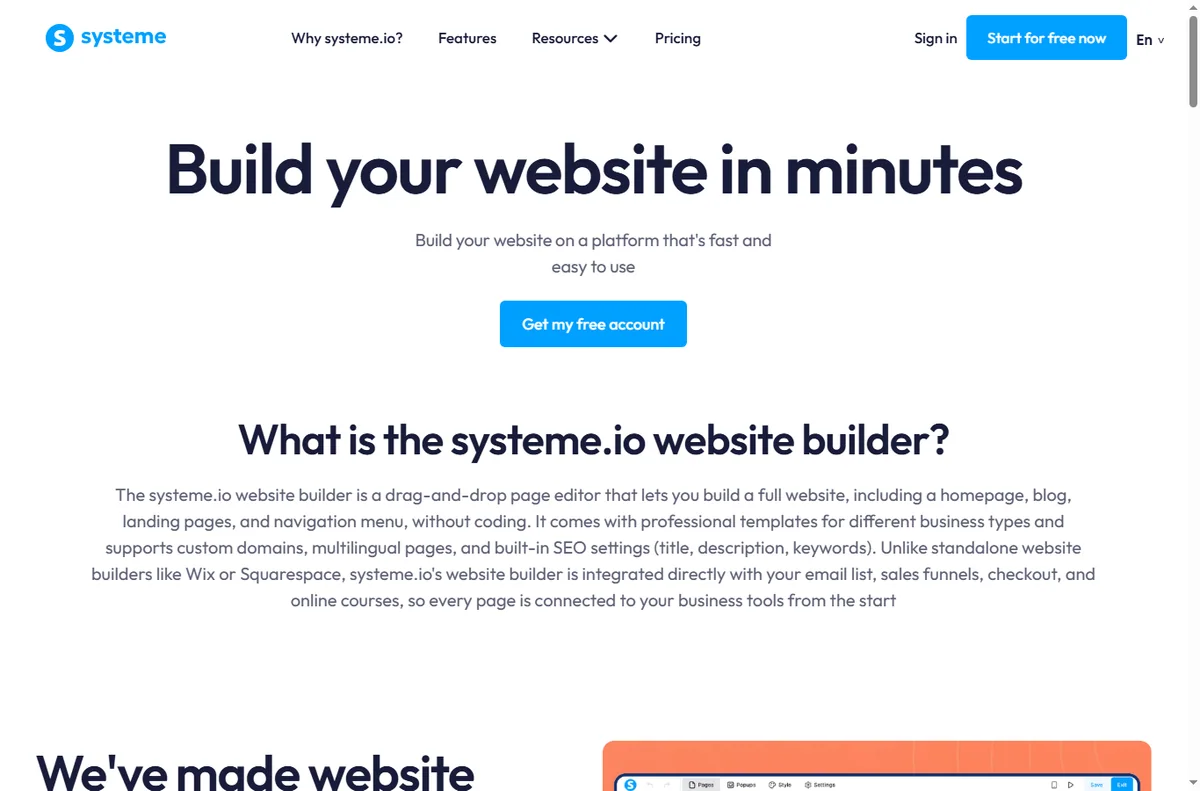
    Systeme.io website and page builder page
    Systeme.io website builder (image: systeme.com)

    Build a lead-magnet funnel

    1. Create a specific opt-in page for one lead magnet — a checklist, template or short guide.
    2. Write one headline that names the outcome, and one call to action.
    3. Connect the form to your list and set the delivery email.
    4. Add a thank-you page that sets expectations for what comes next.
    5. Follow with a short welcome sequence that leads to your paid offer.

    Add an upsell only after the core path converts

    An upsell raises average order value, but it also adds a decision point. Wait until the basic path converts consistently, then add a single relevant offer — not a menu.

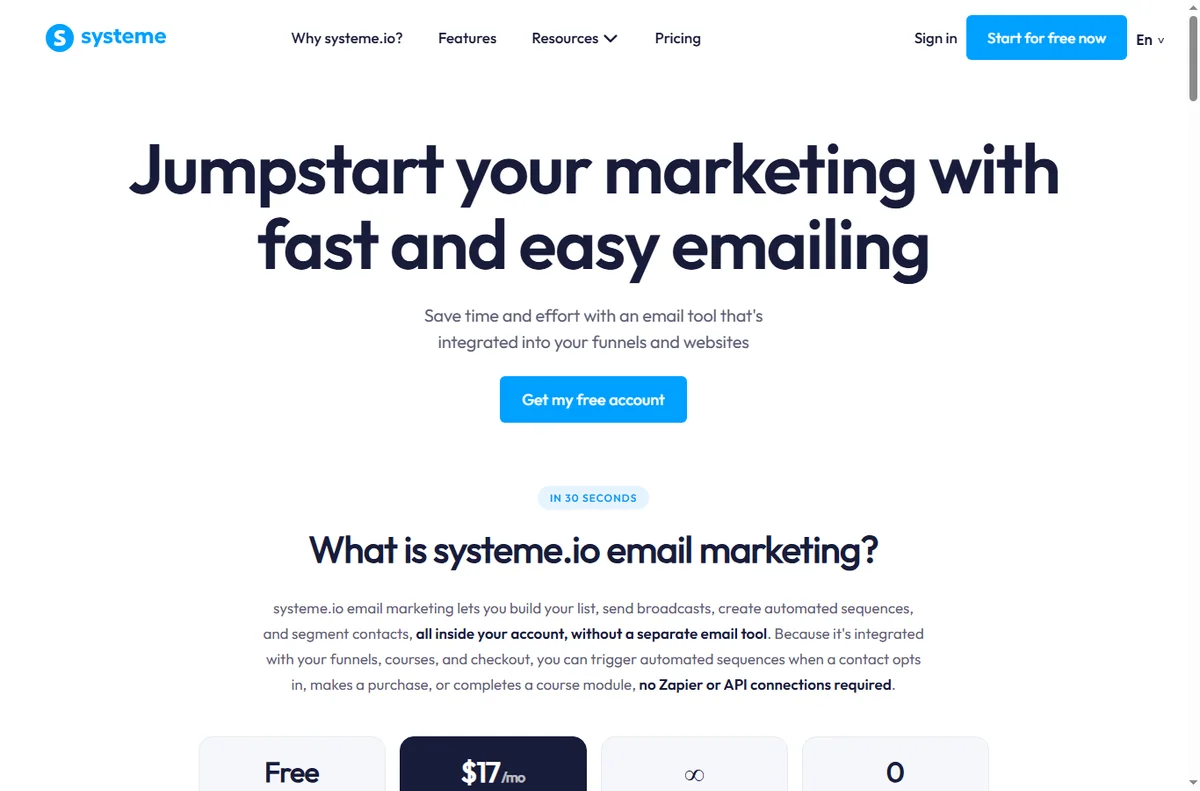
    Systeme.io email marketing features page
    Systeme.io email marketing (image: systeme.com)

    Follow up by email — this is where the money is

    Most visitors do not convert on the first visit. A short, honest sequence — deliver, teach, offer — does the selling you cannot do in person. Keep it to a handful of emails you would actually want to receive.

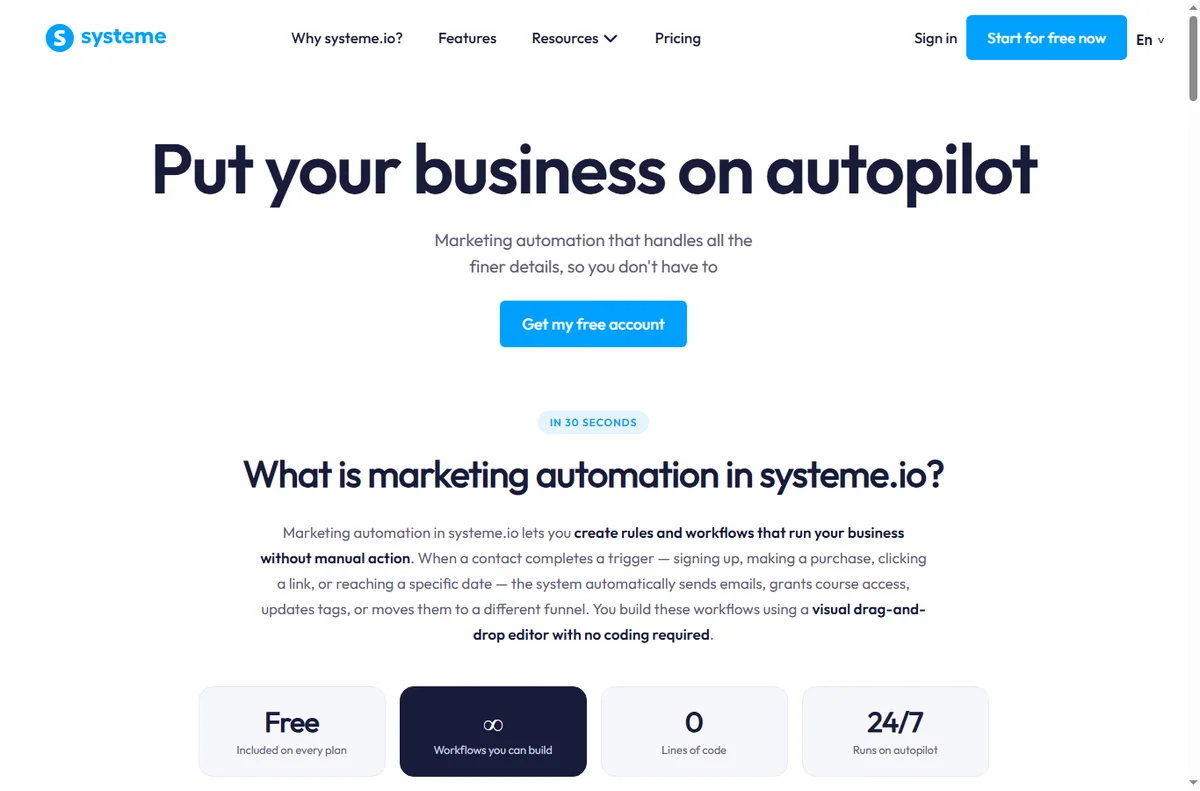
    Systeme.io marketing automation features page
    Systeme.io marketing automation (image: systeme.com)

    Measure the path, not just the traffic

    • Opt-in rate on the page.
    • Conversion rate from list to offer.
    • Revenue per subscriber over time.
    • Which email in the sequence earns the clicks.
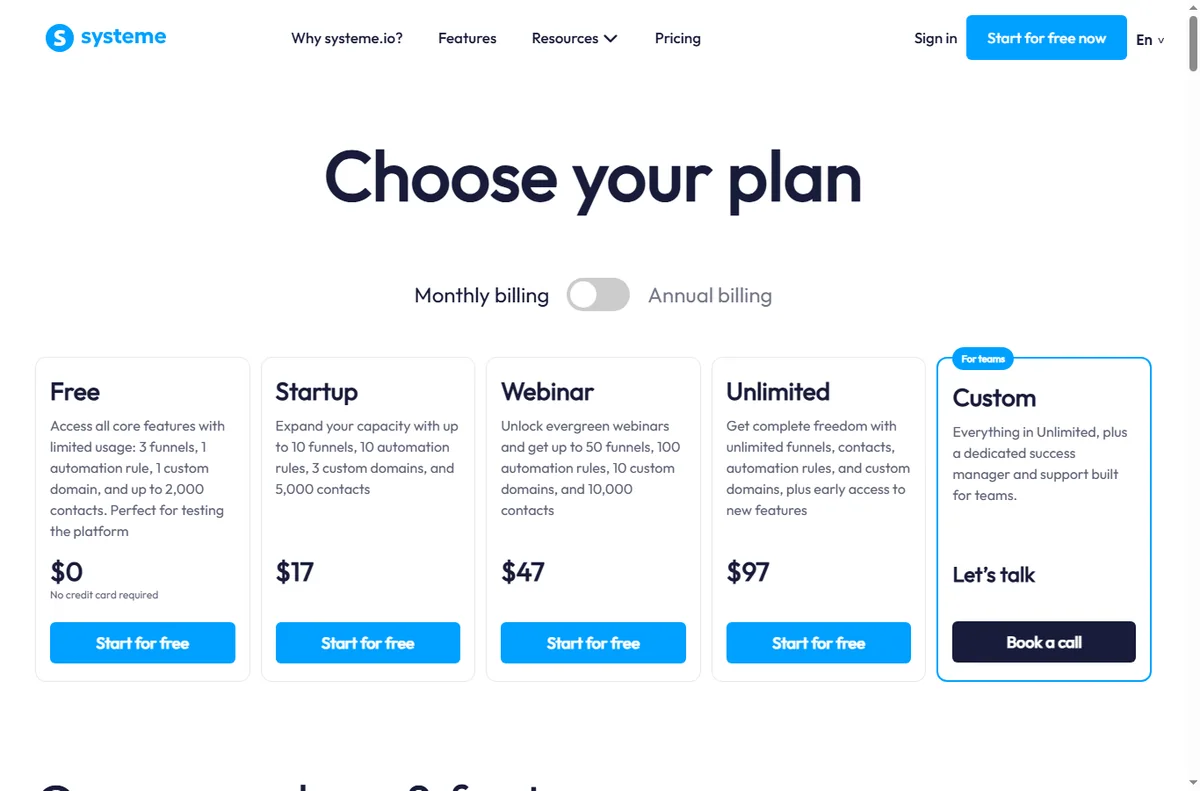
    Systeme.io pricing page with plan tiers
    Systeme.io pricing (image: systeme.com)

    Where this fits

    See the independent Systeme.io review and the Systeme.io pricing guide. For alternatives, start at the funnel builders hub and the best funnel builders shortlist. If you sell a course, see course platforms; for the email side, see email marketing.

    Frequently asked

    What should my first funnel be?

    A lead-magnet funnel: one useful free resource in exchange for an email, followed by a short welcome sequence that ends in your offer.

    How many steps should a funnel have?

    As few as possible. A simple opt-in to offer path with one thank-you page is enough for most small businesses to start.

    Do funnels replace a website?

    Not always. Many businesses keep a small site for credibility and use focused funnels for specific offers.

    When should I add an upsell?

    Only after the core path converts reliably. Adding an upsell earlier usually reduces the primary conversion without compensating revenue.

    How much traffic do I need?

    There is no fixed number. Start sending modest, relevant traffic and watch the opt-in rate; fix the page before increasing volume.

    Start with one funnel and one offer

    Finish the first path before building a second.

    Referral link — we may earn a reward if you sign up, at no extra cost to you. We are an independent publisher. See our Affiliate Disclosure.