We’re reader-supported — some links are affiliate links. Learn more →

Skip to content

Independent software research. Some links may earn us a commission at no extra cost to you. Learn more →

ICode

Tag: small-business

  • How to use Rank Math for a small business

    How to use Rank Math for a small business

    Home / SEO Tools / Guides / How to use Rank Math for a small business

    Guide · seo · updated October 9, 2026

    How to use Rank Math for a small business

    Once Rank Math is installed, the work shifts from configuration to using it well: writing titles people click, adding structured data the search engines understand, fixing technical issues, and keeping the technical side of SEO tidy. This is the practical playbook for an owner without an SEO team.

    Independent analysis. This page may contain affiliate links. If you sign up through a link on this page we may earn a reward at no extra cost to you, and it never changes what we recommend. We are an independent publisher and are not affiliated with, endorsed by, or an official partner of any tool mentioned. See our Affiliate Disclosure.

    TL;DR

    • Write titles and descriptions for people first.
    • Add schema that matches your content type.
    • Catch broken links and redirects early.
    • Keep local details consistent.
    • Review Search Console monthly.

    On this page: On-page · Schema · Redirects · Local · Monitoring · Measurement

    Rank math home page
    Rank math home (image: rank.com)

    Write titles for people, not crawlers

    Every page gets a title that reads like a headline and a description that answers the query in a sentence. Rank Math previews how both look in search before you publish.

    Aim to make each one unique. Two pages competing on the same title split your chances and confuse the reader before they ever click.

    Rank math blog page
    Rank math blog (image: rank.com)

    Add structured data that matches the page

    Schema tells search engines what a page is: an article, a product, a local business, a FAQ. Choose the type that fits rather than forcing everything into one box.

    Keep the details truthful. Schema that does not match the visible page is a liability, not a shortcut, and search engines increasingly notice the mismatch.
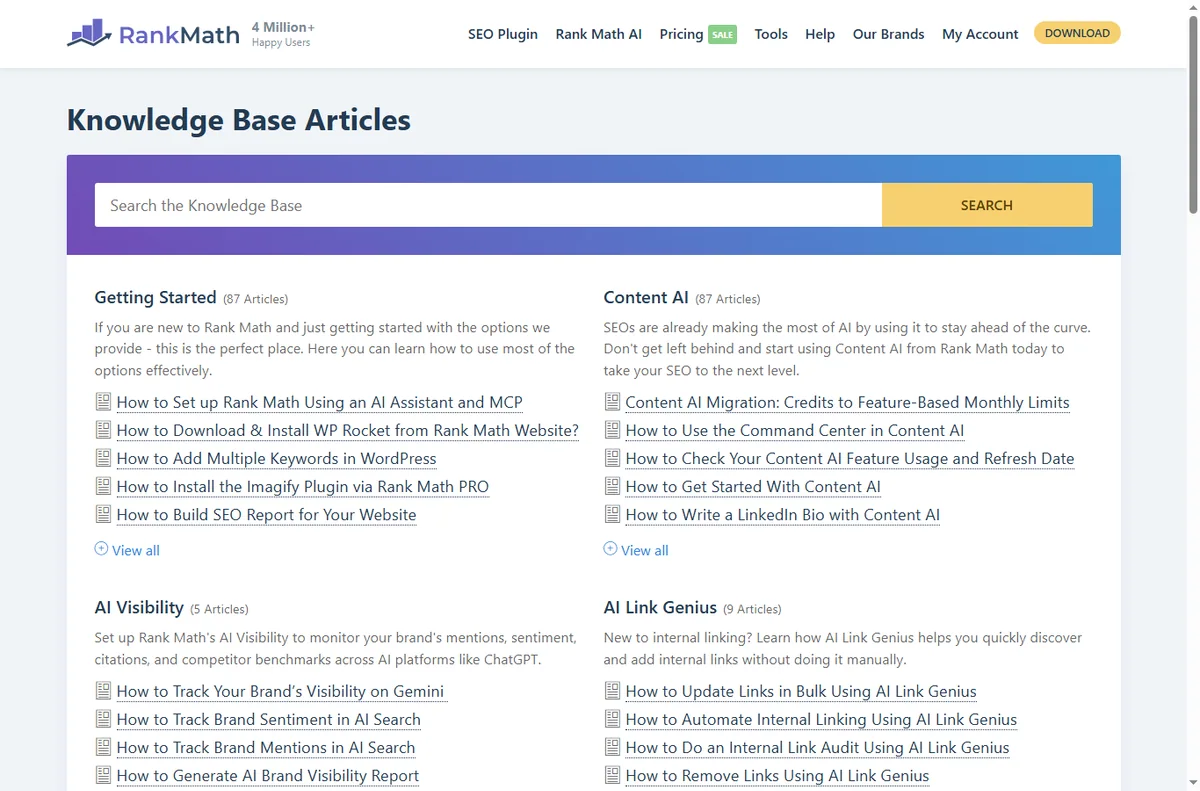
    Rank math kb page
    Rank math kb (image: rank.com)

    Fix broken links before visitors do

    When you rename or merge content, add a redirect so old links still work. Rank Math’s redirects module logs 404s you can fix in a click or two.

    Check the list monthly. A page that 404s is a page that no longer earns, and the fix usually takes less time than the report flagging it.

    Keep local details consistent

    For a local business, the name, address and phone should match across your site and your Google listing. Small mismatches cost trust and rankings.

    Use your location pages deliberately and keep one source of truth for hours and contact details, so an update in one place does not leave the others stale.

    Rank math pricing page
    Rank math pricing (image: rank.com)

    Monitor Search Console, not just the plugin

    Rank Math connects Search Console so you can see the queries a page actually earns. Use it to find pages sitting on page two and improve those first.

    Watch for coverage warnings. Fixing them early stops small problems from turning into pages that quietly disappear from search.

    Measure a few things well

    Impressions, clicks, average position and a handful of target pages are enough to steer decisions. Chasing every available metric leads to no decisions at all.

    Review monthly, act on what changed, and leave the rest alone. Consistency beats a frantic week followed by months of neglect.

    Rank math y about page
    Rank math y about (image: rank.com)

    Where this fits

    Start from the independent Rank Math review and the SEO tools hub. For setup mechanics, see how to set up Rank Math, and for local visibility, our local SEO checklist.
    Rank math y support page
    Rank math y support (image: rank.com)

    Frequently asked

    Do I need a separate keyword tool?

    Rank Math handles on-page and technical SEO; a keyword tool like Mangools or Wincher helps you choose terms to target. Many owners use both.

    How often should I check rankings?

    Monthly is enough for most small businesses; weekly only when you are actively optimising a specific campaign.

    Can schema boost rankings directly?

    Not directly, but it improves how results appear and helps search engines understand the page, which supports click-through.

    What is the biggest mistake with Rank Math?

    Leaving the default templates untouched, so pages ship with thin or duplicated titles that no one chose.

    Rank on Google with Rank Math

    Clean titles, schema and sitemaps on every page.

    Some links on this page may be referral links — we may earn a reward if you sign up, at no extra cost to you. We are an independent publisher. See our Affiliate Disclosure.
    Related reading

  • How to use Pabbly for a small business

    How to use Pabbly for a small business

    Home / Automation / Guides / How to use Pabbly for a small business

    Guide · automation · updated October 9, 2026

    How to use Pabbly for a small business

    Once the account is live, the question changes from how to set it up to how to run it without wasting time. This guide is the day-to-day playbook: keep the stack lean, send on a rhythm customers expect, automate the boring parts, and watch the few numbers that actually move the business.

    Independent analysis. This page may contain affiliate links. If you sign up through a link on this page we may earn a reward at no extra cost to you, and it never changes what we recommend. We are an independent publisher and are not affiliated with, endorsed by, or an official partner of any tool mentioned. See our Affiliate Disclosure.

    TL;DR

    • Keep the stack lean instead of buying every add-on.
    • Send on a predictable rhythm, not in bursts.
    • Automate the repetitive tasks first.
    • Use forms and tags to segment from day one.
    • Watch a few metrics instead of all of them.

    On this page: Keep it lean · Email rhythm · Automation · Forms and tags · Subscriptions · Cost

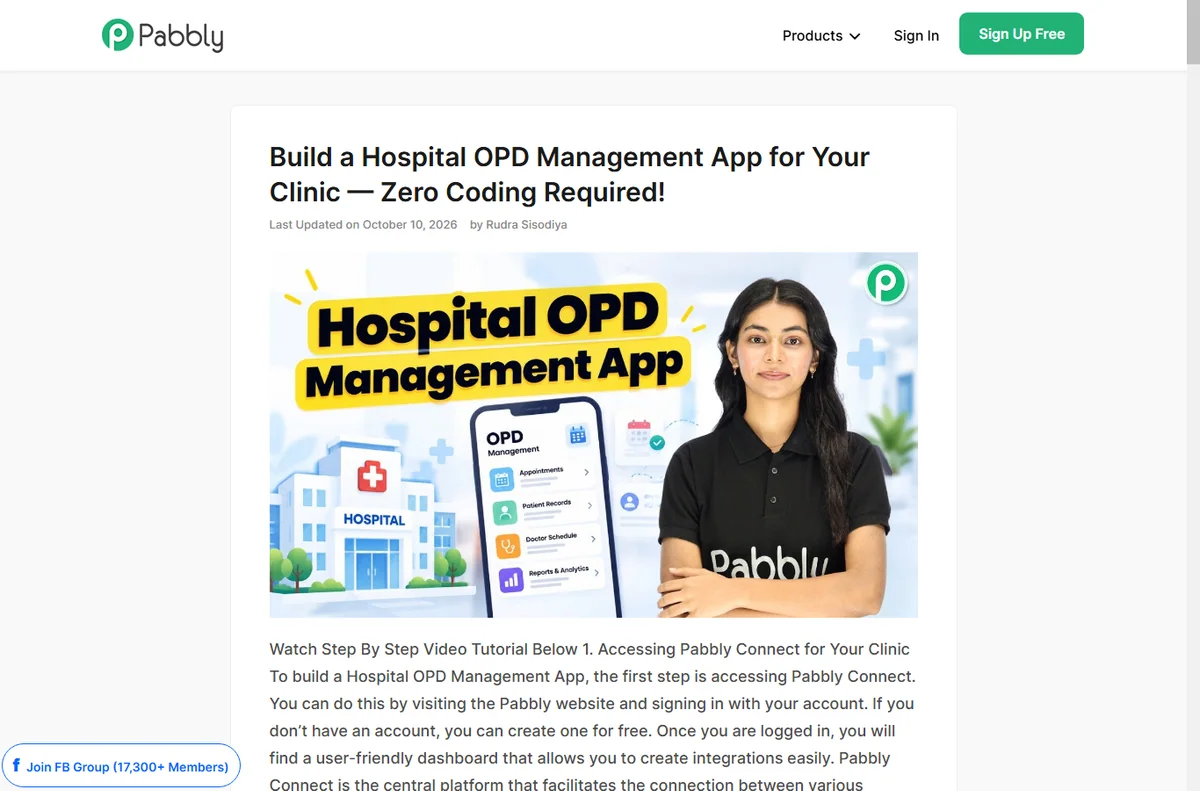
    Pabbly home page
    Pabbly home (image: pabbly.com)

    Keep the stack lean

    Pabbly covers email, forms, automation and billing, so the value is in using what is included instead of stacking unrelated subscriptions underneath it.

    List the tools you already pay for and check whether the bundle replaces any of them. If it does not, a narrower, cheaper tool may fit better overall.

    Pabbly about page
    Pabbly about (image: pabbly.com)

    Email on a rhythm that fits a small business

    A short welcome sequence plus one useful newsletter a month beats sporadic blasts. Consistency trains people to open; long silence trains them to forget you.

    Segment by behaviour — buyers, subscribers, lapsed — so the same list is not sent the same message. Relevance is what keeps open rates alive.

    Pabbly connect page
    Pabbly connect (image: pabbly.com)

    Automate the tasks that repeat

    Tag new signups, send a welcome, move a customer into a sequence, and post new orders to a sheet. These are the jobs that quietly eat an afternoon every week.

    Start with the trigger you trust most. A workflow is only as good as the event that starts it, so test that the trigger fires before you build anything downstream.

    Use forms and tags to segment early

    Every form is a chance to learn something: which offer attracted the person, which page they came from, what they asked for. Capture it as a tag while it is fresh.

    Clean, deliberate tags make later automations simple; a mess of untagged contacts makes them impossible and turns segmentation into guesswork.

    Pabbly integrations page
    Pabbly integrations (image: pabbly.com)

    If you sell subscriptions

    Pabbly’s billing product handles recurring charges and invoices for simple subscription businesses. Use it when your model is genuinely recurring rather than one-off.

    Test a real signup, a renewal and a cancellation end to end before you rely on it. Billing bugs are the ones customers remember.

    Plan for pricing and limits

    Flat pricing is a strength, but limits on contacts, sends or tasks still apply. Know your ceiling before a campaign pushes you past it.

    Review the plan once a quarter; if you outgrow it, that is a decision you make calmly rather than a surprise you discover mid-campaign.

    Pabbly x blog page
    Pabbly x blog (image: pabbly.com)

    Where this fits

    Start from the independent Pabbly review and the automation hub. For setup mechanics, see how to set up Pabbly. Compare the field with best workflow automation tools.

    Pabbly x email page
    Pabbly x email (image: pabbly.com)

    Frequently asked

    Can I run email and automation in one account?

    Yes, and for most small businesses that is the point — one vendor, one bill, one place to get help.

    How often should I email?

    Monthly at minimum; more often if you have something genuinely useful to say. The quality of the send matters more than the volume.

    Do I need a separate CRM?

    Not to start. Tags and sequences inside Pabbly cover simple pipelines; a dedicated CRM earns its place once the sales process grows.

    When should I think about switching?

    When limits, deliverability or support stop fitting the business. Migrate in a quiet period and export your lists first.

    Run your business on Pabbly

    Email, forms and automation from one vendor.

    Some links on this page may be referral links — we may earn a reward if you sign up, at no extra cost to you. We are an independent publisher. See our Affiliate Disclosure.

    Related reading

  • How to use Leadpages for a small business

    How to use Leadpages for a small business

    Home / Funnel Builders / Guides / How to use Leadpages for a small business

    Guide · funnel builders · updated October 9, 2026

    How to use Leadpages for a small business

    Once Leadpages is set up, the value comes from using pages to support real campaigns rather than building them for their own sake. This guide turns it into a small-business workflow: match each page to a campaign, capture leads cleanly, and improve one thing at a time.

    Independent analysis. This page may contain affiliate links. If you sign up through a link on this page we may earn a reward at no extra cost to you, and it never changes what we recommend. We are an independent publisher and are not affiliated with, endorsed by, or an official partner of any tool mentioned. See our Affiliate Disclosure.

    TL;DR

    • Match each page to a specific campaign.
    • Capture leads cleanly with one clear action.
    • Connect pages to your email list every time.
    • Test one change at a time, not five.
    • Use pop-ups and alerts sparingly.
    • Measure conversion, not just traffic.

    On this page: Match page to campaign · Capture leads cleanly · Connect to your list · Test one thing · Use alerts sparingly · Measure conversion

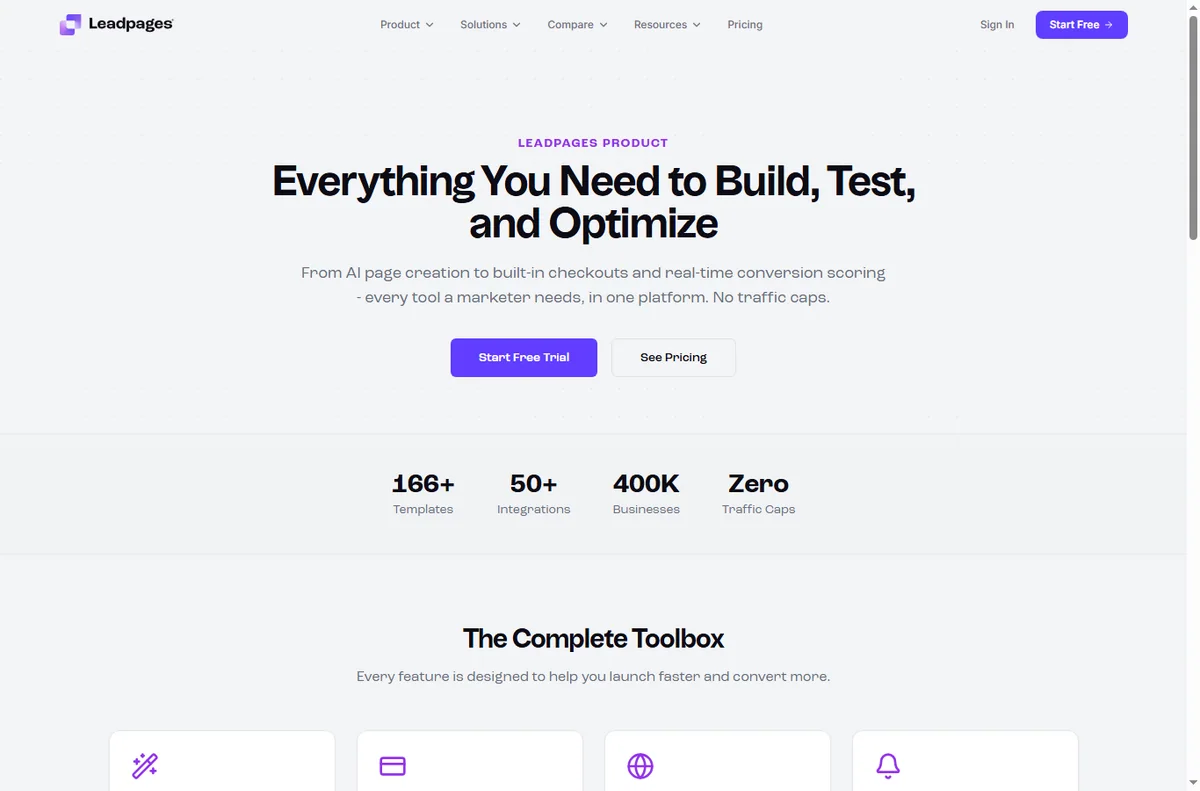
    Leadpages home page
    Leadpages home (image: leadpages.com)

    Match the page to the campaign

    Build a page for a specific offer rather than a generic one. When the ad, the headline and the page all say the same thing, people trust the click and convert.

    Keep one primary action per page. Competing buttons split attention and quietly cost you conversions.

    If you run several campaigns, keep a simple naming habit so you can tell which page belongs to which offer at a glance. This saves real time when you review results later.

    Leadpages features page
    Leadpages features (image: leadpages.com)

    Capture leads cleanly

    Ask for the minimum you need. Every extra field lowers completion, and you can always learn more in the follow-up emails.

    Make the form and the button impossible to miss. Clarity converts better than cleverness, especially on a first visit.

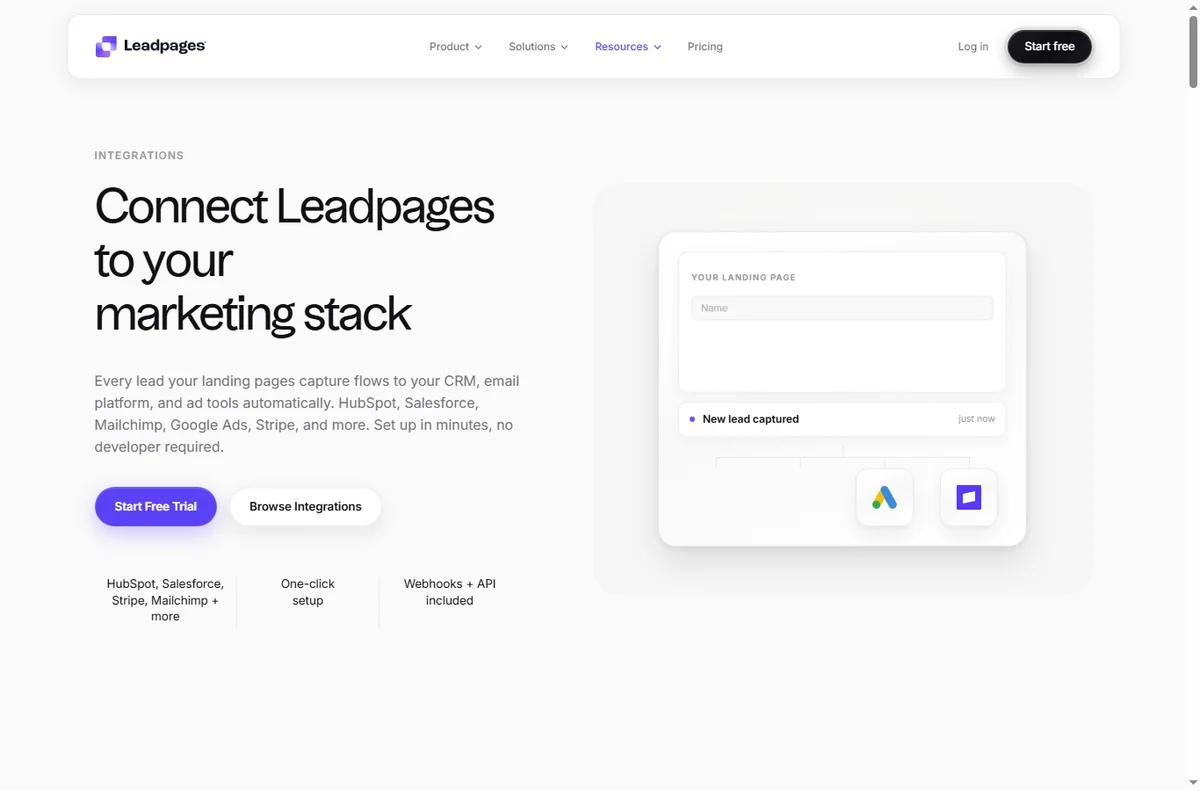
    Leadpages integrations page
    Leadpages integrations (image: leadpages.com)

    Connect pages to your email list

    Always wire pages to the email tool you use, so a lead becomes a contact the moment they submit. A captured lead that sits nowhere is lost.

    Tag leads by which page they came from. That single habit makes your follow-up far more relevant later.

    Test one thing at a time

    Change one element at a time — the headline, or the button, or the form length — so you know what actually moved the result.

    Give a test enough traffic to be meaningful before calling it. Judging a variant on a handful of visitors just adds noise.

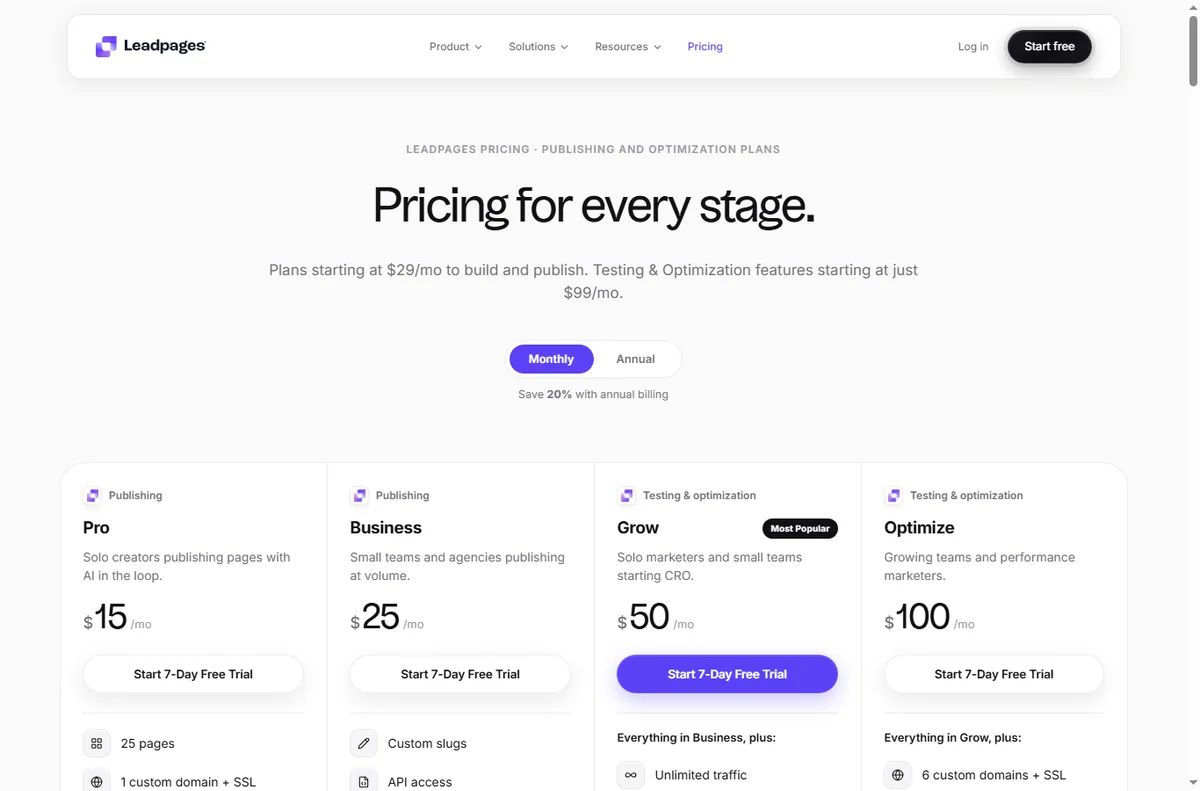
    Leadpages pricing page
    Leadpages pricing (image: leadpages.com)

    Use pop-ups and alerts sparingly

    Pop-ups can lift sign-ups, but too many annoy visitors and hurt your brand. Aim for one well-timed prompt, not three.

    Exit-intent notices work best on content pages where a visitor is about to leave; they work least on pages where the whole point is to convert.

    Measure conversion, not traffic

    Watch conversion rate, not just visitor count. A page with fewer visitors and more leads is usually the better page.

    Review results on a fixed schedule and retire pages that never convert rather than leaving them to rot.

    Let a losing page teach you something: a weak headline or a mismatch between ad and page is useful information for the next campaign.

    Leadpages signup page
    Leadpages signup (image: leadpages.com)

    Where this fits

    Start from the independent Leadpages review and the funnel builders hub. For setup, see how to set up Leadpages. Compare options in best landing page builders and follow how to create a sales page.

    Leadpages templates page
    Leadpages templates (image: leadpages.com)

    Frequently asked

    How many pages do I need?

    Start with one page per campaign. A focused page that matches its ad usually outperforms a library of half-used templates.

    Should I use pop-ups?

    Sparingly. One well-timed prompt can help, but several will annoy visitors and can hurt conversions and your brand.

    How do I know a page is working?

    Look at conversion rate rather than raw traffic, and only after enough visitors to be meaningful. Then change one thing at a time.

    Do pages help SEO?

    A landing page is for conversion, not ranking. Keep your own domain connected so any authority stays with your site.

    Put Leadpages to work

    Pages and opt-ins that feed your pipeline.

    Some links on this page may be referral links — we may earn a reward if you sign up, at no extra cost to you. We are an independent publisher. See our Affiliate Disclosure.

  • How to use EmailOctopus for a small business

    How to use EmailOctopus for a small business

    Home / Email Marketing / Guides / How to use EmailOctopus for a small business

    Guide · email marketing · updated October 9, 2026

    How to use EmailOctopus for a small business

    Once EmailOctopus is set up, the value comes from a steady routine. This guide turns it into a small-business workflow: keep costs predictable as the list grows, email people who opted in, automate the follow-ups, and watch the handful of numbers that matter.

    Independent analysis. This page may contain affiliate links. If you sign up through a link on this page we may earn a reward at no extra cost to you, and it never changes what we recommend. We are an independent publisher and are not affiliated with, endorsed by, or an official partner of any tool mentioned. See our Affiliate Disclosure.

    TL;DR

    • Keep sending costs predictable as your list grows.
    • Send a reliable, regular newsletter.
    • Automate welcome and follow-up messages.
    • Segment so every email is relevant.
    • Watch the deliverability basics.
    • Measure opens and clicks on a fixed schedule.

    On this page: Keep costs predictable · Regular newsletter · Automate · Segment · Deliverability · Measure

    Emailoctopus home page
    Emailoctopus home (image: emailoctopus.com)

    Keep costs predictable as you grow

    Because EmailOctopus prices largely on list size, the key habit is keeping the list clean. Remove people who never engage so you are not paying to email the unengaged.

    Check your plan’s current limits before a big campaign. Knowing the boundary in advance avoids a surprise halfway through a send.

    Prune the list on a schedule — once a quarter is enough — and let the small savings compound. A tidy list also improves your engagement metrics, which in turn helps every future send.

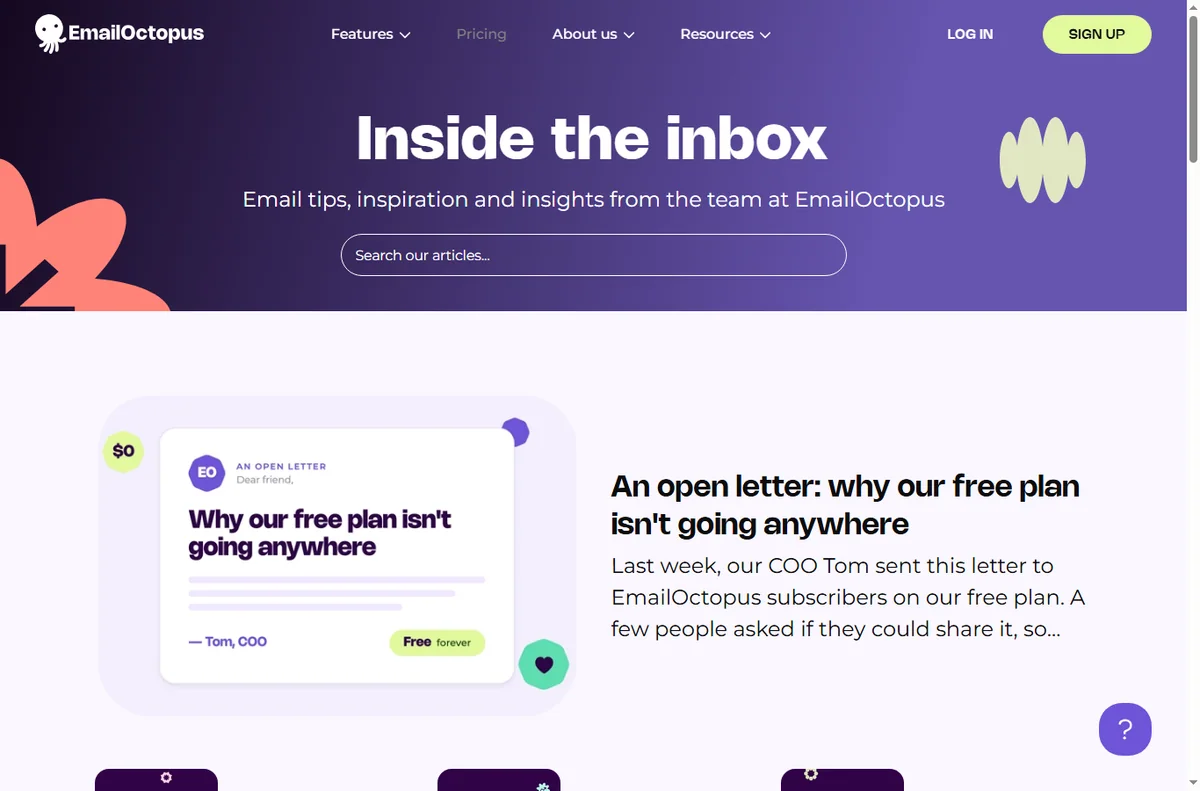
    Emailoctopus blog page
    Emailoctopus blog (image: emailoctopus.com)

    Send a reliable newsletter

    Pick a rhythm you can keep and hold it. A predictable newsletter keeps your name familiar and makes unsubscribes less likely.

    One main idea per issue with a clear next step beats an everything-email that readers skim and forget.

    Emailoctopus features page
    Emailoctopus features (image: emailoctopus.com)

    Automate welcome and follow-up

    Build a short welcome sequence and one follow-up for people who show interest but do not buy. Automation handles the repetition so you do not have to.

    Review automated emails quarterly. If a message no longer matches your offer or prices, fix it or switch it off.

    Segment for relevance

    Split the list by what people did, not just who they are: new subscribers, past buyers, or the recently inactive. Relevance is what keeps engagement up.

    You do not need elaborate rules. Two or three honest segments are enough to make your messages feel personal.

    Even a simple split by sign-up source tells you which pages attract the right people, so you can send those readers content that actually fits.

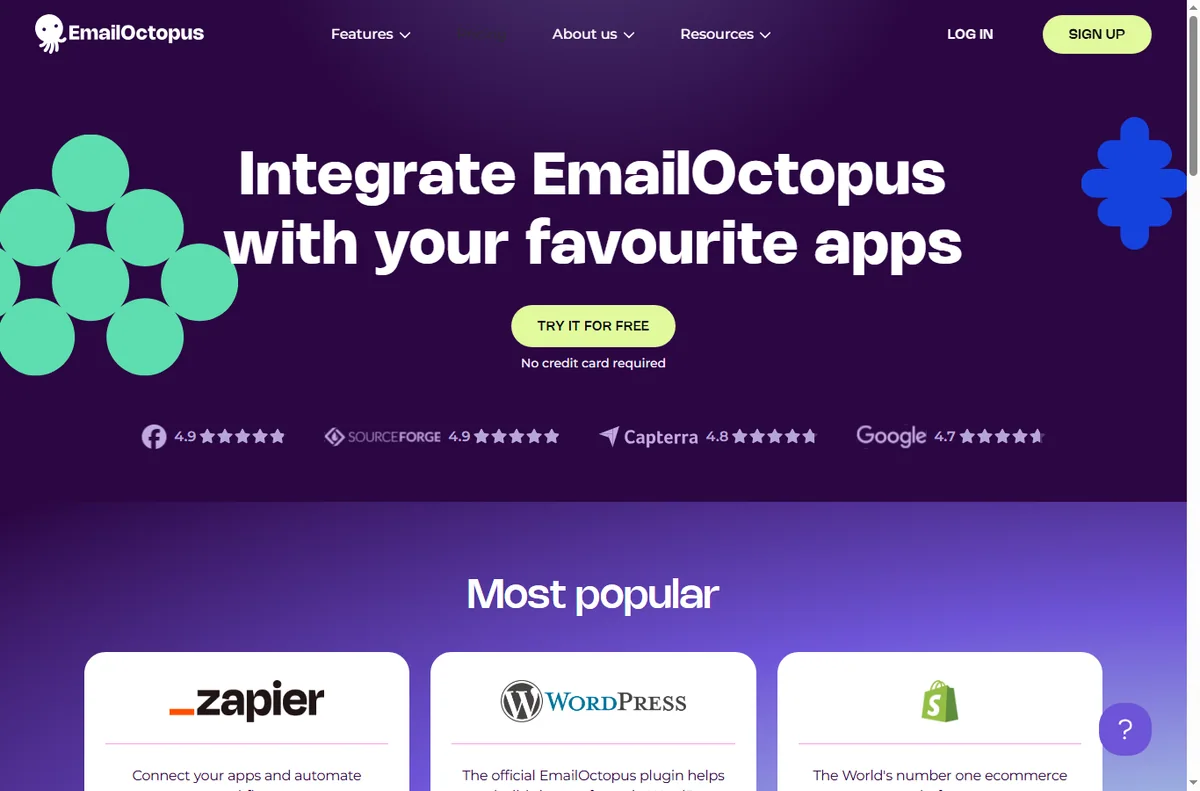
    Emailoctopus integrations page
    Emailoctopus integrations (image: emailoctopus.com)

    Watch the deliverability basics

    Verify your sending domain, email people who opted in, and avoid over-mailing. These three habits do more for inbox placement than any trick.

    Keep a consistent sender name and address so subscribers and mailbox providers recognise you over time.

    Measure what matters

    Track open rate and click rate for your main campaigns, and watch unsubscribes as a signal that something is off. Review on a fixed schedule.

    A small, stable scoreboard you actually read is worth more than a dashboard full of numbers nobody checks.

    Write down what you changed after each review, so improvement is a loop rather than a fresh guess every month.

    Emailoctopus pricing page
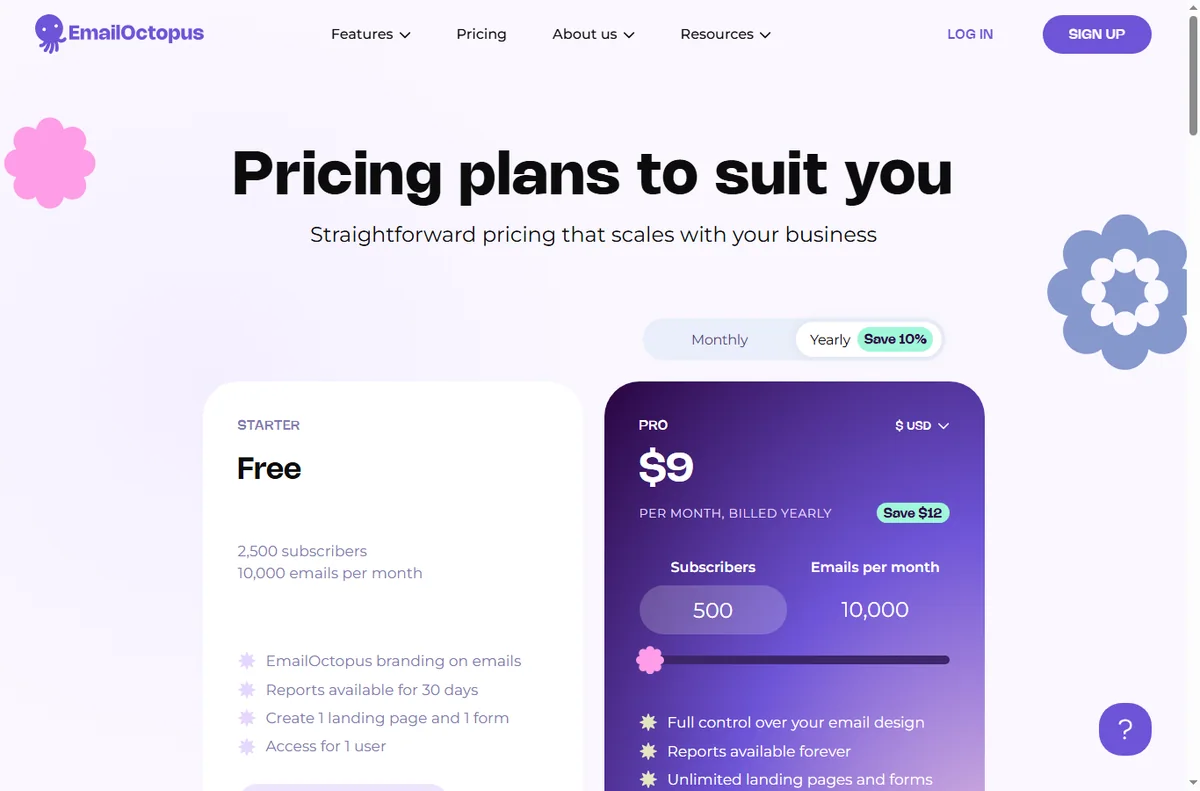
    Emailoctopus pricing (image: emailoctopus.com)

    Where this fits

    Start from the independent EmailOctopus review and the email marketing hub. For setup, see how to set up EmailOctopus. Compare options in best email marketing software and follow the method with the deliverability guide.

    Icode editorial illustration
    Icode editorial illustration (image: icode.io.vn)

    Frequently asked

    Is EmailOctopus good for a large list?

    Its SES-based model keeps sending costs low as a list grows, which suits list-heavy businesses. Check the current tiers before you commit.

    How do I keep costs down?

    Keep your list clean and remove people who never engage, since you generally pay by contact count. A smaller engaged list is cheaper and performs better.

    Do I need automation?

    Not on day one, but a welcome sequence is the single best automation to start with, because attention is highest right after sign-up.

    How often should I send?

    Monthly is enough for most small businesses. Consistency and relevance matter more than frequency.

    Put EmailOctopus to work

    Affordable sending, lists and automation.

    Some links on this page may be referral links — we may earn a reward if you sign up, at no extra cost to you. We are an independent publisher. See our Affiliate Disclosure.

    Try EmailOctopus free – email marketing that is simple and affordable. Start free

  • How to use Moosend for a small business

    How to use Moosend for a small business

    Home / Email Marketing / Guides / How to use Moosend for a small business

    Guide · email marketing · updated October 9, 2026

    How to use Moosend for a small business

    Once Moosend is set up, the value comes from a routine rather than occasional blasts. This guide turns it into a small-business workflow: grow a list people want to join, welcome them properly, keep in touch, and measure the few numbers that matter.

    Independent analysis. This page may contain affiliate links. If you sign up through a link on this page we may earn a reward at no extra cost to you, and it never changes what we recommend. We are an independent publisher and are not affiliated with, endorsed by, or an official partner of any tool mentioned. See our Affiliate Disclosure.

    TL;DR

    • Grow a list people actually want to hear from.
    • Turn new sign-ups into a welcome sequence.
    • Send a regular newsletter your audience expects.
    • Segment instead of emailing everyone the same thing.
    • Automate repetitive follow-ups.
    • Measure opens, clicks and replies on a fixed schedule.

    On this page: Grow your list · Welcome sequence · Regular newsletter · Segment · Automate follow-ups · Measure

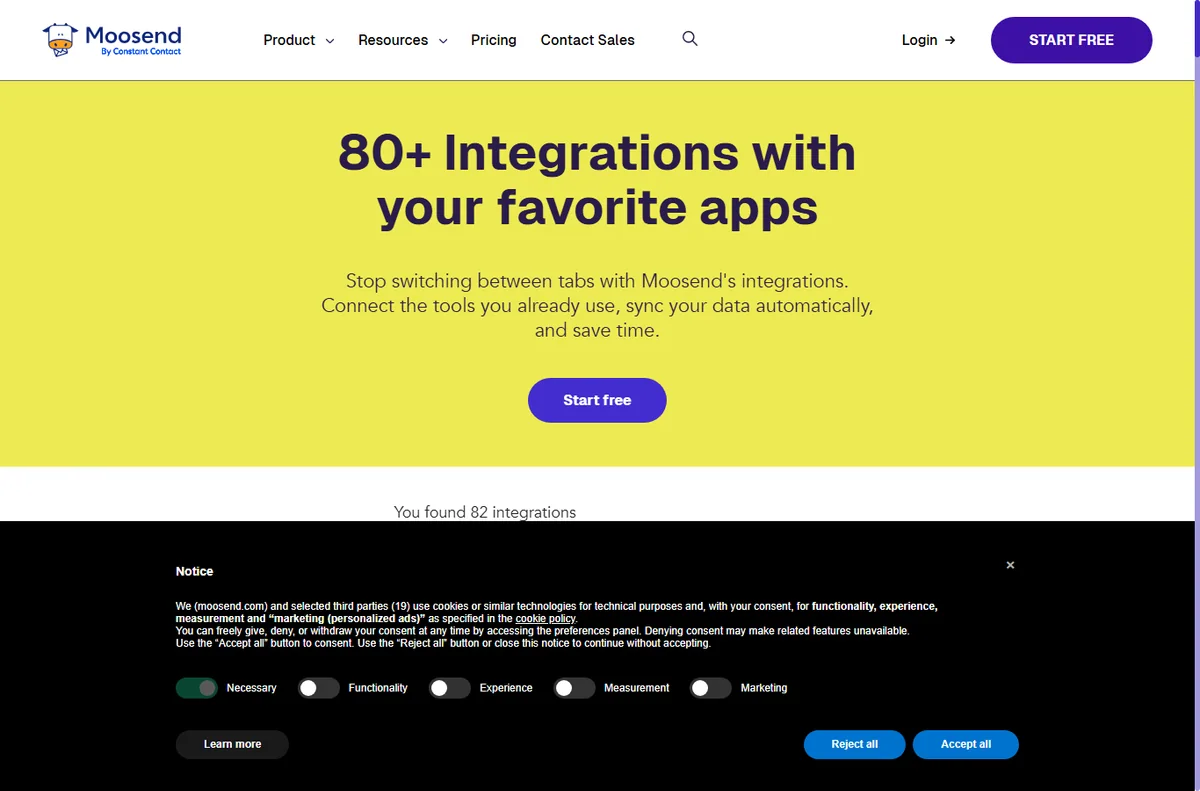
    Moosend home page
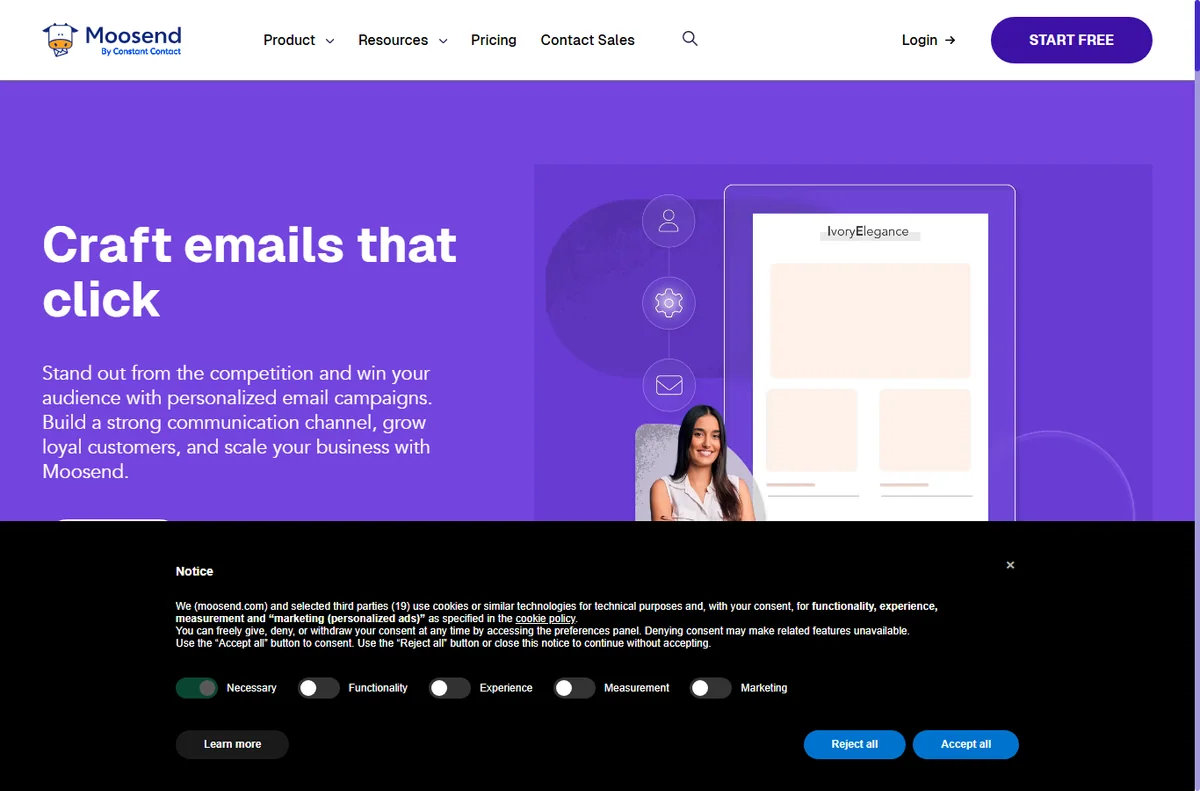
    Moosend home (image: moosend.com)

    Grow a list people actually want

    Offer something specific in exchange for an email — a guide, a discount, or early access. Vague promises collect addresses that never open.

    Put your sign-up form where intent is highest: a relevant page, a checkout step, or the end of a useful article. One good placement beats five ignored ones.

    Moosend blog page
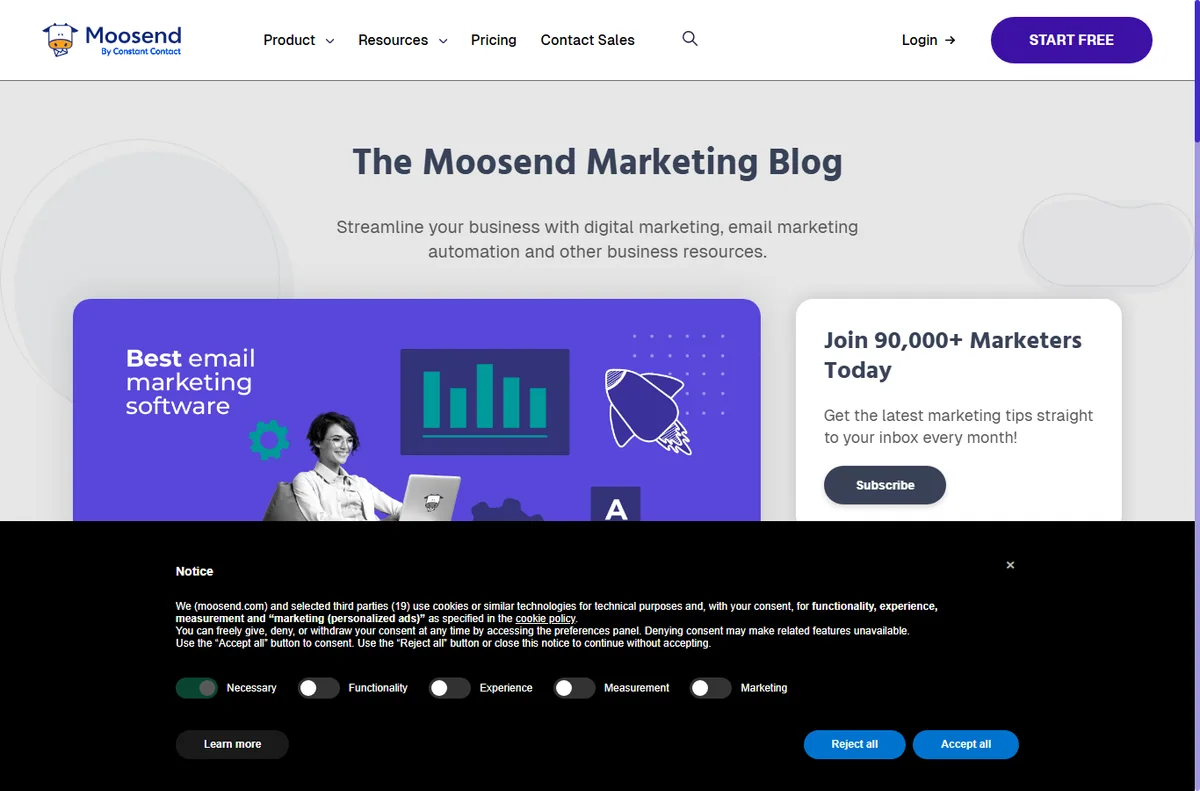
    Moosend blog (image: moosend.com)

    Turn sign-ups into a welcome sequence

    Send a short, honest welcome that confirms what the subscriber signed up for and what to expect next. Set expectations on frequency, not just content.

    Follow with one or two genuinely useful emails. A welcome series is the highest-attention moment you will ever get, so spend that attention on value, not a sales pitch.

    Moosend emailmarketing page
    Moosend emailmarketing (image: moosend.com)

    Send a regular newsletter

    Pick a rhythm you can keep — monthly is plenty for most small businesses — and hold it. Consistency builds recognition and keeps your name in the inbox.

    Keep each issue to one main idea with a clear next step. Newsletters that try to say everything end up saying nothing.

    Use segments instead of blasting everyone

    Split your list by what people actually did: signed up on a product page, bought once, or went quiet. Even two or three segments make your messages more relevant.

    Relevance lifts engagement, and engagement is what keeps you out of the spam folder over the long run.

    Moosend features page
    Moosend features (image: moosend.com)

    Automate repetitive follow-ups

    Automate the messages you send over and over: order confirmations, a nudge after a purchase, or a reminder before a renewal. These run on their own once built.

    Keep automations simple and review them quarterly. An outdated automated email is worse than none, because it speaks for your business when you are not watching.

    Measure a few things consistently

    Track open rate, click rate and replies for your main campaigns, and review them on a fixed schedule. These tell you whether your list is healthy or drifting.

    Chasing every metric is a trap. A small, stable scoreboard you actually read beats a dashboard nobody opens.

    Moosend integrations page
    Moosend integrations (image: moosend.com)

    Where this fits

    Start from the independent Moosend review and the email marketing hub. For setup, see how to set up Moosend. Compare options in best email marketing software and follow the method with how to build an email list.

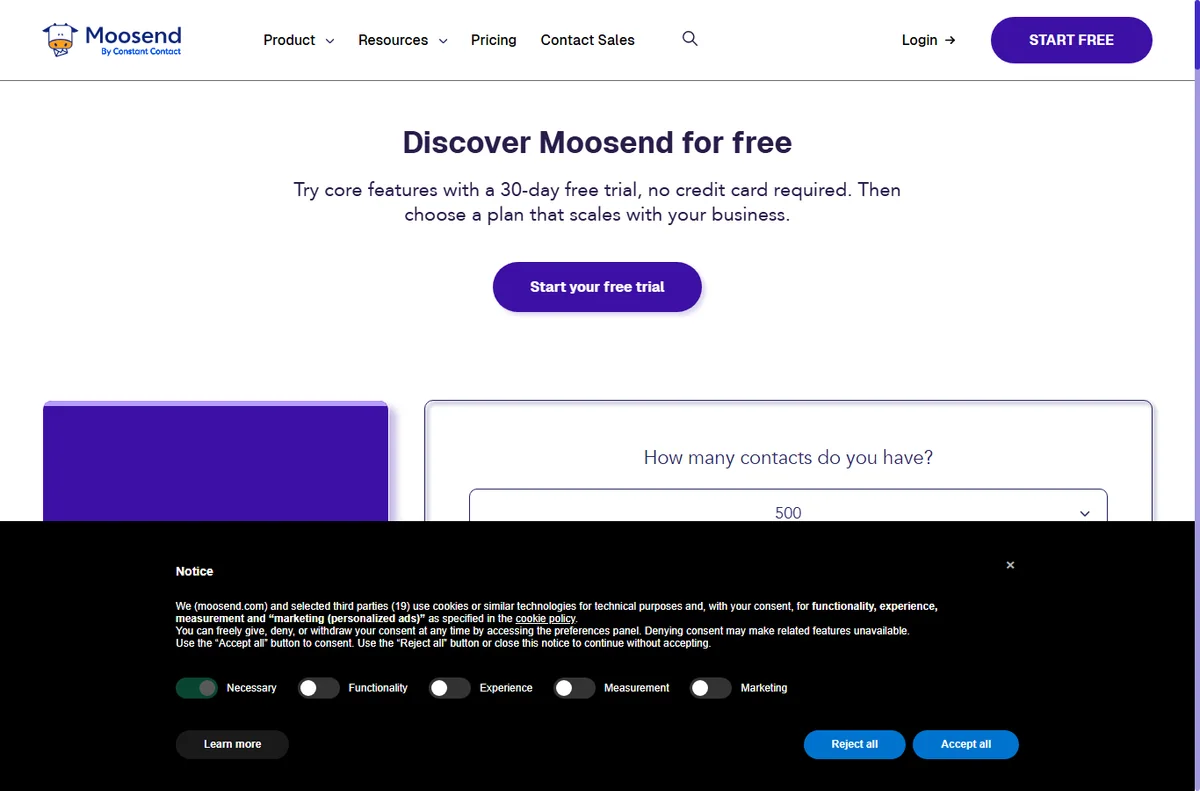
    Moosend pricing page
    Moosend pricing (image: moosend.com)

    Frequently asked

    How often should I email my list?

    Monthly is enough for most small businesses, provided you keep it useful. A predictable rhythm beats unpredictable bursts that train people to ignore you.

    What should my first automation do?

    A welcome sequence is the best use of automation. It greets every new subscriber promptly, which is exactly when attention is highest.

    How do I keep emails out of spam?

    Verify your sending domain, email people who opted in, and avoid spammy subject lines. Relevance and consent matter more than any single setting.

    Do I need to segment my list?

    Not on day one, but even two or three segments by behaviour make messages more relevant and lift engagement over time.

    Put Moosend to work

    Campaigns, automation and a growing list in one place.

    Some links on this page may be referral links — we may earn a reward if you sign up, at no extra cost to you. We are an independent publisher. See our Affiliate Disclosure.
    Try Moosend free – email marketing & automation. Start free

  • How to use Mangools for a small business

    How to use Mangools for a small business

    Home / SEO Tools / Guides / How to use Mangools for a small business

    Guide · seo tools · updated October 9, 2026

    How to use Mangools for a small business

    Once Mangools is set up, the value comes from using it on a routine rather than in occasional bursts. This guide turns the suite into a small-business workflow: find winnable keywords, fix obvious technical issues, watch a short competitor list, and measure a few things consistently.

    Independent analysis. This page may contain affiliate links. If you sign up through a link on this page we may earn a reward at no extra cost to you, and it never changes what we recommend. We are an independent publisher and are not affiliated with, endorsed by, or an official partner of any tool mentioned. See our Affiliate Disclosure.

    TL;DR

    • Target keywords a small site can actually win.
    • Fix obvious technical issues before publishing more.
    • Watch two or three competitors, not twenty.
    • Build a modest, consistent content plan.
    • Measure a few metrics on a fixed schedule.

    On this page: Find keywords · Fix technical issues · Watch competitors · Content plan · Go local · Measure consistently

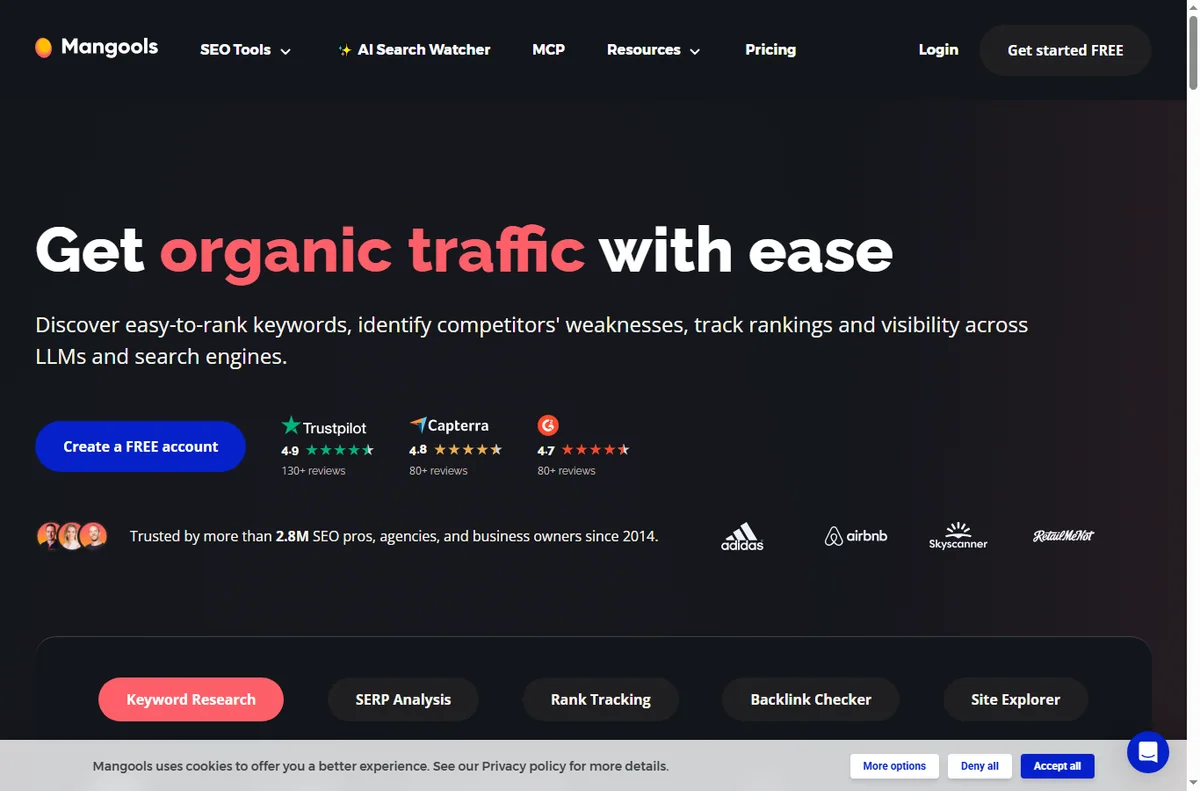
    Mangools home page
    Mangools home (image: mangools.com)

    Find keywords you can actually win

    A small business rarely wins the broadest, most competitive terms. Use KWFinder to find lower-difficulty keywords where the current results look beatable, then build pages around those.

    Aim for one clear topic per page and one main keyword each. Pages that try to rank for everything usually rank for nothing.

    Mangools kwfinder page
    Mangools kwfinder (image: mangools.com)

    Fix technical issues before publishing more

    Run a quick review of your own domain with SiteProfiler. Fix broken links, missing titles and slow pages before you add more content — publishing onto a broken site multiplies the problem.

    Speed and mobile layout matter more than most owners expect, and they are often quick wins once you actually look.

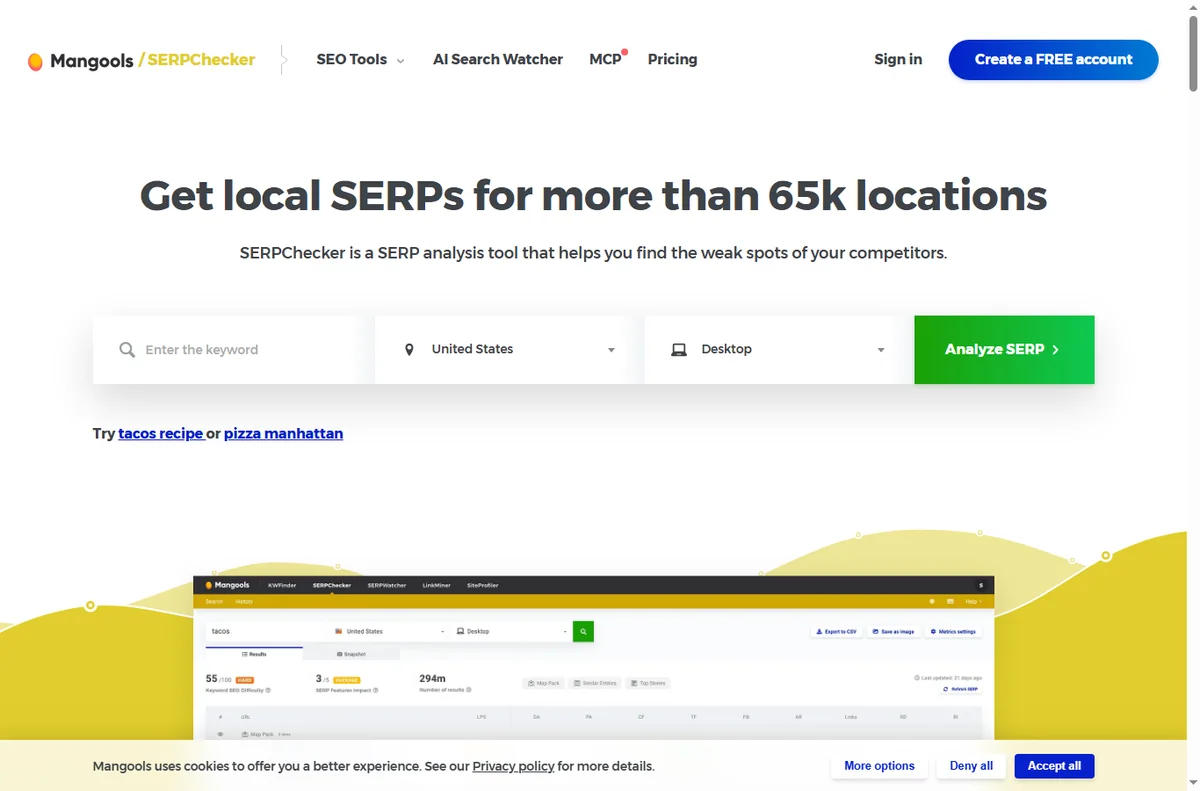
    Mangools serpchecker page
    Mangools serpchecker (image: mangools.com)

    Watch a small set of competitors

    Track two or three direct competitors in SERPWatcher. Watching a short list over months tells you more than a one-off scan of twenty sites.

    When a competitor overtakes you on a term that matters, study the exact page that did it instead of guessing.

    Build a modest content plan

    Turn your keyword shortlist into a calendar with one or two posts a month. Consistency beats bursts and keeps quality high.

    Update older pages that already rank rather than only writing new ones; small improvements often beat a brand-new post.

    Mangools serpwatcher page
    Mangools serpwatcher (image: mangools.com)

    If you serve a local area

    Local searches behave differently. Research terms that include a town or region, and keep your business name, address and phone details consistent everywhere they appear.

    A dedicated local landing page with real address and service details usually outperforms a generic services page.

    Measure a few things consistently

    Pick a handful of metrics — rankings for your main terms, organic sessions and enquiries — and review them on a fixed schedule.

    Chasing every number is a trap. A small, stable scoreboard you actually check beats a dashboard nobody opens.

    Mangools siteprofiler page
    Mangools siteprofiler (image: mangools.com)

    Where this fits

    Start from the independent Mangools review and the SEO tools hub. For setup, see how to set up Mangools. Compare options in best SEO tools for small business and follow the method with how to do keyword research.

    Mangools x blog page
    Mangools x blog (image: mangools.com)

    Frequently asked

    Can a small site rank for competitive keywords?

    Rarely for the broadest terms. Compete on lower-difficulty, specific keywords first and build authority before chasing the head terms.

    How many competitors should I track?

    Two or three direct competitors is enough to see patterns. A longer list mostly adds noise.

    How often should I review rankings?

    Weekly is plenty for a small site. Monthly focused reviews plus a weekly glance keeps you informed without obsessing.

    Do I still need on-page SEO?

    Yes. Tools tell you what to target; on-page work — clear titles, useful content and good structure — is what earns the rankings.

    Put Mangools to work

    Keyword research, rank tracking and competitor checks in one suite.

    Some links on this page may be referral links — we may earn a reward if you sign up, at no extra cost to you. We are an independent publisher. See our Affiliate Disclosure.

  • How to use FastComet for a small business

    How to use FastComet for a small business

    Home / Hosting / Guides / How to use FastComet for a small business

    Guide · hosting · updated October 9, 2026

    How to use FastComet for a small business

    Once the site is up, the job is to run it well without turning it into a second job. This guide covers the practical side of using FastComet for a small business: a lean stack, the pages that matter, branded email, backups and caching, and a plan for renewal pricing.

    Independent analysis. This page may contain affiliate links. If you sign up through a link on this page we may earn a reward at no extra cost to you, and it never changes what we recommend. We are an independent publisher and are not affiliated with, endorsed by, or an official partner of any tool mentioned. See our Affiliate Disclosure.

    TL;DR

    • Keep the stack lean instead of stacking subscriptions.
    • Launch the handful of pages a small business needs.
    • Use a branded business email on the same domain.
    • Lean on daily backups, caching and staging.
    • Plan for renewal pricing before it arrives.

    On this page: Keep it lean · Launch pages · Business email · Speed and backups · Sell online · Renewal planning

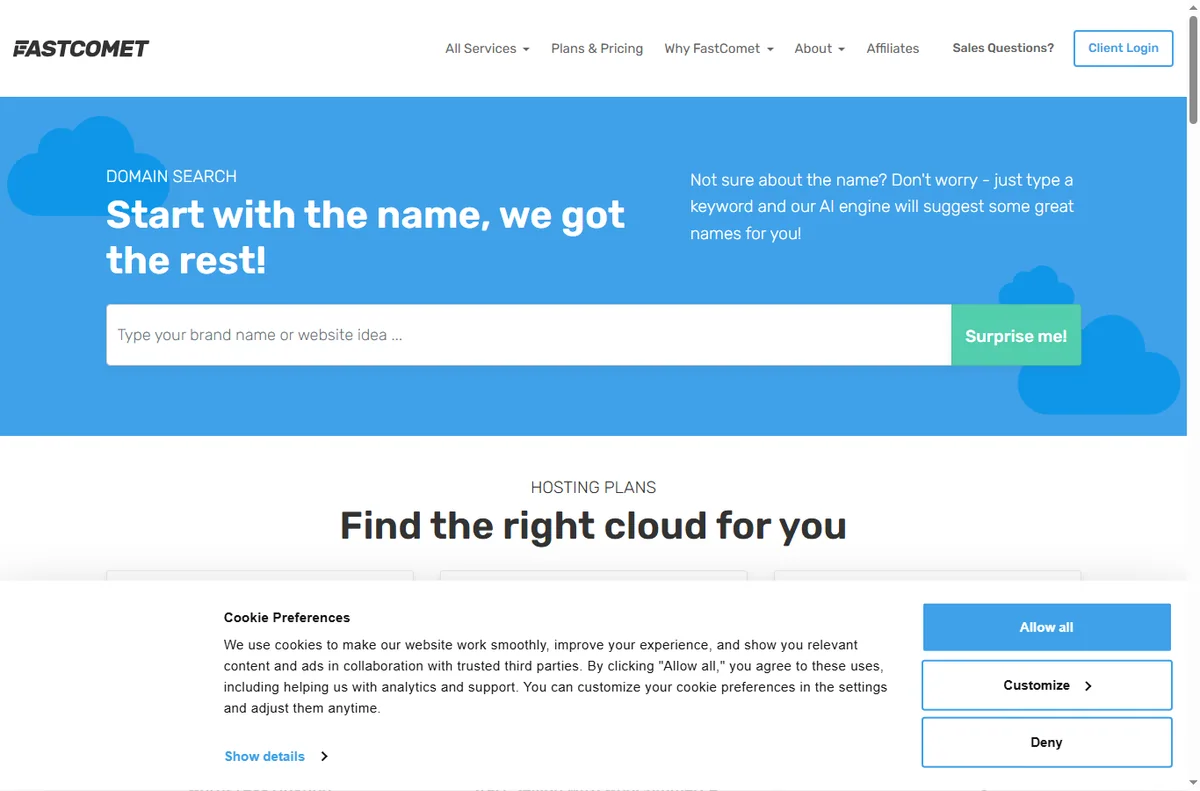
    Fastcomet home page
    Fastcomet home (image: fastcomet.com)

    Keep the stack lean

    Start from what the hosting plan already gives you — WordPress hosting, daily backups, SSL and support — and add third-party tools only when they solve a real problem.

    List your current subscriptions and check which are now redundant. Fewer moving parts means fewer things to break and less to pay for.

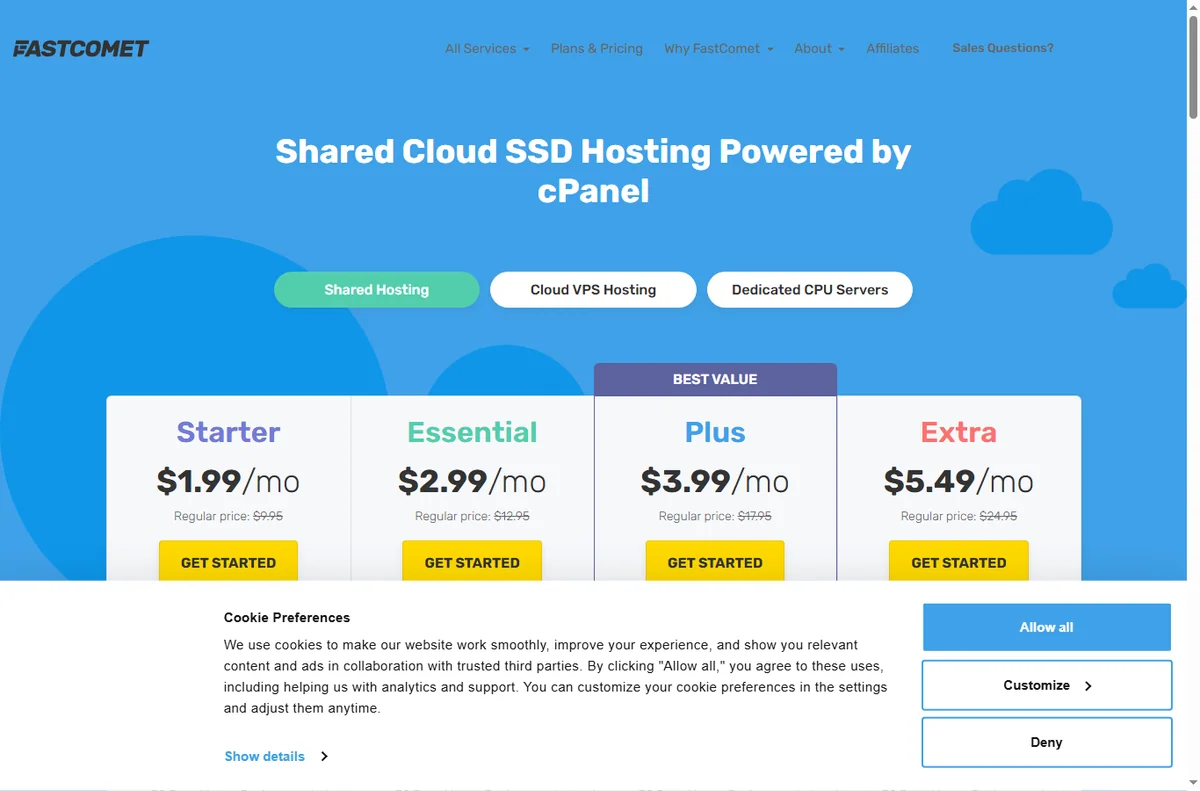
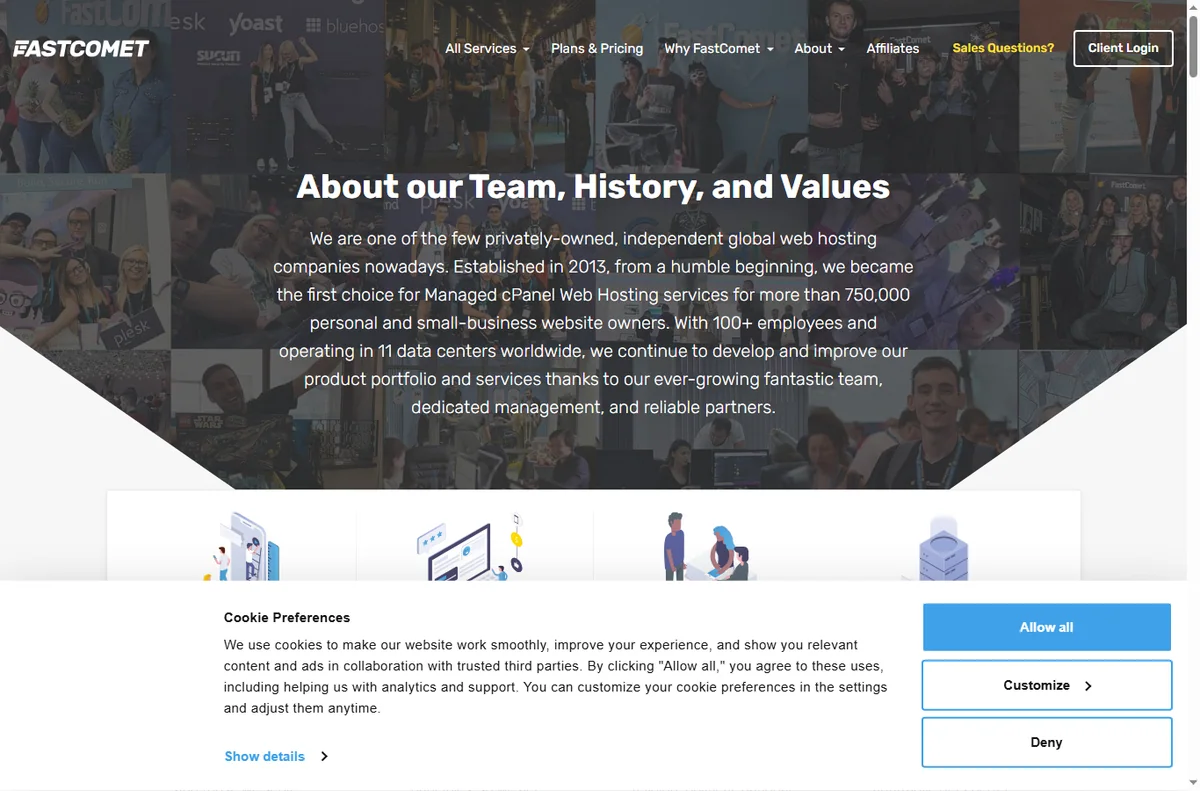
    Fastcomet about page
    Fastcomet about (image: fastcomet.com)

    Launch the pages a small business actually needs

    A clear homepage, a services or products page, an about page and a contact page with a working form cover most small businesses at launch.

    Give every page one job and one next step. A short, focused site converts better than a large one that is never finished.

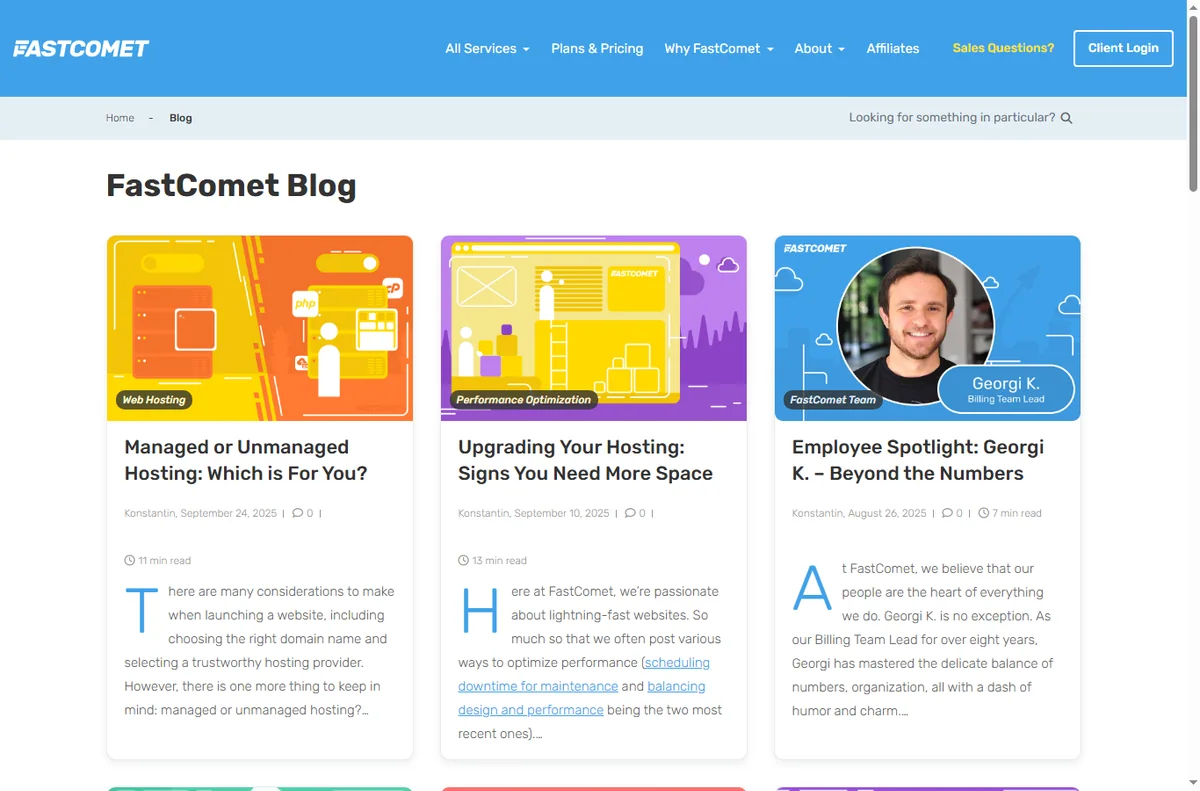
    Fastcomet blog page
    Fastcomet blog (image: fastcomet.com)

    Give the business a real email address

    Use an address on your own domain for enquiries, quotes and invoices. It builds trust and keeps business mail separate from personal inboxes.

    Forward it to your phone and set an out-of-hours auto-responder so customers always know their message arrived.

    Use caching, staging and backups

    Turn on the host’s caching and confirm daily backups are running. Test a restore once so you know the process works before you need it.

    Apply theme and plugin updates on a staging copy first, then push to live. It turns a risky update into a routine one.

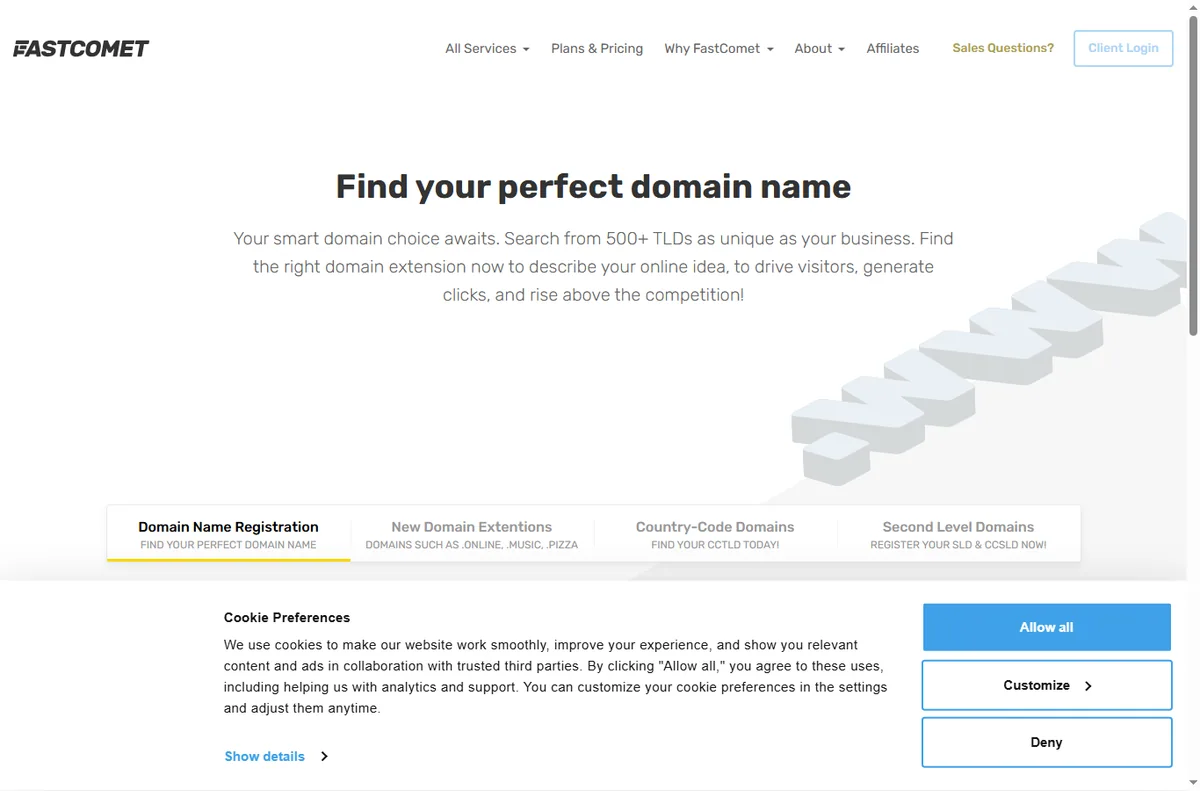
    Fastcomet domains page
    Fastcomet domains (image: fastcomet.com)

    If you sell online

    A small shop can run on WordPress with an ecommerce plugin, or on a dedicated store platform. The deciding factor is how many products and how much checkout customisation you need.

    Before you announce the store, place a real test order and check the confirmation email end to end.

    Plan for renewal pricing

    Introductory rates are temporary, so note the renewal date and check the price a month early. That way it is a decision, not a surprise.

    If the price no longer fits, compare hosts and migrate during a quiet period, keeping a fresh backup before any move.

    Fastcomet pricing page
    Fastcomet pricing (image: fastcomet.com)

    Where this fits

    Start from the independent FastComet review and the hosting hub. For setup mechanics, see how to set up FastComet. Compare the field with best web hosting for small business and plan costs with hosting renewal pricing.

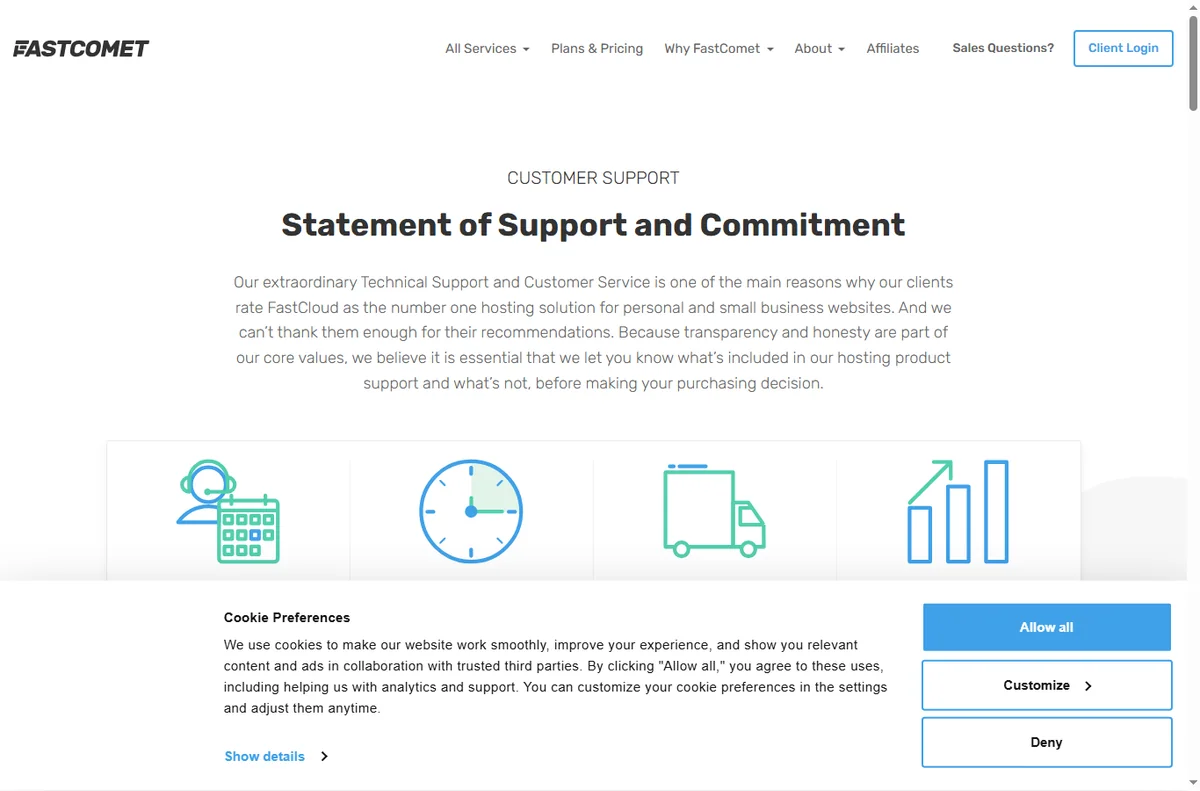
    Fastcomet support page
    Fastcomet support (image: fastcomet.com)

    Frequently asked

    Do I need extra plugins for speed?

    Often no. Use the host’s caching first, then add a plugin only if you still have a specific performance problem.

    Can I run email and hosting together?

    Yes, and for most small businesses one vendor and one bill is simpler to manage.

    How often should I back up?

    Daily is the sensible default for a business site. Confirm you can restore a backup, not just that one exists.

    When should I consider migrating?

    When pricing, speed or support stops fitting the business. Move in a slow period and keep a current backup first.

    Run your site on FastComet

    Hosting, backups and support from one vendor.

    Some links on this page may be referral links — we may earn a reward if you sign up, at no extra cost to you. We are an independent publisher. See our Affiliate Disclosure.

  • How to use HostPapa for a small business

    How to use HostPapa for a small business

    Home / Hosting / Guides / How to use HostPapa for a small business

    Guide · hosting · updated October 9, 2026

    How to use HostPapa for a small business

    Once the site is live, the question changes from how to set it up to how to run it without wasting time. This guide is the day-to-day playbook: keep the stack lean, launch only the pages you need, use the bundled email, and plan for renewal before it arrives.

    Independent analysis. This page may contain affiliate links. If you sign up through a link on this page we may earn a reward at no extra cost to you, and it never changes what we recommend. We are an independent publisher and are not affiliated with, endorsed by, or an official partner of any tool mentioned. See our Affiliate Disclosure.

    TL;DR

    • Keep the stack lean instead of buying every add-on.
    • Launch the handful of pages a small business actually needs.
    • Use a branded business email on the same domain.
    • Turn on backups and staging before you need them.
    • Plan for renewal pricing early.

    On this page: Keep it lean · Launch pages · Business email · Sell online · Backups and staging · Renewal planning

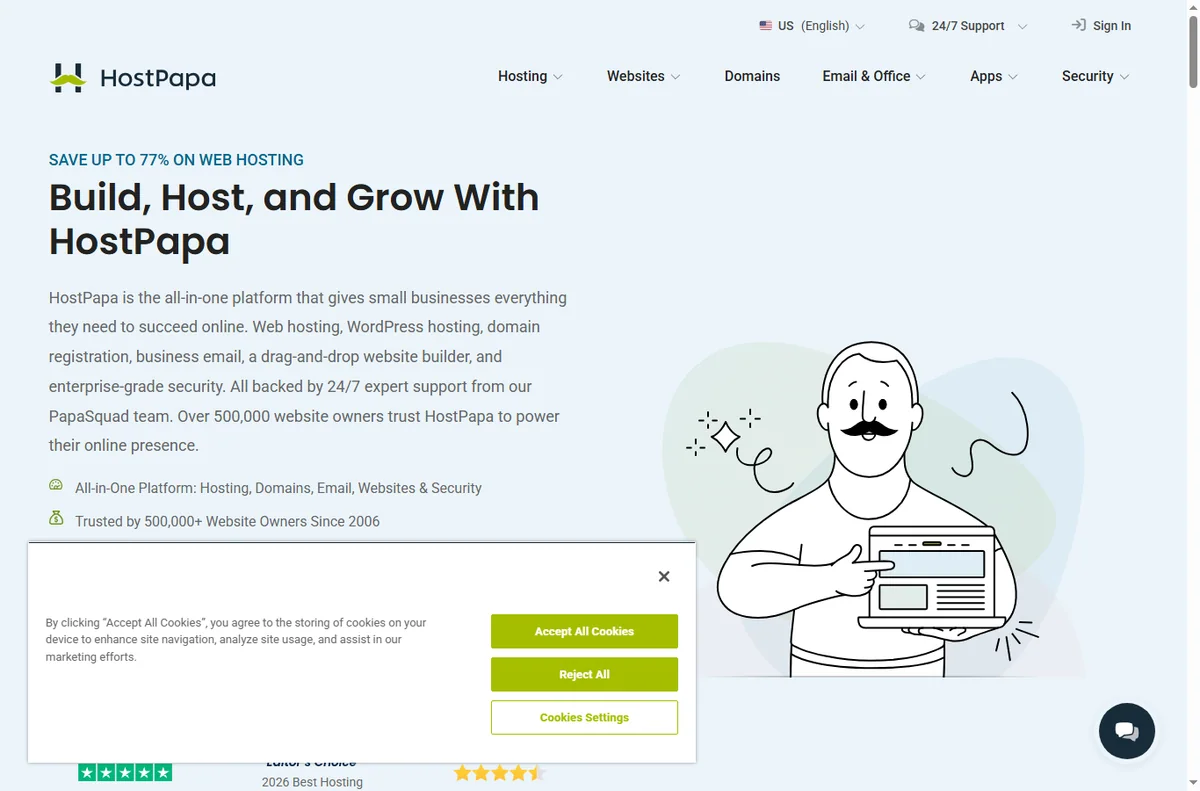
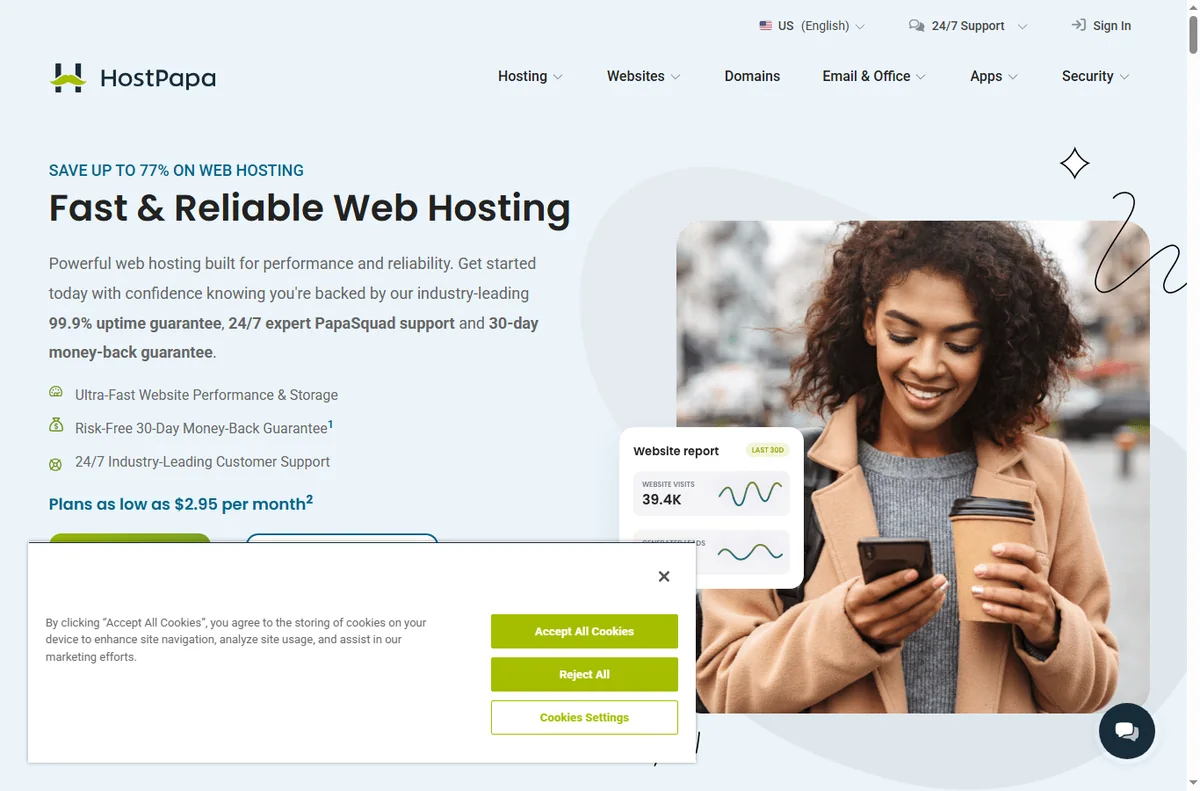
    Hostpapa home page
    Hostpapa home (image: hostpapa.com)

    Keep the stack lean

    HostPapa bundles hosting, a website builder, email and basic marketing tools. The value is in using what is included instead of stacking unrelated subscriptions on top.

    List the tools you already pay for and check whether the bundle replaces any of them. If it does not, a simpler host may cost less overall.

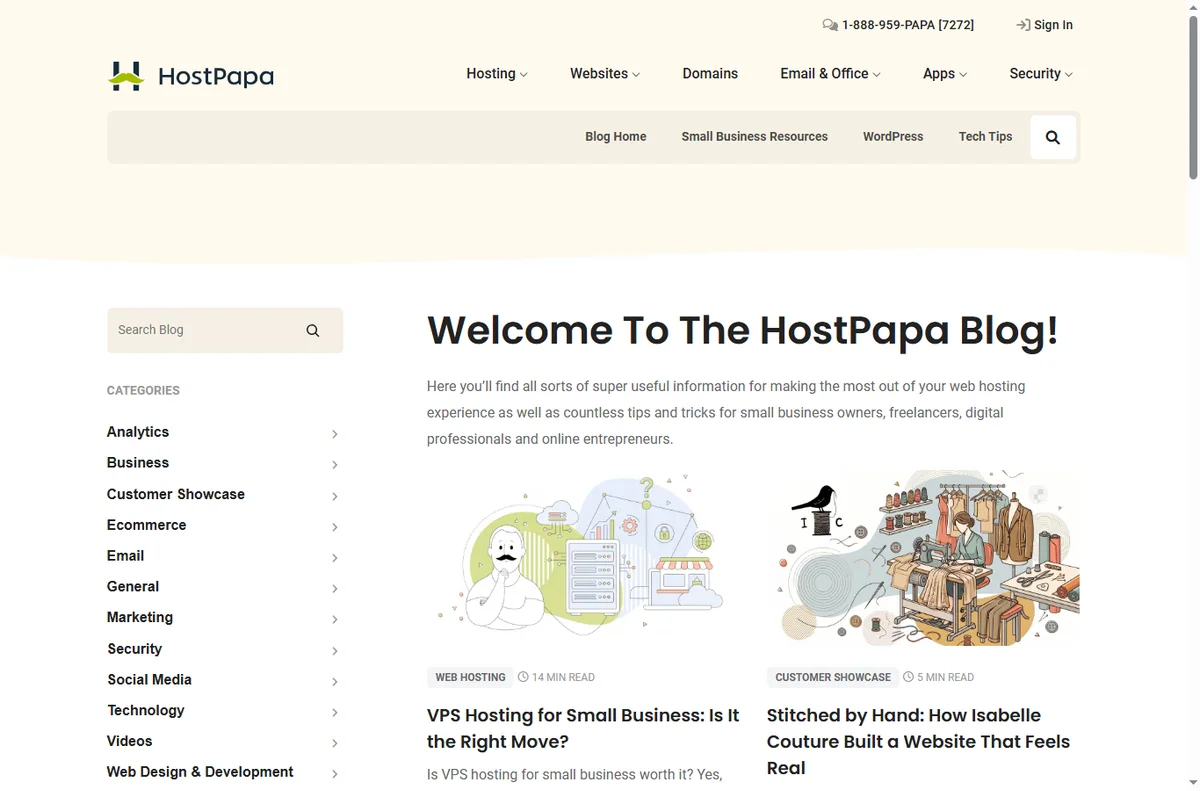
    Hostpapa blog page
    Hostpapa blog (image: hostpapa.com)

    Launch the pages a small business actually needs

    Most small-business sites do not need dozens of pages at launch. Start with a clear homepage, a services or products page, an about page, and a contact page with a working form.

    Every page should answer one question and point to one next step. Fewer, clearer pages convert better than a large unfinished site.

    Hostpapa domains page
    Hostpapa domains (image: hostpapa.com)

    Give the business a real email address

    Use an address on your own domain for quotes, invoices and support. Customers trust it more, and it keeps business correspondence separate from personal mail.

    Forward it to your phone and set an auto-responder for the hours you are closed, so nobody is left wondering whether you received their message.

    If you sell online

    A small shop can run on WordPress with an ecommerce plugin, or on a dedicated store platform. Both work; the deciding factor is how many products and how much checkout customisation you need.

    Whatever you pick, test a real order end to end, including the confirmation email, before you announce the store.

    Hostpapa email page
    Hostpapa email (image: hostpapa.com)

    Use backups and staging like a pro

    Switch on daily backups and confirm you can restore one. A backup you have never restored is only a hope, not a plan.

    Test theme and plugin changes on a staging copy first. HostPapa offers staging on suitable plans, and it prevents a broken update from taking the live site down.

    Plan for renewal pricing

    Introductory rates are temporary. Put the renewal date in your calendar and check the price a month before it arrives so it is a decision, not a surprise.

    If the renewal price no longer fits, that is the moment to compare hosts and migrate during a quiet period, not during your busiest week.

    Hostpapa x websitebuilder page
    Hostpapa x websitebuilder (image: hostpapa.com)

    Where this fits

    Start from the independent HostPapa review and the hosting hub. For setup mechanics, see how to set up HostPapa. Compare the field with best web hosting for small business and plan costs with hosting renewal pricing.

    Icode editorial illustration
    Icode editorial illustration (image: icode.io.vn)

    Frequently asked

    Do I need a website builder if I use WordPress?

    No. Pick one and commit to it. WordPress is more flexible long term; the bundled builder is faster for a very simple site.

    Can I run email and hosting in one account?

    Yes, and for most small businesses that is the point — one vendor, one bill, one place to get help.

    How many pages should I launch with?

    Four to six well-written pages beat twenty thin ones. Add more once the first pages are converting.

    When should I think about migrating?

    When renewal pricing, speed or support stops fitting the business. Migrate in a slow period and keep a fresh backup first.

    Run your site on HostPapa

    Hosting, email and a builder from one vendor.

    Some links on this page may be referral links — we may earn a reward if you sign up, at no extra cost to you. We are an independent publisher. See our Affiliate Disclosure.

  • How to Use PureVPN for a Small Business

    How to Use PureVPN for a Small Business

    Home / Security & Privacy / Guides / How to use PureVPN for a small business

    Use case · security & privacy · updated October 8, 2026

    How to use PureVPN for a small business: a practical guide

    For a small business, PureVPN is most useful as a consistent layer under everyday work: the same protection on every laptop and phone, wherever the team happens to be. This guide covers the practical ways it earns its place, from remote access to simple administration, and the habits that keep it effective.

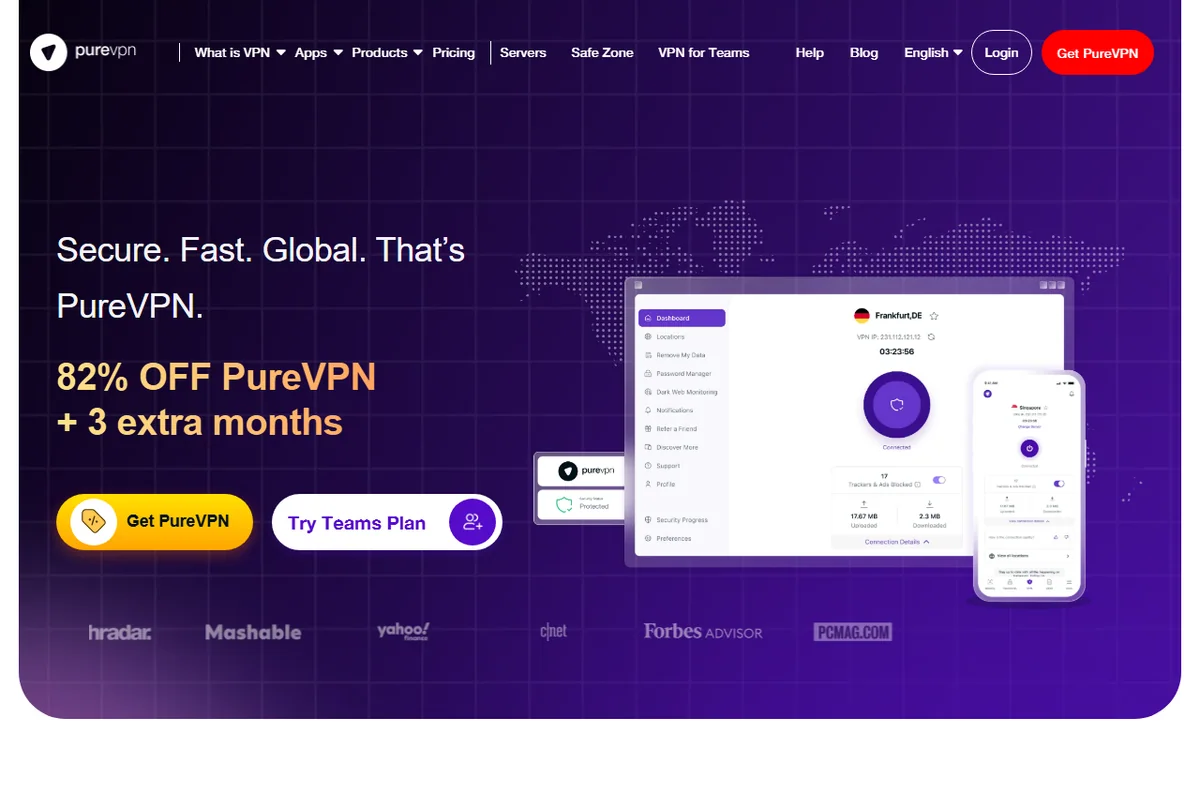
    PureVPN official homepage for its VPN service
    PureVPN official homepage (image: purevpn.com)

    Independent analysis. This page may contain affiliate links. Some links here are referral links; if you sign up through one we may earn a reward at no extra cost to you, and it never changes what we recommend. We are an independent publisher and are not affiliated with, endorsed by, or an official partner of any tool mentioned. See our Affiliate Disclosure.

    TL;DR

    • Keep the tunnel on whenever staff leave a trusted network, especially when travelling.
    • Treat the account as shared infrastructure and track who is connected on which device.
    • Use the dashboard for a quick periodic review rather than auditing every machine.
    • Watch the renewal date and device limit so cost stays predictable.
    • Write a short internal rule so everyone knows when the VPN should be on.

    On this page: What this covers · What matters most for a small business · Remote access and untrusted networks · Shared access without sharing passwords · Simple admin and device management · Keeping cost predictable · A short internal VPN policy · Common mistakes to avoid · Where this fits in your wider stack

    What this covers

    Most small businesses do not need every feature a VPN advertises. They need a few reliable outcomes: staff protected on networks they do not control, a workable way to share access, and a routine that keeps working when the week gets busy.

    This page maps those outcomes to how PureVPN is used day to day, and points out the decisions that cause trouble later.

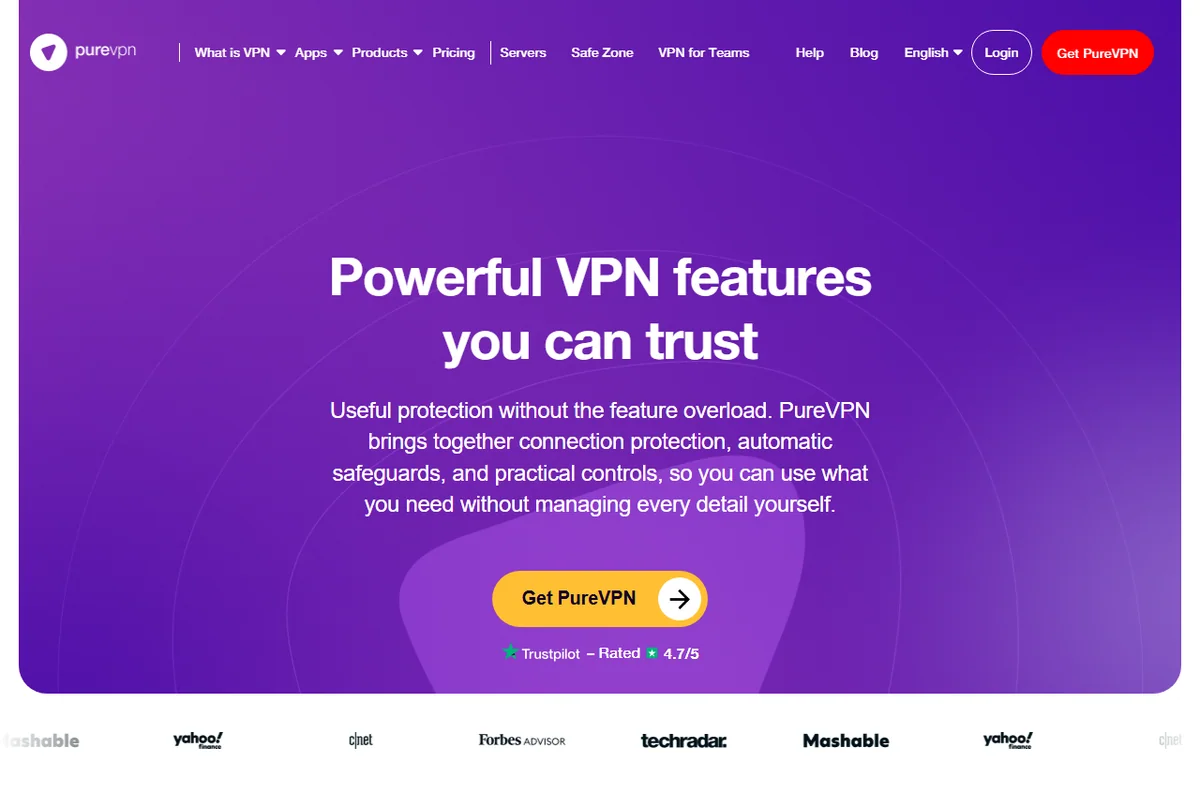
    PureVPN features overview
    PureVPN features (image: purevpn.com)

    What matters most for a small business

    Before you turn on settings one by one, decide which of these priorities actually apply to your team. They are listed in the order they tend to cause real problems at small scale.

    Priority Why it matters How to handle it
    Untrusted networksStaff on public or shared Wi-Fi expose their traffic to snooping.Enable auto-connect so the tunnel starts on unknown networks.
    Device sprawlLaptops, phones and tablets multiply the endpoints.Track who installed the app and on what, and stay within your device limit.
    Shared credentialsOne login shared by many people is hard to audit or revoke.Keep the owner list short, and change the password when someone leaves.
    Cost driftSubscriptions renew quietly and grow with headcount.Note the renewal date and re-check the official pricing page before it renews.
    Based on publicly documented behaviour, checked October 8, 2026.
    PureVPN server locations page
    PureVPN VPN servers (image: purevpn.com)

    Remote access and untrusted networks

    The clearest benefit is remote work. A laptop that moves between home, cafes, hotels and client sites keeps joining networks you do not control. With auto-connect enabled, the user does not have to remember to switch anything on.

    Travelling staff benefit most of all. Public networks are convenient and hard to trust, and a tunnel turns an unknown network into a consistent one for the length of the session.

    PureVPN business VPN page
    PureVPN business (image: purevpn.com)

    Shared access without sharing passwords

    Sharing one login across a small company is common and generally workable, but it needs a little discipline. Keep the number of people who know the credentials as small as practical, and store them centrally rather than in a chat thread.

    When someone leaves, treat it like any other access change: rotate the password, sign out the devices that should no longer connect, and reconnect the ones that should. A short checklist turns this into a five-minute job.

    PureVPN for Teams page
    PureVPN for Teams (image: purevpn.com)

    Simple admin and device management

    If your account includes a dashboard, make it your home base. A single view of connected devices is far easier than asking each person what they installed.

    For a business without dedicated IT, that single view is often the difference between knowing your posture and guessing. A review every few weeks is usually enough.

    PureVPN order and pricing page
    PureVPN order (image: purevpn.com)

    Keeping cost predictable

    VPN spending stays predictable when you treat it like any other subscription. Record the renewal date, the device allowance and the plan you are on in one place, and revisit it before renewal rather than after.

    If headcount grows, check whether the current allowance still covers everyone at once. If it does not, compare the next tier against the cost of a second account before deciding.

    A short internal VPN policy

    You do not need a long document. A few clear lines are enough, and the team is more likely to read them.

    • When the VPN should be on: always on untrusted networks, optional on trusted office networks.
    • Who holds the account details, and who may add or remove devices.
    • What to do if a device is lost: rotate the password and remove the device promptly.
    • Where to check plan limits and renewal dates, so nobody is caught out.
    PureVPN blog with security guides
    PureVPN blog (image: purevpn.com)

    Common mistakes to avoid

    Most issues come from setup habits rather than the tool. Installing the app without verifying the connection, forgetting to check the device count, and leaving credentials with people who have left are the recurring three.

    A short verification step after each device is set up, plus one regular account review, removes nearly all of it.

    Where this fits in your wider stack

    To decide whether PureVPN suits your team, read the independent PureVPN review and start from the security and privacy hub. Comparing options? See Surfshark vs PureVPN and review VPNs suited to remote work before you commit.

    Frequently asked

    Do we need a VPN if the whole team works from one office?

    Not always for the office network itself, but it still helps for laptops that leave the building, home workers and anyone using public Wi-Fi. If devices never leave a trusted network, the value is much smaller.

    Is sharing one account across the team acceptable?

    It is common in small teams and generally workable, but it needs discipline. Keep the list of credential holders short, store the login centrally, and rotate the password when someone leaves.

    How often should we review connected devices?

    Every few weeks is usually enough for a small team. The goal is to catch devices that should have been removed, not to watch the dashboard every day.

    Will this replace our other security tools?

    No. A VPN protects traffic in transit. Antivirus, patching and password management remain separate and still matter.

    PureVPN dedicated IP page
    PureVPN dedicated IP (image: purevpn.com)

    Protect your team with PureVPN

    Review the current plans and device limits on the official site before you choose.

    Referral link — we may earn a reward if you sign up, at no extra cost to you. We are an independent publisher. See our Affiliate Disclosure.
  • How to Use Surfshark for a Small Business

    How to Use Surfshark for a Small Business

    Home / Security & Privacy / Guides / How to use Surfshark for a small business

    Use case · security & privacy · updated October 8, 2026

    How to use Surfshark for a small business: a practical guide

    For a small business, a VPN is less about hiding and more about consistency: the same protection on every laptop, phone and network your team happens to use. This guide covers the ways Surfshark earns its place in a small operation, from remote work to shared access, and the habits that keep it useful rather than forgotten.

    Surfshark official homepage for its VPN and security products
    Surfshark official homepage (image: surfshark.com)

    Independent analysis. This page may contain affiliate links. Some links here are referral links; if you sign up through one we may earn a reward at no extra cost to you, and it never changes what we recommend. We are an independent publisher and are not affiliated with, endorsed by, or an official partner of any tool mentioned. See our Affiliate Disclosure.
    TL;DR

    • Protect remote and travelling staff by keeping the tunnel on whenever they leave a trusted network.
    • Treat the account as shared infrastructure: track who is connected and on which device.
    • Use the dashboard for a quick device review instead of auditing each machine by hand.
    • Keep cost predictable by noting the renewal date and plan limits in advance.
    • Write a short internal rule so everyone knows when the VPN should be on.

    On this page: What this covers · What matters most for a small business · Remote work and untrusted networks · Shared access without sharing passwords · Simple admin and device management · Keeping cost predictable · A short internal VPN policy · Common mistakes to avoid · Where this fits in your wider stack

    What this covers

    A small business rarely needs every feature a VPN offers. It needs a few outcomes: staff protected on untrusted networks, a workable way to share access, and a low-friction routine that survives a busy week.

    This page maps those outcomes to how Surfshark is actually used day to day, and flags the decisions that tend to cause trouble later.

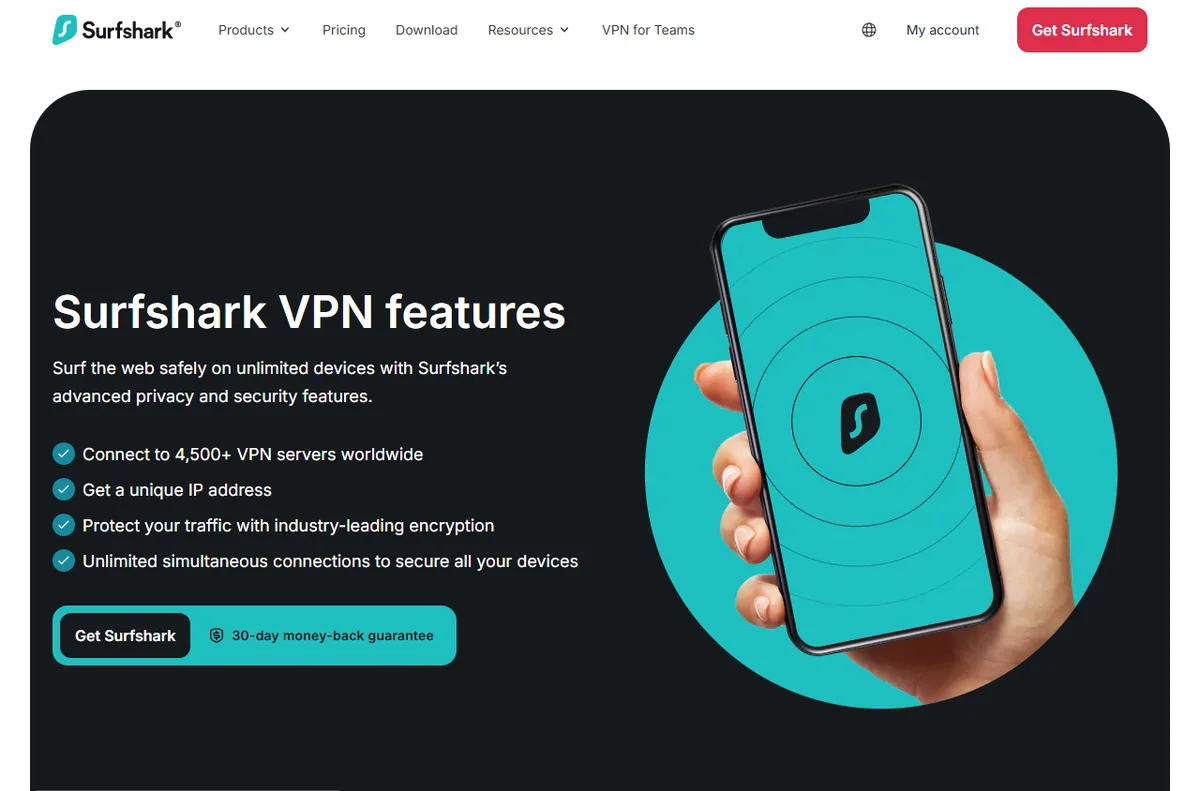
    Surfshark VPN features overview
    Surfshark features (image: surfshark.com)

    What matters most for a small business

    Before turning on features one by one, decide which of these priorities apply to you. They are ordered by how often they cause real problems in small teams.

    Priority Why it matters How to handle it
    Untrusted networksStaff on public or shared Wi-Fi expose their traffic to snooping.Enable auto-connect so the tunnel starts on unknown networks.
    Device sprawlLaptops, phones and tablets multiply the endpoints.Track who installed the app and on what, and stay within your device limit.
    Shared credentialsOne login shared by many people is hard to audit or revoke.Keep the owner list short, and change the password when someone leaves.
    Cost driftSubscriptions renew quietly and grow with headcount.Note the renewal date and re-check the official pricing page before it renews.
    Based on publicly documented behaviour, checked October 8, 2026.
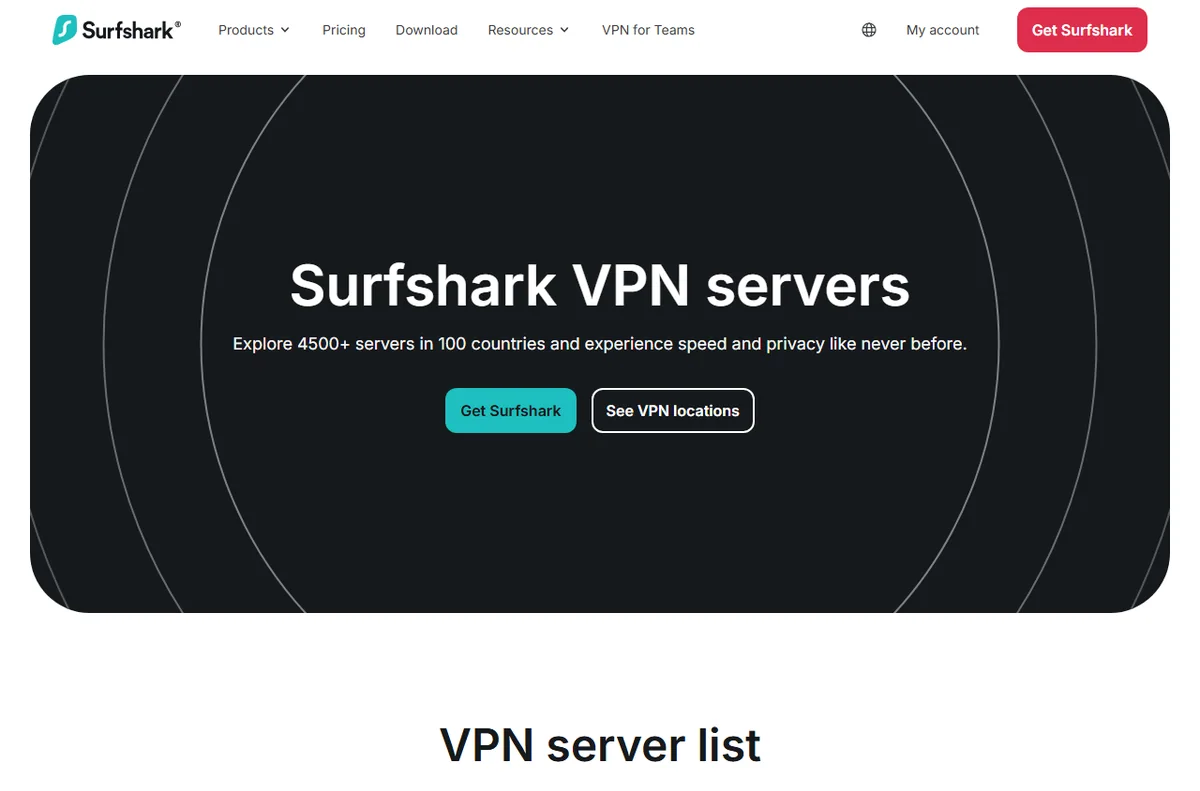
    Surfshark VPN server location list
    Surfshark servers (image: surfshark.com)

    Remote work and untrusted networks

    The clearest win is remote work. A laptop that roams between home, cafes, hotels and client offices is repeatedly joining networks you do not control. With the VPN set to connect automatically, the user does not have to remember anything.

    Travelling staff benefit most. Airports and hotel networks are convenient and hard to trust, and a tunnel turns an unknown network into a consistent one. Confirm the settings on each device once, then let auto-connect handle the rest.

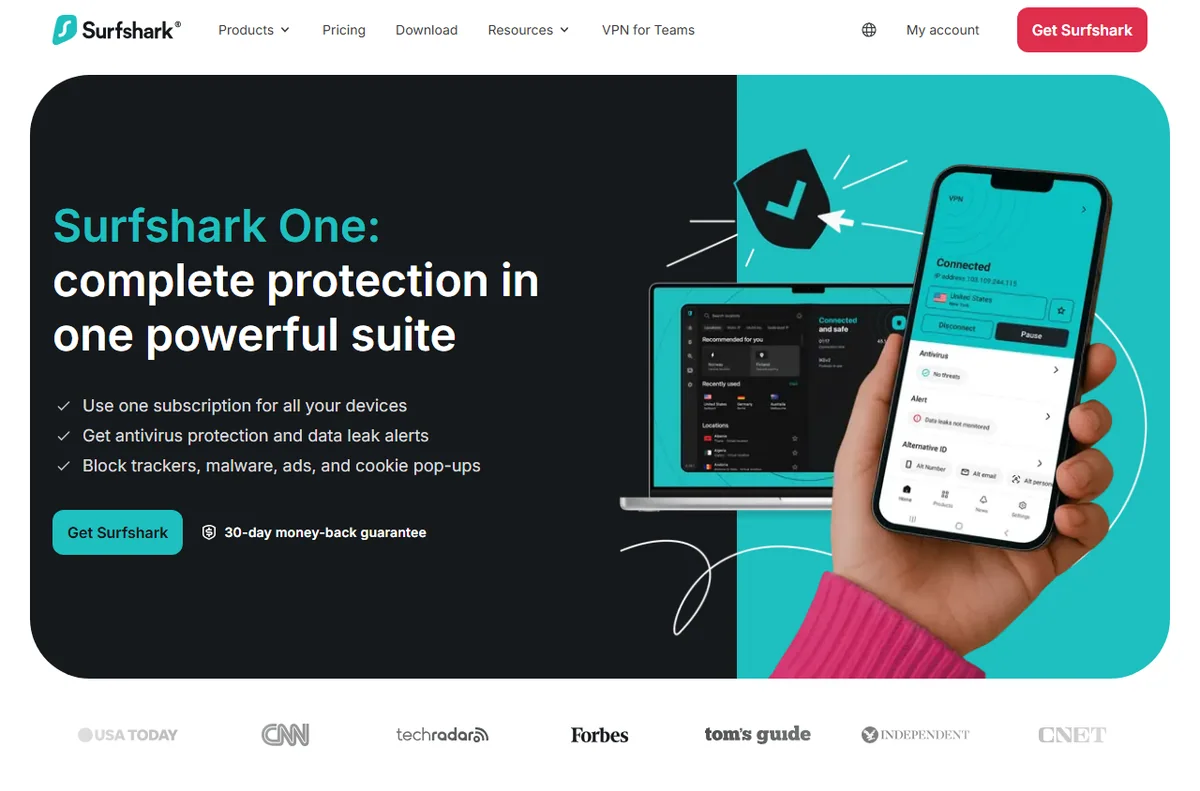
    Surfshark One protective bundle page
    Surfshark One (image: surfshark.com)

    Shared access without sharing passwords

    Sharing one login across the whole company is common and workable at a small scale, but it needs a little discipline. Keep the number of people who know the credentials as small as practical, and store them somewhere central rather than in a chat thread.

    When someone leaves, treat it like any other access change: rotate the password, sign out the devices that should no longer connect, and reconnect the ones that should. A short checklist makes this a five-minute job instead of a scramble.

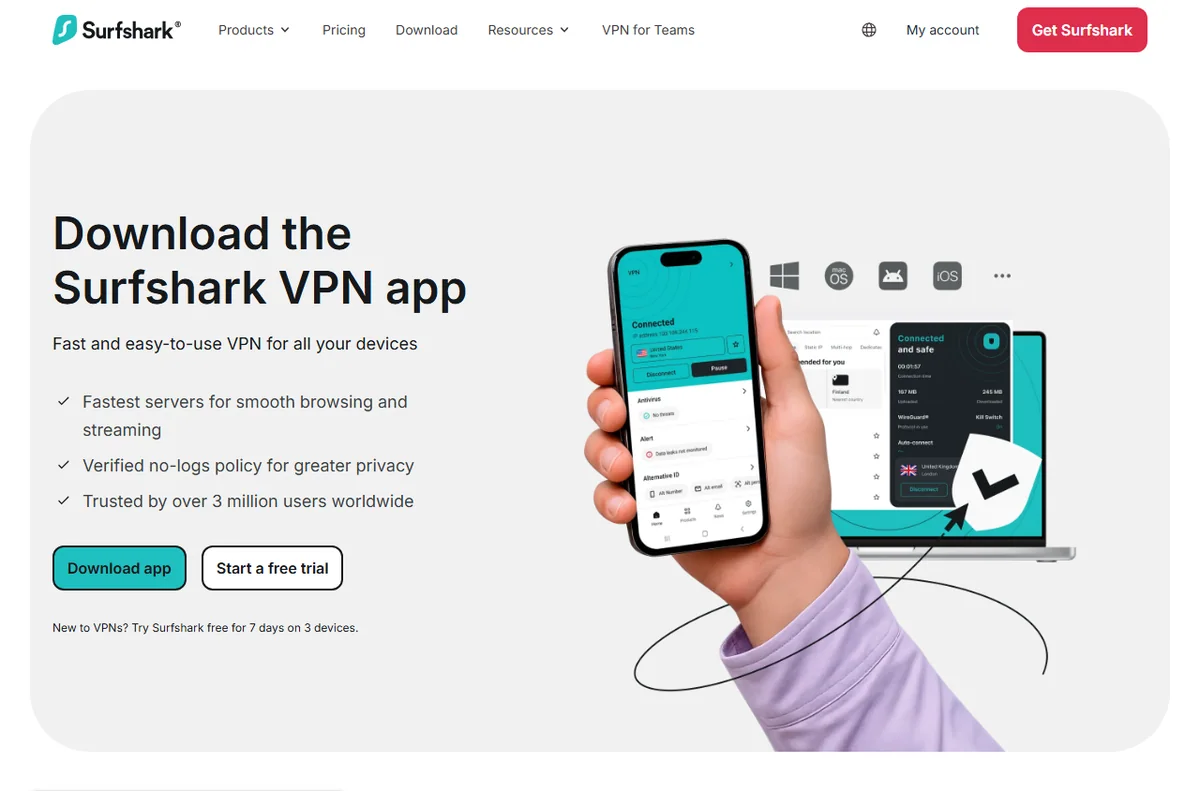
    Surfshark download page for all devices
    Surfshark download (image: surfshark.com)

    Simple admin and device management

    If your account includes a dashboard, use it as your home base. It gives you a single view of connected devices, which is far easier than asking every person what they installed.

    For a business without dedicated IT, that single view is often the difference between knowing your security posture and guessing. Review it every few weeks, not every day.

    Surfshark pricing plans
    Surfshark pricing (image: surfshark.com)

    Keeping cost predictable

    VPN costs stay predictable when you treat them like any other subscription. Record the renewal date, the device allowance and the plan you are on in one place, and revisit it before renewal rather than after.

    If headcount grows, check whether the current allowance still covers everyone at once. If it does not, compare the next tier against the cost of a second account before deciding.

    A short internal VPN policy

    You do not need a long document. A few clear lines will do, and the team will actually read them.

    • When the VPN should be on: always on untrusted networks, optional on trusted office networks.
    • Who holds the account details, and who is allowed to add or remove devices.
    • What to do if a device is lost: rotate the password and remove the device promptly.
    • Where to check plan limits and renewal dates, so nobody is surprised.
    Surfshark CleanWeb feature page
    Surfshark CleanWeb (image: surfshark.com)

    Common mistakes to avoid

    Most problems come from setup habits rather than the tool. Installing the app without checking the connection, forgetting to verify the device count, and leaving the account details with people who have left are the recurring three.

    A short verification step after each device is set up, plus one regular account review, removes nearly all of it.

    Surfshark blog with privacy guides
    Surfshark blog (image: surfshark.com)

    Where this fits in your wider stack

    To judge whether Surfshark is the right pick for your team, read the independent Surfshark review and start from the security and privacy hub. Weighing alternatives? Compare providers in Surfshark vs PureVPN and review VPNs suited to remote work before you commit.

    Frequently asked

    Do we need a VPN if the whole team works from one office?

    Not always for the office network itself, but it still helps for laptops that leave the building, home workers and anyone using public Wi-Fi. If devices never leave a trusted network, the value is much smaller.

    Is sharing one account across the team acceptable?

    It is common in very small teams and generally workable, but it needs discipline. Keep the list of credential holders short, store the login centrally, and rotate the password when someone leaves.

    How often should we review connected devices?

    Every few weeks is usually enough for a small team. The point is to spot devices that should have been removed, not to watch the dashboard daily.

    Will this replace our other security tools?

    No. A VPN protects traffic in transit. Antivirus, patching and password management still matter and are separate jobs.

    Protect your team with Surfshark

    Review the current plans and device limits on the official site before you choose.

    Referral link — we may earn a reward if you sign up, at no extra cost to you. We are an independent publisher. See our Affiliate Disclosure.