Home / Automation / Guides / How to use Zapier for a small business
Use case · automation · updated October 8, 2026
How to use Zapier for a small business
Zapier is most useful to a small business when it removes the repetitive glue work: moving leads, sending follow-ups, logging orders. These seven automations are the ones worth building first, in the order most teams should build them.
Independent analysis. This page may contain affiliate links. Some links here are referral links; if you sign up through one we may earn a reward at no extra cost to you, and it never changes what we recommend. We are an independent publisher and are not affiliated with, endorsed by, or an official partner of any tool mentioned. See our Affiliate Disclosure.
TL;DR
- Start with the automation that saves the most manual minutes.
- Lead capture and follow-up is usually automation number one.
- Keep each Zap narrow rather than building one giant flow.
- Watch task usage; a busy Zap can consume the free cap quickly.
- Only automate a process you already do consistently by hand.
On this page: Where automation pays off · Seven automations · Which one first · Keeping tasks under control · Where this fits

Where automation pays off
Automation pays off when a task is repetitive, rule-based and triggered by an event. If you already do the same thing every time a lead arrives, a Zap can do it instead.
The rule of thumb: if a task happens more than a few times a week and follows a fixed pattern, it is a candidate.
Seven automations worth building
- Send new form leads into your CRM or spreadsheet automatically.
- Start a follow-up email sequence when someone opts in.
- Notify your team in chat when an order or payment lands.
- Create a task when a client replies to a proposal.
- Log invoices and receipts into bookkeeping software.
- Add new customers to an onboarding checklist automatically.
- Post new content or listings to social channels from one source.
Which automation to build first
Count the minutes each task costs you per week, then pick the highest. For most small businesses that is lead capture and follow-up, because it touches revenue and is done constantly.
Build that one, watch it for a week, and only then add the next. Automating five things at once makes failures hard to trace.

Keeping task usage under control
- Keep Zaps narrow: fewer steps per Zap means fewer tasks per run.
- Add filters so a Zap only runs on the events that matter.
- Estimate monthly tasks from volume before you rely on it in production.
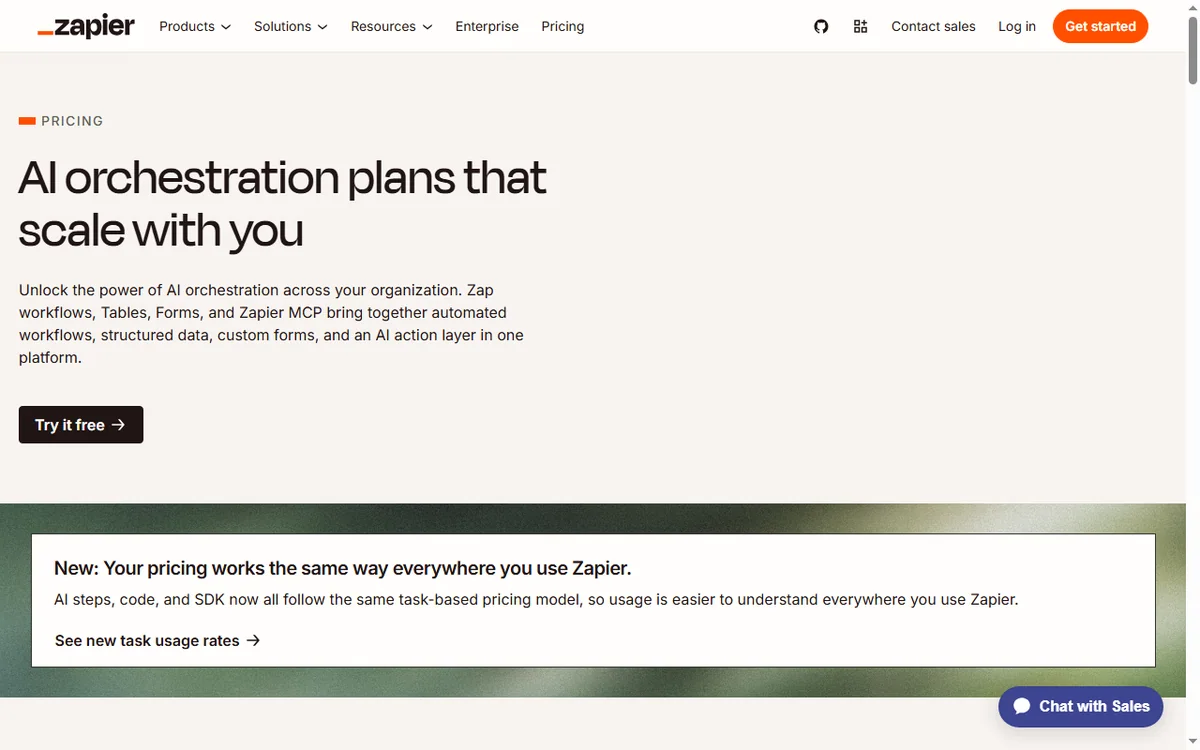
- Check the current cap on the vendor’s pricing page, because tiers change.
Where this fits in your wider stack
Start with the business automation hub and the independent Zapier review. For cost, see the Zapier pricing guide; for context read what is Make, compare in Make vs Zapier, and browse the best workflow automation tools roundup.
Frequently asked
What should I automate first?
The task that costs the most minutes per week and follows a fixed pattern. For most small businesses that is lead capture and follow-up.
How many Zaps should I start with?
One. Prove it works for a week before adding the next, so failures stay easy to trace.
How do I avoid burning through tasks?
Keep Zaps narrow, add filters so they only run on relevant events, and estimate volume before relying on them in production.
Do I still need manual checks?
Yes. Automations handle the repetitive path; judgement calls still need a human.
Automate the task that eats your week
Pick the one that costs the most minutes, and build only that.
Referral link — we may earn a reward if you sign up, at no extra cost to you. We are an independent publisher. See our Affiliate Disclosure.
Leave a Reply