We’re reader-supported — some links are affiliate links. Learn more →

Skip to content

Independent software research. Some links may earn us a commission at no extra cost to you. Learn more →

ICode

Author: admin

  • How to Set Up Kajabi: Account, Product and First Course

    How to Set Up Kajabi: Account, Product and First Course

    Home / Course Platforms / Guides / How to set up Kajabi

    Tutorial · course platforms · updated October 8, 2026

    How to set up Kajabi: from account to first course

    Kajabi bundles course hosting, website and marketing in one platform. Setting it up means creating the account, defining a product, building the first course, and connecting payments so a student can actually enrol.

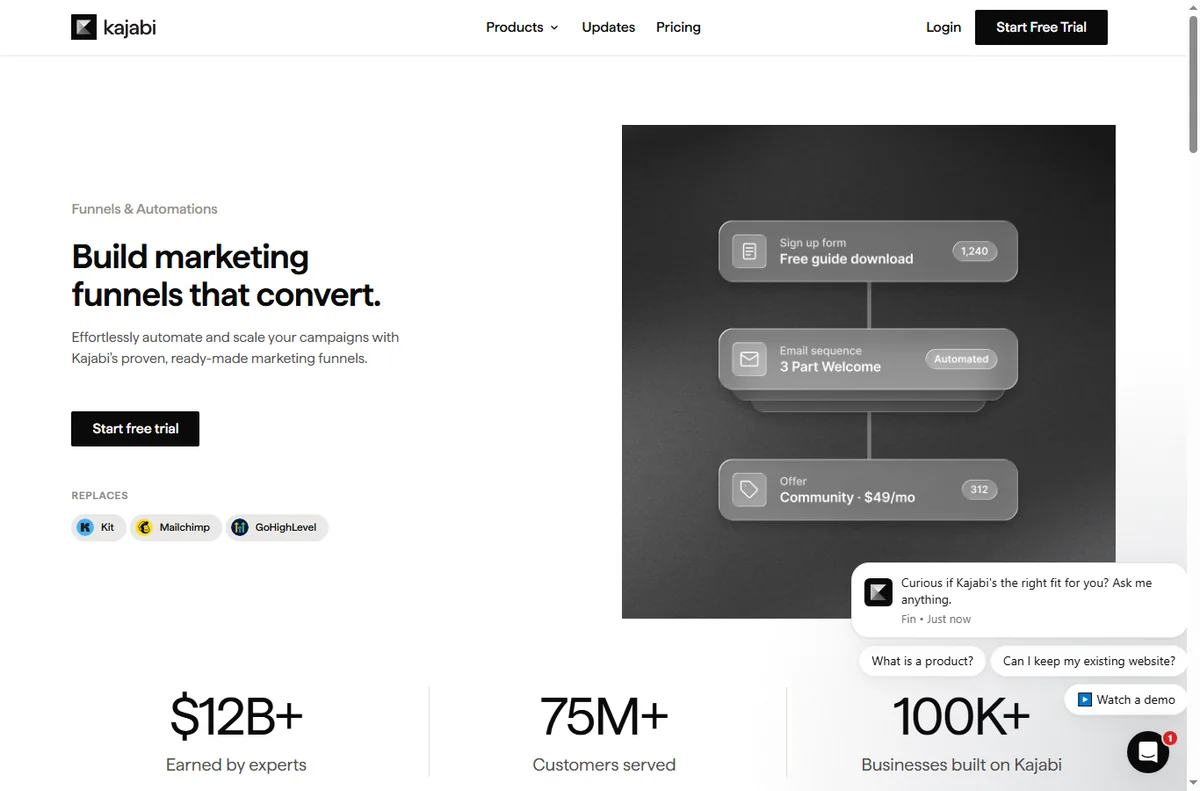
    Kajabi homepage for turning expertise into products
    Kajabi official homepage (image: kajabi.com)

    Independent analysis. This page may contain affiliate links. Some links here are referral links; if you sign up through one we may earn a reward at no extra cost to you, and it never changes what we recommend. We are an independent publisher and are not affiliated with, endorsed by, or an official partner of any tool mentioned. See our Affiliate Disclosure.

    TL;DR

    • Kajabi is an all-in-one: courses, site and marketing in one account.
    • Create the product before the course so pricing and access are defined.
    • Build one small course end to end rather than a sprawling curriculum.
    • Connect payments and test enrolment before you announce anything.
    • Confirm current plan limits and pricing on Kajabi’s own pricing page.

    On this page: What setting up Kajabi means · Before you start · Create your account · Add a product · Build the first course · Payments and enrolment · Test before launch · Common setup mistakes · Where this fits

    What setting up Kajabi actually means

    Kajabi is positioned as an all-in-one platform: it hosts your courses, gives you pages and email, and takes payments. Setup is therefore broader than a single-purpose tool, but the path is still short.

    The milestones are: account, product, course content, then payments. Do them in order and you can launch a first course without touching every feature.

    Before you start

    • A clear outcome for the course: what a student can do at the end.
    • A rough outline of modules and lessons.
    • The price you intend to charge and the access you will grant.
    • Payment details and, if relevant, a company name for receipts.
    Kajabi pricing page with plans and a free trial
    Kajabi pricing (image: kajabi.com)

    Step 1 — Create your account

    Sign up, name your site, and complete the onboarding. Pick the plan that matches the number of products and contacts you expect; changing tier later is possible but messy mid-launch.

    If you are unsure, start smaller than you think you need. You can grow a plan; you cannot get back the time spent configuring features you never use.

    Kajabi online courses product page
    Kajabi online courses (image: kajabi.com)

    Step 2 — Add a product

    Create a product and give it a price and access rules. The product is the container that decides who gets in and what they pay, so define it before you build the content.

    Keep the first product simple: one price, one access level. Bundles and upsells can come after the first launch.
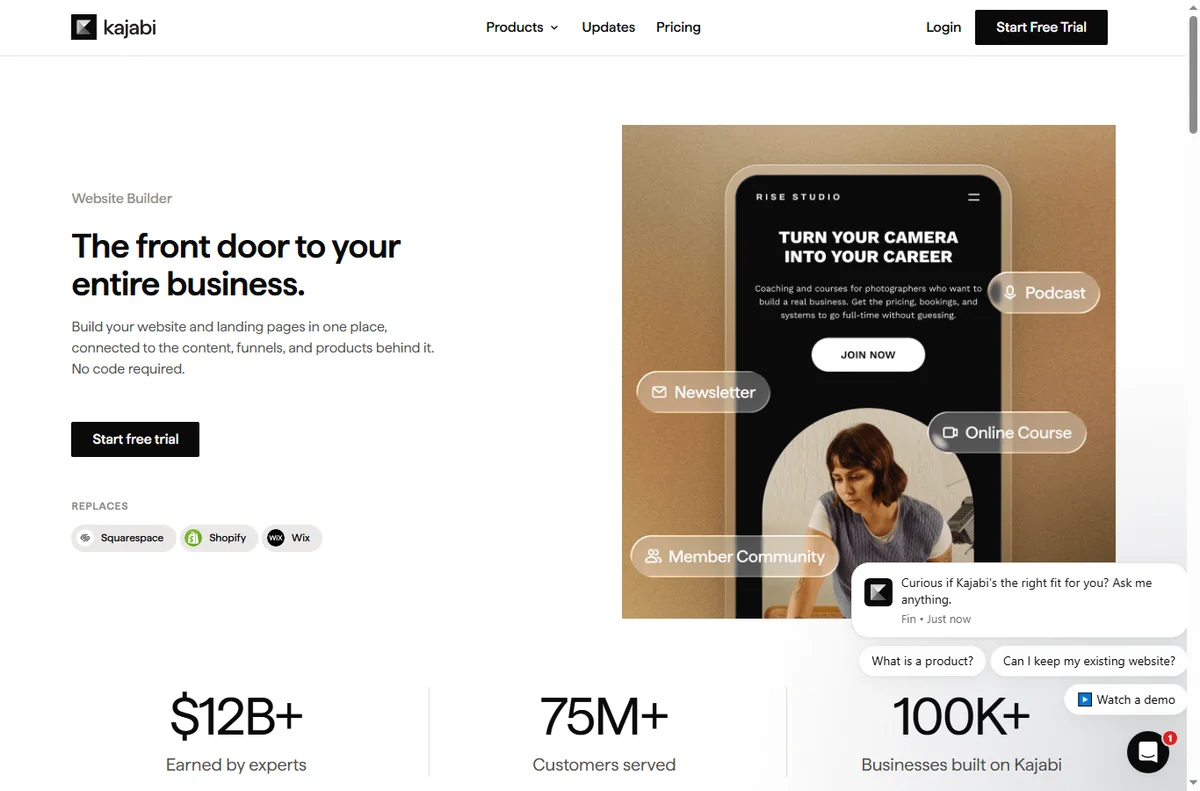
    Kajabi website and page builder feature page
    Kajabi website builder (image: kajabi.com)

    Step 3 — Build the first course

    Add modules, then lessons inside them. Publish one lesson fully — video or text, plus any resource — before building the next, so you always have a complete path.

    Resist building ten lessons before testing one. A short, finished course beats a long, unfinished one, and you will rewrite it after the first students anyway.

    Kajabi payments feature page
    Kajabi payments (image: kajabi.com)

    Step 4 — Payments and enrolment

    Connect a payment provider and set the product to sell. Then walk through enrolment as a student: land on the offer, pay, and reach the member area.

    Set up the welcome email before launch so a new student knows exactly what happens next.

    Test before you launch

    1. Buy your own product with a test card or discount code.
    2. Confirm the member area unlocks the right content.
    3. Check the welcome email arrives.
    4. Load the offer page on mobile.
    5. Only then tell your audience it is live.

    Common setup mistakes

    Mistake Why it hurts Fix
    Building content before the productPricing and access are undefinedCreate the product first
    Too many lessons at launchYou never shipShip one complete module
    Skipping a test enrolmentAccess bugs hit real buyersBuy your own product first
    No welcome emailStudents feel lostSet the welcome sequence before launch
    Over-configuring featuresTime lost for no benefitUse only what the first course needs
    Based on publicly documented behaviour, checked October 8, 2026.
    Kajabi funnels feature page
    Kajabi funnels (image: kajabi.com)

    Where this fits in your wider stack

    Read the independent Kajabi review and start from the course platforms hub. Comparing platforms? See Kajabi vs Thinkific and the course platform pricing comparison. For a shortlist, read best course platforms.

    Frequently asked

    Do I need a website before Kajabi?

    No. Kajabi includes the pages you need, so you can launch a course without building a separate site first.

    How many lessons should my first course have?

    Enough to deliver the promised outcome, and no more. Three to five focused lessons ship faster and teach you what students need.

    Can I sell without a payment provider?

    You need a connected payment provider to charge. Connect it and run a test enrolment before launch.

    Is Kajabi suitable for one small course?

    It can be, if you also want the marketing and site features. If you only need course hosting, a lighter platform may fit better — see the comparison.

    Launch your first course on one platform

    Define the product, ship one complete module, and test enrolment before you announce.

    Referral link — we may earn a reward if you sign up, at no extra cost to you. We are an independent publisher. See our Affiliate Disclosure.

  • Common Hostinger Problems and How to Fix Them

    Common Hostinger Problems and How to Fix Them

    Home / Hosting / Guides / Common Hostinger problems

    Problem solving · hosting · updated October 8, 2026

    Common Hostinger problems and how to fix them

    Most Hostinger problems are not mysterious. They fall into a handful of patterns: a site that will not load, email that will not send, a certificate that looks wrong, or a renewal bill that was bigger than expected. Here is how to diagnose and fix each.

    Hostinger homepage for web hosting and domains
    Hostinger official homepage (image: hostinger.com)

    Independent analysis. This page may contain affiliate links. Some links here are referral links; if you sign up through one we may earn a reward at no extra cost to you, and it never changes what we recommend. We are an independent publisher and are not affiliated with, endorsed by, or an official partner of any tool mentioned. See our Affiliate Disclosure.

    TL;DR

    • Check whether the problem is the host or your site before opening a ticket.
    • Slow or down is often resources, a plugin, or a DNS change still propagating.
    • Email issues are usually DNS records (SPF, DKIM, DMARC), not the mailbox.
    • SSL warnings are fixed by reissuing or renewing the certificate.
    • Renewal price shocks are avoided by reading the terms at purchase.

    On this page: How to diagnose first · Site down or not loading · Slow loading · Email not sending · SSL warnings · Renewal price shock · When to contact support · Where this fits

    How to diagnose first

    Before you assume the host is at fault, separate the two: does the problem affect the whole server or just your site? Check the host status page and try loading a plain file. If a static file loads and your app does not, the issue is your site, not the server.

    Hostinger hPanel login screen for managing a hosting account
    Hostinger hPanel login (image: hostinger.com)

    Site down or not loading

    • Confirm the domain still points at the host (a DNS change can break routing).
    • Check for an expired plan or domain.
    • Look at whether a recent plugin or theme update broke the site.
    • If only some visitors are affected, suspect DNS propagation or caching.
    Hostinger WordPress hosting page with performance features
    Hostinger WordPress hosting (image: hostinger.com)

    Slow loading

    Shared hosting slows down when your site competes for resources. The fix is usually on your side first: caching, image optimisation, and removing heavy plugins. If the baseline is still slow after that, the plan itself may be the limit.

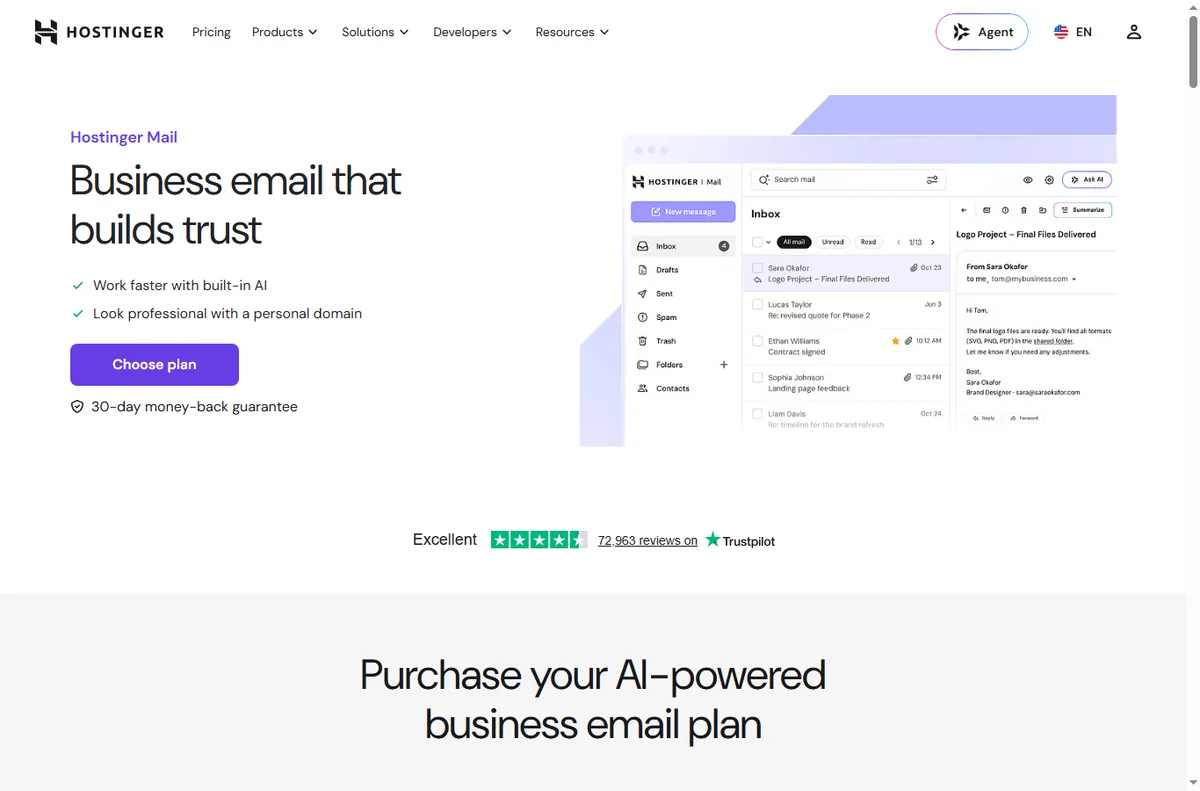
    Hostinger business email page for sending from your domain
    Hostinger business email (image: hostinger.com)

    Email not sending

    Email problems on any host are usually authentication records, not the mailbox itself. Missing or wrong SPF, DKIM and DMARC records cause messages to be rejected or land in spam. Fix the DNS records before blaming the server.

    If you send marketing volume, use a dedicated email service rather than the hosting mailbox; transactional and bulk sending have different requirements.

    Hostinger domain and DNS settings page for SSL records
    Hostinger domains and DNS (image: hostinger.com)

    SSL warnings

    • Reissue the certificate if it expired or was not installed correctly.
    • Make sure the site is configured to serve HTTPS, not a mix of both.
    • If you changed domain or DNS, wait for propagation before reissuing.
    Hostinger pricing page showing plan and renewal pricing
    Hostinger pricing (image: hostinger.com)

    Renewal price shock

    The intro rate is for the first term only. Renewal is billed at the standard rate for the full term, and add-ons renew separately. Read the terms at purchase and set a reminder before the renewal date so the bill is never a surprise.

    If you do not need the plan any more, cancel within the money-back window where one applies.

    When to contact support

    Contact support when the problem is server-side: the whole server is unreachable, the panel is broken, or a certificate cannot be issued. For site-level problems, your own debugging is usually faster.

    Hostinger tutorials and knowledge base library
    Hostinger tutorials (image: hostinger.com)

    Where this fits in your wider stack

    Read the independent Hostinger review and start from the hosting hub. If the problem is cost, see the hosting renewal pricing guide; if it is a host choice, compare in Kinsta vs Hostinger.

    Frequently asked

    Why is my Hostinger site down?

    Usually an expired plan or domain, a DNS change, or a broken plugin after an update. Check those before contacting support.

    Why do my emails go to spam?

    Missing or misconfigured SPF, DKIM and DMARC records are the most common cause. Fix the DNS records first.

    Why did my bill go up?

    Introductory pricing applies to the first term only. Renewal is charged at the standard rate, which is higher.

    Is shared hosting always slow?

    Not always, but it is sensitive to how much you and your neighbours use the same server. Caching and lighter plugins help most sites.

    Fix the plan, not just the symptom

    Check what your Hostinger tier actually includes before the next renewal.

    Referral link — we may earn a reward if you sign up, at no extra cost to you. We are an independent publisher. See our Affiliate Disclosure.

  • What Is Hostinger? A Plain-English Guide to the Web Host

    What Is Hostinger? A Plain-English Guide to the Web Host

    Home / Hosting / Guides / What is Hostinger

    Knowledge · hosting · updated October 8, 2026

    What is Hostinger?

    Hostinger is a web hosting company: it rents you server space so a website can be online. This guide explains what a plan actually includes, how the tiers differ, and when Hostinger is a sensible choice rather than just a cheap one.

    Hostinger homepage for web hosting and domains
    Hostinger official homepage (image: hostinger.com)

    Independent analysis. This page may contain affiliate links. Some links here are referral links; if you sign up through one we may earn a reward at no extra cost to you, and it never changes what we recommend. We are an independent publisher and are not affiliated with, endorsed by, or an official partner of any tool mentioned. See our Affiliate Disclosure.

    TL;DR

    • Hostinger is a web host — the company that stores and serves your website.
    • The headline price is an intro rate; renewal pricing is what you pay long term.
    • Shared hosting suits most small sites; VPS suits people who need control.
    • A plan is only as good as your ability to use the panel and support it ships with.
    • Confirm current prices, terms and renewal rates on Hostinger’s own pricing page.

    On this page: What Hostinger is · What you actually get · Shared, VPS and more · How to judge a plan · What it is not · Where this fits

    What Hostinger is

    A web host keeps your site’s files and database on a server and delivers pages to visitors. Hostinger is one such host, aimed at price-conscious users who want a managed control panel and one-click installs rather than a bare server.

    That makes the real question not “is it cheap?” but “does this plan include what my site needs, and can I manage it?”

    Hostinger pricing page listing shared, VPS and cloud plans
    Hostinger pricing (image: hostinger.com)

    What you actually get in a plan

    • Server space plus a slice of CPU and memory for your site.
    • A control panel to manage files, databases and email.
    • One-click installs for common software such as WordPress.
    • A domain registration or transfer, often bundled for the first term.
    • SSL so your site loads over HTTPS.
    • Some level of backup and support, which varies by tier.
    Hostinger WordPress hosting product page
    Hostinger WordPress hosting (image: hostinger.com)

    Shared, VPS and more

    Shared hosting puts many sites on one server, which keeps prices low but means you share resources. A VPS gives you dedicated resources and more control, at a higher price and with more setup.

    Tier Best for Trade-off
    SharedMost small sites and blogsShared resources; a noisy neighbour can affect speed
    VPSBusy sites and custom setupsMore control, more maintenance
    Managed WordPressNon-technical ownersLess flexible, easier to run
    Based on publicly documented behaviour, checked October 8, 2026.
    Hostinger domain registration and search page
    Hostinger domains (image: hostinger.com)

    How to judge a plan in two minutes

    1. Look at the renewal price, not only the intro price.
    2. Check the resource limits: sites, storage, databases, email accounts.
    3. Confirm what backups and support are included.
    4. Check the money-back window if you are unsure.

    What Hostinger is not

    It is not a website builder in the design sense, and it is not an all-in-one marketing suite. It hosts the site; you still choose and run the software that gives it features.

    It is also not the only answer at every scale. If you need a specific managed stack or enterprise support, a specialist host may fit better — the Kinsta vs Hostinger comparison is a useful contrast.

    Hostinger tutorials and knowledge base library
    Hostinger tutorials (image: hostinger.com)

    Where this fits in your wider stack

    Start with the independent Hostinger review and the hosting hub. Weighing hosts? See Kinsta vs Hostinger and factor long-term cost with the hosting renewal pricing guide. For a shortlist, read best web hosting for small business.

    Hostinger business email page
    Hostinger business email (image: hostinger.com)

    Frequently asked

    Is Hostinger good for beginners?

    Generally yes. The appeal for beginners is the managed panel and one-click installs, which reduce the technical steps.

    What is the catch with cheap hosting?

    The intro price is temporary. Renewal pricing and resource limits are the numbers that matter over the life of the site.

    Shared or VPS?

    Choose shared for a normal small site and VPS when you outgrow shared resources or need custom software and control.

    Can I move my site later?

    You can migrate a site between hosts, but plan it as a deliberate project with backups and a test copy before switching.

    Compare Hostinger plans against your site’s needs

    Check the renewal price and resource limits, not just the headline offer.

    Referral link — we may earn a reward if you sign up, at no extra cost to you. We are an independent publisher. See our Affiliate Disclosure.

  • How to Use ClickFunnels for a Small Business: Five Funnels

    How to Use ClickFunnels for a Small Business: Five Funnels

    Home / Funnel Builders / Guides / How to use ClickFunnels for a small business

    Use case · funnel builders · updated October 8, 2026

    How to use ClickFunnels for a small business

    A small business does not need a dozen funnels. It needs a few that map to how customers actually arrive and buy. These five cover most small-business goals without over-building.

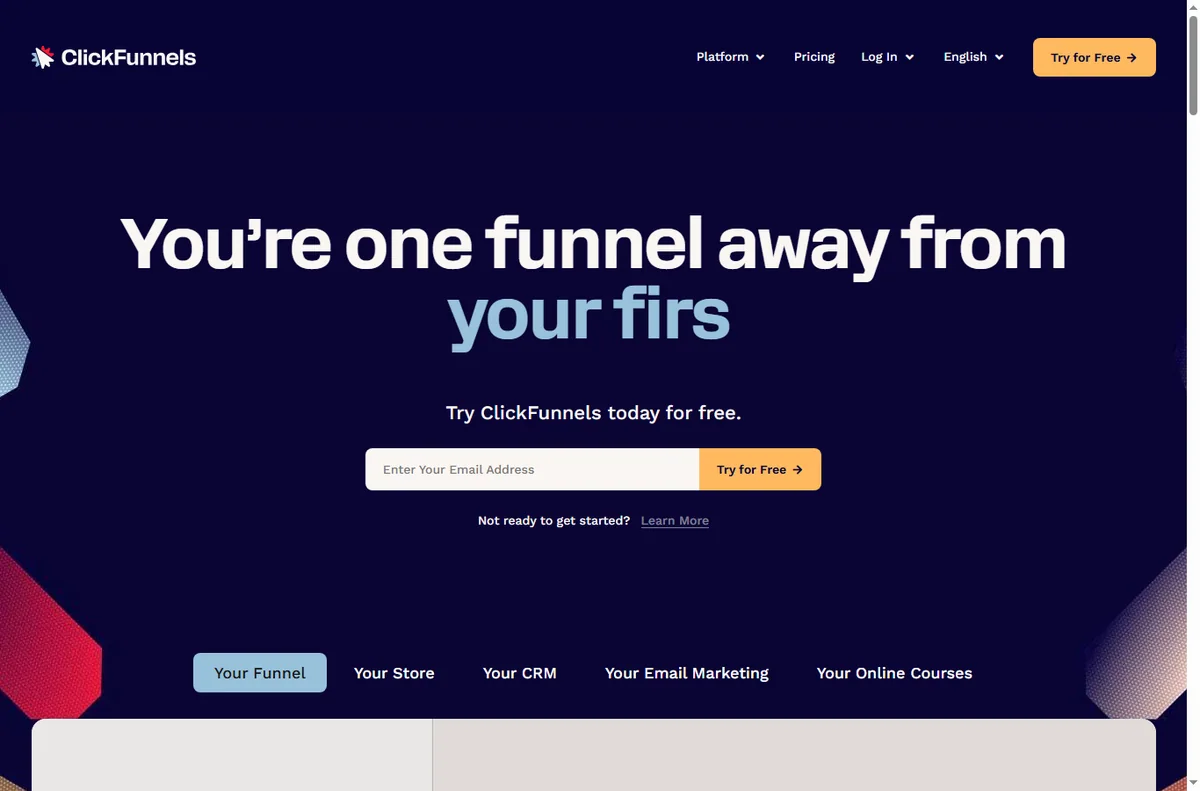
    ClickFunnels homepage for marketing funnels
    ClickFunnels official homepage (image: clickfunnels.com)

    Independent analysis. This page may contain affiliate links. Some links here are referral links; if you sign up through one we may earn a reward at no extra cost to you, and it never changes what we recommend. We are an independent publisher and are not affiliated with, endorsed by, or an official partner of any tool mentioned. See our Affiliate Disclosure.

    TL;DR

    • Match the funnel to the goal, not the other way around.
    • Lead capture converts cold traffic; sales funnels convert warm traffic.
    • A tripwire funnel can fund the ad spend behind a free offer.
    • One funnel done well beats five half-built ones.
    • Measure opt-in and conversion rates, not page count.

    On this page: Why a small business uses funnels · Five funnels to consider · Which funnel fits · Building blocks you reuse · Guardrails · Where this fits

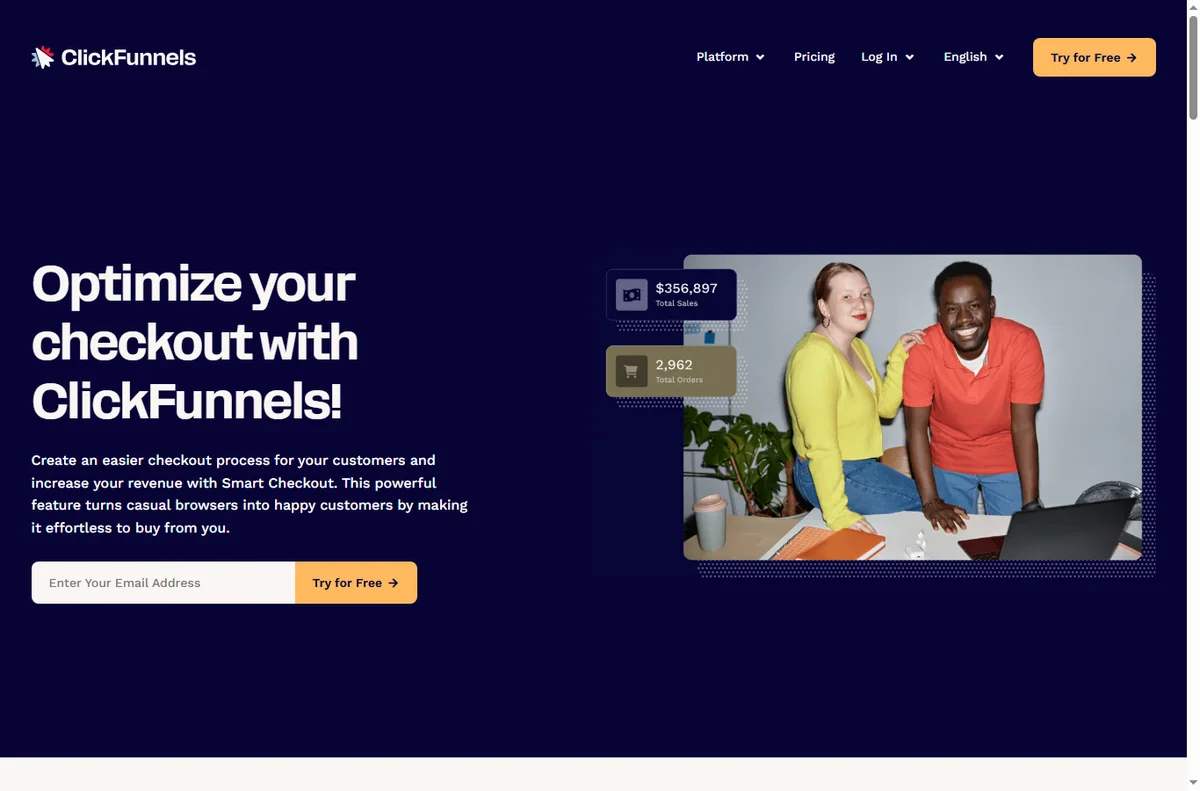
    ClickFunnels sales funnels feature page
    ClickFunnels sales funnels (image: clickfunnels.com)

    Why a small business uses funnels

    A page asks a visitor to decide; a funnel guides them. For a small business with limited traffic, guiding each visitor through a short, purposeful sequence lifts the return on the traffic you already have.

    The trick is restraint. Choose the funnel that matches your goal this quarter and ignore the rest until it works.

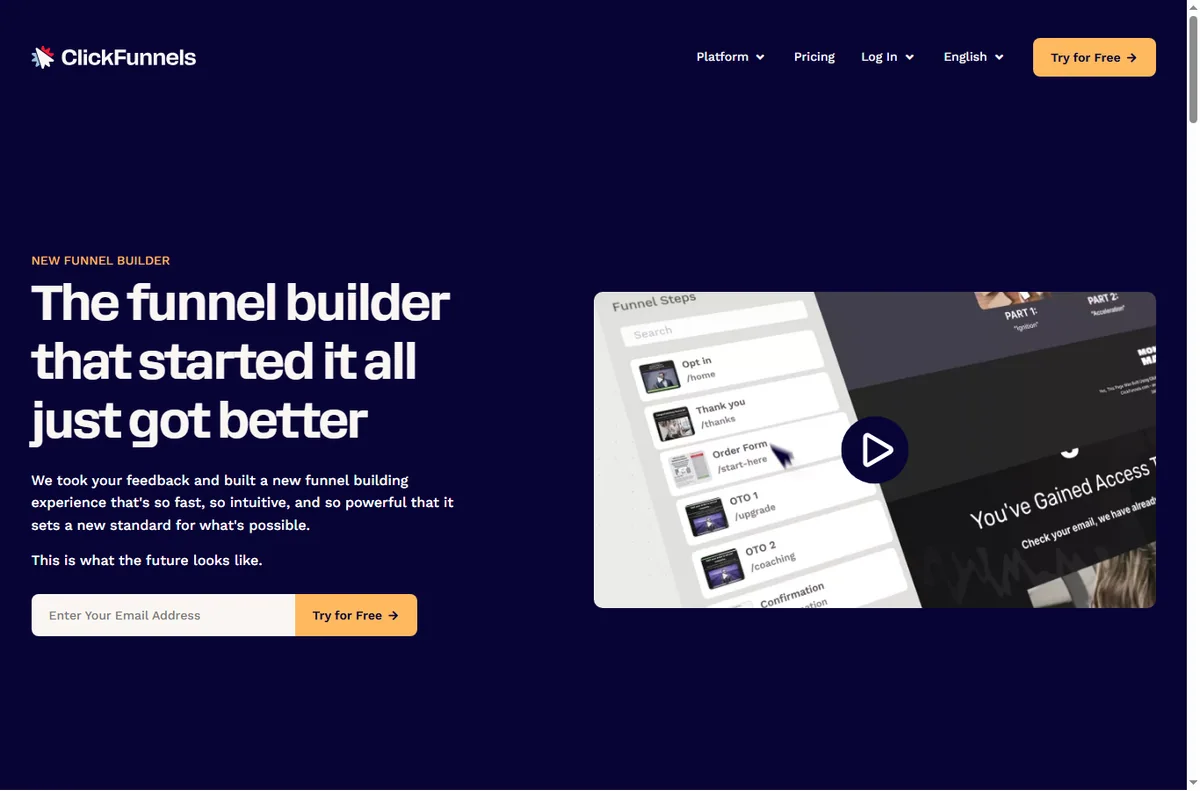
    ClickFunnels funnel builder feature page
    ClickFunnels funnel builder (image: clickfunnels.com)

    Five funnels to consider

    • Lead capture funnel — offer a useful resource in exchange for an email.
    • Sales funnel — present one offer and take the order on a single page.
    • Webinar registration funnel — register interest, then remind and follow up.
    • Tripwire funnel — a low-priced first offer that turns a lead into a buyer.
    • Order form funnel — a focused checkout for one product or service.

    Which funnel fits your goal

    Goal Funnel Why
    Build an email listLead captureLow commitment, high volume
    Sell one product or serviceSales funnelOne clear decision
    Fill a live sessionWebinar registrationRegistration plus reminders
    Turn leads into buyersTripwireLow-priced first purchase
    Simplify a single checkoutOrder formFewer distractions, less drop-off
    Based on publicly documented behaviour, checked October 8, 2026.
    ClickFunnels page editor feature page
    ClickFunnels editor (image: clickfunnels.com)

    Building blocks you reuse

    Across all five funnels you reuse the same pieces: a headline, a short explanation, one call to action, an optional form, and a thank-you step. Learn these once and each new funnel is mostly copywriting.

    Keep a swipe file of the headlines and buttons that worked so your next funnel starts from proof rather than guesswork.

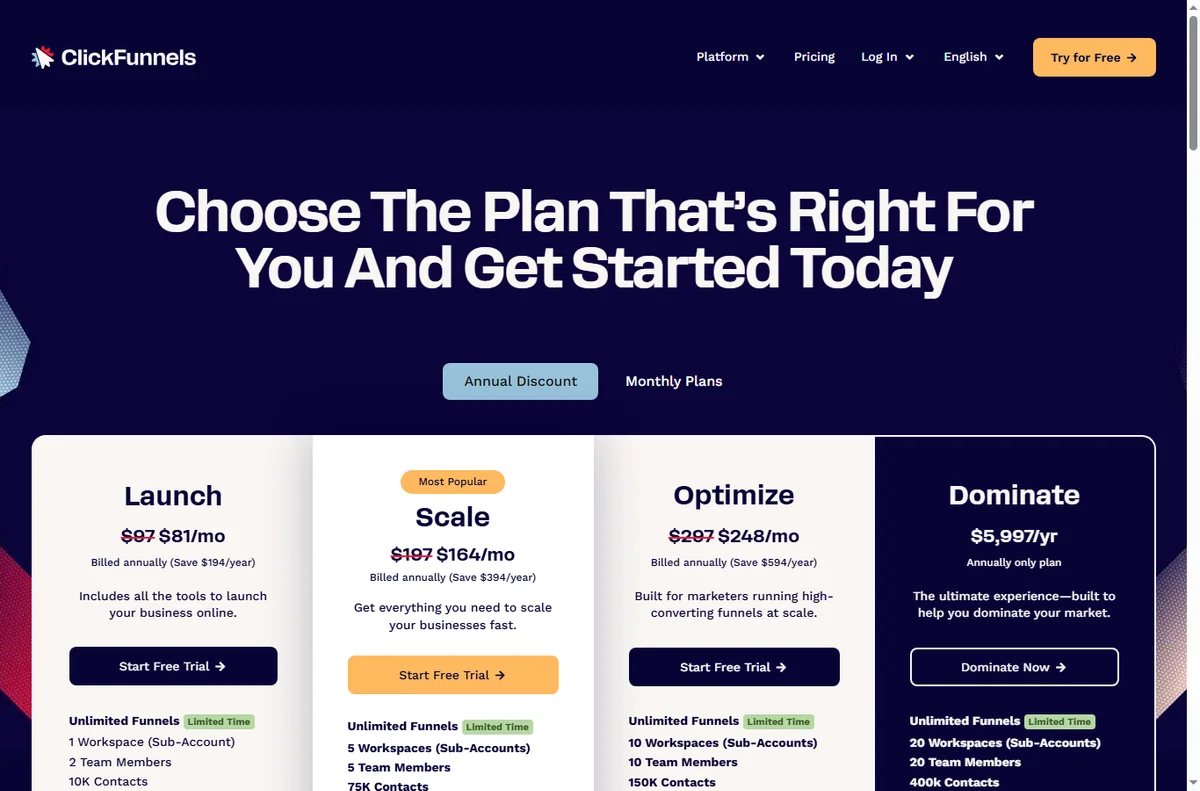
    ClickFunnels pricing page with plans
    ClickFunnels pricing (image: clickfunnels.com)

    Guardrails for a small business

    • Give each funnel one owner and one goal.
    • Track opt-in and conversion rates, not vanity page views.
    • Keep follow-up emails ready before you launch the funnel.
    • Retire funnels that underperform instead of piling on new ones.
    ClickFunnels integrations directory
    ClickFunnels integrations (image: clickfunnels.com)

    Where this fits in your wider stack

    Read the independent ClickFunnels review and start from the funnel builders hub. Comparing tools? See Systeme.io vs ClickFunnels. For a shortlist and cost breakdown, read best funnel builders and the funnel builder pricing guide.

    Frequently asked

    How many funnels should I start with?

    One. Build it, learn what converts, then add a second only when the first is working.

    Do I need paid traffic to use funnels?

    No. Funnels improve the return on any traffic. Paid traffic just makes the math easier to see because the numbers arrive faster.

    Can I use the same funnel for several products?

    You can, but one funnel per offer usually converts better because the message stays focused.

    What should I measure?

    Opt-in rate for lead funnels and conversion rate for sales funnels. Those two tell you whether the funnel earns its place.

    Put one small-business funnel to work

    Choose the goal that matters this quarter and build the funnel that fits it.

    Referral link — we may earn a reward if you sign up, at no extra cost to you. We are an independent publisher. See our Affiliate Disclosure.

  • How to Set Up ClickFunnels: Account, Funnel and First Page

    How to Set Up ClickFunnels: Account, Funnel and First Page

    Home / Funnel Builders / Guides / How to set up ClickFunnels

    Tutorial · funnel builders · updated October 8, 2026

    How to set up ClickFunnels: from account to first funnel

    ClickFunnels is built around the funnel, not the page. Setting it up means creating an account, picking a funnel type, building the steps, then connecting your domain and payment so a real visitor can convert.

    ClickFunnels homepage for marketing funnels
    ClickFunnels official homepage (image: clickfunnels.com)

    Independent analysis. This page may contain affiliate links. Some links here are referral links; if you sign up through one we may earn a reward at no extra cost to you, and it never changes what we recommend. We are an independent publisher and are not affiliated with, endorsed by, or an official partner of any tool mentioned. See our Affiliate Disclosure.

    TL;DR

    • Start from a funnel template rather than a blank page; it teaches the structure.
    • A funnel is a sequence of steps, each a page with one job.
    • Connect your domain before you drive traffic so links and tracking are correct.
    • Add a payment integration only when a step actually needs to take money.
    • Confirm current plan limits and pricing on ClickFunnels’ own pricing page.

    On this page: What setting up ClickFunnels means · Before you start · Create your account · Choose a funnel · Build the first page · Domain and payments · Test the funnel · Common setup mistakes · Where this fits

    What setting up ClickFunnels actually means

    ClickFunnels organises work around funnels: an ordered set of steps that move a visitor toward one outcome. Setting it up is not just building a page; it is choosing the sequence and giving each step a single conversion job.

    The practical milestones are: account, funnel template, first page, then domain and payments. Do them in that order and you have a live funnel.

    Before you start

    • A clear offer: what you sell and the single action you want a visitor to take.
    • The words for your headline and call to action, even roughly.
    • A domain you control, or willingness to launch on the default subdomain first.
    • A payment method if the funnel will take money.
    ClickFunnels sign-up screen to create an account
    ClickFunnels sign-up (image: clickfunnels.com)

    Step 1 — Create your account

    Sign up, confirm your email, and land in the funnel dashboard. Take a moment on the plan choice: the features you get decide how many funnels and steps you can run.

    If you are only exploring, build one funnel end to end before upgrading. You learn more from a finished funnel than from a feature checklist.

    ClickFunnels sales funnels feature page
    ClickFunnels sales funnels (image: clickfunnels.com)

    Step 2 — Choose a funnel

    ClickFunnels ships templates for common sequences: lead capture, sales, webinar registration, order forms. Pick the one closest to your goal rather than starting blank.

    Templates are scaffolding, not handcuffs. Starting from one gets the step order right, which is the part beginners most often get wrong.

    ClickFunnels page editor feature page
    ClickFunnels editor (image: clickfunnels.com)

    Step 3 — Build the first page

    Open the first step and replace the template’s placeholder copy with your own. Keep one job per page: if it is a landing page, its job is to get the opt-in, not to sell three things.

    Use the editor’s sections and rows to lay out a headline, a short explanation, and one prominent call to action. Fewer elements usually convert better than a crowded page.

    ClickFunnels pricing page with plans and checkout options
    ClickFunnels pricing (image: clickfunnels.com)

    Step 4 — Connect domain and payments

    Point your domain at the funnel so links, tracking and email all reference your brand. Add a payment integration on the step that takes money and test it with a real transaction you refund afterwards.

    Set the destination of each call to action explicitly. A button that goes nowhere is the most common reason a new funnel underperforms.

    Test the funnel before you launch

    1. Walk the whole sequence as a visitor on desktop and mobile.
    2. Check every button and form actually submits.
    3. Confirm the confirmation or thank-you step is reached.
    4. Send a test transaction if payments are connected.
    5. Only then point paid or organic traffic at it.

    Common setup mistakes

    Mistake Why it hurts Fix
    Starting from a blank pageStep order and structure sufferStart from a template
    Multiple calls to action per pageVisitors freeze and convert lessOne job per page
    Launching without a domainLinks and trust look unfinishedConnect your domain first
    Untested payment stepYou lose real sales to errorsRun a test transaction
    No follow-up stepLeads are captured but not nurturedAdd an email step
    Based on publicly documented behaviour, checked October 8, 2026.
    ClickFunnels integrations directory connecting other apps
    ClickFunnels integrations (image: clickfunnels.com)

    Where this fits in your wider stack

    Before you commit, read the independent ClickFunnels review and start from the funnel builders hub. Comparing options? See Systeme.io vs ClickFunnels and the funnel builder pricing guide. For a shortlist, read best funnel builders.

    Frequently asked

    Do I need a domain to start?

    You can build and preview on the default subdomain, but connect your own domain before driving real traffic so links, tracking and trust are right.

    Which funnel template should I pick?

    Choose the one closest to your goal: lead capture if you want emails, a sales funnel if you want a purchase, a webinar funnel if you run live sessions.

    Can I take payments without an integration?

    Most funnels need a connected payment provider to charge. Add it on the step that takes money and test it before launch.

    How long does setup take?

    A single funnel can be live in an afternoon. The time goes into copy and testing, not the tool.

    Build your first ClickFunnels step by step

    Start from a template, keep one job per page, and test before you drive traffic.

    Referral link — we may earn a reward if you sign up, at no extra cost to you. We are an independent publisher. See our Affiliate Disclosure.

  • How to Use n8n for a Small Business: Seven Workflows

    How to Use n8n for a Small Business: Seven Workflows

    Home / Automation / Guides / How to use n8n for a small business

    Use case · automation · updated October 8, 2026

    How to use n8n for a small business

    A small team rarely needs an army of automations. It needs five to seven reliable ones that remove the work nobody wants to repeat. These are the n8n workflows that pay back fastest for a small business.

    Independent analysis. This page may contain affiliate links. Some links here are referral links; if you sign up through one we may earn a reward at no extra cost to you, and it never changes what we recommend. We are an independent publisher and are not affiliated with, endorsed by, or an official partner of any tool mentioned. See our Affiliate Disclosure.

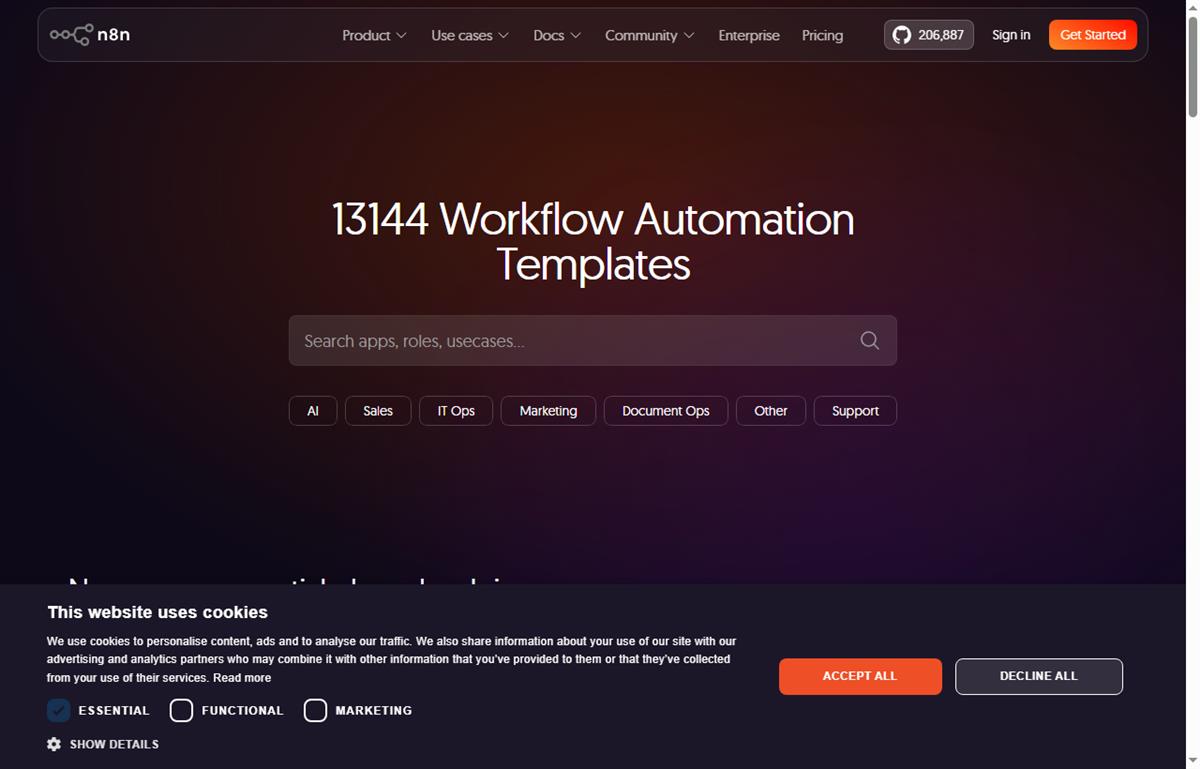
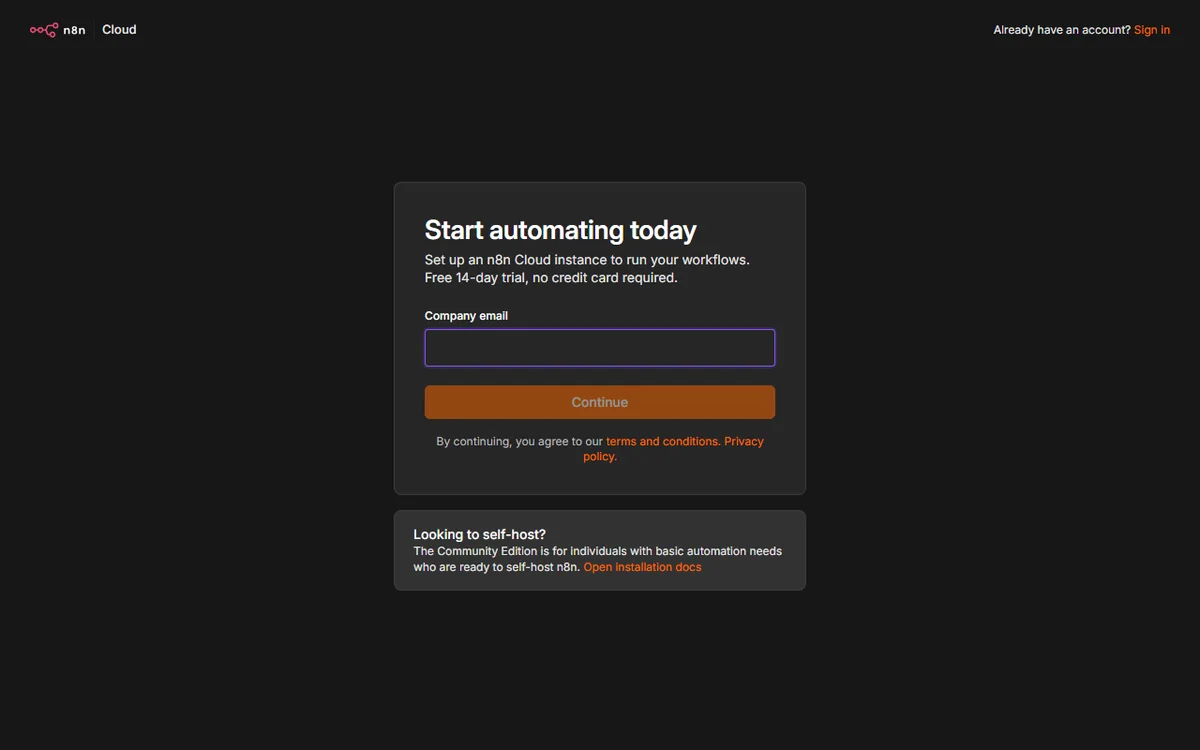
    n8n workflow templates you can build from
    Example n8n workflows you can start from at n8n.io/workflows (image: n8n.io)

    TL;DR

    • Start with the workflow that removes the most repetitive manual work, not the cleverest one.
    • Lead capture and routing is usually the highest-value first automation.
    • Internal notifications and reporting save time without touching customer-facing steps.
    • Self-hosting becomes attractive once you run several busy workflows.
    • Track time saved, not the number of workflows you build.

    On this page: Why a small business uses n8n · Seven practical workflows · Which to build first · The core skills you reuse · Guardrails for a small team · Where this fits

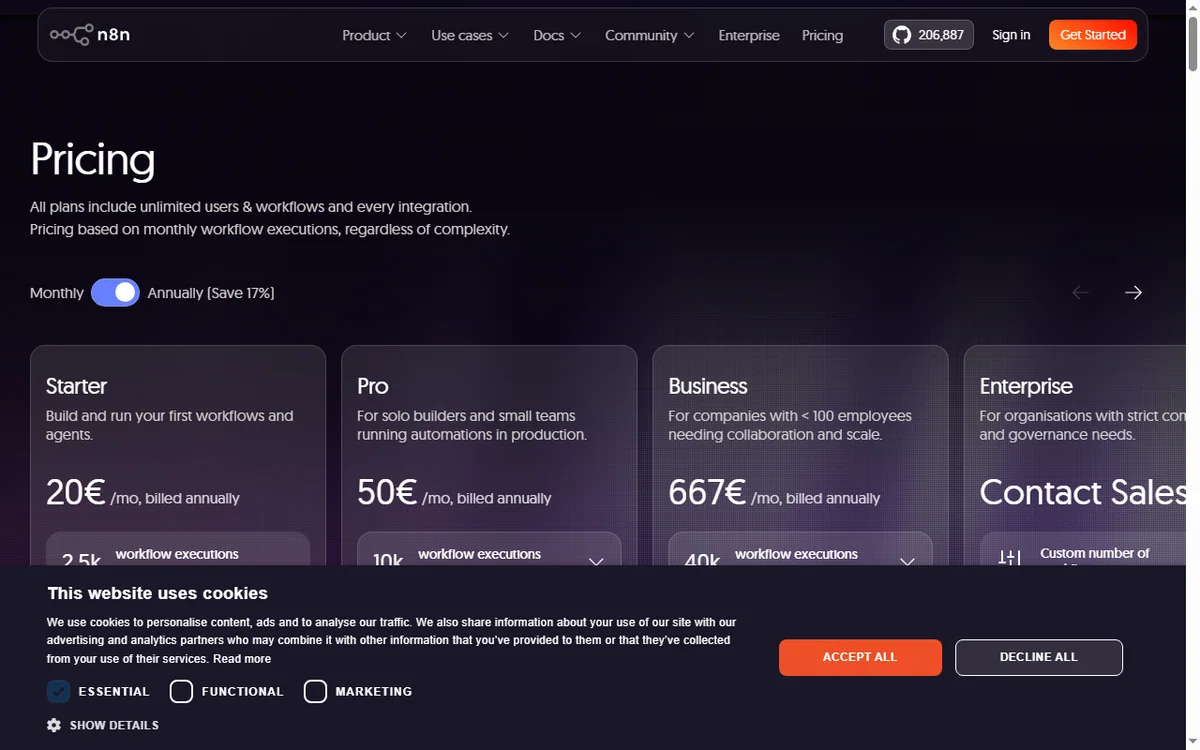
    N8n pricing page
    N8n pricing (image: n8n.com)

    Why a small business uses n8n

    The pattern is familiar: a form arrives, someone copies it into a spreadsheet, someone else emails the customer, and a third person forgets to follow up. n8n turns that chain into one workflow that runs the moment the trigger fires.

    You do not need a developer for this. You need one clear process, two or three connected apps, and the discipline to test before you switch it on.

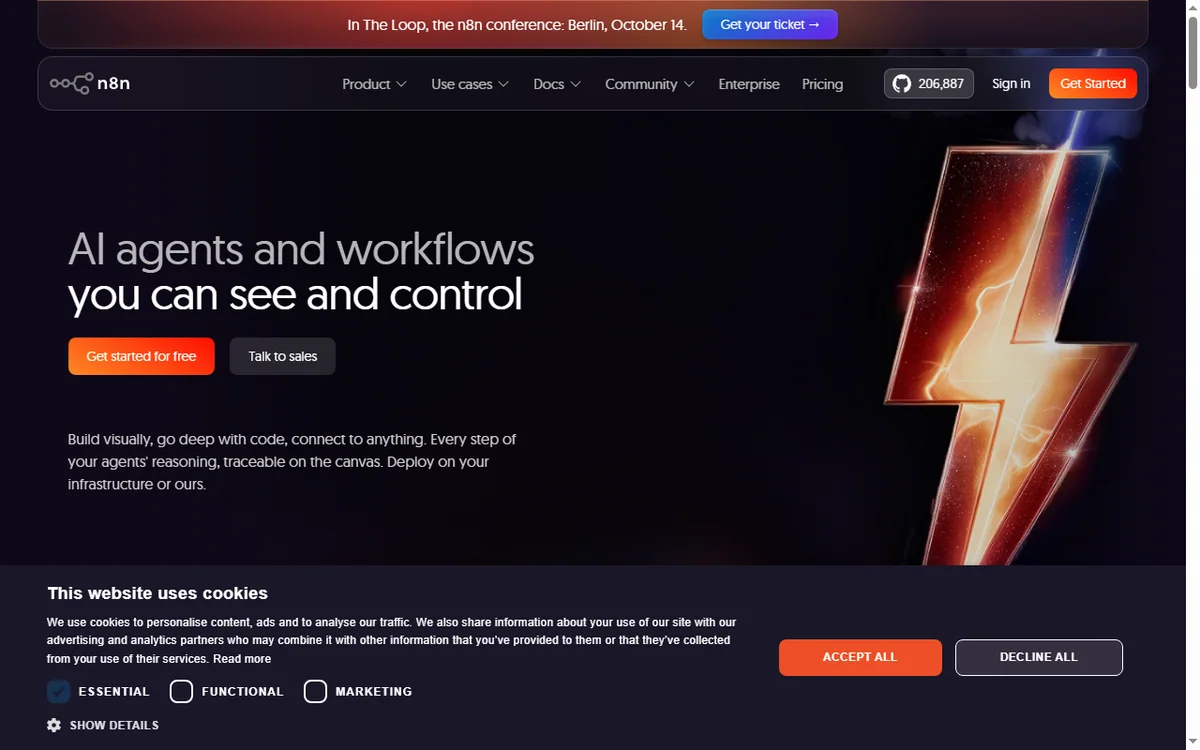
    N8n home page
    N8n home (image: n8n.com)

    Seven practical workflows

    • Lead capture and routing — a form submission creates a contact and notifies the right person.
    • Invoice chasing — a scheduled check flags overdue invoices and sends a reminder.
    • Daily reporting digest — pull key numbers each morning into one message.
    • Order or booking notifications — alert the team the moment a sale lands.
    • Content publishing — draft to review to scheduled publish without manual copying.
    • Internal approvals — a request routes to the right approver and records the decision.
    • Appointment reminders — confirmations and reminders sent on a schedule.

    Which to build first

    Priority Workflow Typical payback
    1Lead capture and routingImmediate — stops lost leads
    2Invoice chasingDays — improves cash flow
    3Order or booking notificationsImmediate — faster response
    4Daily reporting digestWeekly — saves admin time
    5Internal approvalsWeeks — removes email chains
    Based on publicly documented behaviour, checked October 8, 2026.
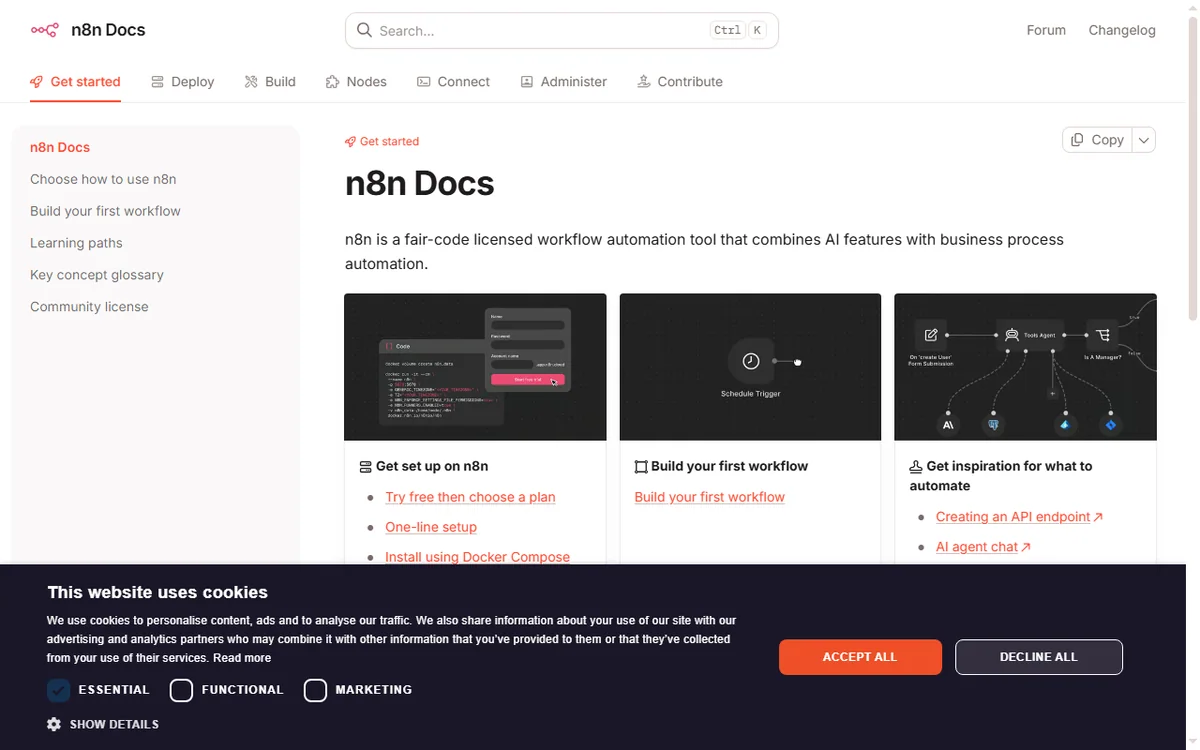
    N8n docs page
    N8n docs (image: n8n.com)

    The core skills you reuse

    Every workflow above is built from the same few moves: a trigger, one or more actions, field mapping, and a filter or branch. Learn those once and each new automation is faster than the last.

    Keep a simple naming convention so you can tell at a glance what a workflow does and who owns it.

    Guardrails for a small team

    • Give every workflow an owner and a short description.
    • Add error notifications so failures are noticed, not discovered later.
    • Log key runs to a spreadsheet or database for an audit trail.
    • Review automations quarterly and retire the ones nobody uses.
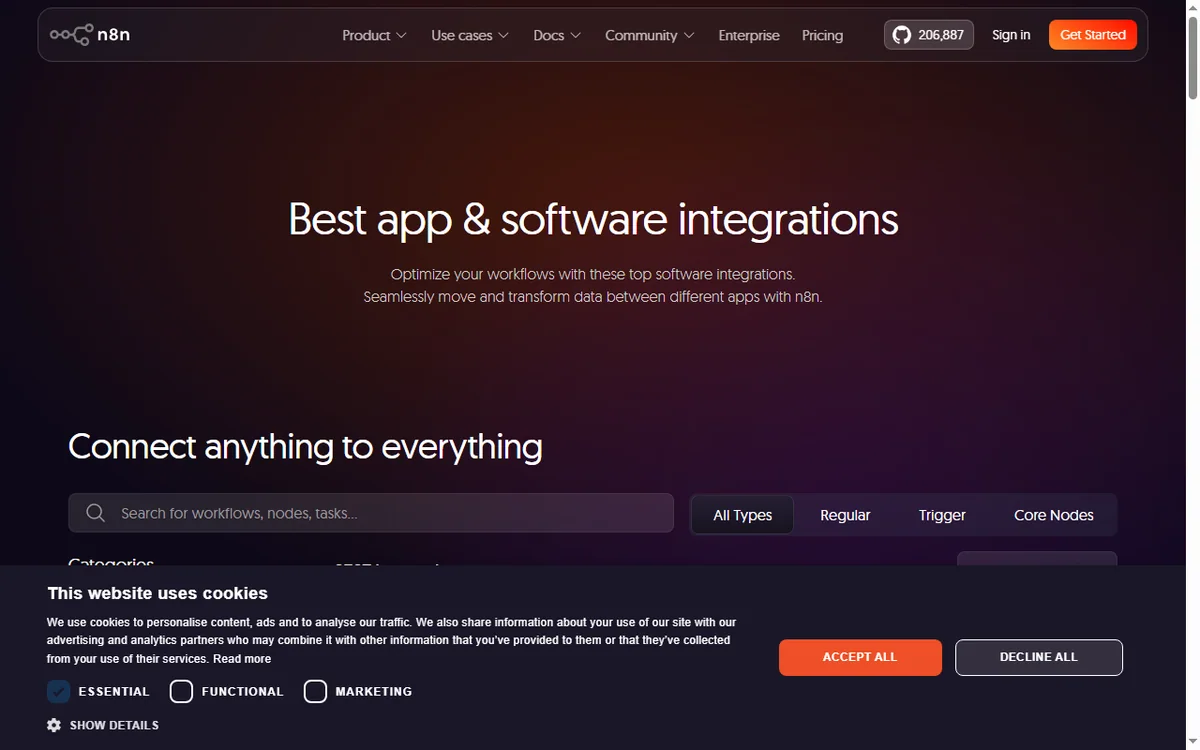
    N8n integrations page
    N8n integrations (image: n8n.com)

    Where this fits in your wider stack

    Read the independent n8n review and start from the automation hub. Comparing tools? See Make vs n8n and best workflow automation tools. If you plan to host it yourself, read the n8n self-hosting guide.

    N8n register page
    N8n register (image: n8n.com)

    Frequently asked

    How many workflows does a small business need?

    Most small teams get most of the value from five to seven. Add more only when a process is genuinely repeated and painful.

    Is n8n overkill for a very small team?

    Not necessarily. If you value self-hosting or expect volume, it fits early. If you want zero maintenance, a hosted option may suit you better.

    Who should own automations?

    One person should own them even if several use them. Clear ownership is what keeps workflows from quietly breaking.

    How do I know an automation is working?

    Add error notifications and a simple run log. If a workflow fails silently, you lose the data it was meant to move.

    Turn one recurring task into an n8n workflow

    Pick the process that wastes the most time this week and automate it first.

    Referral link — we may earn a reward if you sign up, at no extra cost to you. We are an independent publisher. See our Affiliate Disclosure.

  • How to Set Up n8n: Self-Hosted or Cloud, Step by Step

    How to Set Up n8n: Self-Hosted or Cloud, Step by Step

    Home / Automation / Guides / How to set up n8n

    Tutorial · automation · updated October 8, 2026

    How to set up n8n: from install to your first workflow

    n8n is a workflow automation tool you can run in the cloud or host yourself. Setting it up is a short list of choices: which deployment, how you connect the apps you use, and how you build and run one workflow end to end.

    n8n homepage for AI workflow automation, cloud or self-hosted
    n8n official homepage (image: n8n.io)

    Independent analysis. This page may contain affiliate links. Some links here are referral links; if you sign up through one we may earn a reward at no extra cost to you, and it never changes what we recommend. We are an independent publisher and are not affiliated with, endorsed by, or an official partner of any tool mentioned. See our Affiliate Disclosure.

    TL;DR

    • n8n connects apps on a canvas and can be self-hosted, which most visual automation tools cannot.
    • Cloud is the fastest start; self-hosting lowers marginal cost at volume but adds maintenance.
    • A workflow is a trigger node plus nodes that act on the data as it moves.
    • Test with manual execution before you schedule or webhook-trigger anything.
    • Confirm current plan limits and pricing on n8n’s own pricing page before you commit.

    On this page: What setting up n8n means · Cloud or self-hosted · Before you start · Create an account or instance · Connect an app · Build your first workflow · Test, then activate · Common setup mistakes · Where this fits

    What setting up n8n actually means

    n8n is a workflow automation platform: you connect nodes on a canvas and let data move between apps without writing a full application. The difference from most tools in this category is that n8n can be self-hosted, so setup is partly a deployment decision.

    There are three milestones: choose cloud or self-hosted, connect the apps you actually use, and run one workflow from trigger to finish. Everything after that is iteration.

    n8n documentation covering cloud and self-hosted hosting options
    n8n documentation (image: n8n.io)

    Cloud or self-hosted

    The first fork is where n8n runs. Cloud removes the server work and is the fastest path to a first workflow. Self-hosting puts the runtime on a machine you control: it usually lowers marginal cost at higher volume, but you own updates, backups and uptime.

    Option What it means Choose it when
    Cloudn8n hosts it; you sign in and buildYou want to start today and not run a server
    Self-hostedYou run n8n on your own server or containerYou want control, custom nodes or high volume
    Self-hosted on a VPSYou rent a VPS and deploy n8n thereYou want self-hosted economics without a home machine
    Based on publicly documented behaviour, checked October 8, 2026.

    Before you start

    • A clear idea of the first task you want to automate, written as a sentence.
    • Access to the apps involved (for example a form tool and a spreadsheet).
    • Either an n8n account or a server/VPS if you plan to self-host.
    • A rough sense of volume, because it decides which plan tier you need.
    n8n cloud registration screen used to create an instance
    n8n cloud sign-up (image: n8n.io)

    Step 1 — Create your account or instance

    On cloud, sign up and you land in an empty workspace ready to build. Self-hosting takes longer: you deploy n8n with Docker or npm, set an environment variable for encryption, and open the editor at your instance URL.

    Whichever route you take, the editor looks the same. If you are unsure, start on cloud, learn the editor, and migrate later if volume makes self-hosting worthwhile.

    n8n integrations directory for connecting apps and services
    n8n integrations (image: n8n.io)

    Step 2 — Connect an app

    Credentials are created once and reused across workflows. Depending on the app you either authorise OAuth in a browser window or paste an API key. Store them in n8n’s credential store rather than hard-coding values into nodes.
    Start with the two apps in your first automated task. You can add the rest as you grow; there is no prize for connecting everything up front.

    n8n community workflow library of ready-made automations
    n8n workflow library (image: n8n.io)

    Step 3 — Build your first workflow

    1. Add a trigger node — a schedule, a webhook, or an app event.
    2. Add one action node and choose the operation you want (create, update, fetch).
    3. Map the fields: drag the value from the incoming data into the field you need.
    4. Add a second action node only when the first one works.

    Step 4 — Test, then activate

    Run the workflow manually and inspect the input and output of each node. Fix mapping problems while the data is in front of you. You can pin sample data so you do not have to re-trigger every time.

    Only when a manual run succeeds should you activate the workflow so it fires on its trigger. Keep the first version small; a workflow you understand is worth more than one you copied.

    Common setup mistakes

    Mistake Why it hurts Fix
    Building too big a first workflowToo many failure points to debugStart with trigger plus one action
    Hard-coding credentialsSecrets leak if you share the workflowUse the credential store
    Skipping manual testsErrors surface only in productionRun manually, then activate
    Ignoring volumeCosts surprise you laterEstimate executions before choosing a plan
    No error handlingA silent failure loses dataAdd an error branch or notification
    Based on publicly documented behaviour, checked October 8, 2026.
    n8n pricing page with cloud and self-hosted plans
    n8n pricing (image: n8n.io)

    Where this fits in your wider stack

    If you are still choosing a tool, read the independent n8n review and start from the automation hub. Weighing options? See Make vs n8n, and if you plan to host it yourself read the n8n self-hosting guide. For a broader shortlist, see best workflow automation tools.

    Frequently asked

    Do I need to know how to code to use n8n?

    No. Most workflows are built by connecting nodes and mapping fields. Coding helps for custom logic, but it is not required to get value from the tool.

    Is self-hosting really cheaper?

    It tends to be cheaper at higher volume because you pay for a server rather than per execution. At low volume the cloud plan is usually simpler and comparable in cost.

    How long does setup take?

    Cloud setup is minutes. A self-hosted instance depends on your server skills, and the first workflow is where most of the learning happens.
    Can I move from cloud to self-hosted later?

    You can export workflows and import them into another instance. Plan the move before you build dozens of automations to keep it tidy.
    Build one workflow on n8n and see the difference

    Start with the single task that costs you the most time today, then expand.

    Referral link — we may earn a reward if you sign up, at no extra cost to you. We are an independent publisher. See our Affiliate Disclosure.

  • How to Use ActiveCampaign for a Small Business: Six Automations That Pay Off

    How to Use ActiveCampaign for a Small Business: Six Automations That Pay Off

    Home / Email marketing / Guides / How to use ActiveCampaign for a small business

    Use case · email marketing · updated October 8, 2026

    How to use ActiveCampaign for a small business

    ActiveCampaign earns its keep when automation does work a small team cannot do by hand: welcoming new leads, following up, and re-engaging people who went quiet. These six automations are the ones worth building first.

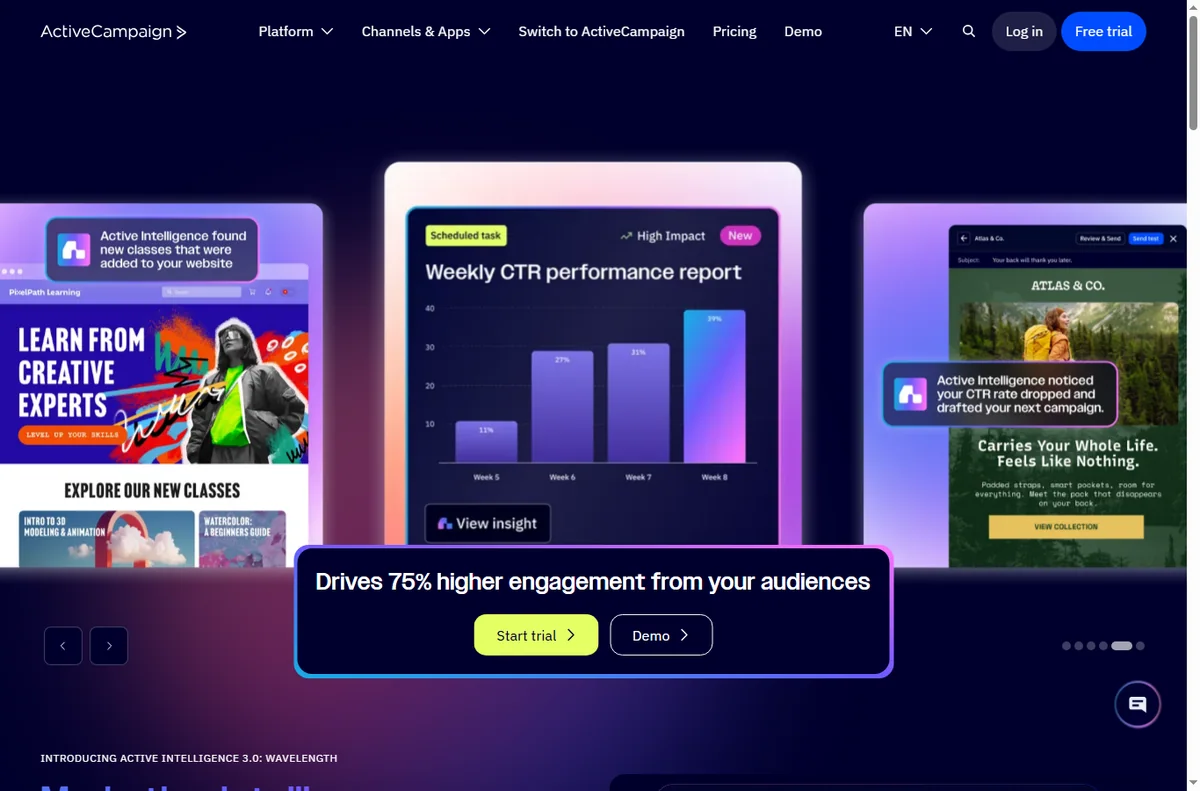
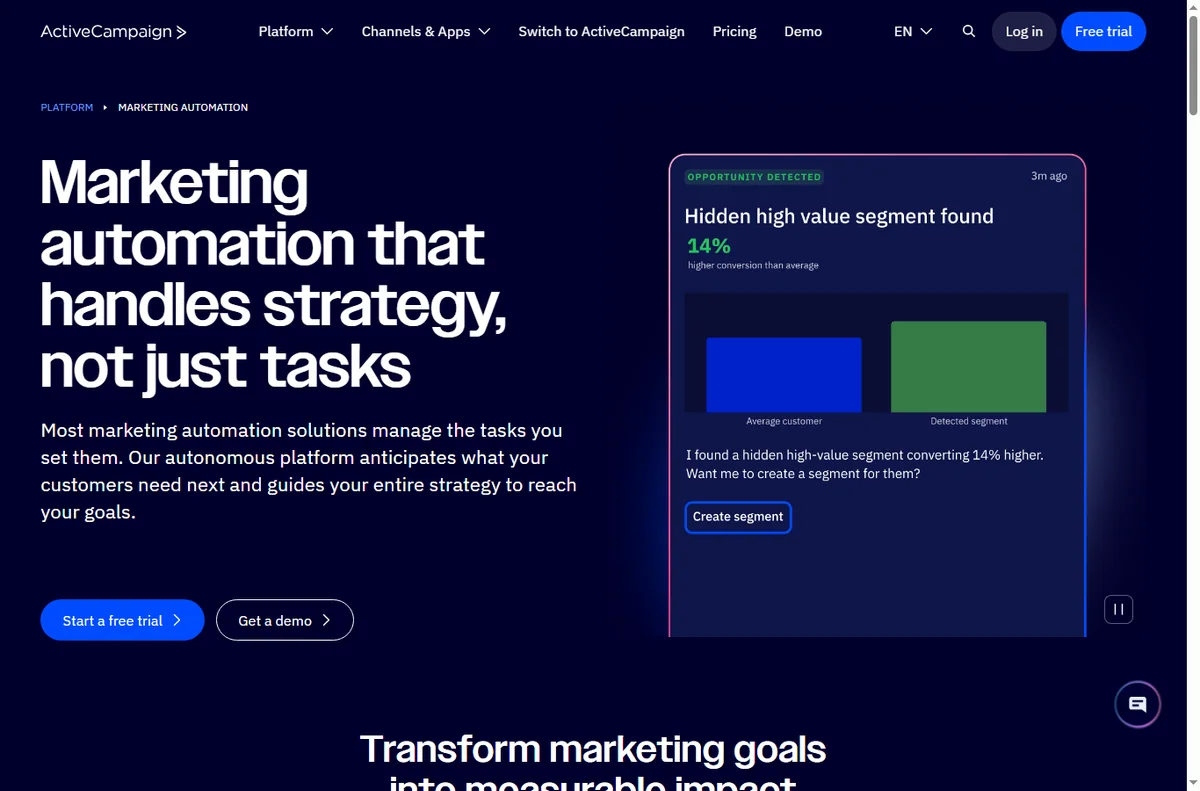
    ActiveCampaign homepage for marketing automation
    ActiveCampaign official homepage (image: activecampaign.com)

    Independent analysis. This page may contain affiliate links. Some links here are referral links; if you sign up through one we may earn a reward at no extra cost to you, and it never changes what we recommend. We are an independent publisher and are not affiliated with, endorsed by, or an official partner of any tool mentioned. See our Affiliate Disclosure.

    TL;DR

    • Start with the automation that touches revenue most directly.
    • A welcome sequence is usually automation number one.
    • Segmentation makes every later automation more relevant.
    • Re-engagement campaigns recover contacts you would otherwise lose.
    • Keep automations simple enough that you can debug them.

    On this page: Where automation pays off · Six automations · Which one first · Keeping the list healthy · Where this fits

    ActiveCampaign marketing automation features
    ActiveCampaign marketing automation (image: activecampaign.com)

    Where automation pays off

    Automation pays off when a follow-up should happen every time an event occurs, and doing it by hand is unrealistic. A small team cannot personally welcome every lead or chase every quiet contact.

    The rule of thumb: if a follow-up should happen consistently after a trigger, it is a candidate for automation.

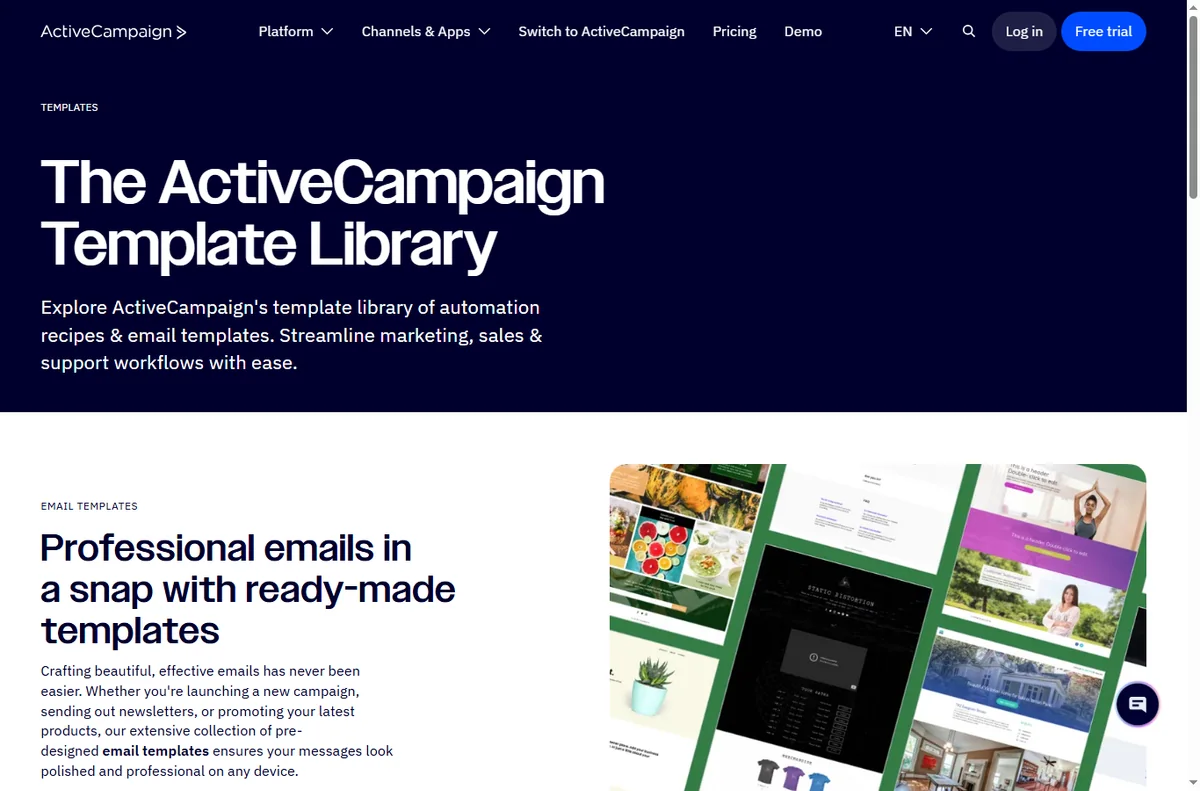
    ActiveCampaign automation template library
    ActiveCampaign automation templates (image: activecampaign.com)

    Six automations worth building

    1. A welcome sequence that introduces your business after a signup.
    2. A lead-nurture series that educates before it sells.
    3. A win-back sequence for contacts who stopped opening.
    4. A post-purchase follow-up with onboarding or a review request.
    5. A re-engagement flow for people who abandoned a form or cart.
    6. A segmentation flow that tags contacts by what they click.
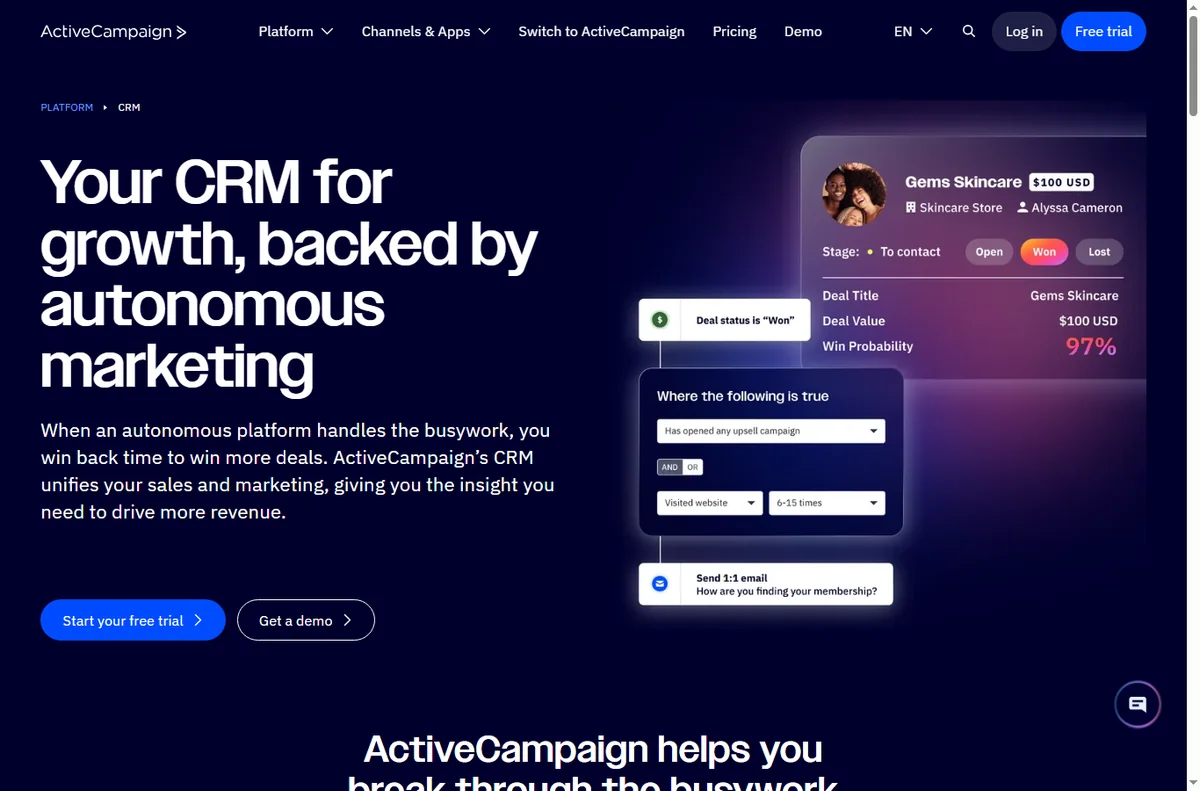
    ActiveCampaign CRM and contact view
    ActiveCampaign CRM (image: activecampaign.com)

    Which automation to build first

    Build the welcome sequence first. It touches every new lead, it is straightforward to test, and it sets the tone for everything else. Once contacts are tagged reliably, later automations become far more relevant.

    Build one, watch it for a week, then add the next. Automating several at once makes failures hard to trace.

    ActiveCampaign lead form builder
    ActiveCampaign forms (image: activecampaign.com)

    Keeping the list healthy

    • Send to engaged contacts more often than to everyone.
    • Remove or suppress people who never open, so deliverability stays strong.
    • Let contacts manage preferences rather than only unsubscribe.
    • Watch for sudden drops in opens; they usually signal a deliverability issue.
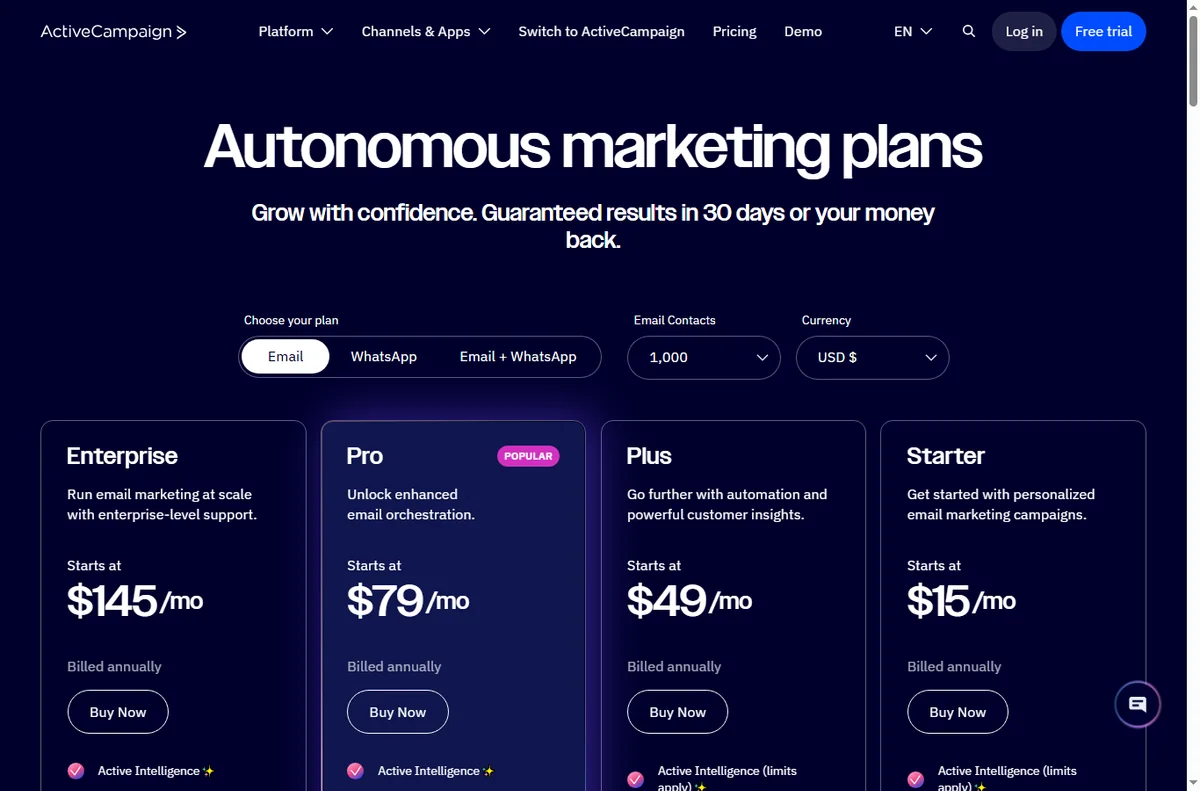
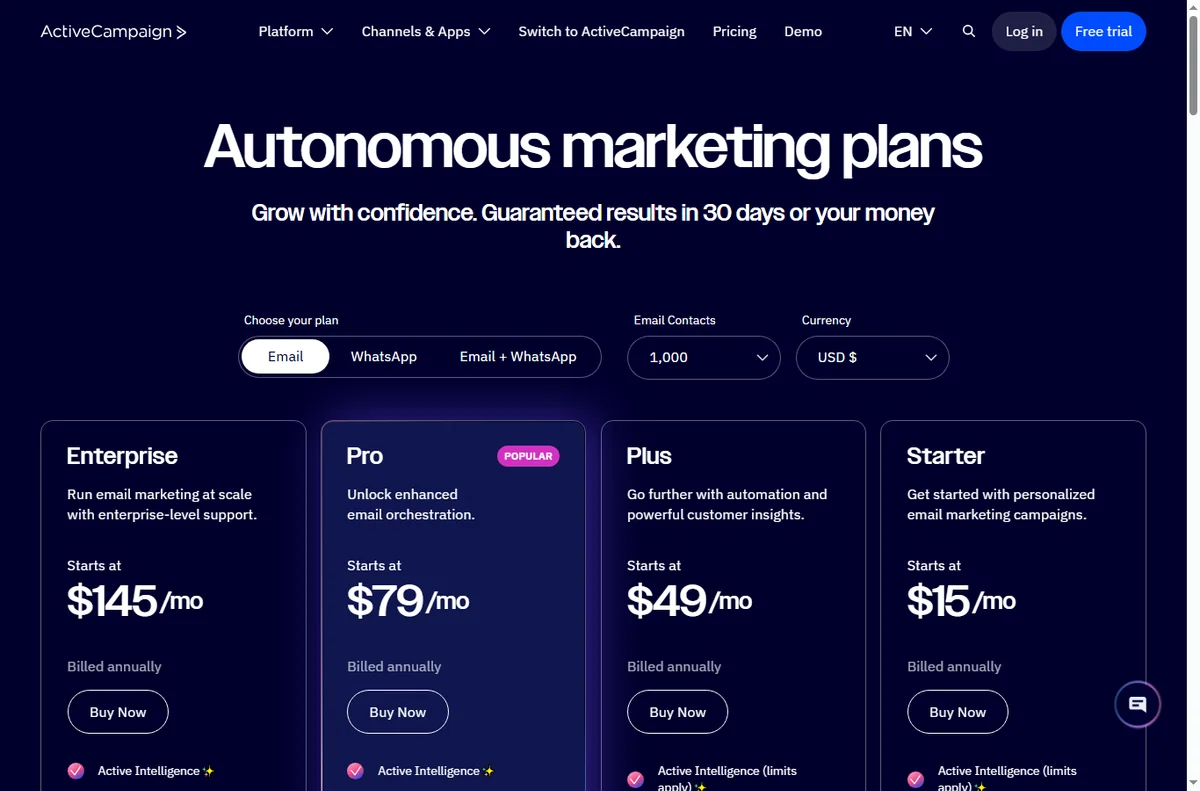
    ActiveCampaign pricing page with plan tiers
    ActiveCampaign pricing (image: activecampaign.com)

    Where this fits in your wider stack

    Start with the email marketing hub and the independent ActiveCampaign review. For cost, see the ActiveCampaign pricing guide; compare platforms in GetResponse vs ActiveCampaign, and go deeper with the email marketing automation guide.

    Frequently asked

    What should I automate first?

    A welcome sequence. It touches every new lead, is easy to test, and improves as your segmentation improves.

    How many automations should I run at once?

    Start with one, prove it for a week, then add the next so failures stay easy to trace.

    How do I keep deliverability healthy?

    Send to engaged contacts, suppress people who never open, and offer preference management instead of only unsubscribe.

    Do I need advanced features on day one?

    No. The core automations deliver most of the value; add advanced features only when a real workflow needs them.

    Let automation do the follow-up

    If a follow-up should happen every time, it should not depend on memory.

    Referral link — we may earn a reward if you sign up, at no extra cost to you. We are an independent publisher. See our Affiliate Disclosure.

  • How to Set Up ActiveCampaign: Contacts, Forms and Your First Automation

    How to Set Up ActiveCampaign: Contacts, Forms and Your First Automation

    Home / Email marketing / Guides / How to set up ActiveCampaign

    Tutorial · email marketing · updated October 8, 2026

    How to set up ActiveCampaign: from contacts to your first automation

    ActiveCampaign is an email and automation platform, and setting it up is really about getting one automation to run correctly. This walkthrough takes you from a blank account to a working welcome sequence.

    ActiveCampaign homepage for marketing automation
    ActiveCampaign official homepage (image: activecampaign.com)

    Independent analysis. This page may contain affiliate links. Some links here are referral links; if you sign up through one we may earn a reward at no extra cost to you, and it never changes what we recommend. We are an independent publisher and are not affiliated with, endorsed by, or an official partner of any tool mentioned. See our Affiliate Disclosure.

    TL;DR

    • Setup is three milestones: import contacts, add a way to capture them, and build one automation.
    • Import with consent; how you collected the contacts matters.
    • A simple form is enough to prove the flow end to end.
    • Test the automation with a real contact before switching it on.
    • Upgrade only when your list or features outgrow the current plan.

    On this page: What setup means · Before you start · Create your account · Import contacts · Build a form · Create your first automation · Test it · When to upgrade · Common mistakes · Where this fits

    What setting up ActiveCampaign actually means

    ActiveCampaign connects contacts, a way to capture them and automations that act on them. Setting it up is about getting one automation to run correctly rather than exploring every feature.

    Three milestones cover most of it: import your contacts, add a capture form, and build one automation. Advanced flows and integrations come later.

    Before you start

    • An email address you can confirm right away.
    • A contact list you are allowed to email, with consent on record.
    • One clear job for the first automation, such as a welcome sequence.
    • A tagged way to organise contacts from day one.
    ActiveCampaign sign-up screen to create a new account
    ActiveCampaign sign-up (image: activecampaign.com)

    Step 1 — Create your account

    Sign up and confirm your email. Take a moment to set your sending domain and default sender details before importing anything, because it affects deliverability from the first send.

    ActiveCampaign contacts and CRM view for importing contacts
    ActiveCampaign CRM and contacts (image: activecampaign.com)

    Step 2 — Import contacts with consent

    Import your list, but only contacts who agreed to hear from you. Tag them at import so you can segment later without guesswork.

    Consent is not just a rule: it is what keeps your deliverability healthy. Importing a purchased list damages your reputation for everyone.

    ActiveCampaign lead form builder page
    ActiveCampaign forms (image: activecampaign.com)

    Step 3 — Build a simple form

    Create a form connected to the right list and tag. Test it yourself: submit the form and confirm the contact appears with the expected tag. That proves capture works before you build anything on top.

    ActiveCampaign marketing automation feature page
    ActiveCampaign marketing automation (image: activecampaign.com)

    Step 4 — Create your first automation

    1. Start from a “form submitted” trigger rather than a template, so you learn the parts.
    2. Add a condition or tag check if you want to route different contacts differently.
    3. Add the first action: send a welcome email.
    4. Add a short wait, then a follow-up, so the sequence is not a wall of emails on day one.

    Step 5 — Test before you trust it

    Submit the form with a real address and follow the contact through the automation. The first failure is almost always a tag that did not apply, or a condition that never matched.

    ActiveCampaign pricing page with plan tiers
    ActiveCampaign pricing (image: activecampaign.com)

    Step 6 — Know when to upgrade

    Upgrade when your contact count or the features you actually use outgrow the current plan, not before. We do not quote prices: tiers change, so confirm current figures on the vendor’s pricing page.

    Common setup mistakes

    Mistake Why it hurts Fix
    Importing without consentDamages deliverabilityOnly import opted-in contacts
    No tags at importSegmentation becomes guessworkTag contacts as you import
    Automation with no waitContacts get a wall of emailAdd waits between steps
    Testing with a fake addressYou cannot follow the real flowTest with a real inbox
    Turning on before testingFirst real contact gets an errorRun the flow once first
    Based on publicly documented behaviour, checked October 8, 2026.
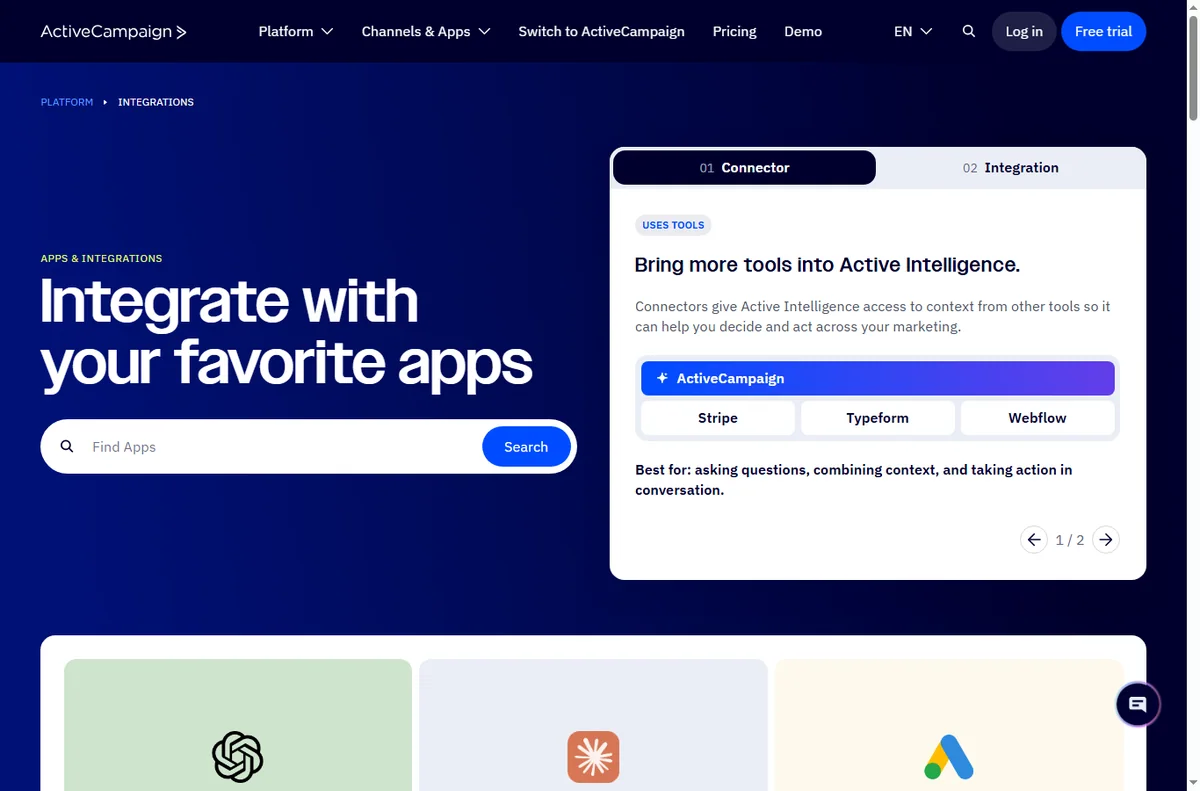
    ActiveCampaign integrations directory connecting other apps
    ActiveCampaign integrations (image: activecampaign.com)

    Where this fits in your wider stack

    Start with the email marketing hub and the independent ActiveCampaign review. For cost, see the ActiveCampaign pricing guide; if you are comparing, read GetResponse vs ActiveCampaign and HubSpot vs ActiveCampaign.

    Frequently asked

    How long does setup take?

    The account, an import and one simple automation take a couple of hours for a first-timer. Complex flows take longer because they add concepts, not because setup is slow.

    Do I need to authenticate a domain?

    Yes. Authenticating your sending domain improves deliverability, so do it before your first real send.

    Can I import my existing list?

    You can, but only contacts who opted in. Importing a list without consent harms deliverability for everyone.

    What should my first automation be?

    A simple welcome sequence triggered by a form submission. It is the clearest way to learn triggers, tags and waits.

    Build one automation, then judge the platform

    Get capture and a welcome sequence working before anything else.

    Referral link — we may earn a reward if you sign up, at no extra cost to you. We are an independent publisher. See our Affiliate Disclosure.

  • Common GetResponse Problems and How to Fix Them

    Common GetResponse Problems and How to Fix Them

    Home / Email marketing / Guides / Common GetResponse problems

    Problem · email marketing · updated October 8, 2026

    Common GetResponse problems and how to fix them

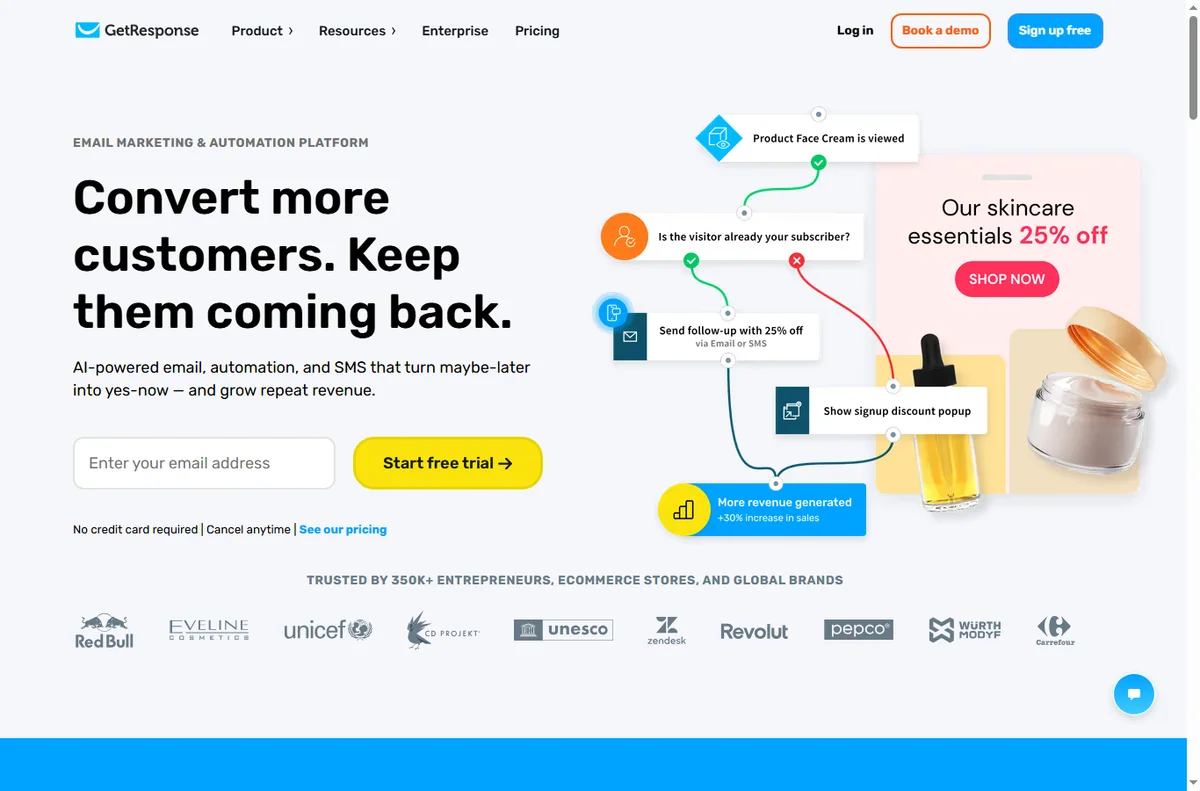
    Most email problems look like a platform issue but come from domain setup, list hygiene or a misconfigured automation. These are the ones that come up most, and the practical fix for each.

    GetResponse homepage for email marketing and automation
    GetResponse official homepage (image: getresponse.com)

    Independent analysis. This page may contain affiliate links. Some links here are referral links; if you sign up through one we may earn a reward at no extra cost to you, and it never changes what we recommend. We are an independent publisher and are not affiliated with, endorsed by, or an official partner of any tool mentioned. See our Affiliate Disclosure.

    TL;DR

    • Emails in spam usually mean missing domain authentication, not bad copy.
    • Low open rates often come from a cold or unsegmented list.
    • Automations that do not trigger usually have a condition that never matches.
    • Forms that do not connect are usually a missing confirmation or a wrong list.
    • Clean your list regularly, or deliverability drops for everyone.

    On this page: Why email problems happen · Emails go to spam · Low open rates · Automation not triggering · Forms not adding contacts · Symptom to fix · Where this fits

    Why email problems happen

    Email is a shared reputation system. Your domain, your list quality and your sending pattern all affect whether a message reaches the inbox, so a problem is often structural rather than a fault in one campaign.

    Work in order: authenticate the domain, clean the list, then check the automation. Most issues resolve in the first two steps.

    GetResponse email marketing tools used to improve deliverability
    GetResponse email marketing (image: getresponse.com)

    Emails go to spam

    • Authenticate your sending domain (add the verification records the platform provides).
    • Send from a domain you own rather than a generic address.
    • Warm up a new domain gradually instead of blasting day one.
    • Remove broken links and over-promotional subject lines.

    Low open rates

    Open rates depend on list quality and relevance more than on subject lines alone. Segment your list so the right people get the right message, and remove contacts who have not engaged in months.

    Test subject lines, but treat deliverability as the first suspect if opens drop suddenly across every campaign.

    GetResponse marketing automation workflow builder
    GetResponse marketing automation (image: getresponse.com)

    Automation not triggering

    An automation fires on a condition: a tag, a form submission or a purchase. If it never runs, the condition is not matching. Check the trigger event, the condition, and whether the contact is actually on the right list.

    GetResponse form builder feature page
    GetResponse form builder (image: getresponse.com)

    Forms not adding contacts

    Confirm the form is connected to the correct list and that double opt-in (if enabled) is being completed. A confirmation email that lands in spam is a common reason a contact never appears.

    Symptom to fix

    Symptom Likely cause Fix
    Emails in spamMissing domain authenticationAdd and verify sending records
    Opens collapse suddenlyDeliverability issueCheck authentication and list hygiene
    Automation never startsCondition does not matchVerify trigger, condition and list
    Form adds no contactsWrong list or opt-in incompleteReconnect the form and confirm opt-in
    High unsubscribesOver-frequent or irrelevant sendsSegment and slow the cadence
    Based on publicly documented behaviour, checked October 8, 2026.
    GetResponse pricing page with plan tiers
    GetResponse pricing (image: getresponse.com)

    Where this fits in your wider stack

    For background, read what is GetResponse, then the independent GetResponse review. For cost, see the GetResponse pricing guide; improve inbox placement with the email deliverability guide, the best email marketing software roundup, and the email marketing hub.

    Getresponse landing pages page
    Getresponse landing pages (image: getresponse.com)

    Frequently asked

    Why are my GetResponse emails going to spam?

    Most often a missing domain authentication record or a cold sending domain. Authenticate the domain and warm it up gradually.

    Why did my open rates drop suddenly?

    A sudden drop across every campaign usually points to deliverability rather than copy. Check authentication and clean unengaged contacts.

    Why is my automation not running?

    The condition that should trigger it is not matching. Check the trigger event, the condition and whether the contact is on the right list.

    How often should I clean my list?

    Regularly: sending to contacts who never engage harms deliverability for the ones who do.

    Fix deliverability before you blame the copy

    Authenticate the domain and clean the list first.

    Referral link — we may earn a reward if you sign up, at no extra cost to you. We are an independent publisher. See our Affiliate Disclosure.