Home / Funnel Builders / Guides / How to set up ClickFunnels
Tutorial · funnel builders · updated October 8, 2026
How to set up ClickFunnels: from account to first funnel
ClickFunnels is built around the funnel, not the page. Setting it up means creating an account, picking a funnel type, building the steps, then connecting your domain and payment so a real visitor can convert.
Independent analysis. This page may contain affiliate links. Some links here are referral links; if you sign up through one we may earn a reward at no extra cost to you, and it never changes what we recommend. We are an independent publisher and are not affiliated with, endorsed by, or an official partner of any tool mentioned. See our Affiliate Disclosure.
TL;DR
- Start from a funnel template rather than a blank page; it teaches the structure.
- A funnel is a sequence of steps, each a page with one job.
- Connect your domain before you drive traffic so links and tracking are correct.
- Add a payment integration only when a step actually needs to take money.
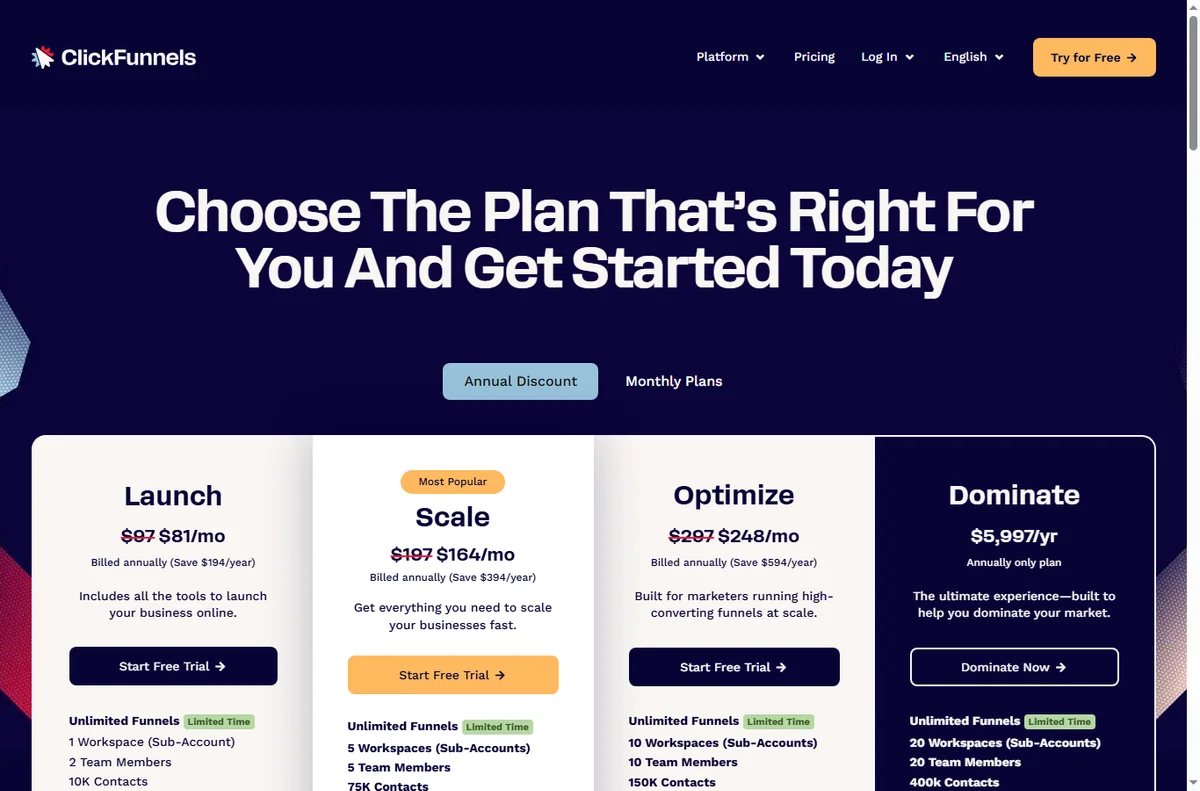
- Confirm current plan limits and pricing on ClickFunnels’ own pricing page.
On this page: What setting up ClickFunnels means · Before you start · Create your account · Choose a funnel · Build the first page · Domain and payments · Test the funnel · Common setup mistakes · Where this fits
What setting up ClickFunnels actually means
ClickFunnels organises work around funnels: an ordered set of steps that move a visitor toward one outcome. Setting it up is not just building a page; it is choosing the sequence and giving each step a single conversion job.
The practical milestones are: account, funnel template, first page, then domain and payments. Do them in that order and you have a live funnel.
Before you start
- A clear offer: what you sell and the single action you want a visitor to take.
- The words for your headline and call to action, even roughly.
- A domain you control, or willingness to launch on the default subdomain first.
- A payment method if the funnel will take money.

Step 1 — Create your account
Sign up, confirm your email, and land in the funnel dashboard. Take a moment on the plan choice: the features you get decide how many funnels and steps you can run.
If you are only exploring, build one funnel end to end before upgrading. You learn more from a finished funnel than from a feature checklist.
Step 2 — Choose a funnel
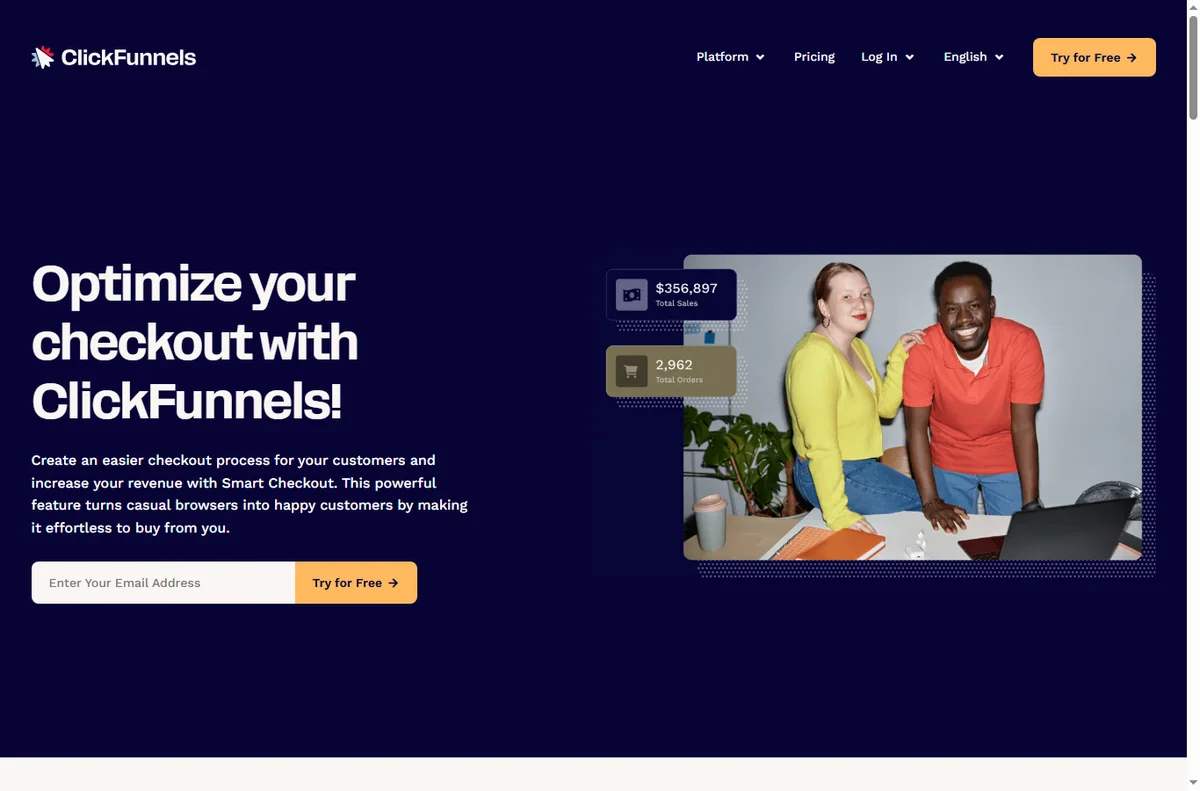
ClickFunnels ships templates for common sequences: lead capture, sales, webinar registration, order forms. Pick the one closest to your goal rather than starting blank.
Templates are scaffolding, not handcuffs. Starting from one gets the step order right, which is the part beginners most often get wrong.

Step 3 — Build the first page
Open the first step and replace the template’s placeholder copy with your own. Keep one job per page: if it is a landing page, its job is to get the opt-in, not to sell three things.
Use the editor’s sections and rows to lay out a headline, a short explanation, and one prominent call to action. Fewer elements usually convert better than a crowded page.
Step 4 — Connect domain and payments
Point your domain at the funnel so links, tracking and email all reference your brand. Add a payment integration on the step that takes money and test it with a real transaction you refund afterwards.
Set the destination of each call to action explicitly. A button that goes nowhere is the most common reason a new funnel underperforms.
Test the funnel before you launch
- Walk the whole sequence as a visitor on desktop and mobile.
- Check every button and form actually submits.
- Confirm the confirmation or thank-you step is reached.
- Send a test transaction if payments are connected.
- Only then point paid or organic traffic at it.
Common setup mistakes
| Mistake Why it hurts Fix | ||
|---|---|---|
| Starting from a blank page | Step order and structure suffer | Start from a template |
| Multiple calls to action per page | Visitors freeze and convert less | One job per page |
| Launching without a domain | Links and trust look unfinished | Connect your domain first |
| Untested payment step | You lose real sales to errors | Run a test transaction |
| No follow-up step | Leads are captured but not nurtured | Add an email step |
Where this fits in your wider stack
Before you commit, read the independent ClickFunnels review and start from the funnel builders hub. Comparing options? See Systeme.io vs ClickFunnels and the funnel builder pricing guide. For a shortlist, read best funnel builders.
Frequently asked
Do I need a domain to start?
You can build and preview on the default subdomain, but connect your own domain before driving real traffic so links, tracking and trust are right.
Which funnel template should I pick?
Choose the one closest to your goal: lead capture if you want emails, a sales funnel if you want a purchase, a webinar funnel if you run live sessions.
Can I take payments without an integration?
Most funnels need a connected payment provider to charge. Add it on the step that takes money and test it before launch.
How long does setup take?
A single funnel can be live in an afternoon. The time goes into copy and testing, not the tool.
Build your first ClickFunnels step by step
Start from a template, keep one job per page, and test before you drive traffic.
Referral link — we may earn a reward if you sign up, at no extra cost to you. We are an independent publisher. See our Affiliate Disclosure.
Leave a Reply