Home / Automation / Guides / How to set up n8n
Tutorial · automation · updated October 8, 2026
How to set up n8n: from install to your first workflow
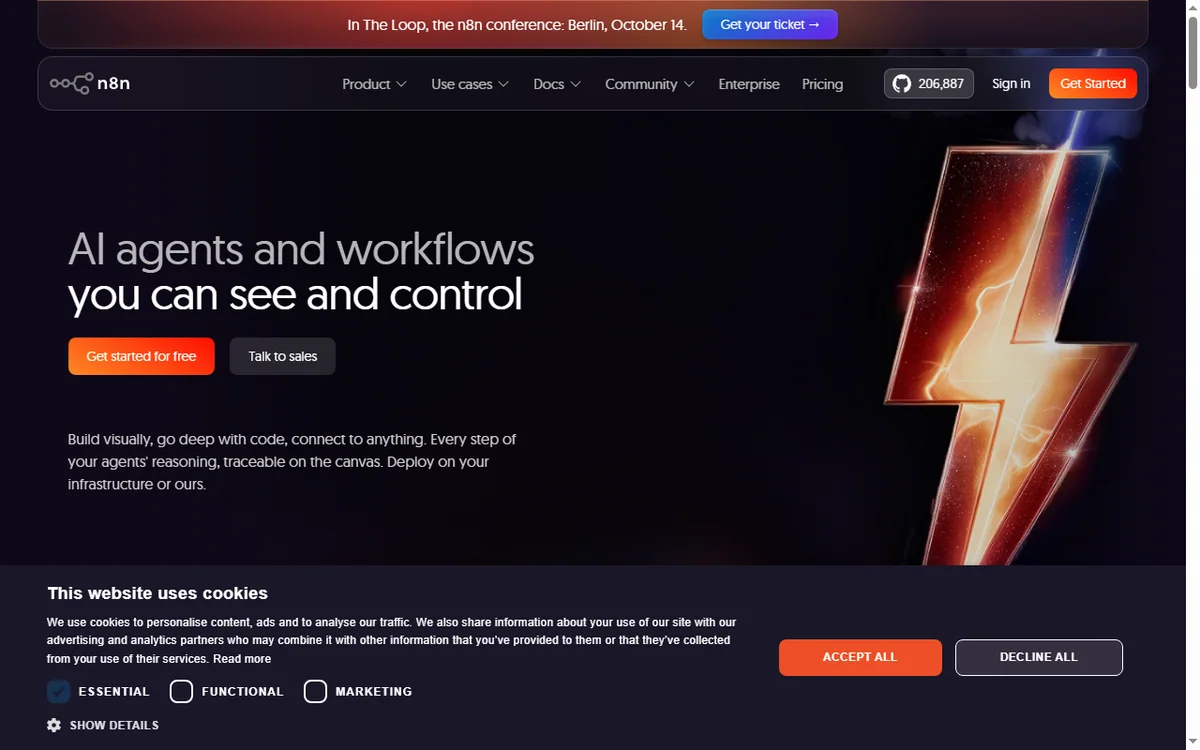
n8n is a workflow automation tool you can run in the cloud or host yourself. Setting it up is a short list of choices: which deployment, how you connect the apps you use, and how you build and run one workflow end to end.
Independent analysis. This page may contain affiliate links. Some links here are referral links; if you sign up through one we may earn a reward at no extra cost to you, and it never changes what we recommend. We are an independent publisher and are not affiliated with, endorsed by, or an official partner of any tool mentioned. See our Affiliate Disclosure.
TL;DR
- n8n connects apps on a canvas and can be self-hosted, which most visual automation tools cannot.
- Cloud is the fastest start; self-hosting lowers marginal cost at volume but adds maintenance.
- A workflow is a trigger node plus nodes that act on the data as it moves.
- Test with manual execution before you schedule or webhook-trigger anything.
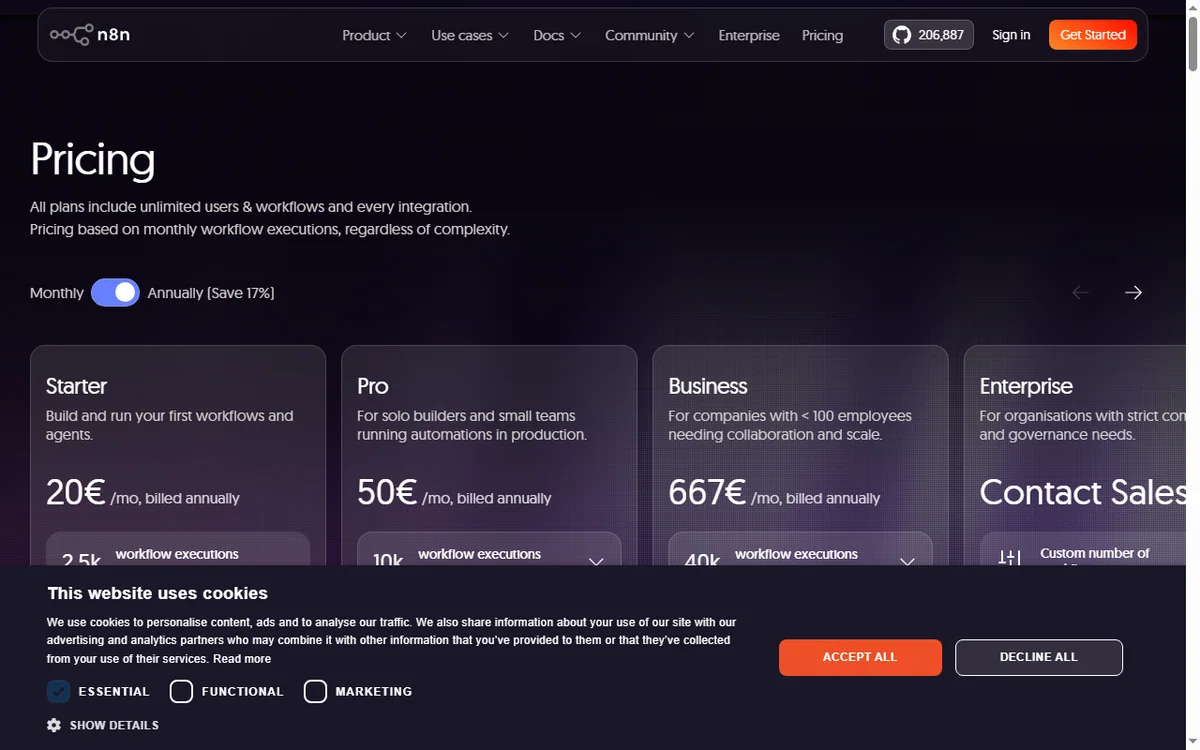
- Confirm current plan limits and pricing on n8n’s own pricing page before you commit.
On this page: What setting up n8n means · Cloud or self-hosted · Before you start · Create an account or instance · Connect an app · Build your first workflow · Test, then activate · Common setup mistakes · Where this fits
What setting up n8n actually means
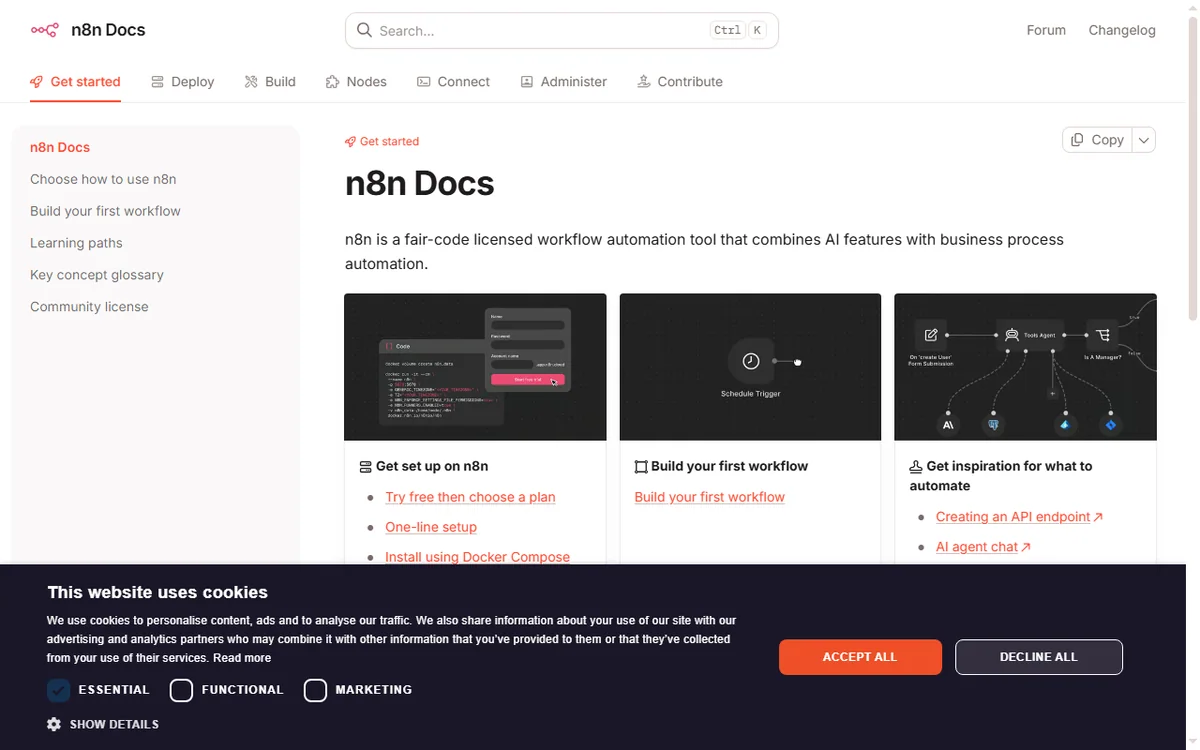
n8n is a workflow automation platform: you connect nodes on a canvas and let data move between apps without writing a full application. The difference from most tools in this category is that n8n can be self-hosted, so setup is partly a deployment decision.
There are three milestones: choose cloud or self-hosted, connect the apps you actually use, and run one workflow from trigger to finish. Everything after that is iteration.
Cloud or self-hosted
The first fork is where n8n runs. Cloud removes the server work and is the fastest path to a first workflow. Self-hosting puts the runtime on a machine you control: it usually lowers marginal cost at higher volume, but you own updates, backups and uptime.
| Option What it means Choose it when | ||
|---|---|---|
| Cloud | n8n hosts it; you sign in and build | You want to start today and not run a server |
| Self-hosted | You run n8n on your own server or container | You want control, custom nodes or high volume |
| Self-hosted on a VPS | You rent a VPS and deploy n8n there | You want self-hosted economics without a home machine |
Before you start
- A clear idea of the first task you want to automate, written as a sentence.
- Access to the apps involved (for example a form tool and a spreadsheet).
- Either an n8n account or a server/VPS if you plan to self-host.
- A rough sense of volume, because it decides which plan tier you need.
Step 1 — Create your account or instance
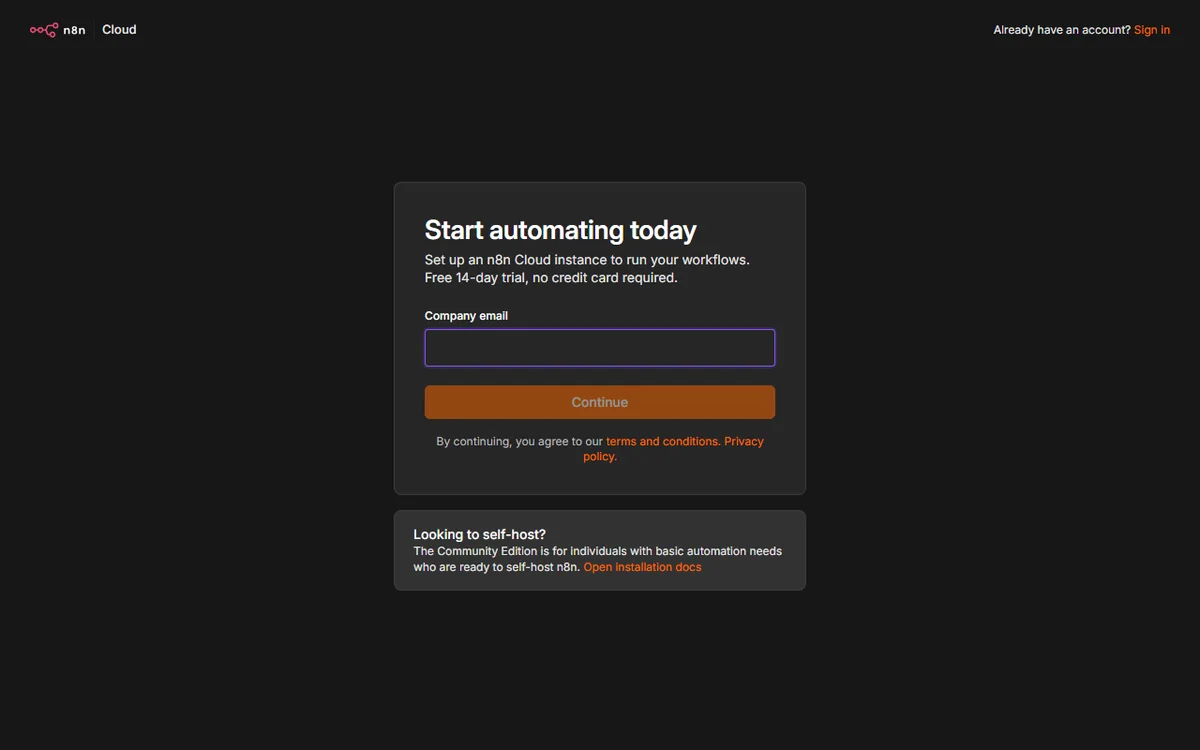
On cloud, sign up and you land in an empty workspace ready to build. Self-hosting takes longer: you deploy n8n with Docker or npm, set an environment variable for encryption, and open the editor at your instance URL.
Whichever route you take, the editor looks the same. If you are unsure, start on cloud, learn the editor, and migrate later if volume makes self-hosting worthwhile.
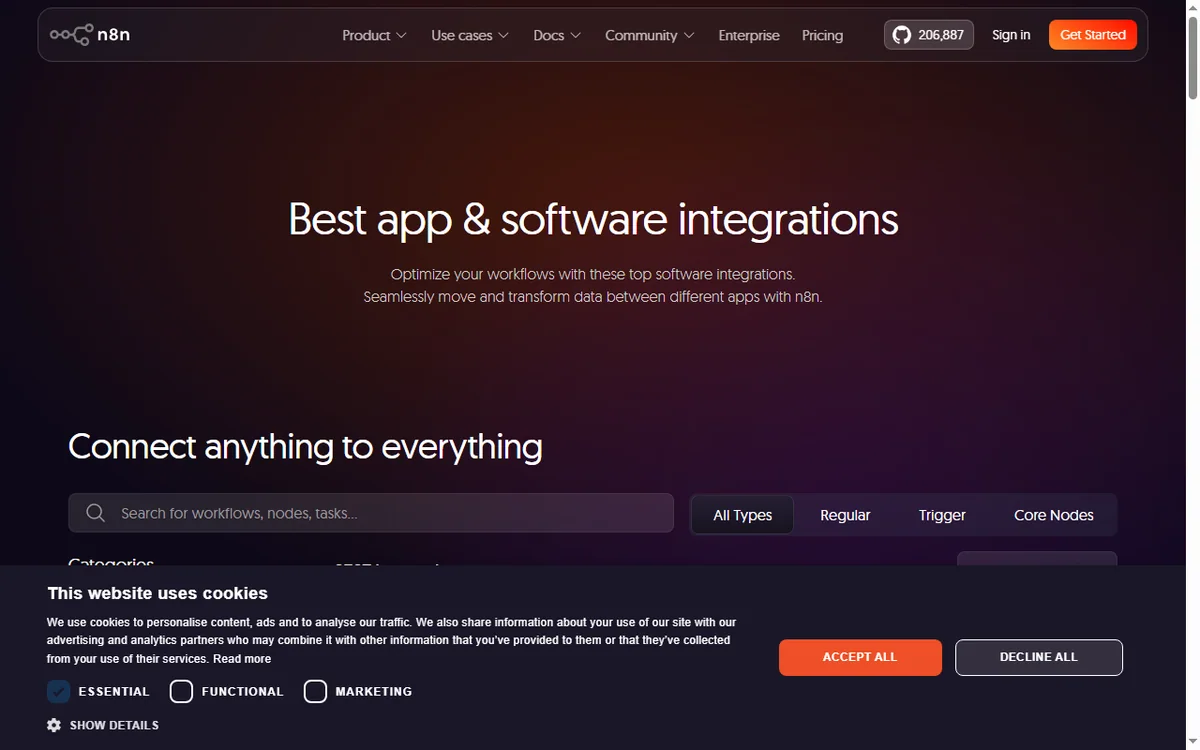
Step 2 — Connect an app
Credentials are created once and reused across workflows. Depending on the app you either authorise OAuth in a browser window or paste an API key. Store them in n8n’s credential store rather than hard-coding values into nodes.
Start with the two apps in your first automated task. You can add the rest as you grow; there is no prize for connecting everything up front.

Step 3 — Build your first workflow
- Add a trigger node — a schedule, a webhook, or an app event.
- Add one action node and choose the operation you want (create, update, fetch).
- Map the fields: drag the value from the incoming data into the field you need.
- Add a second action node only when the first one works.
Step 4 — Test, then activate
Run the workflow manually and inspect the input and output of each node. Fix mapping problems while the data is in front of you. You can pin sample data so you do not have to re-trigger every time.
Only when a manual run succeeds should you activate the workflow so it fires on its trigger. Keep the first version small; a workflow you understand is worth more than one you copied.
Common setup mistakes
| Mistake Why it hurts Fix | ||
|---|---|---|
| Building too big a first workflow | Too many failure points to debug | Start with trigger plus one action |
| Hard-coding credentials | Secrets leak if you share the workflow | Use the credential store |
| Skipping manual tests | Errors surface only in production | Run manually, then activate |
| Ignoring volume | Costs surprise you later | Estimate executions before choosing a plan |
| No error handling | A silent failure loses data | Add an error branch or notification |
Where this fits in your wider stack
If you are still choosing a tool, read the independent n8n review and start from the automation hub. Weighing options? See Make vs n8n, and if you plan to host it yourself read the n8n self-hosting guide. For a broader shortlist, see best workflow automation tools.
Frequently asked
Do I need to know how to code to use n8n?
No. Most workflows are built by connecting nodes and mapping fields. Coding helps for custom logic, but it is not required to get value from the tool.
Is self-hosting really cheaper?
It tends to be cheaper at higher volume because you pay for a server rather than per execution. At low volume the cloud plan is usually simpler and comparable in cost.
How long does setup take?
Cloud setup is minutes. A self-hosted instance depends on your server skills, and the first workflow is where most of the learning happens.
Can I move from cloud to self-hosted later?
You can export workflows and import them into another instance. Plan the move before you build dozens of automations to keep it tidy.
Build one workflow on n8n and see the difference
Start with the single task that costs you the most time today, then expand.
Referral link — we may earn a reward if you sign up, at no extra cost to you. We are an independent publisher. See our Affiliate Disclosure.
Leave a Reply