We’re reader-supported — some links are affiliate links. Learn more →

Skip to content

Independent software research. Some links may earn us a commission at no extra cost to you. Learn more →

ICode

Author: admin

  • Common Leadpages problems and how to fix them

    Common Leadpages problems and how to fix them

    Home / Funnel Builders / Guides / Common Leadpages problems

    Problem · funnel builders · updated October 9, 2026

    Common Leadpages problems and how to fix them

    Most Leadpages problems fall into a few areas: a page that will not load, a domain that will not connect, form submissions that never arrive in your email tool, a checkout that will not work, or a page that search engines ignore. Here are the ones that come up most, and what to check first.

    Independent analysis. This page may contain affiliate links. If you sign up through a link on this page we may earn a reward at no extra cost to you, and it never changes what we recommend. We are an independent publisher and are not affiliated with, endorsed by, or an official partner of any tool mentioned. See our Affiliate Disclosure.

    TL;DR

    • A page that will not load is usually a DNS or domain connection that has not finished.
    • Form submissions that go missing are usually a broken integration or a wrong destination.
    • A checkout that will not work is often a payment or currency setting.
    • A page that does not rank is usually blocked from indexing or missing its SEO basics.
    • Check the exact step that failed before you change the whole page.

    On this page: Why things go wrong · Page will not load · Domain not connecting · Leads not arriving · Checkout not working · Page not indexed · Symptom to fix · Where this fits

    Why things go wrong

    A published page depends on a chain: a working domain, a live page, a form that passes the lead on, and a payment step if you sell. A fault in any link shows up as a page that underperforms.

    The quickest way to locate it is to walk through the page as a visitor: does it load, does the form submit, and does the lead appear in the tool you connected?

    Domain and DNS changes are the usual culprit because they rely on records you set outside Leadpages and can take time to take effect.

    For anything that touches publishing, change one thing at a time and retest, because several fixes at once make it hard to see which one helped.
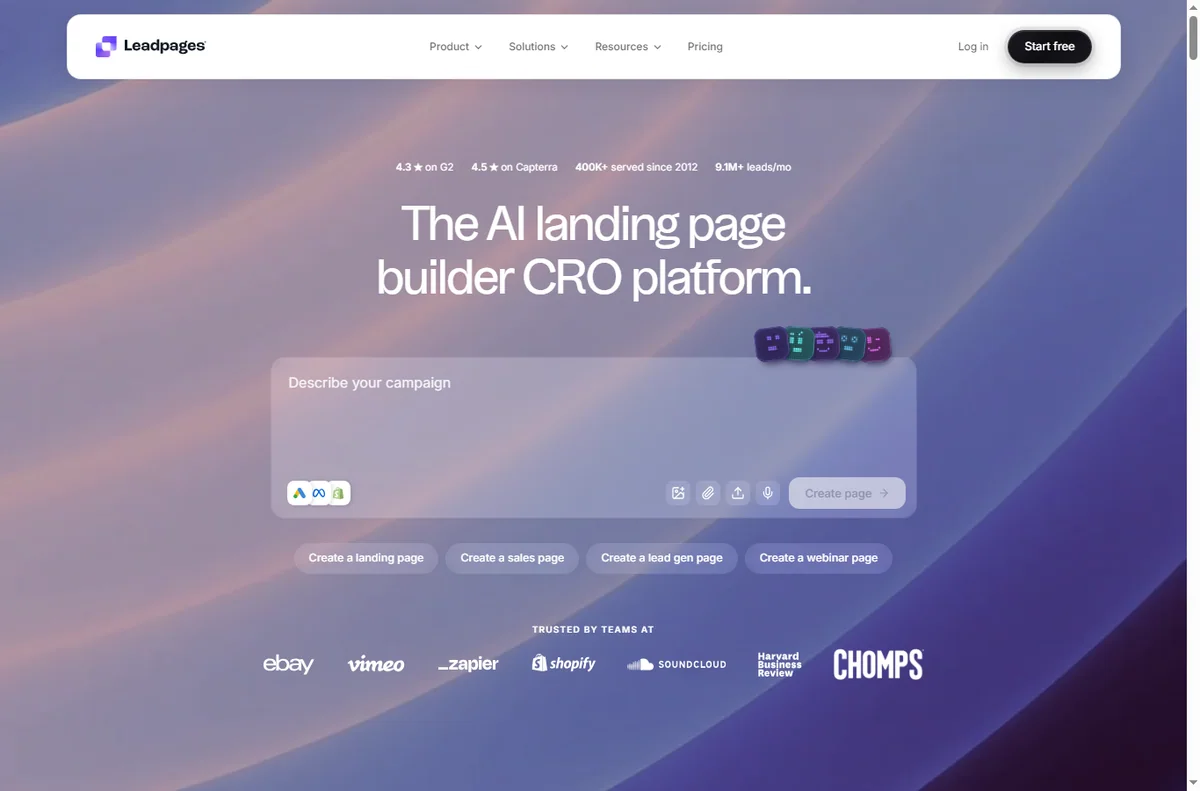
    Leadpages home page
    Leadpages home (image: leadpages.com)

    Page will not load

    A page that does not load is usually the domain or its DNS records rather than the page itself, so the first check is whether the address points where it should.

    Confirm the domain is connected, give the records time to propagate, and test the page in a private window.
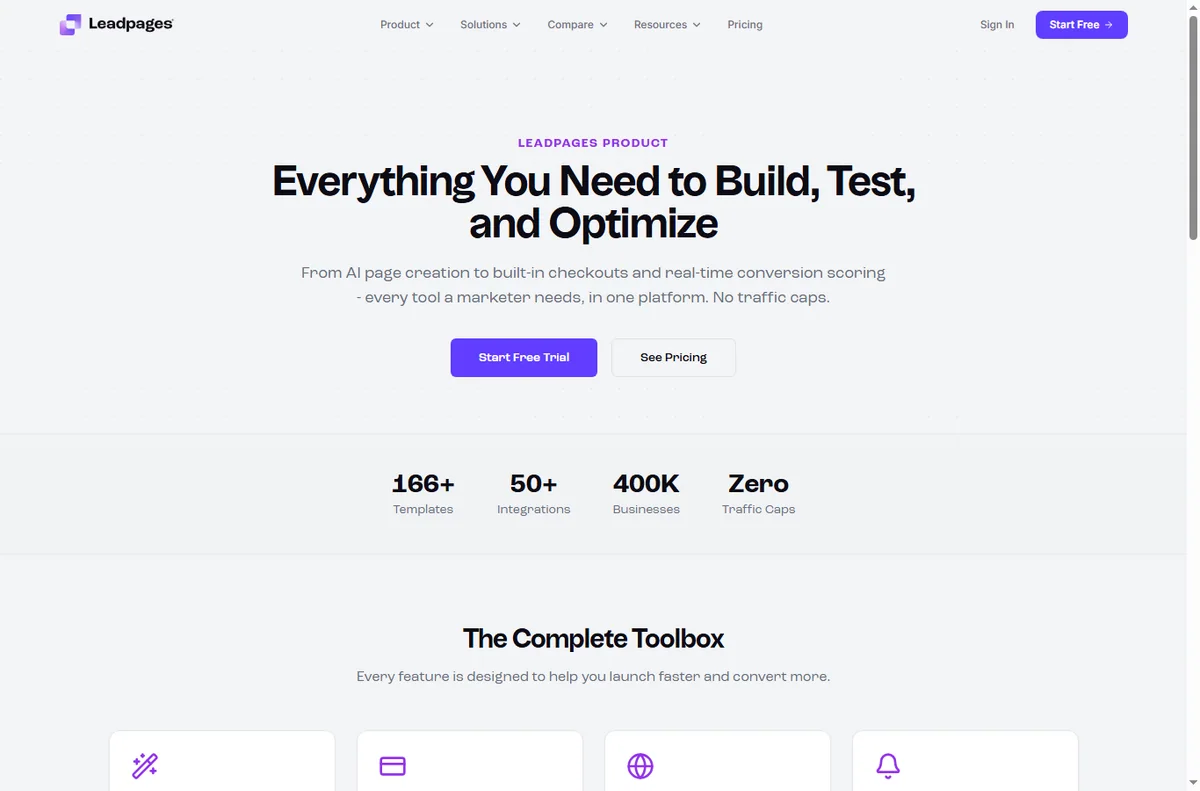
    Leadpages features page
    Leadpages features (image: leadpages.com)

    Domain not connecting

    Connecting a custom domain means copying records into your domain registrar, and a small typo there stops the whole thing from resolving.

    Re-copy the records exactly, check for a conflicting old record, and allow a little time before concluding it failed.

    Leads not arriving

    A form that submits but sends nothing on is usually an integration that has lost its connection or a destination that was never set.

    Reconnect the integration, confirm the destination list or CRM, and submit a test entry yourself.
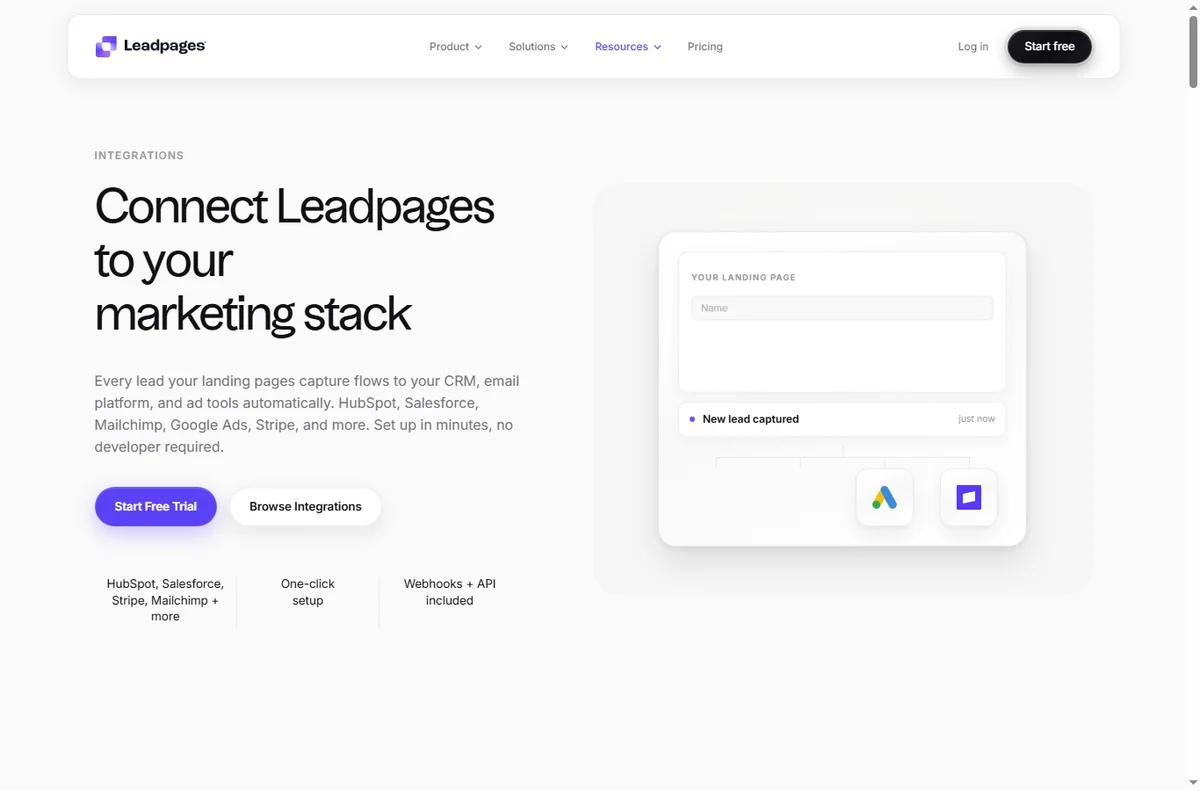
    Leadpages integrations page
    Leadpages integrations (image: leadpages.com)

    Checkout not working

    A checkout that refuses a payment is often a payment account, currency or product setting rather than the page itself.

    Check the connected payment account, confirm the product and currency, and run a small test transaction.
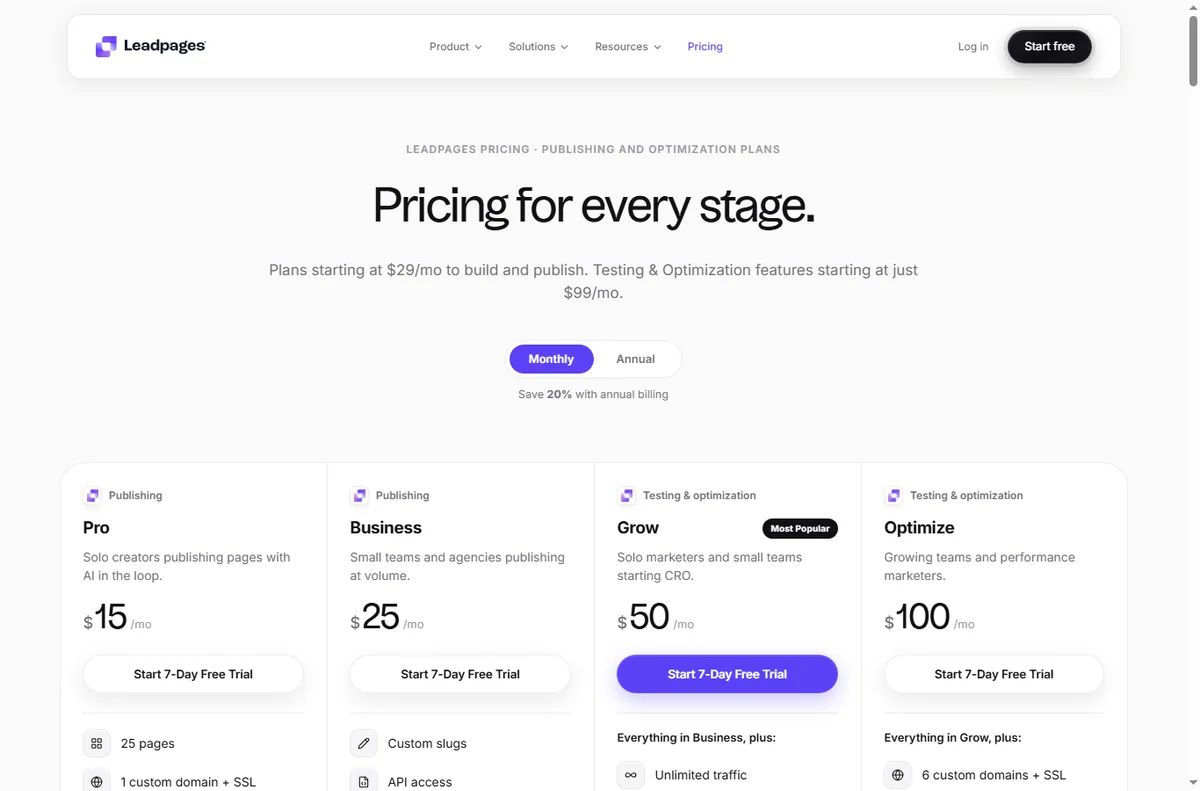
    Leadpages pricing page
    Leadpages pricing (image: leadpages.com)

    Page not indexed

    A page that never appears in search is usually blocked by an indexing setting or missing its title and meta description.

    Turn on indexing, fill in the SEO fields, and give search engines time to recrawl.

    Symptom to fix

    SymptomLikely causeFix
    Page will not loadDNS or domain not connectedConnect the domain, allow propagation
    Domain not connectingWrong or conflicting recordsRe-copy the records exactly
    Leads not arrivingBroken integration or destinationReconnect and set the destination
    Checkout not workingPayment or currency settingCheck the account and product
    Page not indexedIndexing blocked or missing SEOEnable indexing, add title and meta
    General guidance, checked October 9, 2026. Confirm specifics inside your own Leadpages setup.
    Leadpages signup page
    Leadpages signup (image: leadpages.com)

    Where this fits

    Start with the funnel building hub. For the basics read what Leadpages is, and for the setup steps see how to set up Leadpages.

    Leadpages templates page
    Leadpages templates (image: leadpages.com)

    Frequently asked

    Can I fix these myself?

    Most of them. Domains, forms and page settings are in your control. A payment problem can need a support ticket with your payment provider.

    Why did my leads stop arriving?

    Usually the integration lost its connection or the destination list changed. Reconnect it and submit a test entry.

    How long does a domain take to connect?

    It depends on the records and your registrar. It can be near-instant or take a few hours while DNS propagates.

    Should my landing page be indexed?

    That depends on your plan. A page for search traffic should be indexed; a page only for ads often should not be.

    Get your pages converting

    Fix the common snags and keep publishing.

    Some links on this page may be referral links — we may earn a reward if you sign up, at no extra cost to you. We are an independent publisher. See our Affiliate Disclosure.

    Related reading

  • What is Leadpages?

    What is Leadpages?

    Home / Funnel Builders / Guides / What is Leadpages

    Knowledge · funnel builders · updated October 9, 2026

    What is Leadpages?

    Leadpages is a landing page builder that lets you publish pages built to convert without touching code. This guide explains what each part does, how an account is organised, and what it is not.

    Independent analysis. This page may contain affiliate links. If you sign up through a link on this page we may earn a reward at no extra cost to you, and it never changes what we recommend. We are an independent publisher and are not affiliated with, endorsed by, or an official partner of any tool mentioned. See our Affiliate Disclosure.

    TL;DR

    • Leadpages is a landing page builder with a drag-and-drop editor.
    • It covers templates, lead capture forms, pop-ups, alert bars and a built-in checkout.
    • Pages connect out to your email tool or CRM through integrations.
    • Plans differ, so check the current pricing before you commit.
    • It is not a full marketing automation suite or a general-purpose CMS.

    On this page: What Leadpages is · How it is organised · What it is good at · What it is not · Concept cheat sheet · Where this fits

    Leadpages home page
    Leadpages home (image: leadpages.com)

    What Leadpages is

    Leadpages is a cloud service rather than software you install. You pick a template, edit it on screen, and publish a page to a web address on the platform.

    Around the page builder sit the parts that turn visits into contacts: lead capture forms, pop-ups and alert bars, all attached to the same page or site.

    Pages connect outwards through integrations, so an opt-in can be pushed into your email tool or CRM the moment someone submits it.

    A checkout step is built in as well, so you can take a payment on the page rather than sending people somewhere else.

    Conversion is the organising idea: templates, testing options and page analytics all point at getting more of your visitors to act.

    Leadpages features page
    Leadpages features (image: leadpages.com)

    How Leadpages is organised

    Everything sits under one account. Pages are the main object, and each one has a layout, a form and a web address you control.

    Pop-ups and alert bars are separate assets you switch on over a page or site, while forms decide where a submission is sent.

    Integrations and billing sit alongside, and reporting shows visits and conversion for each page.

    Leadpages integrations page
    Leadpages integrations (image: leadpages.com)

    What Leadpages is good at

    • Publishing a landing page quickly without a developer.
    • Templates that already follow conversion conventions.
    • Capturing leads with forms, pop-ups and alert bars.
    • Taking payments on the page with a built-in checkout.
    • Connecting an opt-in straight into your email tool or CRM.
    Leadpages pricing page
    Leadpages pricing (image: leadpages.com)

    What Leadpages is not

    • Not a full marketing automation suite: follow-up usually happens in the tool you connect.
    • Not a general-purpose CMS: it builds pages and small sites, not a large content site.
    • Not unlimited on a free tier, so check the current pricing and limits.
    • Not a guarantee of conversions: the offer and the traffic still do most of the work.

    Concept cheat sheet

    ConceptMeaningWhy it matters
    Landing pageA single page built to convertCapture a lead or a sale
    TemplateA ready-made page layoutStart from a proven design
    Drag-and-drop builderVisual editing without codeChange a page yourself
    Lead capture formA form placed on a pageCollect contact details
    Pop-up / alert barAn overlay or strip on a pageDraw attention to an offer
    IntegrationA link to another appSend leads to your email tool
    Based on publicly documented behaviour, checked October 9, 2026.
    Leadpages signup page
    Leadpages signup (image: leadpages.com)

    Where this fits

    Start with the funnel building hub. For the practical steps see how to set up Leadpages, and for everyday usage read how to use Leadpages for a small business.

    Leadpages templates page
    Leadpages templates (image: leadpages.com)

    Frequently asked

    Do I need to know how to code?

    No. The editor is drag-and-drop, and templates give you a working page to edit.

    Can I use my own domain?

    Yes. You can connect a custom domain by adding the records your registrar needs.

    Does it replace my email tool?

    No. It captures the lead and passes it on, but the email sequence still runs in your email tool or CRM.

    Can I take payments?

    Yes. There is a built-in checkout so a page can collect a payment as well as a lead.

    Is there a free plan?

    There is a free tier with limits. For more pages and features you will want a paid plan, so check the current pricing.

    Build a page that converts

    Templates, forms and checkout in one place.

    Some links on this page may be referral links — we may earn a reward if you sign up, at no extra cost to you. We are an independent publisher. See our Affiliate Disclosure.

    Related reading

  • What is EmailOctopus?

    What is EmailOctopus?

    Home / Email Marketing / Guides / What is EmailOctopus

    Knowledge · email marketing · updated October 9, 2026

    What is EmailOctopus?

    EmailOctopus is an email marketing platform for sending campaigns, building automations and capturing subscribers with forms and landing pages. This guide explains what each part does, how an account is organised, and what it is not.

    Independent analysis. This page may contain affiliate links. If you sign up through a link on this page we may earn a reward at no extra cost to you, and it never changes what we recommend. We are an independent publisher and are not affiliated with, endorsed by, or an official partner of any tool mentioned. See our Affiliate Disclosure.

    TL;DR

    • EmailOctopus is an email marketing and automation platform.
    • It covers campaigns, automations, signup forms, landing pages and reports.
    • It can send through Amazon SES, so mail leaves from your own sending setup.
    • Plans scale with your subscriber count, so check the current pricing before you commit.
    • It is not a full CRM or a general website builder.

    On this page: What EmailOctopus is · How it is organised · What it is good at · What it is not · Concept cheat sheet · Where this fits

    Emailoctopus home page
    Emailoctopus home (image: emailoctopus.com)

    What EmailOctopus is

    EmailOctopus is a cloud service rather than software you run yourself. You import or collect subscribers, build an email, and send it in a few clicks.

    Around the campaign editor sit the parts that make sending repeatable: automation workflows, signup forms, landing pages and the reports that show what happened.

    A notable part of the setup is how it sends: the platform can connect to Amazon Simple Email Service so email leaves through your own sending infrastructure.

    Templates and a visual editor sit in front of the sending engine, so you design an email on screen and the platform handles delivery, tracking and unsubscribes for you.

    Consent is part of the model: subscribers arrive through forms and landing pages, and the account keeps a record of how each person joined.

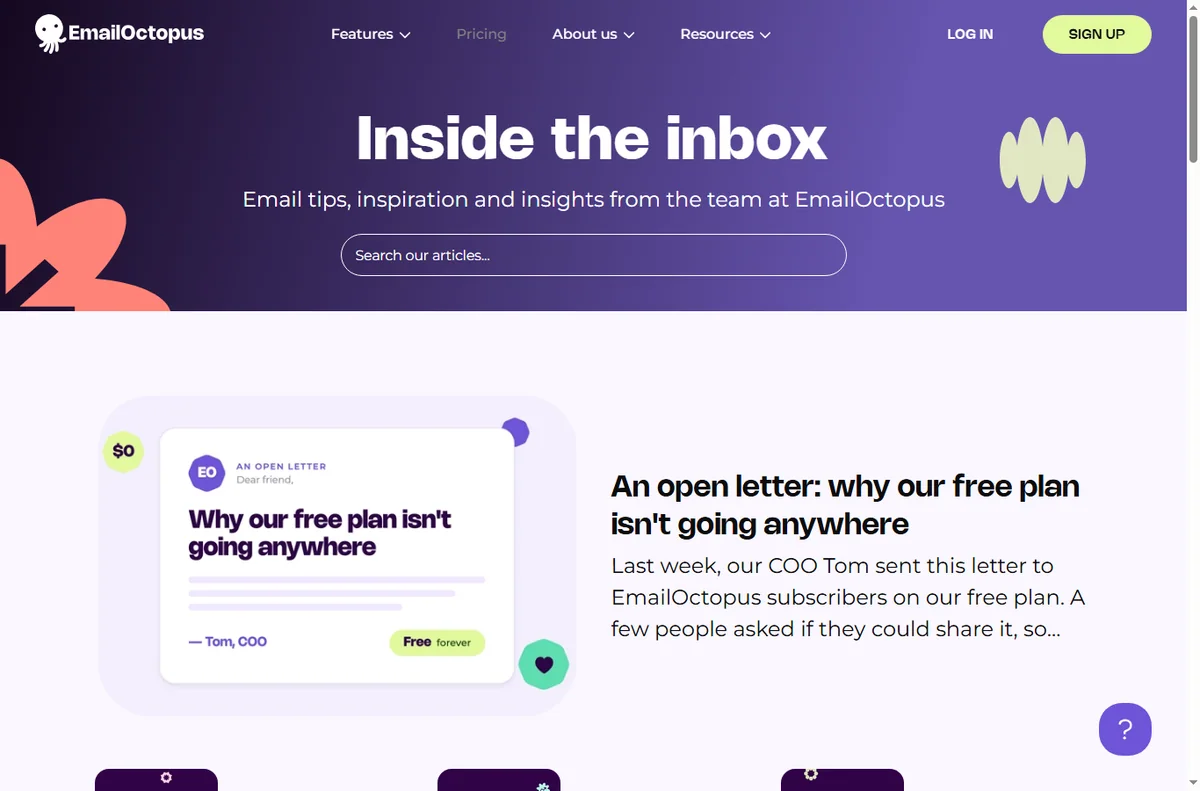
    Emailoctopus blog page
    Emailoctopus blog (image: emailoctopus.com)

    How EmailOctopus is organised

    Everything sits under one account. Your contacts live in lists, and segments carve those lists into the people you actually want to reach.

    Campaigns are one-off sends, while automations are journeys that fire when someone joins, clicks or buys. Both draw on the same templates and lists.

    Forms and landing pages feed the lists, and reporting closes the loop by showing opens, clicks and unsubscribes per campaign.

    Emailoctopus features page
    Emailoctopus features (image: emailoctopus.com)

    What EmailOctopus is good at

    • Sending a first campaign without a long setup.
    • Keeping sending costs down by using Amazon SES.
    • Automations that follow up while you get on with other work.
    • Capturing subscribers with forms and landing pages.
    • Splitting a list with segments so the right people get each email.
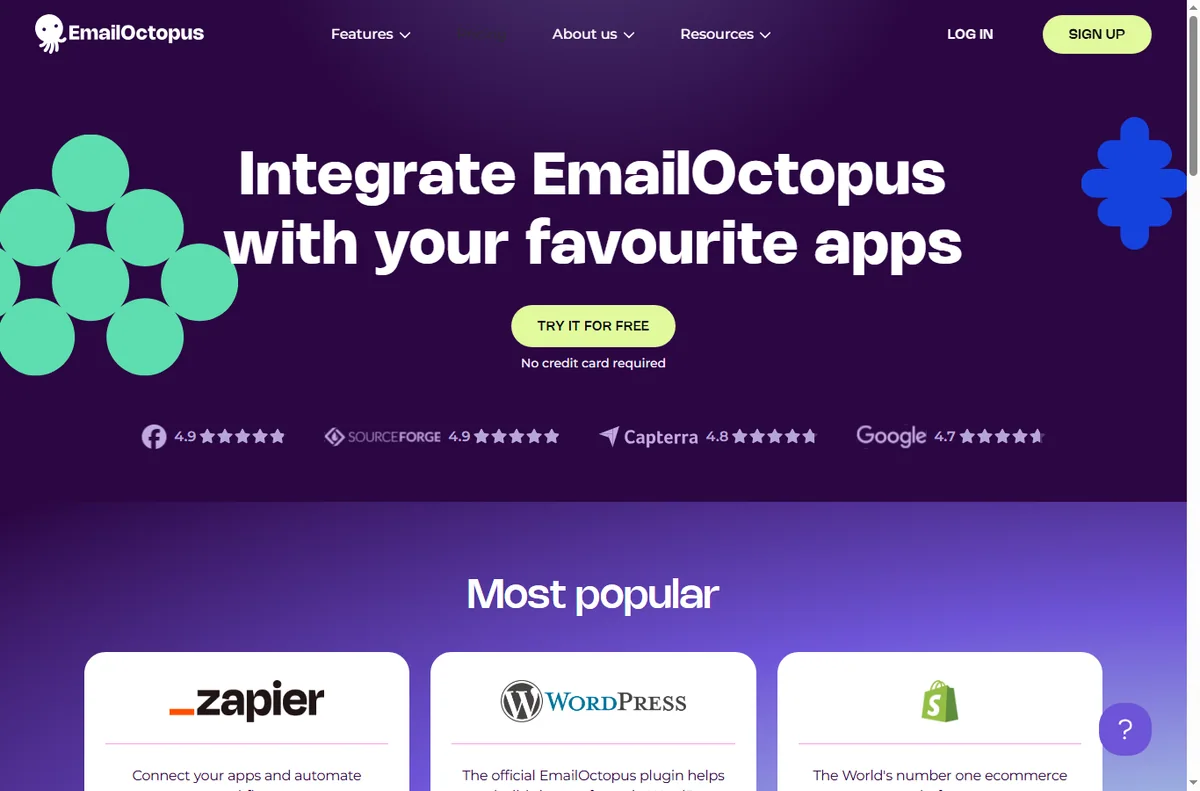
    Emailoctopus integrations page
    Emailoctopus integrations (image: emailoctopus.com)

    What EmailOctopus is not

    • Not a CRM: it does not manage a sales pipeline or deals.
    • Not a general website builder: the pages are for campaigns, not a full site.
    • Not unlimited on a free tier, so check the current pricing and limits.
    • Not a guarantee of inbox placement: deliverability still depends on your list and content.

    Concept cheat sheet

    ConceptMeaningWhy it matters
    CampaignA single email sent to a listAnnounce or promote something
    AutomationA journey triggered by an actionFollow up automatically
    List and segmentContacts grouped by criteriaSend to the right people
    Signup formA way to collect subscribersGrow the list from a site
    Landing pageA hosted page tied to a campaignCapture leads in one step
    Amazon SES connectionSending through your own AWS accountControl sending and cost
    Based on publicly documented behaviour, checked October 9, 2026.
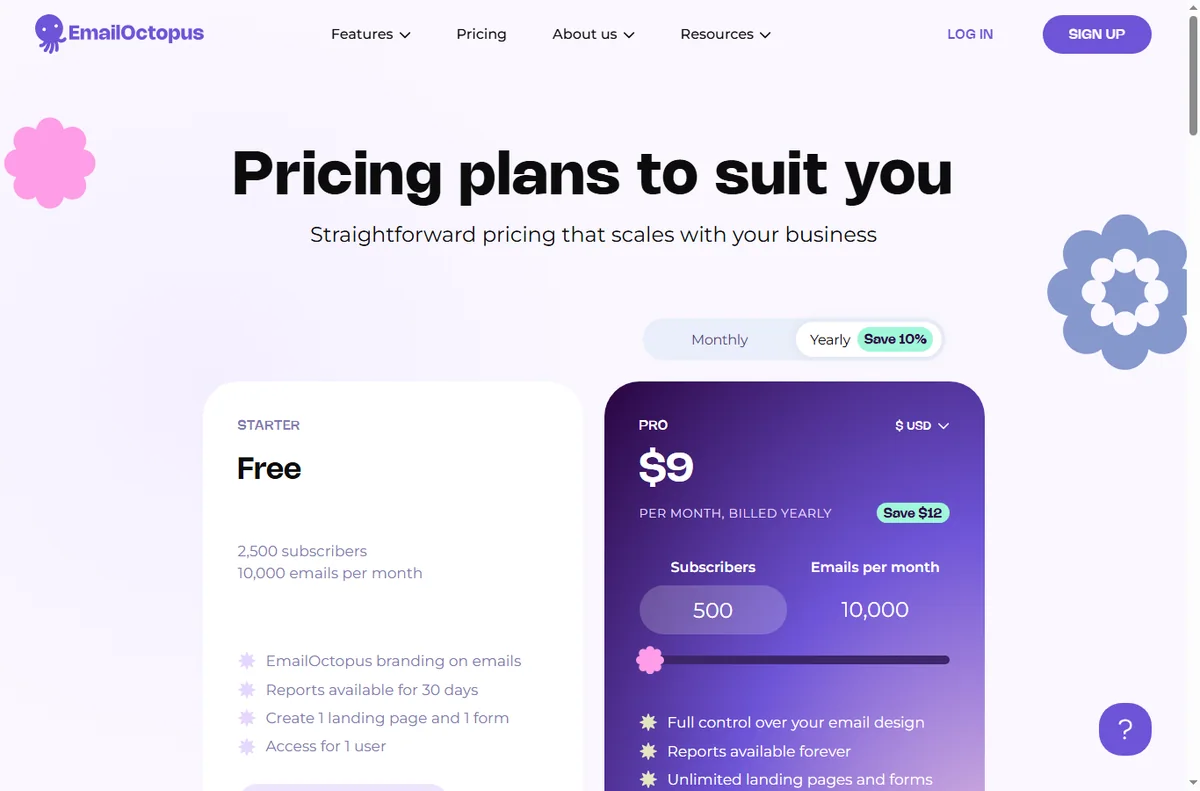
    Emailoctopus pricing page
    Emailoctopus pricing (image: emailoctopus.com)

    Where this fits

    Start with the email marketing hub. For the practical steps see how to set up EmailOctopus, and for everyday usage read how to use EmailOctopus for a small business.

    Icode editorial illustration
    Icode editorial illustration (image: icode.io.vn)

    Frequently asked

    Is EmailOctopus a CRM?

    No. It is an email marketing platform. It manages lists and campaigns rather than deals and pipelines.

    Can I automate follow-ups?

    Yes. Automations fire on joins, clicks or purchases, so a sequence can run without manual sends.

    Do I need my own website for forms?

    No. Landing pages are hosted for you, and forms can be embedded on a site you already have.

    Is there a free plan?

    There is a free tier with limits. For larger lists you will want a paid plan, so check the current pricing.

    Does it send through Amazon SES?

    It can send through Amazon SES, which is one reason many teams choose it, but confirm the details of your own plan and setup.

    Send your first campaign

    Campaigns, automations and forms in one account.

    Some links on this page may be referral links — we may earn a reward if you sign up, at no extra cost to you. We are an independent publisher. See our Affiliate Disclosure.

    Related reading

    Try Moosend free – email marketing & automation. Start free

    Try EmailOctopus free – email marketing that is simple and affordable. Start free

  • Common EmailOctopus problems and how to fix them

    Common EmailOctopus problems and how to fix them

    Home / Email Marketing / Guides / Common EmailOctopus problems

    Problem · email marketing · updated October 9, 2026

    Common EmailOctopus problems and how to fix them

    Most EmailOctopus problems fall into a few areas: campaigns that land in spam, subscribers who never receive them, automations that do not fire, forms that do not capture, or a sending connection that needs checking. Here are the ones that come up most, and what to check first.

    Independent analysis. This page may contain affiliate links. If you sign up through a link on this page we may earn a reward at no extra cost to you, and it never changes what we recommend. We are an independent publisher and are not affiliated with, endorsed by, or an official partner of any tool mentioned. See our Affiliate Disclosure.

    TL;DR

    • Campaigns in spam are usually about authentication records and list hygiene.
    • Missing emails are often bounces, a wrong segment or a suppressed address.
    • An automation that will not fire usually has a trigger or filter that never matches.
    • A form that captures nothing is usually a broken embed or a wrong list.
    • A sending connection needs its own verification, so check it early.

    On this page: Why things go wrong · Campaigns in spam · Subscribers missing · Automation not firing · Forms not capturing · Sending connection failing · Symptom to fix · Where this fits

    Why things go wrong

    Email depends on a chain: a verified sending domain, clean lists, and an automation or form that passes the contact through. A fault in any link shows up as mail that does not arrive.

    The quickest way to locate it is to follow one contact end to end: were they added, did the trigger fire, and what does their activity show?

    Because sending can run through Amazon SES, there is an extra link in the chain: the connection between your account and your own sending credentials has to stay valid.

    For anything that touches sending, change one thing at a time and watch the next campaign, because several fixes at once make it hard to see which one helped.

    Emailoctopus home page
    Emailoctopus home (image: emailoctopus.com)

    Campaigns in spam

    Spam placement is usually about authentication, so mail sent from a domain without SPF, DKIM and DMARC looks unfamiliar to the receiving provider.

    Confirm those records for your sending domain, and check whether the list contains addresses that never engaged, which drags reputation down.

    Emailoctopus blog page
    Emailoctopus blog (image: emailoctopus.com)

    Subscribers missing

    A subscriber who never received the email was probably bounced, suppressed, or filtered out by the segment you sent to.

    Check the contact activity, the segment rules, and the suppression list before you resend anything.

    Automation not firing

    An automation only runs when its trigger matches, so a join condition or a filter that is never true leaves the journey idle.

    Read the workflow from the start, confirm the trigger event, and test with a contact you control.

    Emailoctopus features page
    Emailoctopus features (image: emailoctopus.com)

    Forms not capturing

    A form that collects nothing is usually embedded incorrectly or pointed at the wrong list, so submissions have nowhere to land.

    Re-check the embed code, confirm the form is connected to a list, and submit a test yourself.

    Emailoctopus integrations page
    Emailoctopus integrations (image: emailoctopus.com)

    Sending connection failing

    When a campaign will not send, the sending connection is the first thing to rule out, because an expired key or an unverified identity stops delivery.

    Reconnect the sending service, confirm the domain is verified, and send yourself a test before a full campaign.

    Symptom to fix

    SymptomLikely causeFix
    Campaigns in spamMissing authentication recordsAdd SPF, DKIM and DMARC
    Subscribers missingBounce, suppression or segmentCheck activity and segment rules
    Automation not firingTrigger or filter never matchesFix the trigger, run a test
    Forms not capturingBad embed or wrong listRe-embed and connect the list
    Sending connection failingExpired key or unverified domainReconnect and verify
    General guidance, checked October 9, 2026. Confirm specifics inside your own EmailOctopus setup.
    Emailoctopus pricing page
    Emailoctopus pricing (image: emailoctopus.com)

    Where this fits

    Start with the email marketing hub. For the basics read what EmailOctopus is, and for the setup steps see how to set up EmailOctopus.

    Icode editorial illustration
    Icode editorial illustration (image: icode.io.vn)

    Frequently asked

    Can I fix these myself?

    Most of them. Records, forms and automations are in your control. Deliverability issues can need a support ticket.

    Why do emails bounce?

    An address that is closed, full or misspelled will bounce. Repeated bounces are suppressed so they stop harming your reputation.

    Why did only some people get the email?

    The segment decided that. Check its rules, and remember that suppressed addresses are excluded on purpose.

    How do I test an automation?

    Add a contact you control and walk through the trigger yourself. The activity view shows each step as it runs.

    Get your campaigns delivered

    Fix the common snags and keep sending.

    Some links on this page may be referral links — we may earn a reward if you sign up, at no extra cost to you. We are an independent publisher. See our Affiliate Disclosure.

    Related reading

    Try Moosend free – email marketing & automation. Start free

    Try EmailOctopus free – email marketing that is simple and affordable. Start free

  • Common Moosend problems and how to fix them

    Common Moosend problems and how to fix them

    Home / Email Marketing / Guides / Common Moosend problems

    Problem · email marketing · updated October 9, 2026

    Common Moosend problems and how to fix them

    Most Moosend problems fall into a few areas: campaigns that land in spam, subscribers who never receive them, automations that do not fire, forms that do not capture, or an account that needs verifying. Here are the ones that come up most, and what to check first.

    Independent analysis. This page may contain affiliate links. If you sign up through a link on this page we may earn a reward at no extra cost to you, and it never changes what we recommend. We are an independent publisher and are not affiliated with, endorsed by, or an official partner of any tool mentioned. See our Affiliate Disclosure.

    TL;DR

    • Campaigns in spam are usually about authentication records and list hygiene.
    • Missing emails are often bounces, a wrong segment or a suppressed address.
    • An automation that will not fire usually has a trigger or filter that never matches.
    • A form that captures nothing is usually a broken embed or a wrong list.
    • Check the exact step that failed before you change the whole setup.

    On this page: Why things go wrong · Campaigns in spam · Subscribers missing · Automation not firing · Forms not capturing · Account not verified · Symptom to fix · Where this fits

    Why things go wrong

    Email depends on a chain: a verified sending domain, clean lists, and an automation or form that passes the contact through. A fault in any link shows up as mail that does not arrive.

    The quickest way to locate it is to follow one contact end to end: were they added, did the trigger fire, and what does their activity show?

    Deliverability in particular sits outside your account: the receiving mailbox decides what to do with the message, and your job is to make that decision easy.

    For anything that touches sending, change one thing at a time and watch the next campaign, because several fixes at once make it hard to see which one helped.

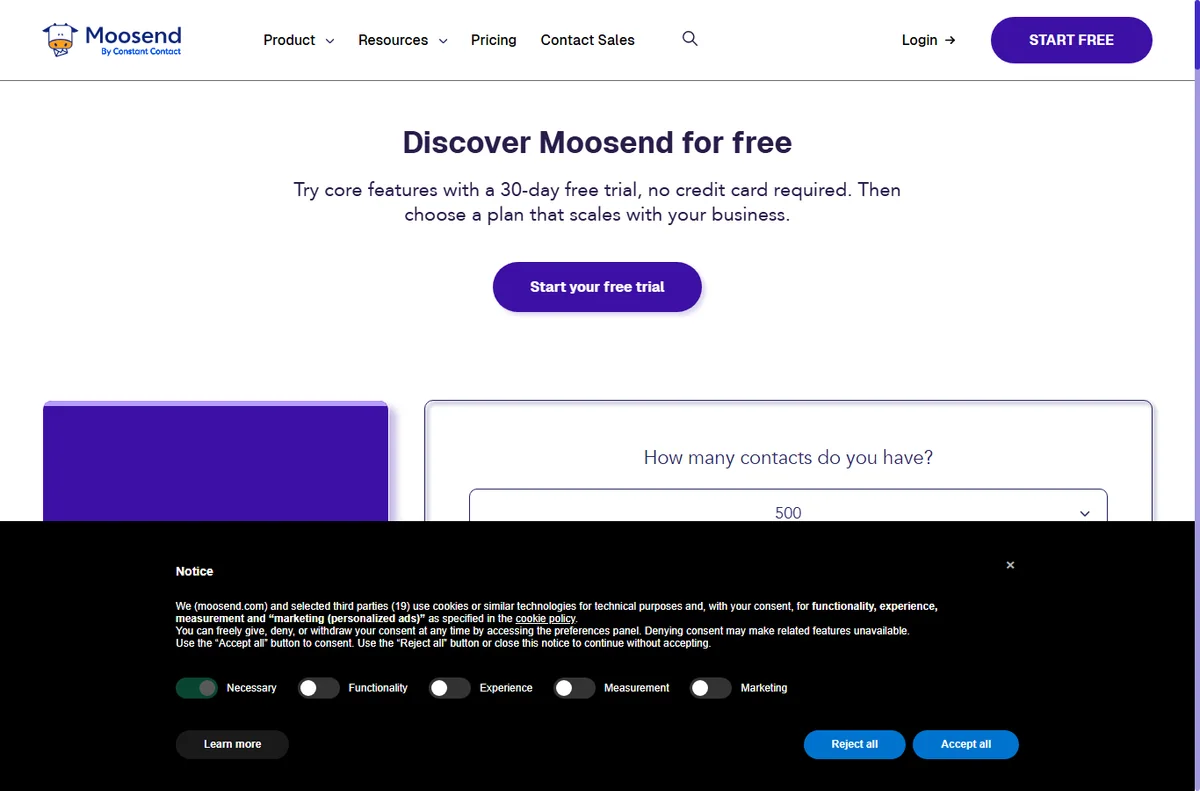
    Moosend home page
    Moosend home (image: moosend.com)

    Campaigns in spam

    Spam placement is usually about authentication, so mail sent from a domain without SPF, DKIM and DMARC looks unfamiliar to the receiving provider.

    Confirm those records for your sending domain, and check whether the list contains addresses that never engaged, which drags reputation down.

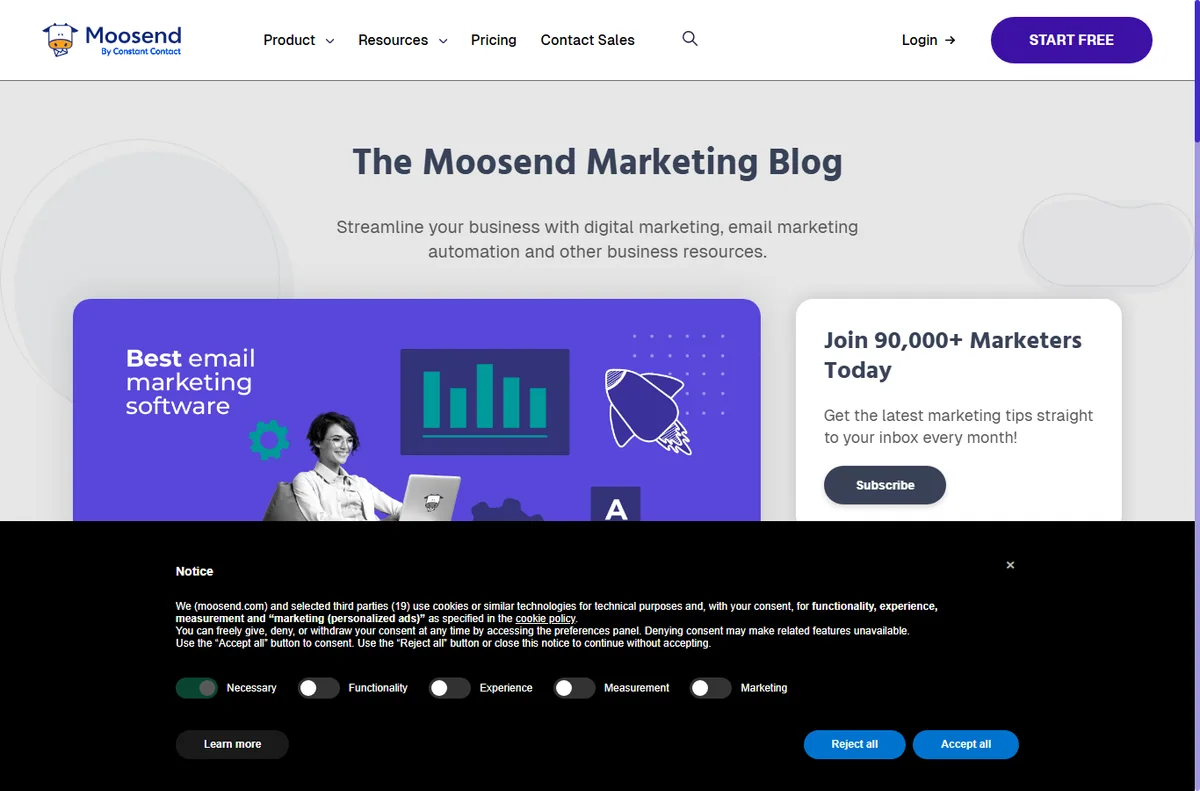
    Moosend blog page
    Moosend blog (image: moosend.com)

    Subscribers missing

    A subscriber who never received the email was probably bounced, suppressed, or filtered out by the segment you sent to.

    Check the contact’s activity, the segment rules, and the suppression list before you resend anything.

    Automation not firing

    An automation only runs when its trigger matches, so a join condition or a filter that is never true leaves the journey idle.

    Read the workflow from the start, confirm the trigger event, and test with a contact you control.

    Moosend emailmarketing page
    Moosend emailmarketing (image: moosend.com)

    Forms not capturing

    A form that collects nothing is usually embedded incorrectly or pointed at the wrong list, so submissions have nowhere to land.

    Re-check the embed code, confirm the form is connected to a list, and submit a test yourself.

    Moosend features page
    Moosend features (image: moosend.com)

    Account not verified

    Sending is often held back until the account and sending domain are verified, which is a safety step rather than an error.

    Look for the verification email, complete the domain records, and allow a little time for the status to update.

    Symptom to fix

    SymptomLikely causeFix
    Campaigns in spamMissing authentication recordsAdd SPF, DKIM and DMARC
    Subscribers missingBounce, suppression or segmentCheck activity and segment rules
    Automation not firingTrigger or filter never matchesFix the trigger, run a test
    Forms not capturingBad embed or wrong listRe-embed and connect the list
    Account not verifiedPending verificationConfirm domain and email
    General guidance, checked October 9, 2026. Confirm specifics inside your own Moosend setup.
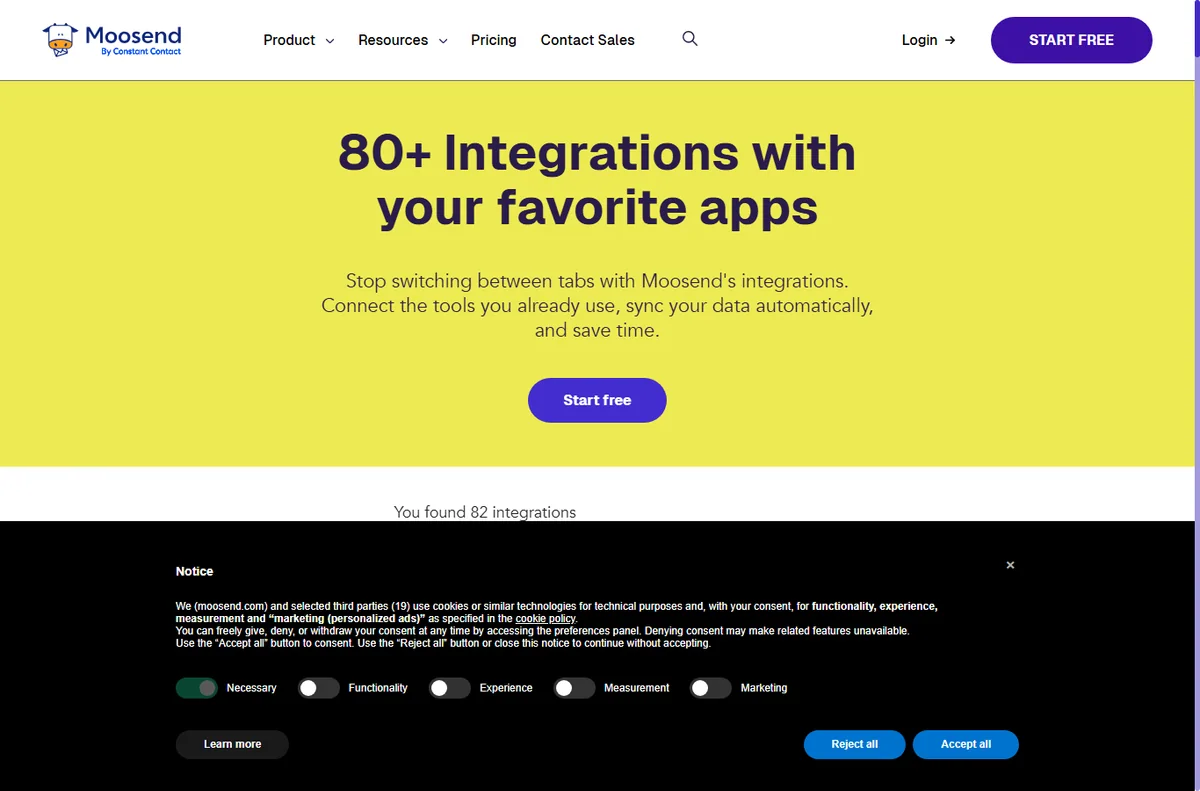
    Moosend integrations page
    Moosend integrations (image: moosend.com)

    Where this fits

    Start with the email marketing hub. For the basics read what Moosend is, and for the setup steps see how to set up Moosend.

    Moosend pricing page
    Moosend pricing (image: moosend.com)

    Frequently asked

    Can I fix these myself?

    Most of them. Records, forms and automations are in your control. Deliverability issues can need a support ticket.

    Why do emails bounce?

    An address that is closed, full or misspelled will bounce. Repeated bounces are suppressed so they stop harming your reputation.

    Why did only some people get the email?

    The segment decided that. Check its rules, and remember that suppressed addresses are excluded on purpose.

    How do I test an automation?

    Add a contact you control and walk through the trigger yourself. The activity view shows each step as it runs.

    Get your campaigns delivered

    Fix the common snags and keep sending.

    Some links on this page may be referral links — we may earn a reward if you sign up, at no extra cost to you. We are an independent publisher. See our Affiliate Disclosure.

    Related reading

    Try Moosend free – email marketing & automation. Start free

  • What is Moosend?

    What is Moosend?

    Home / Email Marketing / Guides / What is Moosend

    Knowledge · email marketing · updated October 9, 2026

    What is Moosend?

    Moosend is an email marketing platform for sending campaigns, building automations and capturing subscribers with forms and landing pages. This guide explains what each part does, how an account is organised, and what it is not.

    Independent analysis. This page may contain affiliate links. If you sign up through a link on this page we may earn a reward at no extra cost to you, and it never changes what we recommend. We are an independent publisher and are not affiliated with, endorsed by, or an official partner of any tool mentioned. See our Affiliate Disclosure.

    TL;DR

    • Moosend is an email marketing and automation platform.
    • It covers campaigns, automations, signup forms, landing pages and reports.
    • Lists and segments decide who receives each email.
    • Plans and subscriber limits change, so check the current pricing before you commit.
    • It is not a full CRM or a general website builder.

    On this page: What Moosend is · How it is organised · What it is good at · What it is not · Concept cheat sheet · Where this fits

    Moosend home page
    Moosend home (image: moosend.com)

    What Moosend is

    Moosend is a cloud service rather than software you run yourself. You import or collect subscribers, build an email, and send it in a few clicks.

    Around the campaign editor sit the parts that make sending repeatable: automation workflows, signup forms, landing pages and the reports that show what happened.

    It also sends transactional and SMTP mail, so messages triggered by your own app can go out through the same account as your campaigns.

    Templates and a visual editor sit in front of the sending engine, so you design an email on screen and the platform handles delivery, tracking and unsubscribes for you.

    Consent is part of the model: subscribers arrive through forms and landing pages, and the account keeps a record of how each person joined.

    Moosend blog page
    Moosend blog (image: moosend.com)

    How Moosend is organised

    Everything sits under one account. Your contacts live in lists, and segments carve those lists into the people you actually want to reach.

    Campaigns are one-off sends, while automations are journeys that fire when someone joins, clicks or buys. Both draw on the same templates and lists.

    Forms and landing pages feed the lists, and reporting closes the loop by showing opens, clicks and revenue per campaign.

    Moosend emailmarketing page
    Moosend emailmarketing (image: moosend.com)

    What Moosend is good at

    • Sending a first campaign without a long setup.
    • Automations that follow up while you get on with other work.
    • Capturing subscribers with forms and landing pages.
    • Splitting a list with segments so the right people get each email.
    • Sending transactional mail from the same account.
    Moosend features page
    Moosend features (image: moosend.com)

    What Moosend is not

    • Not a CRM: it does not manage a sales pipeline or deals.
    • Not a general website builder: the pages are for campaigns, not a full site.
    • Not unlimited on a free tier, so check the current pricing and limits.
    • Not a guarantee of inbox placement: deliverability still depends on your list and content.

    Concept cheat sheet

    ConceptMeaningWhy it matters
    CampaignA single email sent to a listAnnounce or promote something
    AutomationA journey triggered by an actionFollow up automatically
    List and segmentContacts grouped by criteriaSend to the right people
    Signup formA way to collect subscribersGrow the list from a site
    Landing pageA hosted page tied to a campaignCapture leads in one step
    Transactional emailMail triggered by your appOrder and account messages
    Based on publicly documented behaviour, checked October 9, 2026.
    Moosend integrations page
    Moosend integrations (image: moosend.com)

    Where this fits

    Start with the email marketing hub. For the practical steps see how to set up Moosend, and for everyday usage read how to use Moosend for a small business.

    Moosend pricing page
    Moosend pricing (image: moosend.com)

    Frequently asked

    Is Moosend a CRM?

    No. It is an email marketing platform. It manages lists and campaigns rather than deals and pipelines.

    Can I automate follow-ups?

    Yes. Automations fire on joins, clicks or purchases, so a sequence can run without manual sends.

    Do I need my own website for forms?

    No. Landing pages are hosted for you, and forms can be embedded on a site you already have.

    Is there a free plan?

    There is a free tier with limits. For larger lists you will want a paid plan, so check the current pricing.

    Will my email reach the inbox?

    Good list hygiene and authentication records help a lot, but inbox placement is never guaranteed.

    Send your first campaign

    Campaigns, automations and forms in one account.

    Some links on this page may be referral links — we may earn a reward if you sign up, at no extra cost to you. We are an independent publisher. See our Affiliate Disclosure.

    Related reading

    Try Moosend free – email marketing & automation. Start free

  • Common Mangools problems and how to fix them

    Common Mangools problems and how to fix them

    Home / SEO Tools / Guides / Common Mangools problems

    Problem · seo tools · updated October 9, 2026

    Common Mangools problems and how to fix them

    Most Mangools problems fall into a few areas: a tool that will not load, keyword data that looks wrong, rank tracking that stops updating, usage limits you have hit, or an export that will not come out. Here are the ones that come up most, and what to check first.

    Independent analysis. This page may contain affiliate links. If you sign up through a link on this page we may earn a reward at no extra cost to you, and it never changes what we recommend. We are an independent publisher and are not affiliated with, endorsed by, or an official partner of any tool mentioned. See our Affiliate Disclosure.

    TL;DR

    • A tool that will not load is usually your session, a browser extension or the service.
    • Keyword data that looks off is often the database or location you picked.
    • Rank tracking stalls when a project, domain or location is misconfigured.
    • Running out of lookups is the plan limit, not a fault.
    • Check which tool and which project is failing before you ask for help.

    On this page: Why things go wrong · Tool will not load · Keyword data looks off · Tracking stopped · Usage limits reached · Export will not come out · Symptom to fix · Where this fits

    Why things go wrong

    Mangools runs in the browser and pulls from its own keyword and ranking databases, so a fault can sit in your login, your project settings or the data itself.

    The useful first move is to note which tool is affected and whether a different project behaves normally. That tells you if the problem is account-wide or specific to one setup.

    Because the tools lean on shared data, a glitch can affect one report without touching the others, so testing a second keyword or project is a quick way to tell the two apart.

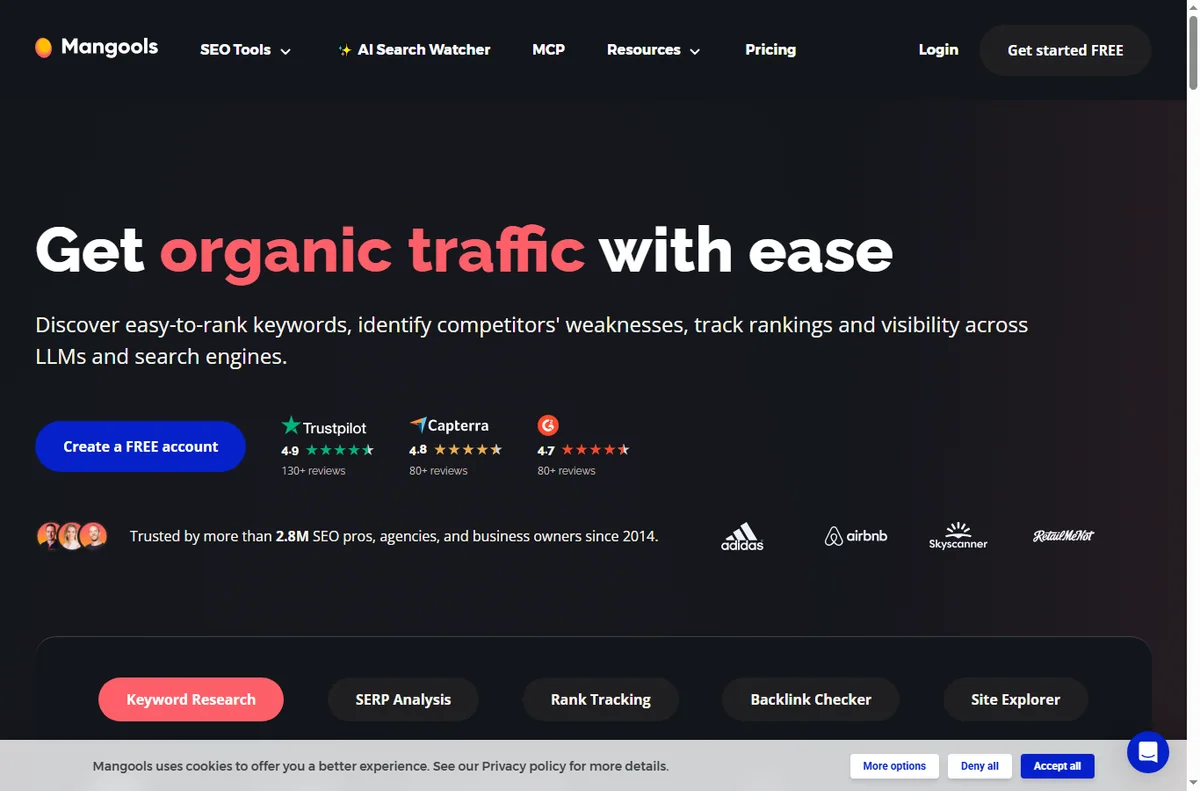
    Mangools home page
    Mangools home (image: mangools.com)

    Tool will not load

    A tool that spins forever is often a stale session, an ad or script blocker, or an outage on the service rather than anything you did.

    Sign out and back in, try a private window, and disable extensions for the site. If it still fails, check the service status before changing anything.

    Mangools kwfinder page
    Mangools kwfinder (image: mangools.com)

    Keyword data looks off

    Keyword numbers depend on the database and the location you choose, so a term can look very different between countries or devices.

    Re-run the same term with the same settings and compare, and check that you have not switched the language or country by accident.

    Tracking stopped

    Rank tracking pauses when a project’s domain, keywords or location are wrong, so the tracker has nothing valid to check.

    Open the project, confirm the domain and the location, and make sure the keywords are still inside your plan’s tracked limit.

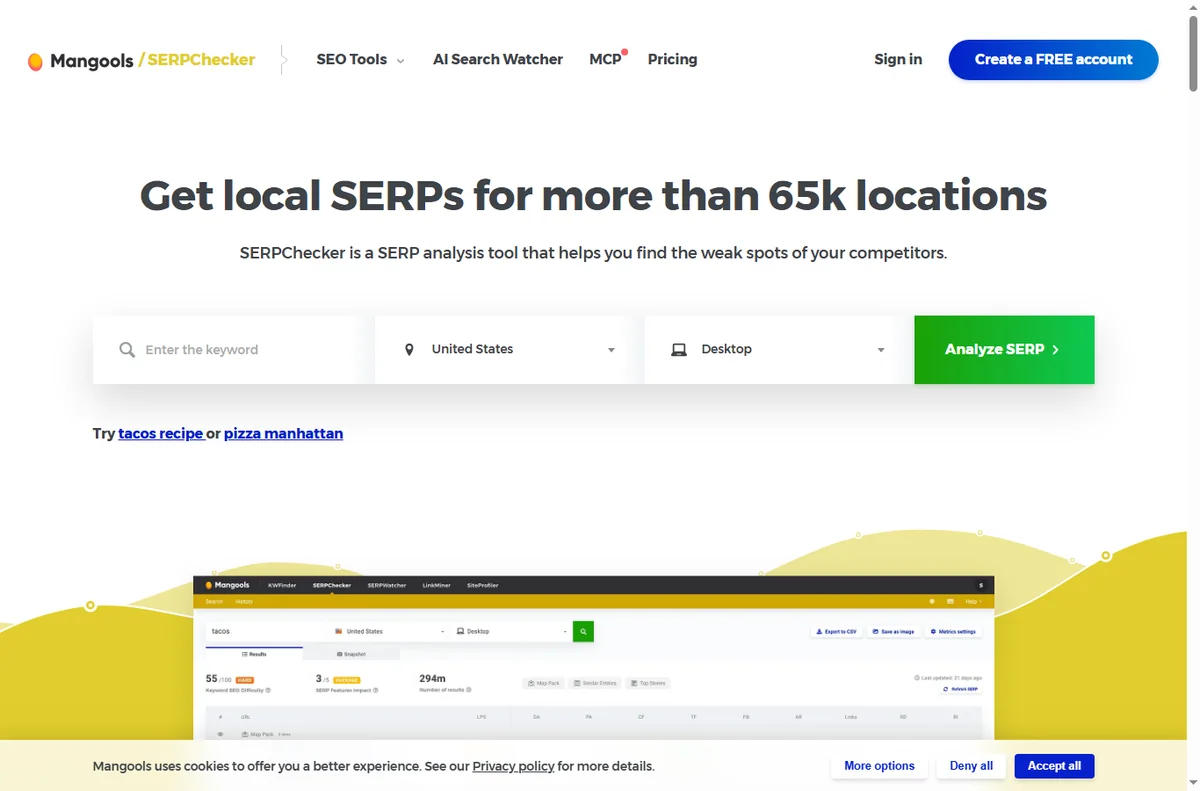
    Mangools serpchecker page
    Mangools serpchecker (image: mangools.com)

    Usage limits reached

    Running out of lookups is the plan doing its job rather than a bug, and the counter resets on a daily cycle.

    Check the usage screen to see which tool is exhausted, then either wait for the reset or spread the work across tools.

    Mangools serpwatcher page
    Mangools serpwatcher (image: mangools.com)

    Export will not come out

    A failed export is usually a very large report, a blocked download, or a format the tool does not support for that view.

    Try a smaller date range, allow downloads for the site, and export one tool at a time rather than everything at once.

    Symptom to fix

    SymptomLikely causeFix
    Tool will not loadSession, extension or outageRe-login, try a private window
    Keyword data looks offDatabase or location settingRe-run with the same settings
    Tracking stoppedWrong domain, keyword or locationFix the project settings
    Usage limits reachedPlan limitWait for the reset or split the work
    Export failsSize, blocked download or formatNarrow the range, allow downloads
    General guidance, checked October 9, 2026. Confirm specifics inside your own Mangools setup.
    Mangools siteprofiler page
    Mangools siteprofiler (image: mangools.com)

    Where this fits

    Start with the SEO tools hub. For the basics read what Mangools is, and for the setup steps see how to set up Mangools.

    Mangools x blog page
    Mangools x blog (image: mangools.com)

    Frequently asked

    Can I fix these myself?

    Most of them. Settings, sessions and project setup are in your hands. Database or outage issues are on the service side.

    Why does one project track and another not?

    Tracking depends on each project’s domain, keywords and location. A single wrong field stops only that project.

    Do my lookups reset?

    Yes. Usage counts reset on a daily cycle, so a limit you hit today is usually available again tomorrow.

    Is my keyword data wrong?

    It is usually the database or location. Re-run the term with identical settings to confirm before you doubt it.

    Keep your research moving

    Fix the common snags and get back to the data.

    Some links on this page may be referral links — we may earn a reward if you sign up, at no extra cost to you. We are an independent publisher. See our Affiliate Disclosure.

    Related reading

  • What is Mangools?

    What is Mangools?

    Home / SEO Tools / Guides / What is Mangools

    Knowledge · seo tools · updated October 9, 2026

    What is Mangools?

    Mangools is a suite of SEO tools that covers keyword research, SERP analysis, rank tracking, backlink checks and site metrics in one dashboard. This guide explains what each part does, how the account is organised, and what it is not.

    Independent analysis. This page may contain affiliate links. If you sign up through a link on this page we may earn a reward at no extra cost to you, and it never changes what we recommend. We are an independent publisher and are not affiliated with, endorsed by, or an official partner of any tool mentioned. See our Affiliate Disclosure.

    TL;DR

    • Mangools is a suite of SEO tools rather than a single app.
    • It bundles keyword research, SERP analysis, rank tracking, backlinks and site metrics.
    • One account covers every tool, with usage limits set by the plan.
    • Plans, credits and prices change, so check the current pricing before you commit.
    • It is not a full technical site-audit crawler on its own.

    On this page: What Mangools is · How it is organised · What it is good at · What it is not · Concept cheat sheet · Where this fits

    Mangools home page
    Mangools home (image: mangools.com)

    What Mangools is

    Mangools is a subscription service rather than software you install. You sign in on the web, run a search, and read the results in your browser.

    Each tool answers one question: what people search for, who ranks for a term, how your own rankings move, who links to a site, and how strong a site is.

    The tools share data and a login, so a keyword you find in one can be checked against the search results in another without re-entering it.

    You do not download or maintain anything locally, and updates arrive on the service side, so the tools behave the same on any machine you log in from.

    Mangools kwfinder page
    Mangools kwfinder (image: mangools.com)

    How Mangools is organised

    One account unlocks every tool. What changes between plans is how much you can use them, measured in daily lookups, tracked keywords and saved projects.

    The suite is built around five tools: KWFinder for keywords, SERPChecker for the results page, SERPWatcher for tracking, LinkMiner for backlinks and SiteProfiler for site metrics.

    Tracking runs on a schedule you leave switched on, while the other tools are used on demand, so most accounts settle into a research habit plus a background tracker.

    Mangools serpchecker page
    Mangools serpchecker (image: mangools.com)

    What Mangools is good at

    • Finding low-competition keywords without a steep learning curve.
    • Checking who already ranks for a term before you write.
    • Watching your own rankings move day by day.
    • Reviewing backlinks in a lightweight way.
    • Keeping one login and one bill across all the tools.
    Mangools serpwatcher page
    Mangools serpwatcher (image: mangools.com)

    What Mangools is not

    • Not a full technical crawler: it does not walk a whole site looking for broken links.
    • Not a link-building service: it shows backlinks rather than creating them.
    • Not free at scale, so check the current pricing for the lookups you need.
    • Not a replacement for a content or writing workflow.

    Concept cheat sheet

    ConceptMeaningWhy it matters
    KWFinderKeyword research and difficultyFind terms worth targeting
    SERPCheckerAnalysis of a results pageSee who ranks and why
    SERPWatcherDaily rank trackingWatch your positions move
    LinkMinerBacklink analysisInspect who links to a site
    SiteProfilerSite-level SEO metricsGauge a domain’s strength
    Keyword difficultyHow hard a term is to rank forPrioritise realistic terms
    Based on publicly documented behaviour, checked October 9, 2026.
    Mangools siteprofiler page
    Mangools siteprofiler (image: mangools.com)

    Where this fits

    Start with the SEO tools hub. For the practical steps see how to set up Mangools, and for everyday usage read how to use Mangools for a small business.

    Mangools x blog page
    Mangools x blog (image: mangools.com)

    Frequently asked

    Is Mangools just one tool?

    No. It is a suite, and the plans unlock all of them. The difference between plans is how much you can use them.

    Do I need it if I use another SEO tool?

    Not necessarily. It earns its place if you value fast keyword research and simple rank tracking in one login.

    Does it track my rankings automatically?

    Yes, the tracker runs on a schedule once you set your keywords and locations. You read the movement in your dashboard.

    Is there a free option?

    There is a limited free tier you can trial. For regular work you will want a paid plan, so check the current pricing.

    Can it audit my whole site?

    It is not a full crawler. Use it for keywords, search results and backlinks, and a dedicated crawler for technical audits.

    Research smarter

    Keywords, search results and rankings in one login.

    Some links on this page may be referral links — we may earn a reward if you sign up, at no extra cost to you. We are an independent publisher. See our Affiliate Disclosure.

    Related reading

  • Common FastComet problems and how to fix them

    Common FastComet problems and how to fix them

    Home / Hosting / Guides / Common FastComet problems

    Problem · hosting · updated October 9, 2026

    Common FastComet problems and how to fix them

    Most FastComet problems fall into a few areas: a site that will not load, email that lands in spam, a slow dashboard, a migration that stalled, or DNS and SSL that will not settle. Here are the ones that come up most, and what to check first.

    Independent analysis. This page may contain affiliate links. If you sign up through a link on this page we may earn a reward at no extra cost to you, and it never changes what we recommend. We are an independent publisher and are not affiliated with, endorsed by, or an official partner of any tool mentioned. See our Affiliate Disclosure.

    TL;DR

    • A site that will not load is usually DNS, SSL or the hosting plan itself.
    • Email that lands in spam is often DNS records or sender reputation.
    • A slow dashboard can come from server load or plugins on your own site.
    • A stalled migration is usually access details or a large account.
    • Check the exact step that failed before you open a ticket.

    On this page: Why things go wrong · Will not load · Email lands in spam · Slow dashboard · Migration stalled · DNS and SSL will not settle · Symptom to fix · Where this fits

    Why things go wrong

    Your site depends on several layers working together: the domain name, the DNS records, the server, the SSL certificate and your own files. A fault in any one of them shows up as the site being down.

    A habit that saves time: test the same thing from another network, and check whether email, the dashboard and the website fail together. If only one fails, the problem is probably in that one layer.

    Keeping a short note of what changed before the problem started, such as a DNS edit, a plugin update or a new certificate, narrows the search far faster than guessing.

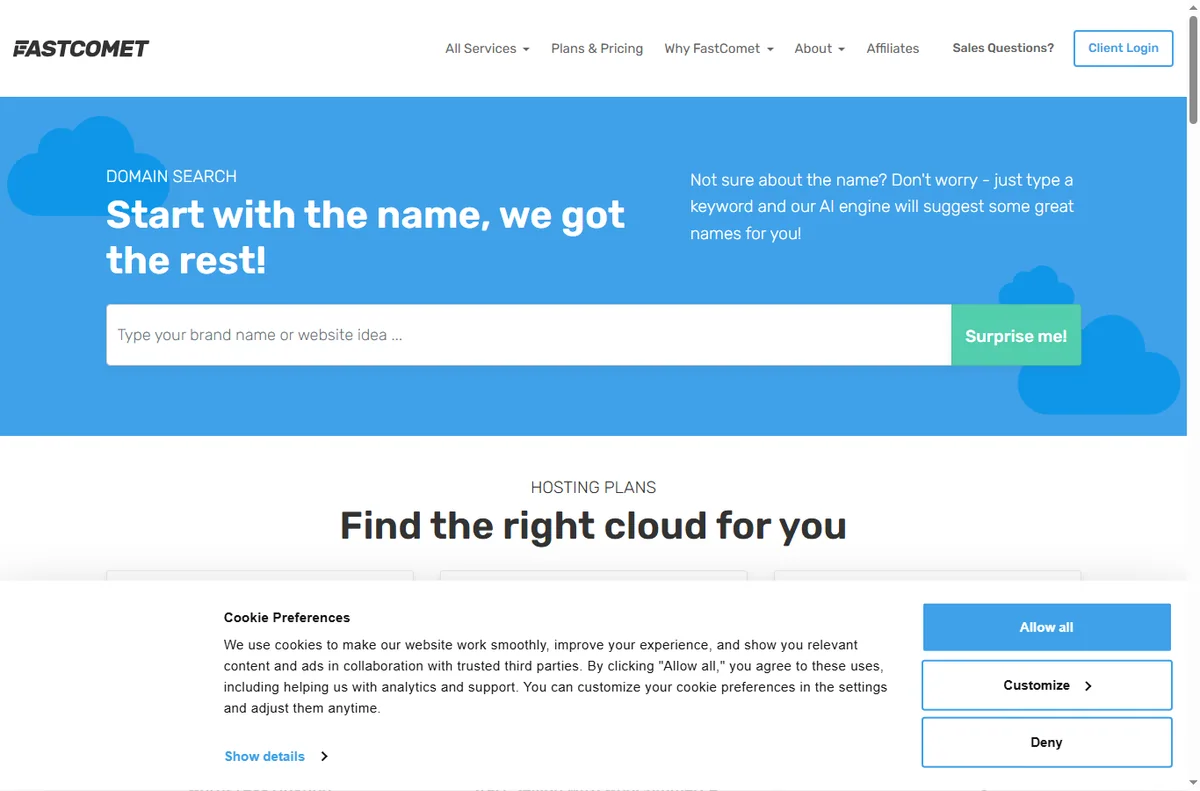
    Fastcomet home page
    Fastcomet home (image: fastcomet.com)

    Will not load

    A blank or erroring page usually means the domain no longer points at the server, or the SSL certificate has expired and browsers are refusing the connection.

    Check the DNS records first, then look at the SSL status in the control panel. If both are fine, the issue is likely on the site itself rather than the host.

    Fastcomet about page
    Fastcomet about (image: fastcomet.com)

    Email lands in spam

    Mail that arrives in spam is usually about DNS: the SPF, DKIM and DMARC records that tell the receiving provider you are a legitimate sender.

    Confirm those records exist and match, and check whether only some recipients are affected, which points at reputation rather than misconfiguration.

    Slow dashboard

    A slow control panel is often server load or a large number of files, while a slow website is more often heavy plugins or unoptimised images.

    Open a plain page on the site to separate the two. If a simple page is fast but the dashboard lags, the problem is on the hosting side.

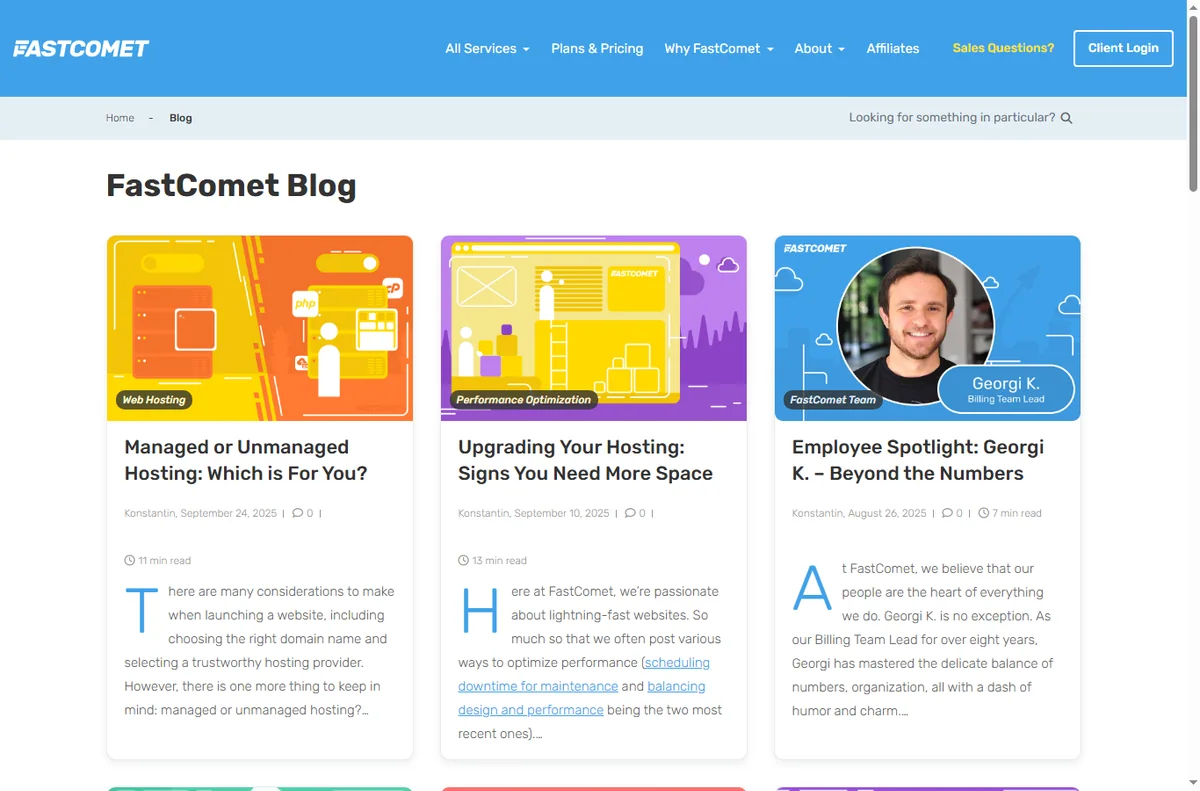
    Fastcomet blog page
    Fastcomet blog (image: fastcomet.com)

    Migration stalled

    A migration usually stalls on access details or size: the old host is not reachable, the credentials are wrong, or the account is simply too large for a one-step move.

    Verify the old host’s details, start the migration over a quiet period, and split a very large site if the tool offers that.

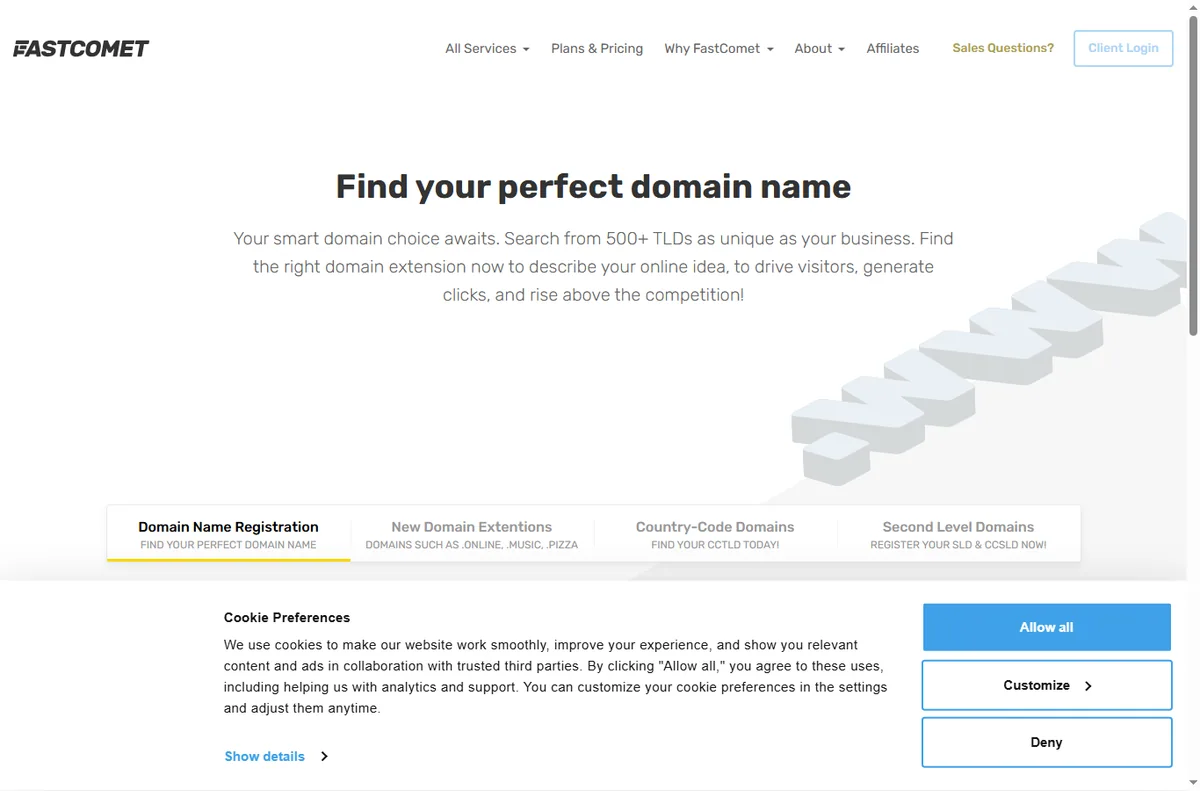
    Fastcomet domains page
    Fastcomet domains (image: fastcomet.com)

    DNS and SSL will not settle

    DNS changes and certificate issuance both take time to propagate, so a change that looks broken may simply be in progress.

    Check the record values against what the host documents, and allow for propagation before changing things again.

    Symptom to fix

    SymptomLikely causeFix
    Site will not loadDNS, SSL or the planCheck DNS then SSL, then the site
    Email in spamMissing or wrong SPF, DKIM, DMARCAdd and align the DNS records
    Slow dashboardServer load or many filesTest a plain page to isolate it
    Migration stalledAccess details or account sizeVerify credentials, split large sites
    DNS or SSL pendingPropagation timeWait, then re-check the values
    General guidance, checked October 9, 2026. Confirm specifics inside your own FastComet setup.
    Fastcomet pricing page
    Fastcomet pricing (image: fastcomet.com)

    Where this fits

    Start with the hosting hub. For the basics read what FastComet is, and for the setup steps see how to set up FastComet.

    Fastcomet support page
    Fastcomet support (image: fastcomet.com)

    Frequently asked

    Can I fix these problems myself?

    Many of them. DNS, SSL and site-level issues are in your control. Anything on the server needs a support ticket.

    Why is only my email affected?

    Email depends on DNS records and reputation, so it can fail on its own even when the website is fine.

    Should I change hosts when the site goes down?

    Not straight away. Confirm whether it is DNS, SSL or the server first, since most outages are a single fixable layer.

    How long do DNS changes take?

    Anywhere from a few minutes to a day or more. Compare the live records with what the host documents before changing them again.

    Get your site back online

    Work through the layers, then get help if you need it.

    Some links on this page may be referral links — we may earn a reward if you sign up, at no extra cost to you. We are an independent publisher. See our Affiliate Disclosure.

    Related reading

  • What is FastComet?

    What is FastComet?

    Home / Hosting / Guides / What is FastComet

    Knowledge · hosting · updated October 9, 2026

    What is FastComet?

    FastComet is a web hosting provider that sells shared, VPS and dedicated server plans and looks after the servers so you can focus on your site. This guide explains what it does, how its plans are organised, and what it is not.

    Independent analysis. This page may contain affiliate links. If you sign up through a link on this page we may earn a reward at no extra cost to you, and it never changes what we recommend. We are an independent publisher and are not affiliated with, endorsed by, or an official partner of any tool mentioned. See our Affiliate Disclosure.

    TL;DR

    • FastComet is a web host for websites and web apps.
    • It offers shared, VPS, dedicated and reseller plans.
    • It includes daily backups, a CDN and free site migration.
    • Plans, terms and prices change, so check the current pricing before you commit.
    • It is not a drag-and-drop website builder on its own.

    On this page: What FastComet is · How it is organised · What it is good at · What it is not · Concept cheat sheet · Where this fits

    Fastcomet home page
    Fastcomet home (image: fastcomet.com)

    What FastComet is

    FastComet is a hosting company rather than a piece of software. You rent space on its servers, point your domain at them, and your site is served to visitors from there.

    The core product is the server and the control panel around it. A shared plan puts your site on a machine with other sites, while a VPS or dedicated plan gives you more of the machine to yourself.

    On top of the hosting it bundles extras such as daily backups, a content delivery network, free migration from your old host and round-the-clock support. These sit around the server rather than replacing it.

    Because the servers are managed for you, the day-to-day work is choosing a plan and building the site, not patching an operating system or watching uptime graphs yourself.

    Fastcomet about page
    Fastcomet about (image: fastcomet.com)

    How FastComet is organised

    Everything hangs off one account. You pick a hosting type, then a plan tier inside it, and the tier sets how much storage, memory and traffic you get.

    Shared plans are sold in named tiers. Higher tiers add more resources rather than a different product, so you can start small and move up as a site grows.

    VPS and dedicated plans are aimed at heavier or more custom workloads, and the control panel is where you manage domains, email, databases and SSL certificates.

    Fastcomet blog page
    Fastcomet blog (image: fastcomet.com)

    What FastComet is good at

    • Getting a WordPress or small-business site online quickly.
    • Hands-off maintenance such as backups and a built-in CDN.
    • Migrating an existing site without rebuilding it.
    • Support that is available around the clock.
    • Serving visitors from data centres in several regions.
    Fastcomet domains page
    Fastcomet domains (image: fastcomet.com)

    What FastComet is not

    • Not a drag-and-drop site builder: you still choose a platform such as WordPress.
    • Not free, and not the cheapest possible option, so check the current pricing.
    • Not a domain registrar you would use for unrelated domains.
    • Not a guarantee of unlimited resources: every plan has limits.

    Concept cheat sheet

    ConceptMeaningWhy it matters
    Shared hostingOne server shared by many sitesCheapest way to start
    VPSA slice of a server reserved for youMore control and resources
    Control panelWhere you manage your accountDomains, email, files and SSL
    CDNCopies of your files served nearbyFaster loads for distant visitors
    SSL certificateEncrypts traffic to your siteTrust and search visibility
    DNSMaps your domain to a serverWhere you point the domain
    Based on publicly documented behaviour, checked October 9, 2026.
    Fastcomet pricing page
    Fastcomet pricing (image: fastcomet.com)

    Where this fits

    Start with the hosting hub. For the practical steps see how to set up FastComet, and for everyday usage read how to use FastComet for a small business.

    Fastcomet support page
    Fastcomet support (image: fastcomet.com)

    Frequently asked

    Is FastComet a website builder?

    No. It is a host. You build the site with a platform such as WordPress or another CMS and host it on FastComet.

    What kind of hosting does it offer?

    Shared, VPS and dedicated server plans, plus reseller options. The right one depends on how much traffic and control you need.

    Does it include a free domain?

    Some plans include a domain or its first year. Terms change, so confirm the current offer before you buy.

    Can I move my existing site?

    Yes. Free migration is part of the offer, which means its team moves your site for you rather than you rebuilding it.

    Do I need a VPS?

    Usually not to start. A shared plan handles most small sites, and you move up only when resources or traffic demand it.

    Get your site online

    Hosting, backups and support in one place.

    Some links on this page may be referral links — we may earn a reward if you sign up, at no extra cost to you. We are an independent publisher. See our Affiliate Disclosure.

    Related reading