
Home / Hosting / Guides / Common FastComet problems
Problem · hosting · updated October 9, 2026
Common FastComet problems and how to fix them
Most FastComet problems fall into a few areas: a site that will not load, email that lands in spam, a slow dashboard, a migration that stalled, or DNS and SSL that will not settle. Here are the ones that come up most, and what to check first.
Independent analysis. This page may contain affiliate links. If you sign up through a link on this page we may earn a reward at no extra cost to you, and it never changes what we recommend. We are an independent publisher and are not affiliated with, endorsed by, or an official partner of any tool mentioned. See our Affiliate Disclosure.
TL;DR
- A site that will not load is usually DNS, SSL or the hosting plan itself.
- Email that lands in spam is often DNS records or sender reputation.
- A slow dashboard can come from server load or plugins on your own site.
- A stalled migration is usually access details or a large account.
- Check the exact step that failed before you open a ticket.
On this page: Why things go wrong · Will not load · Email lands in spam · Slow dashboard · Migration stalled · DNS and SSL will not settle · Symptom to fix · Where this fits
Why things go wrong
Your site depends on several layers working together: the domain name, the DNS records, the server, the SSL certificate and your own files. A fault in any one of them shows up as the site being down.
A habit that saves time: test the same thing from another network, and check whether email, the dashboard and the website fail together. If only one fails, the problem is probably in that one layer.
Keeping a short note of what changed before the problem started, such as a DNS edit, a plugin update or a new certificate, narrows the search far faster than guessing.
Will not load
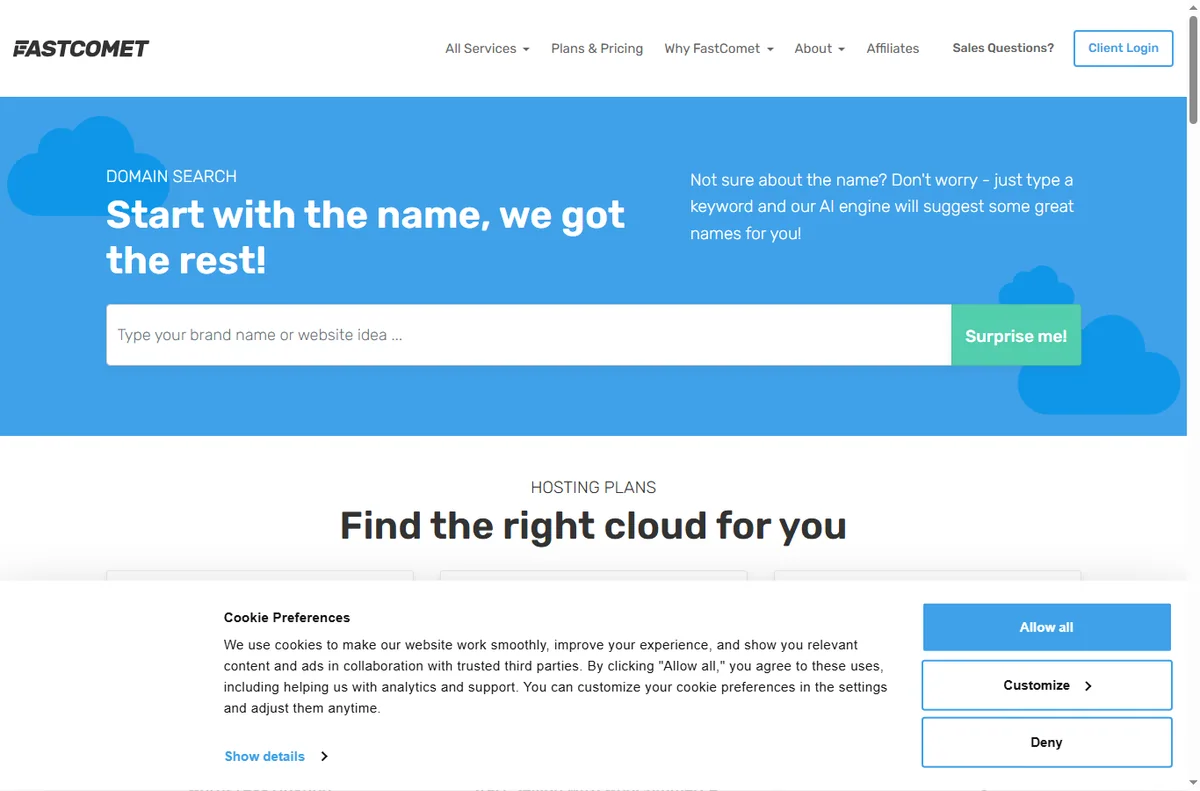
A blank or erroring page usually means the domain no longer points at the server, or the SSL certificate has expired and browsers are refusing the connection.
Check the DNS records first, then look at the SSL status in the control panel. If both are fine, the issue is likely on the site itself rather than the host.

Email lands in spam
Mail that arrives in spam is usually about DNS: the SPF, DKIM and DMARC records that tell the receiving provider you are a legitimate sender.
Confirm those records exist and match, and check whether only some recipients are affected, which points at reputation rather than misconfiguration.
Slow dashboard
A slow control panel is often server load or a large number of files, while a slow website is more often heavy plugins or unoptimised images.
Open a plain page on the site to separate the two. If a simple page is fast but the dashboard lags, the problem is on the hosting side.
Migration stalled
A migration usually stalls on access details or size: the old host is not reachable, the credentials are wrong, or the account is simply too large for a one-step move.
Verify the old host’s details, start the migration over a quiet period, and split a very large site if the tool offers that.
DNS and SSL will not settle
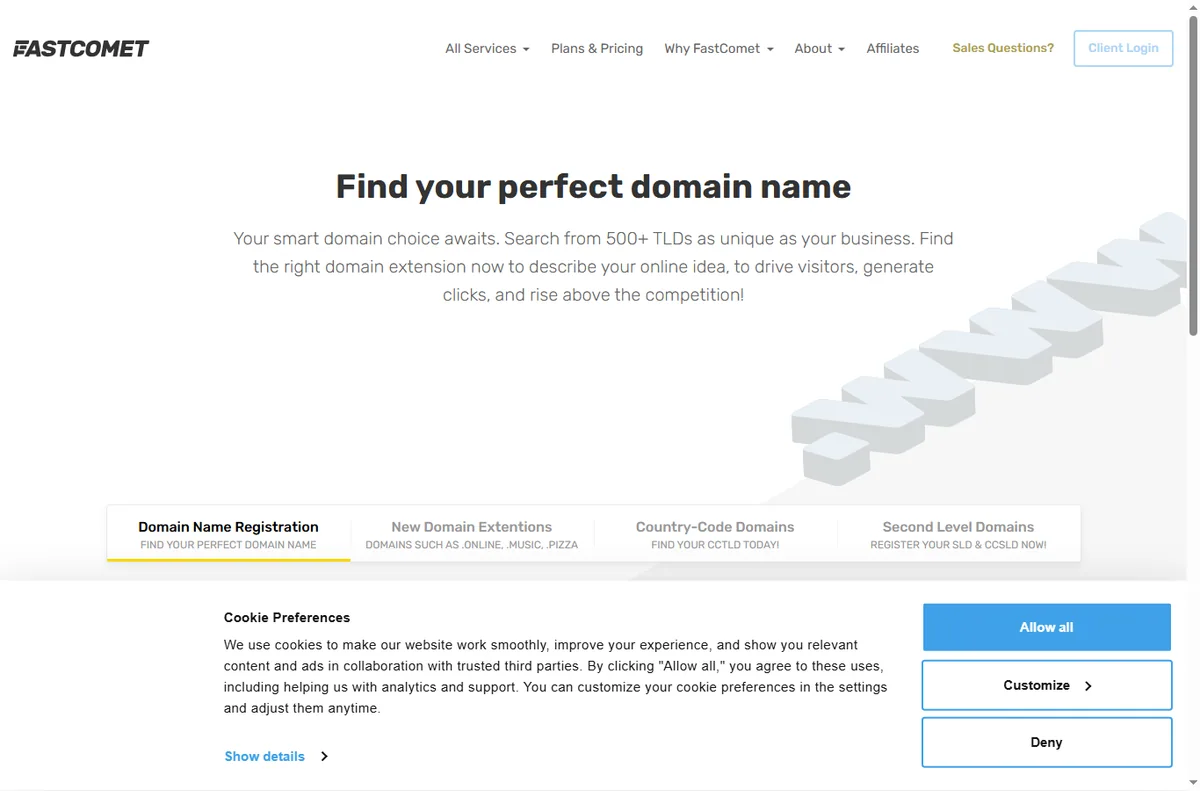
DNS changes and certificate issuance both take time to propagate, so a change that looks broken may simply be in progress.
Check the record values against what the host documents, and allow for propagation before changing things again.
Symptom to fix
| Symptom | Likely cause | Fix |
|---|---|---|
| Site will not load | DNS, SSL or the plan | Check DNS then SSL, then the site |
| Email in spam | Missing or wrong SPF, DKIM, DMARC | Add and align the DNS records |
| Slow dashboard | Server load or many files | Test a plain page to isolate it |
| Migration stalled | Access details or account size | Verify credentials, split large sites |
| DNS or SSL pending | Propagation time | Wait, then re-check the values |
Where this fits
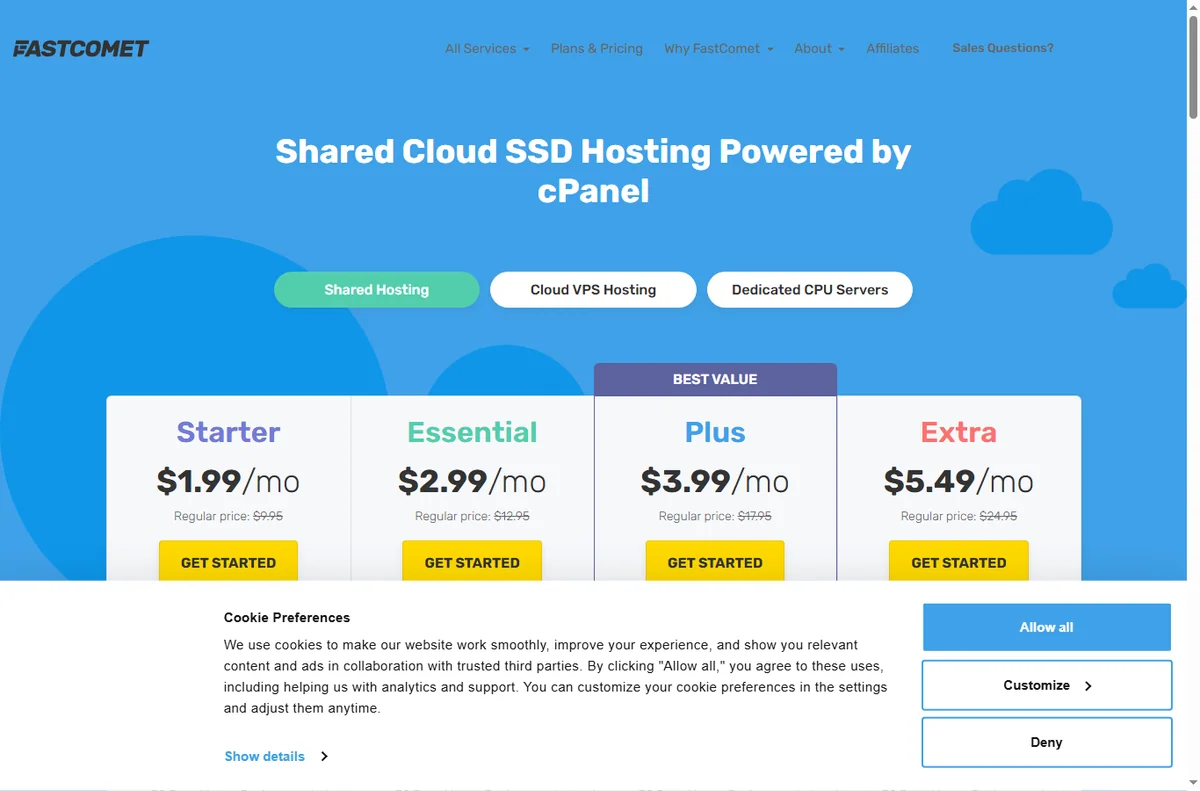
Start with the hosting hub. For the basics read what FastComet is, and for the setup steps see how to set up FastComet.
Frequently asked
Can I fix these problems myself?
Many of them. DNS, SSL and site-level issues are in your control. Anything on the server needs a support ticket.
Why is only my email affected?
Email depends on DNS records and reputation, so it can fail on its own even when the website is fine.
Should I change hosts when the site goes down?
Not straight away. Confirm whether it is DNS, SSL or the server first, since most outages are a single fixable layer.
How long do DNS changes take?
Anywhere from a few minutes to a day or more. Compare the live records with what the host documents before changing them again.
Get your site back online
Work through the layers, then get help if you need it.
Some links on this page may be referral links — we may earn a reward if you sign up, at no extra cost to you. We are an independent publisher. See our Affiliate Disclosure.
Leave a Reply