We’re reader-supported — some links are affiliate links. Learn more →

Skip to content

Independent software research. Some links may earn us a commission at no extra cost to you. Learn more →

ICode

Author: admin

  • Common Kajabi problems and how to fix them

    Common Kajabi problems and how to fix them

    Home / Course Platforms / Guides / Common Kajabi problems

    Problem · course platforms · updated October 9, 2026

    Common Kajabi problems and how to fix them

    Most Kajabi problems fall into a few areas: content that will not publish, customers who cannot get access, video or files that will not play, or payments that get held. Here are the ones that come up most, and what to check first.

    Independent analysis. This page may contain affiliate links. If you sign up through a link on this page we may earn a reward at no extra cost to you, and it never changes what we recommend. We are an independent publisher and are not affiliated with, endorsed by, or an official partner of any tool mentioned. See our Affiliate Disclosure.

    Kajabi homepage for courses, coaching and memberships
    Kajabi official homepage (image: kajabi.com)

    TL;DR

    • A product that will not publish is usually missing a required setting.
    • Access problems are often about who a purchase was actually granted to.
    • Video issues usually trace back to the file, the host or the browser.
    • Held payments are about your account and verification, not the course.
    • Check the exact step that failed before you rebuild anything.

    On this page: Why things go wrong · Product will not publish · Customers cannot get access · Video will not play · Emails do not send · Payments are held · Symptom to fix · Where this fits

    Why things go wrong

    A course business depends on a few moving parts: your content, the platform and your payment account. Most problems sit at one of those, and the dashboard names the item that failed.

    The useful habit is to inspect the specific object before changing anything global, because rebuilding rarely fixes an access or payments issue.

    Kajabi product setup page for publishing an offer
    Kajabi product setup (image: kajabi.com)

    A product will not publish

    A product that refuses to publish is usually missing something required rather than broken. Common causes are empty pricing, no content, or a blank required field in the product settings.

    Open the product, work through each required section, and save before trying to publish again. If it still refuses, note the exact error text, which usually points to the blocking field.

    Customers cannot get access

    Access problems are usually about who a purchase was granted to, or when. A buyer may have used a different email at checkout, or the purchase may still be processing.

    • Confirm the contact exists and the purchase is marked complete.
    • Check the email the buyer used matches the account they sign in with.
    • Verify the product’s access settings cover that contact.
    • Have the buyer log out and back in after access is granted.
    Kajabi course page with lessons and media
    Kajabi course builder (image: kajabi.com)

    Video or files will not play

    Playback problems usually trace back to the file, the host serving it, or the browser. A large upload, an unsupported format or a slow connection can all look like a broken lesson.

    Test the lesson in another browser and network. If it fails everywhere, re-upload the file; if it fails for one viewer only, the issue is theirs.

    Emails or automations do not send

    When an email or automation does not fire, the cause is usually the trigger condition rather than the message. An automation only runs for contacts who match its entry rule.

    Check the contact’s history for the trigger, confirm the automation is published and switched on, and ensure the contact qualifies for the entry rule.

    Kajabi payments and payouts settings
    Kajabi payments (image: kajabi.com)

    Payments or payouts are held

    Held payments are almost always about your account standing with the payment provider, not the course. Incomplete verification, unusual activity, or a new account can delay payouts.

    Work through any outstanding verification, check the provider’s dashboard for a request, and contact support with the transaction reference if the hold persists.

    Symptom to fix

    SymptomLikely causeFix
    Product will not publishA required setting is blankComplete the product settings and save
    Buyer cannot get inPurchase or email mismatchConfirm purchase and match the email
    Video will not playFile, host or browser issueRe-upload or test elsewhere
    Automation does not sendTrigger condition not metCheck entry rule and publish state
    Payout is heldAccount or verification issueComplete verification and contact support
    General guidance, checked October 9, 2026. Confirm specifics inside your Kajabi account.
    Kajabi pricing page with plan tiers
    Kajabi pricing and plans (image: kajabi.com)

    Where this fits

    Start with the course platforms hub. For the basics read what Kajabi is, and for the setup steps see how to set up Kajabi.

    Frequently asked

    Is my content lost if a product will not publish?

    No. The content is still saved; the product has simply not been made available to buyers yet. Fix the blocking setting, then publish again.

    Why can a customer pay but not get access?

    Usually the purchase is still processing, or the buyer used a different email at checkout than at login. Confirm the purchase and match the contact.

    Do I need to rebuild a course to fix playback?

    Rarely. Test in another browser first, then re-upload only the affected file if the problem follows the video.

    Who should I contact about a held payout?

    The payment provider that processes your sales. They can see the specific reason for the hold.
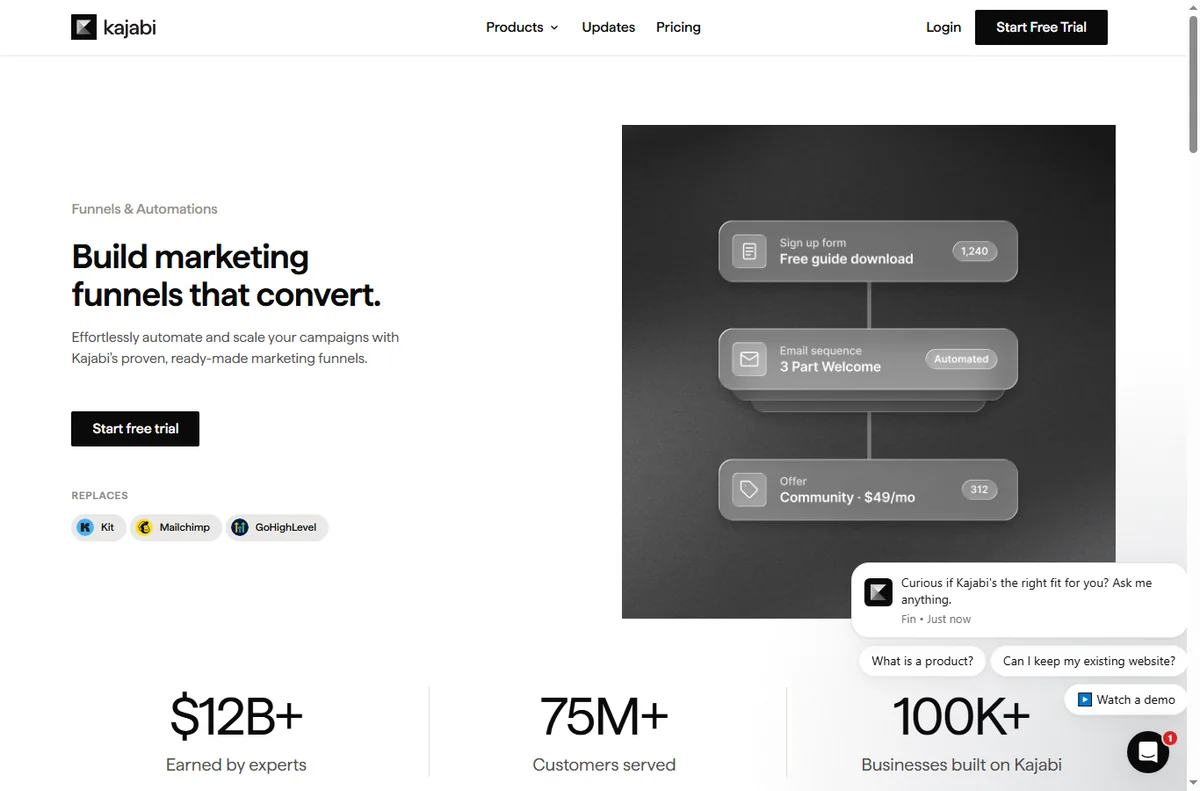
    Kajabi sales funnel builder page
    Kajabi funnels (image: kajabi.com)

    Get your course back on track

    Publish, grant access and get paid again.

    Some links on this page may be referral links — we may earn a reward if you sign up, at no extra cost to you. We are an independent publisher. See our Affiliate Disclosure.

    Related reading

  • What is Kajabi?

    What is Kajabi?

    Home / Course Platforms / Guides / What is Kajabi

    Knowledge · course platforms · updated October 9, 2026

    What is Kajabi?

    Kajabi is an all-in-one platform for creating and selling online courses, coaching, and membership sites. This guide explains what it does, how it is organised, and who it is built for.

    Independent analysis. This page may contain affiliate links. If you sign up through a link on this page we may earn a reward at no extra cost to you, and it never changes what we recommend. We are an independent publisher and are not affiliated with, endorsed by, or an official partner of any tool mentioned. See our Affiliate Disclosure.

    TL;DR

    • Kajabi bundles course hosting, marketing and payments into one platform.
    • It is organised around products, which can be courses, communities or coaching.
    • It is aimed at creators who want one system instead of several separate tools.
    • Plans differ by features and contact limits, which change over time.
    • It is not a general website builder, and it is not a course marketplace.

    On this page: What Kajabi is · How it is organised · What it is good at · What it is not · Concept cheat sheet · Where this fits

    Kajabi home page
    Kajabi home (image: kajabi.com)

    What Kajabi is

    Kajabi is a hosted platform that combines course hosting, a website, email marketing and payments inside a single account. Rather than stitching several subscriptions together, you build the whole thing inside one dashboard and sign in once.

    The idea is to remove the moving parts that usually break a course business: a video host in one tab, a checkout in another, and a separate email tool somewhere else. Kajabi keeps content, marketing and billing in the same place so they can talk to each other.

    Because it is hosted, you do not manage servers, updates or plugins. That convenience is the trade-off for flexibility, since you work within the way the platform is designed rather than building a custom stack.

    Kajabi communities page
    Kajabi communities (image: kajabi.com)

    How Kajabi is organised

    Everything you sell is a product. A product can be a course, a community, a coaching offer, or a blend of these, and each one holds its own content, lesson order and access rules.

    Marketing sits around those products. You build landing pages, forms and email sequences that lead people toward an offer, and a pipeline tracks how a given campaign performs over time.

    Payments and access are part of the same system. When someone buys, the platform normally grants access and records them as a contact, so you rarely have to move data between tools by hand.

    Kajabi courses page
    Kajabi courses (image: kajabi.com)

    What Kajabi is good at

    • Running courses, communities and coaching from one account.
    • Replacing several separate tools with a single subscription.
    • Building simple funnels and email automation without extra setup.
    • Managing content, contacts and access in one place as a catalogue grows.
    Kajabi funnels page
    Kajabi funnels (image: kajabi.com)

    What Kajabi is not

    • Not a general-purpose website builder for arbitrary, highly custom designs.
    • Not a course marketplace that brings you its own audience of buyers.
    • Not free of limits: plans differ by features and contact thresholds.
    • Not as code-level customisable as a self-hosted platform you control.

    Concept cheat sheet

    ConceptMeaningWhy it matters
    ProductA course, community or coaching offerThe thing a customer buys
    ContactA person stored in your accountDrives marketing and access
    PipelineA sequence of steps toward an offerShows where people drop off
    OfferWhat a visitor is asked to buyTies a page to a product
    AccessWhat a buyer is allowed to seeControls who gets in
    Based on publicly documented behaviour, checked October 9, 2026.
    Kajabi payments page
    Kajabi payments (image: kajabi.com)

    Where this fits

    Start with the course platforms hub and the independent Kajabi review. For the practical steps see how to set up Kajabi, and for everyday usage read how to use Kajabi for a small business.

    Kajabi pricing page
    Kajabi pricing (image: kajabi.com)

    Frequently asked

    Is Kajabi only for courses?

    No. It also supports communities, coaching and membership offers, and many creators sell a mix of these from a single account.

    Do I need to host anything myself?

    No. Kajabi is hosted, so you do not manage servers or install plugins. You work inside their platform, which is simpler but less open than a self-hosted setup.

    Does Kajabi take a cut of sales?

    Fees depend on your plan and your payment setup, and they change over time. Check the current pricing on Kajabi’s own page before you commit.

    Can I migrate from another platform?

    Usually yes. The real question is how much content you have and how much you can rebuild cleanly, so check the current migration guidance before moving.

    Is there a free plan?

    Kajabi has offered a trial and paid plans rather than a permanent free tier. Plans change, so check the current options on Kajabi’s site.

    Build your course business with Kajabi

    Courses, community and payments in one place.

    Some links on this page may be referral links — we may earn a reward if you sign up, at no extra cost to you. We are an independent publisher. See our Affiliate Disclosure.

    Related reading

  • Common ClickFunnels problems and how to fix them

    Common ClickFunnels problems and how to fix them

    Home / Funnel Builders / Guides / Common ClickFunnels problems

    Problem · funnel builders · updated October 9, 2026

    Common ClickFunnels problems and how to fix them

    Most ClickFunnels problems are not mysteries — they are pages that will not publish, checkouts that reject a payment, or traffic that arrives but does not convert. Here are the failures that come up again and again, and what to do about them.

    Independent analysis. This page may contain affiliate links. If you sign up through a link on this page we may earn a reward at no extra cost to you, and it never changes what we recommend. We are an independent publisher and are not affiliated with, endorsed by, or an official partner of any tool mentioned. See our Affiliate Disclosure.

    TL;DR

    • A page that will not publish is usually a settings or domain issue.
    • Checkout problems often trace to the payment processor.
    • Low conversions are usually an offer or messaging problem.
    • Test your links after editing, because funnels break at the seams.
    • Fix the step where people drop off before changing everything.

    On this page: Why funnels go wrong · Page will not publish · Checkout fails · Not converting · Edits not showing · Broken on mobile · Symptom to fix · Where this fits

    Why funnels go wrong

    A funnel is a chain of pages and settings, so it tends to break at the seams: a link between steps, a checkout setting, or a page that was never published.

    The useful habit is to walk the funnel as a visitor would, one step at a time, and stop at the first step that behaves unexpectedly.

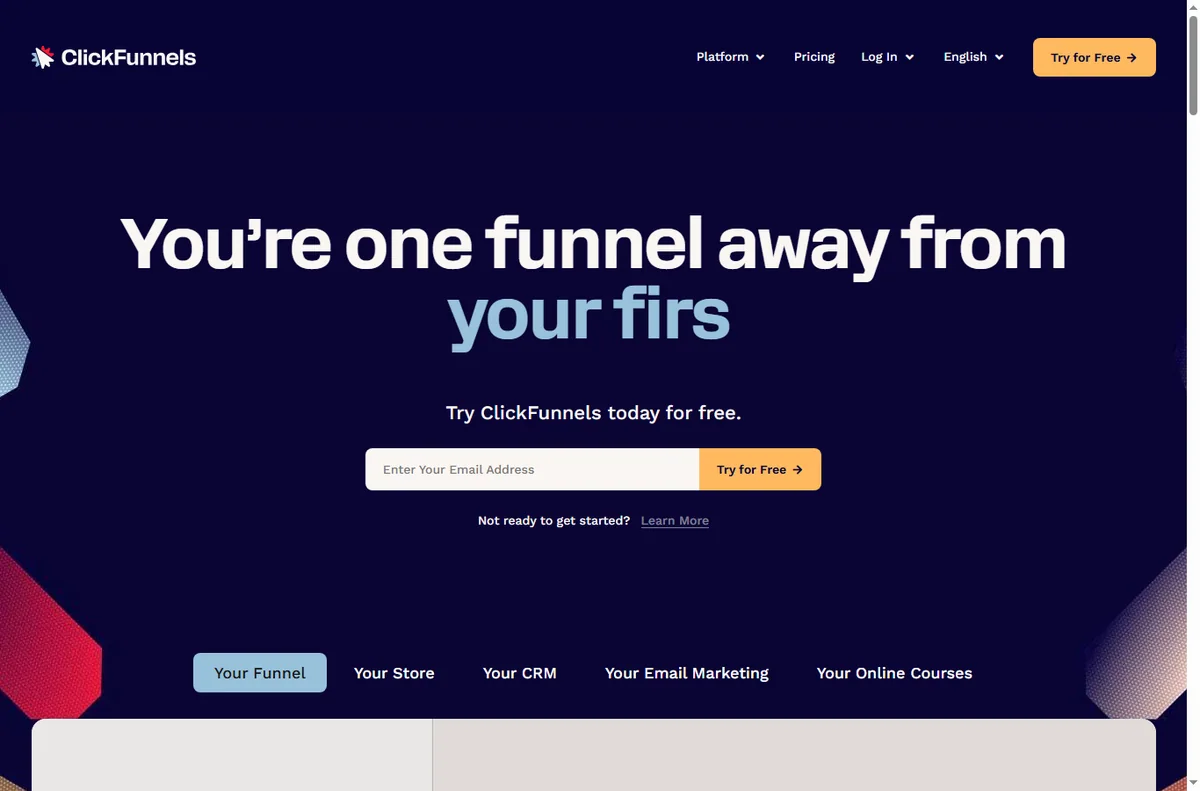
    Clickfunnels home page
    Clickfunnels home (image: clickfunnels.com)

    A page will not publish

    A page that stays in draft is usually missing a required setting or is waiting on a domain that is not connected yet. Confirm the page status and any domain it depends on.

    If the domain is new, allow time for settings to apply before assuming the page is broken.

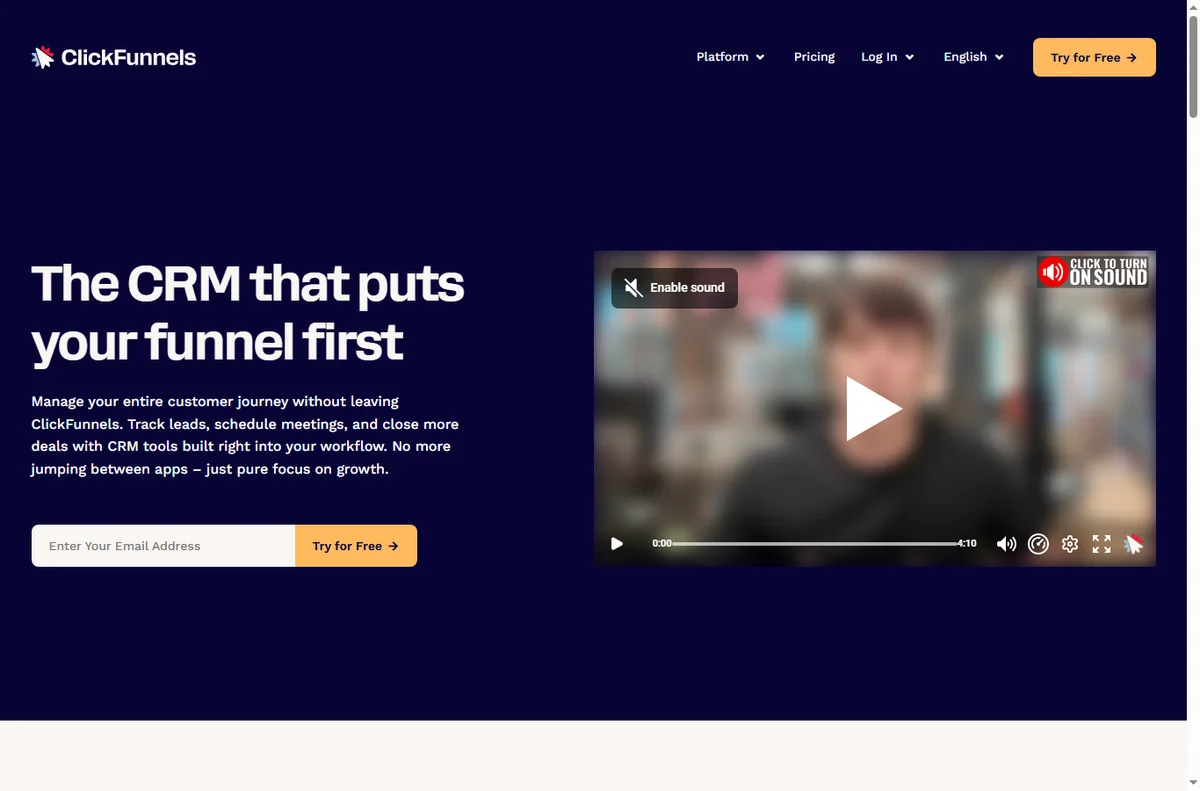
    Clickfunnels crm page
    Clickfunnels crm (image: clickfunnels.com)

    A checkout is not working

    A checkout that rejects a payment is usually a payment-processor problem rather than a page problem. The processor is where the transaction actually happens.

    • Confirm the payment gateway is connected and in live mode.
    • Check that the product and price are set on the offer.
    • Test with a real or test transaction as the processor allows.
    • Read the processor’s error, not just the funnel’s message.

    The funnel is not converting

    Low conversions are usually about the offer or the message, not the tool. Traffic that arrives and leaves quickly often did not find what the page promised.

    Change one variable at a time — the headline, the offer, or the call to action — so you can tell what actually helped.

    Clickfunnels editor page
    Clickfunnels editor (image: clickfunnels.com)

    Edits are not showing

    Edits that do not appear are usually a caching issue or a page that was saved but not published. Confirm you saved, then published, then refresh without cache.

    Check on a second device or browser to rule out local caching before you change anything else.

    Clickfunnels funnel builder page
    Clickfunnels funnel builder (image: clickfunnels.com)

    The funnel is broken on mobile

    Most funnel traffic is mobile, and a layout that works on desktop can overflow or hide buttons on a phone. Preview each step on a narrow screen.

    Adjust spacing and button size rather than rebuilding the page, and re-check every step after the change.

    Symptom to fix

    SymptomLikely causeFix
    Page will not publishDomain or settingsCheck the domain and publish state
    Checkout failsPayment processorVerify the gateway settings
    Low conversionsWeak offer or layoutTest one variable at a time
    Edits not visibleCache or unsavedSave, publish, clear the cache
    Broken on mobileLayout not responsiveAdjust and re-check on mobile
    General guidance, checked October 9, 2026. Confirm specifics in your ClickFunnels account.
    Clickfunnels global products page
    Clickfunnels global products (image: clickfunnels.com)

    Where this fits

    Start with the funnel builders hub. For the basics read what ClickFunnels is, and for the setup steps see how to set up ClickFunnels.

    Clickfunnels integrations page
    Clickfunnels integrations (image: clickfunnels.com)

    Frequently asked

    Why is my page not live?

    Pages stay off until they are published and their domain is connected. Check both before assuming a fault.

    Where do payment errors come from?

    The payment processor handles the transaction, so its settings and errors usually explain a failed checkout.

    How do I know which step is failing?

    Walk the funnel as a visitor and check the analytics for where people drop off. Fix that step first.

    Should I redesign the whole funnel?

    No. Change one thing at a time so you know which change worked.

    Fix it, then build with ClickFunnels

    Landing page to checkout, working end to end.

    Some links on this page may be referral links — we may earn a reward if you sign up, at no extra cost to you. We are an independent publisher. See our Affiliate Disclosure.

    Related reading

  • What is ClickFunnels?

    What is ClickFunnels?

    Home / Funnel Builders / Guides / What is ClickFunnels

    Knowledge · funnel builders · updated October 9, 2026

    What is ClickFunnels?

    ClickFunnels is a platform for building sales funnels: connected pages that move a visitor from interest toward a purchase or a signup. This guide explains what that means in practice and when it is worth using.

    Independent analysis. This page may contain affiliate links. If you sign up through a link on this page we may earn a reward at no extra cost to you, and it never changes what we recommend. We are an independent publisher and are not affiliated with, endorsed by, or an official partner of any tool mentioned. See our Affiliate Disclosure.

    TL;DR

    • ClickFunnels builds connected pages called funnels.
    • A funnel guides a visitor through steps toward one goal.
    • Pages are assembled from templates and blocks.
    • It also includes checkout, follow-up email and some CRM features.
    • It is not a general website builder first.

    On this page: What ClickFunnels is · How a funnel works · What it is good at · What it is not · Concept cheat sheet · Where this fits

    Clickfunnels home page
    Clickfunnels home (image: clickfunnels.com)

    What ClickFunnels is

    ClickFunnels is a tool for building a sequence of pages that work together. Instead of a single website, you design a path: a landing page, then an offer page, then a checkout or a thank-you page.

    The point is focus. Each step in the funnel has one job, which is meant to move the visitor closer to a decision.

    Each page in the path can be edited on its own, but the value is that the steps stay connected, so a visitor is never dropped into an unrelated site.

    Clickfunnels crm page
    Clickfunnels crm (image: clickfunnels.com)

    How a funnel works

    A funnel starts with a landing or opt-in page and continues for as many steps as the offer needs. Visitors move forward through buttons and links rather than navigating a menu.

    Because the pages share one flow, the platform can show where people drop off and where they convert, which is hard to see across unrelated pages.

    Most funnels use a small number of steps. Adding more pages does not automatically help; each step should earn its place in the flow.

    Because the steps are connected, you can send a visitor straight from one page to the next without asking them to find their way back through a menu or a homepage.

    Clickfunnels editor page
    Clickfunnels editor (image: clickfunnels.com)

    What ClickFunnels is good at

    • Building sales and lead-generation funnels quickly.
    • Reusing templates for landing pages and checkouts.
    • Testing variations and reading simple funnel analytics.
    • Connecting follow-up email to a funnel.
    Clickfunnels funnel builder page
    Clickfunnels funnel builder (image: clickfunnels.com)

    What ClickFunnels is not

    • Not a traditional multi-page website builder first.
    • Not free of monthly cost for serious use.
    • Not a full CRM or enterprise marketing suite.
    • Not a guarantee of sales on its own.

    Concept cheat sheet

    ConceptMeaningWhy it matters
    FunnelA connected set of pagesThe core structure you build
    Landing pageThe entry pageWhere visitors arrive
    OfferWhat you are sellingThe reason to continue
    CheckoutWhere payment happensConverts the visitor
    Opt-inCapturing an emailStarts the relationship
    Based on publicly documented behaviour, checked October 9, 2026.
    Clickfunnels global products page
    Clickfunnels global products (image: clickfunnels.com)

    Where this fits

    Start with the funnel builders hub. For the steps see how to set up ClickFunnels, and for everyday use read how to use ClickFunnels for a small business.

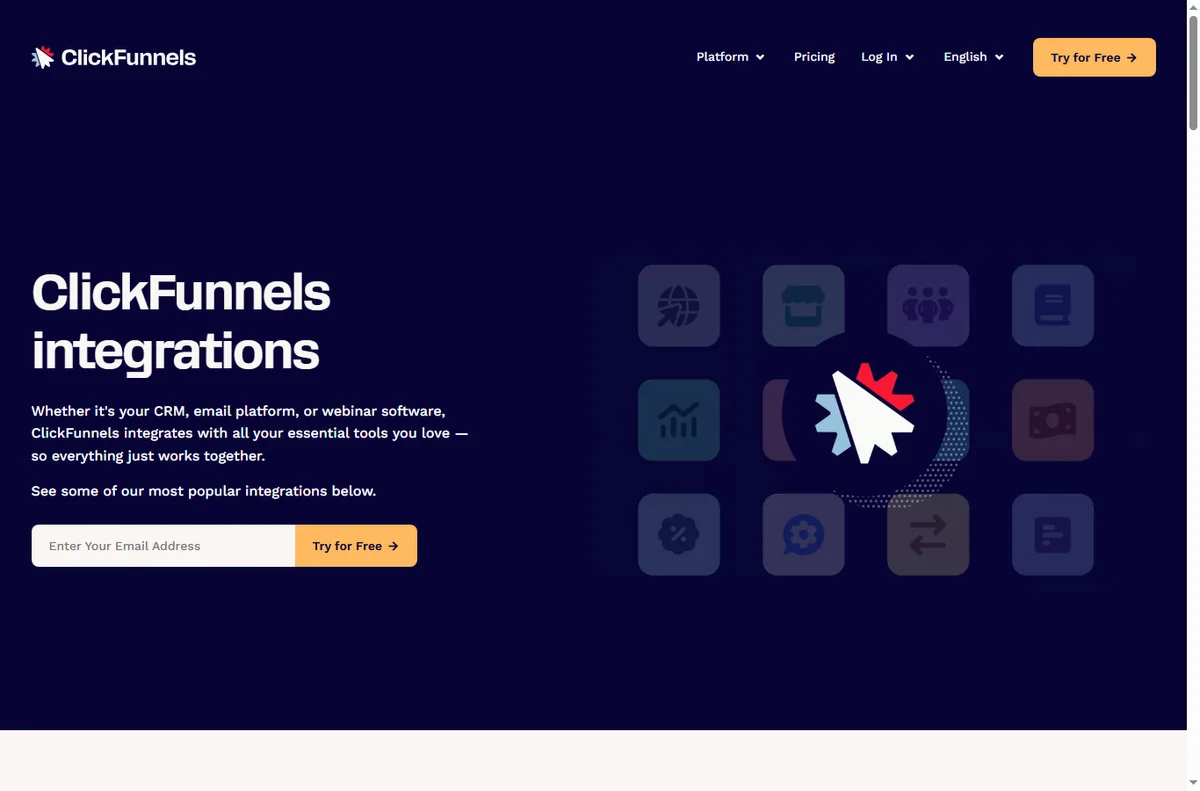
    Clickfunnels integrations page
    Clickfunnels integrations (image: clickfunnels.com)

    Frequently asked

    Is ClickFunnels a website builder?

    It can host pages, but it is designed around funnels rather than a general multi-page site.

    Do I need design skills?

    No. Templates and blocks let you assemble pages, and you can refine the design later.

    Does it handle payments?

    Yes, funnels include checkout steps. Which payment options you can use depends on your setup, so confirm the current details.

    How much does it cost?

    Plans vary by features and limits. Pricing changes, so check the current pricing on ClickFunnels’ own page.

    Can I use my own domain?

    Yes, funnels can run on a custom domain. Setup depends on your hosting and DNS, so confirm the current steps.

    Build your funnel with ClickFunnels

    Landing page to checkout, in one connected flow.

    Some links on this page may be referral links — we may earn a reward if you sign up, at no extra cost to you. We are an independent publisher. See our Affiliate Disclosure.

    Related reading

  • Common ActiveCampaign problems and how to fix them

    Common ActiveCampaign problems and how to fix them

    Home / Email Marketing / Guides / Common ActiveCampaign problems

    Problem · email marketing · updated October 9, 2026

    Common ActiveCampaign problems and how to fix them

    Most ActiveCampaign problems are not mysteries — they are campaigns that did not send, automations that skipped a contact, or contacts sitting in the wrong segment. Here are the failures that come up again and again, and what to do about them.

    Independent analysis. This page may contain affiliate links. If you sign up through a link on this page we may earn a reward at no extra cost to you, and it never changes what we recommend. We are an independent publisher and are not affiliated with, endorsed by, or an official partner of any tool mentioned. See our Affiliate Disclosure.

    TL;DR

    • A campaign that did not send is usually a status or list issue.
    • Automations skipping contacts usually start with the trigger.
    • Contacts in the wrong segment are a tagging or field problem.
    • Deliverability problems are usually about sending practice.
    • Fix the contact data before re-sending anything.

    On this page: Why campaigns go wrong · Campaign did not send · Automation skipped contacts · Wrong segment · Not delivered · Sent twice · Symptom to fix · Where this fits

    Why ActiveCampaign campaigns go wrong

    An email programme depends on three things: your contact data, the automation logic, and how the messages are sent. Most problems happen at one of those.

    The fastest habit is to look at the contact record and the automation log first, because that is where the system tells you what it actually did.

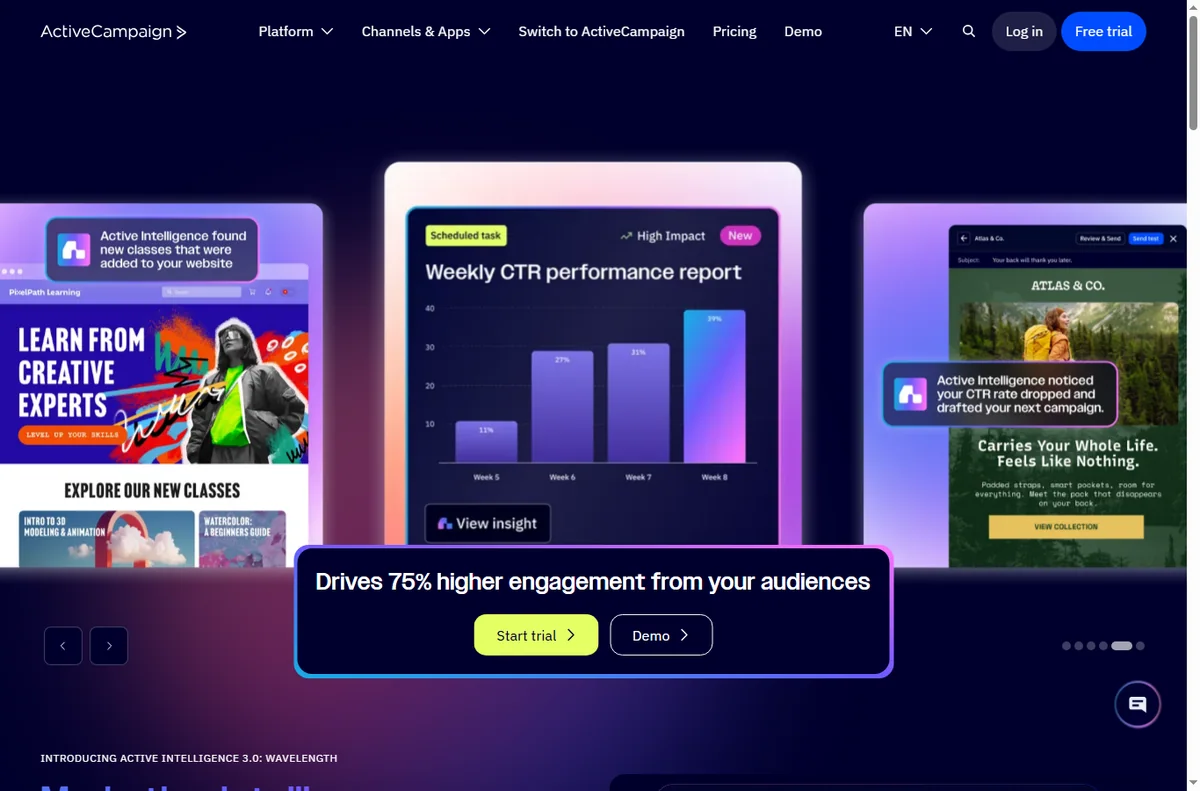
    Activecampaign home page
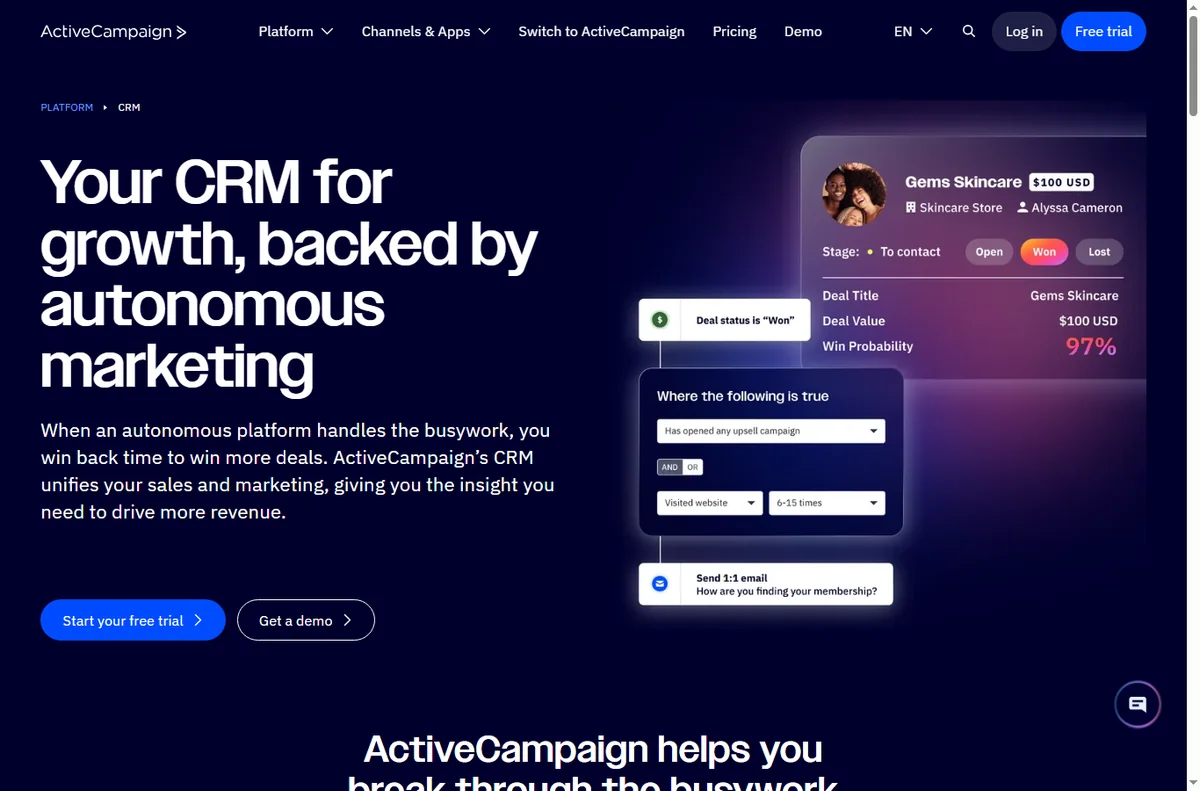
    Activecampaign home (image: activecampaign.com)

    A campaign did not send

    A campaign that did not go out is usually waiting on a status change or has the wrong recipients attached. Check whether it is still a draft, scheduled, or paused.

    Confirm the list and segment it is aimed at are the ones you expect, and that the send window has actually passed.

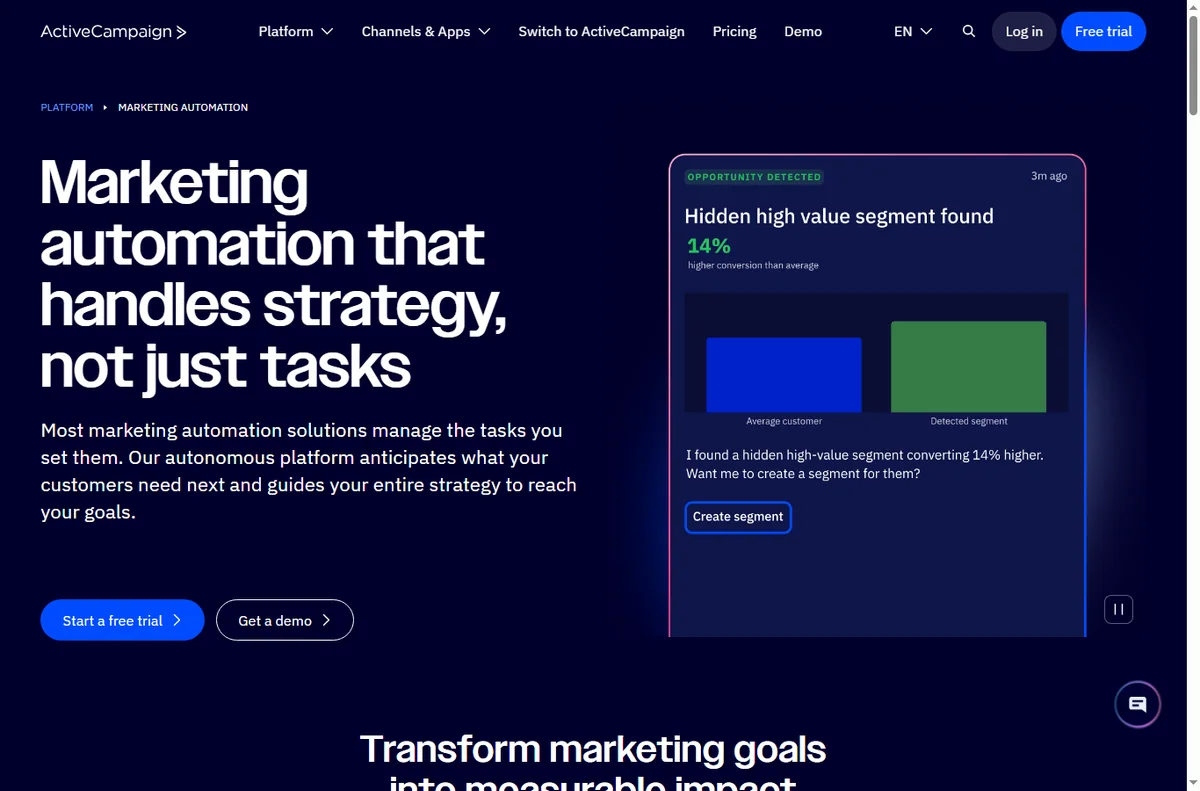
    Activecampaign automation page
    Activecampaign automation (image: activecampaign.com)

    An automation skipped a contact

    An automation usually skips a contact because the trigger condition was not met, or because the contact was already in the automation and could not re-enter.

    • Check the trigger and any start conditions.
    • Confirm the contact actually performed the trigger event.
    • Review whether the contact already completed this automation.
    • Look at the automation log for the exact reason.

    Contacts are in the wrong segment

    Segments are built from tags and fields, so a wrong segment is almost always a wrong or missing tag. That usually traces back to the form or import that created the contact.

    Review the field mapping on your forms and imports, and clean up tags that were applied inconsistently.

    Activecampaign crm page
    Activecampaign crm (image: activecampaign.com)

    Emails are not being delivered

    Deliverability is mostly about which people you email and how consistently, not about the tool itself. Sending to old or unengaged lists is a common cause of trouble.

    Keep your list clean, remove hard bounces, and make sure your sending domain is set up properly before a big send.

    Activecampaign forms page
    Activecampaign forms (image: activecampaign.com)

    An automation sent twice, or not at all

    Duplicates usually come from a contact being imported twice or from two automations handling the same event. Missing sends usually come from a condition that never matched.

    De-duplicate contacts, review which automations are active, and test the trigger with a contact you control.

    Symptom to fix

    SymptomLikely causeFix
    Campaign not sentWrong status or recipientsCheck status, list and segment
    Automation skippedTrigger did not matchReview trigger conditions
    Wrong segmentMissing tag or fieldTag the contact correctly
    Low deliverabilityList hygiene or setupClean the list and verify setup
    Duplicate sendsContact imported twiceDe-duplicate and review triggers
    General guidance, checked October 9, 2026. Confirm specifics in your ActiveCampaign account.
    Activecampaign integrations page
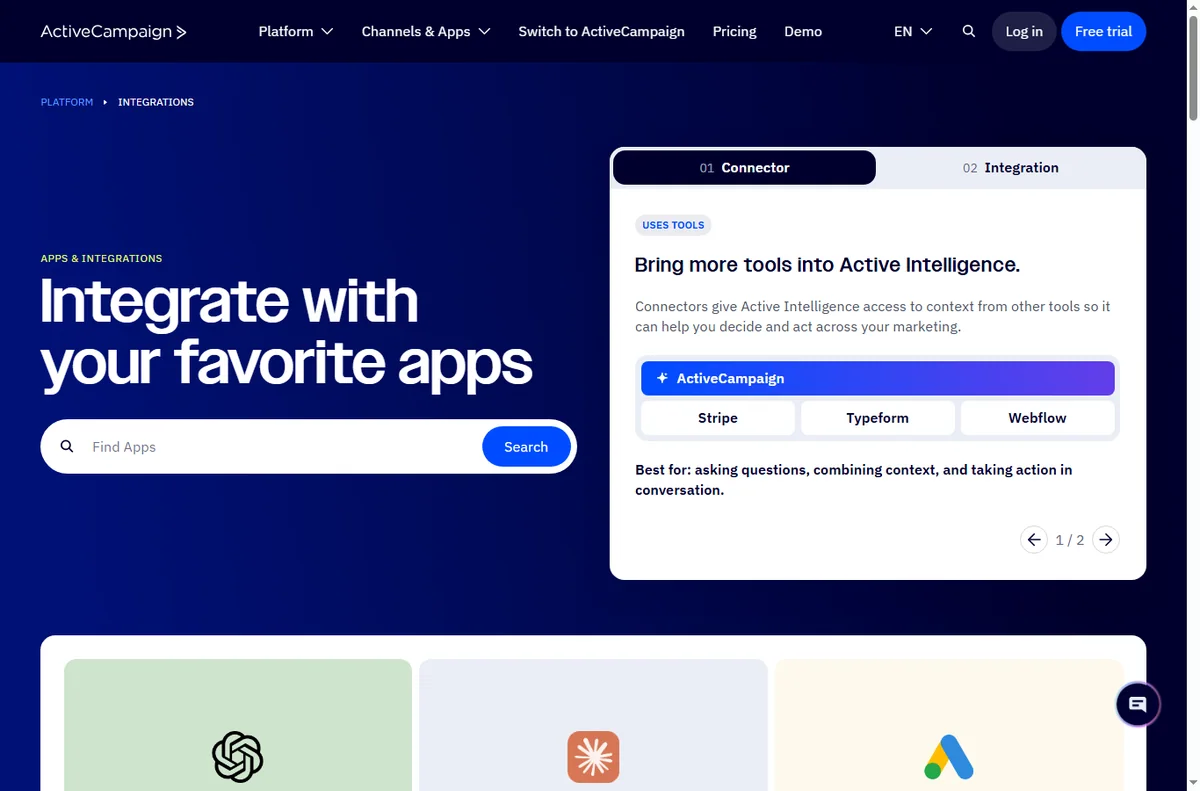
    Activecampaign integrations (image: activecampaign.com)

    Where this fits

    Start with the email marketing hub. For the basics read what ActiveCampaign is, and for the setup steps see how to set up ActiveCampaign.

    Activecampaign pricing page
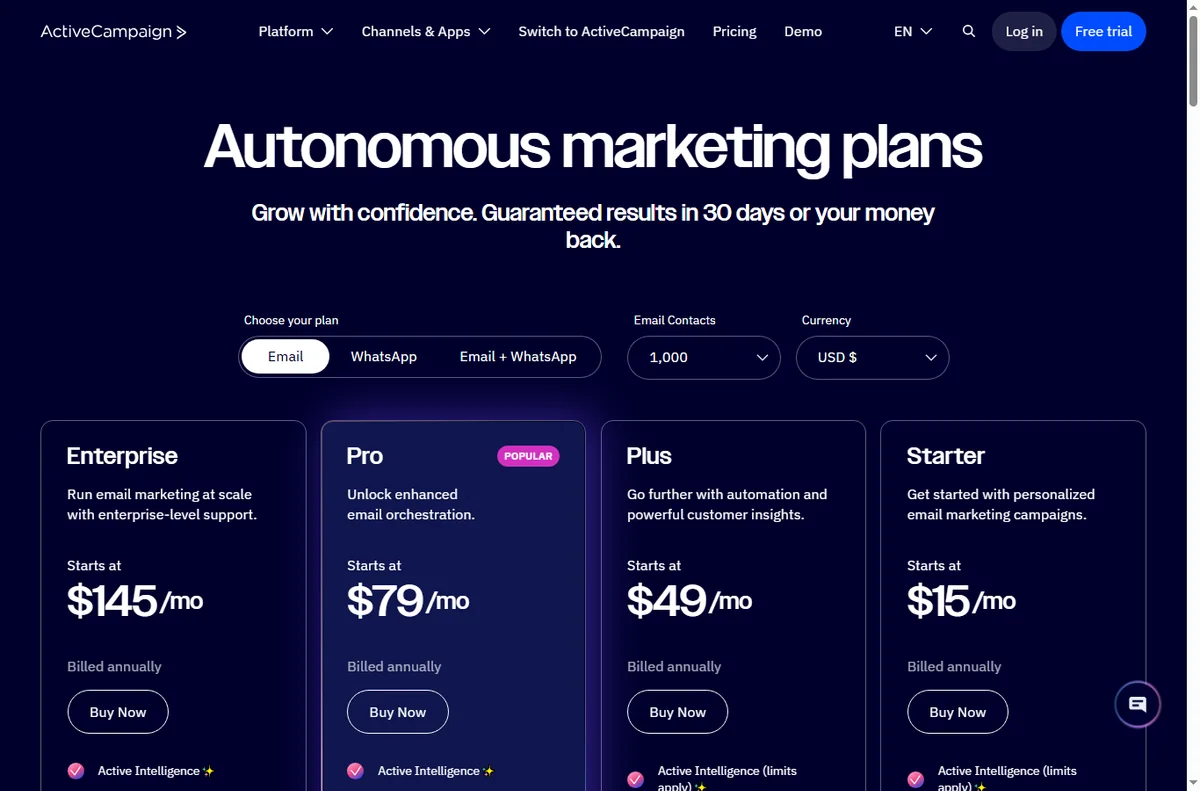
    Activecampaign pricing (image: activecampaign.com)

    Frequently asked

    Will I lose contacts if something goes wrong?

    No. Contacts and their history are stored in your account. Fix the cause and re-run rather than re-importing.

    Why did my automation stop sending?

    A contact can leave an automation when it reaches a goal or fails a condition. Check the automation log for the reason.

    Should I re-import a list?

    Usually not. Re-importing tends to create duplicates; update the existing contacts instead.

    Can I test an automation safely?

    Yes. Use a test contact you control and review the automation log before enabling it for everyone.

    Send better with ActiveCampaign

    Fix the cause in your contact data, then send once.

    Some links on this page may be referral links — we may earn a reward if you sign up, at no extra cost to you. We are an independent publisher. See our Affiliate Disclosure.

    Related reading

  • What is ActiveCampaign?

    What is ActiveCampaign?

    Home / Email Marketing / Guides / What is ActiveCampaign

    Knowledge · email marketing · updated October 9, 2026

    What is ActiveCampaign?

    ActiveCampaign is an email marketing and marketing-automation platform built around contacts and behaviour-based automations. This guide explains what that means in practice and when it is worth using.

    Independent analysis. This page may contain affiliate links. If you sign up through a link on this page we may earn a reward at no extra cost to you, and it never changes what we recommend. We are an independent publisher and are not affiliated with, endorsed by, or an official partner of any tool mentioned. See our Affiliate Disclosure.

    TL;DR

    • ActiveCampaign combines email marketing with automation.
    • It is built around contacts and what they do.
    • Automations trigger on contact behaviour, not just a send.
    • It also includes some CRM and messaging features.
    • It is not simply a bulk email sender.

    On this page: What ActiveCampaign is · How an automation works · What it is good at · What it is not · Concept cheat sheet · Where this fits

    Activecampaign home page
    Activecampaign home (image: activecampaign.com)

    What ActiveCampaign is

    ActiveCampaign is a platform for sending email and automating what happens next. Contacts sit at the centre of the system, and actions are driven by how those contacts behave.

    The point is relevance: instead of sending the same message to everyone, you send the right message based on what a contact has already done.

    Because the platform stores a history for each contact, you can decide what to send based on past opens, clicks and purchases rather than guessing.

    Activecampaign automation page
    Activecampaign automation (image: activecampaign.com)

    How an automation works

    An automation starts with a trigger — joining a list, clicking a link or making a purchase — and then runs a sequence of steps such as sending an email or adding a tag.

    Because the steps can branch on contact behaviour, the same automation can treat a brand-new subscriber and a returning customer differently.

    You can also stop an automation for a contact who reaches a goal, so they do not keep receiving messages that no longer apply to them.

    Because every step is shown as a small box on a canvas, you can see at a glance what a contact will receive and in what order before you switch the automation on.

    Activecampaign crm page
    Activecampaign crm (image: activecampaign.com)

    What ActiveCampaign is good at

    • Behaviour-based email automations.
    • Managing contacts and segmenting them by activity.
    • Combining email with lightweight CRM and messaging.
    • Automating follow-up so it does not depend on manual sends.
    Activecampaign forms page
    Activecampaign forms (image: activecampaign.com)

    What ActiveCampaign is not

    • Not only an email blaster; automations are the core of it.
    • Not a free forever tool for large lists.
    • Not a full enterprise CRM replacement.
    • Not something you get the most from without planning your contact data.

    Concept cheat sheet

    ConceptMeaningWhy it matters
    ContactA person in your listThe unit automations act on
    AutomationA triggered sequence of stepsDoes the work automatically
    TagA label on a contactDrives targeting and segments
    SegmentA filtered group of contactsSends the right message
    CampaignA one-off email sendFor announcements
    Based on publicly documented behaviour, checked October 9, 2026.
    Activecampaign integrations page
    Activecampaign integrations (image: activecampaign.com)

    Where this fits

    Start with the email marketing hub. For the steps see how to set up ActiveCampaign, and for day-to-day use read how to use ActiveCampaign for a small business.

    Activecampaign pricing page
    Activecampaign pricing (image: activecampaign.com)

    Frequently asked

    Is ActiveCampaign just email?

    No. Email is central, but automation, segmentation and some sales features are part of the platform.

    Do I need automation from day one?

    No. You can start with simple sends and add automations as you learn how your contacts behave.

    How is it priced?

    Plans scale with features and contact count. Pricing changes, so check the current pricing on ActiveCampaign’s own page.

    What is a tag for?

    Tags label contacts so that automations and segments can target the right people.

    Can I combine email with other channels?

    ActiveCampaign can trigger more than email, including some messaging and site actions, depending on your plan and setup.

    Grow with ActiveCampaign

    Relevant email, driven by what contacts actually do.

    Some links on this page may be referral links — we may earn a reward if you sign up, at no extra cost to you. We are an independent publisher. See our Affiliate Disclosure.

    Related reading

  • Common Zapier problems and how to fix them

    Common Zapier problems and how to fix them

    Home / Automation / Guides / Common Zapier problems

    Problem · automation · updated October 9, 2026

    Common Zapier problems and how to fix them

    Most Zapier problems are not mysteries — they are Zaps that stopped running, one step that keeps erroring, or task limits that ran out. Here are the failures that come up again and again, and what to do about them.

    Independent analysis. This page may contain affiliate links. If you sign up through a link on this page we may earn a reward at no extra cost to you, and it never changes what we recommend. We are an independent publisher and are not affiliated with, endorsed by, or an official partner of any tool mentioned. See our Affiliate Disclosure.

    TL;DR

    • A Zap that stopped running is usually off or failed at one step.
    • Most errors come from a single app connection or permission.
    • Task limits running out can pause automations silently.
    • Duplicate data usually means a trigger fired more than once.
    • Fix the failing step before you switch the Zap back on.

    On this page: Why Zaps go wrong · Zap is off · A step keeps erroring · Ran out of tasks · Duplicate data · Field mapping · Symptom to fix · Where this fits

    Why Zaps go wrong

    A Zap depends on several moving parts: your trigger, each connected app, and your plan limits. Most problems happen at one of those, and the task history usually names the step that failed.

    The habit that prevents most of these is simple: open the task history and read the error before you rebuild anything, because rebuilding rarely fixes a permissions or mapping problem.

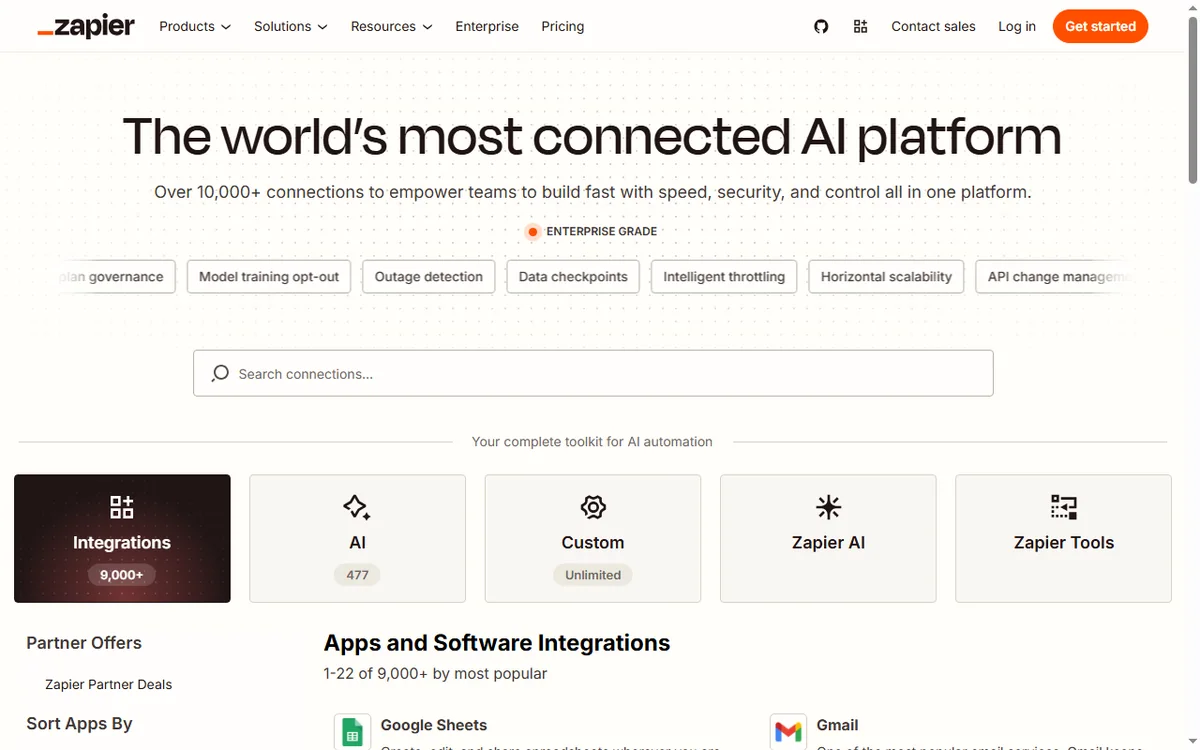
    Zapier home page
    Zapier home (image: zapier.com)

    The Zap is off or has stopped

    A paused or off Zap does not run, and neither does one whose trigger app has disconnected. Check the Zap’s on/off state first, then confirm every connected account is still authorised.

    If the trigger is a schedule or a poll, confirm the interval and that the source app still contains the events you expect.

    Zapier apps page
    Zapier apps (image: zapier.com)

    A step keeps erroring

    An error on a step usually means the app rejected the data or the connection lost permission. The history shows which step failed and what the app returned.

    • Reconnect the app account if the token expired.
    • Check that required fields are present and correctly typed.
    • Confirm the app still supports the action you are using.
    • Test the step on its own before re-running the whole Zap.

    You ran out of tasks

    Every successful action counts as a task, and when a plan’s quota is used up, Zaps can stop running until the next cycle. That is a limit, not a bug.

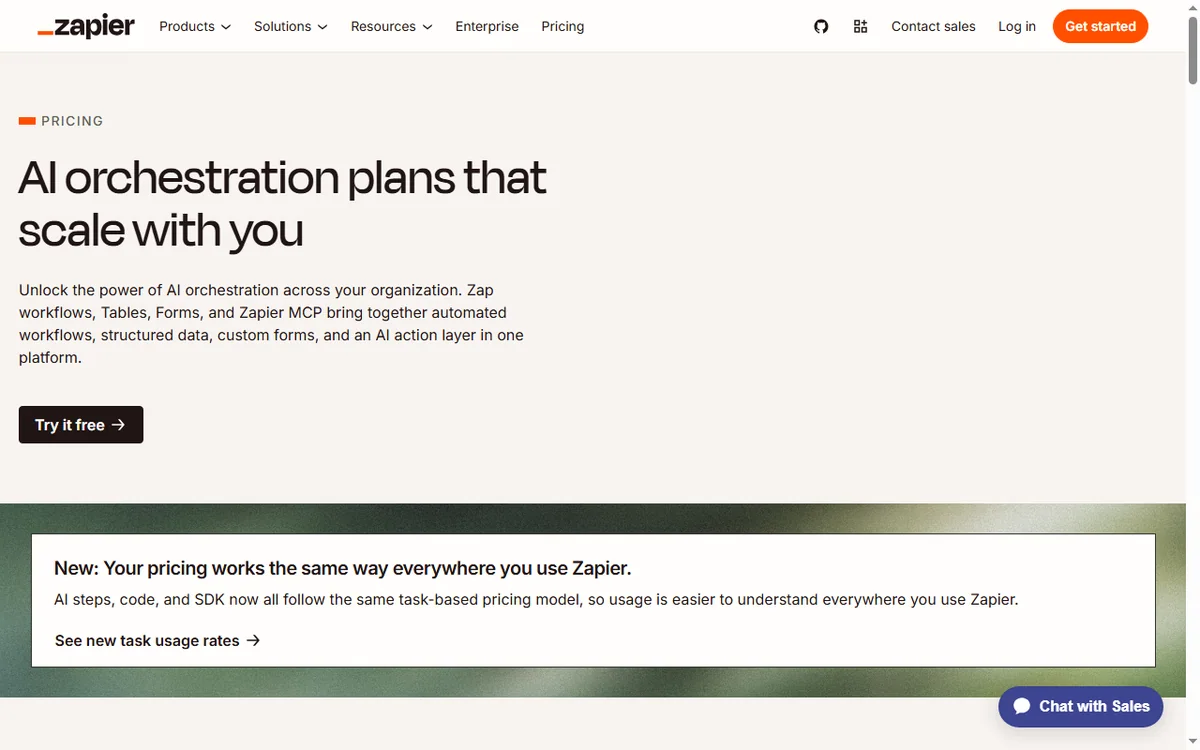
    Check your task usage, then either trim unnecessary steps or move to a plan with more headroom. Confirm current limits on Zapier’s own pricing page.

    Zapier pricing page
    Zapier pricing (image: zapier.com)

    Duplicate or repeated data

    Duplicates usually come from a trigger firing more than once, or from a Zap being switched on while older events are still queued.

    Use a filter or a de-duplication step, and make sure you are not running two Zaps that both handle the same event.

    Zapier signup page
    Zapier signup (image: zapier.com)

    Field mapping is wrong

    Wrong values in the destination app usually mean a field is mapped to the wrong source, or a format does not match. Dates, numbers and lists are common offenders.

    Open the step, review each mapped field against the source, and re-test with a fresh sample before enabling the Zap.

    Symptom to fix

    SymptomLikely causeFix
    Zap never runsZap off or trigger disconnectedSwitch it on and reconnect accounts
    One step errorsApp rejected data or lost accessReconnect and fix the field
    Zaps stopped entirelyTask quota used upCheck usage and adjust the plan
    Same record twiceTrigger fired more than onceAdd a filter or de-duplicate
    Wrong values savedField mapped incorrectlyRe-map the field and re-test
    General guidance, checked October 9, 2026. Confirm specifics in the Zapier app.
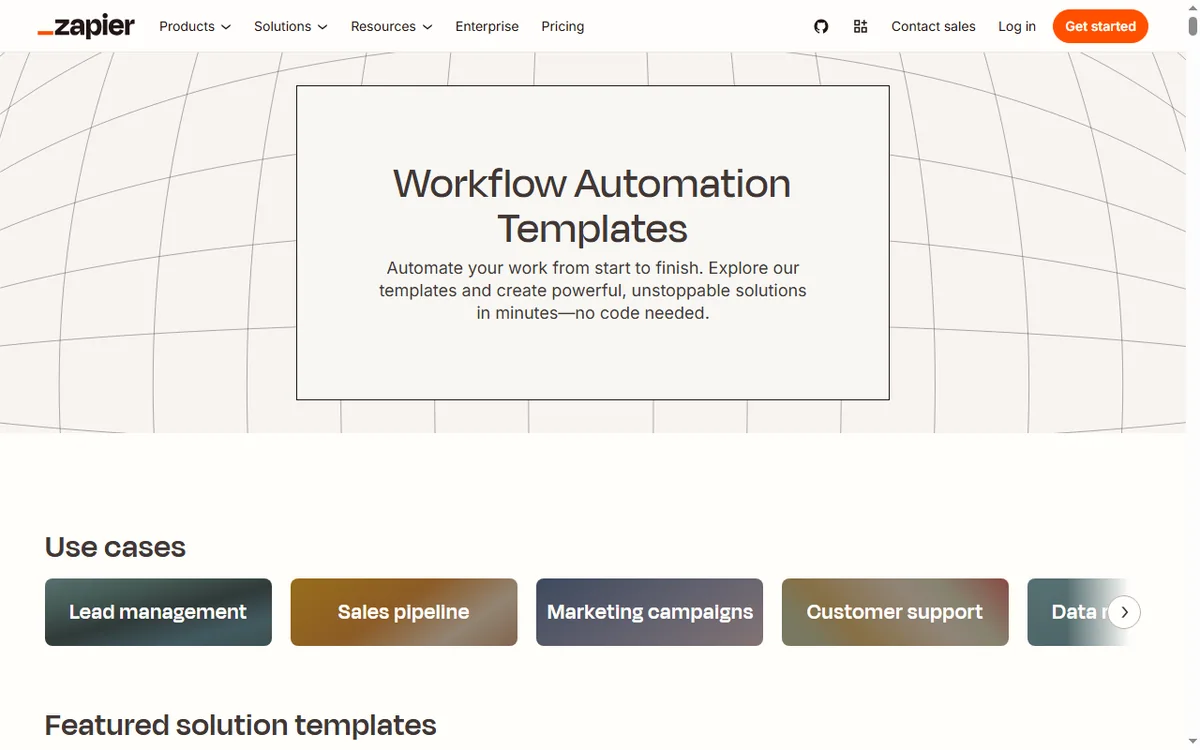
    Zapier templates page
    Zapier templates (image: zapier.com)

    Where this fits

    Start with the automation hub. For the basics read what Zapier is, and for the setup steps see how to set up Zapier.

    Icode editorial illustration
    Icode editorial illustration (image: icode.io.vn)

    Frequently asked

    Is my data lost if a Zap fails?

    No. A failed step usually just did not complete. Fix the step, then re-run and check the history for what was already processed.

    Why did my Zap stop overnight?

    Automations can pause when a plan’s task quota is used up. Check your usage and limits.

    Can I retry a failed task?

    Often yes, from the task history, once you have fixed the underlying cause.

    Do I need to rebuild the Zap?

    Rarely. Most issues are a disconnected account or a field mapping, which you can fix in place.

    Automate more with Zapier

    Fix the failing step, then let your Zaps run.

    Some links on this page may be referral links — we may earn a reward if you sign up, at no extra cost to you. We are an independent publisher. See our Affiliate Disclosure.

    Related reading

  • What is Zapier?

    What is Zapier?

    Home / Automation / Guides / What is Zapier

    Knowledge · automation · updated October 9, 2026

    What is Zapier?

    Zapier is an automation platform that connects apps together so an event in one tool can run an action in another. This guide explains what that means in practice and when it is worth using.

    Independent analysis. This page may contain affiliate links. If you sign up through a link on this page we may earn a reward at no extra cost to you, and it never changes what we recommend. We are an independent publisher and are not affiliated with, endorsed by, or an official partner of any tool mentioned. See our Affiliate Disclosure.

    TL;DR

    • Zapier connects apps so one event can trigger actions in others.
    • It works through Zaps: a trigger, then one or more actions.
    • It is strongest for no-code automations between cloud apps.
    • Plans differ by task limits, which change over time.
    • It is not a full development platform or a data warehouse.

    On this page: What Zapier is · How a Zap works · What it is good at · What it is not · Concept cheat sheet · Where this fits

    Zapier home page
    Zapier home (image: zapier.com)

    What Zapier is

    Zapier is a cloud automation service. It connects thousands of apps through their APIs and lets you build automations without writing code.

    The point is to remove manual copy-paste work between tools: instead of moving data by hand, you describe the trigger and the action once and Zapier runs it for you.

    Because the connections are maintained for you, the same automation keeps working even when an app updates its interface, which is the part that usually breaks hand-built scripts.

    Zapier apps page
    Zapier apps (image: zapier.com)

    How a Zap works

    A Zap has a trigger (the event that starts it) and one or more actions (what happens next). A new form response, for example, can trigger creating a contact in your CRM and sending a message.

    Because each step is a separate app connection, the value comes from chaining tools that otherwise do not talk to each other.

    Most people start with a single trigger and one action, then add more steps once they trust the first ones. Keeping each Zap small makes failures easier to find.

    Zapier pricing page
    Zapier pricing (image: zapier.com)

    What Zapier is good at

    • Connecting cloud apps that have no built-in integration.
    • Replacing repetitive copy-paste work between tools.
    • Letting non-developers build reliable, repeatable automations.
    • Handling multi-step workflows with filters and conditions.
    Zapier signup page
    Zapier signup (image: zapier.com)

    What Zapier is not

    • Not a replacement for custom code when the logic gets complex.
    • Not free of limits: task quotas and step counts depend on the plan.
    • Not a data warehouse or a place to store large datasets.
    • Not instant in every case; some triggers poll on an interval.

    Concept cheat sheet

    ConceptMeaningWhy it matters
    ZapOne automation with a trigger and actionsThe basic unit you build
    TriggerThe event that starts a ZapDefines when it runs
    ActionA step Zapier performsDoes the work in an app
    TaskOne successful action runCounts against your plan
    FilterA condition that stops or continuesKeeps bad data out
    Based on publicly documented behaviour, checked October 9, 2026.
    Zapier templates page
    Zapier templates (image: zapier.com)

    Where this fits

    Start with the automation hub. For the practical steps see how to set up Zapier, and for everyday usage read how to use Zapier for a small business.

    Icode editorial illustration
    Icode editorial illustration (image: icode.io.vn)

    Frequently asked

    What is a Zap?

    A Zap is a single automation: one trigger that starts the workflow, plus the actions that follow.

    Do I need to know how to code?

    No. Zaps are built in a visual editor. Advanced steps can call webhooks or code if you need them, but that is optional.

    Is there a free plan?

    Zapier has offered a free tier and paid plans with higher limits. Plans change, so check the current pricing on Zapier’s own page.

    What are task limits?

    Each successful action counts as a task. How many you get depends on your plan, so check the current details before you commit.

    Can one Zap do several things?

    Yes. A Zap can run multiple actions in order and can branch with filters, though very complex logic is often better split into a few smaller Zaps.

    Connect your apps with Zapier

    A trigger in one app, an action in another — without code.

    Some links on this page may be referral links — we may earn a reward if you sign up, at no extra cost to you. We are an independent publisher. See our Affiliate Disclosure.

    Related reading

  • Common Wise problems and how to fix them

    Common Wise problems and how to fix them

    Home / Payments / Guides / Common Wise problems

    Problem · payments · updated October 9, 2026

    Common Wise problems and how to fix them

    Most Wise problems are not mysteries — they are pending verifications, transfers that need more information, or details typed slightly wrong. Here are the failures that come up again and again, and what to do about them.

    Independent analysis. This page may contain affiliate links. If you sign up through a link on this page we may earn a reward at no extra cost to you, and it never changes what we recommend. We are an independent publisher and are not affiliated with, endorsed by, or an official partner of any tool mentioned. See our Affiliate Disclosure.

    TL;DR

    • A held transfer is usually waiting on a document, not lost.
    • Wrong recipient details are the most common cause of a failed send.
    • Verification steps are a one-time cost, not a bug.
    • Funding problems often trace back to the payment method.
    • Always match the name to the recipient account exactly.

    On this page: Why transfers go wrong · Verification pending · Transfer delayed · Wrong recipient · Can’t fund · Card declined · Symptom to fix · Where this fits

    Why Wise transfers go wrong

    A cross-border transfer passes through several checks: identity verification, funding, and the recipient’s bank. Most problems happen at one of those gates, and the app usually tells you which one.

    The habit that prevents most of these is simple: read the status message before you try again, because re-sending rarely helps and can create a duplicate.

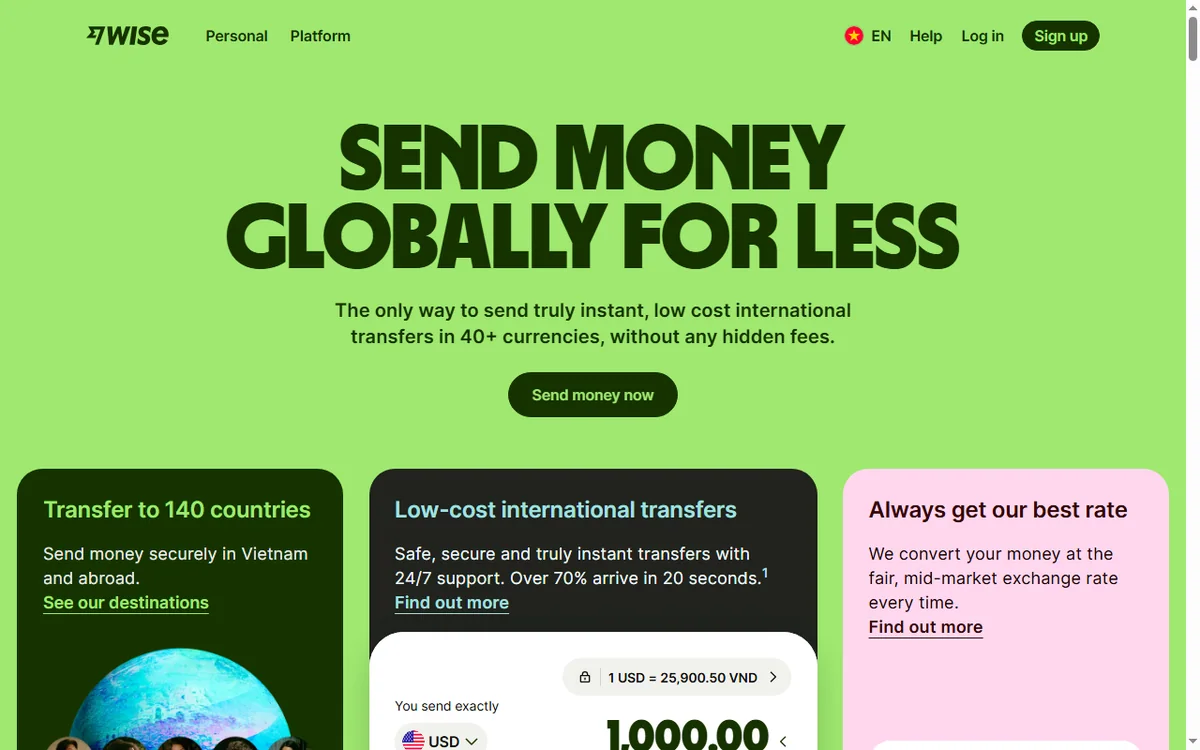
    Wise home page
    Wise home (image: wise.com)

    Verification is pending

    New accounts, larger amounts or a change in activity can trigger a request for a document to confirm who you are. This is normal. Upload a clear photo of the requested document and give it time to be reviewed.

    Do not open a second account to work around it; that makes verification harder, not easier.

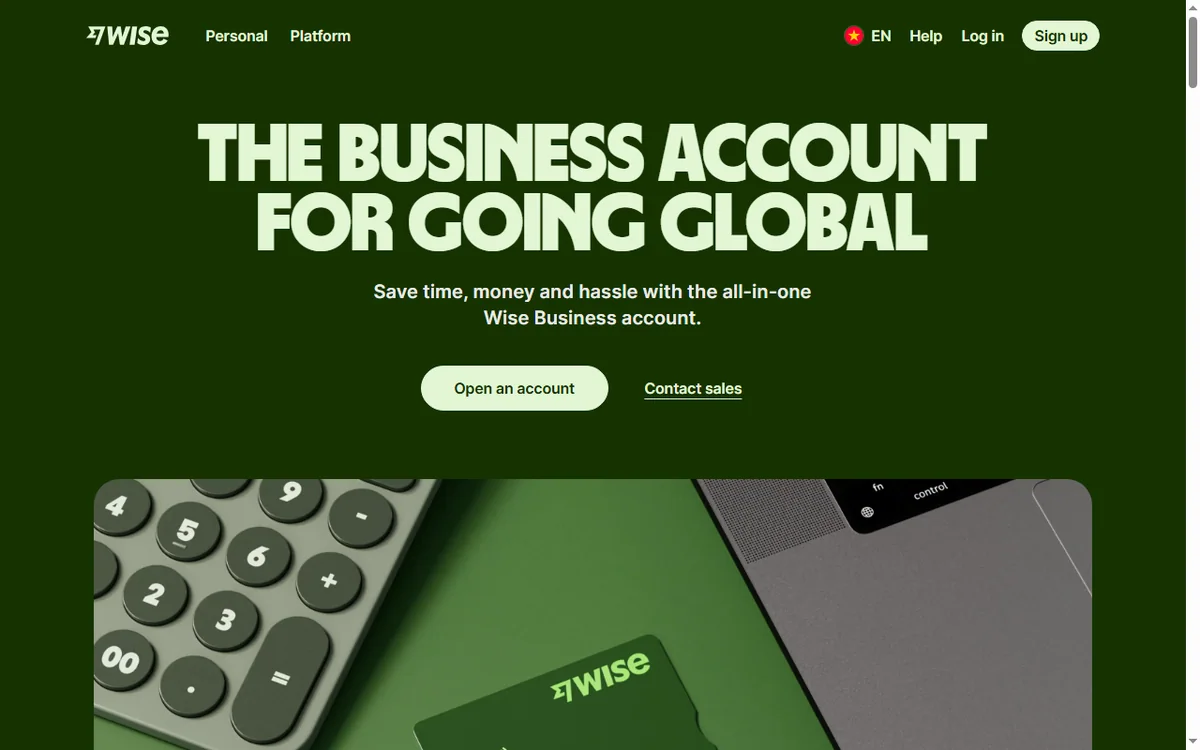
    Wise business page
    Wise business (image: wise.com)

    The transfer is delayed or failed

    A delay often means the recipient’s bank is taking time, or one detail needs confirming. Check the transfer status in the app and read the reason given.

    If a transfer failed outright, the money is normally returned to your balance. Wait for that return before starting a fresh transfer so you do not send twice.

    Wrong recipient details

    An account number or name that does not match the destination account is the most common reason a send is rejected. Re-check the number, the account type and the exact name on the account.

    • Copy details rather than typing them from memory.
    • Match the account name exactly, including initials.
    • Confirm the currency and country before you send.
    • Cancel and correct rather than sending a second transfer.
    Wise help page
    Wise help (image: wise.com)

    You cannot add or fund money

    Funding problems are usually about the method, not the account. A card may be blocked for cross-border use, or a bank transfer reference may be wrong.

    Try the alternative funding method Wise offers, and make sure any reference you are given is copied exactly so the funds are matched to your transfer.

    Wise login page
    Wise login (image: wise.com)

    A card is declined abroad

    A card declining at a foreign merchant is often the merchant or the card network, not the balance. Check that you have enough in the right currency and that the merchant accepts the card type.

    If it keeps happening, use the card that draws on the correct currency balance and enable the relevant region in your card settings.

    Symptom to fix

    SymptomLikely causeFix
    Transfer on holdDocument neededUpload the requested document
    Transfer delayedRecipient bank processingCheck status, wait, do not re-send
    Transfer rejectedRecipient details wrongCorrect details, then resend
    Cannot fundPayment method blockedUse the alternative method
    Card declinedNetwork or currency issueUse the right currency balance
    General guidance, checked October 9, 2026. Confirm specifics in the Wise app.
    Wise multi currency page
    Wise multi currency (image: wise.com)

    Where this fits

    Start with the payments hub and the independent Wise review. To compare options, read Wise vs PayPal, and for the setup steps see how to set up Wise.

    Wise pricing page
    Wise pricing (image: wise.com)

    Frequently asked

    Is my money lost if a transfer is held?

    No. A held transfer is usually waiting on a document or a confirmation. Check the status in the app before doing anything else.

    Can I cancel a transfer?

    Often yes, until it is being processed. If you already started another transfer, you may end up sending twice, so cancel first.

    Why does Wise ask for documents?

    To confirm identity and meet regulatory requirements. It is a one-time check for most accounts, though larger amounts can trigger a new request.

    What if I sent to the wrong account?

    Contact Wise support immediately. Recovery depends on the receiving bank and what information is still available.

    Move money with Wise

    Fix the cause, not the symptom — then send again once.

    Some links on this page may be referral links — we may earn a reward if you sign up, at no extra cost to you. We are an independent publisher. See our Affiliate Disclosure.

    Related reading

  • What is Wise?

    What is Wise?

    Home / Payments / Guides / What is Wise

    Knowledge · payments · updated October 9, 2026

    What is Wise?

    Wise is a money-transfer and multi-currency account service built around a simple idea: move money between currencies at the real exchange rate, with a clear fee shown up front. This guide explains what that means in practice and when it is worth using.

    Independent analysis. This page may contain affiliate links. If you sign up through a link on this page we may earn a reward at no extra cost to you, and it never changes what we recommend. We are an independent publisher and are not affiliated with, endorsed by, or an official partner of any tool mentioned. See our Affiliate Disclosure.

    TL;DR

    • Wise is built for cross-currency transfers and holding balances.
    • It uses the mid-market rate plus a visible conversion fee.
    • A multi-currency account can hold and receive several currencies.
    • It is not a bank and does not pay interest like one.
    • It is strongest when you send or receive across currencies.

    On this page: What Wise is · How a transfer works · What it is good at · What it is not · Concept cheat sheet · Where this fits

    Wise home page
    Wise home (image: wise.com)

    What Wise is

    Wise is a financial technology company, not a bank. Its core product is sending money across borders at the mid-market exchange rate, plus a multi-currency account that can hold, receive and spend in several currencies.

    The point is transparency: instead of hiding a margin in a bad exchange rate, Wise shows the conversion fee and uses the same rate you see on a currency chart.

    Wise business page
    Wise business (image: wise.com)

    How a transfer works

    A transfer starts with a destination currency and recipient. Wise quotes the exchange rate and the fee, you fund the transfer, and the recipient is paid into their account in their currency.

    Because the quoted fee and rate are shown before you confirm, you can see the true cost up front rather than discovering it in the amount that arrives.

    Wise help page
    Wise help (image: wise.com)

    What Wise is good at

    • Sending money to another country at a rate close to the mid-market rate.
    • Holding balances in more than one currency.
    • Receiving payments in a foreign currency without a local bank account.
    • Giving a freelancer or small business a clearer view of cross-border costs.
    Wise login page
    Wise login (image: wise.com)

    What Wise is not

    • Not a full bank: deposit protection and services differ by country.
    • Not an investment product: it does not pay interest like a savings account.
    • Not always cheapest: for some corridors and volumes a local option can win.
    • Not instant everywhere: some transfers settle in hours, others take longer.

    Concept cheat sheet

    ConceptMeaningWhy it matters
    Mid-market rateThe rate midway between buy and sellThe fair baseline Wise uses
    Conversion feeA visible charge for changing currencyThe cost shown before you confirm
    Multi-currency accountA balance in more than one currencyHold and receive without converting immediately
    BalanceMoney held in a currencyLets you time a conversion
    TransferA cross-border paymentThe core product
    Based on publicly documented behaviour, checked October 9, 2026.
    Wise multi currency page
    Wise multi currency (image: wise.com)

    Where this fits

    Start with the payments hub and the independent Wise review. To compare options, read Wise vs PayPal, and for the practical steps see how to set up Wise.

    Wise pricing page
    Wise pricing (image: wise.com)

    Frequently asked

    Is Wise a bank?

    No. Wise is a financial technology company. Whether balances are protected, and how, depends on your country and the product, so check the current terms.

    What rate does Wise use?

    Wise converts at the mid-market rate and adds a visible fee rather than hiding a margin in the rate.

    Can I hold several currencies?

    Yes, the multi-currency account supports several balances, which is useful if you earn and spend in different currencies.

    What does it cost?

    Fees depend on the currencies, amount and method. Rates and fees change, so check the current pricing on Wise’s own page.

    Send money across borders with Wise

    The mid-market rate plus a fee you can see before you confirm.

    Some links on this page may be referral links — we may earn a reward if you sign up, at no extra cost to you. We are an independent publisher. See our Affiliate Disclosure.

    Related reading